
Doculla: AI Document Scanner
PDF, OCR & Business Cards
Designed for iPhone, iPad
In-app purchases
- Age rating4+
- CategoryUtilities
- DeveloperPhilipp Baldauf
- LanguagesGerman+ 8 more
- Size12.3 MB
Links to the official App Store page
Download.org hosts no file of Doculla: AI Document Scanner. The button opens its official App Store page, published by Philipp Baldauf. Listing last checked on Nov 12, 2026.
Screenshots


About
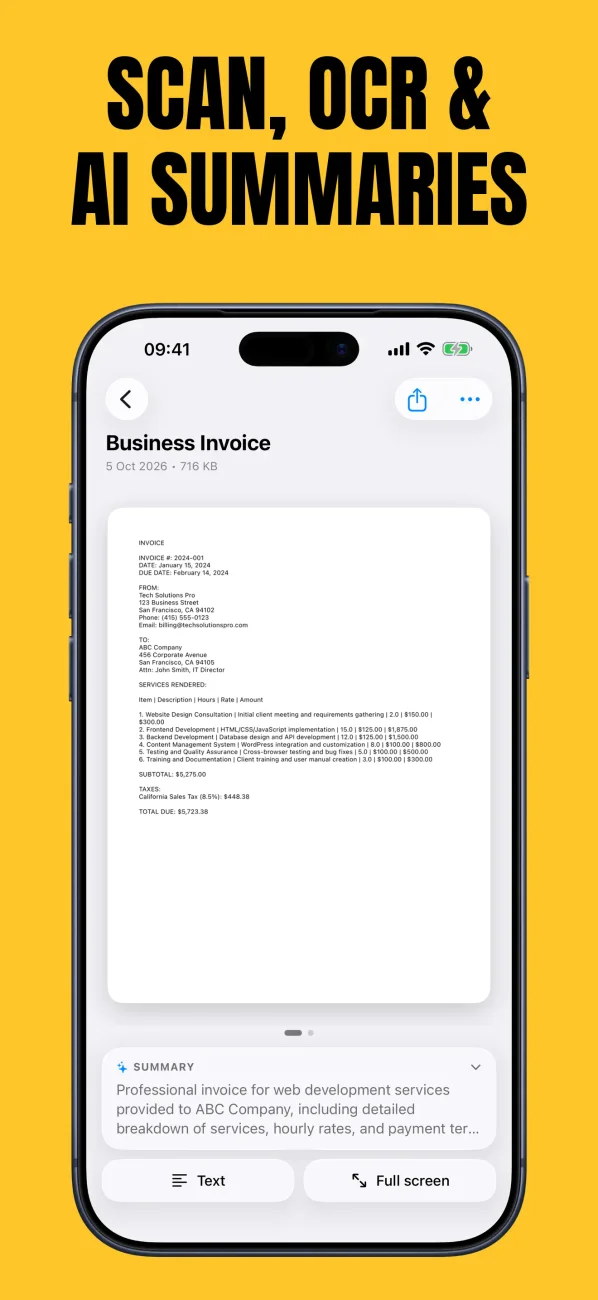
Doculla scans paper documents and business cards with your iPhone or iPad camera. Documents become PDFs with recognised text, an AI title and a short summary. Business cards become contacts.
NEW: BUSINESS CARDS
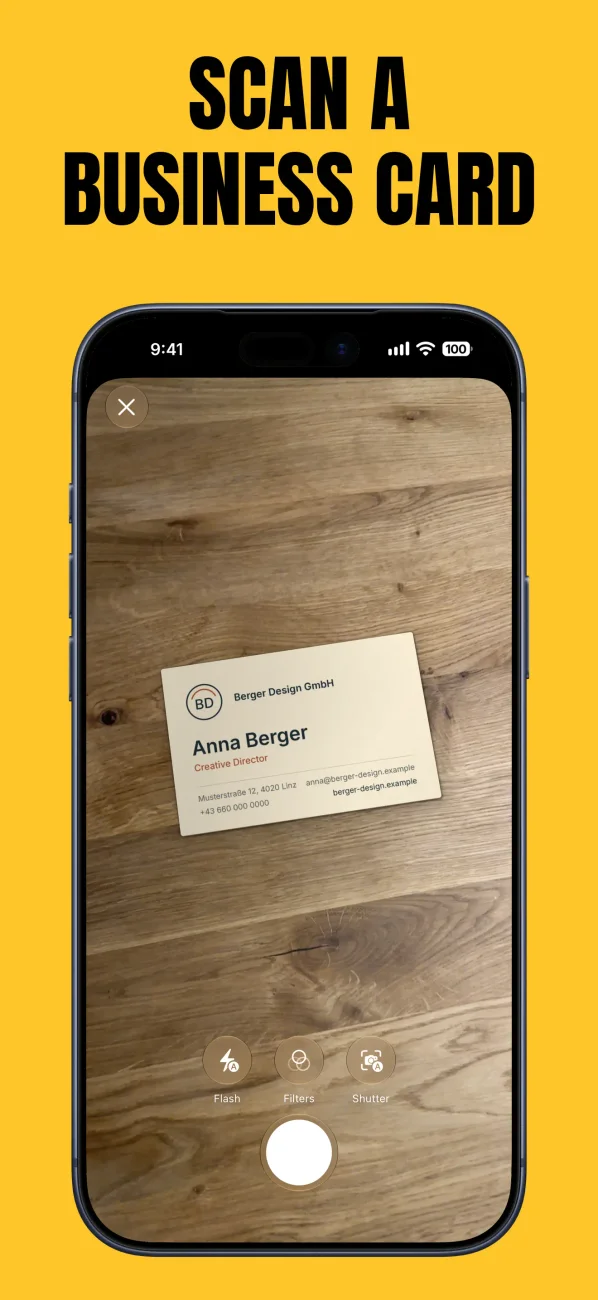
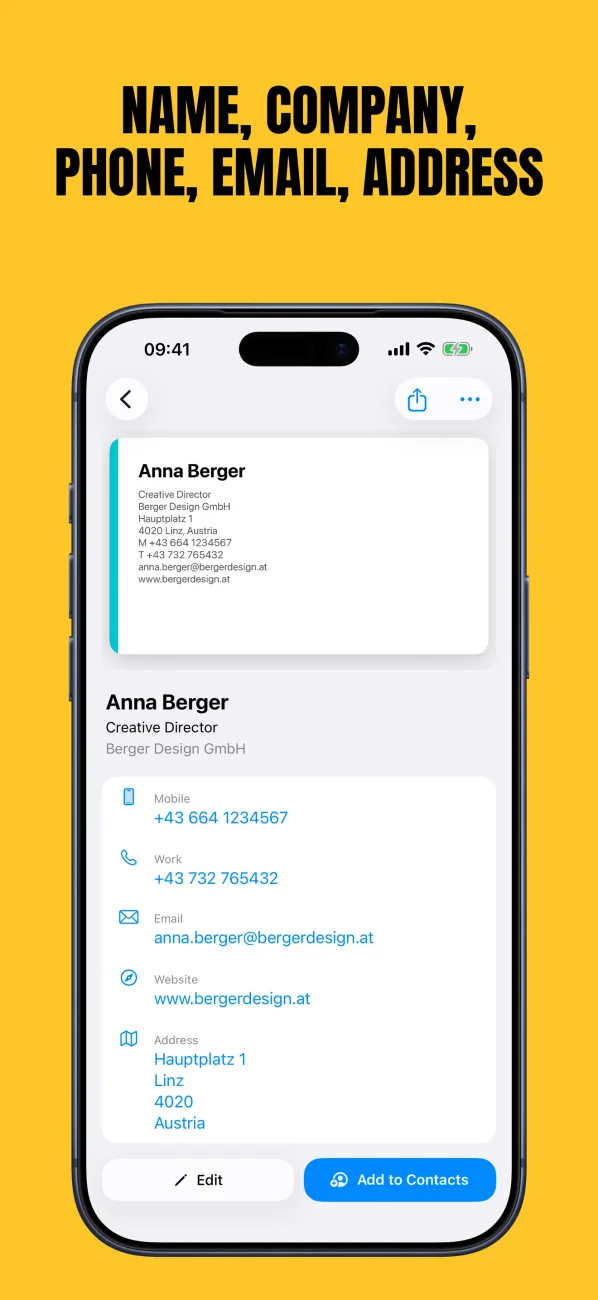
• Scan a card and Doculla reads the name, job title, company, phone numbers (work, mobile, fax), email, website and address.
• Front and back: scan both sides of a card.
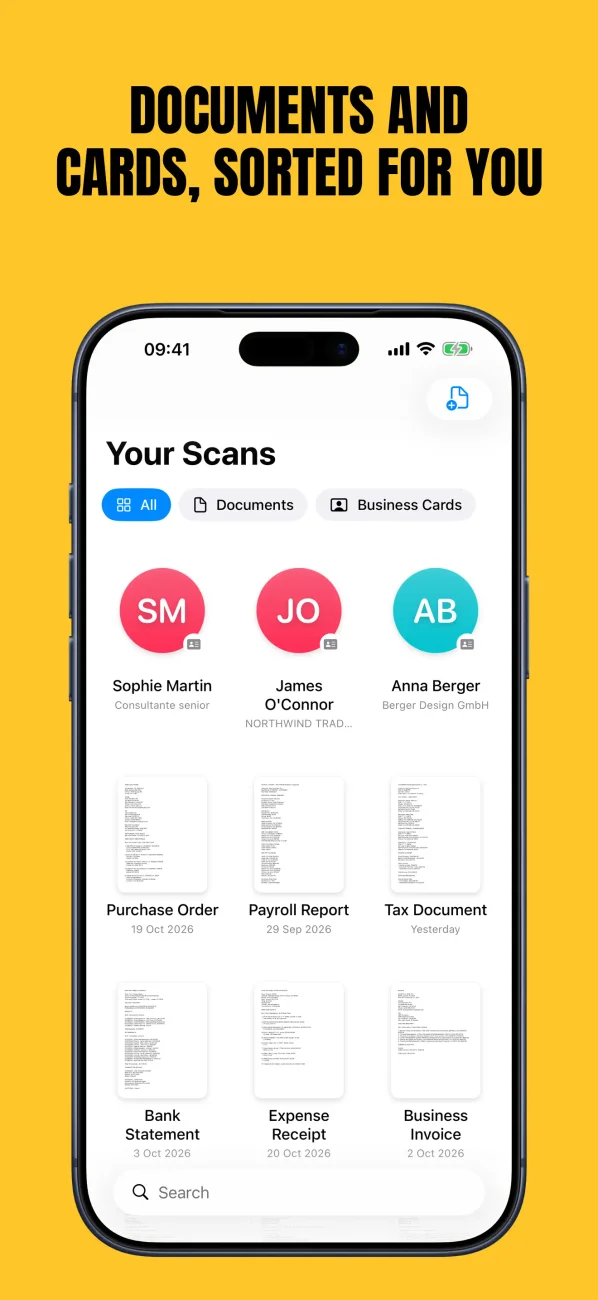
• Sorted automatically: business cards are recognised and filed under Business Cards. Wrong guess? Long-press to switch between document and business card.
• Check and edit every field before you save.
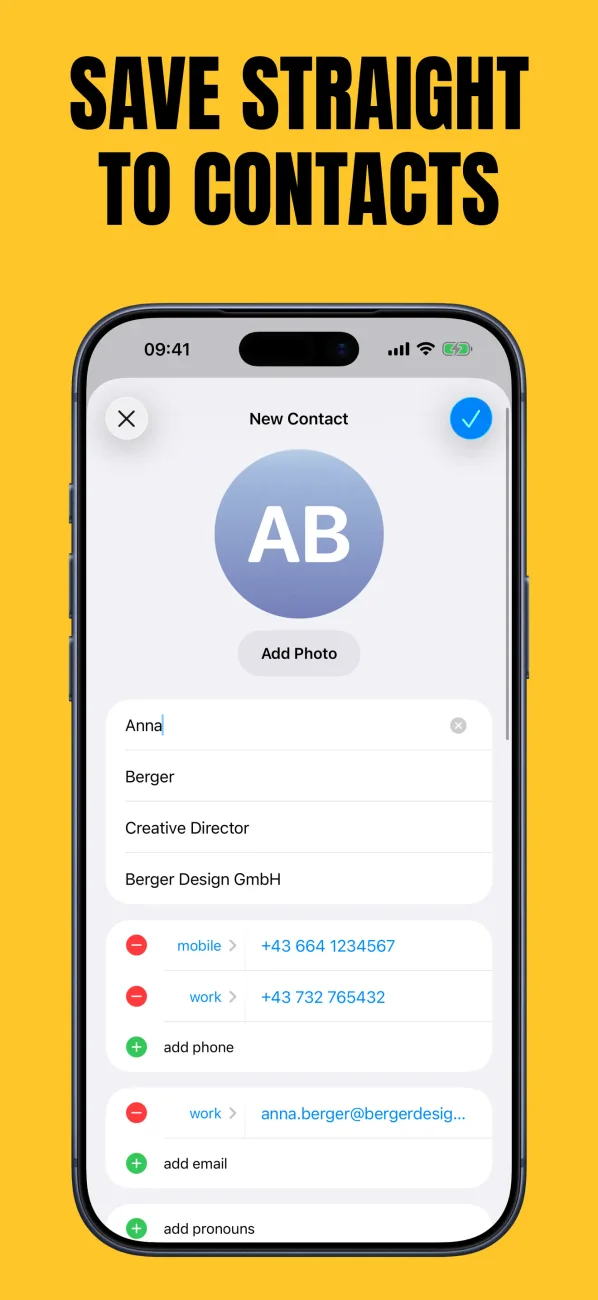
• Add to Contacts: Apple's New Contact screen opens already filled in, and you decide what is saved.
• Share any card as a vCard (.vcf).
• Tap to call, email, open the website or show the address in Maps.
• Search your cards by name, company, city or any text on the card.
• Read on your device: card text is recognised and parsed on your device and is not sent to our server. On devices with Apple Intelligence, the on-device model helps with names, job titles and addresses.
• Works with business cards printed in Latin script.
SCAN DOCUMENTS TO PDF
• Apple's document camera finds the edges of the page and straightens the scan.
• Scan several pages into one PDF.
• Text recognition (OCR) reads the text on every page. Select and copy it to use anywhere.
AI TITLES AND SUMMARIES
• Every document gets an AI-generated title and a short summary.
• On devices with Apple Intelligence, this happens on your device. On other devices, the recognised text is sent to our server in the EU (AWS Frankfurt) to create the title and summary.
ORGANISE AND SHARE
• Documents and business cards in one library. Filter by All, Documents or Business Cards.
• Search documents by title and summary.
• Share PDFs via AirDrop, Mail or Messages, or save them to Files.
• iCloud sync: your library syncs across your Apple devices signed in with the same Apple Account.
SUBSCRIPTION
Doculla Pro is available as a monthly or yearly auto-renewing subscription. Payment is charged to your Apple Account when you confirm the purchase. The subscription renews automatically unless auto-renew is turned off at least 24 hours before the end of the current period. Your account is charged for renewal within 24 hours before the end of the current period. You can manage or cancel your subscription in your Apple Account settings.
Terms of Use: https://www.soon-up.com/terms
Privacy Policy: https://www.soon-up.com/privacy
What’s new
Version 2.2.1 · Nov 5, 2026
Fixes and email
• Pages now come out the right way up, even when you scan several in a row.
• New: send scans by email right from the document screen.
• Big scans are made smaller for email, so they actually arrive.
• Clear messages when an email or share fails. No Mail account? Share to Gmail or Outlook instead.
App privacy
What Philipp Baldauf declares on the App Store about how this app handles data.
-
Data linked to you
May be collected and linked to your identity.
- Purchases
- User content
- Identifiers
Privacy practices may vary, for example with the features you use or your age.
Information
- Seller
- Soon Up GmbH
- Category
- Utilities
- Version
- 2.2.1
- Updated
- Nov 5, 2026
- Released
- Nov 27, 2024
- Size
- 12.3 MB
- Requires
- iOS 17.0 or later
- Age rating
- 4+
- In-app purchases
- Yes
- Languages
- German, Arabic, English, French, Italian, Japanese, Korean, Spanish, Simplified Chinese
- Copyright
- © 2026 Soon Up GmbH
You might also like
-
 Kiwi Car AI: CarPlay AssistantHands-free AI Chat for CarPlay
-
 Cably - Taxi Fahrer AppUtilities
-
 AI Scanner - Doc Scanner & PDFBest PDF Scanner And Converter
-
 SummarAI: Intelligent BriefsComprehend More, Read Less.
-
 Voicemaster: AI Voice Over&TTSRead Books & Web Aloud
-
 Torware NexusTorduit
-
 FileChat: AI Homework HelperText File Analysis & Summary
-
 TLDR AI Instant SummarySummarize Articles, PDFs, More
-
 QMP-MobileUtilities
-
 Scan2SidesSimple, just take a picture