Document Creator: Doc Genie
Create Docs from Text & Images
Designed for iPhone, iPad
Free · In-app purchases
- Age rating4+
- CategoryProductivity
- DeveloperWasim Tayara
- LanguagesEnglish
- Size7.7 MB
Links to the official App Store page
Download.org hosts no file of Document Creator: Doc Genie. The button opens its official App Store page, published by Wasim Tayara. Listing last checked on Nov 12, 2026.
Screenshots
About
Doc Genie transforms the way you create and convert documents.
Generate professional Word files from simple prompts or turn images into fully editable documents — all within seconds.
KEY FEATURES:
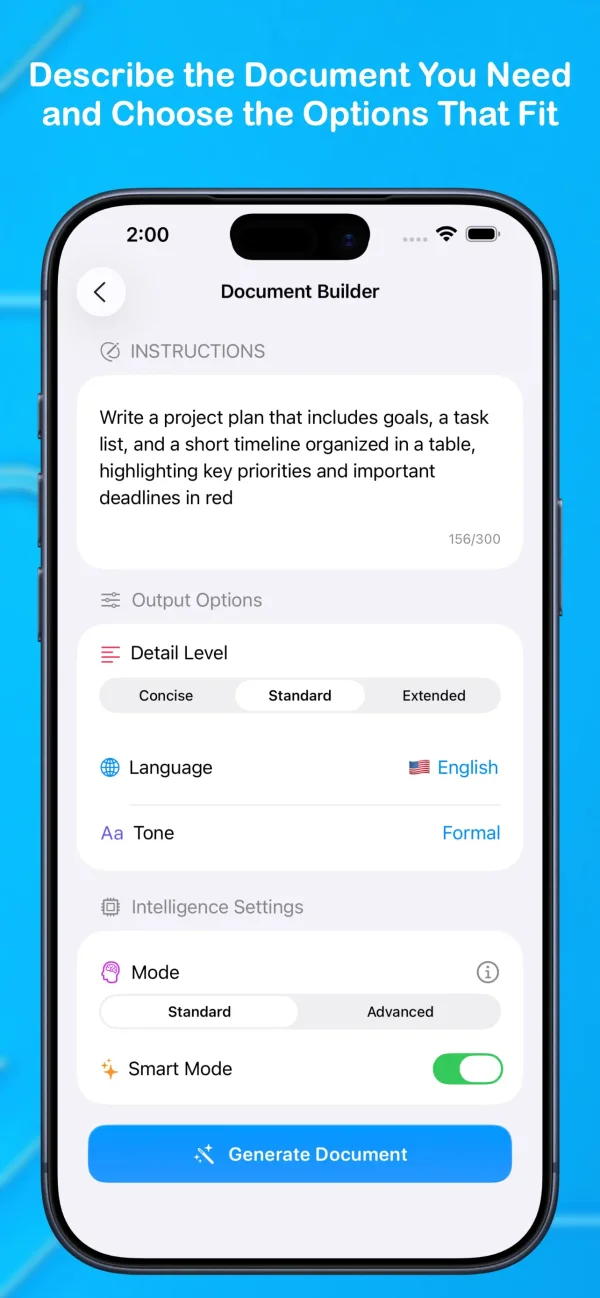
- DOCUMENT BUILDER
• Describe what you want to create, and Doc Genie will instantly build a complete Word document tailored to your needs.
• Ideal for reports, letters, proposals, and any written content.
• Custom options include:
• Detail Level: Choose between Concise, Standard, or Detailed outputs.
• Language: Generate documents in multiple supported languages.
• Tone: Select a writing style such as Formal, Casual, or Technical.
• Mode: Pick between Standard (faster generation) or Advanced (more refined results).
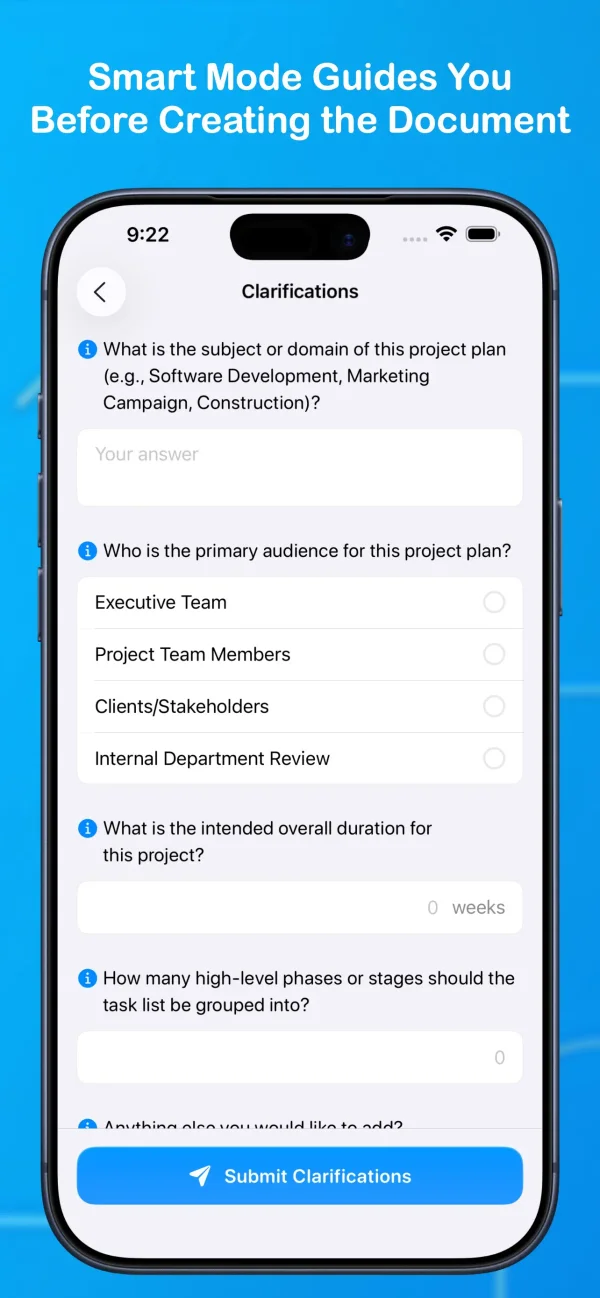
• Smart Mode: Activate Smart Mode to receive a guided setup form with personalized questions before creating your document. This helps ensure the final content matches your exact requirements.
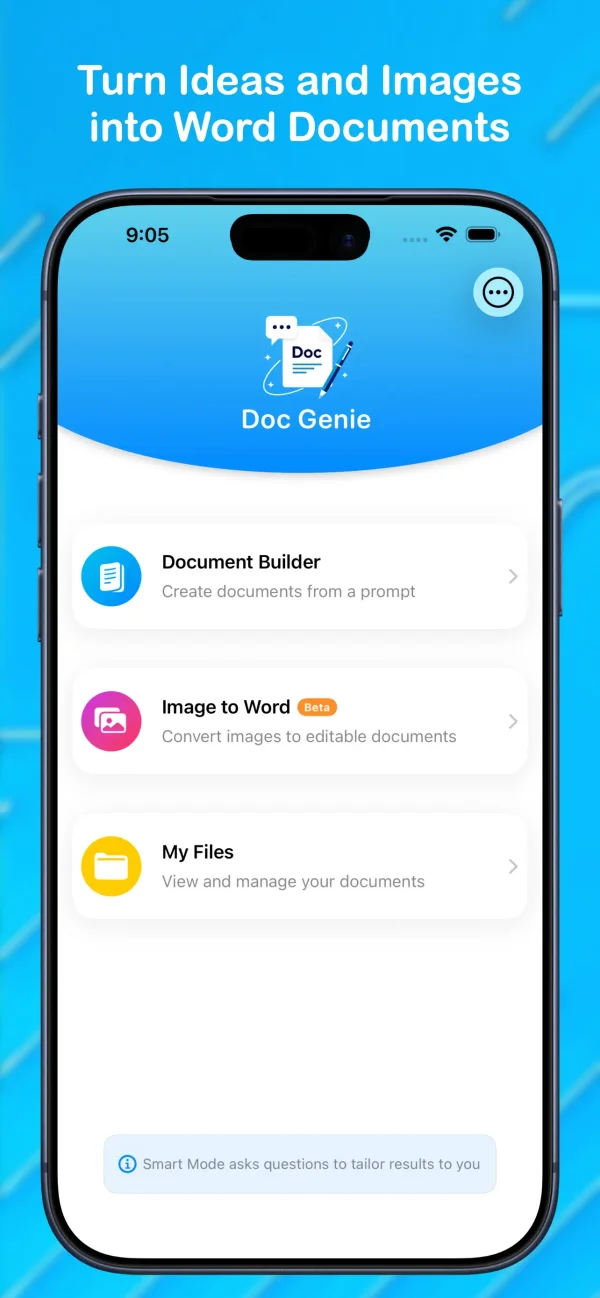
- IMAGE TO WORD CONVERTER
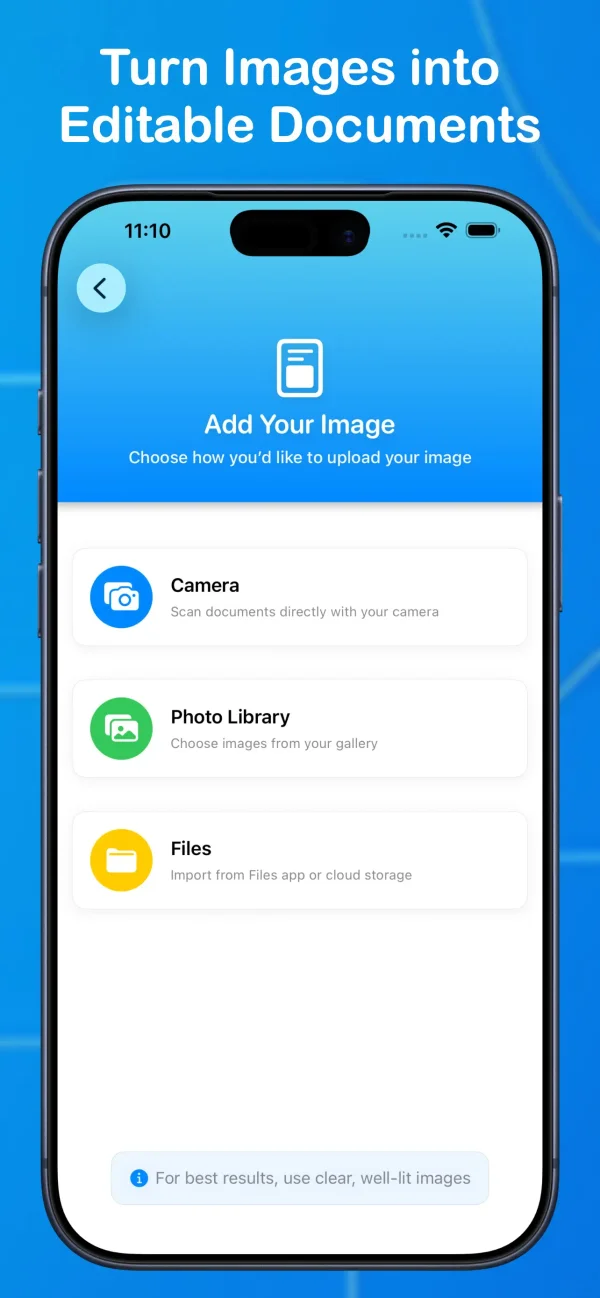
• Convert any image into a well-structured Word document.
• Capture a photo, choose from your library, or upload a file — Doc Genie extracts and formats the text for easy editing.
- Powerful conversion options:
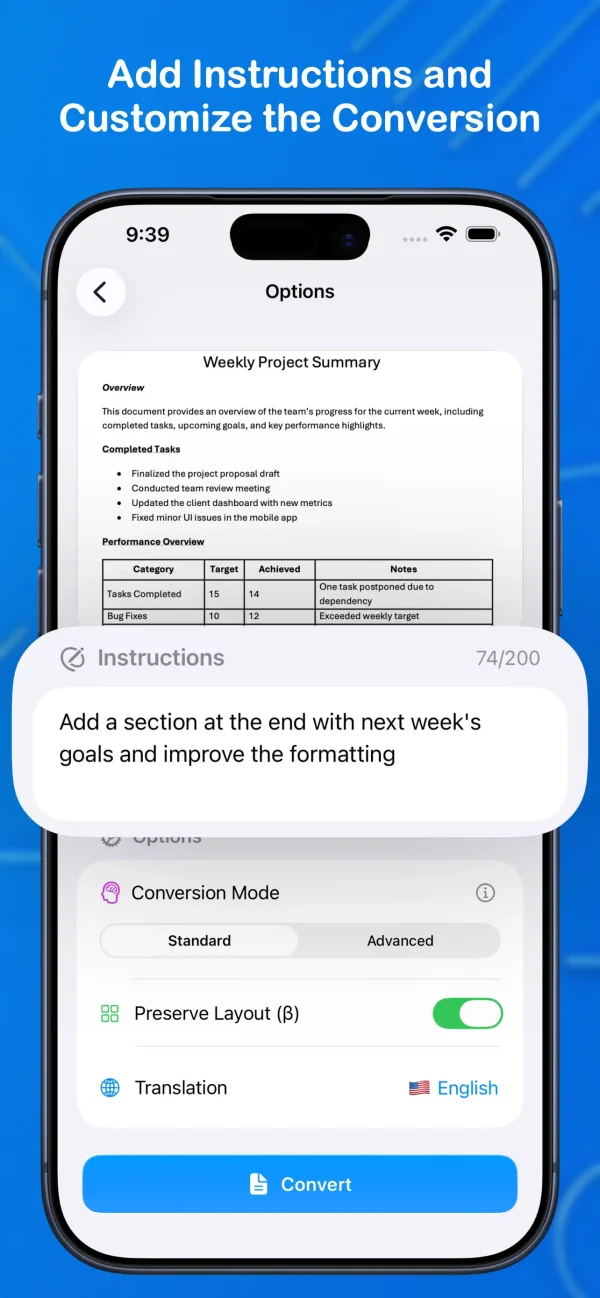
• Add Instructions: Tell the system what to do with the image content — summarize, edit, translate, or reorganize it.
• Conversion Mode: Choose between Standard or Advanced for faster or more precise processing.
• Translation: Instantly translate the extracted text into multiple languages.
• Preserve Layout (Beta): Try to maintain the original layout or disable it for a clean, reformatted document.
- ADDITIONAL FEATURES
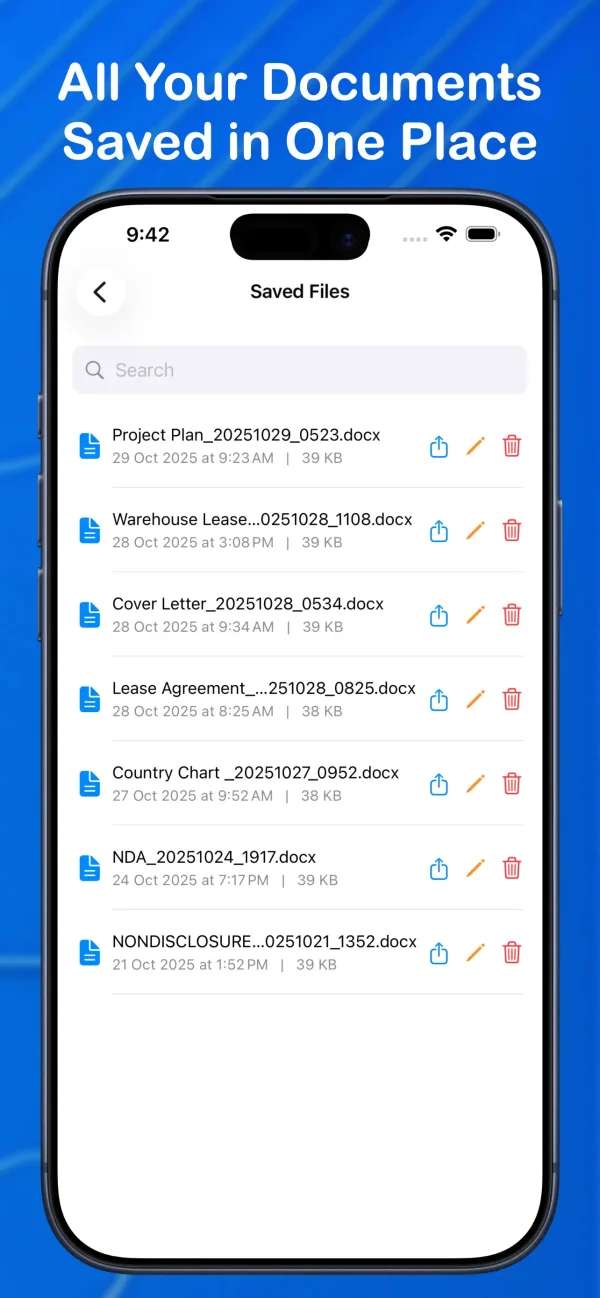
• All generated files are automatically saved in the Files section of the app.
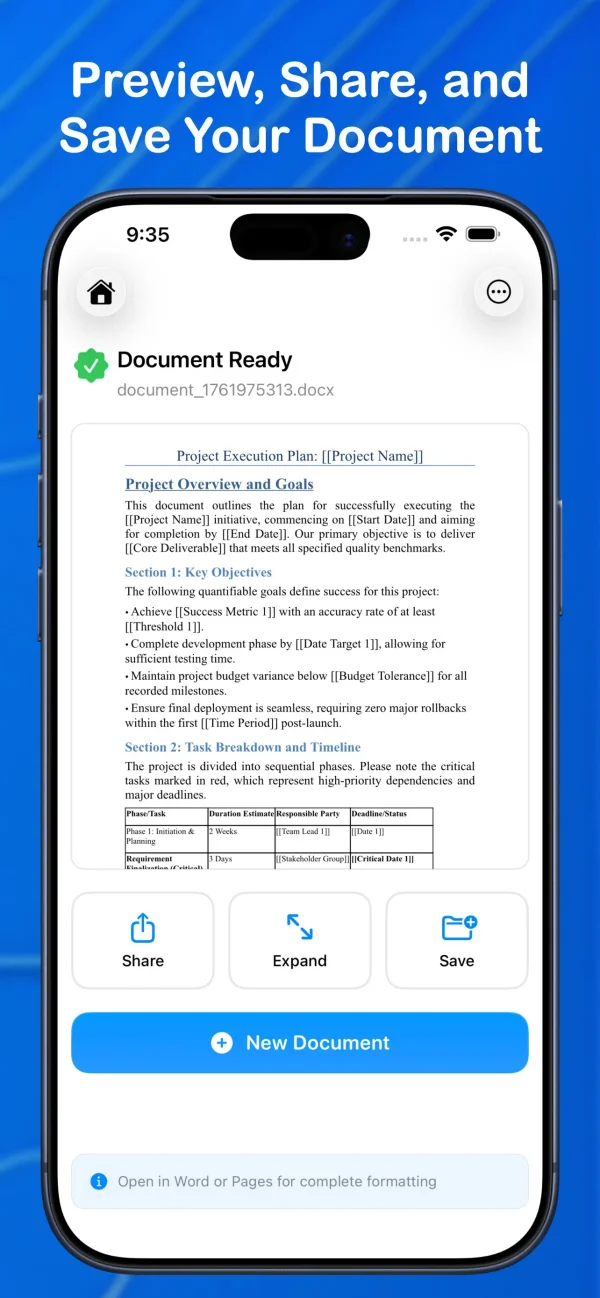
• Share, rename, or export documents easily.
Built for productivity and accuracy — no templates, just dynamic document creation.
- WHY DOC GENIE
Doc Genie combines smart document generation with powerful conversion technology to give you results that look professionally written and ready to use.
It’s the easiest way to create, edit, and convert Word documents without starting from scratch.
Terms of Use: https://www.apple.com/legal/internet-services/itunes/dev/stdeula/
Privacy Policy: https://boringapps.io/privacy-docgenie
What’s new
Version 1.3 · Aug 17, 2026
* Improved app responsiveness for a faster, smoother experience
* Refined interface elements for cleaner and more intuitive navigation
App privacy
What Wasim Tayara declares on the App Store about how this app handles data.
-
Data not collected
The developer does not collect any data from this app.
Privacy practices may vary, for example with the features you use or your age.
Information
- Seller
- Wasim Tayara
- Category
- Productivity
- Version
- 1.3
- Updated
- Aug 17, 2026
- Released
- Nov 3, 2025
- Size
- 7.7 MB
- Requires
- iOS 18.6 or later
- Age rating
- 4+
- Price
- Free
- In-app purchases
- Yes
- Languages
- English
- Copyright
- © Wassim Tayara
You might also like
-
 Document GeneratorCreate PDFs fast with AI
-
 syntheticdocsAI-powered document creation
-
 ProDoc AIProductivity
-
 PDF Document Editor: Kudo AIEdit Docs, Reader & Creator
-
 Talk2PDF - AI Document CreatorAI-Powered PDF & Doc Creator
-
 Doc AIGenerate AI Docs
-
 AI Legal Documents MakerCreate Legal Docs with AI
-
 Letter: just write lettersPerfectly formatted letters
-
 AI Assistant: Images & WritingChatGPT, Chatbot, Chat, Photos
-
 Forma: PDF Document EditorForm filler: edit files & docs