Document & PDF Scanner: Toki
Passport, ID Card, Wallet, OCR
Designed for iPhone, iPad, iPod touch
In-app purchases
- Age rating4+
- CategoryBusiness
- DeveloperMalik Gabroun
- LanguagesEnglish+ 8 more
- Size44.4 MB
Links to the official App Store page
Download.org hosts no file of Document & PDF Scanner: Toki. The button opens its official App Store page, published by Malik Gabroun. Listing last checked on Nov 21, 2026.
Screenshots

About
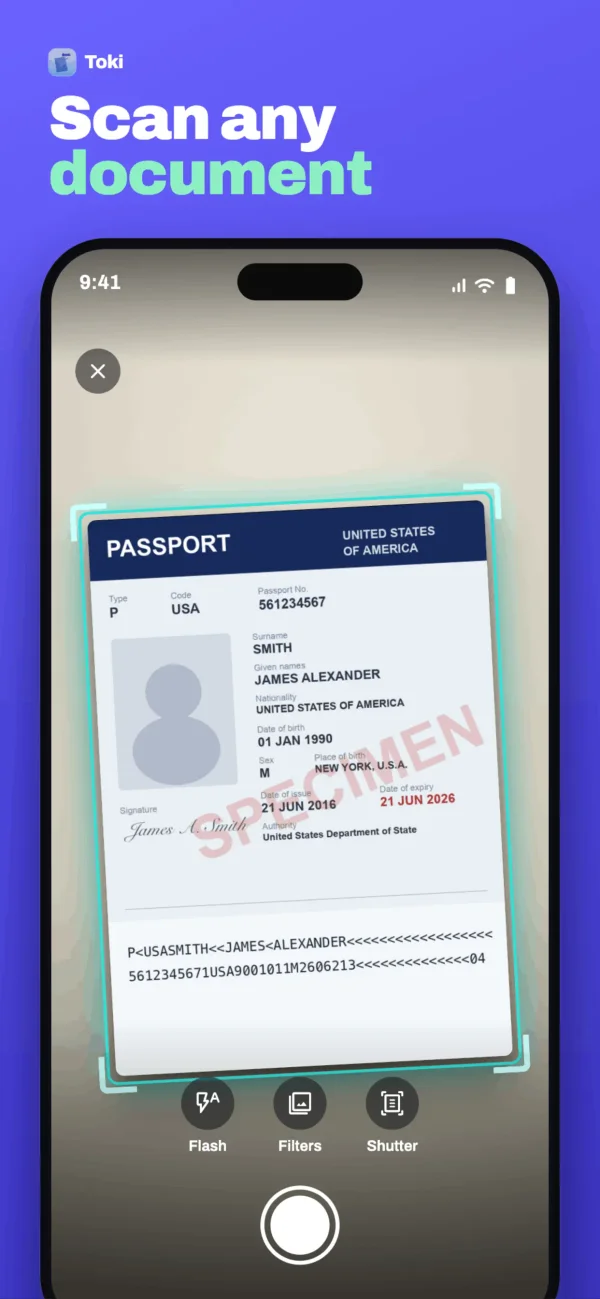
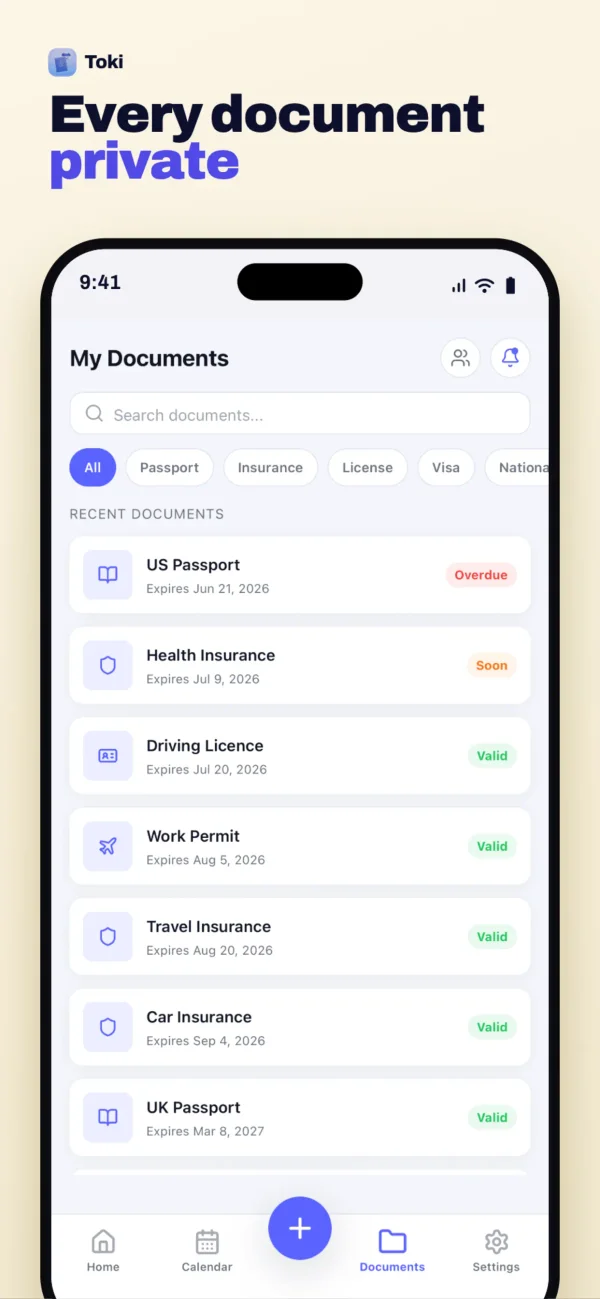
Scan any document into a crisp PDF in seconds, straight from your phone. Toki is a document scanner and a document wallet in one: scan passports, ID cards, insurance policies, contracts and receipts, keep them safe on your device, and get reminded before anything expires.
SCAN TO PDF
Scan single or multi-page documents into clean, sharp PDFs. Automatic edge detection crops and straightens every page as you scan, so a photo taken on a kitchen table comes out looking like a real scan.
ON-DEVICE OCR
Toki runs OCR text recognition entirely on your phone. Scan a passport and it reads the machine-readable zone to fill in the name, number and dates for you. No typing, no server, no account.
SCAN IDS AND PASSPORTS
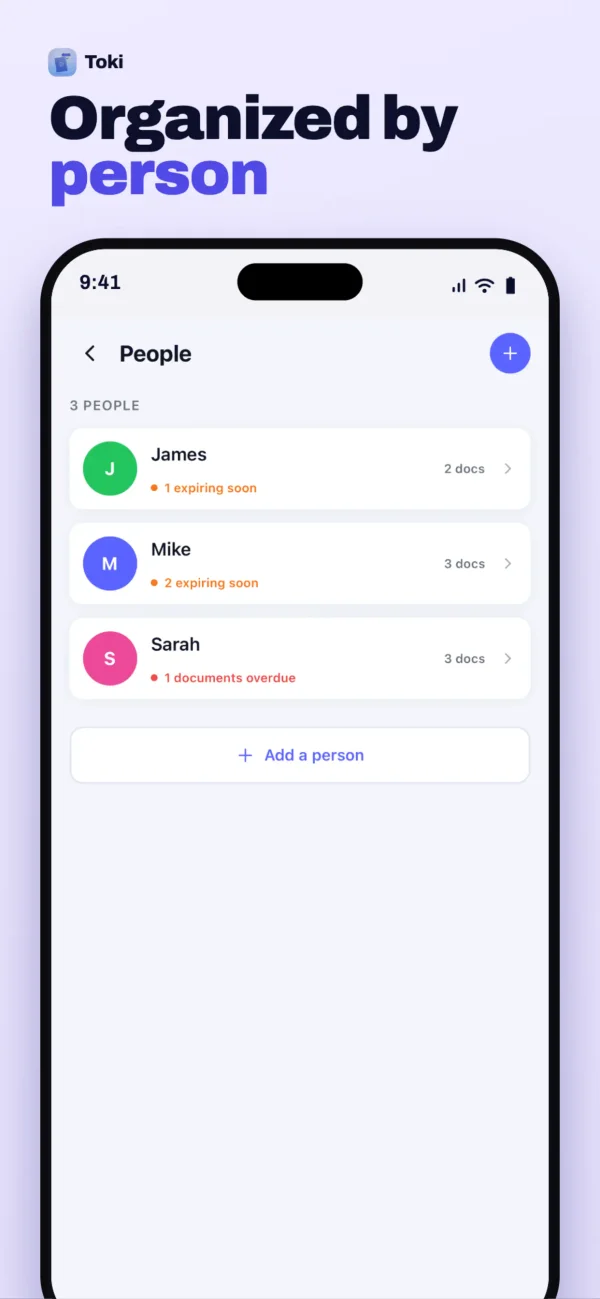
Built for identity documents. Scan both sides of an ID card or a passport page and store them together as one multi-page document.
VIEW, PRINT AND SHARE
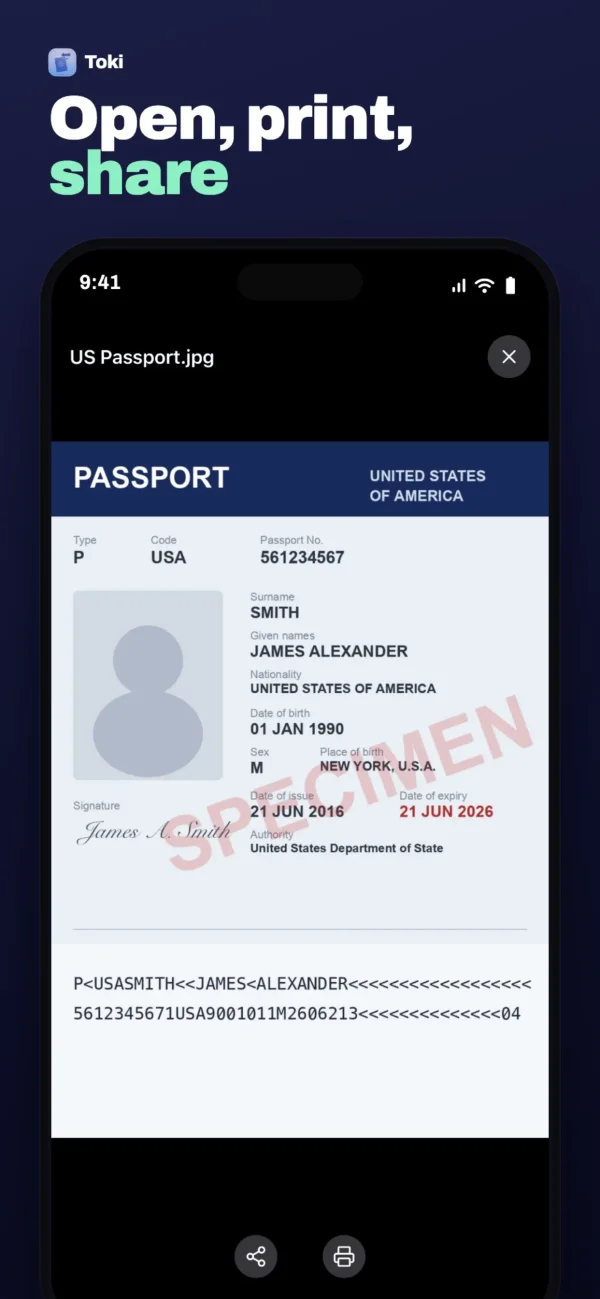
Open any scan, print it, or send it as a PDF by email or message. Attach extra photos and PDFs to anything you have scanned. Sharing and printing a scan is always free — Toki never holds a document you have already scanned behind a paywall.
EVERYTHING STAYS ON YOUR DEVICE
No cloud, no accounts, no tracking, no ads. Every scan is stored locally and nothing is ever sent to a server. Lock Toki with Face ID or a passcode.
NEVER MISS A RENEWAL
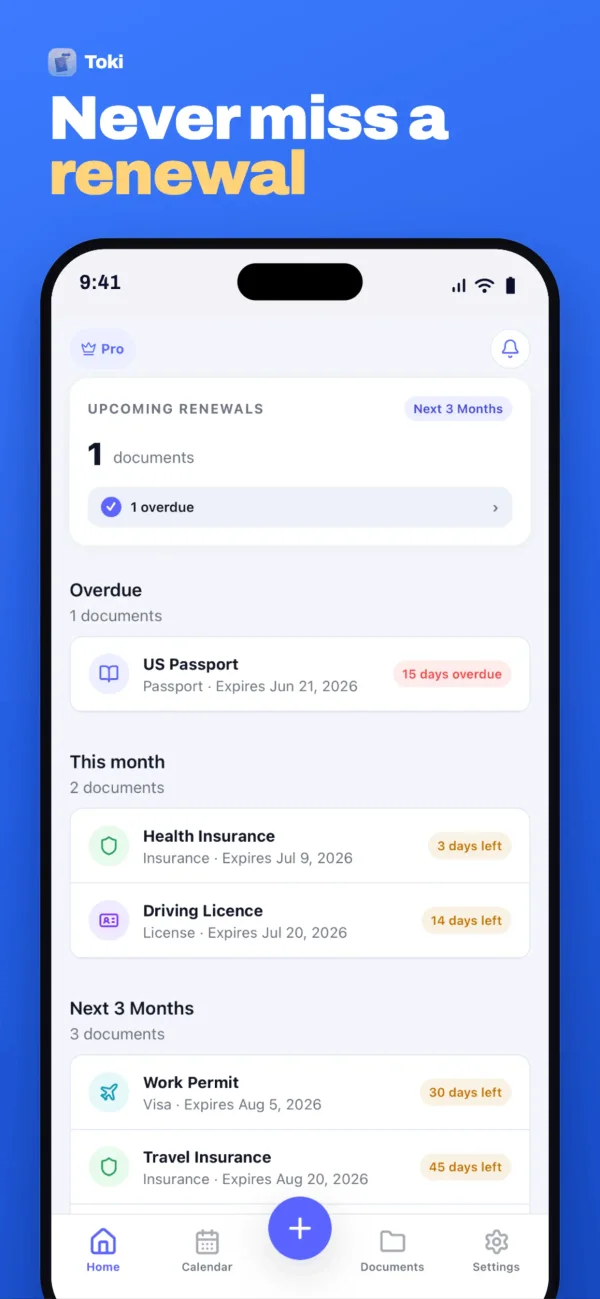
Toki also tracks expiry dates. Add a date to any scan and Toki reminds you before it runs out, with a calendar view of everything coming up. Passports, visas, driving licences, insurance, permits, warranties and MOT.
FREE
- Up to 3 documents
- 3 scans, free to share or print
- Keep 1 scan or attachment
- One reminder per document
TOKI PRO
- Unlimited documents and unlimited scanning
- Scan multi-page documents into PDFs
- Photo and PDF attachments
- Custom reminders with your own timing
- View, print and share
- Back up and restore your data
Pay once for lifetime access, or subscribe monthly or yearly. No ads, ever.
Terms of Use (EULA): https://www.apple.com/legal/internet-services/itunes/dev/stdeula/
Privacy Policy: https://www.notion.so/Toki-Privacy-Policy-302998b429948080b350e858a079456b
What’s new
Version 1.1.5 · Nov 20, 2026
Not everything expires. You can now save contracts, receipts and certificates without an expiry date: just turn on "No expiry date" when you add one.
Documents with no date sit at the end of your list and stay off Home and Calendar. You can still set your own reminder for any of them.
App privacy
What Malik Gabroun declares on the App Store about how this app handles data.
-
Data not linked to you
May be collected but is not linked to your identity.
- Usage data
- Diagnostics
Privacy practices may vary, for example with the features you use or your age.
Information
- Seller
- Malik Gabroun
- Category
- Business
- Version
- 1.1.5
- Updated
- Nov 20, 2026
- Released
- Feb 11, 2026
- Size
- 44.4 MB
- Requires
- iOS 15.1 or later
- Age rating
- 4+
- In-app purchases
- Yes
- Languages
- English, Arabic, French, German, Hindi, Italian, Japanese, Simplified Chinese, Spanish
- Copyright
- © 2026 Toki
You might also like
-
 RemindMe - Document ExpirationRenewal Date Reminder Alert
-
 Document ExpiryTrack document expiry dates
-
 Remind Me with OCR: RenewalKitPassport, Visa, ID Expiration
-
 Expiry Guard: Doc ReminderPassport, license & renewals
-
 DocReminderReminders before expiration
-
 My PDF Scanner: Scan DocumentsReceipts, IDs, Sign & Convert
-
 Broachcutter DealerBusiness
-
 Document Expiration -StayReadyFamily Expiration Reminder App
-
 Aar kay Vox karigariAar Kay Vox karigari
-
 ScanEx: Scan to PDF & ScannerPhoto to PDF & ID Scanner