Document Reader: PDF Scan
Scanner, OCR, Sign & Edit PDF
Designed for iPhone, iPad
In-app purchases
- Age rating4+
- CategoryProductivity
- DeveloperTarik Benali
- LanguagesEnglish
- Size7.9 MB
Links to the official App Store page
Download.org hosts no file of Document Reader: PDF Scan. The button opens its official App Store page, published by Tarik Benali. Listing last checked on Nov 14, 2026.
Screenshots
About
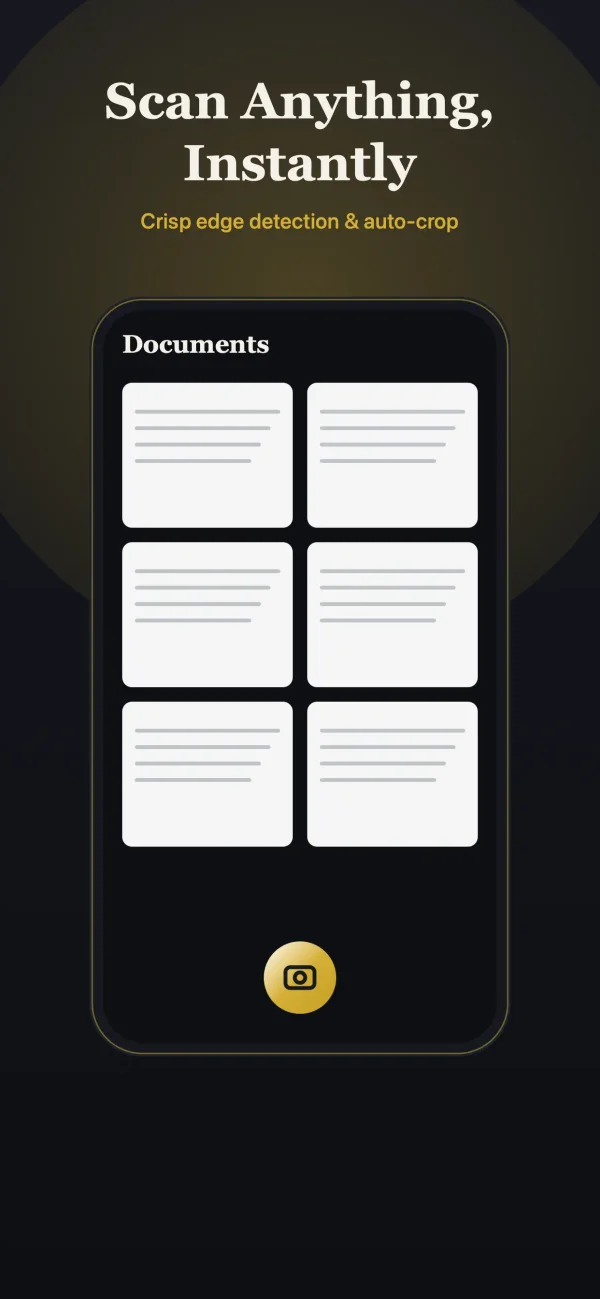
Document Reader turns your iPhone and iPad into a premium document scanner and complete PDF studio. Scan anything, pull out the text, sign it, and share it — all in a beautifully designed, distraction-light app.
Whether it's a contract, receipt, ID, tax form, or a whiteboard full of notes, Document Reader captures it crisply and gives you the tools to finish the job.
SCAN LIKE A PRO
• Automatic edge detection, perspective correction, and shadow removal
• Multi-page scanning — reorder, rotate, crop, or retake before you save
• Studio filters: Original, Grayscale, high-contrast Black & White, and Enhanced
• Import straight from Photos and Files, or share in from any app
TEXT RECOGNITION (OCR)
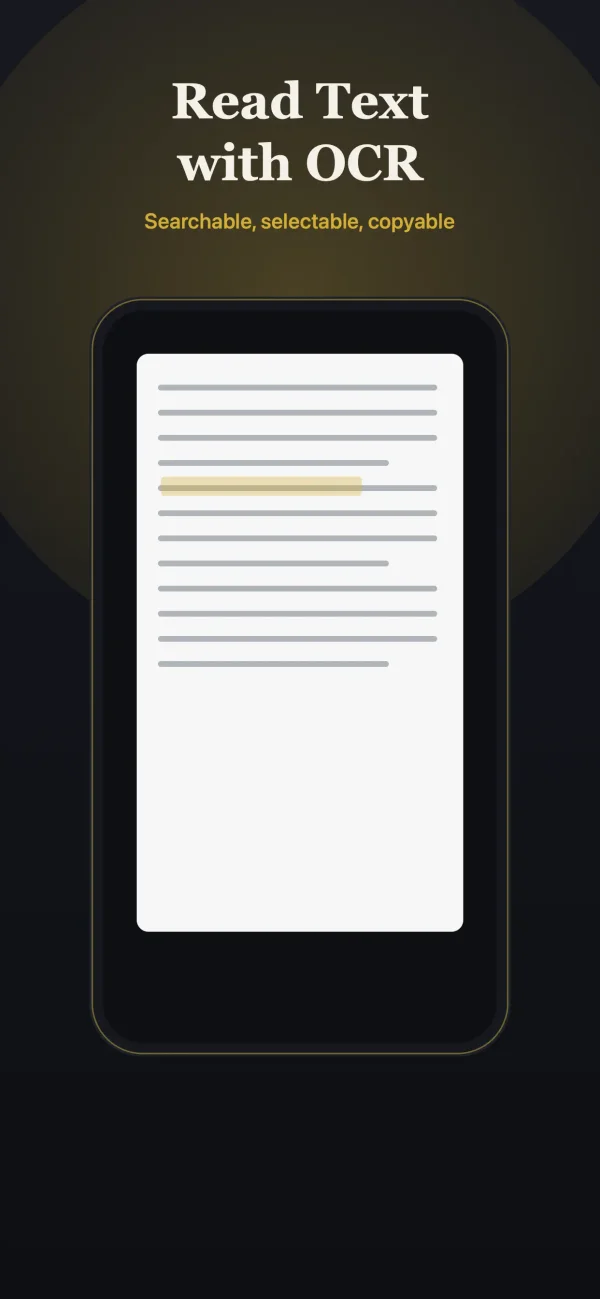
• Extract text from any scan or photo with fast, on-device recognition
• Make any PDF searchable — find, select, and copy text right inside your documents
• Share or copy extracted text in one tap
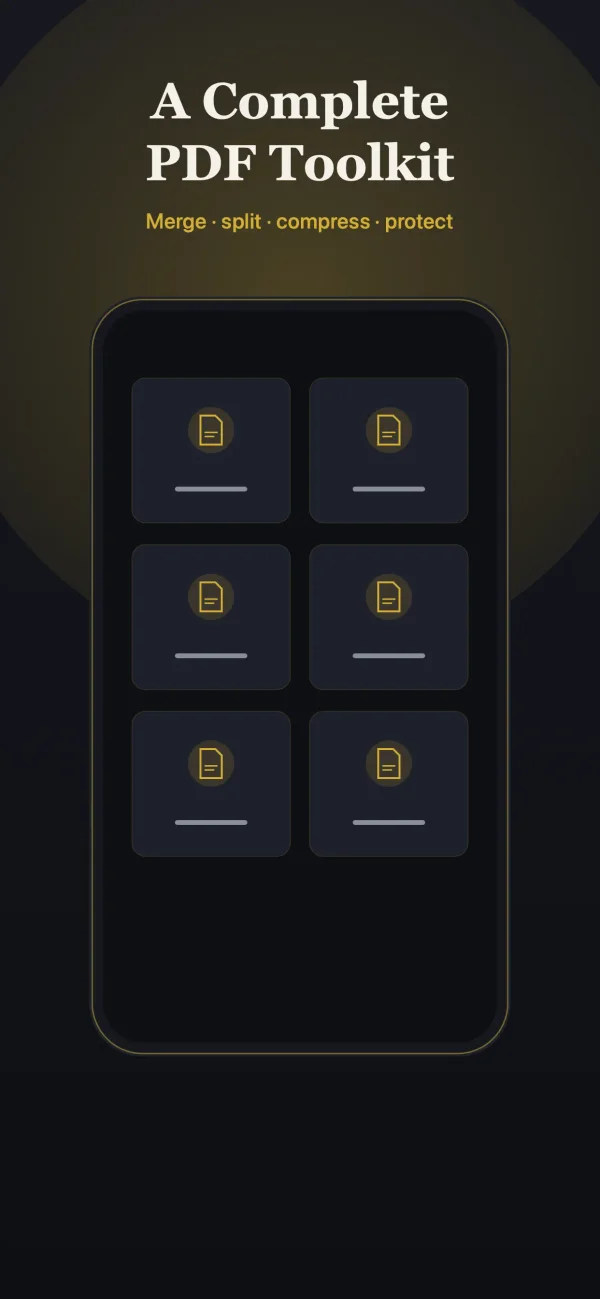
A COMPLETE PDF TOOLKIT
• Merge several PDFs into one, or split a document into pieces
• Reorder, rotate, and delete pages with a visual page manager
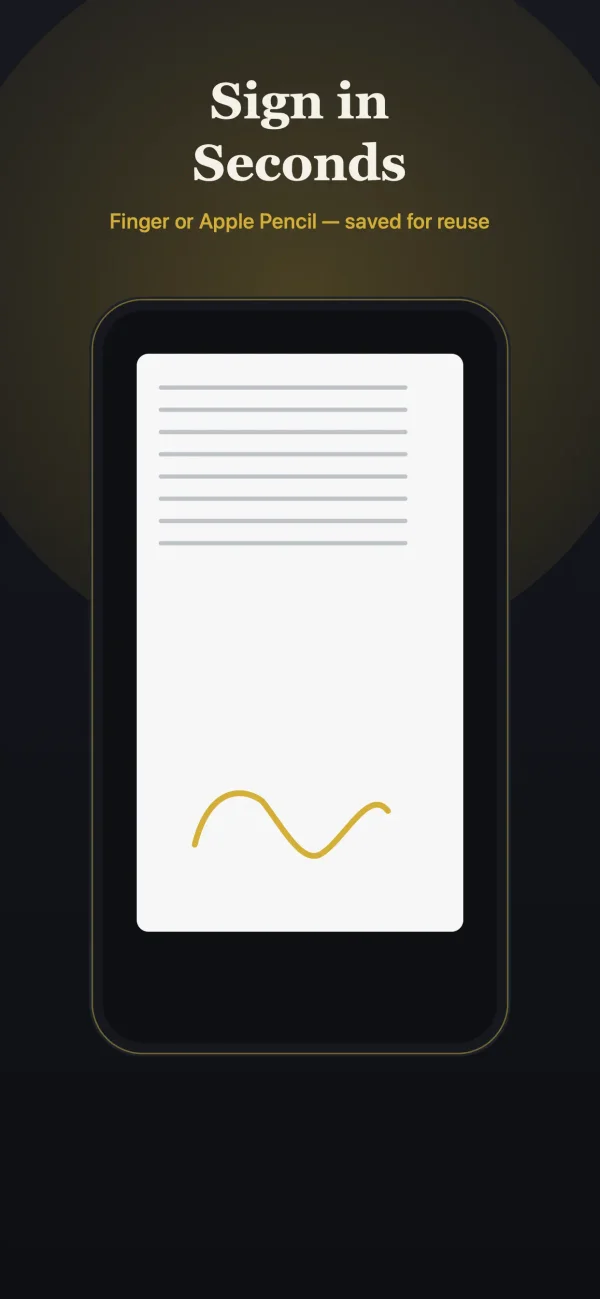
• Sign with your finger or Apple Pencil — and save signatures to reuse
• Add text in any font, size, and color, plus highlights
• Stamp a watermark and page numbers
• Compress large PDFs with a live size preview
• Password-protect documents on export
ORGANIZED, YOUR WAY
• Folders, favorites, and search by filename or by the text inside your scans
• Grid or list view; sort by name, date, or size
• Recently Deleted keeps files for 30 days, just in case
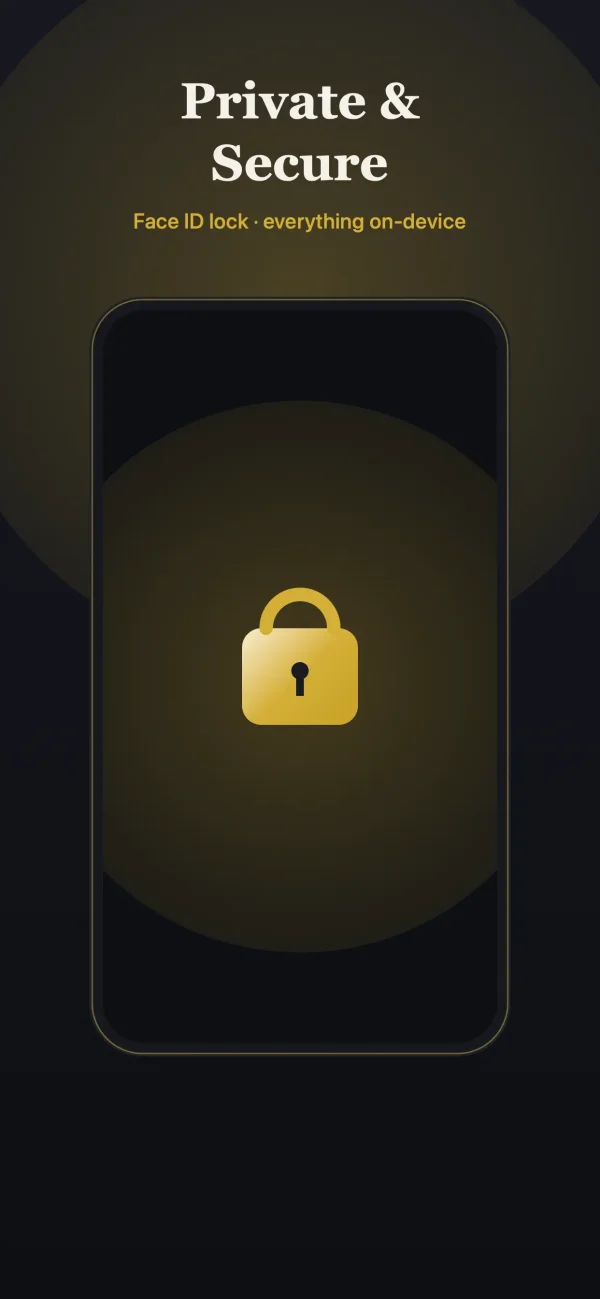
PRIVATE BY DESIGN
• App Lock with Face ID / Touch ID for your sensitive documents
• Your scans are processed and stored on your device — not uploaded
DOCUMENT READER PRO
Go Pro with a single one-time purchase — no subscription — to remove all ads and unlock every premium tool forever: unlimited signatures, watermarks, compression, and password protection.
Document Reader is free to use, supported by ads. Pro is an optional one-time purchase.
Terms of Use: https://puzzelo.app/terms
Privacy Policy: https://puzzelo.app/privacy
Support: https://puzzelo.app/support
App privacy
What Tarik Benali declares on the App Store about how this app handles data.
-
Data used to track you
May be used to track you across apps and websites owned by other companies.
- Location
- Identifiers
- Usage data
-
Data linked to you
May be collected and linked to your identity.
- Location
- Identifiers
- Usage data
-
Data not linked to you
May be collected but is not linked to your identity.
- Diagnostics
Privacy practices may vary, for example with the features you use or your age.
Information
- Seller
- Tarik Benali
- Category
- Productivity
- Version
- 1.0
- Updated
- Jul 23, 2026
- Released
- Jul 23, 2026
- Size
- 7.9 MB
- Requires
- iOS 26.5 or later
- Age rating
- 4+
- In-app purchases
- Yes
- Languages
- English
- Copyright
- © 2026 Puzzelo
You might also like
-
 Document Reader & PDF ToolsFile Manager, PDF Converter
-
 PageFlow: Reading SprintsBooks, goals and memories
-
 Voice Reader AI by TissyoListen to your documents
-
 Readify: Scan & Read BooksListen, Study & Learn with AI
-
 Focus Reader: Read FasterSpeed reading, dyslexia & ADHD
-
 NimbleRead: Speed ReadingRSVP Reader: Book, Text, PDF
-
 AI Writer: Story, Email, PoemAI Writing app: Text Generator
-
 ReadLre - Book Reader & Notesepub,mobi,pdf,fb2,comic books
-
 PDF Search: AI Chat & ReaderDocument Summarizer, OCR, Scan
-
 Merge Voice Memos : MemoMergerMix & Combine Audio Recordings