Document Scan, Edit & Merge
Sign, OCR & Merge Documents
Designed for iPhone, iPad, iPod touch
Free · In-app purchases
- Age rating4+
- CategoryProductivity
- DeveloperOKAN YUKSEL
- LanguagesEnglish+ 10 more
- Size53.2 MB
Links to the official App Store page
Download.org hosts no file of Document Scan, Edit & Merge. The button opens its official App Store page, published by OKAN YUKSEL. Listing last checked on Nov 15, 2026.
Screenshots

About
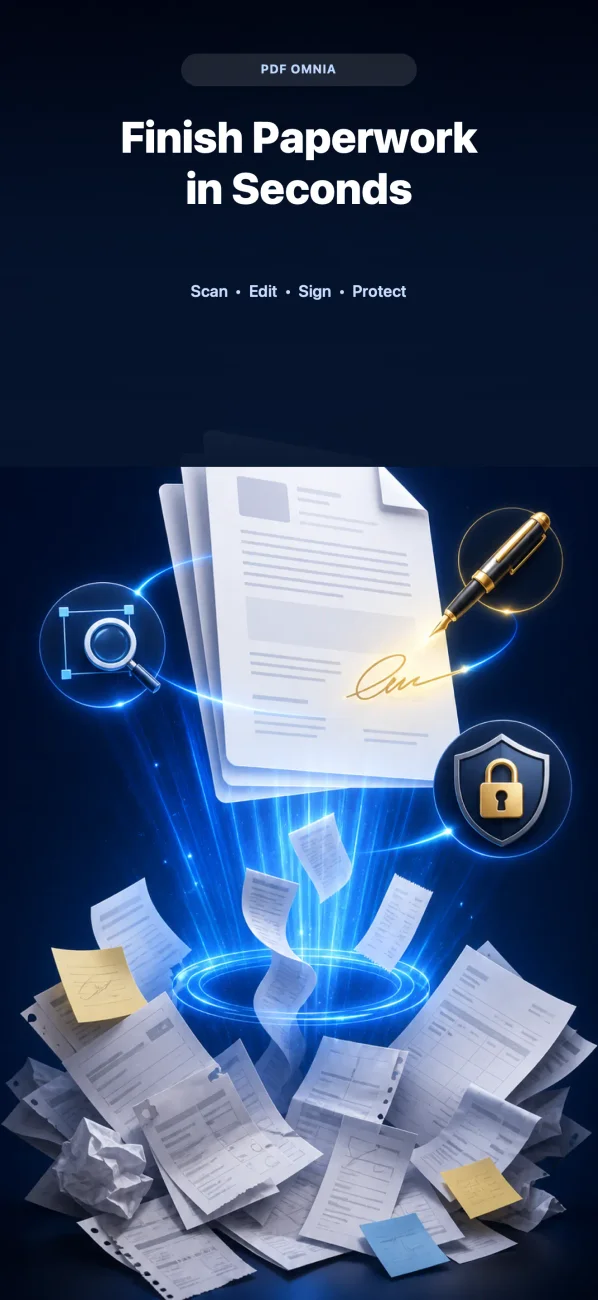
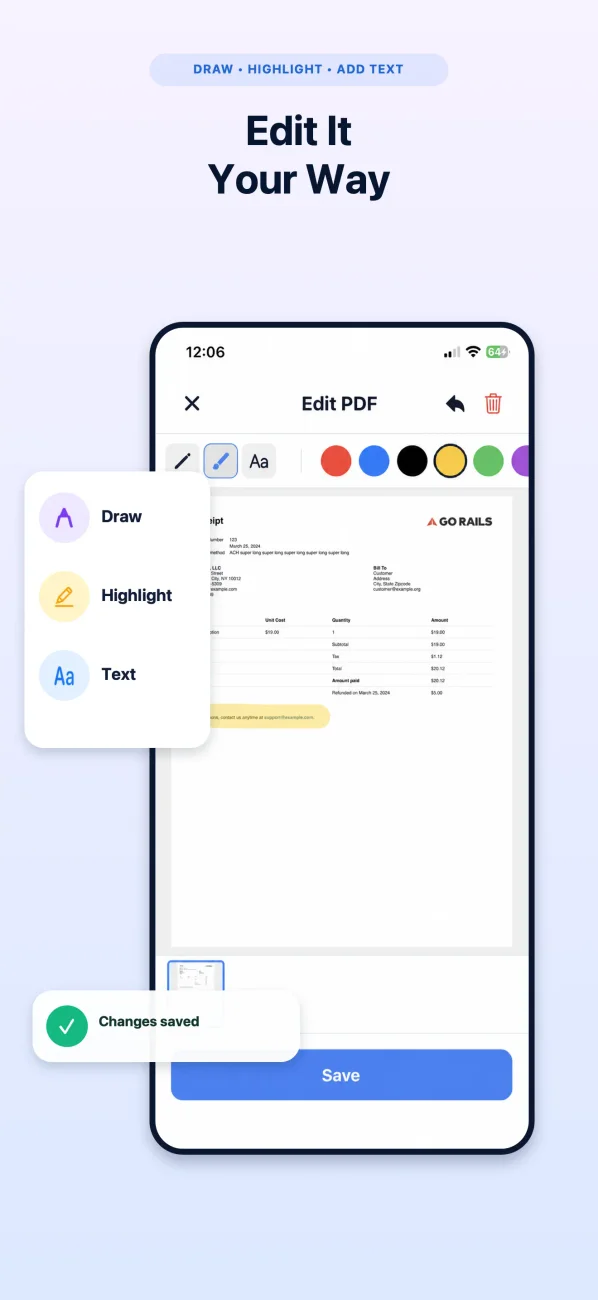
Turn your iPhone into a complete PDF toolkit for everyday documents. Scan documents, read PDF files, edit pages, sign
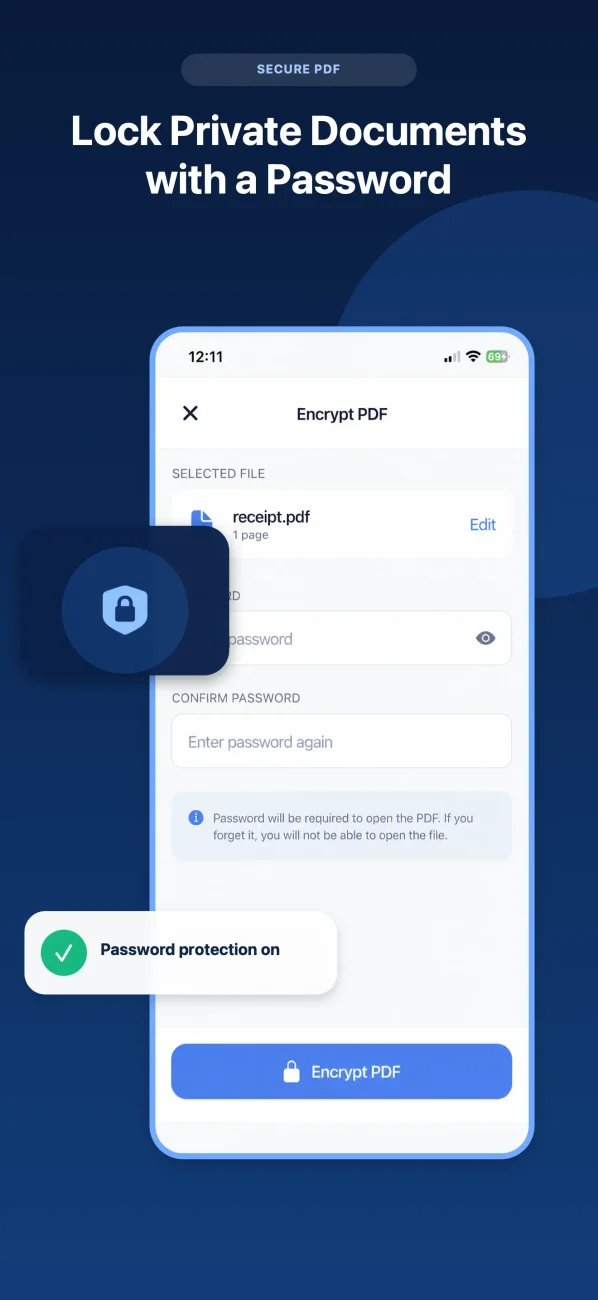
documents, merge files, split PDFs and use OCR — all without uploading your private files to any server.
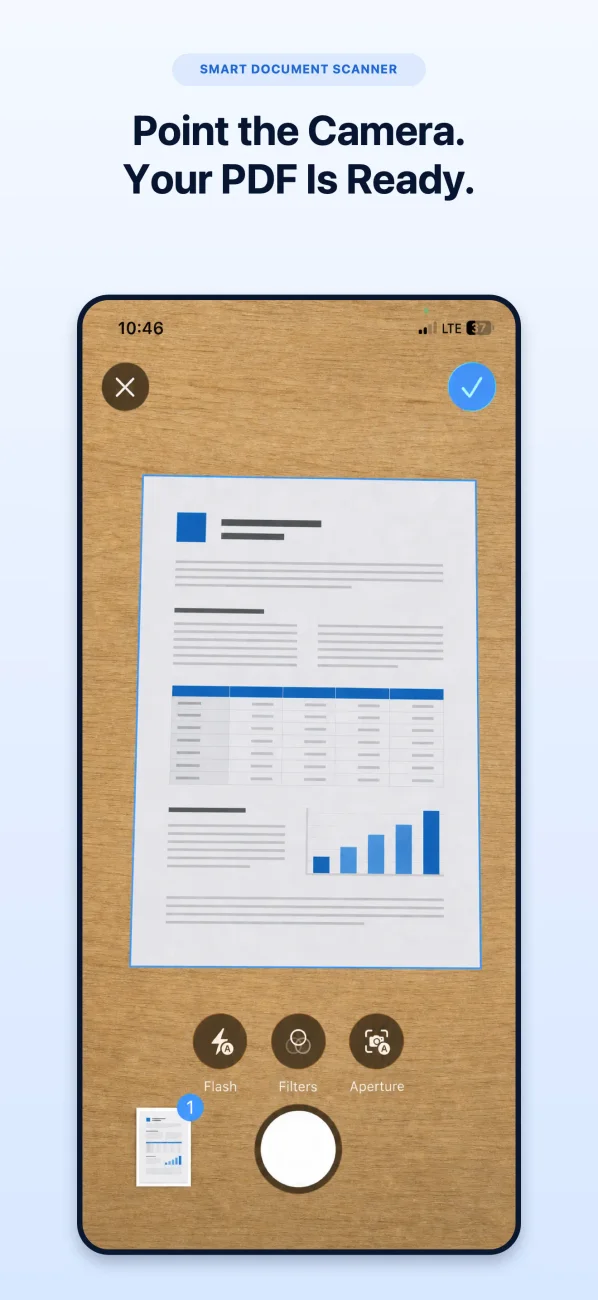
PDF Scanner is built for fast document work. Create clean scans with your camera, open recent PDFs, add
bookmarks, jump directly to any page, combine multiple documents into one, extract specific pages, rotate pages,
compress large files, convert photos to PDF and sign forms whenever you need a quick result.
Why users choose PDF Scanner:
• Scan documents and save instantly as PDF
• Full PDF reader with recent files, search and bookmarks
• OCR converts scanned text into selectable, copyable content
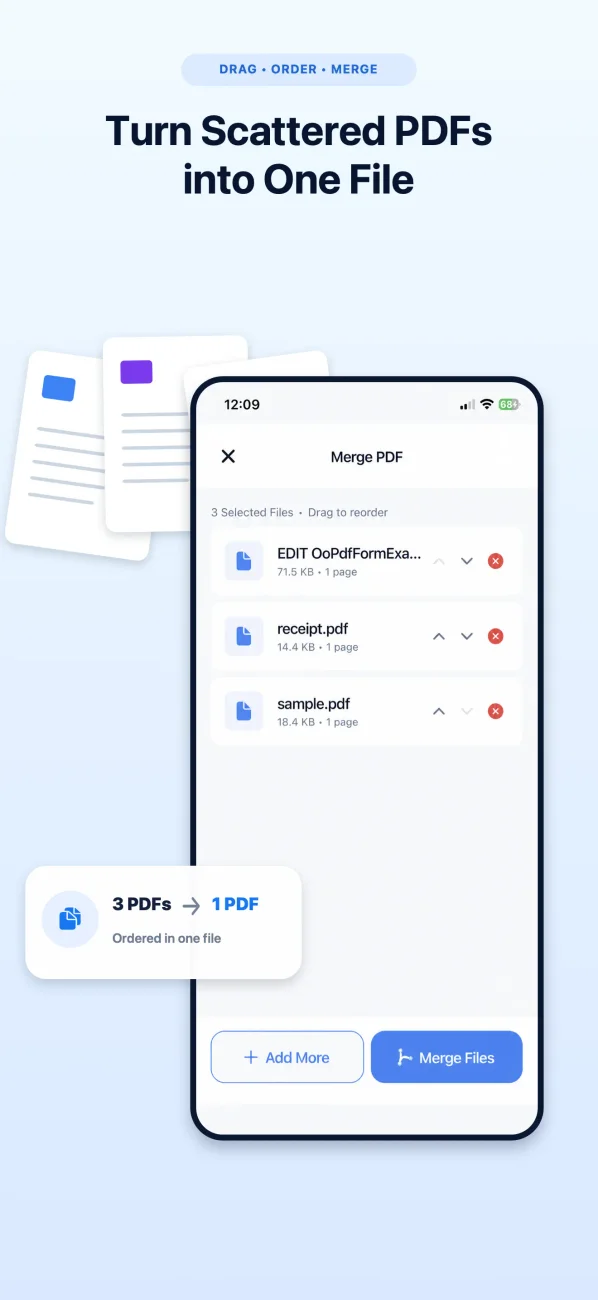
• Merge multiple PDFs into one file
• Split and extract pages from any PDF
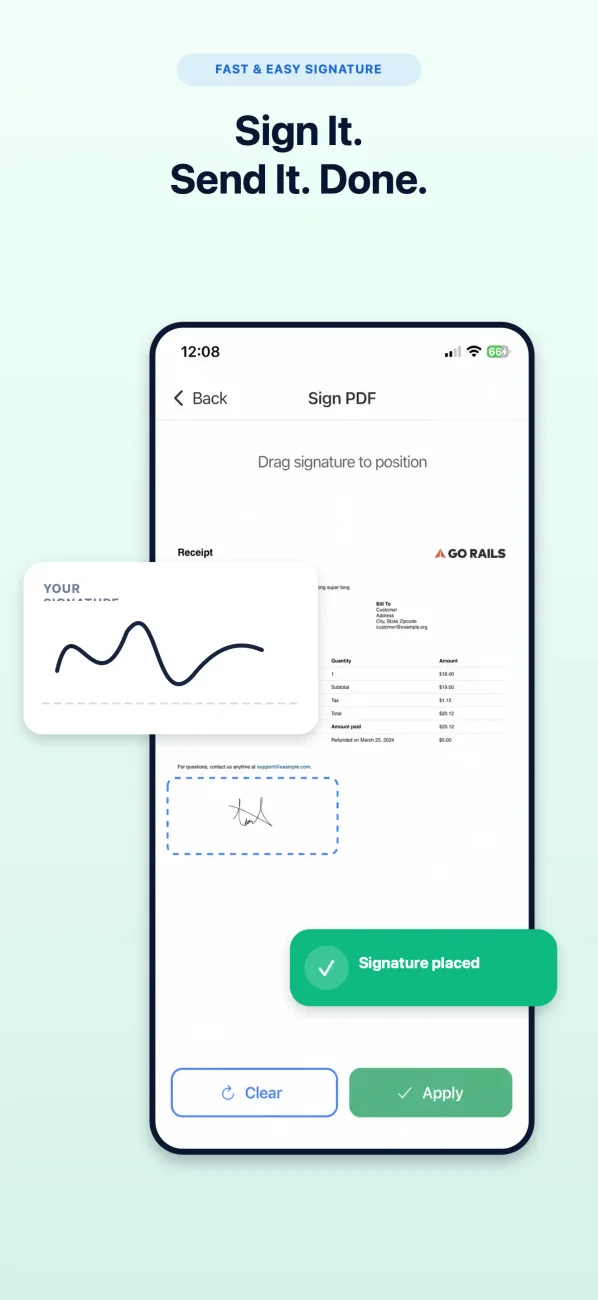
• Sign PDF documents with your finger or Apple Pencil
• Compress PDFs to reduce file size before sharing
• Convert images and photos to PDF format
• Rotate, reorder and delete pages
• Works entirely on-device — no account, no cloud upload required
Use it for receipts, invoices, notes, contracts, forms, school files, tax documents and everyday PDF tasks.
PDF Scanner is free to use, with all features available to every user.
The app contains a single optional in-app purchase, "Remove Ads" — a one-time, non-consumable purchase that
removes advertisements permanently and supports continued development. There is no subscription, no
recurring charges, and no free trial. All app features remain fully accessible regardless of purchase.
Download PDF Scanner now and manage your documents faster.
Terms of Use: https://www.pdfomnia.com/terms
Privacy Policy: https://www.pdfomnia.com/privacy
What’s new
Version v1.2.4 · Aug 26, 2026
• Performance and stability improvements
App privacy
What OKAN YUKSEL declares on the App Store about how this app handles data.
-
Data used to track you
May be used to track you across apps and websites owned by other companies.
- Location
- Identifiers
- Usage data
-
Data linked to you
May be collected and linked to your identity.
- Location
- Identifiers
- Usage data
Privacy practices may vary, for example with the features you use or your age.
Information
- Seller
- OKAN YUKSEL
- Category
- Productivity
- Version
- v1.2.4
- Updated
- Aug 26, 2026
- Released
- Jan 3, 2026
- Size
- 53.2 MB
- Requires
- iOS 15.1 or later
- Age rating
- 4+
- Price
- Free
- In-app purchases
- Yes
- Languages
- English, French, German, Italian, Japanese, Korean, Portuguese, Russian, Simplified Chinese, Spanish, Turkish
- Copyright
- © All rights are reserved
You might also like
-
 Clarity Reader for SafariRemove clutter in one tap
-
 SoloWriteNo distractions, just write
-
 WhereBox – Home InventoryKnow where everything is
-
 Reader Pro: File ManagerBooks, PDF, Docs, Media, Photo
-
 Smart Notepad AI, Chat, LearnMulti-AI Notes & Document Chat
-
 Nottely: Voice TranscriptionAI Note Taker & Memo Recorder
-
 TexmuBlur away the noise
-
 Balane TextDeck: ShortcutsPrompt Library & Text Expander
-
 SfocusPulsePomodoro + ambient sounds