Document Scan & Scanner App
PDF converter, AI document sca
Designed for iPhone, iPad
In-app purchases
- Age rating4+
- CategoryProductivity
- Developer皓博 杨
- LanguagesSpanish+ 46 more
- Size70.3 MB
Links to the official App Store page
Download.org hosts no file of Document Scan & Scanner App. The button opens its official App Store page, published by 皓博 杨. Listing last checked on Nov 12, 2026.
Screenshots



About
The all-in-one Document Scanner & PDF Maker that turns your iPhone into a fast, clear, and reliable portable scanner. Scan documents, photos, receipts, invoices, IDs, books, whiteboards, and more — then convert them into high-quality PDF or JPG files within seconds.
Whether you're a student, professional, remote worker, or simply need to scan something on the go, this app gives you clean results, accurate text, and powerful PDF editing tools, all in one lightweight and easy-to-use app.
Powerful Scanning Features
• Auto edge detection for clean, accurate scans
• Smart enhancement filters for crystal-clear documents
• Multi-page scanning for books, contracts, or large files
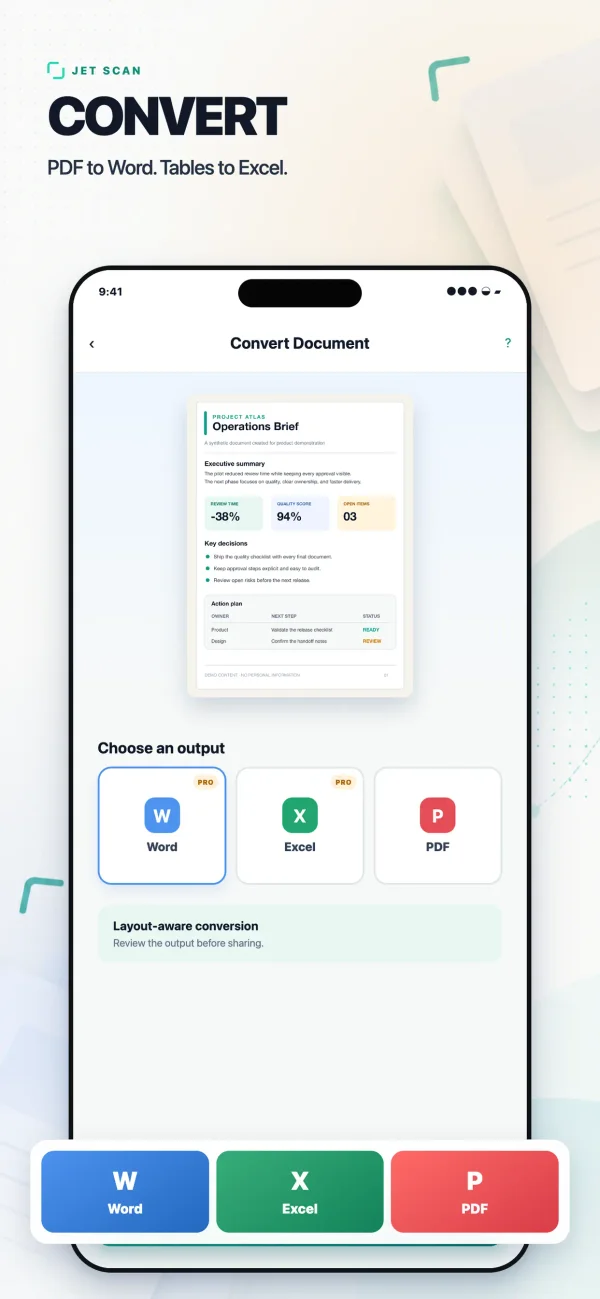
• Convert any photo to PDF instantly
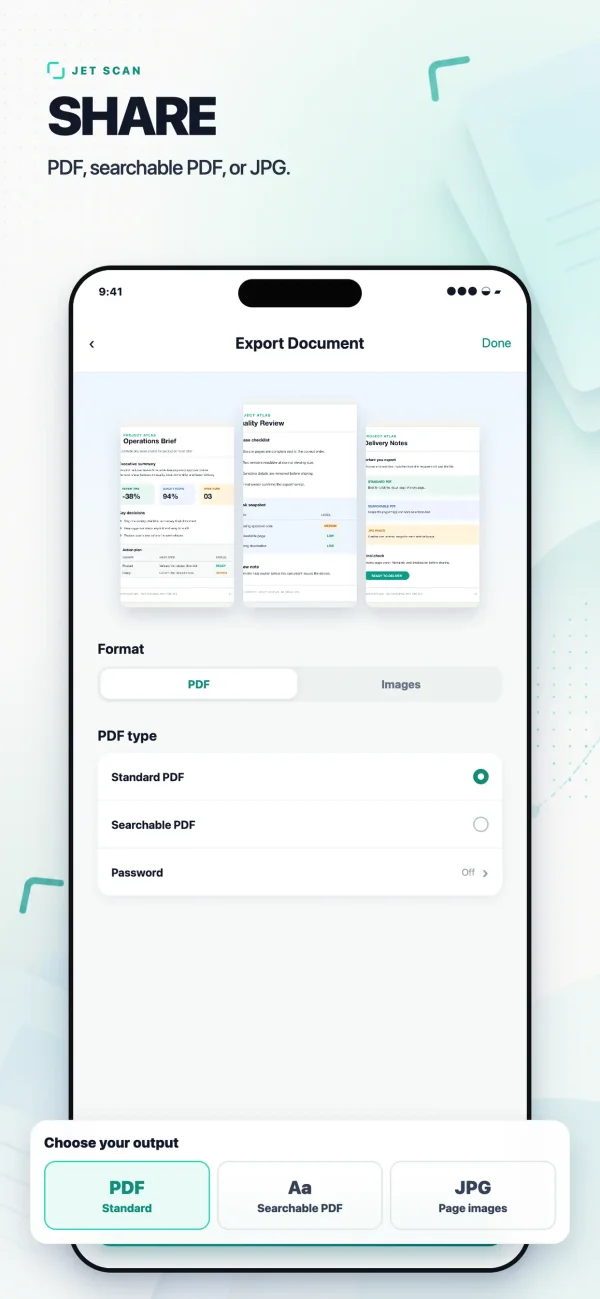
• Save in PDF or JPG with adjustable quality
Advanced PDF Tools
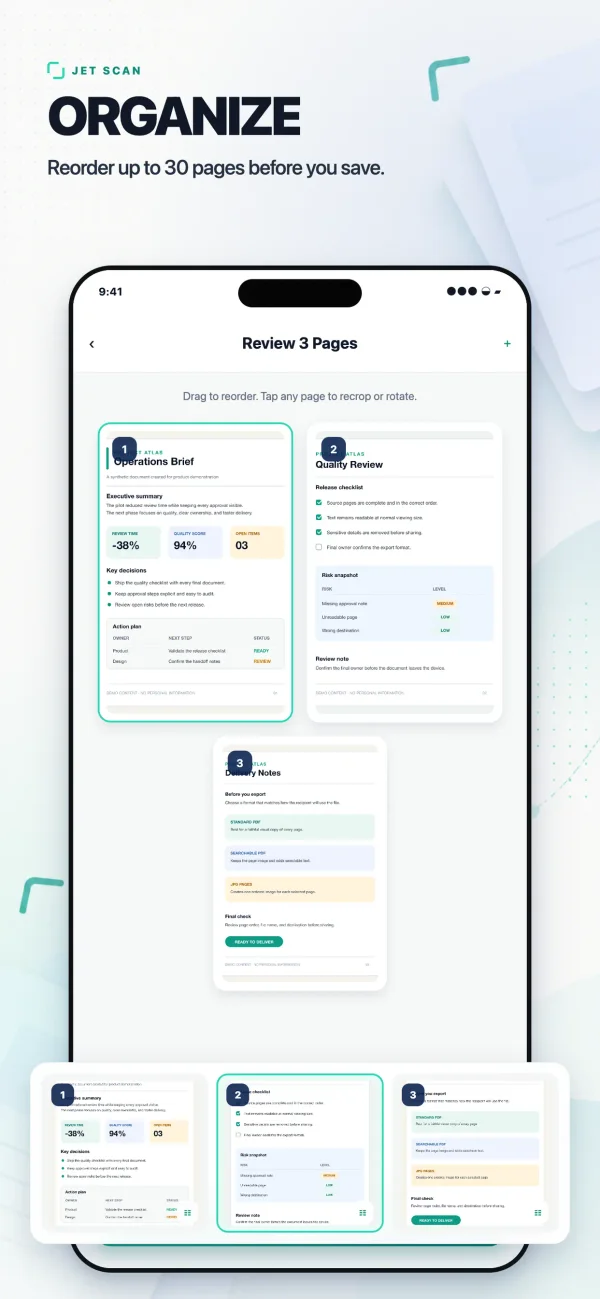
• Merge, split, reorder, or delete PDF pages
• Add signatures, notes, or markup
• Fill in forms or sign documents
• Add watermarks or text
• Create professional-looking PDFs with ease
OCR Text Recognition
Extract text from documents and copy or edit it. Perfect for notes, business cards, forms, and printed materials.
Organise & Share
• Batch scan multiple pages
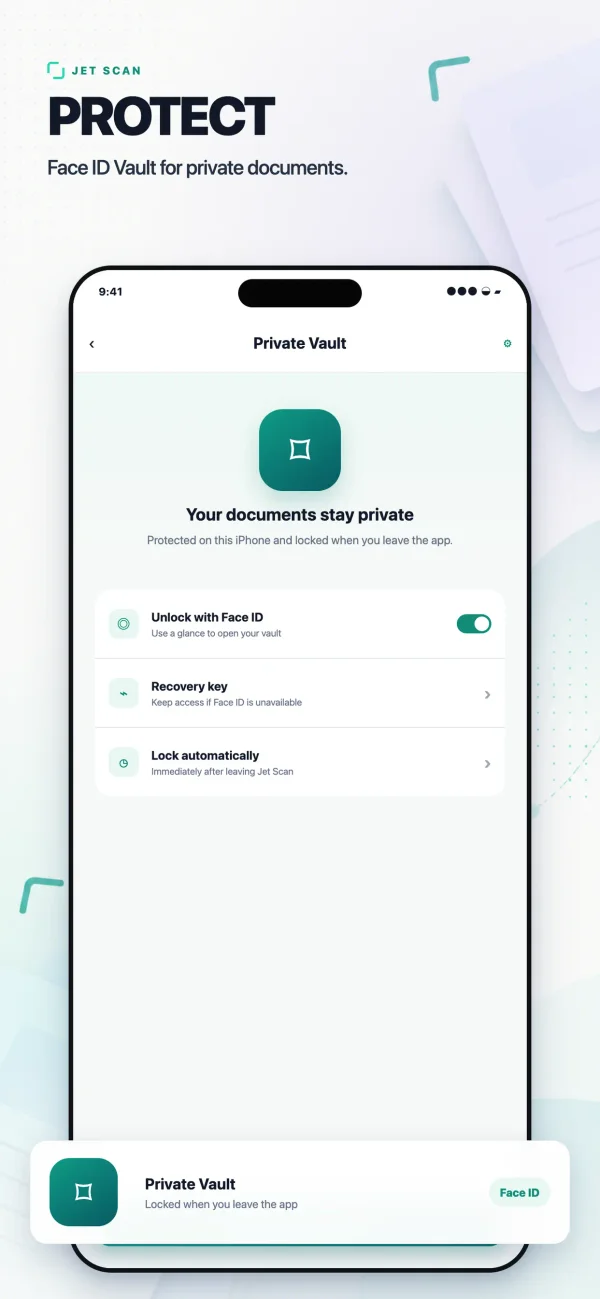
• Create folders or secure private documents
• Sync to cloud storage
• Share via email, messaging apps, or exported PDFs
This scanner app is built for speed, clarity, and convenience — turning your everyday documents into high-quality digital files you can use anywhere.
Terms of Use (EULA): https://www.apple.com/legal/internet-services/itunes/dev/stdeula/
What’s new
Version 1.4.1 · Aug 28, 2026
Version 1.4.1
Thanks for scanning with us! This release brings a sharper, faster, and lighter experience:
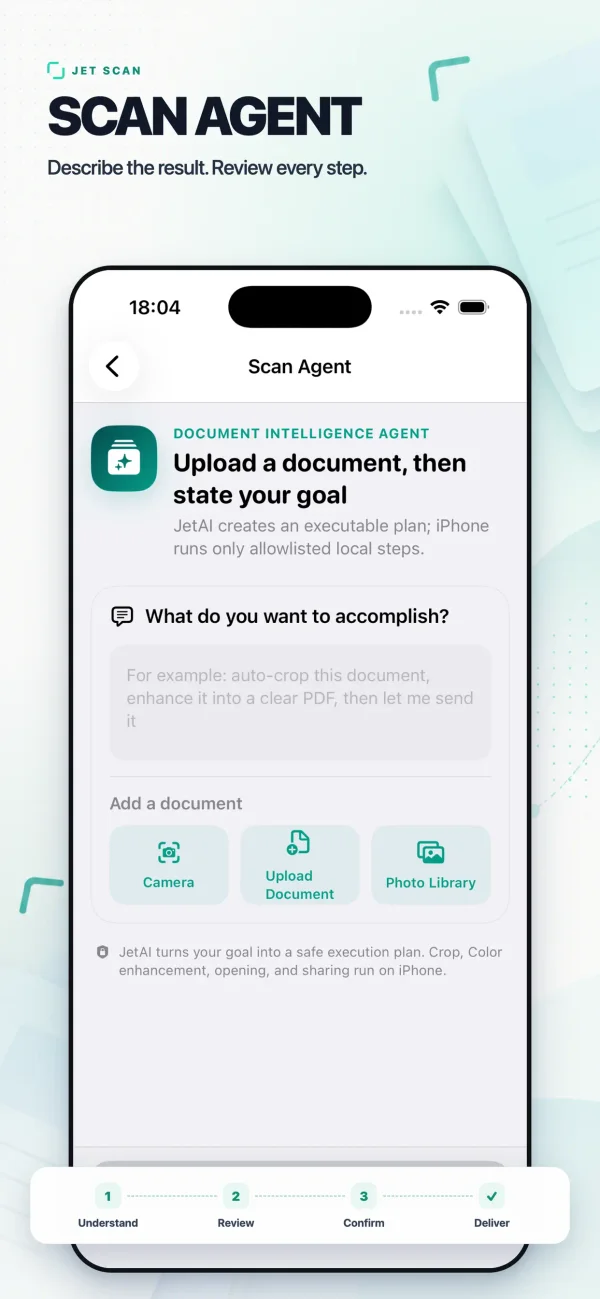
• Ask your scans anything — chat with any PDF or image to pull answers in seconds.
• Search across every scanned document and find text instantly, no more scrolling page by page.
• Faster auto edge detection and smarter enhancement filters for crystal-clear results in one tap.
• On-device storage by default, so your scans stay private until you choose to share.
• Smoother multi-page scanning, batch capture, and more reliable PDF merges and reorders.
• Smaller, lighter app footprint — scan, search, and ask without the bloat.
Have feedback or feature requests? We'd love to hear from you inside the app.
Happy scanning!
App privacy
What 皓博 杨 declares on the App Store about how this app handles data.
-
Data not collected
The developer does not collect any data from this app.
Privacy practices may vary, for example with the features you use or your age.
Information
- Seller
- 皓博 杨
- Category
- Productivity
- Version
- 1.4.1
- Updated
- Aug 28, 2026
- Released
- Jul 20, 2026
- Size
- 70.3 MB
- Requires
- iOS 18.6 or later
- Age rating
- 4+
- In-app purchases
- Yes
- Languages
- Spanish, German, Bengali, Bulgarian, Kannada, Catalan, Czech, Simplified Chinese, Traditional Chinese, Korean, Croatian, Danish + 35 more
- Copyright
- © 2025 Hab Yang Studio
You might also like
-
 Scan to PDF: Sign & RedactPrivate Offline Scanner No Ads
-
 PDF Scanner and Editor +PDF Scan, Edit, Fill and Sign
-
 PDF Scanner and Editor ..PDF Scan, Edit, Fill and Sign
-
 PDF Scanner and Editor +.PDF Scan, Edit, Fill and Sign
-
 FilePro - Image to PDF ToolPhoto Scanner & PDF Maker
-
 Scan PDF: Document Scanner OCRConvert Photo to Word & JPG
-
 Scanner App Scan PDF & DocsScan, sign & share documents
-
 Esign PDF: Scan, Sign & EditConvert Photos, Sort Pages
-
 PDFoto: Photo to PDF ConverterScan, Sign & Organise Files
-
 PDF Reader: Document EditorConvert, Sign, Scan & Merge