Document Scanner PDF Converter
Scan Text, Sign Docs. Cam OCR
Designed for iPhone, iPad
Free · In-app purchases
- Age rating4+
- CategoryBusiness
- DeveloperUladzislau Ramanovich
- LanguagesEnglish
- Size39.6 MB
Links to the official App Store page
Download.org hosts no file of Document Scanner PDF Converter. The button opens its official App Store page, published by Uladzislau Ramanovich. Listing last checked on Nov 13, 2026.
Screenshots
About
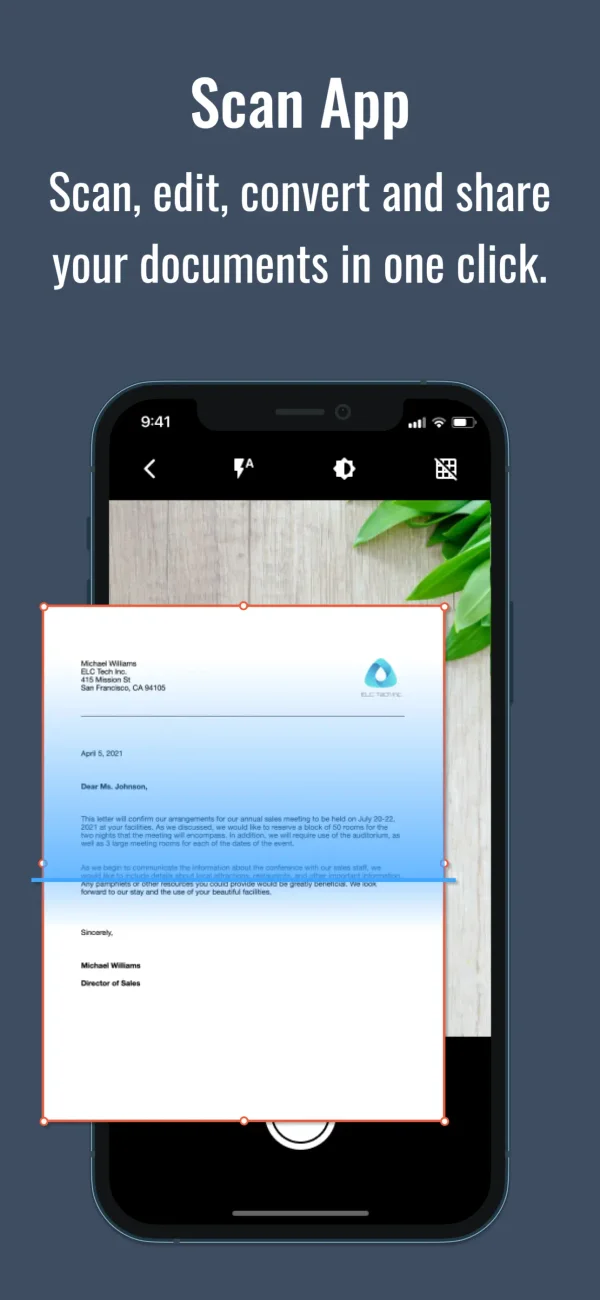
Need to scan some important documents but there is no scanner nearby? Don't worry, Scan Fly will help you solve that issue!
Scan Fly is mobile scanner app that will turn your iPhone, iPad or iPod touch into the powerful and easy to use portable scanner. It will help you stay productive wherever you are in your work or daily life.
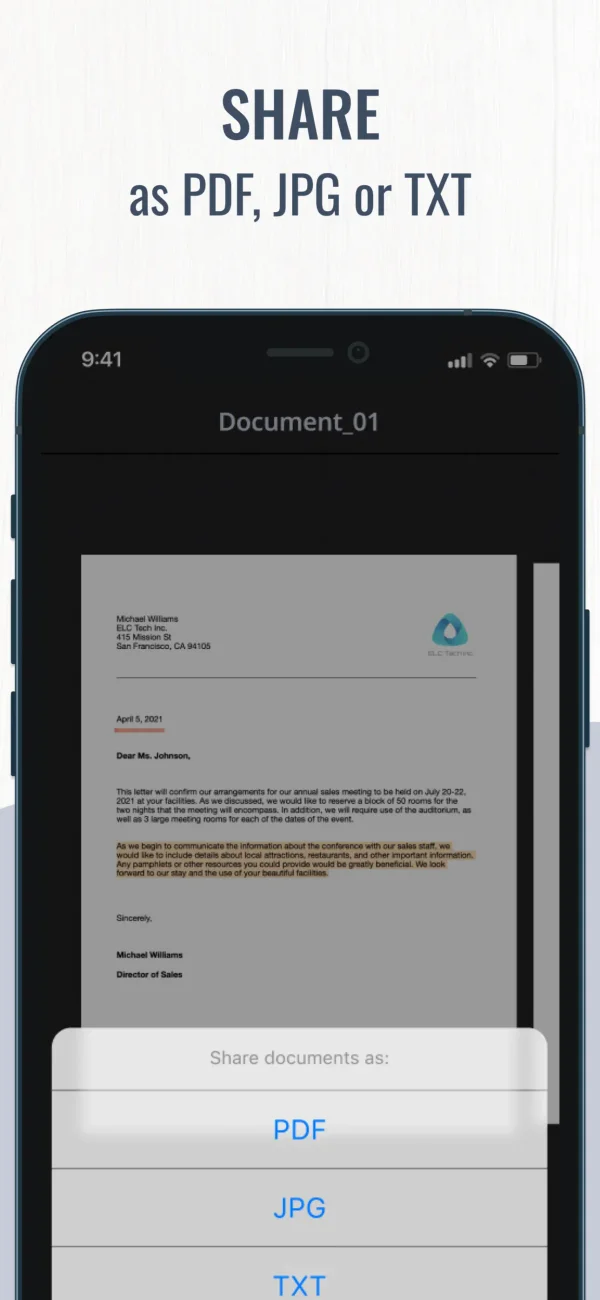
Easily scan, edit, sign and share documents in PDF, JPEG or TXT with one app on your iOS device!
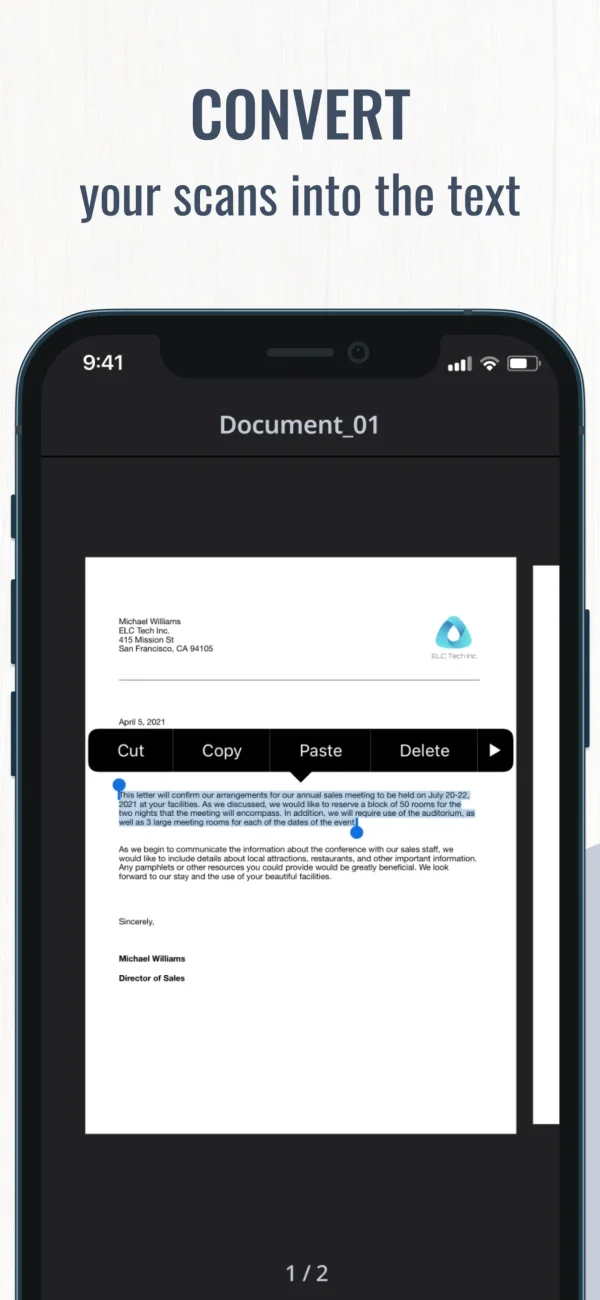
Use innovative OCR technology to convert scans into editable text.
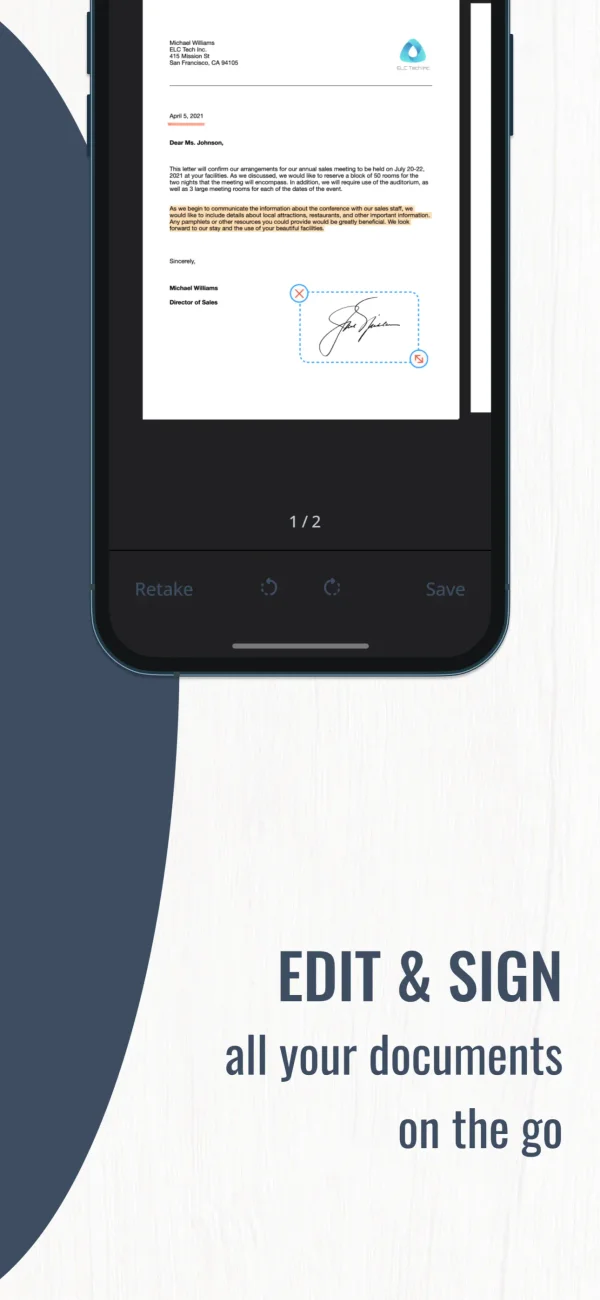
Sing your documents with just a few taps.
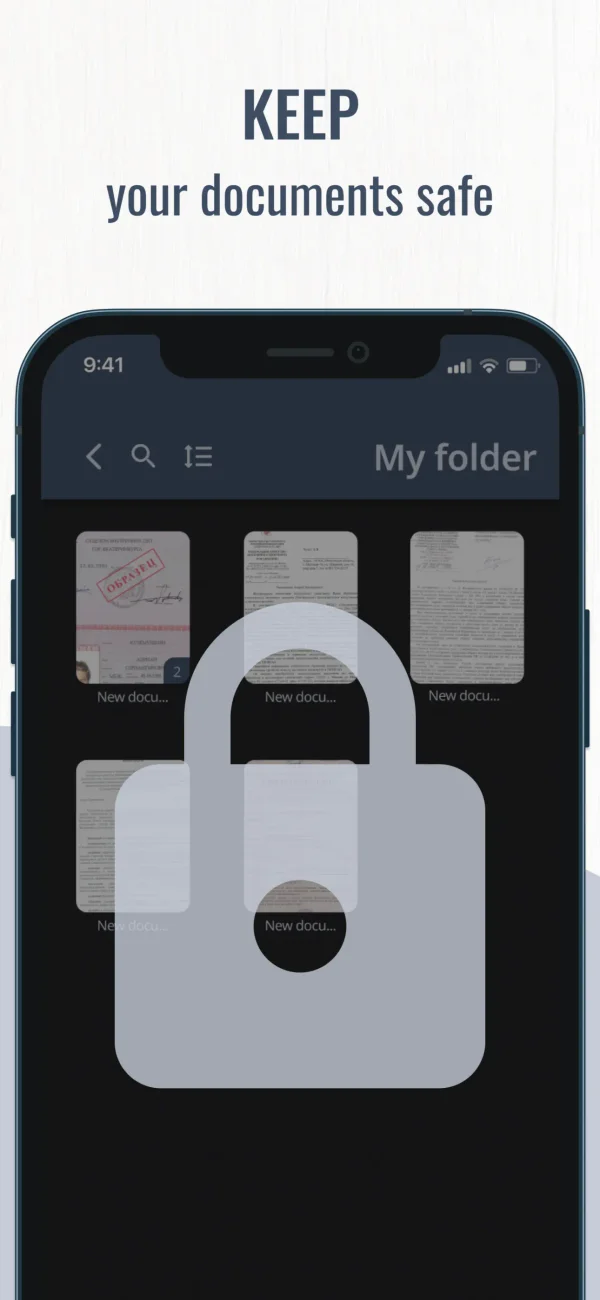
Manage all your important documents on your device. One powerful tool right in your pocket!
Scanner features:
- Scan with a camera or choose files from Camera Roll
- Scan multiple pages in one documents
- Scan with OCR (Optical Character Recognition) to recognize and edit text
- Scan to high-quality PDF, JPEG or TXT
Editing features:
- Sign your documents in a few taps
- Edit scans perspective, borders and change scans orientation
- Use color correction and noise removing features
- Highlight the key points of your scans
Sharing features:
- Send your scans directly via e-mail or use any messengers
- Pint your scanned documents with any Wi-Fi printer right from the scanning app
- Upload your files to iCloud, Dropbox, Google Drive, Evernote and other cloud services
- Save your scans to Camera Roll
Managing features:
- Use file manager with folders and drag & drop features
- Save one or more signatures using signature manager
- Securely store all the files on your device
The app offer paid weekly subscription with a 3-day free trial to provide you with unlimited access to all app functions.
Payment will be charged to iTunes Account when you confirm the initial subscription purchase.
Subscription automatically renews unless auto-renew is turned off at least 24-hours prior to the end of the current period.
The account will be charged for renewal within 24-hours before the end of the current subscription period.
Subscriptions may be managed by the user and auto-renewal may be turned off by going to the user’s Account Settings after purchase.
Any unused portion of a free trial period, if offered, will be forfeited when you purchase a subscription, where applicable.
Privacy Policy: https://www.apricolabs.com/privacy-policy
Term of Use: https://www.apricolabs.com/terms-and-conditions
What’s new
Version 1.5 · Oct 9, 2025
The latest version contains minor bug fixes and performance improvements to make the app better.
Thank you for using our app!
If you have any suggestions to make app even better feel free to contact us.
App privacy
What Uladzislau Ramanovich declares on the App Store about how this app handles data.
-
Data used to track you
May be used to track you across apps and websites owned by other companies.
- Purchases
- Location
- Identifiers
- Usage data
-
Data linked to you
May be collected and linked to your identity.
- Purchases
- Location
- Identifiers
- Usage data
- Diagnostics
-
Data not linked to you
May be collected but is not linked to your identity.
- Other data
Privacy practices may vary, for example with the features you use or your age.
Information
- Seller
- Uladzislau Ramanovich
- Category
- Business
- Version
- 1.5
- Updated
- Oct 9, 2025
- Released
- Apr 9, 2023
- Size
- 39.6 MB
- Requires
- iOS 16.0 or later
- Age rating
- 4+
- Price
- Free
- In-app purchases
- Yes
- Languages
- English
- Copyright
- © Apricolabs OU
You might also like
-
 Photo to PDF Scanner - ScanSkyDocument Scan, Edit & Convert
-
 Clear ScannerCamScan,fill and sign,xscan
-
 Scan Documents to PDF l by TSPCamera scanner, text OCR &sign
-
 Scanner App: Fast PDF Doc ScanEdit, Convert, & Sign Scans
-
 Photo to PDF - Image ConverterConvert JPG & PNG Pic to PDF
-
 PDFEsign.com PDF E-SignPDFEsign.com PDF E-Sign
-
 PDF Converter, Word to PdfImage to PDF Converter, Reader
-
 Photo to PDF Converter Toolبرنامج تحويل الصور الى PDF
-
 PDF Scanner: Scan Photo to PDFConvert Picture, JPG & Image
-
 PDF Hero - PDF Editor & ReaderCreate & Edit PDF Documents