
Document Scanner: PDF & OCR
Scan, Convert, Extract & QR
Designed for iPhone, iPod touch
In-app purchases
- Age rating4+
- CategoryUtilities
- DeveloperMitul Kanani
- LanguagesEnglish
- Size74.5 MB
Links to the official App Store page
Download.org hosts no file of Document Scanner: PDF & OCR. The button opens its official App Store page, published by Mitul Kanani. Listing last checked on Nov 14, 2026.
Screenshots
About
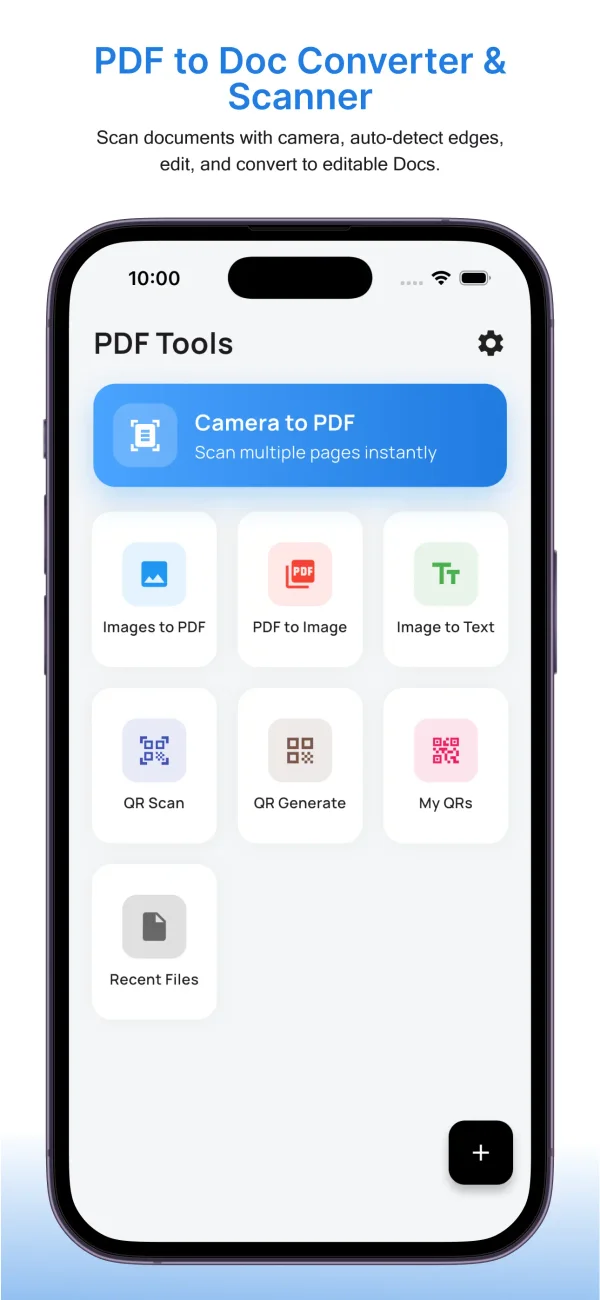
Document Scanner: PDF & OCR turns your iPhone into a fast and powerful document scanner. You can scan documents, receipts, notes, forms, and images, convert them into high-quality PDFs, extract text using OCR, and scan or generate QR codes in one simple app.
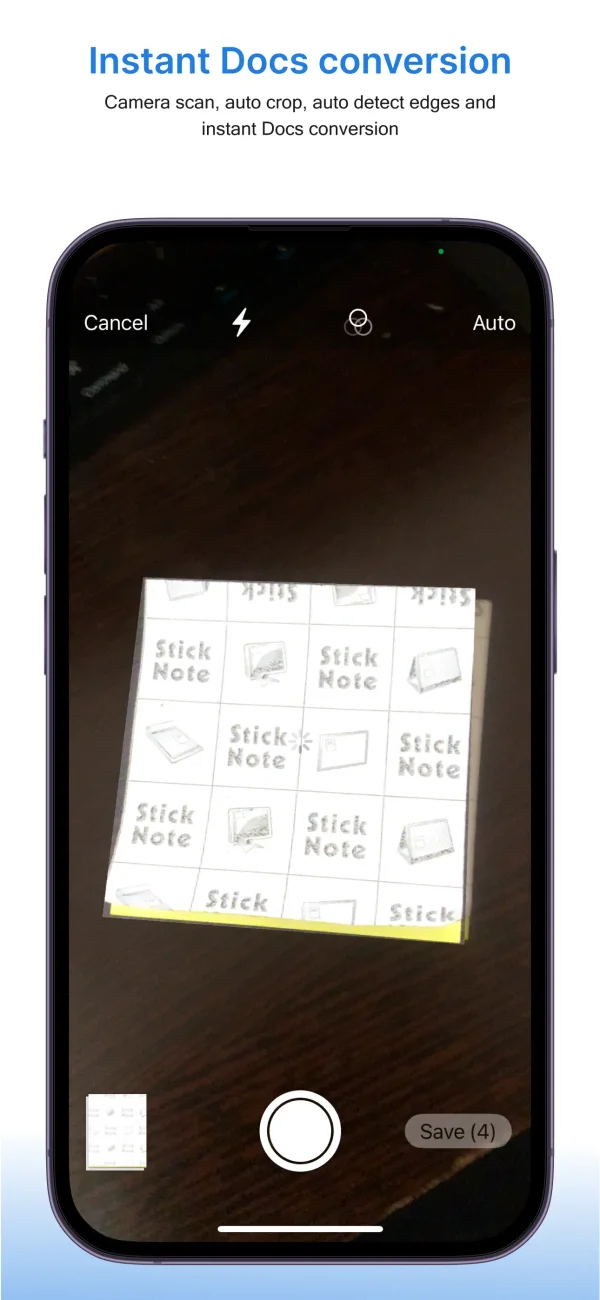
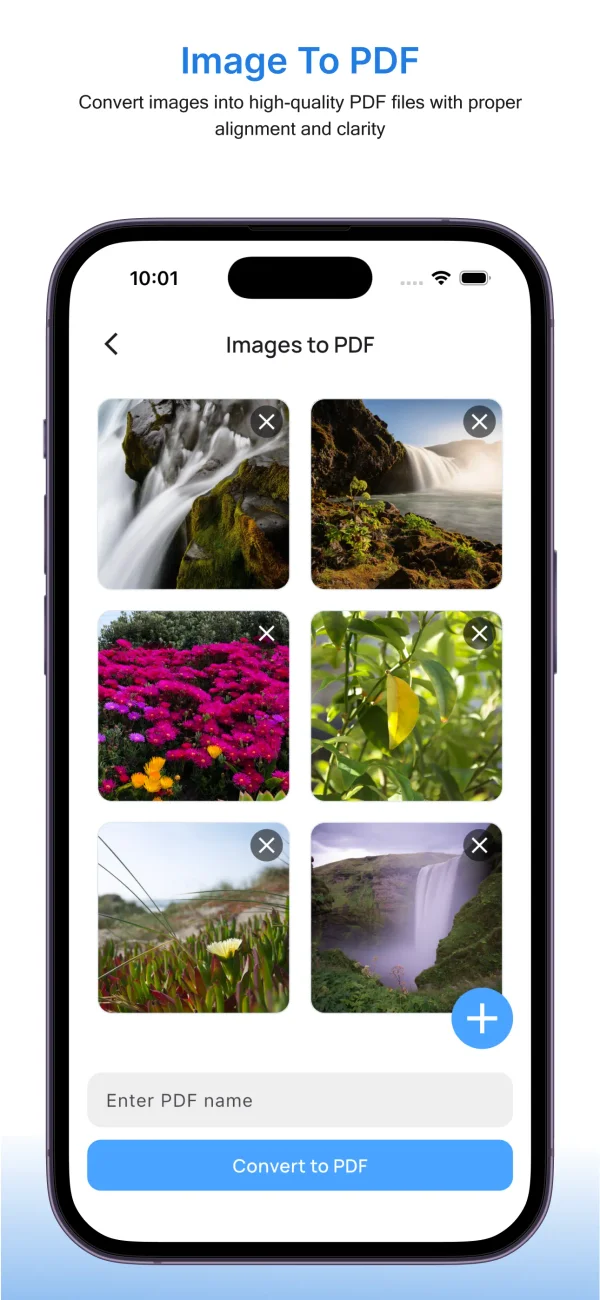
Using your iPhone camera, you can scan documents in real time and convert single or multiple images into a well-structured PDF file. The app also supports photo-to-PDF conversion, allowing you to select images from your gallery and merge them into a single document. If needed, you can convert PDF files back into images while maintaining clarity and quality.
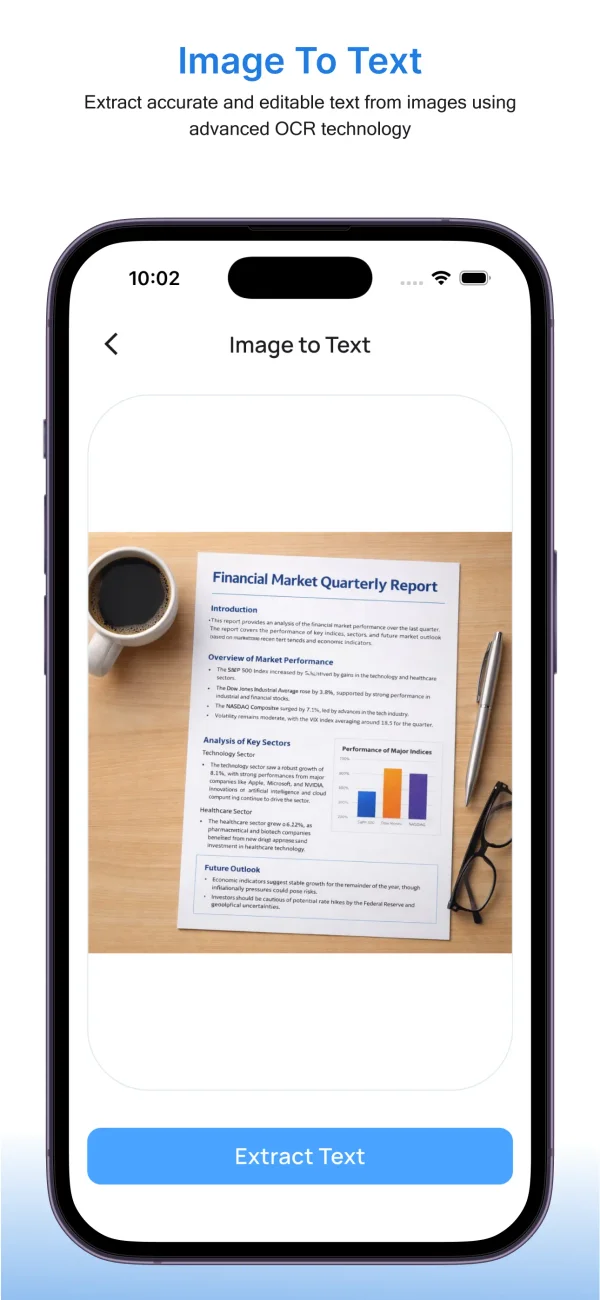
The built-in OCR scanner lets you extract text from scanned documents and images. You can copy, edit, search, and share extracted text across other apps such as Notes, Mail, WhatsApp, or any messaging platform. This makes the app useful for students, professionals, and businesses who regularly work with printed text.
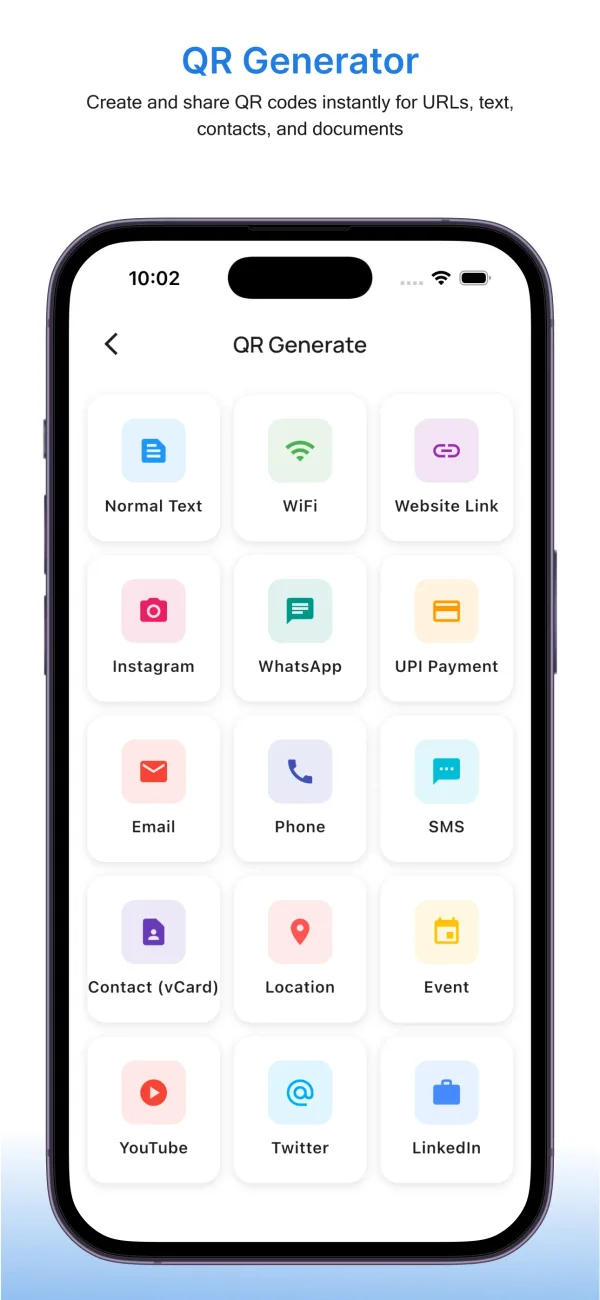
The app also includes a complete QR scanner and QR generator. You can scan any QR code instantly using your camera. You can also create QR codes for websites, WiFi networks, UPI payments, WhatsApp chats, email addresses, phone numbers, SMS messages, and locations.
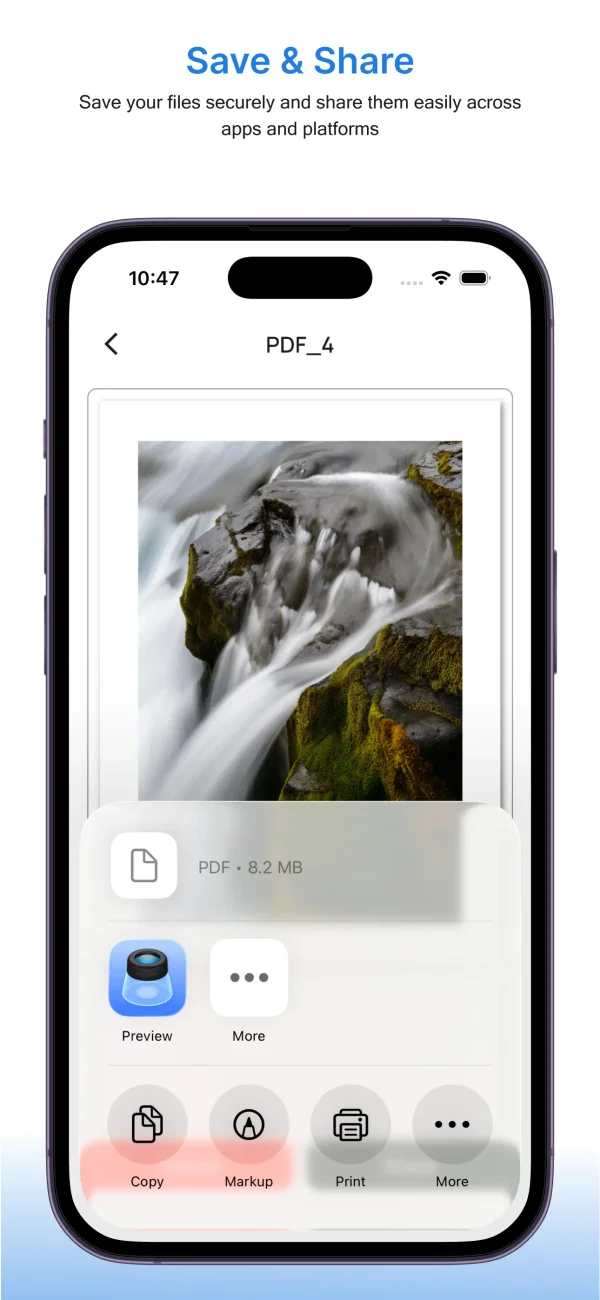
All scanned documents, converted PDFs, extracted text files, and generated QR codes are saved in one organised place. You can rename files, access recent documents, and share them instantly via AirDrop, email, cloud storage, or messaging apps.
Document Scanner: PDF & OCR is designed to be simple, fast, and reliable. There is no complicated setup — open the app, scan your document, and save or share it immediately. Download now and use your iPhone as a professional document scanner.
Privacy Policy:https://docs.google.com/document/d/e/2PACX-1vTwwf5uYJOqk-36muAn2JT0ytrAC31TLOPUGmnjE9miV60NXhT5vyq5YUaUkTJC17dEo7_q9vkv5oDa/pub
Terms Of Use: https://www.freeprivacypolicy.com/live/fca868e6-3da5-44ca-b986-514b48281686
Premium Plans
Weekly Plan: $4.99
Monthly Plan: $9.99
Annual Plan: $19.99
Premium Benefits:
- Ad-free Experience
- Unlimited Access to all features
App privacy
What Mitul Kanani declares on the App Store about how this app handles data.
-
Data used to track you
May be used to track you across apps and websites owned by other companies.
- Identifiers
- Usage data
-
Data not linked to you
May be collected but is not linked to your identity.
- Identifiers
- Usage data
Privacy practices may vary, for example with the features you use or your age.
Information
- Seller
- Mitul Kanani
- Category
- Utilities
- Version
- 1.0
- Updated
- Feb 20, 2026
- Released
- Feb 20, 2026
- Size
- 74.5 MB
- Requires
- iOS 15.6 or later
- Age rating
- 4+
- In-app purchases
- Yes
- Languages
- English
- Copyright
- © Mitul Kanani
You might also like
-
 Scan PDF - Create PDFScan, Convert,Merge & Compress
-
 Compress Photos: Tiny ImagesSave Storage, Shrink JPEG, PNG
-
 Tier List Maker - Easy RankingTier Lists Made Easy
-
 CloudPasteSync your pasteaboards
-
 TCTECUtilities
-
 Flip Clock FlowFocus Timer & App Blocker
-
 Bagan ConverterMyanmar traditional units
-
 Image to PDF Converter: TapPDFPhoto to PDF, JPG Scanner
-
 JYF JalgaonJain Yuva Foundation Jalgaon
-
 Reverse: Image SearchPhotos & Images Search