Document Scanner & PDF Scanner
Scan, OCR, Edit & Sign PDFs
Designed for iPhone, iPad
Free · In-app purchases
- Age rating4+
- CategoryProductivity
- DeveloperIdentiq Infotech
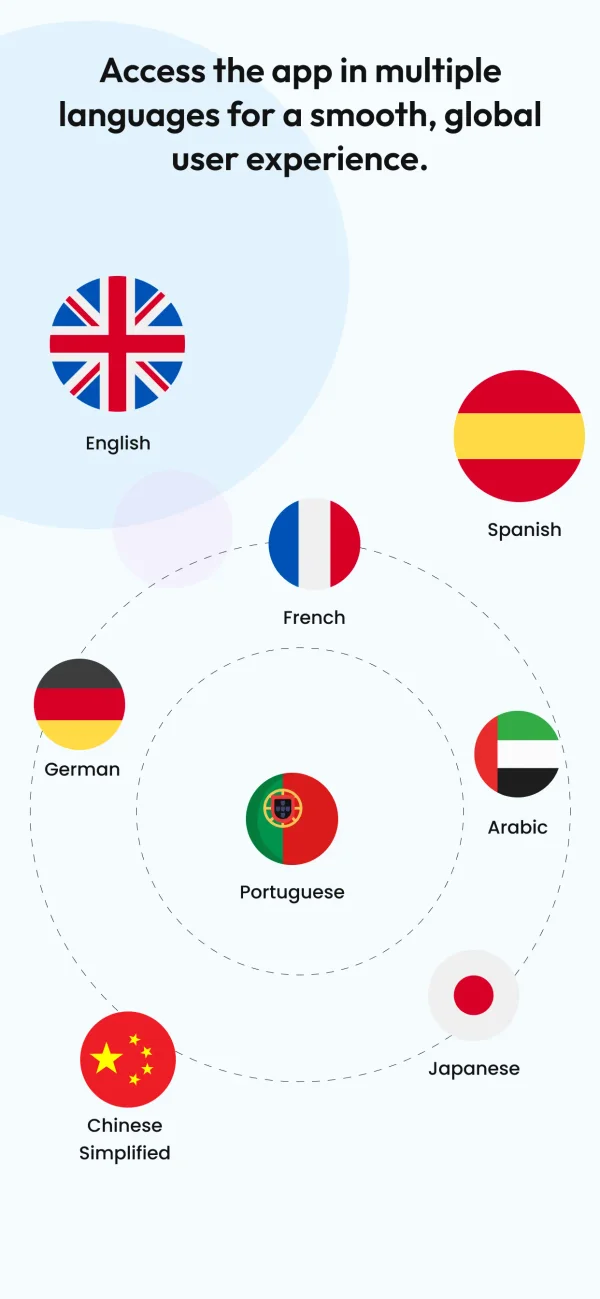
- LanguagesEnglish
- Size96.2 MB
Links to the official App Store page
Download.org hosts no file of Document Scanner & PDF Scanner. The button opens its official App Store page, published by Identiq Infotech. Listing last checked on Nov 18, 2026.
Screenshots
About
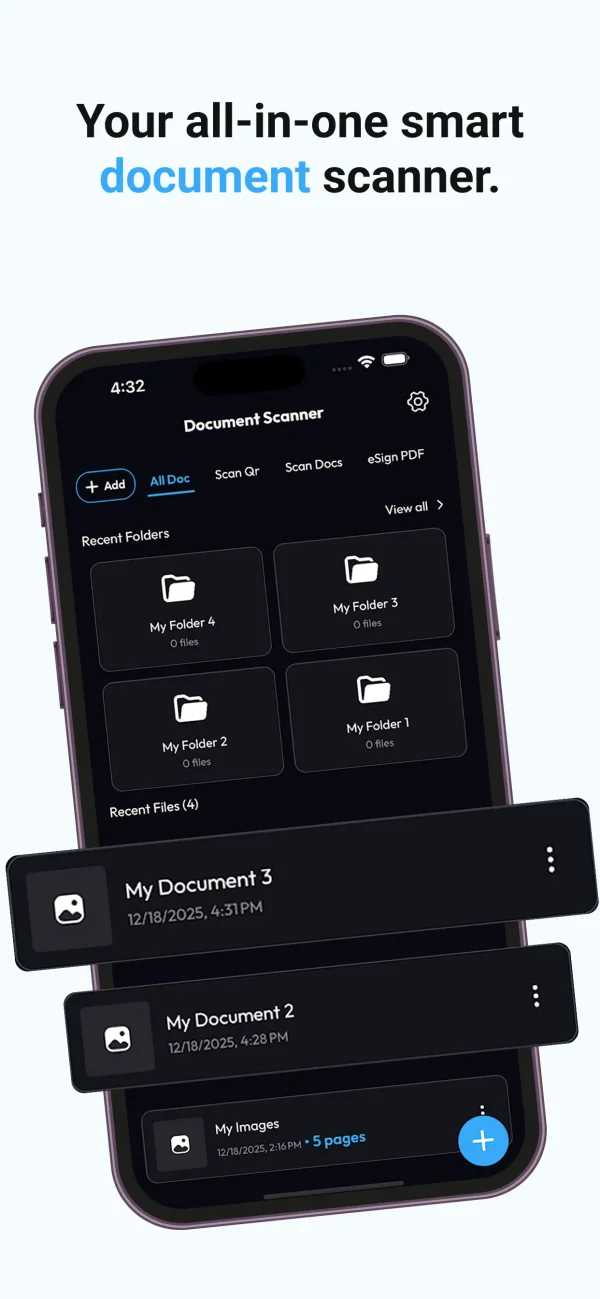
Document Scanner & PDF Scanner turns your iPhone into a fast, simple scanner for everyday documents. Scan receipts, notes, contracts, ID cards, invoices, and more into clear PDF files in seconds. Organize everything in folders, sign documents, and share files anytime from one easy app.
Scan documents in seconds
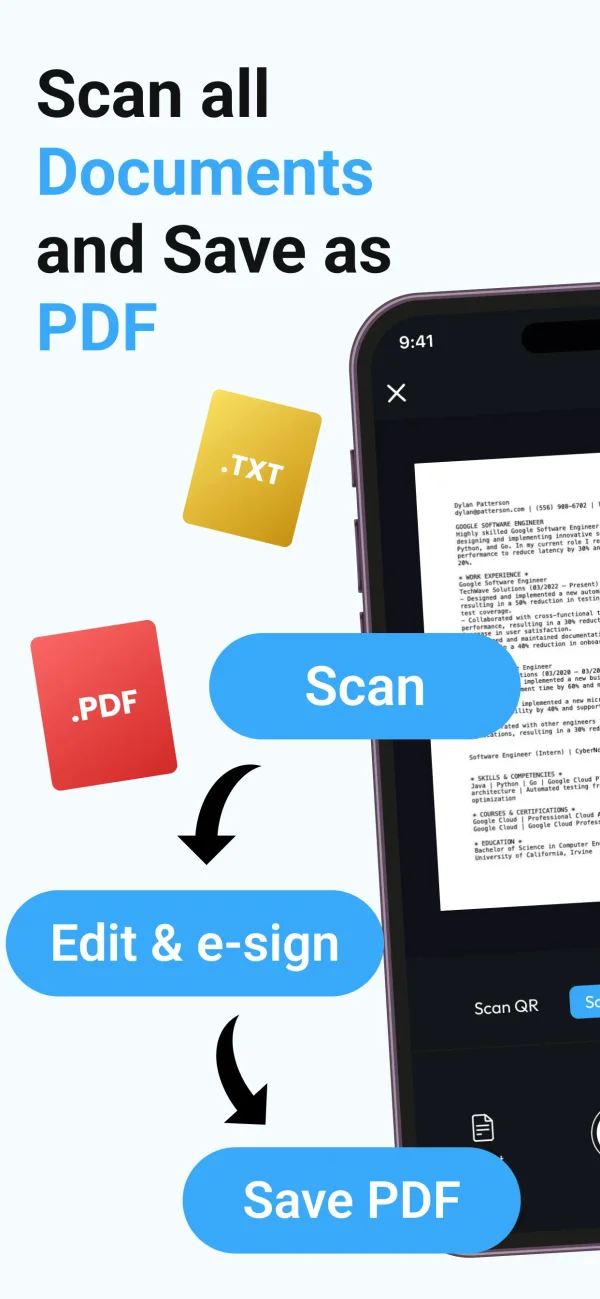
• Scan receipts, contracts, notes, invoices, ID cards, and other documents with your camera
• Save scans as PDF or image files with clear, readable quality
• Quickly capture paperwork for work, school, travel, and personal use
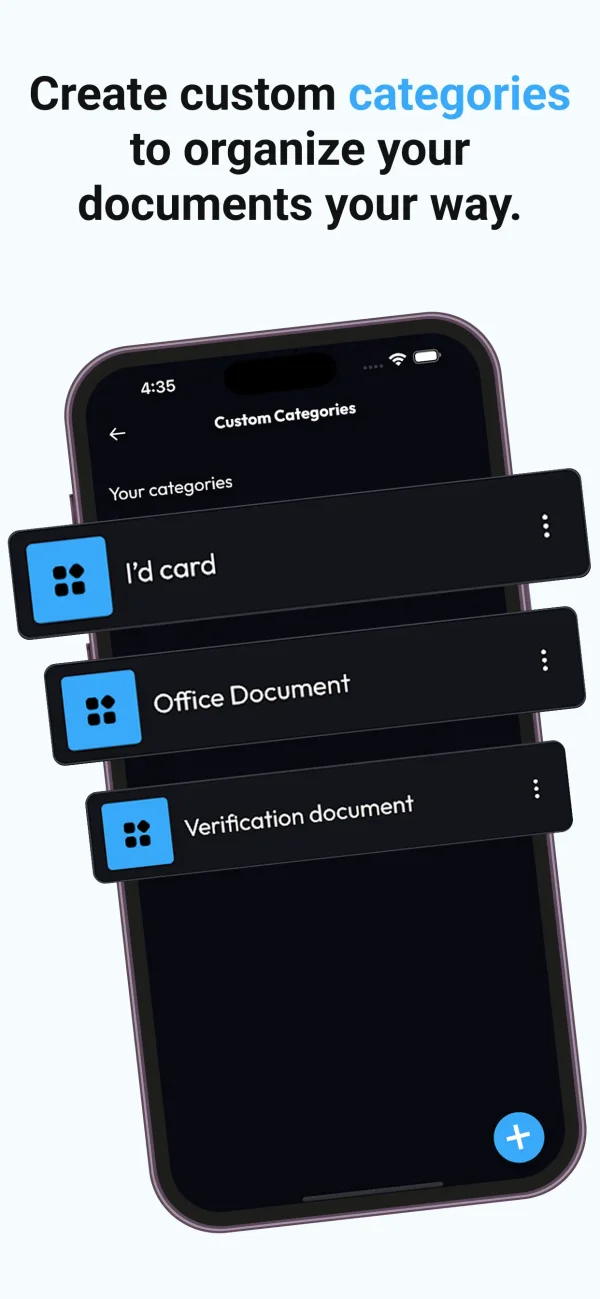
Organize files your way
• Create folders to keep important documents neatly sorted
• Rename, move, and manage files with a simple interface
• Find recent scans faster and keep everything in one place
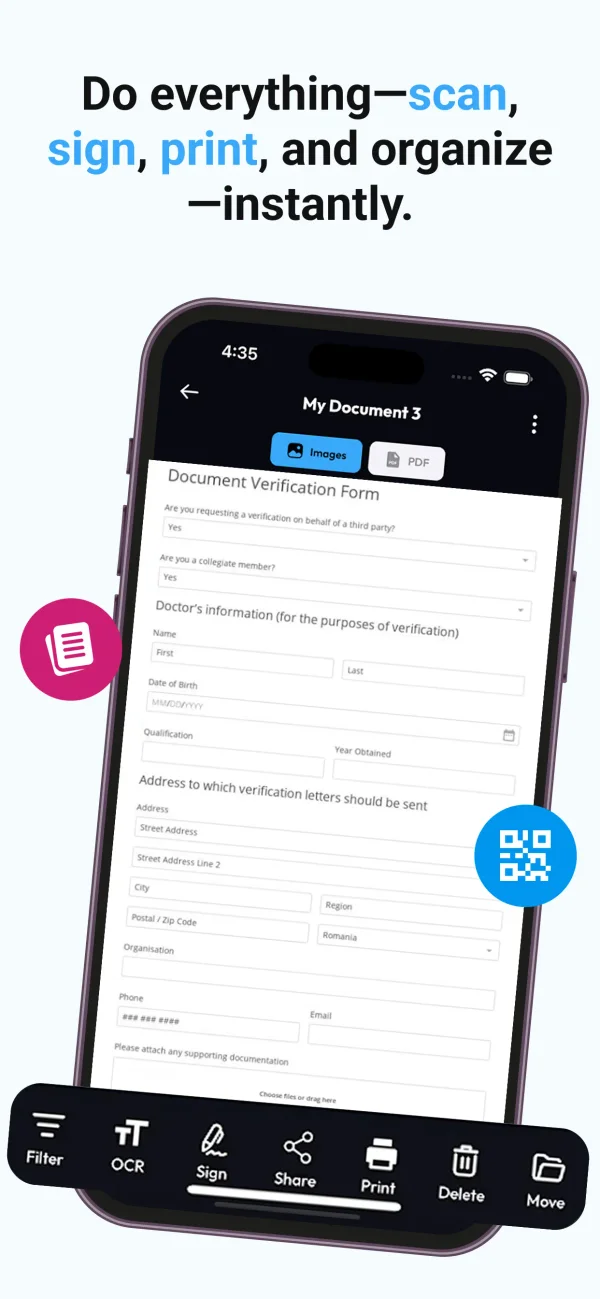
Edit, sign, and share
• Add your handwritten signature to documents for quick eSign use
• Share scans by email, messaging apps, or cloud storage
• Print documents in just a few taps when needed
More than a basic scanner
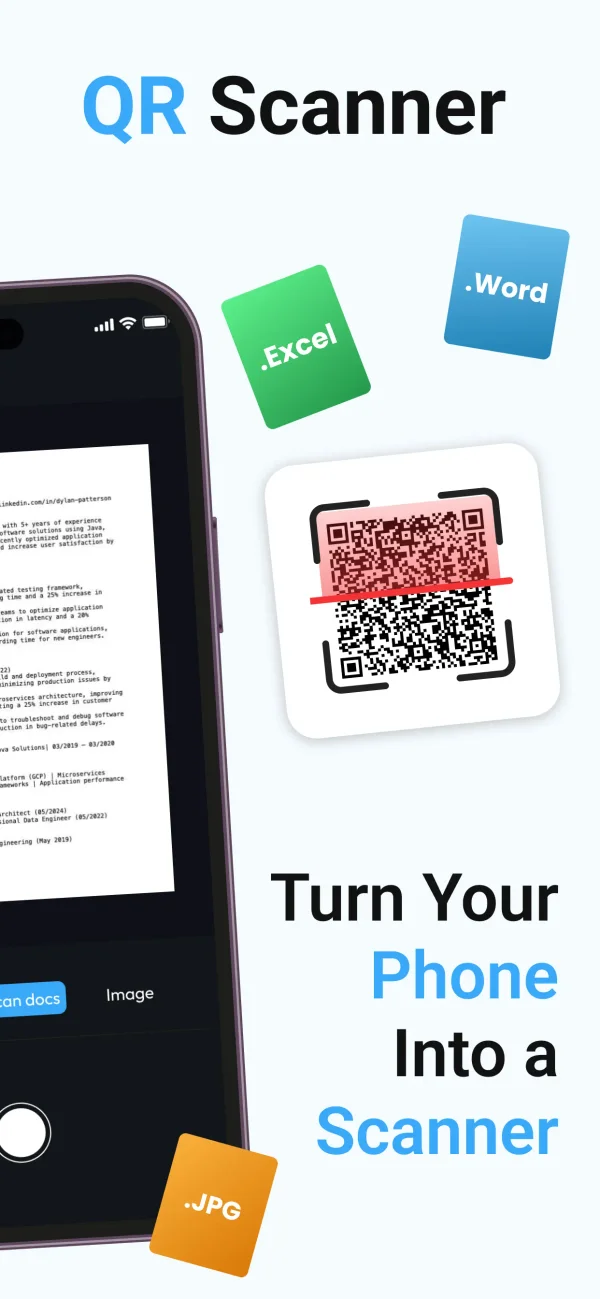
• Scan documents, photos, and QR codes from one app
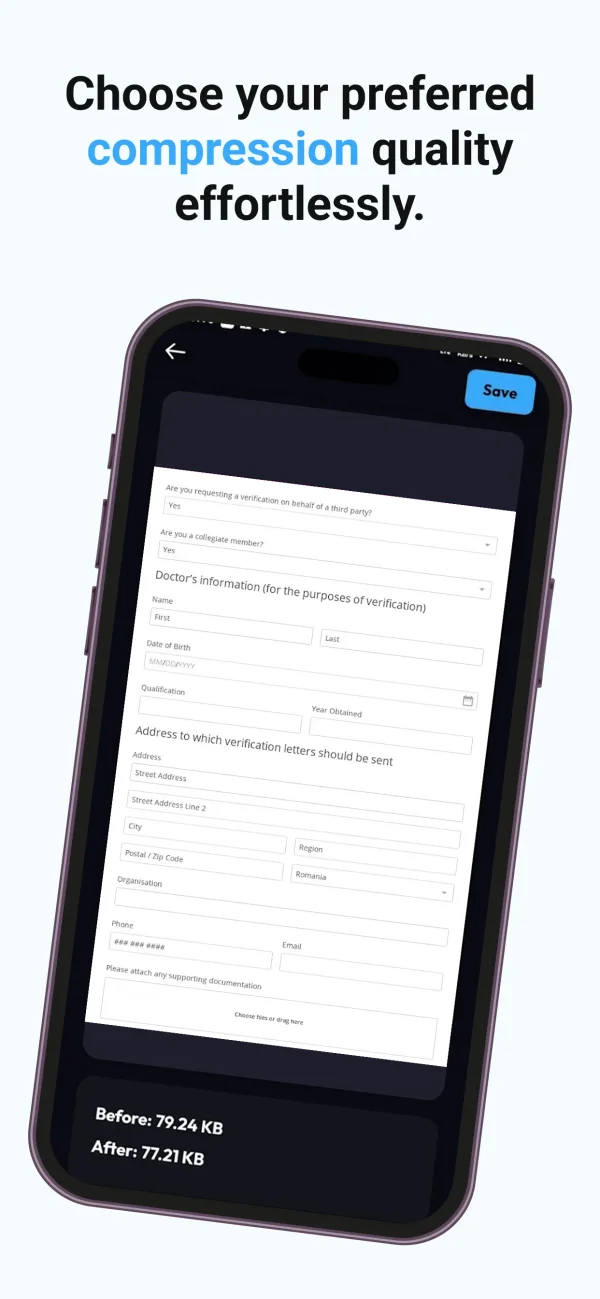
• Convert scans into optimized PDF files that are easy to store and share
• Use a clean, smooth experience designed for daily document tasks
Whether you are a student, professional, freelancer, or business user, Document Scanner & PDF Scanner helps you stay organized and go paperless wherever you are.
Subscriptions
Monthly – $0.99 per month
Upgrade to Premium to remove ads and enjoy an uninterrupted scanning experience. Auto-renews monthly.
Yearly – $9.99 per year
Upgrade to Premium to remove ads and enjoy an uninterrupted scanning experience. Auto-renews yearly.
Payment & Renewal
Payment will be charged to your Apple ID account at confirmation of purchase.
Subscriptions automatically renew unless cancelled at least 24 hours before the end of the current billing period.
You can manage or cancel your subscription anytime in your Apple ID account settings.
For more details on managing subscriptions, visit:
https://support.apple.com/en-us/118428
Terms of Use:
https://sites.google.com/view/document-scanner-pdf-editor-to/home
Privacy Policy:
https://sites.google.com/view/document-scanner-privacy/home
Thank you for choosing us. For feedback or support, contact us at developer@identiqinfotech.com
What’s new
Version 1.7 · May 31, 2026
Various bug fixes and performance improvements.
App privacy
What Identiq Infotech declares on the App Store about how this app handles data.
-
Data used to track you
May be used to track you across apps and websites owned by other companies.
- Usage data
-
Data not linked to you
May be collected but is not linked to your identity.
- Usage data
- Other data
Privacy practices may vary, for example with the features you use or your age.
Information
- Seller
- IDENTIQ INFOTECH
- Category
- Productivity
- Version
- 1.7
- Updated
- May 31, 2026
- Released
- Dec 5, 2025
- Size
- 96.2 MB
- Requires
- iOS 16.0 or later
- Age rating
- 4+
- Price
- Free
- In-app purchases
- Yes
- Languages
- English
- Copyright
- © 2026 Identiq Infotech
You might also like
-
 WhattaRAGChat with your docs, privately
-
 WakeUp AIWake Up with AI Voices
-
 Cleaner AI: Storage CleanerKitCleanup Photo, Video, Contact
-
 Habit Tracker - Craft RoutineSimple Habits, Real Progress
-
 Eyenotes:Instant Voice & NotesVoice Notes & AI Search
-
 ShareX - wifi file transfershare it,move it,quick share
-
 MINT 360Productivity
-
 Parallel Apps: Multi AccountsDual - Unlimited Accounts
-
 Contact Manager & CleanerClean, Merge & Backup
-
 DualAccounts ProDual login made simple