
Document scanning assistant
All-round PDF scan and edit
Designed for iPhone, iPad, iPod touch
Free · In-app purchases
- Age rating4+
- CategoryUtilities
- Developer根 张
- LanguagesEnglish+ 3 more
- Size3.4 MB
Links to the official App Store page
Download.org hosts no file of Document scanning assistant. The button opens its official App Store page, published by 根 张. Listing last checked on Nov 14, 2026.
Screenshots


About
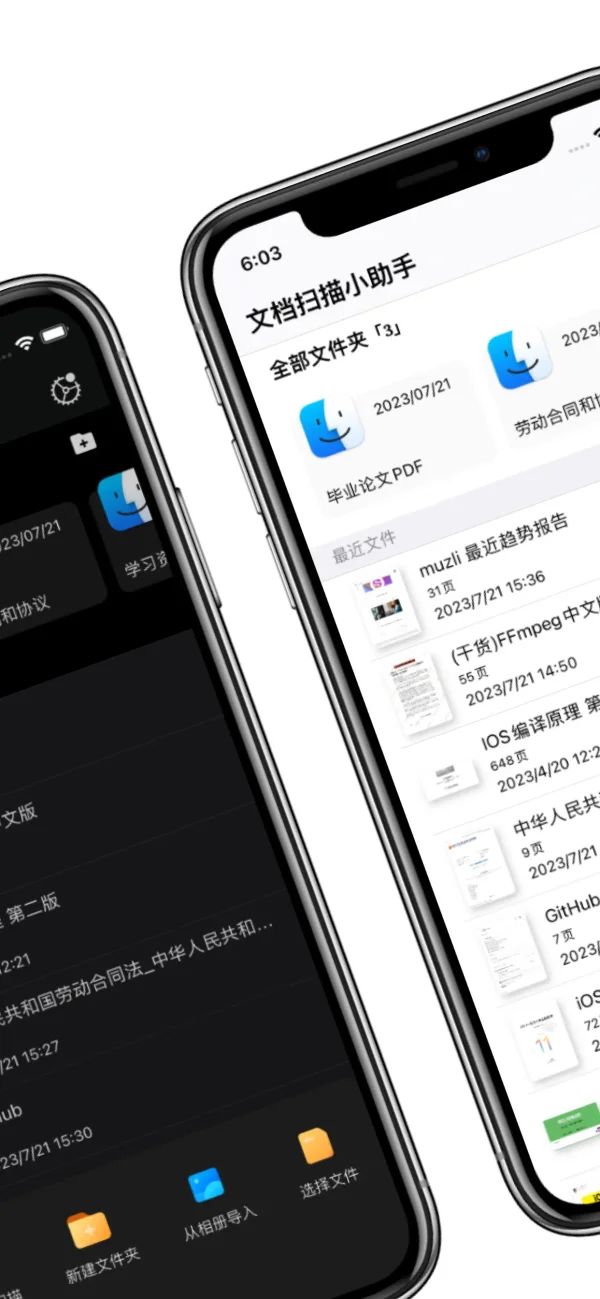
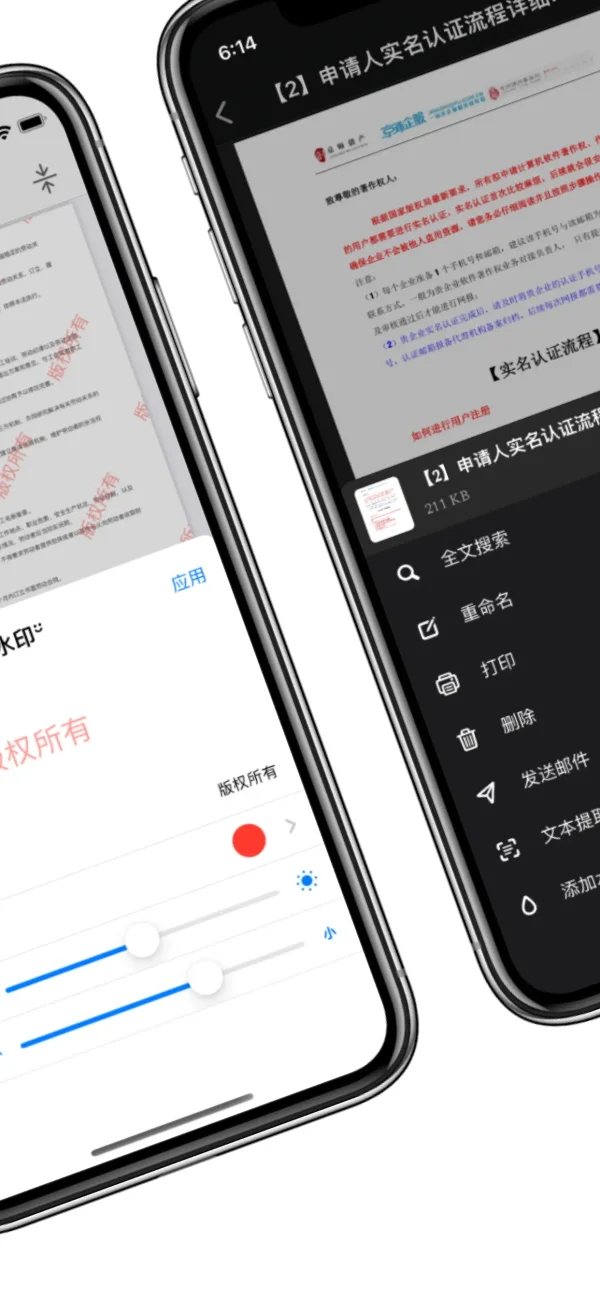
【1】Support native document scanning function, intelligently identify boundaries; quickly scan paper documents into PDF format.
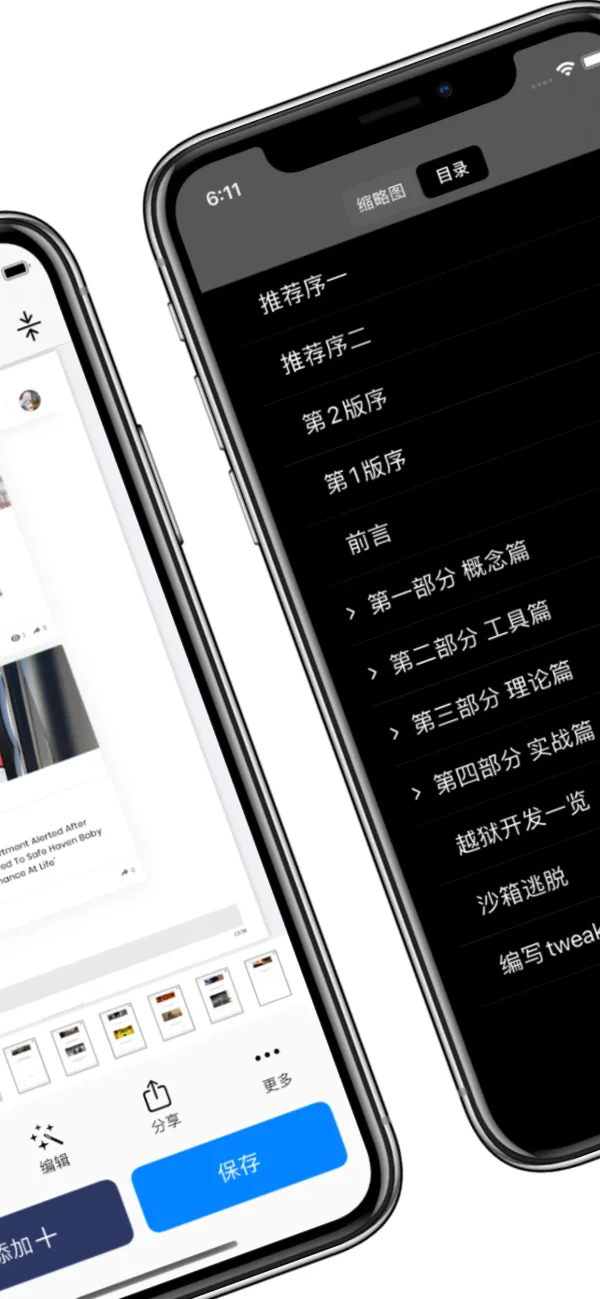
【2】Equipped with a variety of editing tools, such as cropping, rotating, adjusting color, deleting, etc. Allows you to get better quality scanned documents.
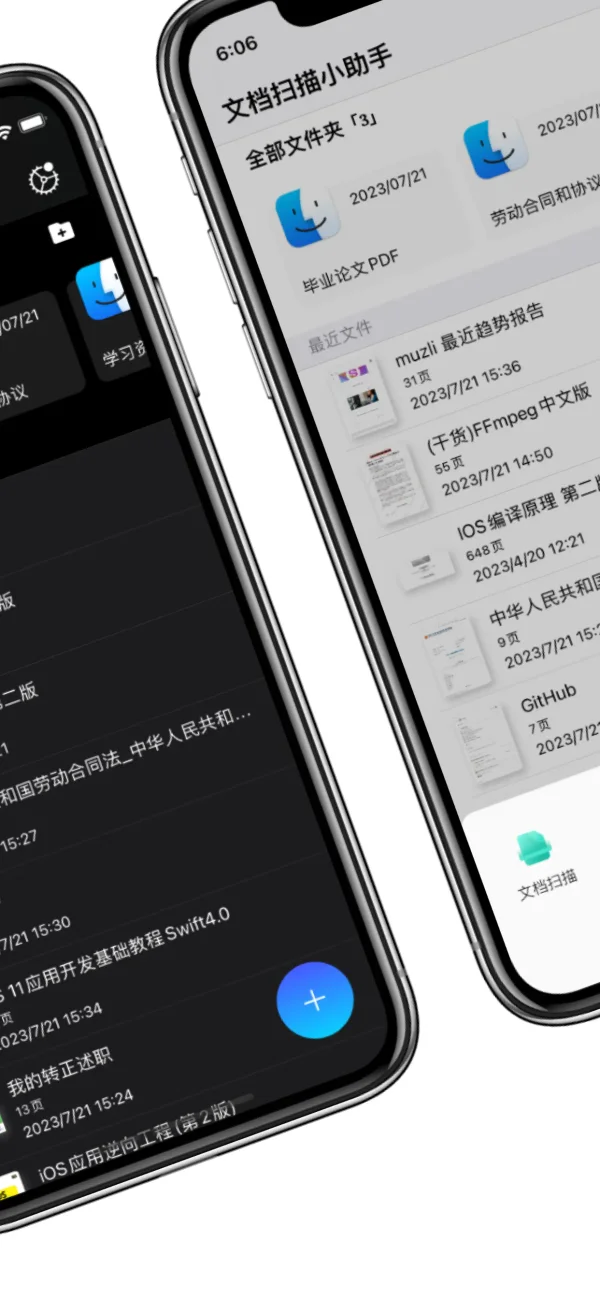
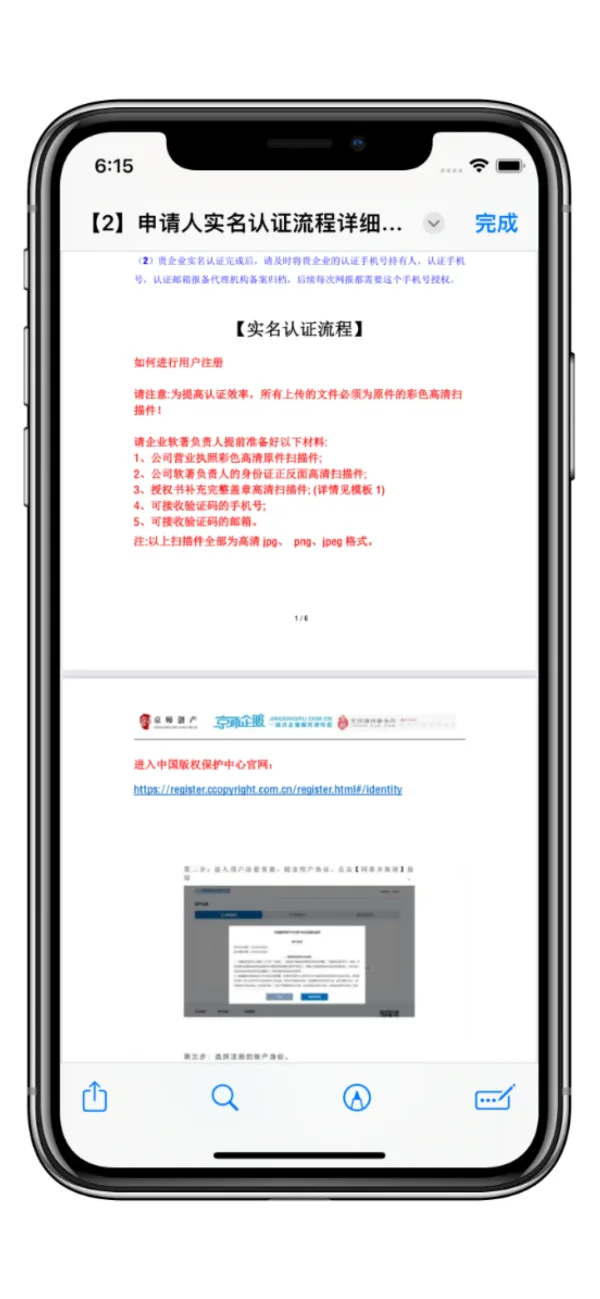
【3】Simple editing interface, no additional equipment is required, just open the APP, point the paper document at the camera and scan it automatically. The interface is simple and friendly, and the operation process is simple and easy to understand, even for first-time users. After scanning, you can easily adjust options, edit the document, and save it in PDF format for easy file management and sharing.
【4】Support adding watermarks to documents, and watermarks support multiple style adjustments.
【5】Multiple sharing options: This PDF scanner APP provides a variety of convenient sharing options. You can send scanned files directly by email, or save them to cloud storage services (such as Google Drive, Dropbox), so you can access and share files anytime, anywhere. Whether it is for personal use or office needs, it can meet your diverse needs.
What’s new
Version 1.0.4 · Apr 22, 2025
Fixed the problem of failure to import PDF files from iCloud
Fixed a bug
Optimized related code
App privacy
What 根 张 declares on the App Store about how this app handles data.
-
Data not linked to you
May be collected but is not linked to your identity.
- Location
- Identifiers
- Usage data
- Diagnostics
Privacy practices may vary, for example with the features you use or your age.
Information
- Seller
- 根 张
- Category
- Utilities
- Version
- 1.0.4
- Updated
- Apr 22, 2025
- Released
- Jul 25, 2023
- Size
- 3.4 MB
- Requires
- iOS 15.0 or later
- Age rating
- 4+
- Price
- Free
- In-app purchases
- Yes
- Languages
- English, Japanese, Korean, Simplified Chinese
- Copyright
- © 2025 doc scan helper
You might also like
-
 Document Scanner UniversalPDF editor scannable expert
-
 画像分類Utilities
-
 India AssistUtilities
-
 ScannerHub: QR & Document scanPhoto Scanner & PDF Converter
-
 Docs Scanning-UnlimitedUtilities
-
 Sermons & PreachingListen and watch sermons.
-
 Document Scanner-ScannerPortable Scan
-
 Video Compressor Resize VideoVideo Converter Save Space
-
 法电智能排盘Utilities
-
 中盈移动打印Utilities