DocuScan - Signature Maker
Sign Pad, Forms, eSign & PDF
Designed for iPhone
In-app purchases
- Age rating4+
- CategoryUtilities
- DeveloperKiryl Makarevich
- LanguagesEnglish
- Size31.8 MB
Links to the official App Store page
Download.org hosts no file of DocuScan - Signature Maker. The button opens its official App Store page, published by Kiryl Makarevich. Listing last checked on Nov 12, 2026.
Screenshots
About
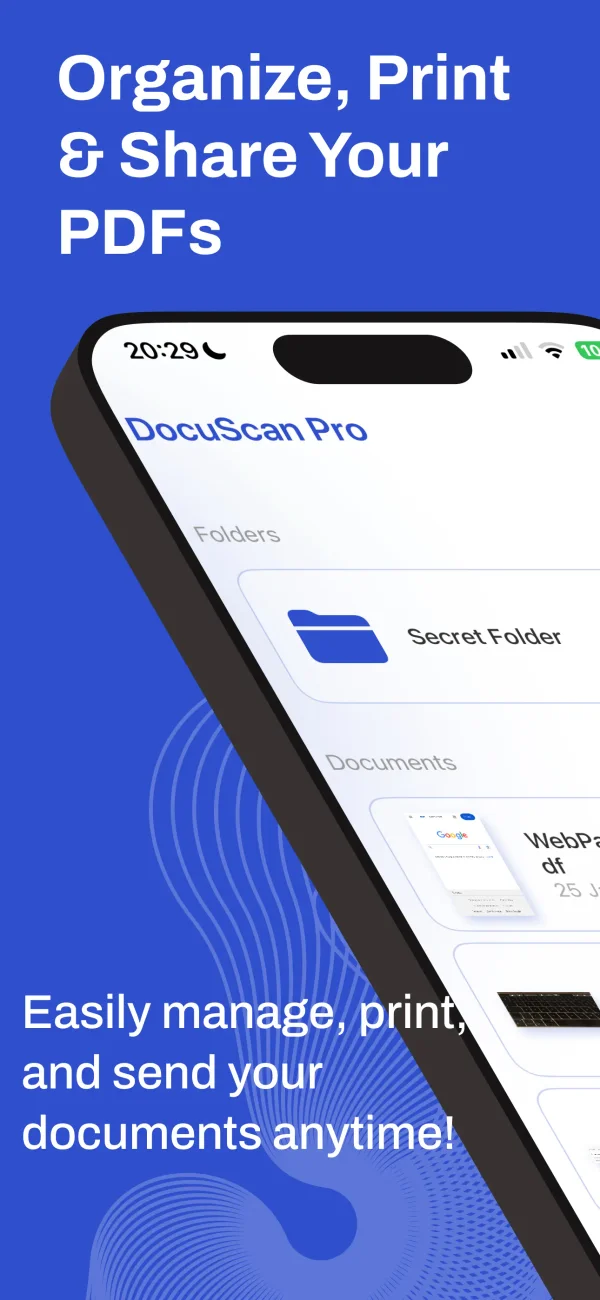
Turn your iPhone into a fast, simple PDF tool. Capture paper with the camera, turn photos into PDFs, save webpages as clean PDFs from a built-in browser or link, and keep everything neatly organized in folders.
What you can do
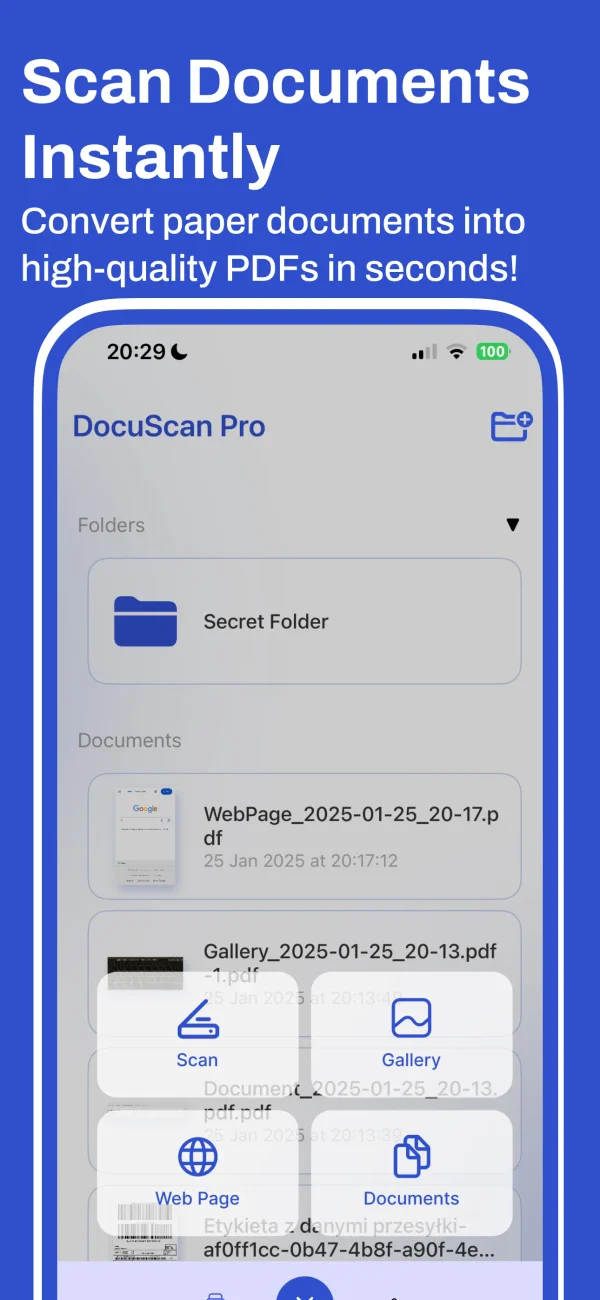
• Scan to PDF: Photograph documents in seconds and save as high-quality PDFs.
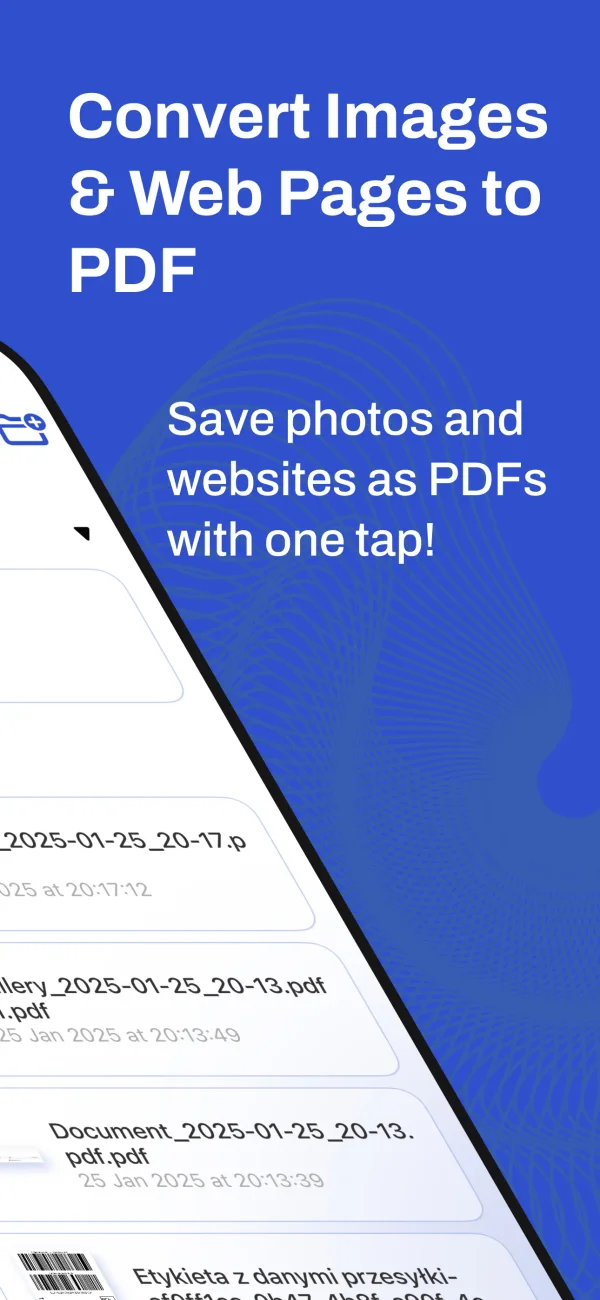
• Photo → PDF: Pick one or many images from your gallery and instantly convert them.
• Web → PDF: Open a page in the in-app browser or paste a URL to save a clean PDF copy (great for articles, tickets, receipts, and research).
• Import from Files: Add PDFs and images straight from the Files app (Documents, iCloud Drive, third-party providers).
• Folders & order: Create folders for projects, travel, finance, school—keep scans and saved pages easy to find.
• Share & print: Send your PDFs via Mail, Messages, or any app, or print right from your phone.
Why people choose this app
• It’s everything in one place: camera scans, photo conversion, and webpage-to-PDF.
• Simple organization: folders make ongoing work—like taxes, study notes, or client files—manageable.
• Lightweight & quick: no clutter, just the essentials that save you time.
Great for
Receipts and invoices, contracts and forms, ID pages, manuals, articles and blog posts, tickets and confirmations, study materials, travel plans.
Download now to build a clean, paperless workflow—without losing anything important again.
Subscriptions:
Weekly with 3 days trial - $1.99
Monthly without trial period - $4.99
Annual without trial period - $19.99
Terms and Conditions - https://telegra.ph/Terms-and-Conditions-06-27-5
Privacy Policy - https://telegra.ph/Privacy-Policy-06-27-86
What’s new
Version 2.0 · May 14, 2026
Minor Bug Fix
App privacy
What Kiryl Makarevich declares on the App Store about how this app handles data.
-
Data not collected
The developer does not collect any data from this app.
Privacy practices may vary, for example with the features you use or your age.
Information
- Seller
- Kiryl Makarevich
- Category
- Utilities
- Version
- 2.0
- Updated
- May 14, 2026
- Released
- Jun 29, 2023
- Size
- 31.8 MB
- Requires
- iOS 17 or later
- Age rating
- 4+
- In-app purchases
- Yes
- Languages
- English
- Copyright
- © Kiryl Makarevich
You might also like
-
 Docus Scan & Sign PDF DocsScanner, Editor & Export
-
 PDF: Edit, Sign, Scan, ConvertFill, Sign & Annotate Docs
-
 Convert Image To Pdf ConverterPdf to images & images to pdf
-
 WebMilo - AI Website BuilderDescribe a page, publish it
-
 ClipClean AI - Auto CaptionsNoise Reducer & Voice Clone
-
 Local AI Image GeneratorOffline Stable Diffusion Art
-
 Image to PDF - Photo to PDFConvert images to PDF fast
-
 LushAIChatAI that speaks Mizo Language.
-
 Fontastic - Install FontsFont manager, 1,000+ typefaces
-
 Coyn: Budget & Expense TrackerManage spending, save money