DocuSwift: Just Ask
Chat to Scan & Convert
Designed for iPhone
Free · In-app purchases
- Age rating4+
- CategoryProductivity
- DeveloperKmaster Limited
- LanguagesEnglish+ 8 more
- Size35.5 MB
Links to the official App Store page
Download.org hosts no file of DocuSwift: Just Ask. The button opens its official App Store page, published by Kmaster Limited. Listing last checked on Nov 15, 2026.
Screenshots

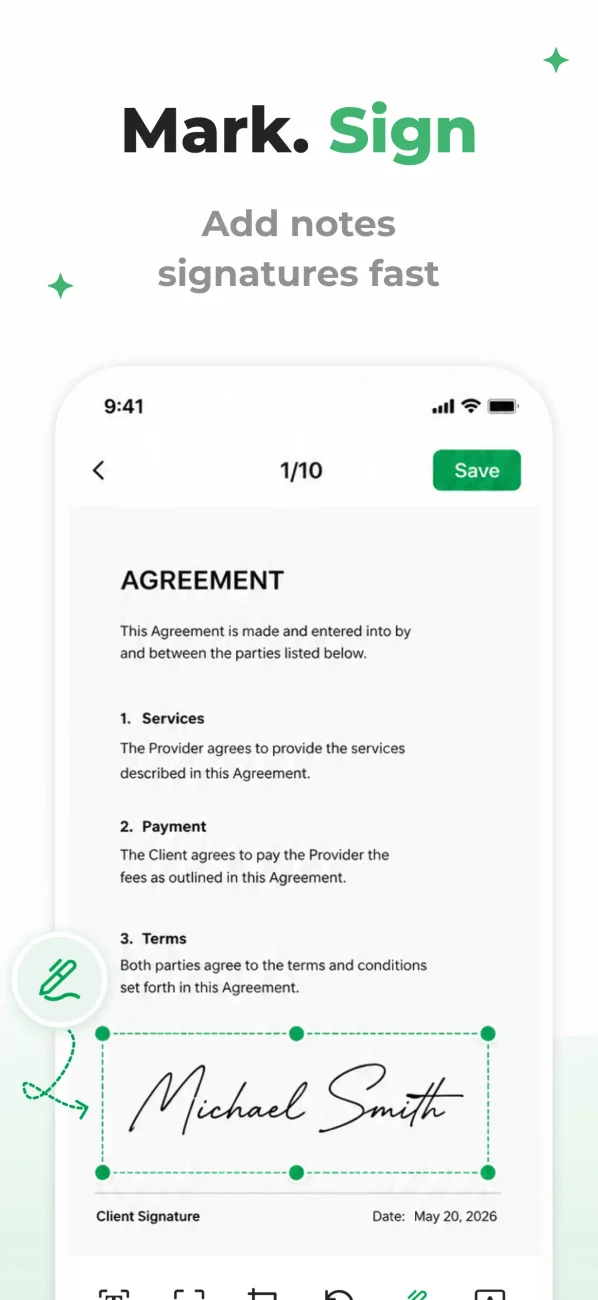
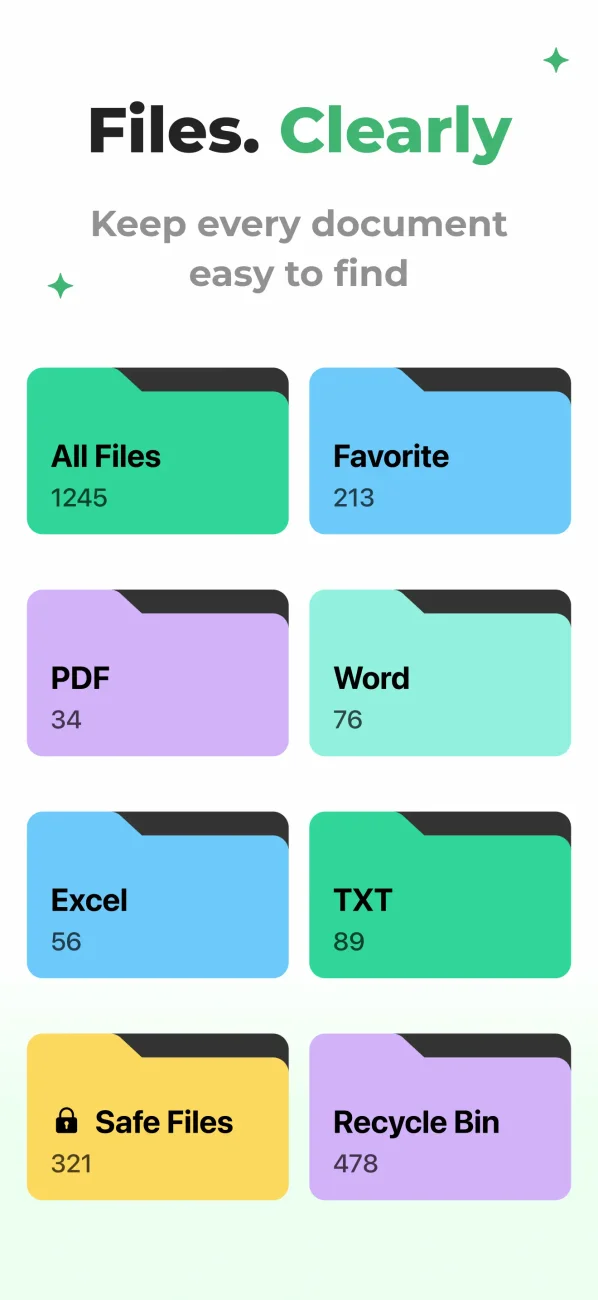
About
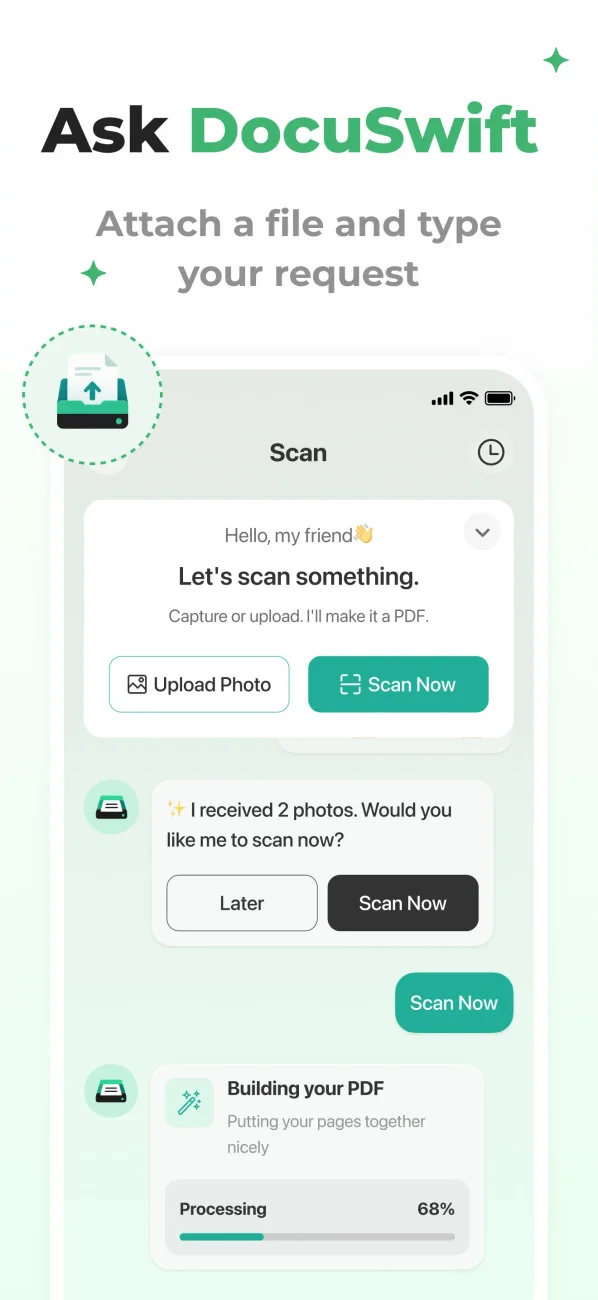
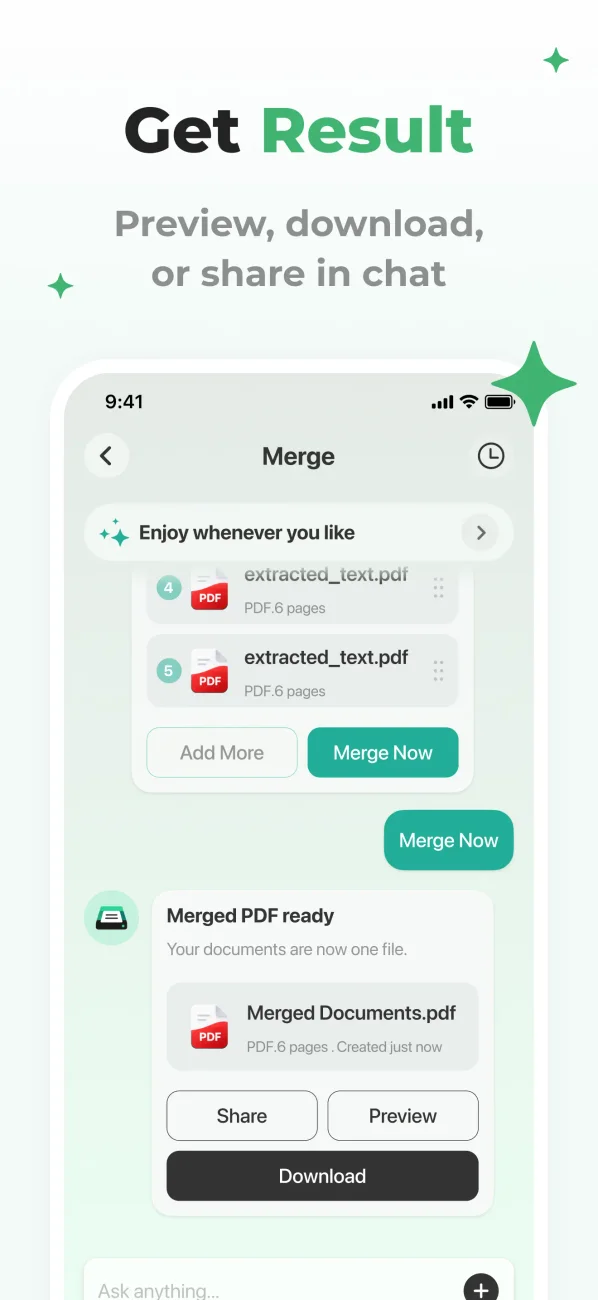
DocuSwift makes PDF tasks feel as simple as sending a message. Instead of searching through crowded toolbars, you can choose what you want to do, upload a document, and complete common file tasks through a clear chat-style workflow.
Whether you are handling class notes, work reports, contracts, receipts, forms, or personal records, DocuSwift helps you polish, organize, convert, and protect documents with fewer steps.
**KEY FEATURES**
CHAT-STYLE DOCUMENT WORKFLOW
Skip the crowded toolbars. Tell DocuSwift what you need to do with a file, then follow a focused task flow from start to finish.
Use simple instructions to merge documents, convert files, rename PDFs, improve writing, or prepare a file for sharing.
POLISH CONTENT
Make your writing clearer, more professional, and easier to read.
Improve rough drafts, formal documents, and reports with cleaner wording and a more natural tone.
PROTECT IMPORTANT FILES
Add protection to sensitive files before saving or sharing them. Useful for contracts, personal documents, work files, and other PDFs that should not be left open.
When a file contains private or important information, DocuSwift helps you handle it with more confidence.
HANDLE EVERYDAY PDF TASKS
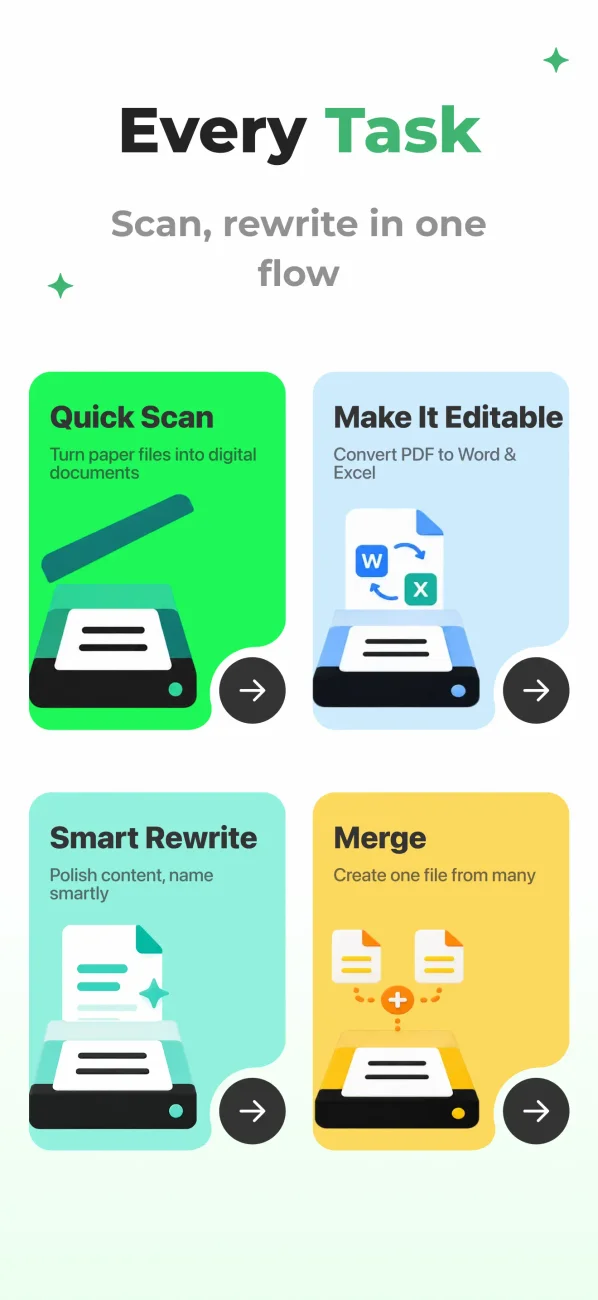
Complete common document tasks in one place.
Quickly scan paper pages, receipts, notes, and forms as clean PDF files.
Merge multiple PDFs, create PDFs from images, convert PDF files into editable Word documents, extract tables to Excel, rename files, and share finished documents when they are ready.
DocuSwift keeps these tools close, but the experience stays simple and focused.
Ready to simplify the way you work with documents? Download DocuSwift today.
If you have any questions, feedback, or suggestions, we'd love to hear from you.
Contact us: huangkailin@kmasterltd.com
Privacy Policy: https://docuswifts.com/privacy.html
Terms of Use: https://docuswifts.com/terms.html
What’s new
Version 1.0.1 · Oct 23, 2026
Thanks for using PicPDF!
This update includes performance improvements, bug fixes, and overall enhancements to make your document workflow faster and smoother.
App privacy
What Kmaster Limited declares on the App Store about how this app handles data.
-
Data used to track you
May be used to track you across apps and websites owned by other companies.
- Identifiers
-
Data not linked to you
May be collected but is not linked to your identity.
- Identifiers
Privacy practices may vary, for example with the features you use or your age.
Information
- Seller
- Kmaster Limited
- Category
- Productivity
- Version
- 1.0.1
- Updated
- Oct 23, 2026
- Released
- Sep 10, 2026
- Size
- 35.5 MB
- Requires
- iOS 17.6 or later
- Age rating
- 4+
- Price
- Free
- In-app purchases
- Yes
- Languages
- English, French, German, Italian, Korean, Polish, Portuguese, Spanish, Turkish
- Copyright
- © Kmaster Limited
You might also like
-
 LiLit Cleaner: Scroll & TidyBrowse, compress, organize
-
 Flux Cleaner-Space OptimizeCleanup Master
-
 Milo Cleaner: Photo CleanupFree Up Storage & Clean Photos
-
 TidyPopPhoto & Video Cleaner
-
 MinusClean: Smart CleanerDelete Clutter, Save Space
-
 PDF Flow: Local Document DeskCreate, Organize & Share PDFs
-
 snapCleanerAIPhoto Cleanup & Security Guard
-
 Cleaner AI - Smart StorageAI Butler Cleans Space & Mail
-
 Fotli CleanerPhoto & Video Cleanup
-
 ZipAi Cleaner:Cleanup StorageFree Up Space, Clean Photos