
dolcam: Selfie & Pose Camera
Photo Collage & Photocard
Designed for iPhone
Free · In-app purchases
- Age rating4+
- CategoryPhoto & Video
- DeveloperToshiki Sakuraya
- LanguagesEnglish+ 10 more
- Size236.1 MB
Links to the official App Store page
Download.org hosts no file of dolcam: Selfie & Pose Camera. The button opens its official App Store page, published by Toshiki Sakuraya. Listing last checked on Nov 23, 2026.
Screenshots


About
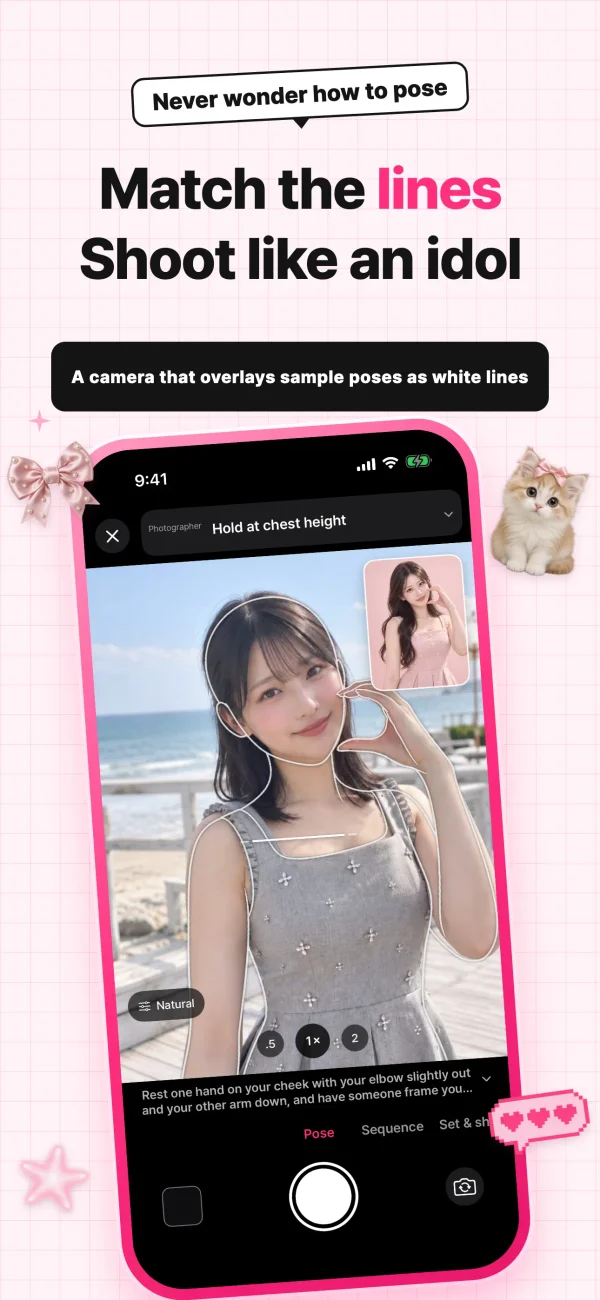
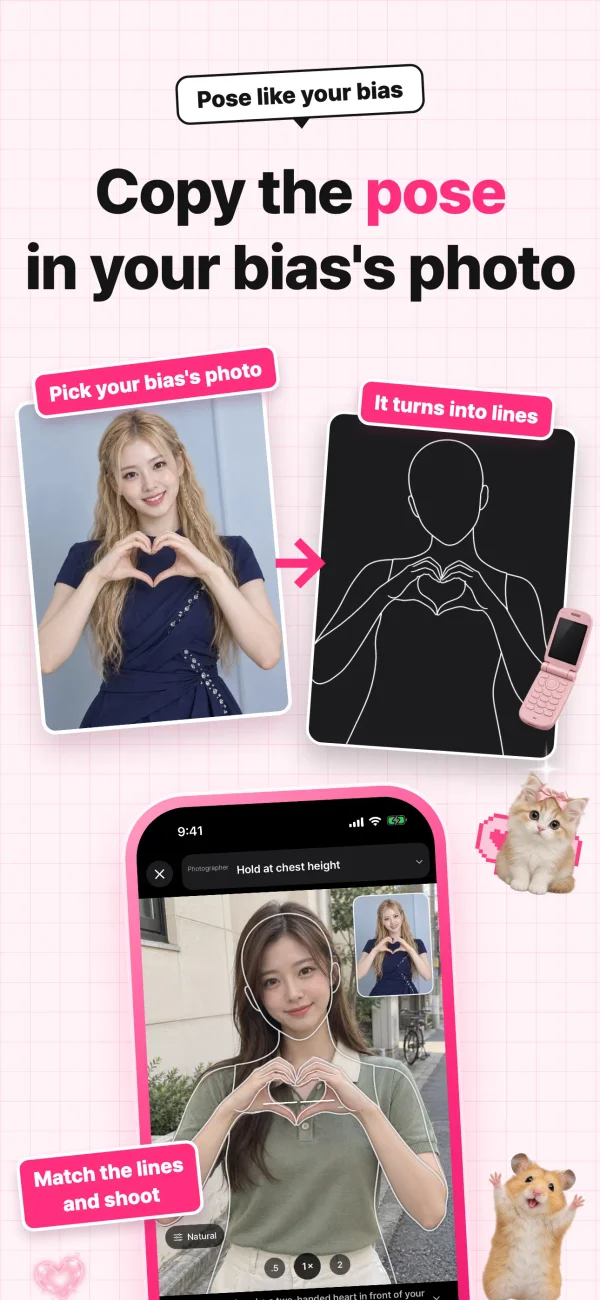
dolcam shows a pose on your camera screen as white lines. Line yourself up and take the shot, and you get the framing you see in idol and influencer posts.
When someone else takes your photo, the usual problems are easy to spot: you look tiny, you end up off to one side, or your feet get cut off. With the lines on screen, you catch that before the shutter.
POSES
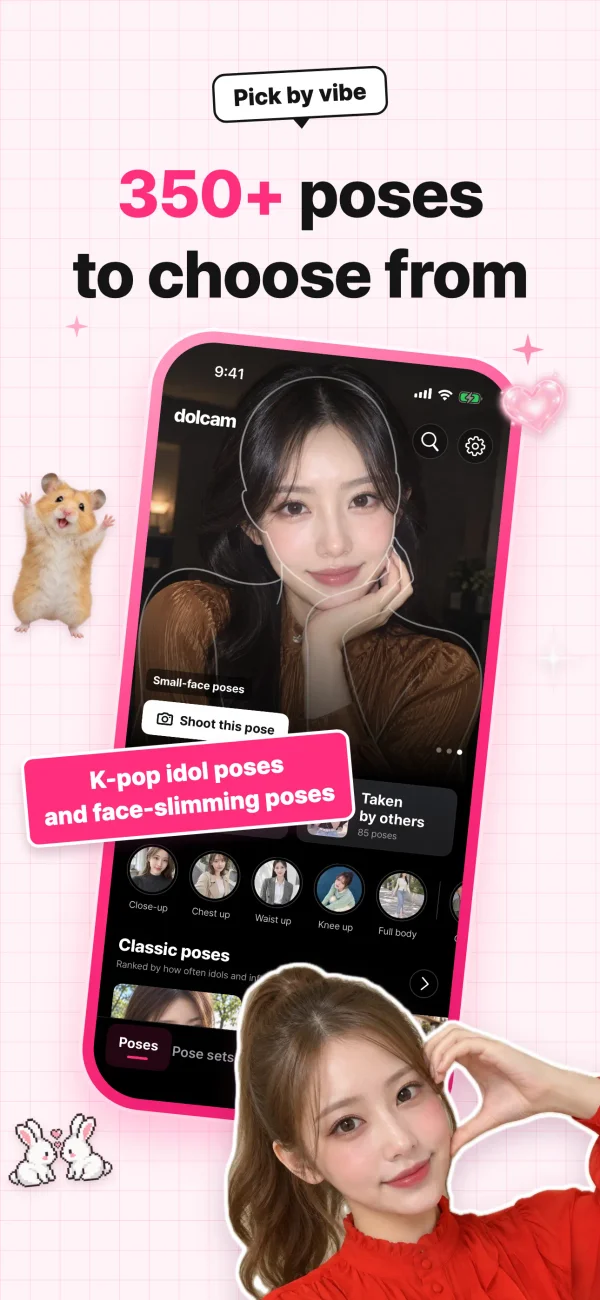
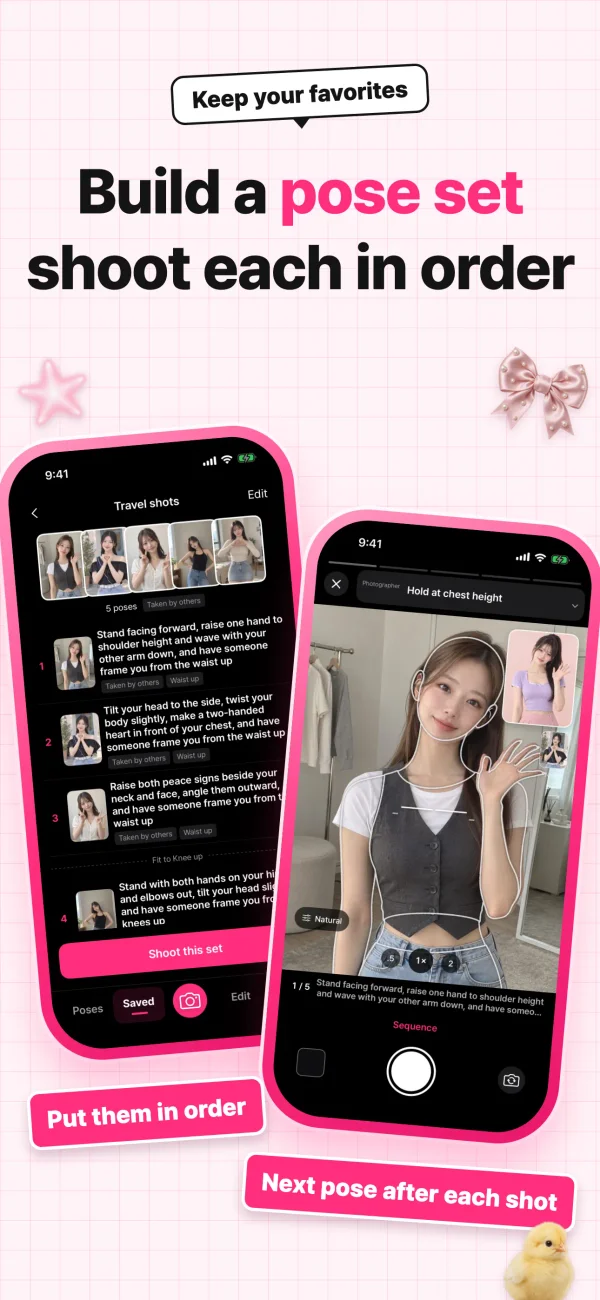
Pick from more than 350 poses, sorted by mood: K-pop idol, influencer, cute, cafe, and poses that hide your face. Some fit you in from head to toe. Save the ones you like to your own pose sets.
HELP FOR THE PERSON HOLDING THE PHONE
Their screen shows how high to hold the phone and when it's tilted. You also get told where to look. Nobody has to say "lower, no, lower" ever again.
SHOOTING ALONE
Prop your phone up and step into the lines. dolcam tells you out loud where to move. Show your palm and the shutter goes off 3 seconds later.
FEWER BAD SHOTS
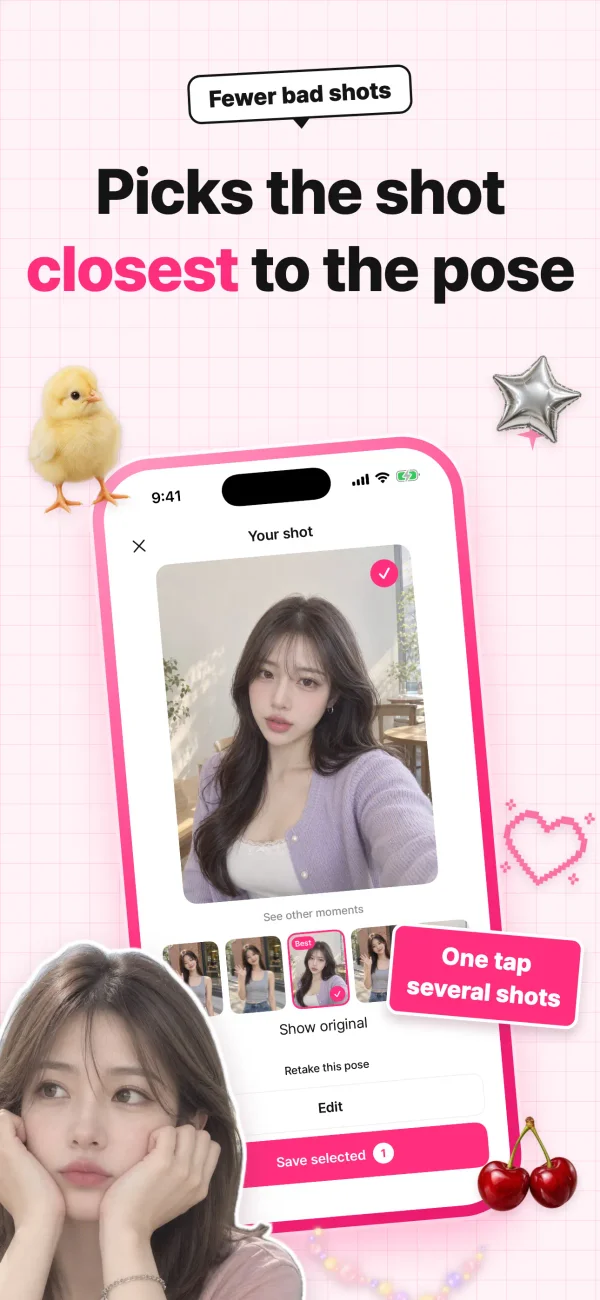
One press takes a few frames, and dolcam keeps the one closest to the pose. It also warns you when a finger covers the lens or the phone tilts.
SILENT SHUTTER
Switch on the silent shutter in Settings when you don't want the click.
AFTER THE SHOT
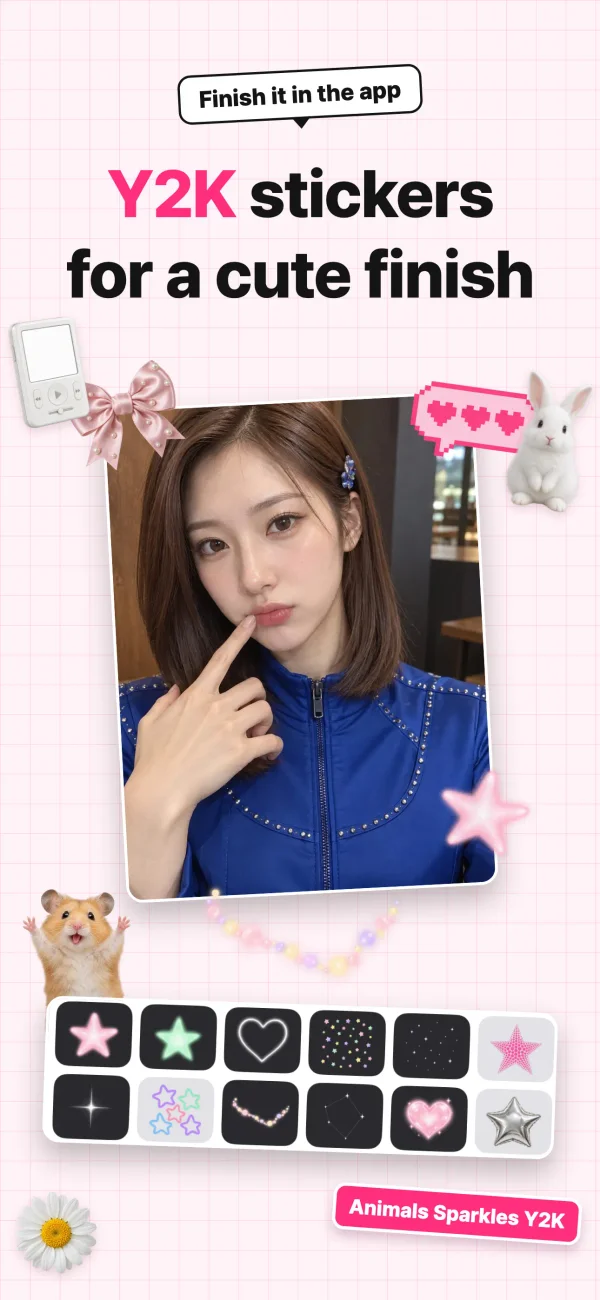
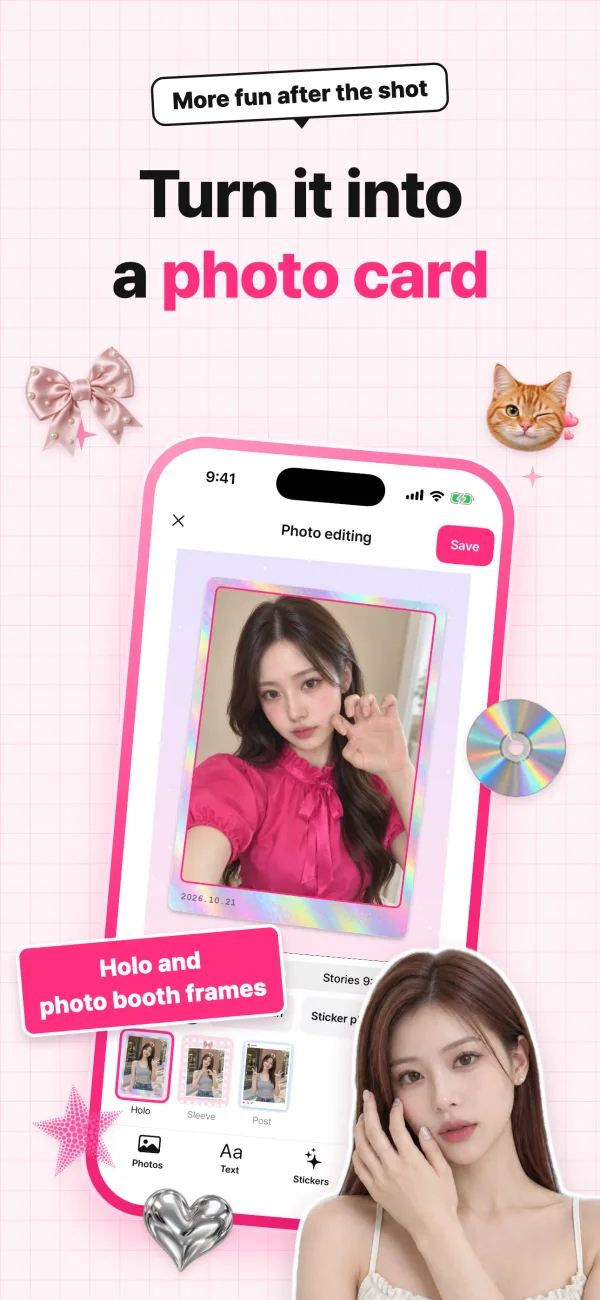
Drop your photo into a photocard or a camera-style frame. For a collage, put up to four shots into a photo booth strip, a 2x2 grid or a Stories layout. Seven color looks include CCD and Film. Finish with Y2K or sparkle stickers and save it to Photos.
Terms of Use: https://saku1110.github.io/dolcam-legal/terms-en.html
Privacy Policy: https://saku1110.github.io/dolcam-legal/privacy-en.html
What’s new
Version 1.0.7 · Nov 18, 2026
Minor improvements.
App privacy
What Toshiki Sakuraya declares on the App Store about how this app handles data.
-
Data used to track you
May be used to track you across apps and websites owned by other companies.
- Purchases
- Identifiers
- Usage data
-
Data linked to you
May be collected and linked to your identity.
- Purchases
- Location
- User content
- Identifiers
- Usage data
- Diagnostics
- Other data
-
Data not linked to you
May be collected but is not linked to your identity.
- Purchases
- Usage data
Privacy practices may vary, for example with the features you use or your age.
Information
- Seller
- Toshiki Sakuraya
- Category
- Photo & Video
- Version
- 1.0.7
- Updated
- Nov 18, 2026
- Released
- Nov 5, 2026
- Size
- 236.1 MB
- Requires
- iOS 17.0 or later
- Age rating
- 4+
- Price
- Free
- In-app purchases
- Yes
- Languages
- English, French, German, Indonesian, Italian, Japanese, Korean, Spanish, Thai, Traditional Chinese, Vietnamese
- Copyright
- © 2026 Toshiki Sakuraya
You might also like
-
 Copycat Cam: Pose Guide CameraPhoto Poses & Picture Ideas
-
 Pose Camera: Posing GuidePortrait guides & photo trips
-
 デタカメPhoto & Video
-
 MELPI - Pose Guide CameraPhoto & Video
-
 AI Photo Editor - ImaginatiImage Generator & Video Maker
-
 Frame Coach: Pose CameraPose ideas for every photo
-
 JA999AAircraft Spotting Log & Stats
-
 AI Photo Editor & Art - PictAIAvatar, Image, Video Generator
-
 fopic - Photo Strip 4 CutStudio photo strip dalam saku
-
 Muse — Composition CameraYour eye for composition