- Age rating4+
- CategoryProductivity
- DeveloperAfsal Backer
- Size875.0 KB
Links to the official App Store page
Download.org hosts no file of DoomStop. The button opens its official App Store page, published by Afsal Backer. Listing last checked on Nov 13, 2026.
Screenshots
About
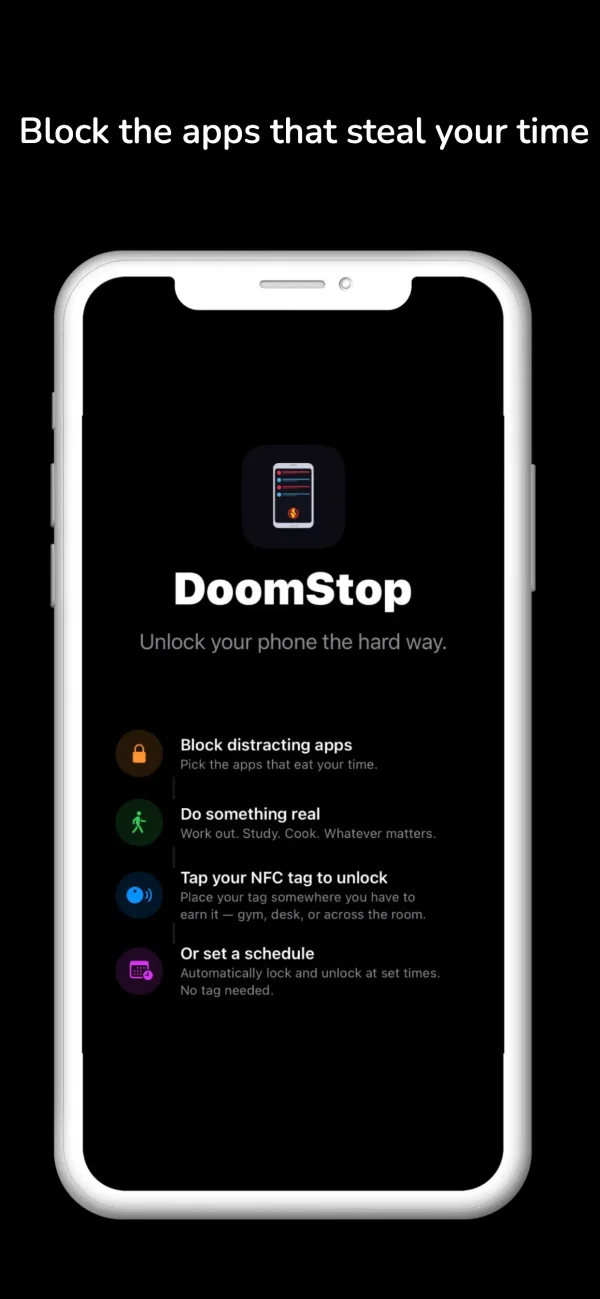
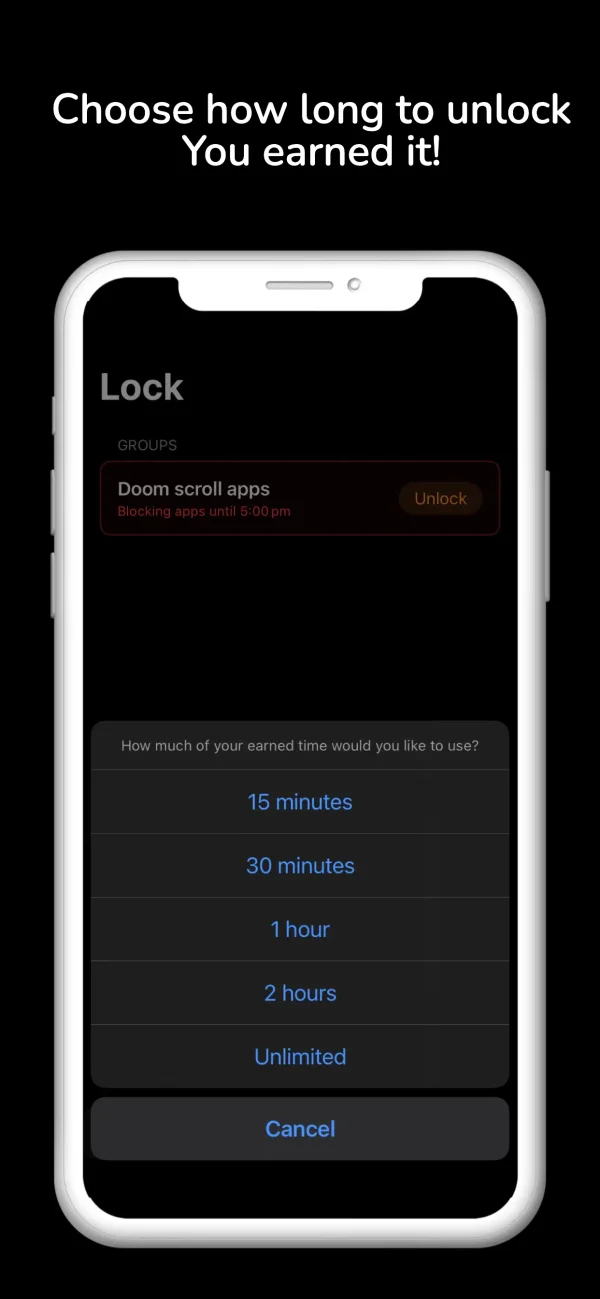
DoomStop is a free app that helps you break the doom-scrolling habit by making you physically earn access to distracting apps.
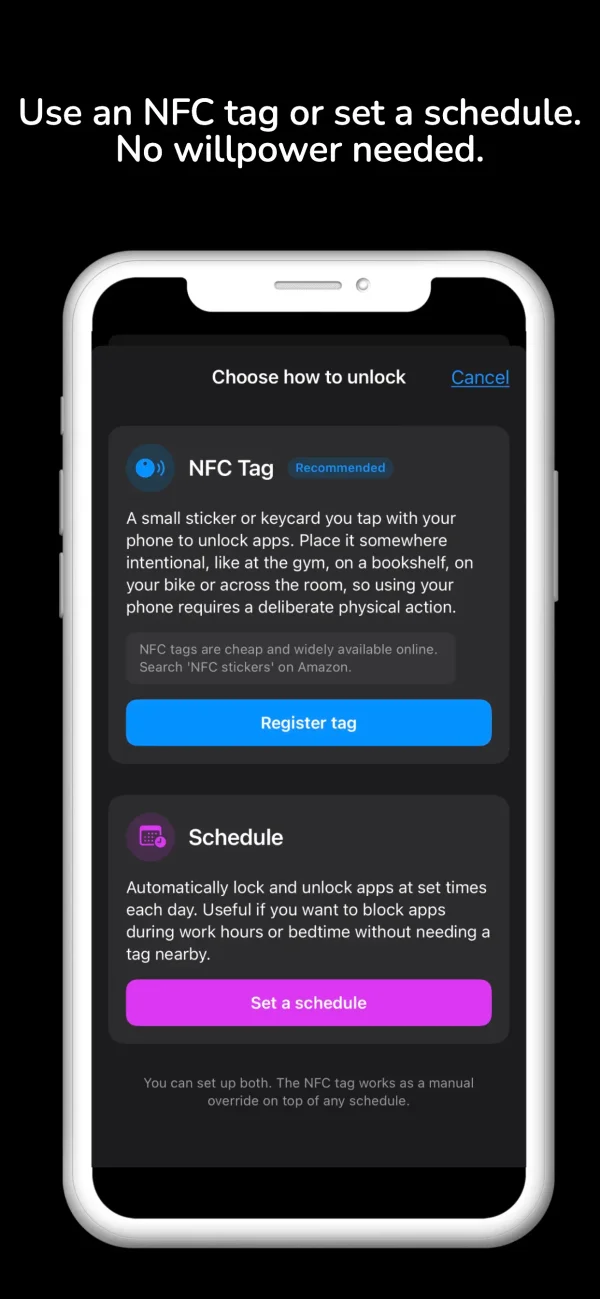
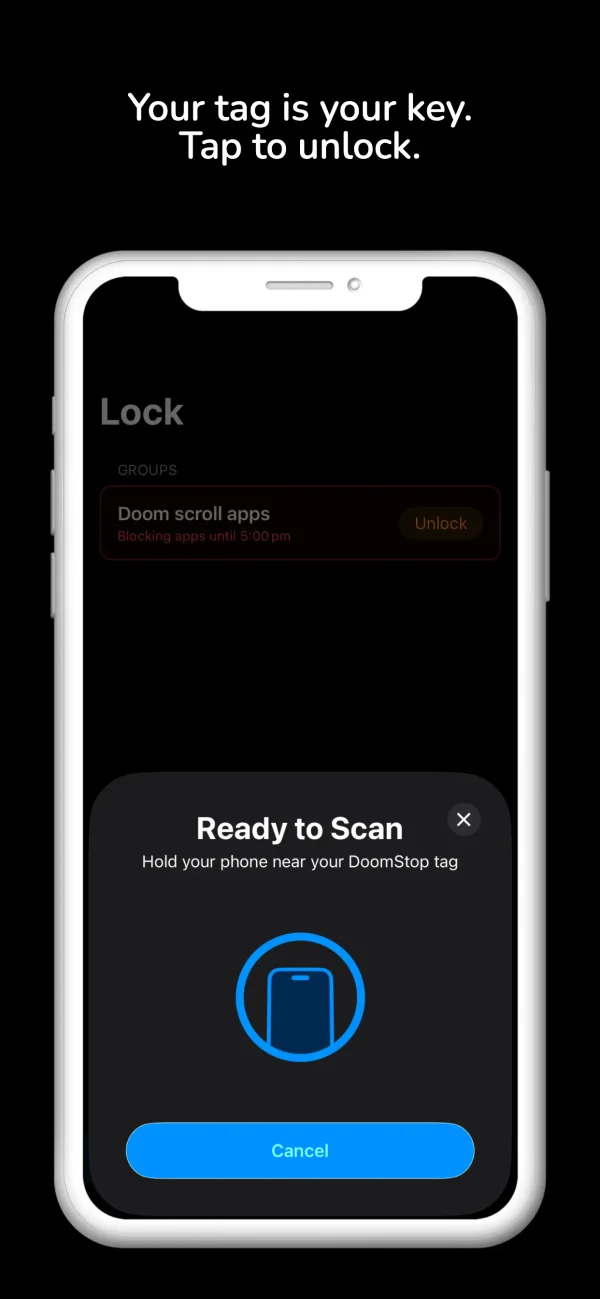
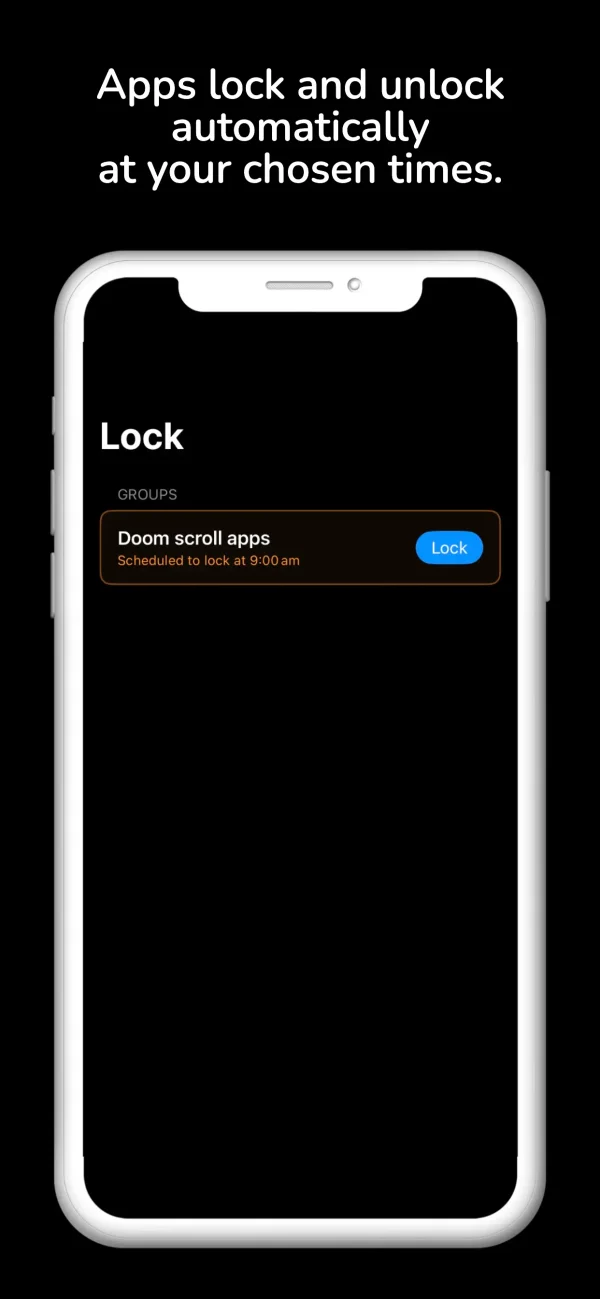
Choose which apps to block, then set up your unlock method. Register an NFC tag and place it somewhere intentional — your gym bag, bookshelf, or desk at work. Tap it with your phone when you're back and ready. Or set a schedule to automatically lock and unlock apps at set times, no tag needed.
How it works
— Create a group of apps you want to block
— Register an NFC tag or set a schedule
— Lock the group when you want to focus
— Tap your tag to unlock, or let your schedule do it
Why DoomStop?
Most screen time apps are easy to bypass. DoomStop uses a physical NFC tag as your key — a deliberate, real-world action that breaks the mindless reflex of picking up your phone. The friction is the feature.
No account required. No data collected. Everything stays on your device.
App privacy
What Afsal Backer declares on the App Store about how this app handles data.
-
Data not collected
The developer does not collect any data from this app.
Privacy practices may vary, for example with the features you use or your age.
Information
- Seller
- Afsal Backer
- Category
- Productivity
- Version
- 1.0
- Updated
- Apr 23, 2026
- Released
- Apr 24, 2026
- Size
- 875.0 KB
- Requires
- iOS 16.0 or later
- Age rating
- 4+
- Copyright
- © 2026 Afsal Backer
You might also like
-
 TimeAudit Hour LedgerTrack where your time goes
-
 DoomGuard: Stop DoomscrollingScreen Time & Focus Coach
-
 Scrappy: Screen Time Guard DogApp Blocker & Focus Friend
-
 Shopping list: Nom LandRecipe organiser. Meal planner
-
 Brainlock: Quit ScrollingBlock apps, limit screen time
-
 TSC InfinityProductivity
-
 Digital Habits: BlockerOpen-source app & site blocker
-
 TrackBotTrackBot
-
 Stryct: Strict App BlockerLock Apps & Block Websites
-
 Nodal: Private Offline AI ChatLocal LLM & voice cloning