
- Age rating4+
- CategoryLifestyle
- DeveloperVenkata Sai Dutt Ganduri
- LanguagesEnglish
- Size7.0 MB
Links to the official App Store page
Download.org hosts no file of Doorframe: Height Tracker. The button opens its official App Store page, published by Venkata Sai Dutt Ganduri. Listing last checked on Nov 15, 2026.
Screenshots
About
The pencil marks on the door frame, without the pencil.
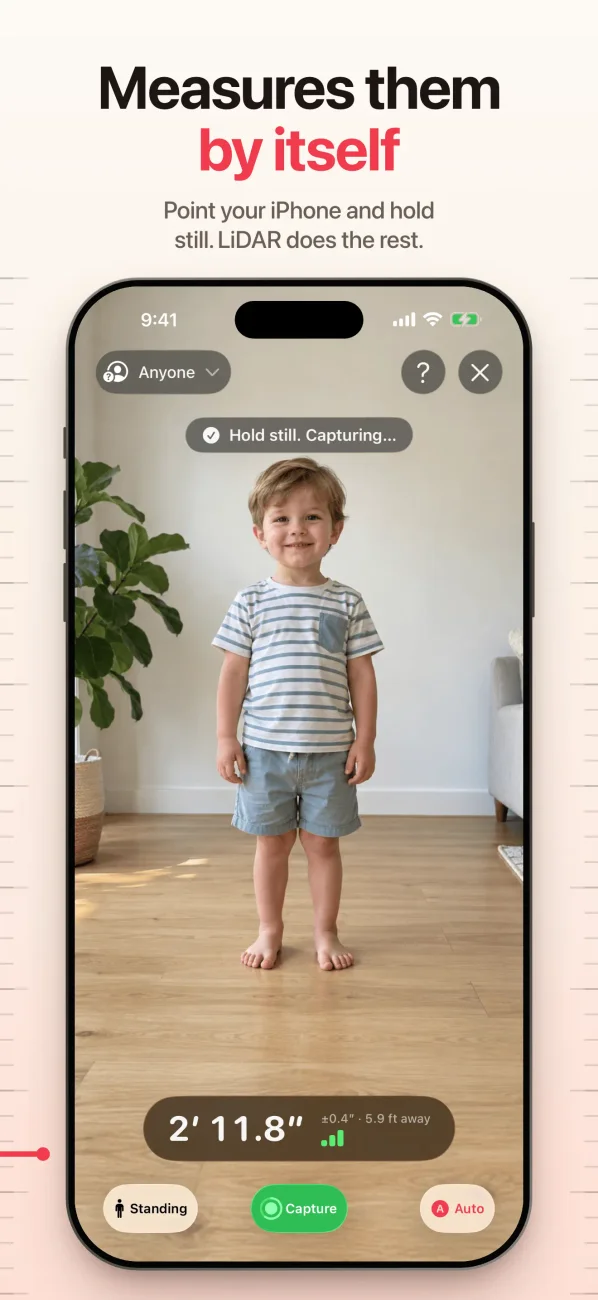
Doorframe is a simple, private height tracker for your whole family. Point your iPhone at someone standing on the floor, hold still, and it measures their height by itself. Then it keeps every mark on one illustrated door, so you can see everyone side by side and watch your kids grow.
MEASURE LIVE
• On an iPhone with LiDAR (Pro and Pro Max models), a 3D measuring pole appears beside them and the height shows live.
• Hold roughly still and it captures on its own. A wobbly toddler is fine.
• It only captures once several readings agree, so the same person measures the same height run after run.
• It asks "Is this Arlo?" based on who it's most likely to be, so saving takes a tap.
• Standing, or lying down for babies.
• Clear tips on screen: step back, show their feet, turn on a light.
• Every height shows its range and how confident Doorframe is.
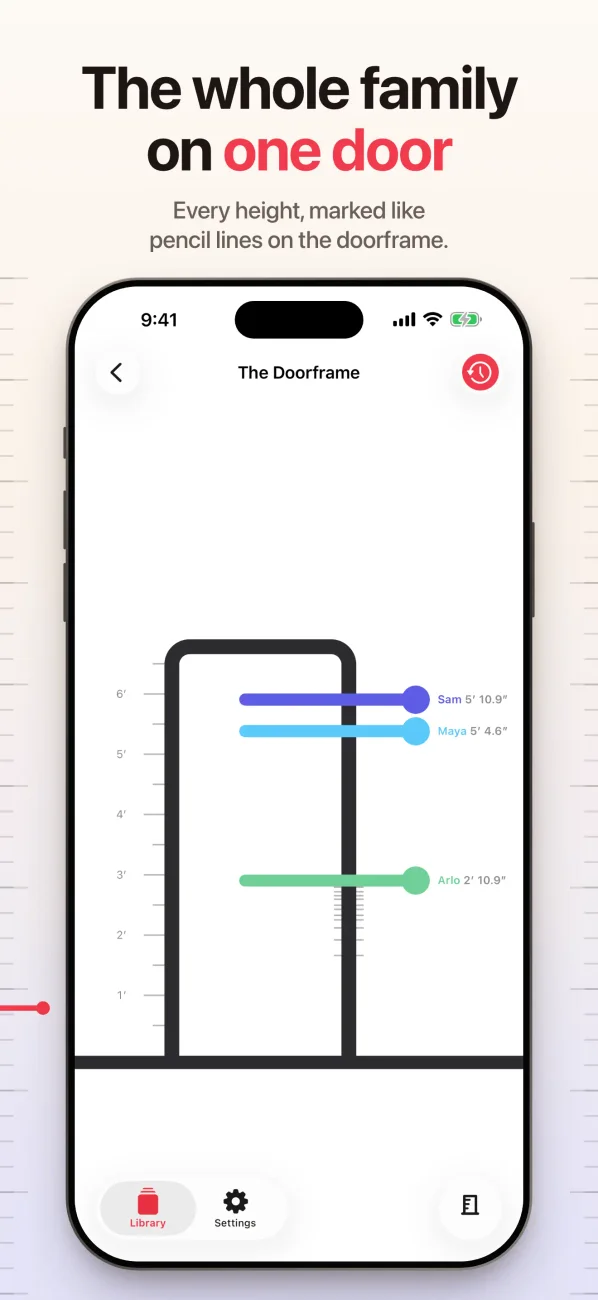
THE WHOLE FAMILY ON ONE DOOR
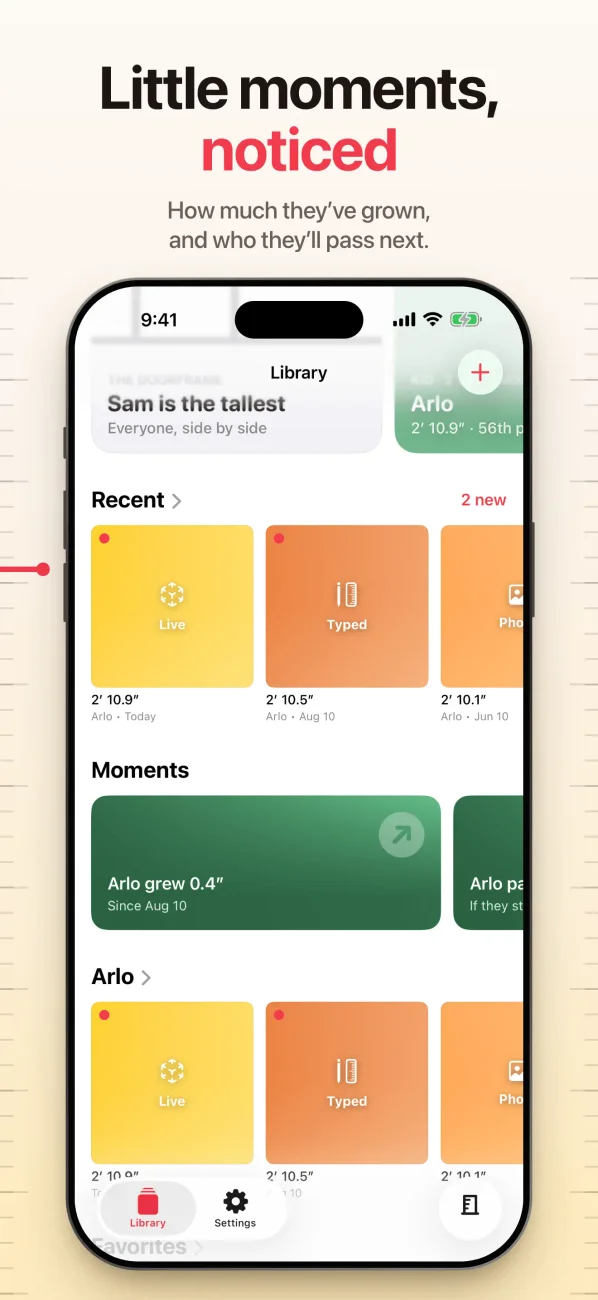
• An illustrated door at true scale, with everyone's latest pencil mark and name.
• Turn on History to see the kids' older marks in faded pencil.
• A card for each person, and a library of every measurement.
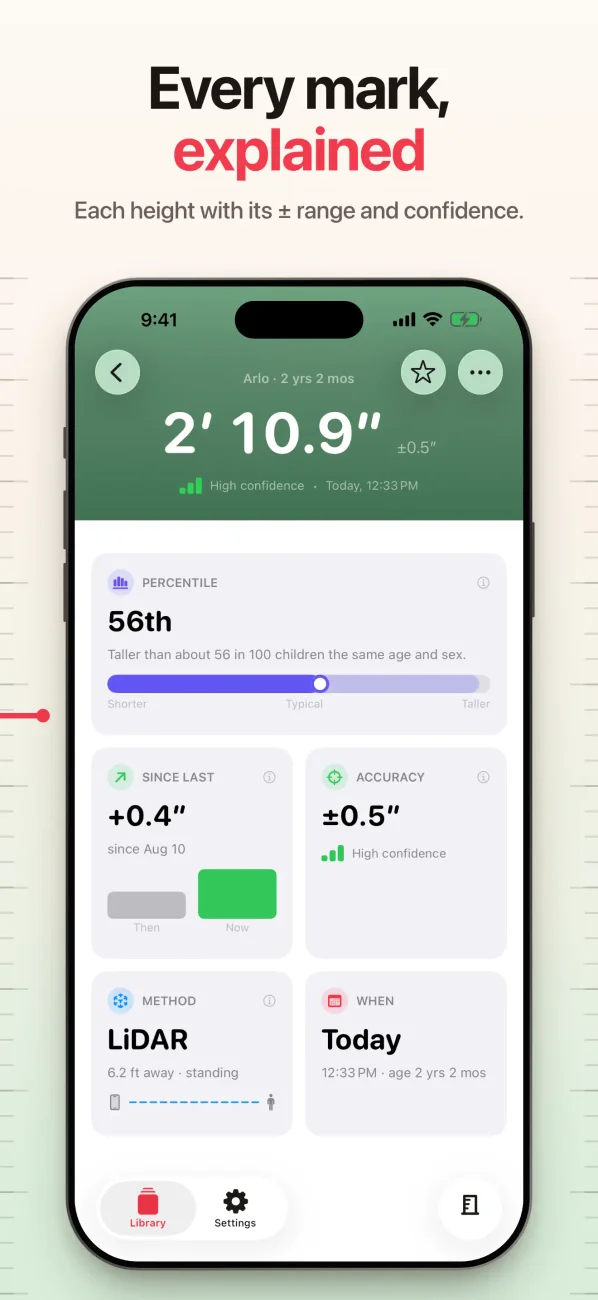
EVERY MARK, EXPLAINED
• Open any measurement full screen, with its photo and the height on it.
• Below it, what the number means: their percentile, the change since last time, how accurate it is, and how and when it was measured. Tap a card to learn more.
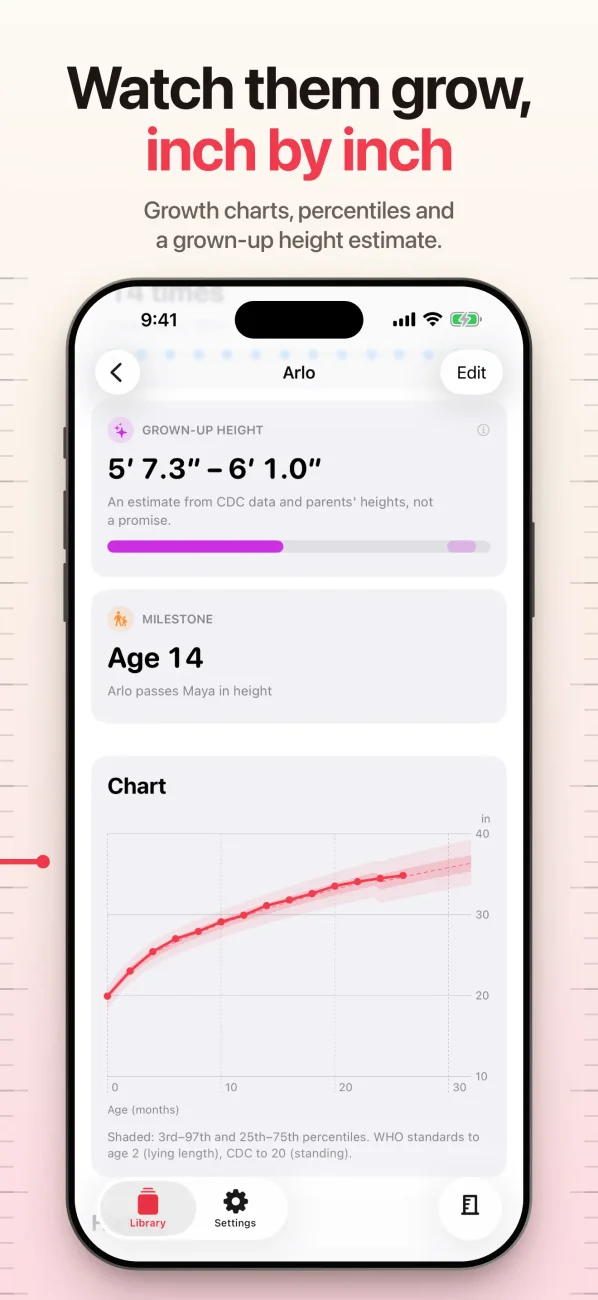
WATCH THEM GROW
• WHO and CDC growth charts for babies, kids and teens, with percentile bands.
• Their percentile and how fast they're growing each year.
• Grown-up height: an estimate from their growth curve, their parents' heights, or both. You choose who the parents are.
• Little moments, picked out for you: "Arlo grew 2.1 cm since July", "Arlo passes Mum at about 13".
• Grown-ups get a steady height of their own, with how consistent their measurements are.
MORE WAYS TO ADD A HEIGHT
• Take a photo with LiDAR, which keeps depth so it can measure them later.
• Or type in a height, like a number from a check-up. This works on any iPhone.
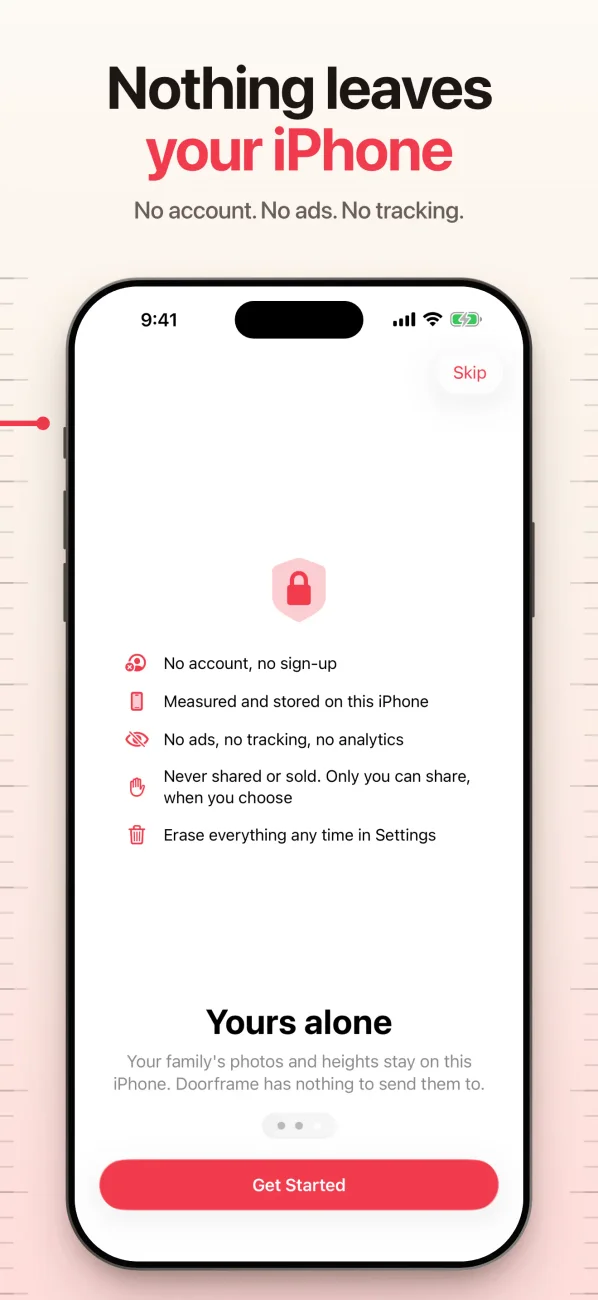
YOURS ALONE
• No account, no sign-up.
• Measured and stored on this iPhone. Nothing is sent anywhere.
• No ads, no tracking, no analytics.
• Export your measurements as CSV, or erase everything any time in Settings.
ALSO
• Reminders to measure, per person.
• Centimetres or feet and inches, following your region or your choice.
• Light and dark, and Dynamic Type.
Live measuring needs an iPhone with LiDAR. Growth charts, percentiles and predictions are information, not medical advice. Talk to your child's doctor about their growth.
App privacy
What Venkata Sai Dutt Ganduri declares on the App Store about how this app handles data.
-
Data not collected
The developer does not collect any data from this app.
Privacy practices may vary, for example with the features you use or your age.
Information
- Seller
- Venkata Sai Dutt Ganduri
- Category
- Lifestyle
- Version
- 1.0
- Updated
- Oct 25, 2026
- Released
- Oct 25, 2026
- Size
- 7.0 MB
- Requires
- iOS 26.0 or later
- Age rating
- 4+
- Price
- Free
- Languages
- English
- Copyright
- © 2026 Daivat Creations
You might also like
-
 DoorFrame: Family SizesClothes & shoes as kids grow
-
 Python Face AgeFace age + HRV insights
-
 Typeback: AI Reply KeyboardWrite in your voice, any app
-
 Test My AgeLifestyle
-
 SkinAgeScannerSkin Age Face Scan & Estimate
-
 Melio - Self Improvement90 Day Face Body Habit Tracker
-
 Skin Care Scanner : Ai RoutineDermatology Acne Rash Skincare
-
 Loru: Looksmax AI Face RatingGlow Up Plan & Beauty Score
-
 AI Color Analysis by GloweeStyle & Palette finder
-
 Alpha: Dating AssistantAI Messages & Flirting Tips