- Age rating17+
- CategoryHealth & Fitness
- DeveloperWonyoung Labs
- LanguagesJapanese+ 15 more
- Size97.7 MB
Links to the official App Store page
Download.org hosts no file of DoseWeek: Injection Tracker. The button opens its official App Store page, published by Wonyoung Labs. Listing last checked on Nov 12, 2026.
Screenshots

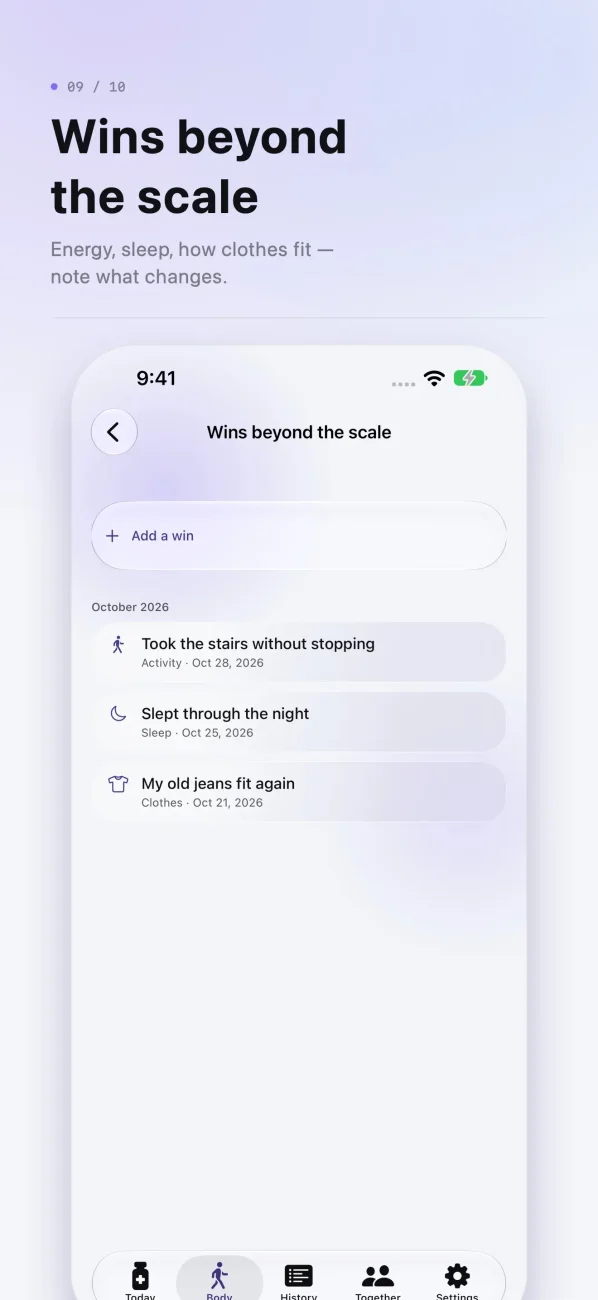
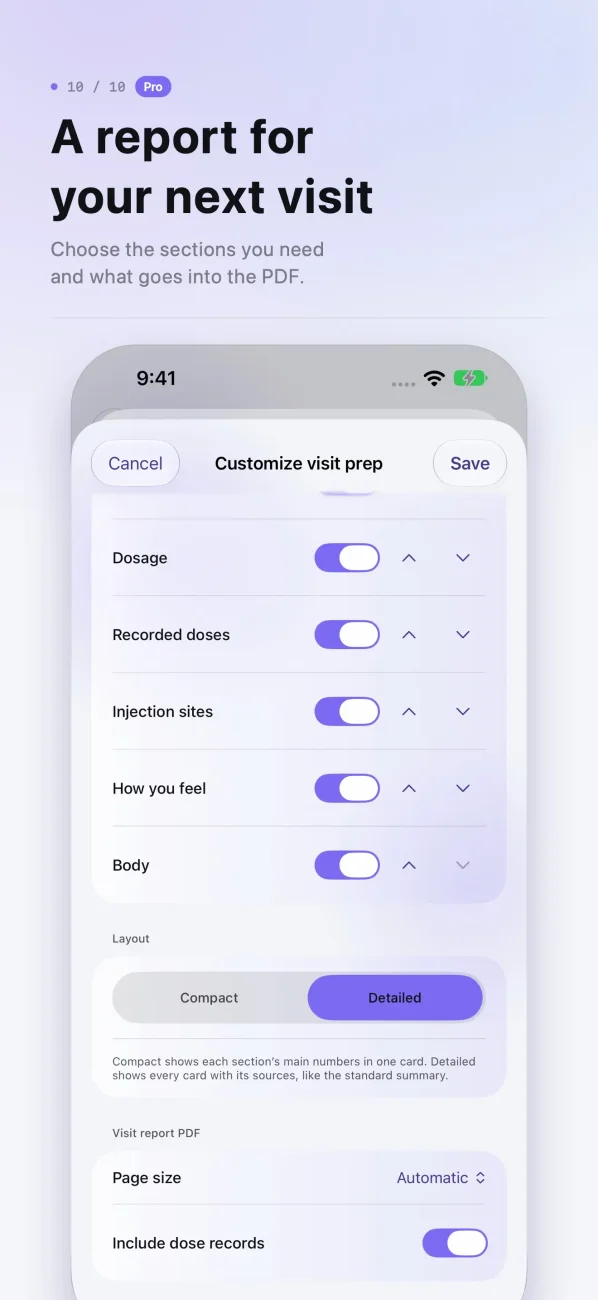
About
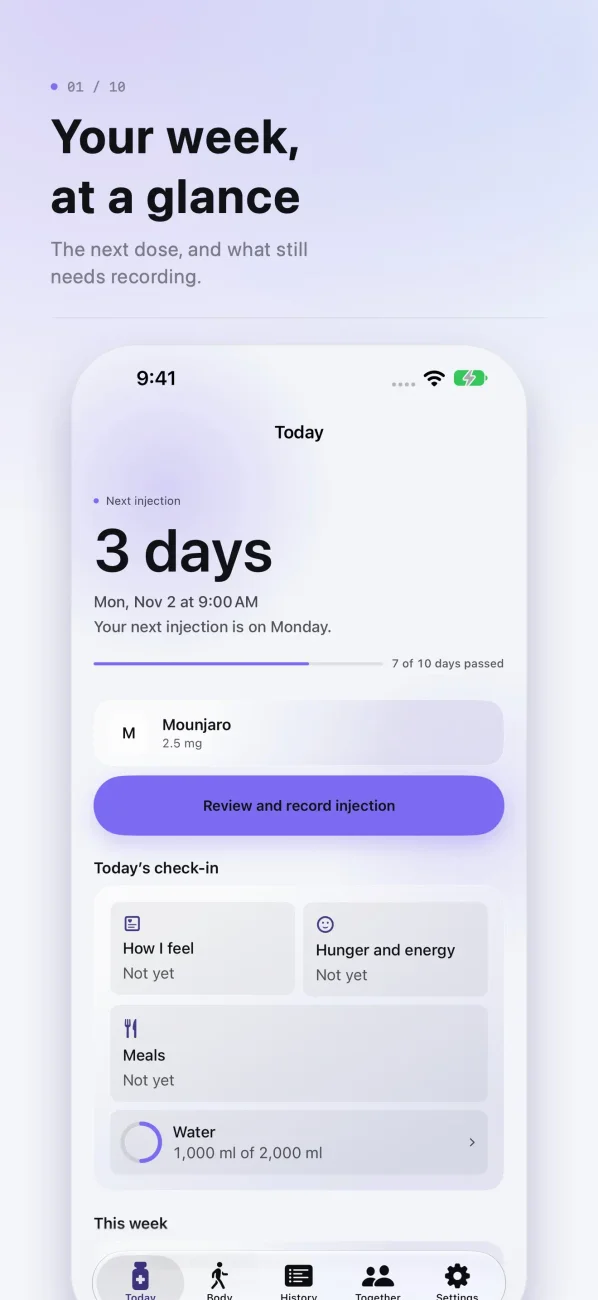
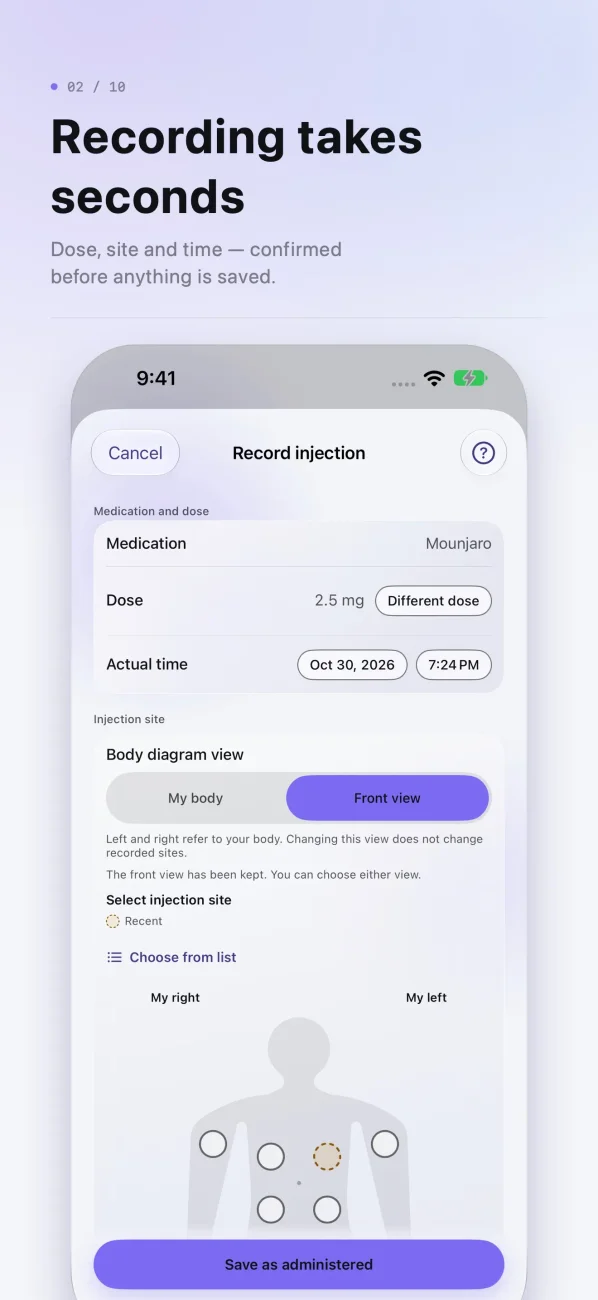
Keep your injection schedule and records in one place, including GLP-1 medicines such as Mounjaro (tirzepatide) and Wegovy or Ozempic (semaglutide), plus weight and meals.
Keep records locally without signing in. Free includes: repeat intervals or up to 60 dates in a year; confirmed injections, sites and symptoms; supplies; weight and body charts (whole weight history); meals and favorites; adding past injections at once; CSV/TSV import; CSV/PDF visit reports; widgets; app lock; encrypted file backup and restore. Review imported rows and drafts before saving. Optional calendar sync sends only titles and times, never medicine, dose, site or notes.
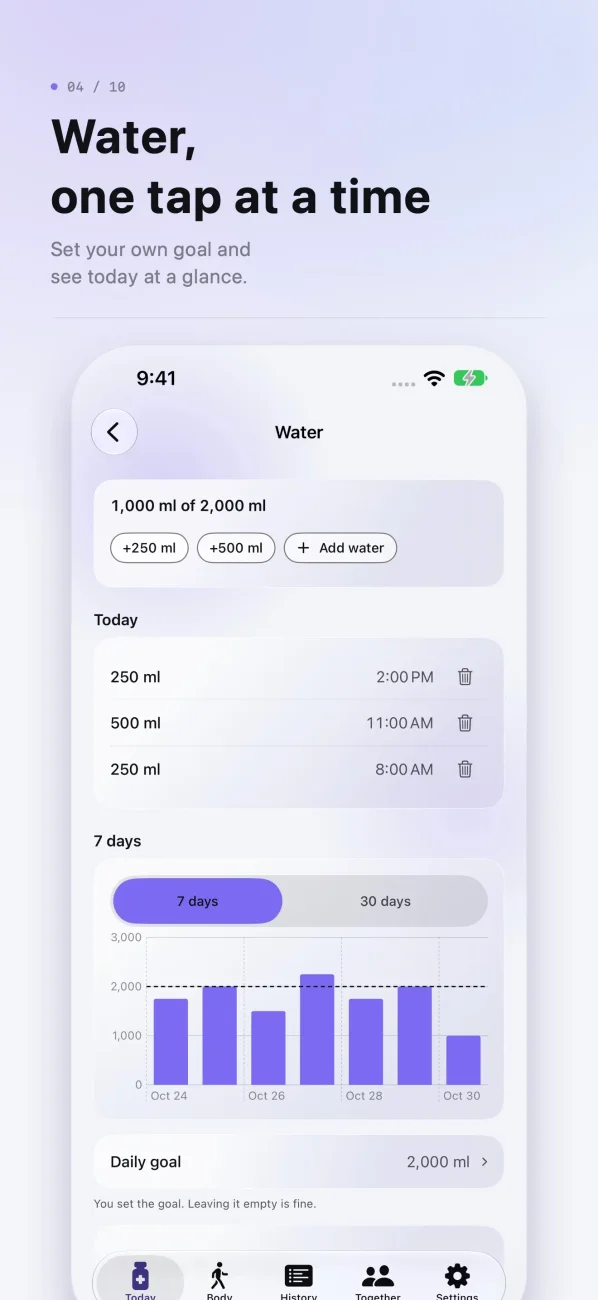
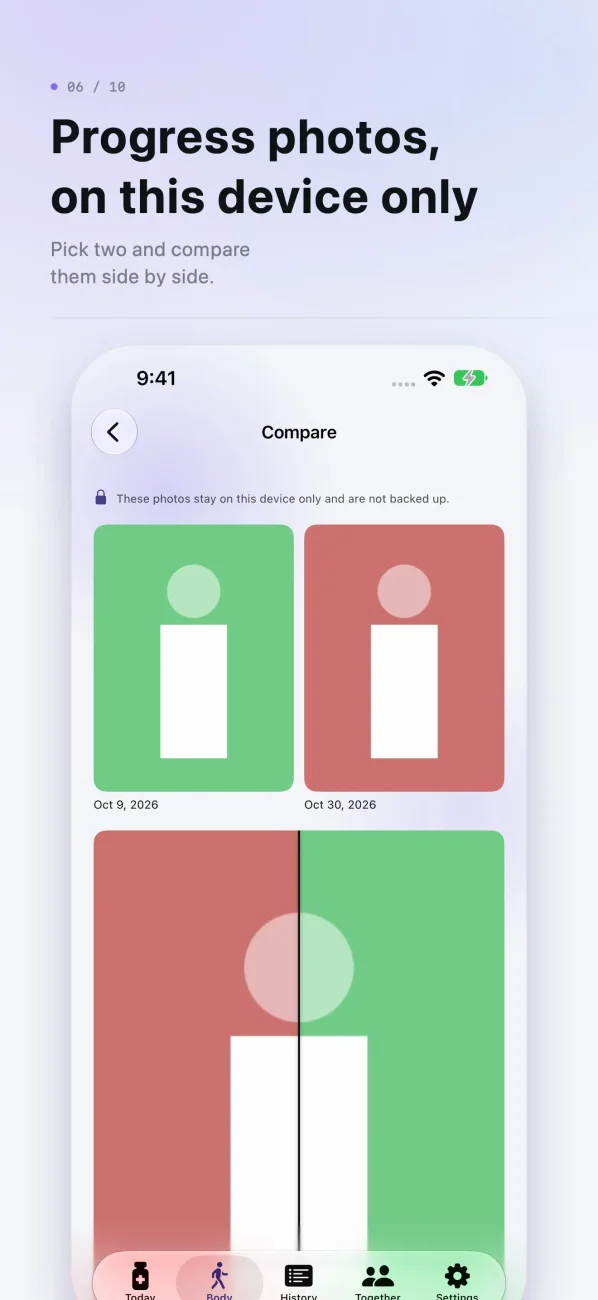
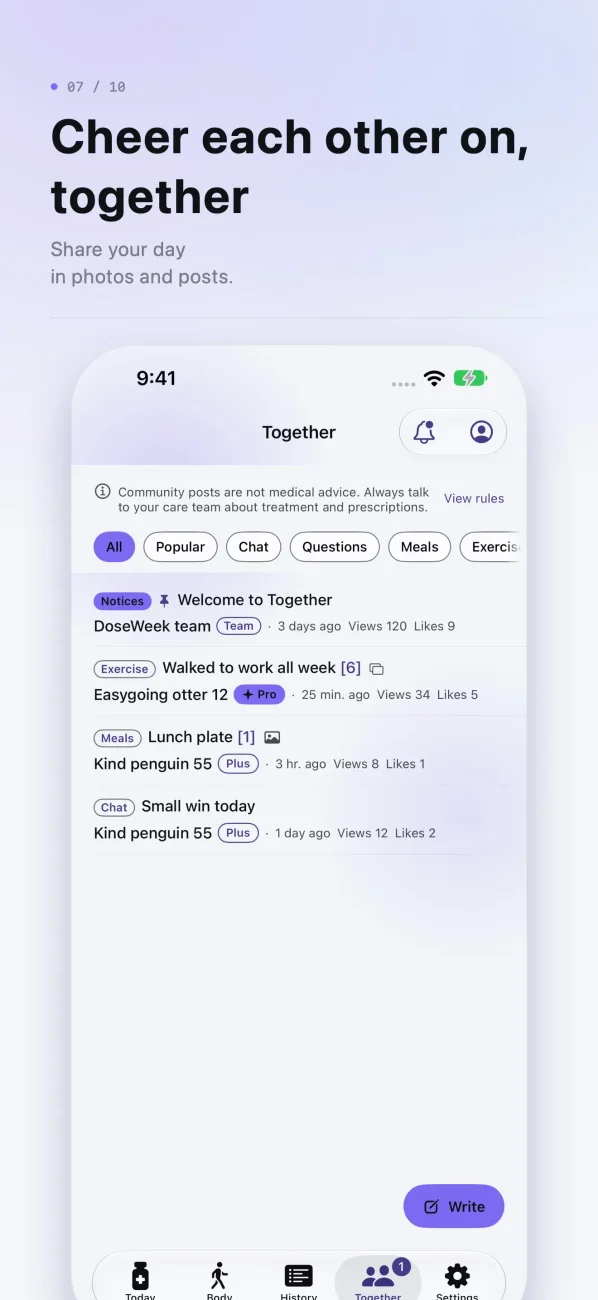
In Together you can share posts with others after signing in, with filtering, reporting and blocking. New: one-tap water log, daily check-in, weekly recap, progress photos kept on this device, wins beyond the scale, and Reading and quizzes (guides and a daily quiz). Add your own injections (name, unit, schedule). Apple Watch: see your next injection and how long since your last one, in the app and on your watch face. With Plus or Pro, record a dose from the watch.
Optional Apple Health import is read-only and never writes to Apple Health. File backups use AES-256-GCM and a recovery code. Food labels are read on the device, and Apple Intelligence drafts are created on the device where supported. Manual entry is always available.
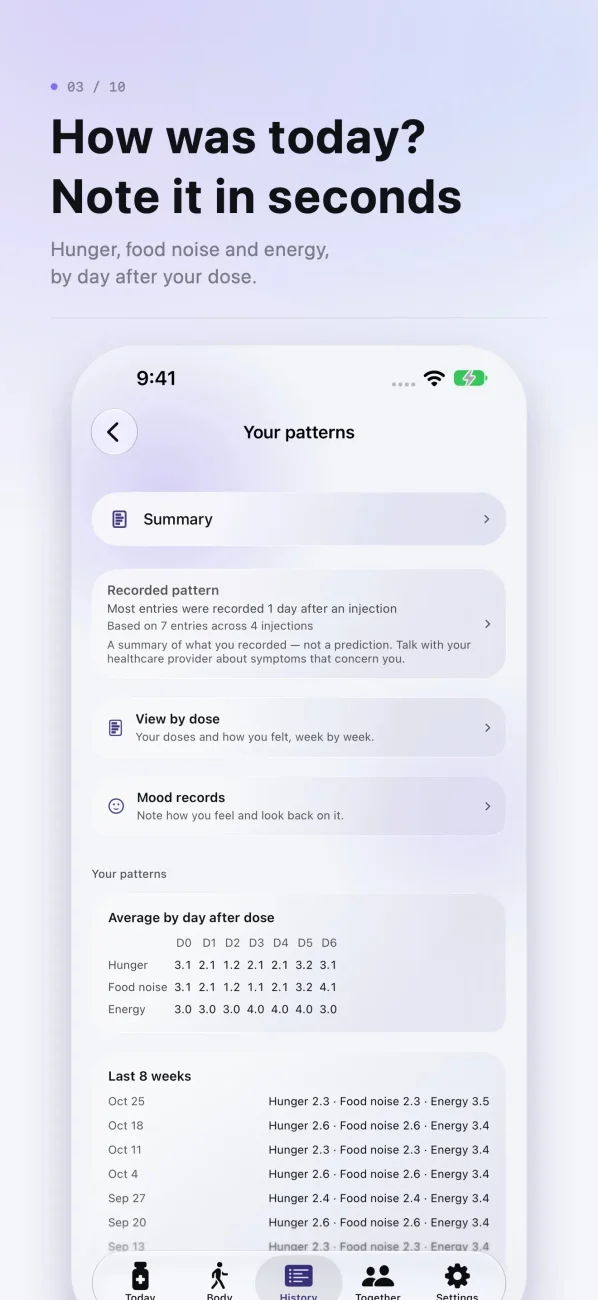
Optional monthly or annual Plus removes ads and adds weekly reports and milestones, side-effect patterns and weight goal and trend estimates. Plus also includes end-to-end encrypted sync across devices and server backup. You can also choose app themes and Today layouts.
Optional monthly or annual Pro includes everything in Plus, a visit report PDF with charts, comparisons and a rolling 12-month view, supply forecasts and refill reminders, custom widget colors and layouts, meal templates and the AI record assistant: up to 150 requests a month for a weekly summary, general meal ideas and help using the app. It asks before each send.
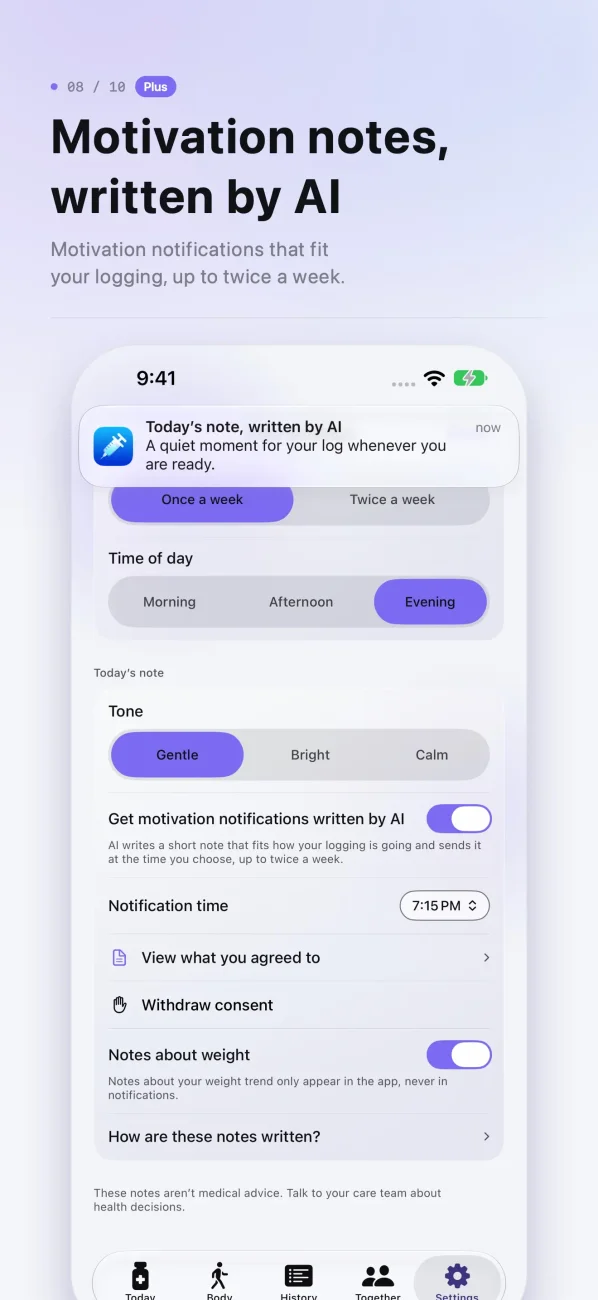
AI notes and the AI record assistant are optional and need sign-in and separate consent. Free gets one AI motivation note a week; other notes, like Today’s note, are made on your device. AI gives no medical advice and may be wrong. What is sent to AI goes to Gemini on Google Cloud Vertex AI (Global): the processing country can change with each request, and this content is outside end-to-end encryption.
Sign in with Apple or Google is optional. Sync requires separate health-data consent and device encryption; the server cannot read health records or the recovery code. On a new device, enter the code and review the merge.
You can withdraw sync consent at any time. Account deletion does not cancel store billing.
Free shows non-personalized ads, never while recording; DoseWeek doesn't use your device's advertising identifier. Once per calendar month (UTC), an optional rewarded ad can unlock 7 days of Plus after server verification, with no automatic billing.
App quality and stability analytics (Google Firebase) is optional, asked apart from the required service notice and can be changed in Settings. It never receives health values, record content or an advertising ID, and ads are not personalized.
Estimated amount remaining in the body (mg) is for reference only, not medical advice. Goal dates and side-effect patterns use recorded data and appear only with enough records; no dose or timing advice, cause conclusions or safety predictions.
DoseWeek is not a medical device. It does not diagnose, treat, cure or prevent disease. Consult a qualified healthcare professional for medication, dose, timing or missed-dose decisions.
Terms of Use: https://doseweek-legal.wonyoungchoi.dev/terms/
Privacy Policy: https://doseweek-legal.wonyoungchoi.dev/privacy/
What’s new
Version 1.0.9 · Nov 2, 2026
• AI writes you warm notes of encouragement that fit how your records are going.
• Text sizes and weights now match from screen to screen, so everything reads more easily.
• With Reduce Motion on, screens move less. VoiceOver can also turn the water chart into sound.
• Siri phrases for DoseWeek now work in every language the app supports.
• Saving water or a check-in gives you a short vibration to confirm.
• We fixed small issues throughout the app, including on iPhone Duo, and made it more stable.
App privacy
What Wonyoung Labs declares on the App Store about how this app handles data.
-
Data linked to you
May be collected and linked to your identity.
- Health and fitness
- Purchases
- Location
- User content
- Identifiers
- Usage data
- Diagnostics
- Other data
-
Data not linked to you
May be collected but is not linked to your identity.
- Purchases
- Location
Privacy practices may vary, for example with the features you use or your age.
Information
- Seller
- Wonyoung Labs
- Category
- Health & Fitness
- Version
- 1.0.9
- Updated
- Nov 2, 2026
- Released
- Sep 7, 2026
- Size
- 97.7 MB
- Requires
- iOS 27.0 or later
- Age rating
- 17+
- In-app purchases
- Yes
- Languages
- Japanese, Arabic, Italian, Dutch, Swedish, Spanish, Turkish, German, Hindi, French, Portuguese, Polish + 4 more
- Copyright
- © 2026 Wonyoung Choi
You might also like
-
 Shotlog - Injection TrackerLog doses. Rotate sites.
-
 Fisica ProHealth & Fitness
-
 MyDosey - 나만의 다이어트 주사 기록Health & Fitness
-
 Dosey - Weight & GLP1 TrackerBMI Calculator, Injection Log
-
 PenPal: GLP-1 Shot TrackerInjection Log, Weight & Doses
-
 Mounjaro Tracker GLP-1 - DialJab diary for Ozempic & Wegovy
-
 FisicaHealth & Fitness
-
 Pynch: GLP-1 & Weight TrackerFor Mounjaro, Ozempic, Wegovy
-
 스시자로 - 일본 마운자로 병원 약 1,000곳(최다)Medical
-
 H.AI(하이)Health & Fitness