
DoTracker : To Do List Tracker
Task Manager, Widget Checklist
Designed for iPhone, iPad
$0.99
- Age rating4+
- CategoryProductivity
- Developersekleung chang
- LanguagesEnglish
- Size1.3 MB
Links to the official App Store page
Download.org hosts no file of DoTracker : To Do List Tracker. The button opens its official App Store page, published by sekleung chang. Listing last checked on Nov 18, 2026.
Screenshots
About
Looking for a task manger and todo list app, DoTracker is the perfect one.
If you’ve tried multiple productive apps but haven’t found one that suits you need, give DoTracker a try. This beautiful app let you manage all your tasks in a simple handy way.
DoTracker serves a very simple purpose, to easily create, view, edit and track your tasks, so you never missing fleeting ideas and everyday matters.
Why you’ll love DoTracer:
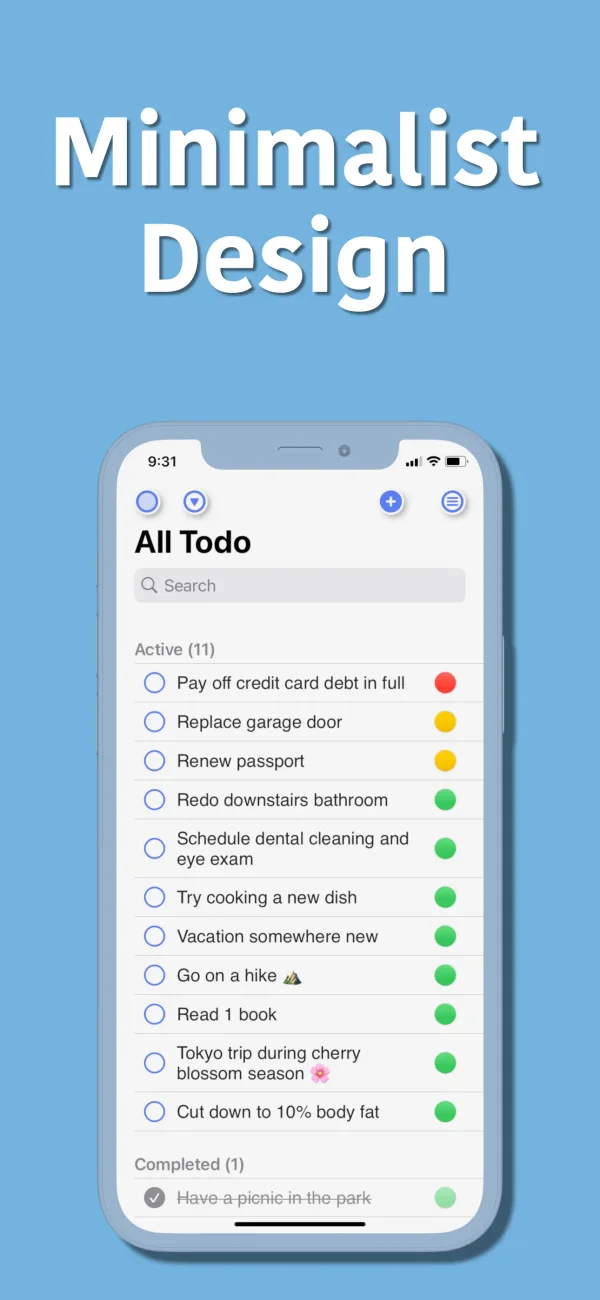
Minimalist Design:
• Eliminating unnecessary elements and simplifying the interface, you are less likely to become frustrated or overwhelmed by too many options or visual distractions
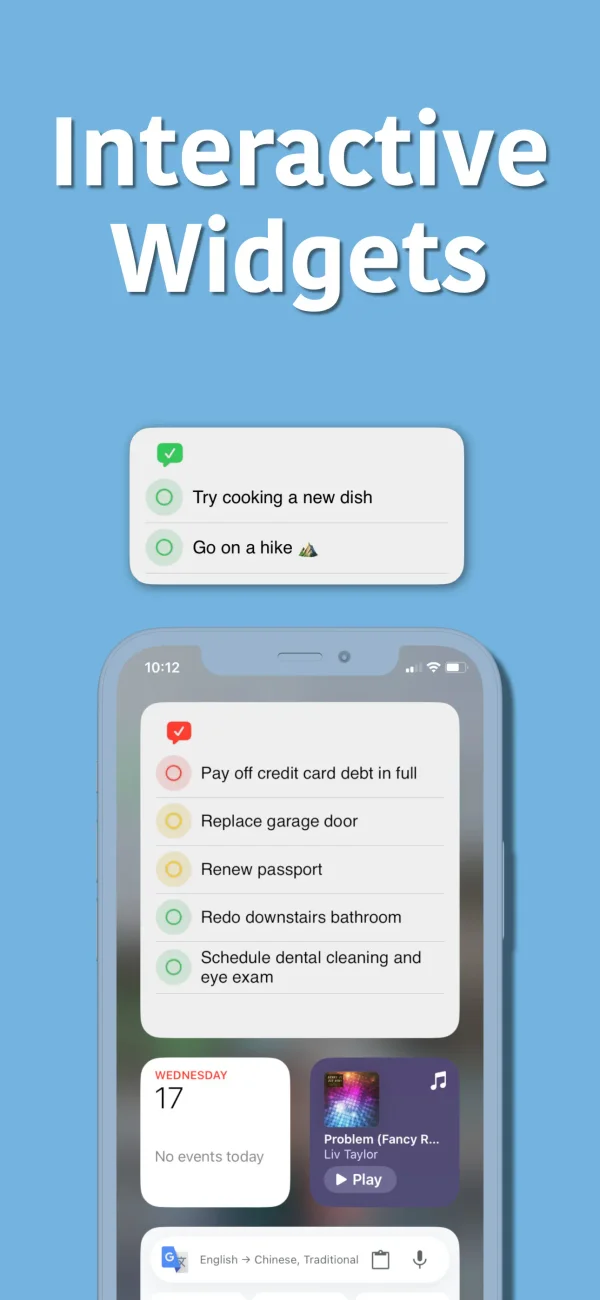
Interactive Widgets:
• A quick way to view you top tasks without opening the app, and just one tap to mark a task status as completed
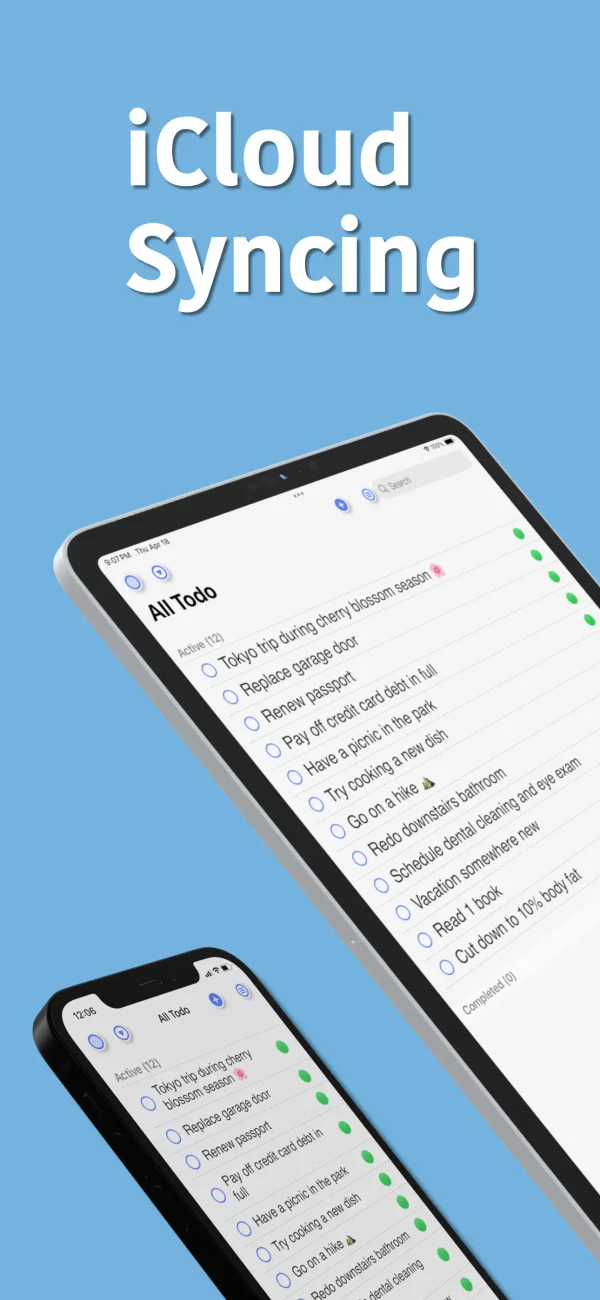
iCloud Syncing:
• Seamless iCloud synchronization across all your devices
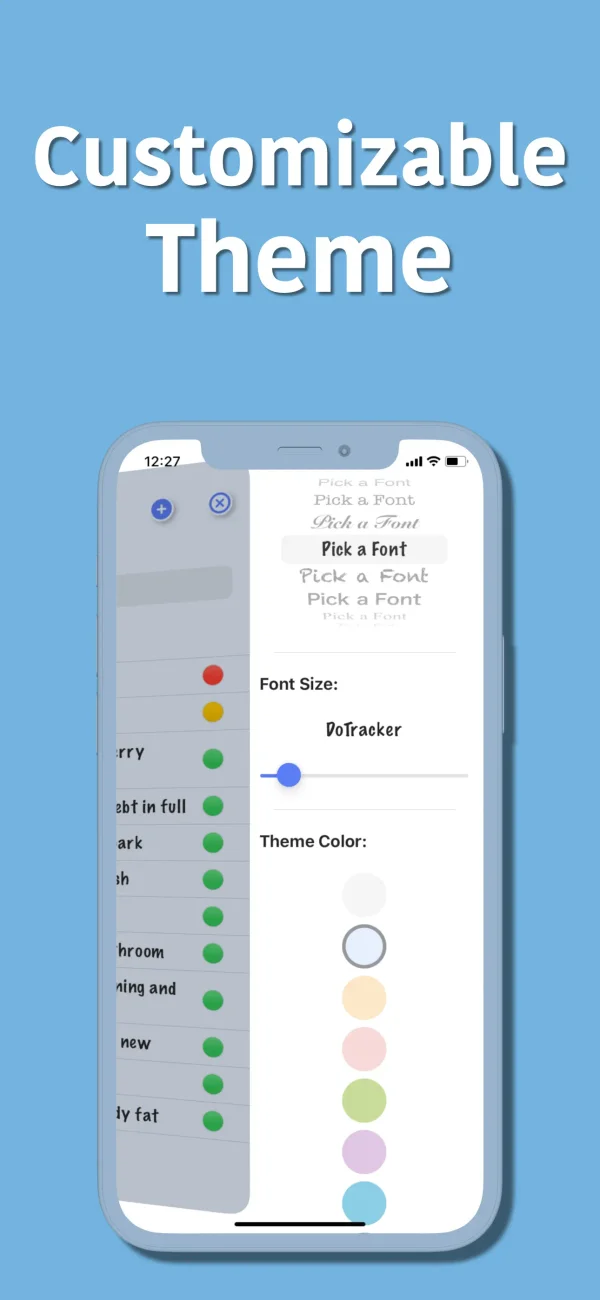
Customizable Theme:
• Providing a more user friendly experience by allow to change background color, font style and size
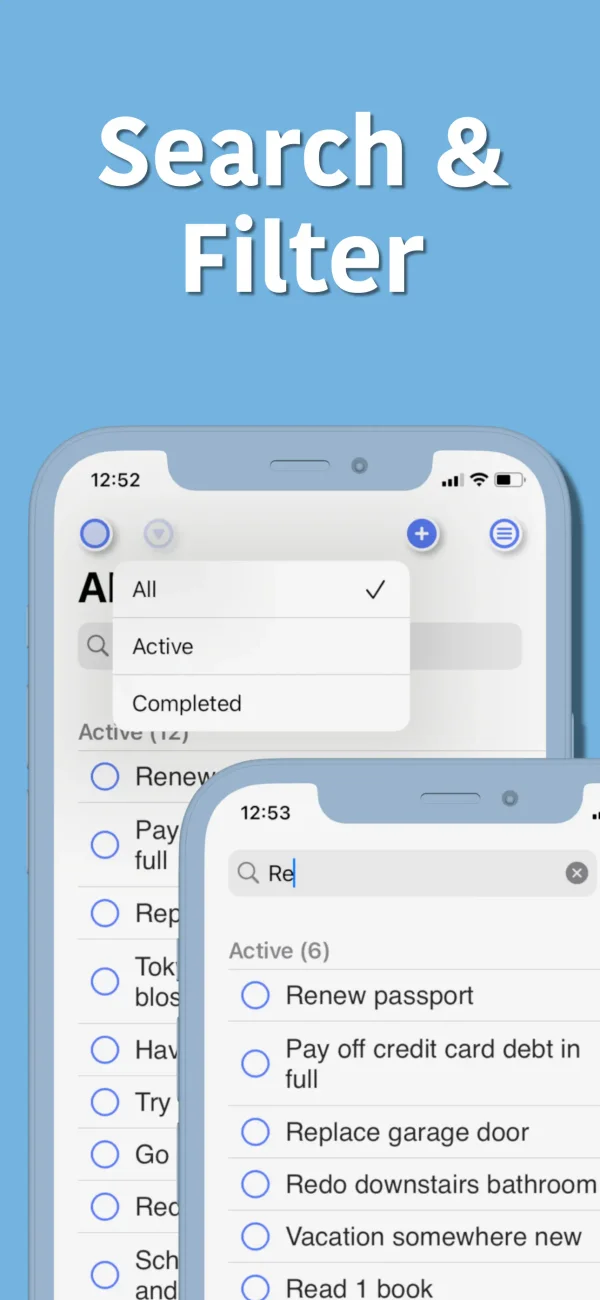
Search & Filter:
• Quickly locating related tasks through search and filter feature, especially useful when have a long todo list
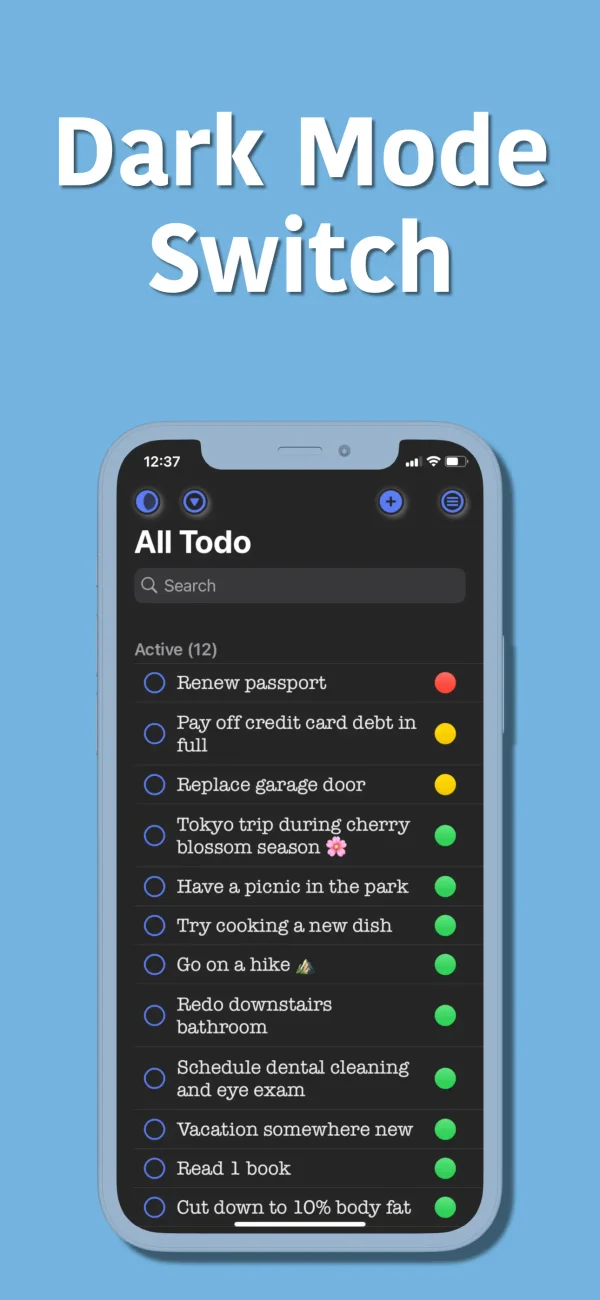
Dark Mode Switch:
• A button to quickly switch dark mode on and off to reduce eye strain and minimize eye fatigue
[How to Use]:
• Tap “+” button to create a new task
• Tap on a row to edit a task
• Swipe left on a row to delete a task
• Tap the circle on the left to mark a task status as completed
• Tap the color dot on the right to change the priority of a task
• On a widget, tap the circle on the left to mark a task status as completed
What’s new
Version 1.03 · Oct 15, 2026
Bug fixed and performance improvements
App privacy
What sekleung chang declares on the App Store about how this app handles data.
-
Data not collected
The developer does not collect any data from this app.
Privacy practices may vary, for example with the features you use or your age.
Information
- Seller
- sekleung chang
- Category
- Productivity
- Version
- 1.03
- Updated
- Oct 15, 2026
- Released
- Apr 22, 2024
- Size
- 1.3 MB
- Requires
- iOS 17.0 or later
- Age rating
- 4+
- Price
- $0.99
- Languages
- English
- Copyright
- © sekleung chang