
DoubleTake - Multicam video
Powerful Multi-Cam Video
Designed for iPhone, iPad, iPod touch
Free · In-app purchases
- Age rating4+
- CategoryPhoto & Video
- DeveloperBENDING SPOONS OPERATIONS SPA
- LanguagesEnglish+ 10 more
- Size64.6 MB
Links to the official App Store page
Download.org hosts no file of DoubleTake - Multicam video. The button opens its official App Store page, published by BENDING SPOONS OPERATIONS SPA. Listing last checked on Nov 20, 2026.
Screenshots
About
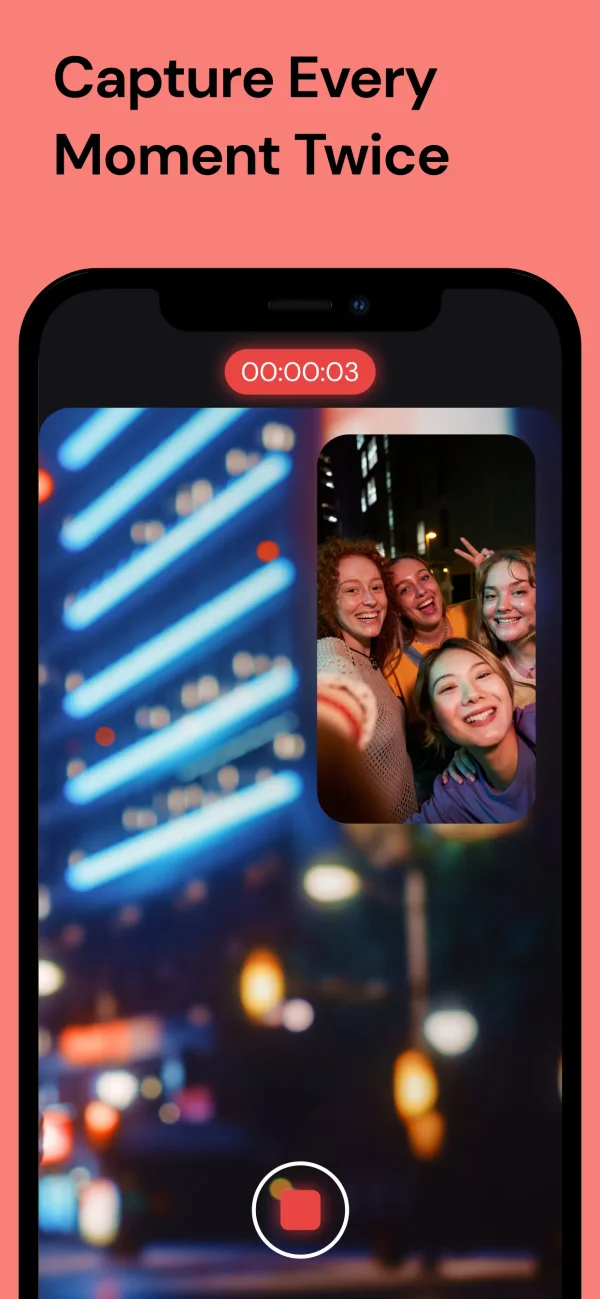
DoubleTake transforms your iPhone into a multi-cam studio allowing you to capture video from two cameras at the same time on recent devices*
*NOTE: Per iOS 15 capabilities, multi-cam video is restricted to the following devices only: iPhone 13 series devices, iPhone 12 series devices, iPhone 11 Pro Max, 11 Pro, 11, Xs Max, Xs, Xr, SE 2. iPad Pro 2018 and newer. While this app will install and function on all devices supported by iOS 15, all devices outside of this list will be restricted to recording video from on a single camera.
Use DoubleTake to record video in new ways:
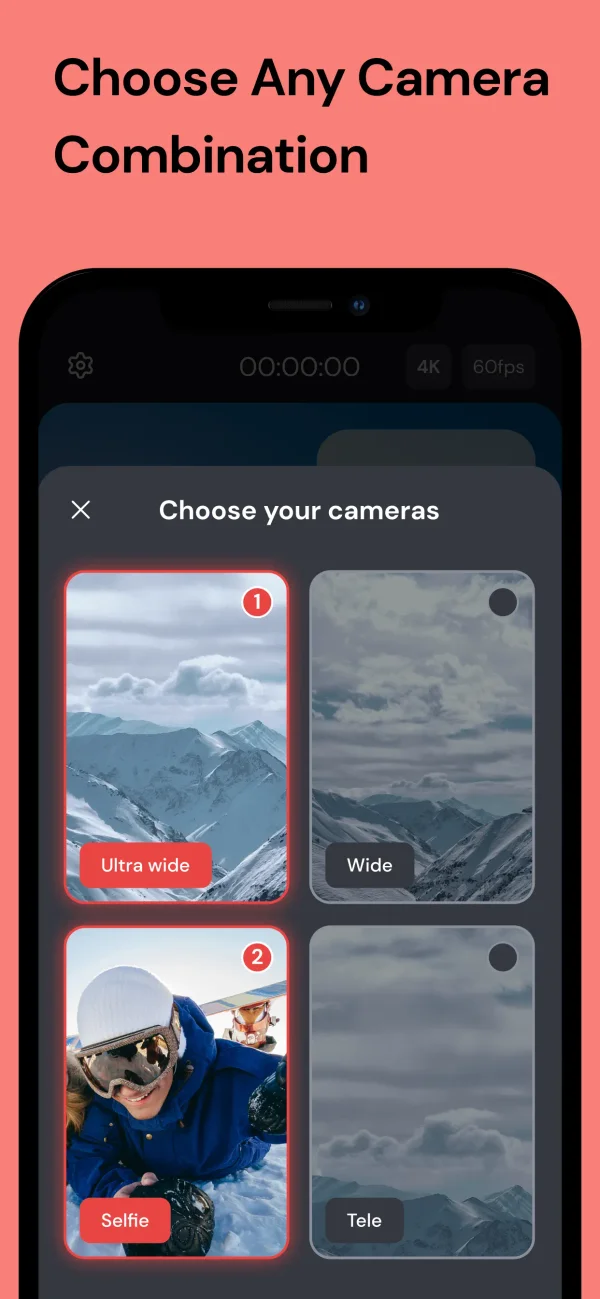
- Camera Visualization: Better than a director’s viewfinder! Use DoubleTake’s camera picker view to visualize all available cameras for your device. Use this view to help decide how to frame your shot and which cameras you will select.
- Shot/Reverse shot: To capture all the organic and intimate interaction between two actors or interviewer and interviewee. Traditionally, filmmakers would need to employ two cameras and place these in cumbersome ‘over the shoulder’ locations. With DoubleTake you can place one device in between your actors and place the audience right in the middle of the conversation.
- Multi-cam: Capture two different focal lengths of the same subject at the same time. Use DoubleTake with the Ultra Wide lens (iPhone 11 Pro Max, 11 Pro and 11 only) and the Tele to capture both an establishing shot and a punch-in on your subject simultaneously. Or use any other combination of front and rear lenses for unrivaled multi-cam capture.
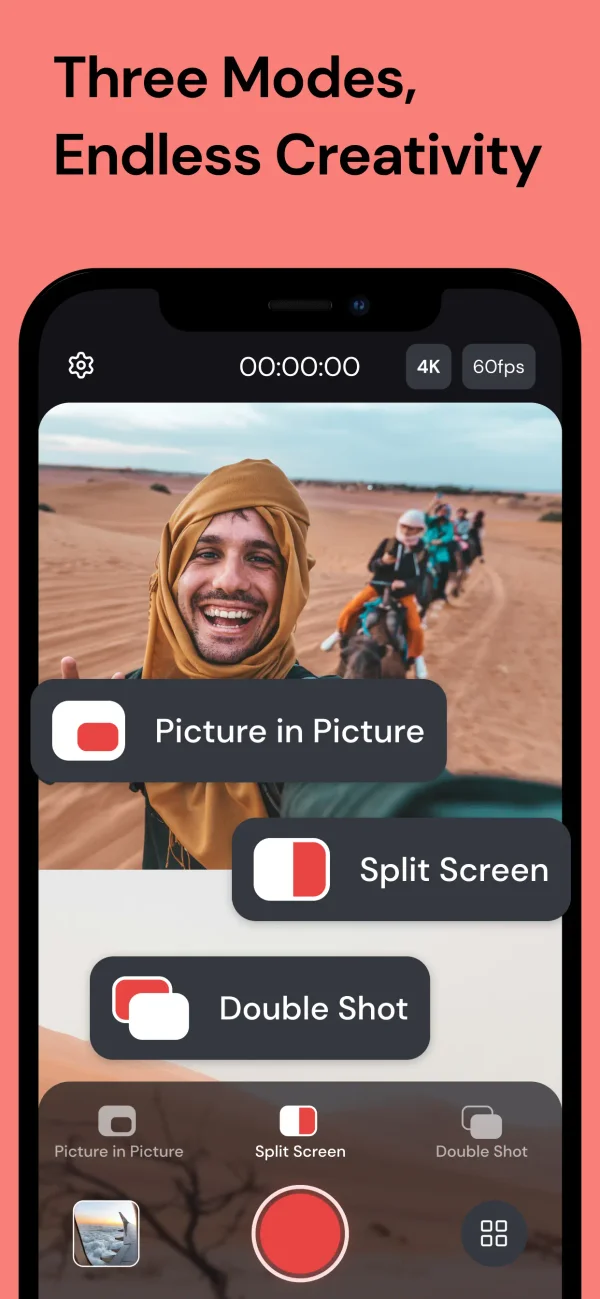
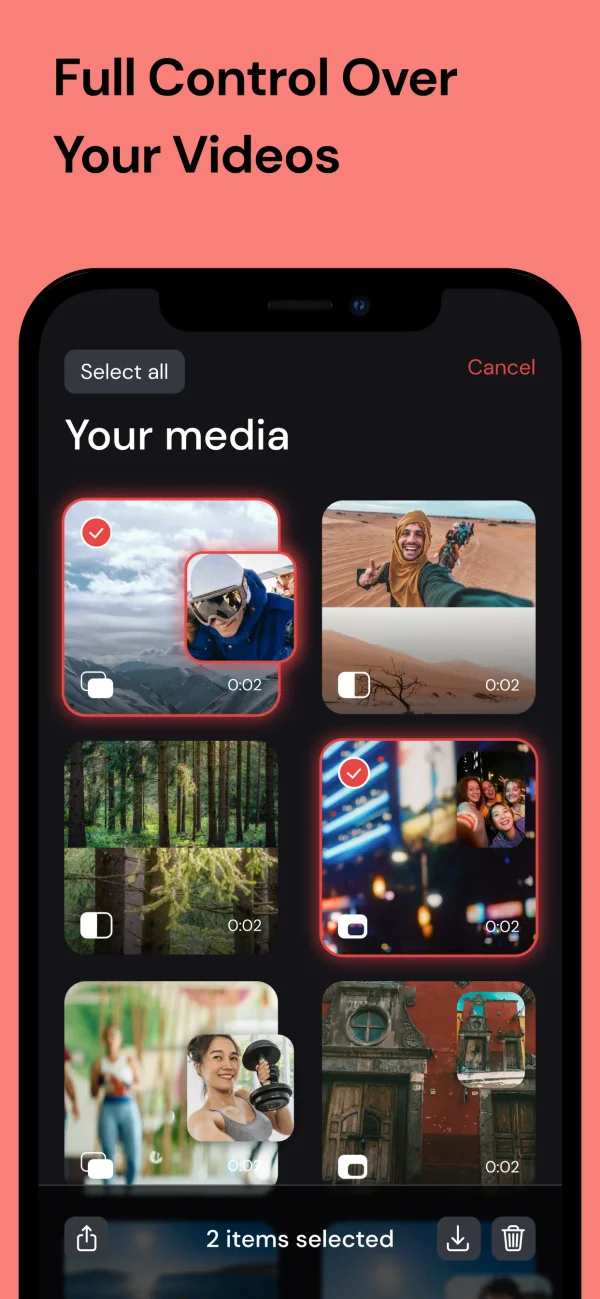
- PiP or Discreet: The DoubleTake interface allows you to see both cameras of your video capture at the same time through the use of a Picture in Picture (PiP) window. You can move this PiP around the screen, tap to zoom in, or swipe it away if it’s distracting (the second video will continue to record). With DoubleTake you can decide if you want to record your videos as separate discrete files or if you want the video recorded as a composite video that includes the PiP window animated as you see it on the screen.
- Split-screen: Doubletake also allows you to use any two cameras to create a 50/50 split-screen effect that is saved as a single video. This is great for capturing engaging interviews, or any scenario where two sides of the story need equal weighting on screen.
- Focus & Exposure Controls: DoubleTake allows you to set and lock your focus and exposure on both cameras during multi-cam capture with our unified reticle. Just tap anywhere to set an area of interest with the reticle, then tap again to lock or unlock. Our easy to use camera switcher lets you effortlessly move between your A and B cams during a recording to adjust the focus and exposure for each independently of one another.
Video Specs:
- Full frame focus and exposure for smooth and easy automated focus and exposure adjustments.
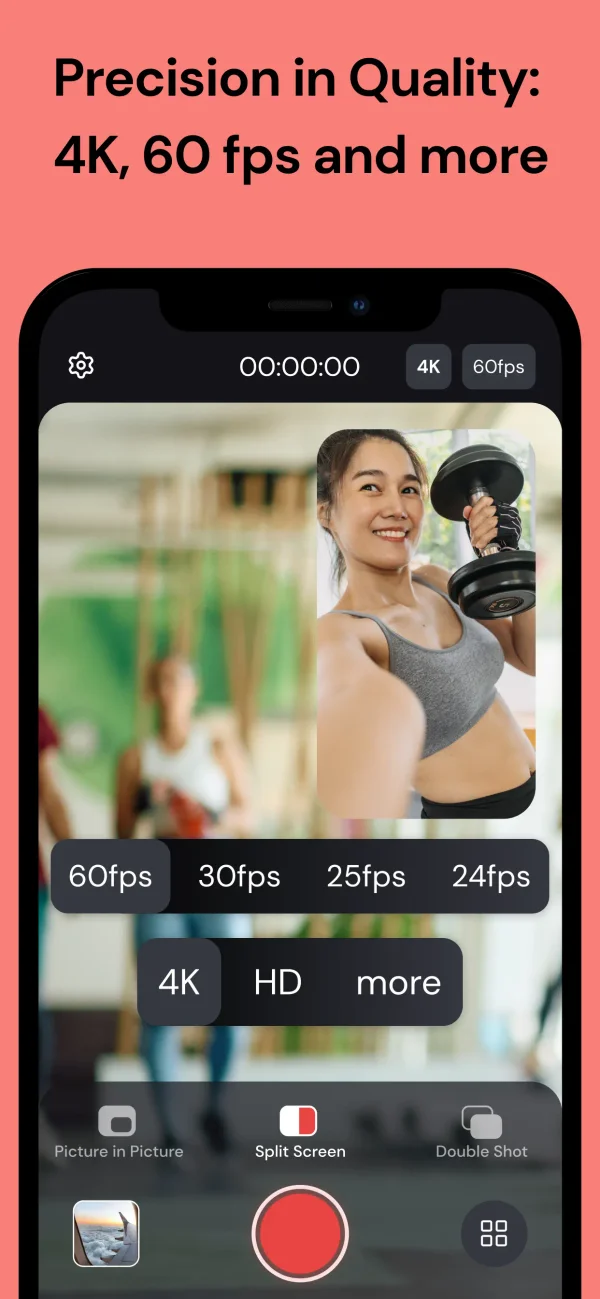
- Selectable broadcast frame rates: 24fps, 25fps, and 30fps depending on your project requirements.
- 1080p video at high bitrate encoding for maximum quality. (note: 1080p video is the maximum resolution supported by the Apple API for multi-cam capture).
- Composited PiP or separate discreet video files recorded as .h264 .mov files are saved to DoubleTake’s internal library which supports batch export to the Camera Roll.
Terms of Use: https://support.bendingspoons.com/tos.html?app=436577167
What’s new
Version 3.1.2 · Mar 10, 2025
Hey there! Please give a warm welcome to our brand new version of DoubleTake!! We’ve decided it was time for a change and to give our users the best user experience with a completely revamped interface! Please enjoy DoubleTake 3.0 and let us know what you think in the reviews!
App privacy
What BENDING SPOONS OPERATIONS SPA declares on the App Store about how this app handles data.
-
Data used to track you
May be used to track you across apps and websites owned by other companies.
- Identifiers
-
Data linked to you
May be collected and linked to your identity.
- Identifiers
-
Data not linked to you
May be collected but is not linked to your identity.
- Usage data
- Diagnostics
Privacy practices may vary, for example with the features you use or your age.
Information
- Seller
- BENDING SPOONS OPERATIONS SPA
- Category
- Photo & Video
- Version
- 3.1.2
- Updated
- Mar 10, 2025
- Released
- Jan 28, 2020
- Size
- 64.6 MB
- Requires
- iOS 14.1 or later
- Age rating
- 4+
- Price
- Free
- In-app purchases
- Yes
- Languages
- English, French, German, Italian, Japanese, Korean, Portuguese, Russian, Simplified Chinese, Spanish, Traditional Chinese
- Copyright
- © Bending Spoons Operations S.p.A. and Intermediaries
You might also like
-
 MixCam: Front and Back CameraShoot Dual Camera at Once
-
 MixCam - Dual Video RecorderDouble Camera & Take ProMovie
-
 2Cam Dual Shot Camera RecorderDualshot Double Capture Video
-
 Double Camera •Multi-Camera Recording
-
 DualgramRecord front AND back cameras
-
 Dual Camera Split Videos: RevoScreen Recorder & Reaction Cam
-
 RØDE CapturePro Video and Audio Recording
-
 Double Camera TakeFront and Back Dual Camera
-
 Double Camera RecorderTake Videos with Dual Cam
-
 SplitRig: Dual Camera RecorderFree Dual Camera Vlog & GPS