- Age rating4+
- CategoryEntertainment
- DeveloperBo Kalvslund
- LanguagesEnglish+ 12 more
- Size18.5 MB
Links to the official App Store page
Download.org hosts no file of Draw with Beads. The button opens its official App Store page, published by Bo Kalvslund. Listing last checked on Nov 12, 2026.
Screenshots
About
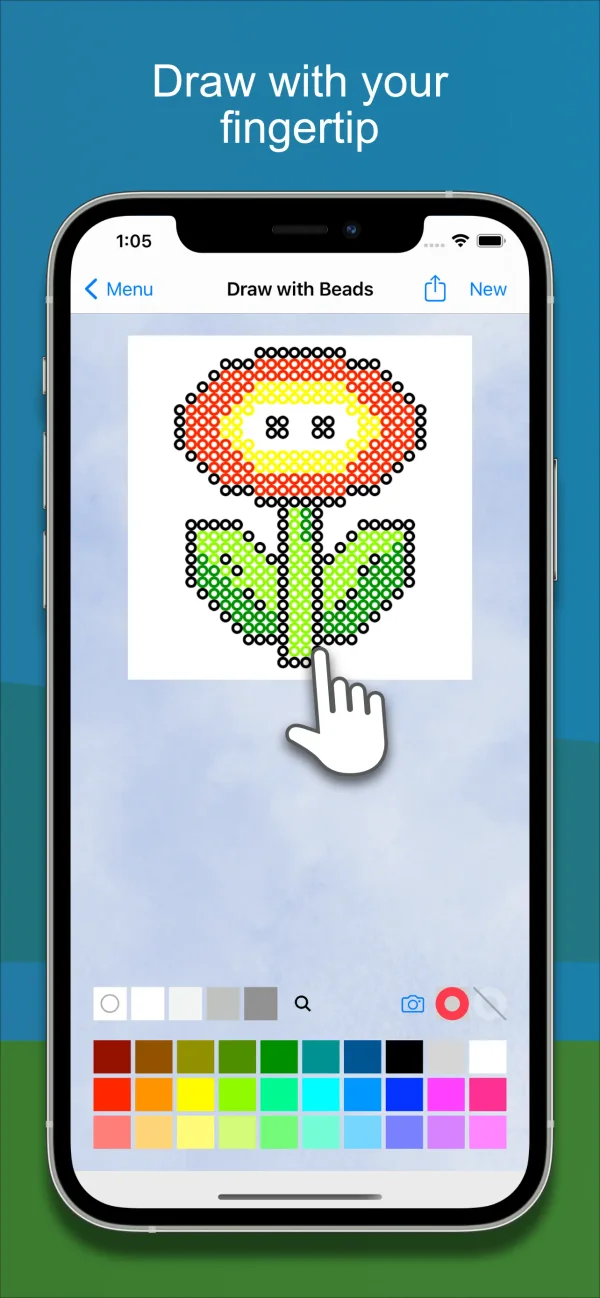
Draw your own bead patterns with your finger – and save them so you can keep working whenever you like.
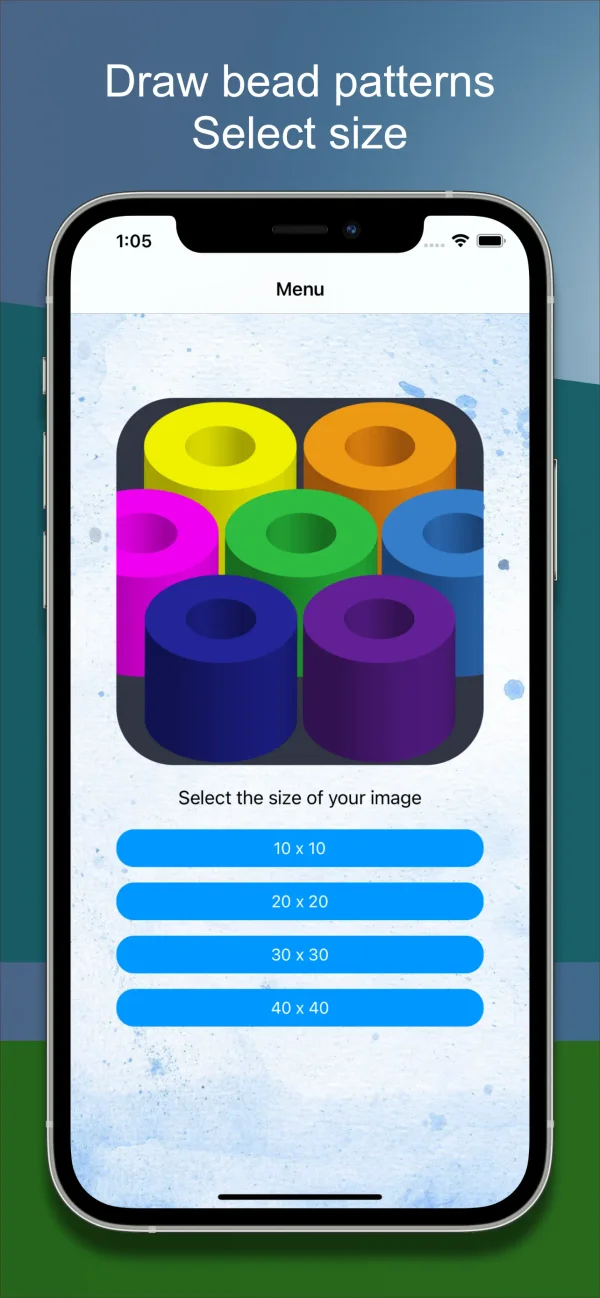
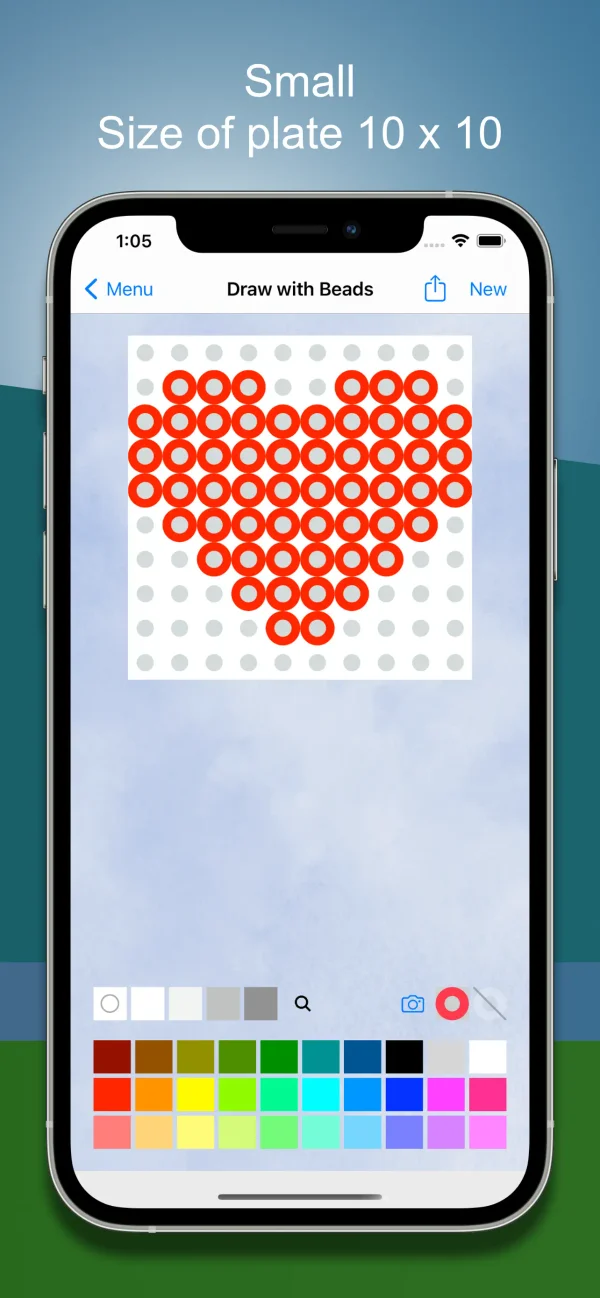
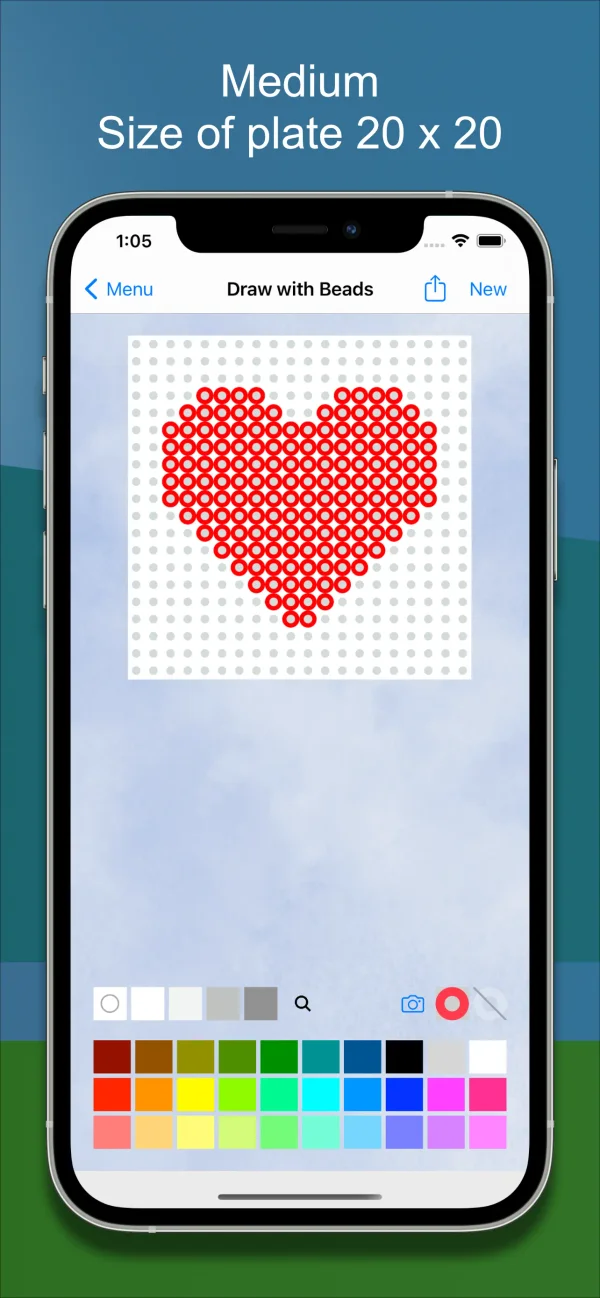
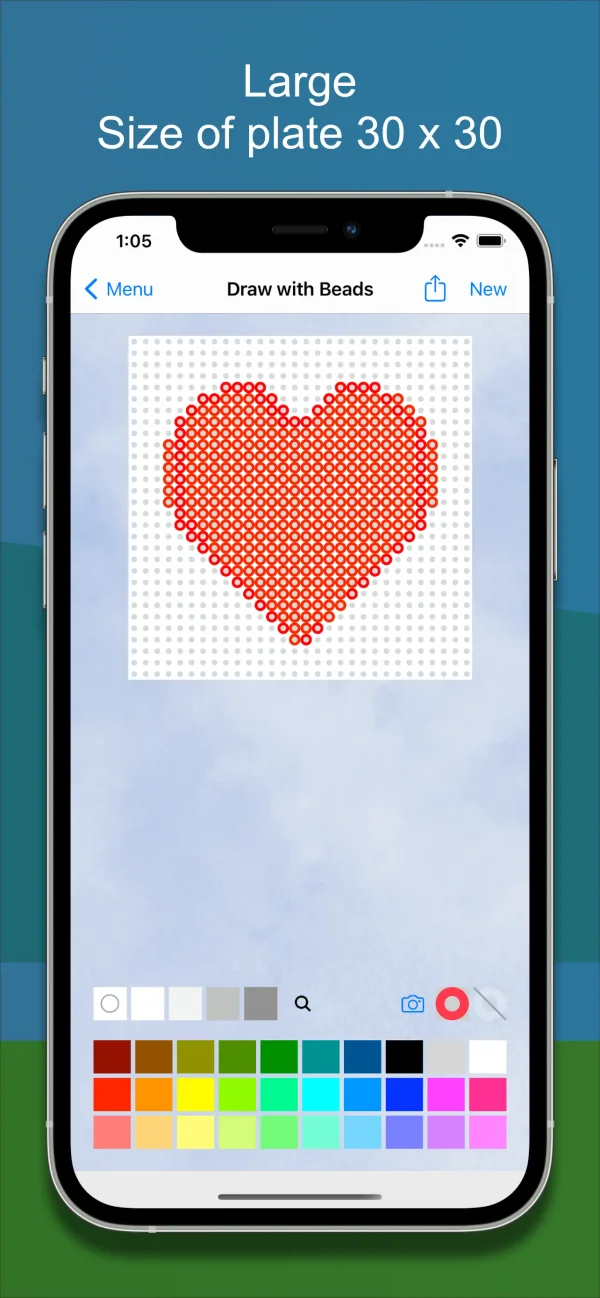
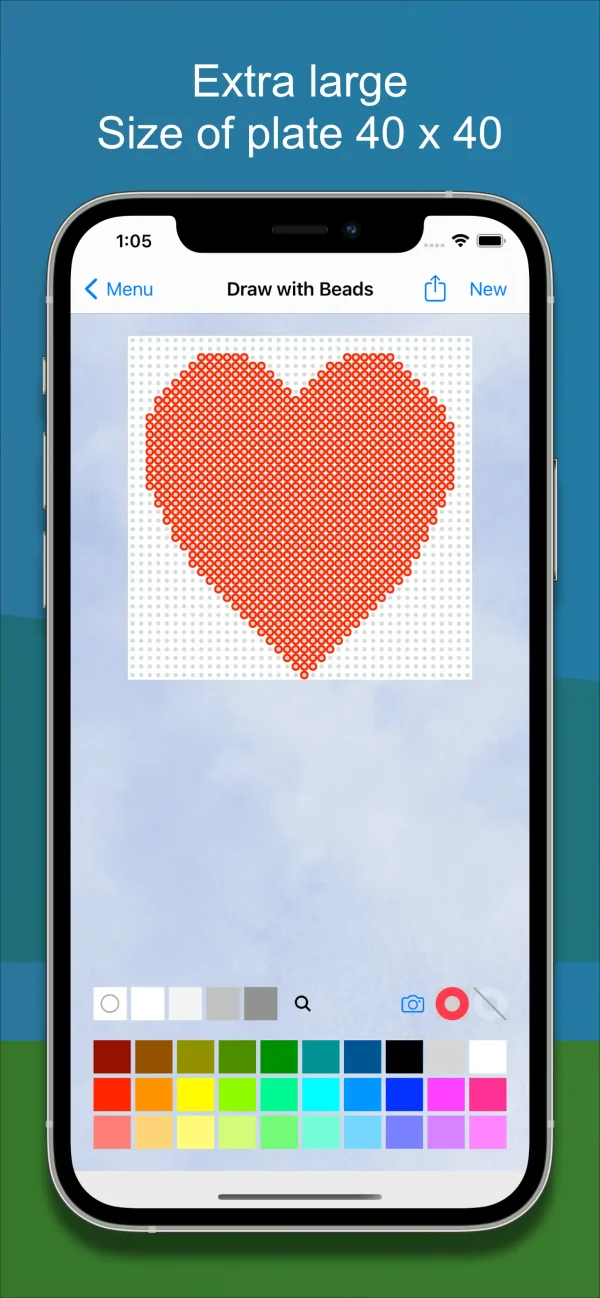
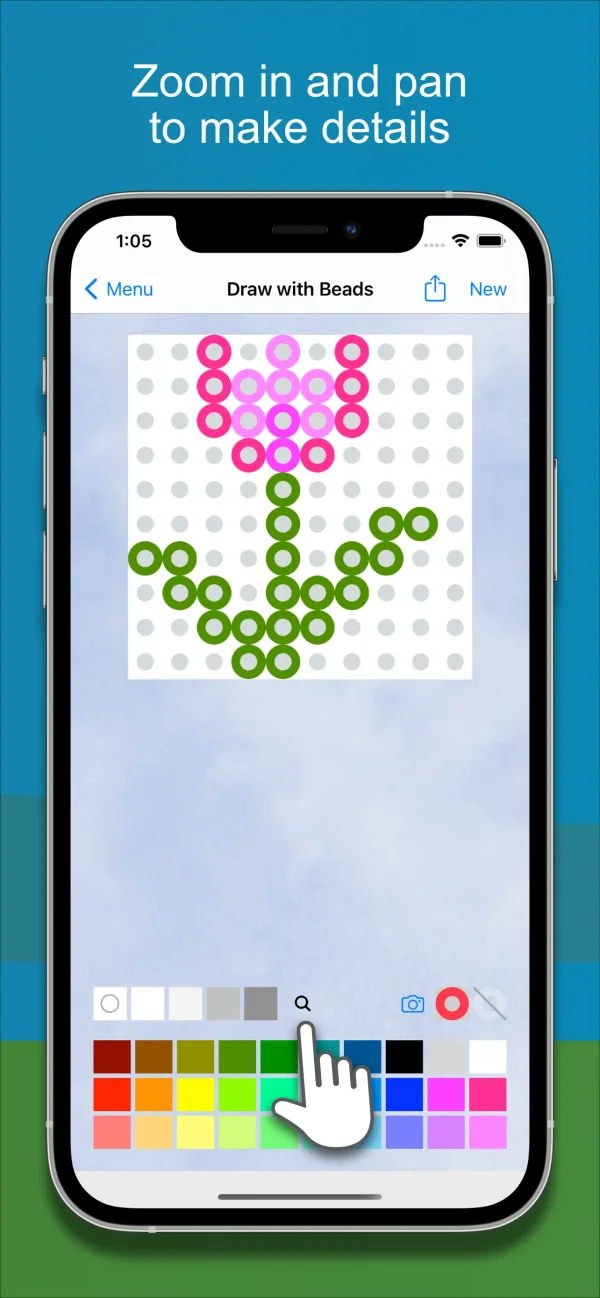
Choose a pegboard of 10 × 10, 20 × 20, 30 × 30 or 40 × 40, pick a colour and draw. When your pattern is done, use it as a template for placing beads on a real pegboard.
YOUR PATTERNS ARE SAVED
• All your patterns in a gallery with thumbnails
• Your pattern is saved automatically as you draw
• Rename, duplicate, share and delete patterns
DRAW EASILY AND PRECISELY
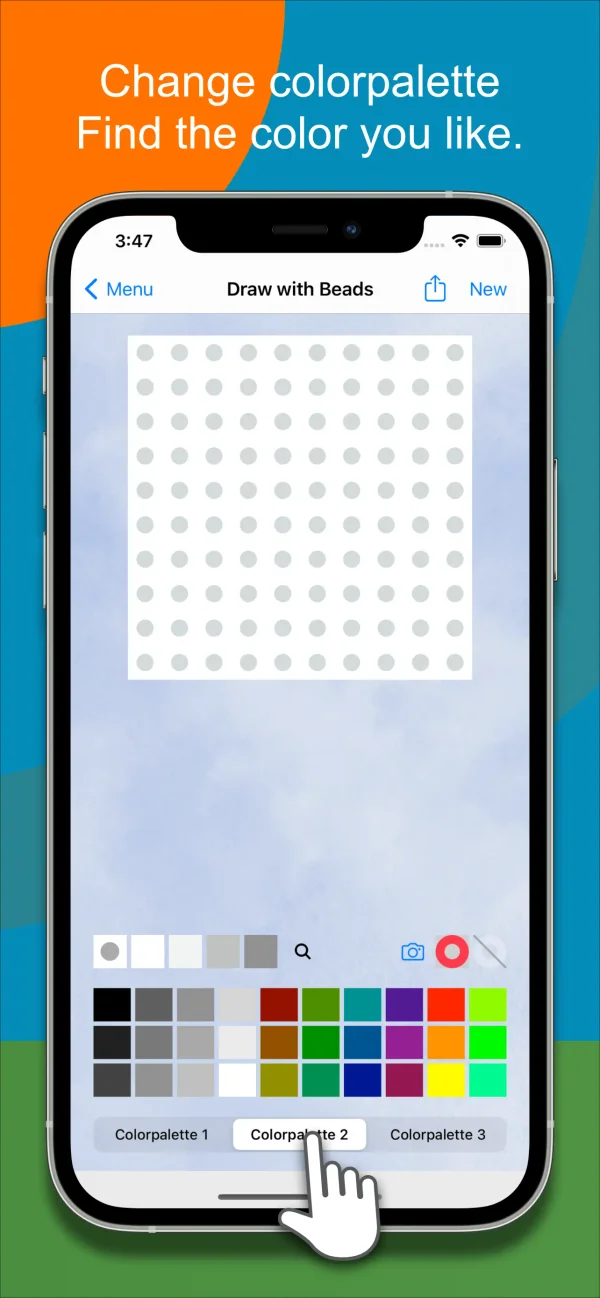
• Three colour palettes with lots of colours
• Undo and redo
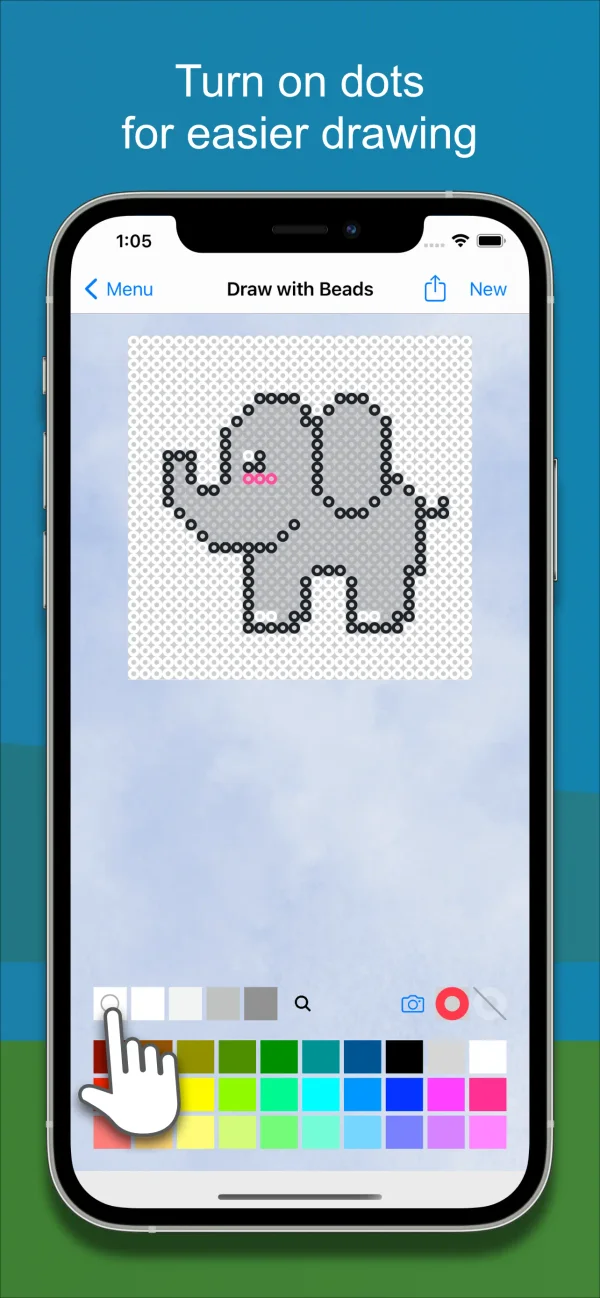
• Show pegs on the board to place beads precisely
• Zoom in on details and move around with two fingers
• Change the board's background colour
READY FOR THE REAL PEGBOARD
• The bead list shows how many beads you need of each colour – and the palette and number of each colour
• Share the bead list so you have it at hand when picking out your beads
SHARE YOUR PATTERN
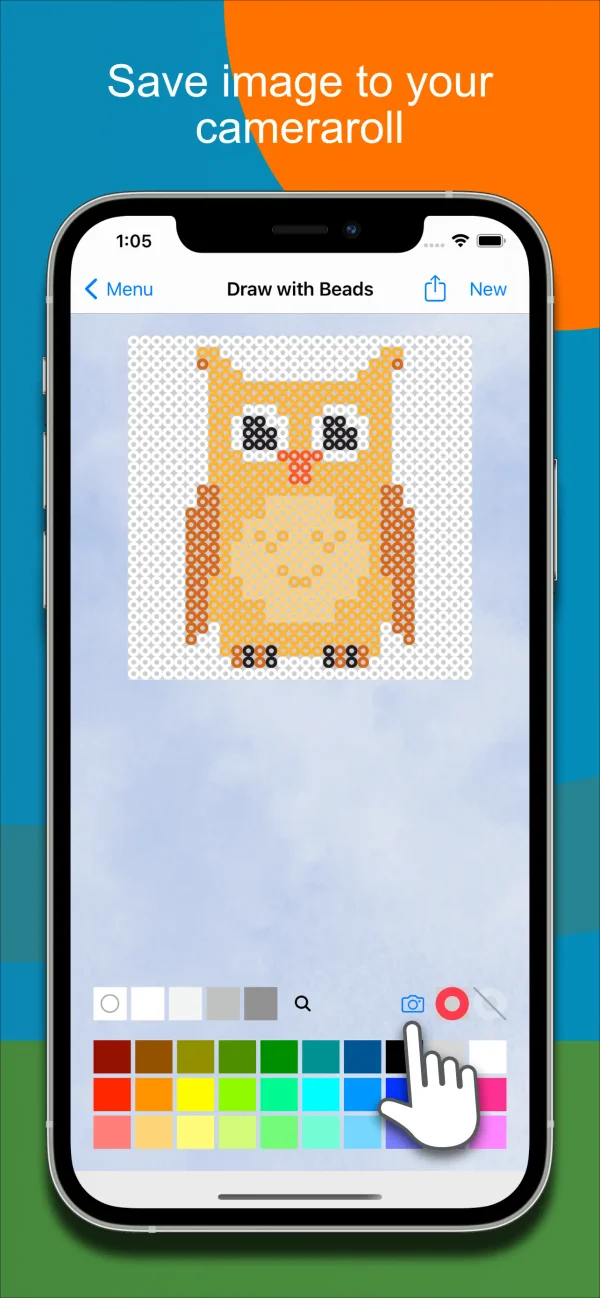
• Save a sharp image of your pattern to Photos
• Share it with family and friends
Works on iPhone and iPad, and you can also draw with Apple Pencil on iPad.
Draw with Beads is for kids and grown-ups alike – a fun way to be creative.
What’s new
Version 2.3 · Nov 4, 2026
You can now save your bead patterns!
• New gallery with all your patterns
• Patterns are saved automatically as you draw
• Undo and redo
• New bead list: see how many beads you need of each colour and which palette it's in
• Rename, duplicate and delete patterns
• Sharper images when sharing or saving to Photos
• Draw close to the edge without accidentally leaving your drawing
• Zoom and move the board with two fingers while one finger draws
App privacy
What Bo Kalvslund declares on the App Store about how this app handles data.
-
Data not collected
The developer does not collect any data from this app.
Privacy practices may vary, for example with the features you use or your age.
Information
- Seller
- Bo Kalvslund
- Category
- Entertainment
- Version
- 2.3
- Updated
- Nov 4, 2026
- Released
- Jul 23, 2018
- Size
- 18.5 MB
- Requires
- iOS 15.6 or later
- Age rating
- 4+
- Price
- $1.99
- Languages
- English, Danish, Dutch, Finnish, German, Italian, Japanese, Korean, Norwegian Bokmål, Simplified Chinese, Swedish, Traditional Chinese + 1 more
- Copyright
- © Bo Kalvslund
You might also like
-
 Pabo: the fake shopping appA snail delivers nothing
-
 Adventure Bingo Scavenger HuntTurn Walks into Adventures
-
 Auto Palmistry PremiumEntertainment
-
 Hama Beads Color By NumberHama Beads Art Design Creator
-
 Bead Craft: Hama, Perler BeadsBead Pattern Editor App & Game
-
 Chess Clock - Chess TimerThe Chess Clock You Need
-
 DBU EventsEntertainment
-
 100 Kyrkornas ÖEntertainment
-
 Beady: Fuse Bead PatternsFind patterns. Create your own