- Age rating4+
- CategoryEducation
- DeveloperKeito Suekane
- LanguagesEnglish+ 1 more
- Size34.2 MB
Links to the official App Store page
Download.org hosts no file of Draw Your Sky. The button opens its official App Store page, published by Keito Suekane. Listing last checked on Nov 20, 2026.
Screenshots

About
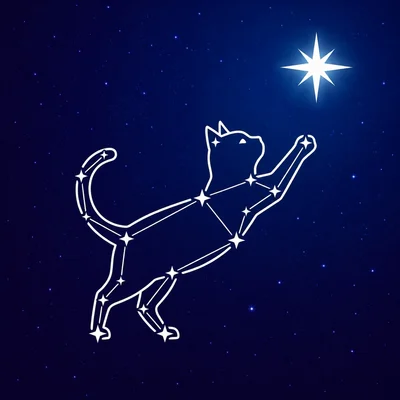
Every constellation you know was invented by somebody looking up. This one is yours to invent.
Open the app and you are looking at the actual night sky — worked out from where you are, the date, the time, and how much light pollution surrounds you. Tap three stars. The lines connect. Name it, write what it watches over, and paint light across it.
Then leave it in the sky for someone else to find.
A REAL SKY, NOT A WALLPAPER
• 8,400 stars from the Yale Bright Star Catalogue, placed for your exact spot and moment
• The Moon and planets where they genuinely are tonight
• Light pollution from satellite data, so a city sky and a mountain sky are honestly different
• Move the time to see what rises later, or what the sky held on a date that mattered to you
MAKE SOMETHING
• Connect stars with a tap — three is enough to begin
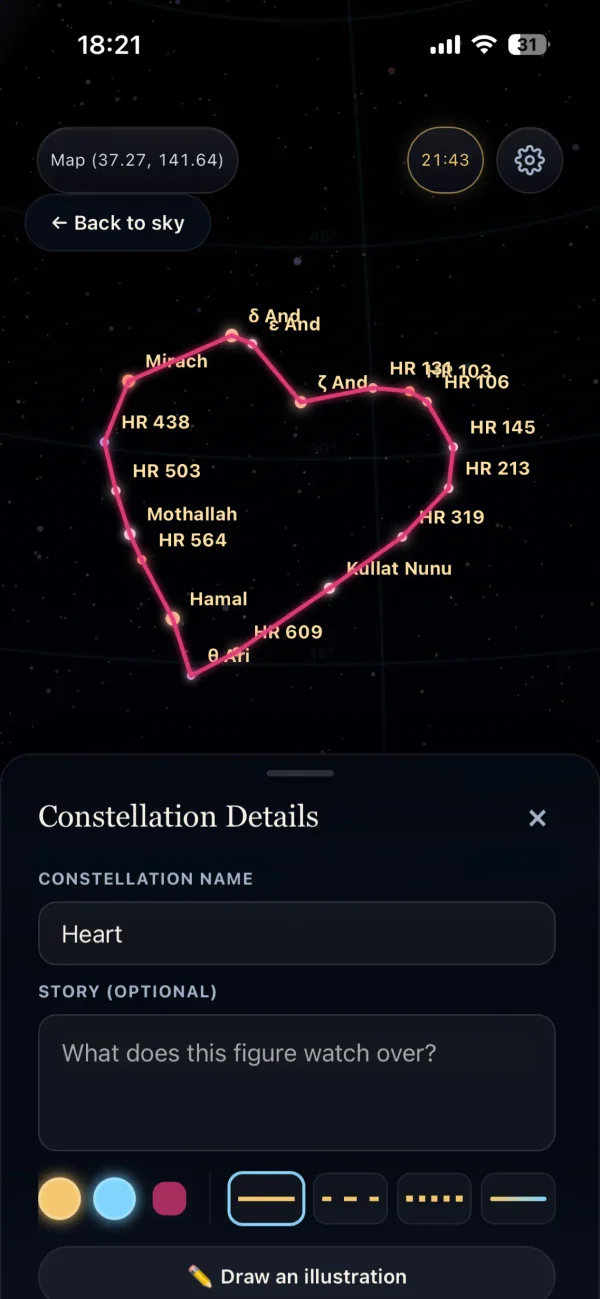
• Give your constellation a name and a story
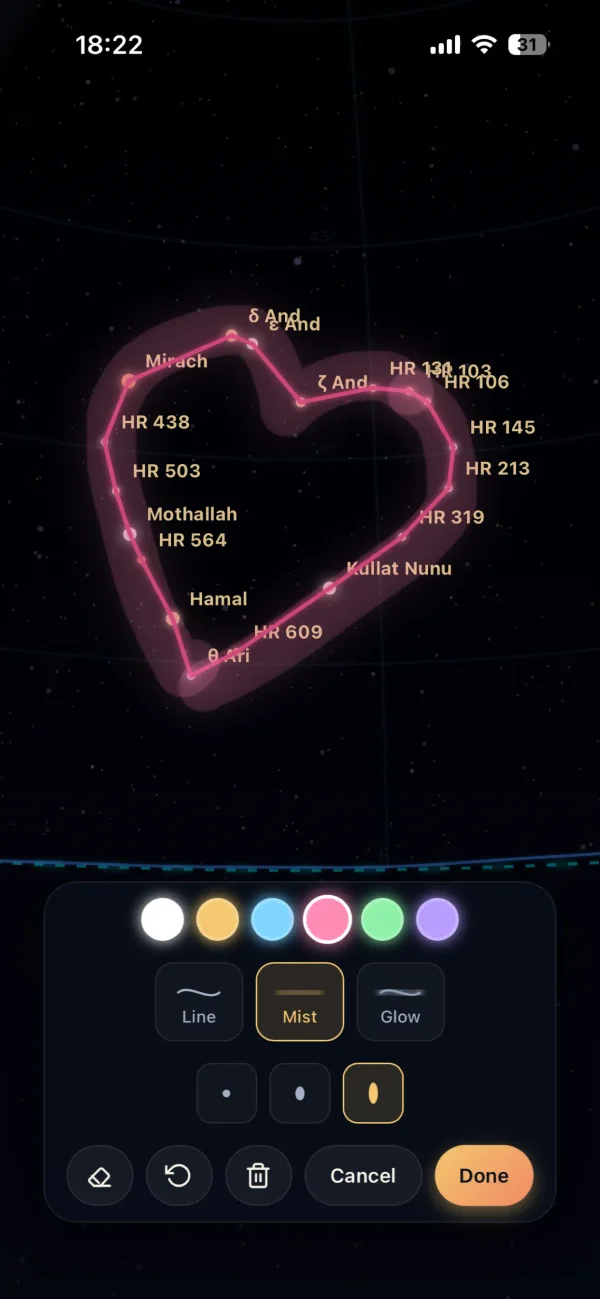
• Paint over it with line, mist and glow brushes
• Choose colours and line styles
SHARE AND FIND
• A share card that carries your figure and the real sky it came from
• Wander the sky and find what other people have drawn there
• A daily theme, for the nights you want a prompt
• All 88 official constellations, if you would rather learn the ones we already have
IT WORKS WITH NO SIGNAL
The sky is calculated on your device. Step outside, lose reception, and the stars are still right.
Drawing is free and always will be. An account is only there to give your constellations somewhere to live.
What’s new
Version 1.1 · Sep 5, 2026
- We redesigned the constellation detail screen! The Save button is now in the top right, and there is now a single place to go back.
- You can now change line colors while drawing. Redo is also available!
- Drawing mode is now full screen.
- Fixed an issue where the map was too dark and looked like it failed to load.
App privacy
What Keito Suekane declares on the App Store about how this app handles data.
-
Data linked to you
May be collected and linked to your identity.
- Location
- Contact info
- User content
- Identifiers
-
Data not linked to you
May be collected but is not linked to your identity.
- Usage data
- Diagnostics
Privacy practices may vary, for example with the features you use or your age.
Information
- Seller
- Keito Suekane
- Category
- Education
- Version
- 1.1
- Updated
- Sep 5, 2026
- Released
- Sep 3, 2026
- Size
- 34.2 MB
- Requires
- iOS 17.0 or later
- Age rating
- 4+
- Price
- Free
- Languages
- English, Japanese
- Copyright
- © 2026 Keito Suekane
You might also like
-
 Constella DrawEducation
-
 Monster MessengerProtect your kids online
-
 Drawing Lessons: ArtpandaLearn to draw, step by step
-
 Solar System Planets: 3D SpaceYour Night Sky Guide App
-
 FUN GLOBEEducation
-
 DIC COLOR GUIDEscale of colors
-
 日本地名パズル-都道府県と県庁所在地と市区町村Education
-
 3D Earth & moon, sun and starsReal live planet at your hands
-
 FINACラーニング - 簿記や会計ファイナンスを動画で学ぶEducation
-
 3D Solar System - Planets ViewAstronomy map: AR Sky observer