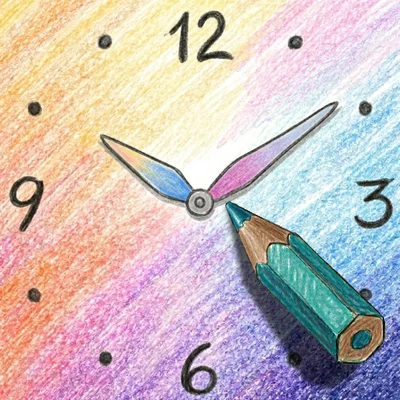
Drawing Clock Widget - MyClock
Draw your analog clock widget
Designed for iPhone
Free · In-app purchases
- Age rating4+
- CategoryGraphics & Design
- DeveloperKosei Suzuki
- LanguagesEnglish+ 1 more
- Size9.6 MB
Links to the official App Store page
Download.org hosts no file of Drawing Clock Widget - MyClock. The button opens its official App Store page, published by Kosei Suzuki. Listing last checked on Nov 18, 2026.
Screenshots

About
Then, add it to your iPhone Home Screen to watch your custom masterpiece tick in real time.
◇ Purely Original, Zero Skills Required
Just use your finger or a stylus to sketch your design.
No need to be a pro—the beauty is in the imperfections!
Even a quick doodle instantly morphs into a charming, stylish timepiece.
◇ Layered Design for Perfect Motion
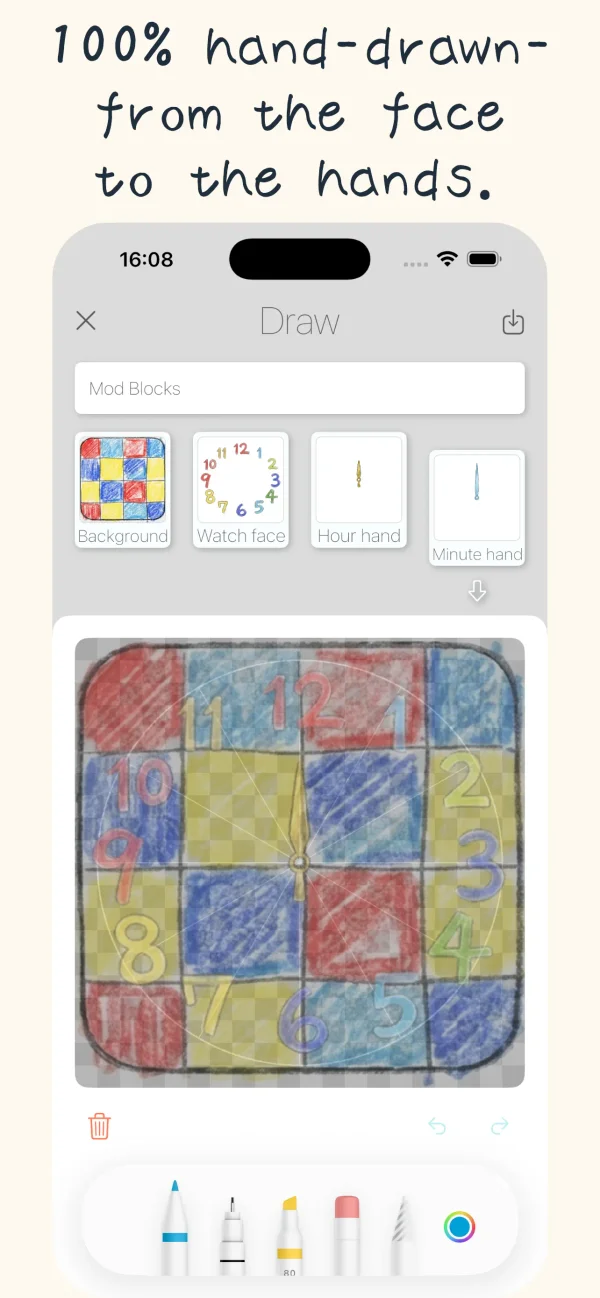
The background, numbers, and hands are split into independent layers.
This keeps your drawings from overlapping messy-style, ensuring the hands rotate smoothly and tell time perfectly.
◇ Personalize Your Home Screen
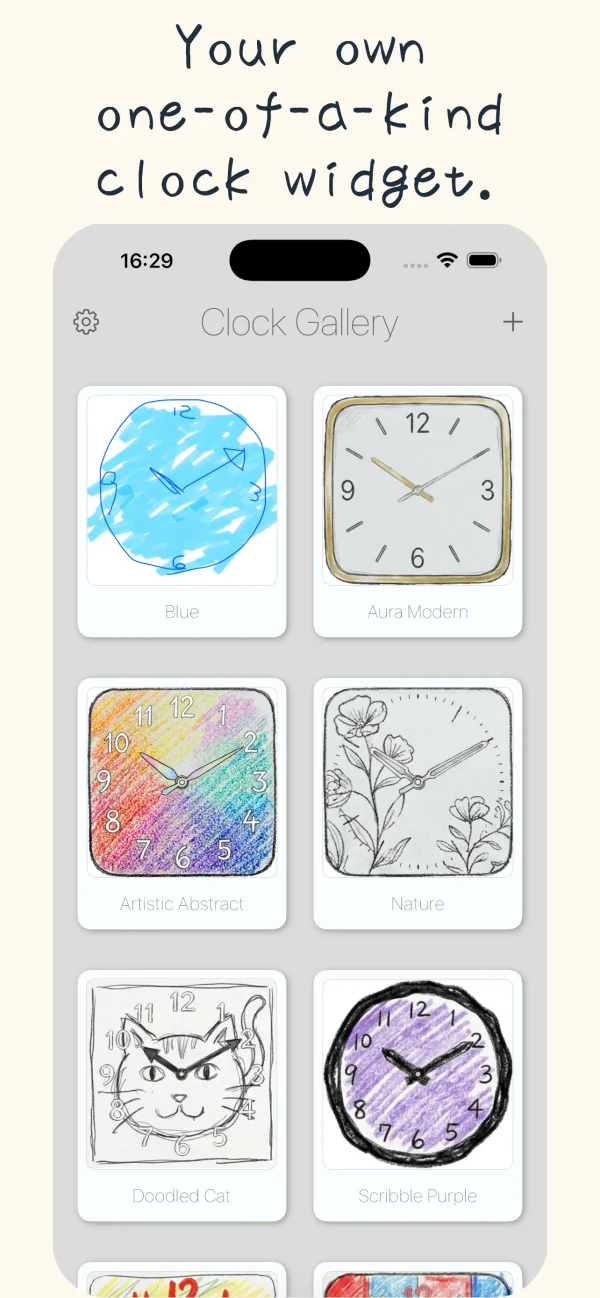
Turn your finished artwork into a fully functional Home Screen widget.
Watch your favorite characters or doodles come alive as they keep track of your day.
◇ Packed with Ready-to-Use Templates
Stuck on ideas? Browse our library of pre-made templates—featuring cozy crayon sketch, chic tile pattern, and adorable cat motif. Use them as inspiration or set them as your widget instantly!
〜 Perfect For 〜
・Anyone who loves cozy, rustic, and hand-drawn aesthetics.
・Customizing your iOS Home Screen with a personal touch.
・Parents looking to turn their kids’ doodles into a functional keepsake.
・Creating a truly one-of-a-kind widget that nobody else has.
【Important Note】
When drawing the clock hands (hour and minute hands), please point them straight up (toward the 12 o'clock position).
This ensures the app can animate the hands and keep time accurately.
Terms of Use:
https://www.apple.com/legal/internet-services/itunes/us/terms.html
App privacy
What Kosei Suzuki declares on the App Store about how this app handles data.
-
Data not collected
The developer does not collect any data from this app.
Privacy practices may vary, for example with the features you use or your age.
Information
- Seller
- Kosei Suzuki
- Category
- Graphics & Design
- Version
- 1.0
- Updated
- Jul 2, 2026
- Released
- Jul 6, 2026
- Size
- 9.6 MB
- Requires
- iOS 26.0 or later
- Age rating
- 4+
- Price
- Free
- In-app purchases
- Yes
- Languages
- English, Japanese
- Copyright
- © 2009 Kids Room App
You might also like
-
 marume - 写真の角を丸める加工アプリGraphics & Design
-
 3D Skin Designer for MinecraftPaint intuitively in 3D
-
 Handwritten Notes Widget, DrawDrawing, Paint, Sketch, Doodle
-
 Infographic MakerCreate Infographics & Timeline
-
 OC - Widget Video PlayerPlaying videos on widgets
-
 Brushes for Procreate+Fonts, Drawing Tools, Palettes
-
 Tools & Brushes for ProcreateStamps, Textures, Fonts & 3D
-
 Lodgety-ホーム画面 透明ウィジェットと写真や画像編集Graphics & Design
-
 Brushes - for Procreate6000+ Brushes
-
 Brusher・Brushes & Stamps3000+ Tools for Digital Art