- Age rating4+
- CategorySports
- DeveloperAndrey Surzhikov
- LanguagesKazakh+ 12 more
- Size39.1 MB
Links to the official App Store page
Download.org hosts no file of DrawMyRoute Orienteering. The button opens its official App Store page, published by Andrey Surzhikov. Listing last checked on Nov 12, 2026.
Screenshots
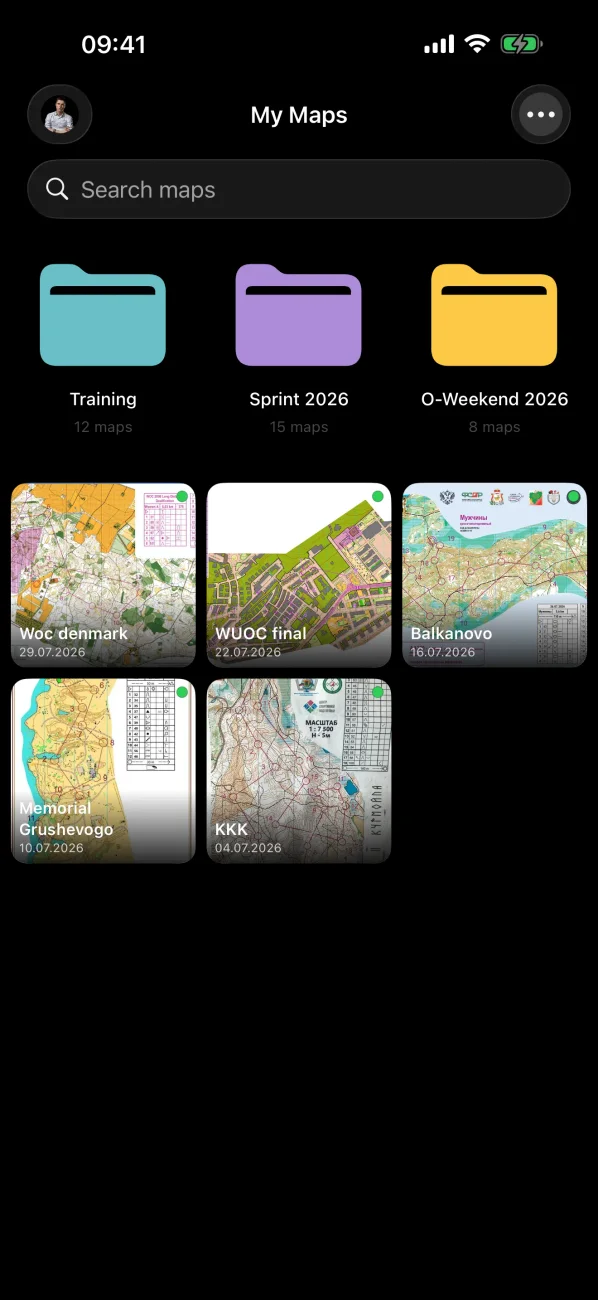
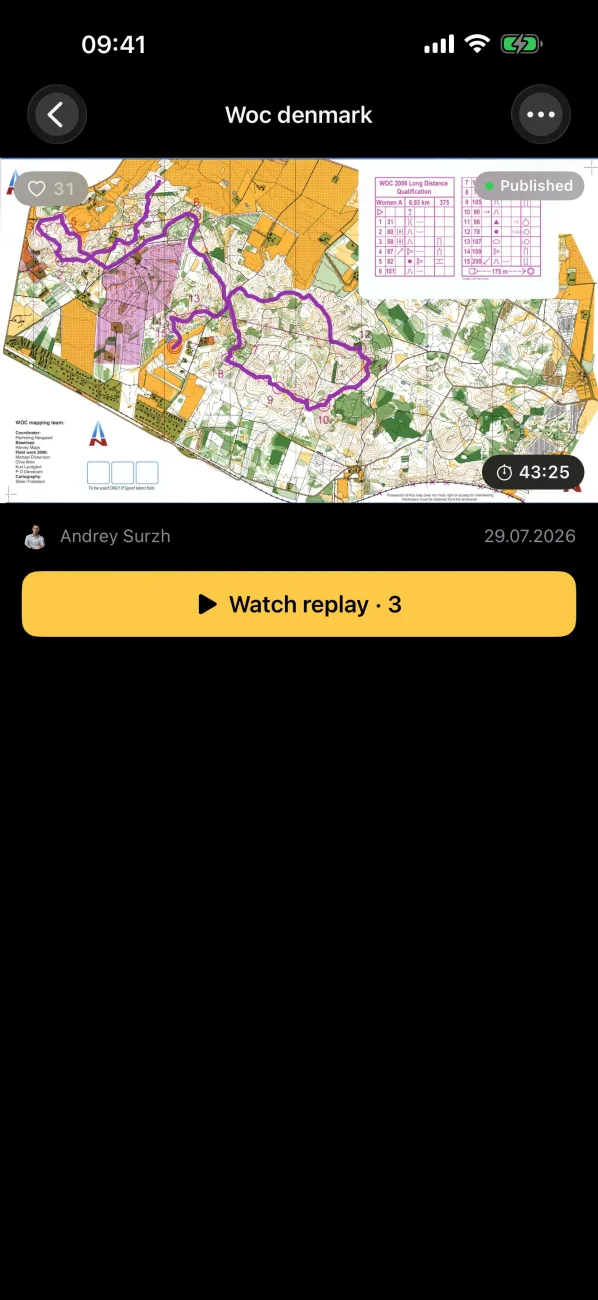
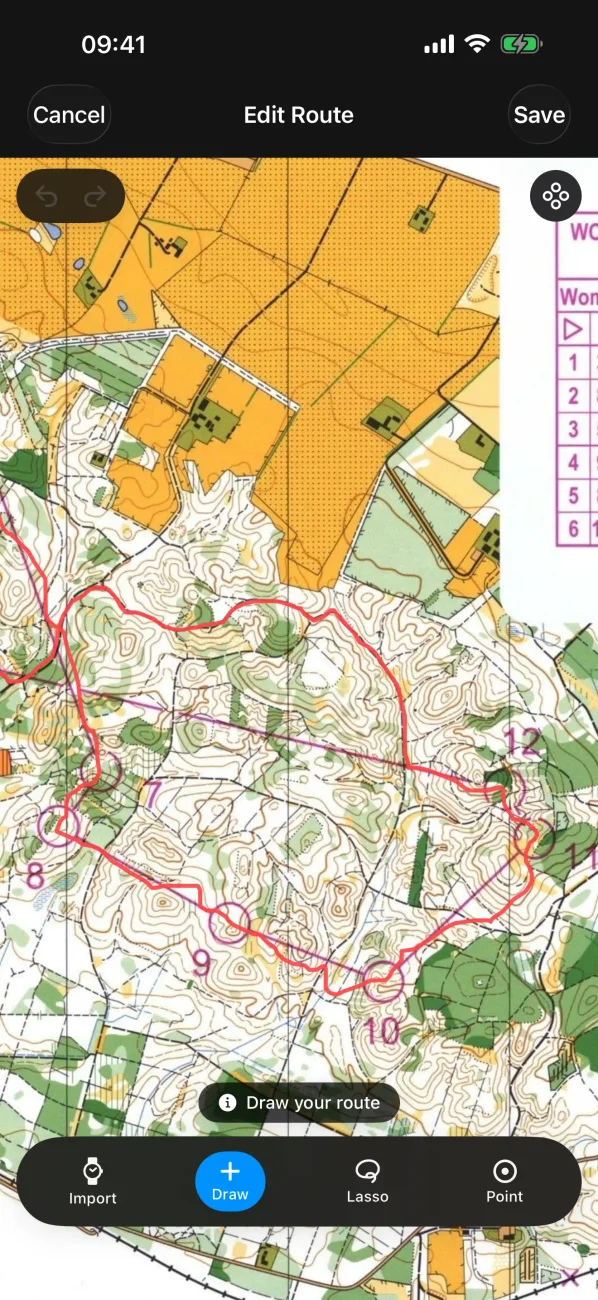


About
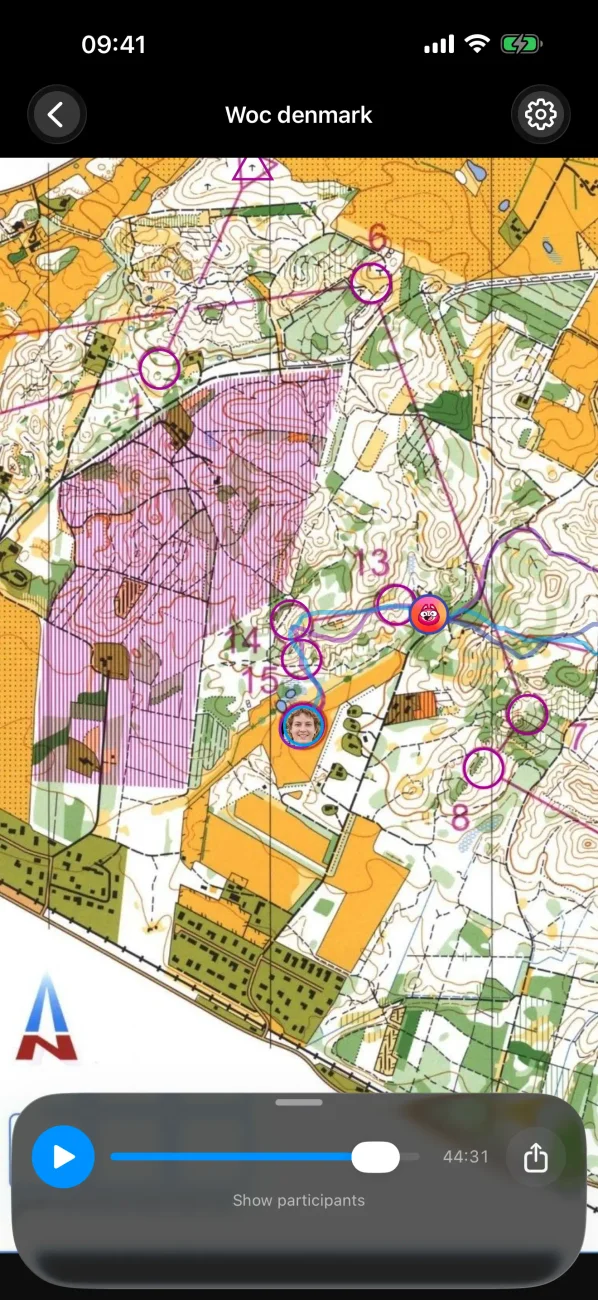
DrawMyRoute turns an orienteering map into a replay you can watch and share.
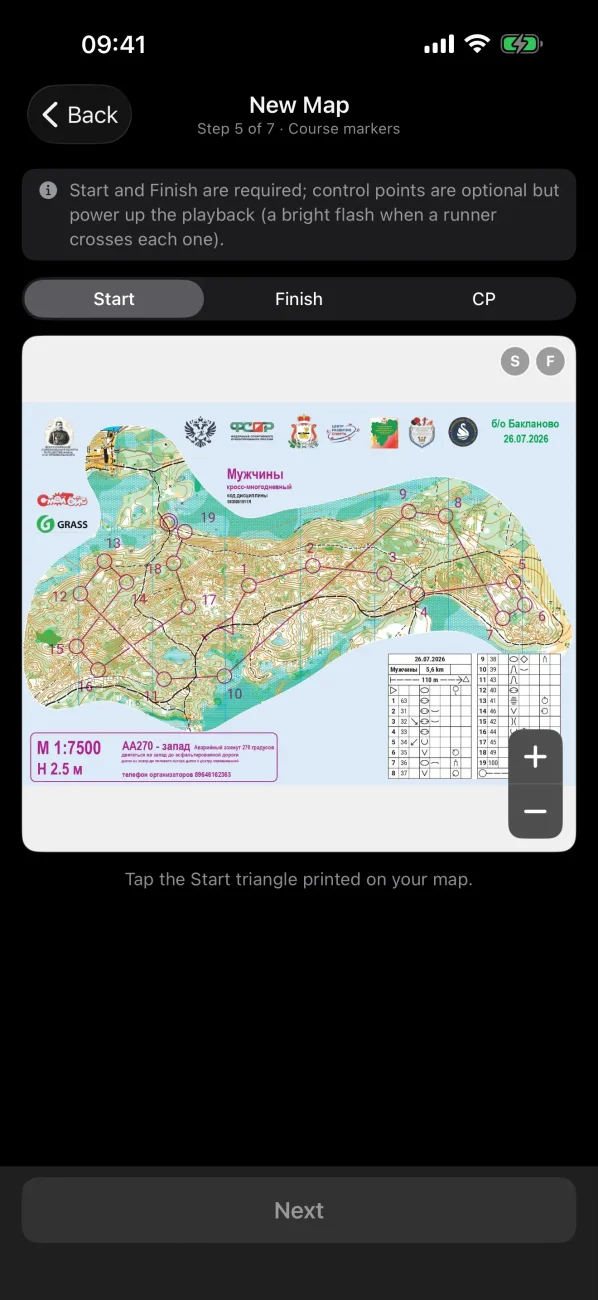
Photograph or import the map from your last race, mark the start and finish, then draw the route you actually ran. Press play and your track animates across the map, leg by leg, at whatever speed you like.
WATCH EVERYONE AT ONCE
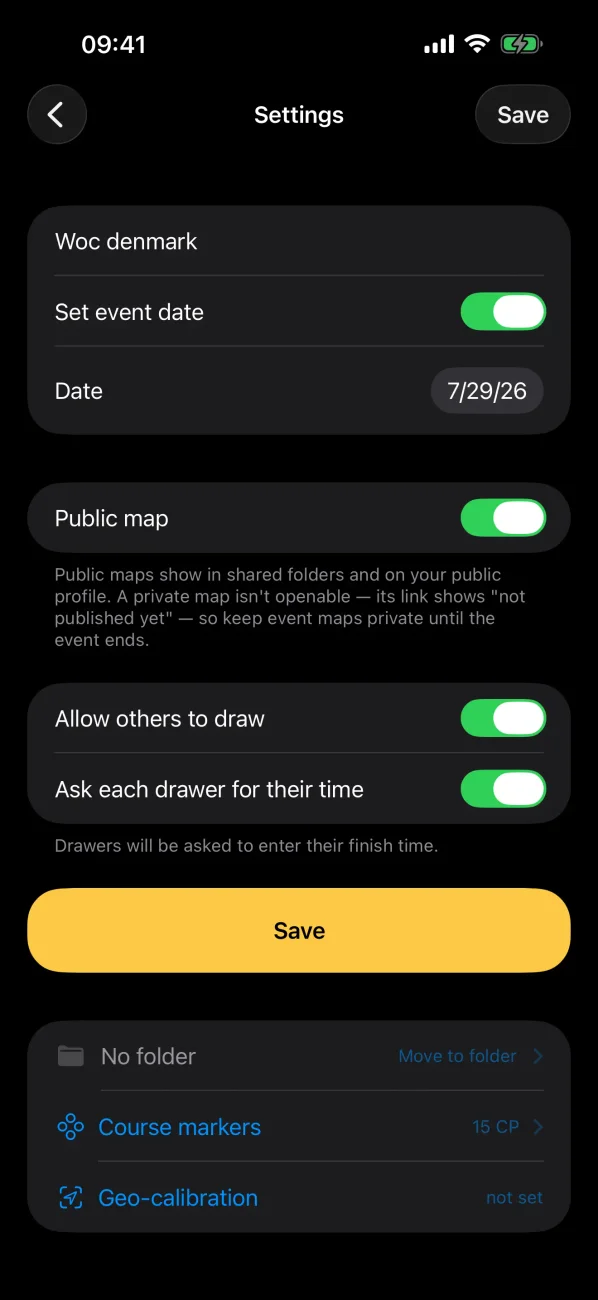
Share a link to the map and other runners draw their own routes on it. Play them back together to see where you lost time, who took the safe way around the marsh and who went straight through it.
MADE FOR ORIENTEERING
• Control points flash as a runner passes them
• Start, finish and controls can be drawn over the map, for clean maps printed without a course
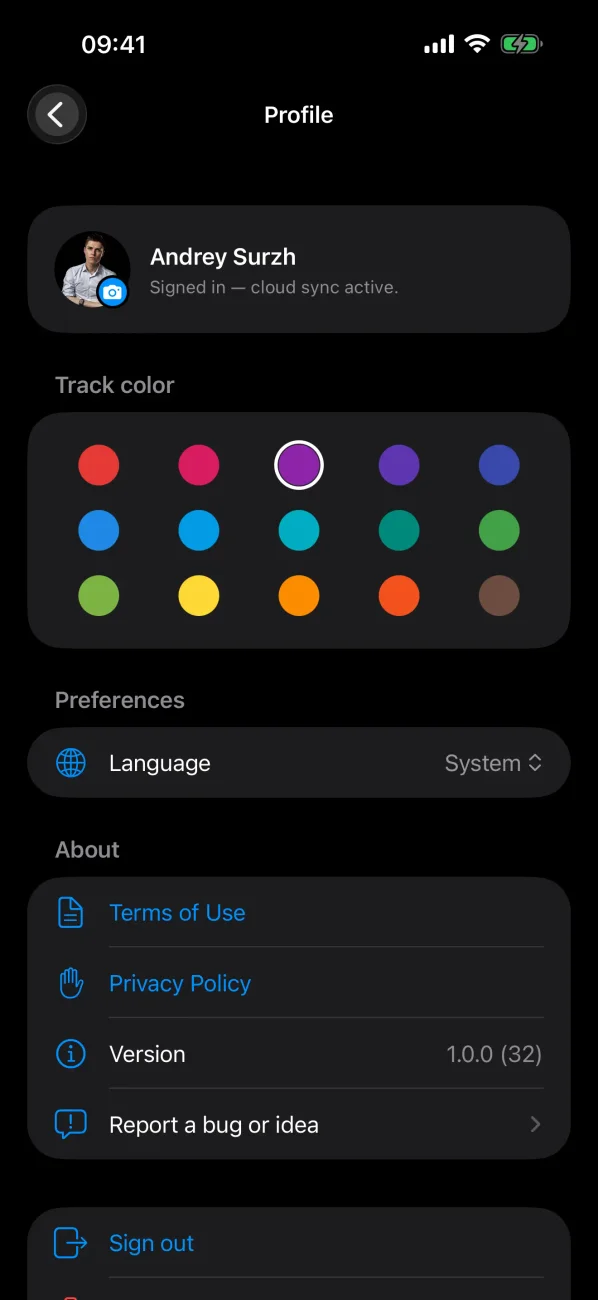
• A colour per runner, with adjustable head size, tail length and line opacity
• Follow one runner and the map turns so they always head up
EXPORT AND SHARE
Render the replay as a video in 1:1, 9:16 or 16:9 for social, or as a PDF for the club noticeboard.
GPS TOO
Import a GPX track from your watch. Calibrate the map once against real-world coordinates and every imported track lands where it belongs.
ORGANISE
Folders for events and training sessions. Share a whole folder with your club by link or QR code.
Works offline: your maps live on your device. Sign in only if you want them backed up and synced across your devices.
What’s new
Version 1.1.0 · Aug 26, 2026
• Your maps now live in your account — sign in once and they are on every device you use.
• Merge accounts: if you ended up with two, join them into one with an 8-digit code.
• Precise georeferencing: a crosshair on a handle replaces the pin, so your finger never hides the spot you are placing. You can also copy the reference points from another map — handy when several courses share the same map.
• Marker size is now set while you place start, finish and controls.
• A new map reaches the web the moment you create it.
• Sharper map thumbnails.
App privacy
What Andrey Surzhikov declares on the App Store about how this app handles data.
-
Data linked to you
May be collected and linked to your identity.
- Contact info
- User content
- Identifiers
Privacy practices may vary, for example with the features you use or your age.
Information
- Seller
- Andrey Surzhikov
- Category
- Sports
- Version
- 1.1.0
- Updated
- Aug 26, 2026
- Released
- Aug 14, 2026
- Size
- 39.1 MB
- Requires
- iOS 17.0 or later
- Age rating
- 4+
- Languages
- Kazakh, Danish, Russian, Norwegian Bokmål, German, Estonian, Latvian, Czech, French, Swedish, Finnish, English + 1 more
- Copyright
- © 2026 Andrey Surzhikov
You might also like
-
 O-App - Orienteering ToolRun, Replay and Analyze
-
 Orin - Discover cityFind. Run. Conquer.
-
 OPRO CoachSports
-
 ORIclockSports
-
 OPRO AthleteCP = AR objects! Lifetime!
-
 Control Orienteering AnalysisYour Track On Map
-
 EPS Basket CollectifSports
-
 OCAD SketchSports
-
 XM Limassol MarathonSports
-
 Relais Vitesse EPSSports