DrawPad: Trace & Draw
Sketch, Doodle & Photo Tracing
Designed for iPhone, iPad
Free · In-app purchases
- Age rating4+
- CategoryEntertainment
- DeveloperMULTITECHNIQUE BUSINESS COMAPNUY INVESTMENT
- LanguagesEnglish+ 15 more
- Size16.4 MB
Links to the official App Store page
Download.org hosts no file of DrawPad: Trace & Draw. The button opens its official App Store page, published by MULTITECHNIQUE BUSINESS COMAPNUY INVESTMENT. Listing last checked on Nov 25, 2026.
Screenshots
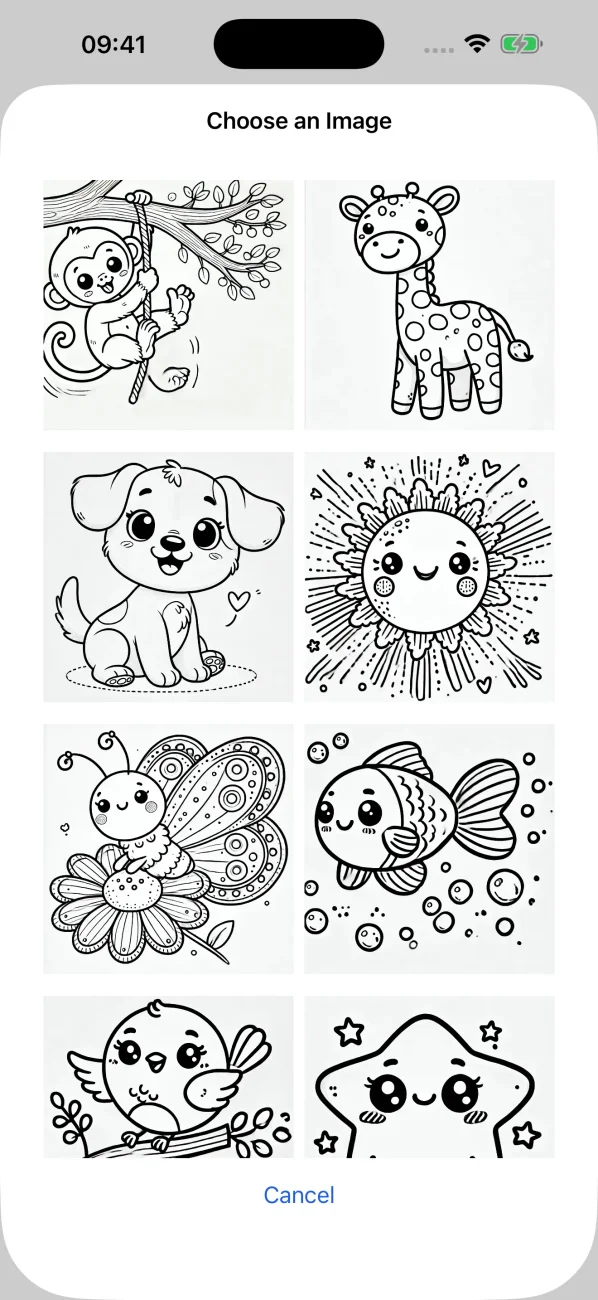
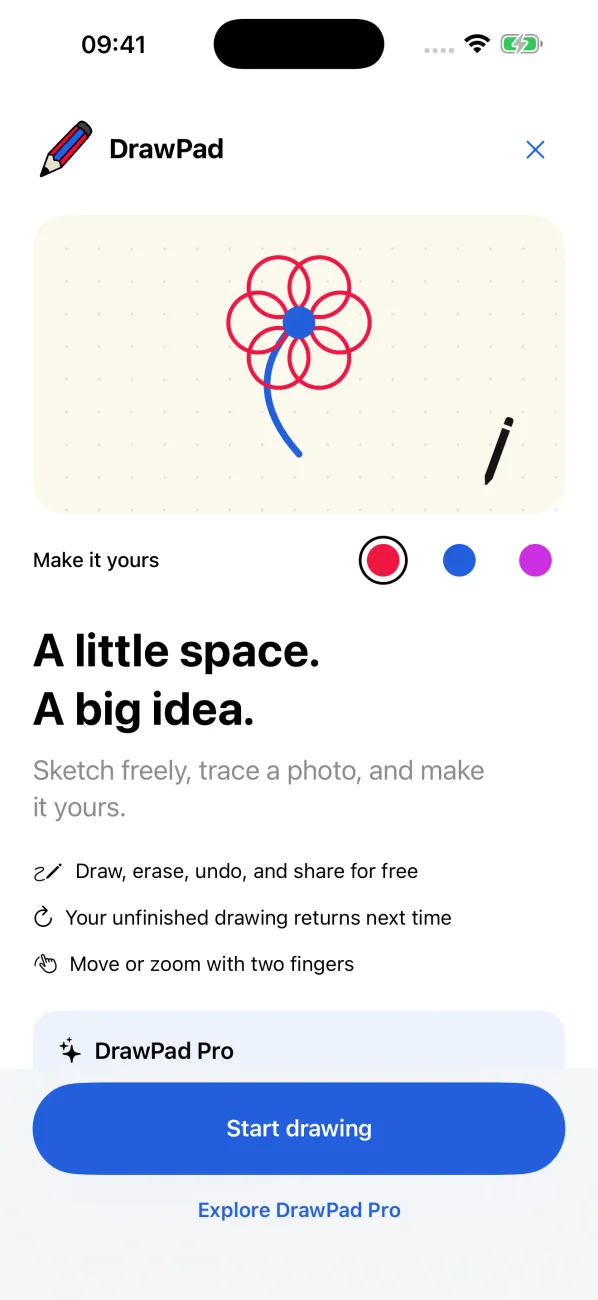
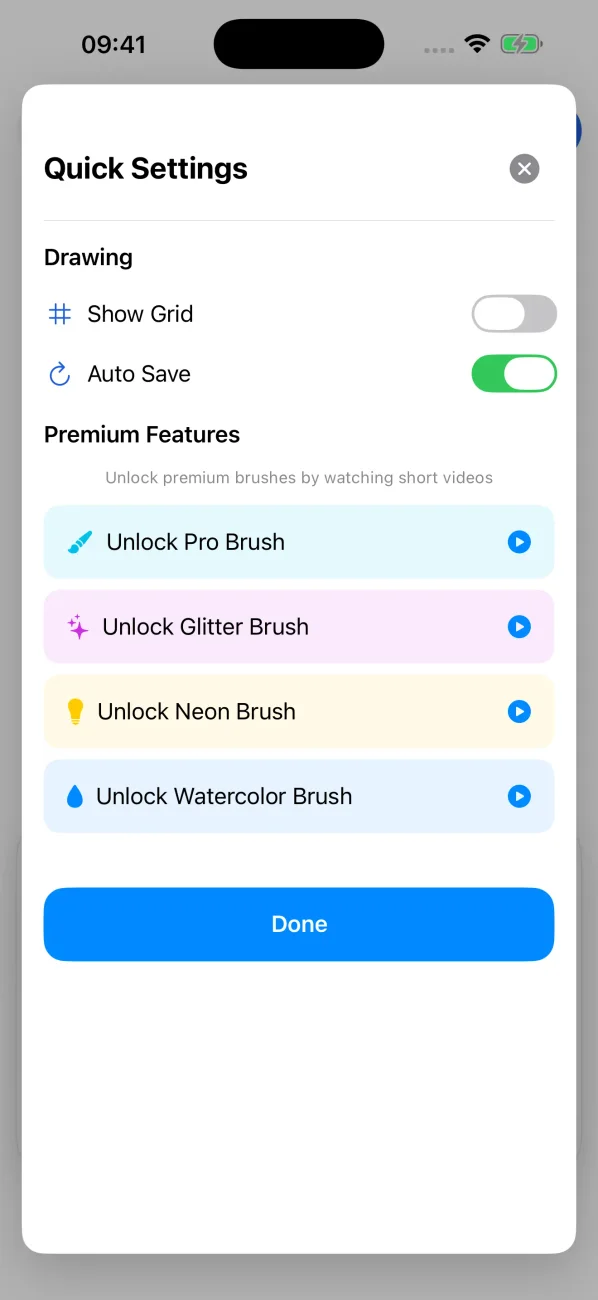
About
Turn a photo into drawing practice, or start with a blank canvas. Sketch, doodle and trace on your iPhone or iPad, then save or share what you create.
DRAW AT YOUR OWN PACE
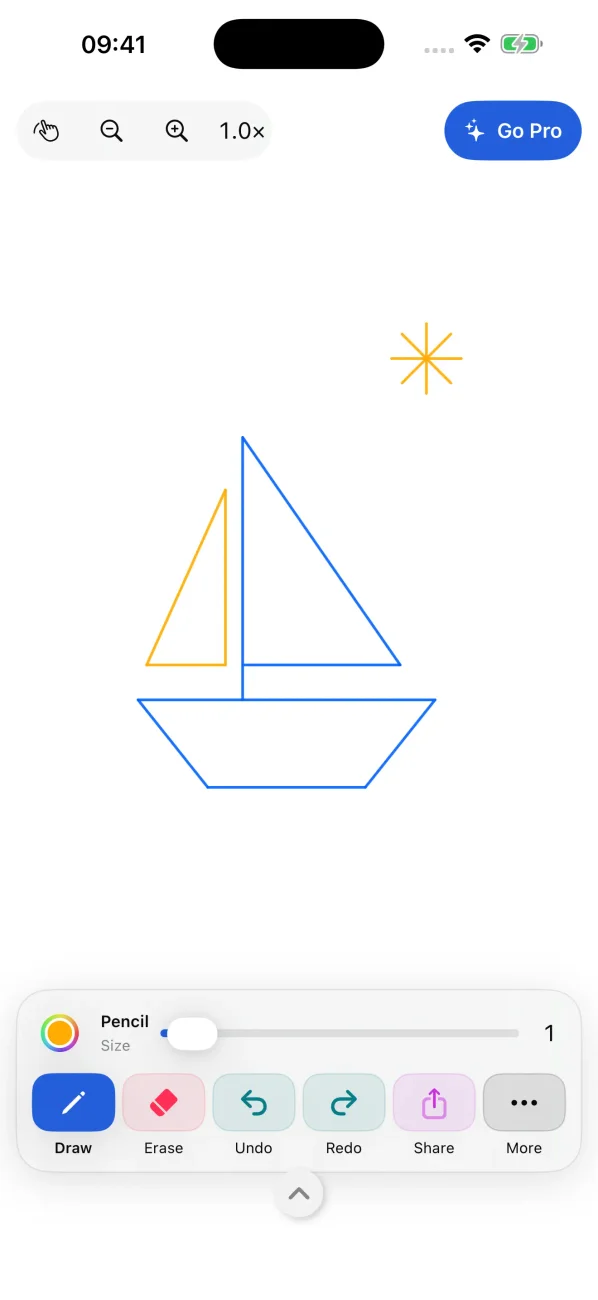
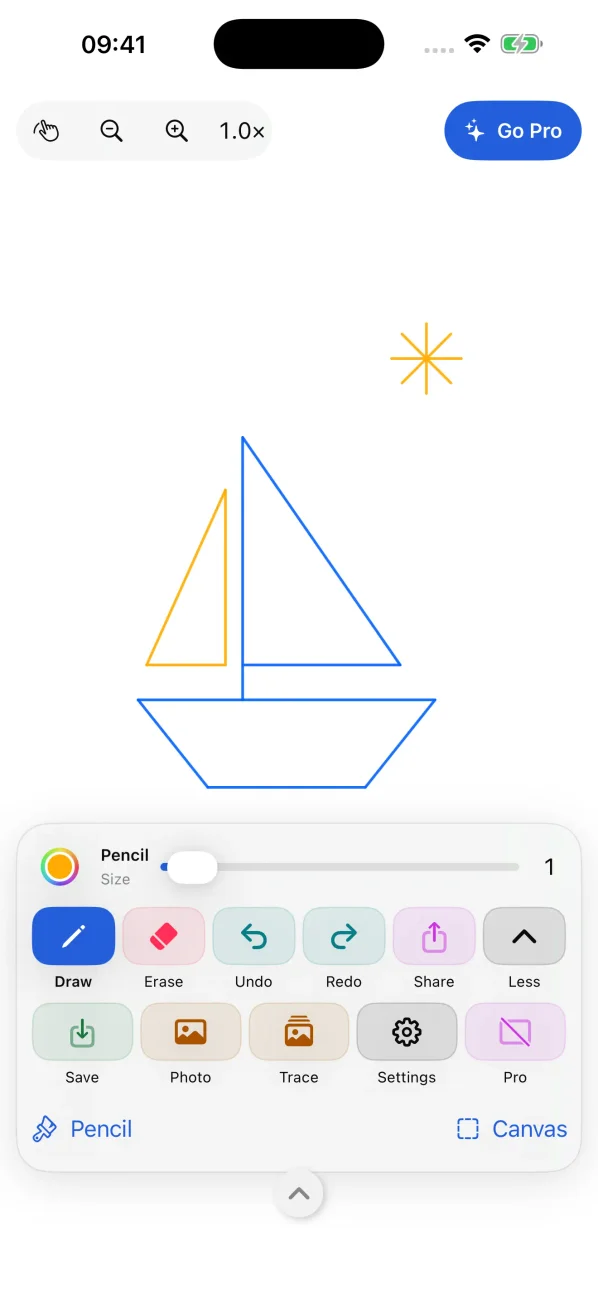
Choose your brush, color and line width. Zoom in for details and move around the canvas. Erase a mistake, undo a stroke or redo it when you change your mind.
TRACE YOUR OWN PHOTOS
Import a photo as a reference, adjust its opacity and draw over it. Use the built-in images when you want a starting point.
PICK UP WHERE YOU LEFT OFF
Your current drawing stays on your device so you can return to it later. Start a new canvas for a fresh page. Drawing works offline, with no mandatory account.
SAVE AND SHARE
Save an image to Photos or share it from the app when you are ready.
ONE OPTIONAL PRO UPGRADE
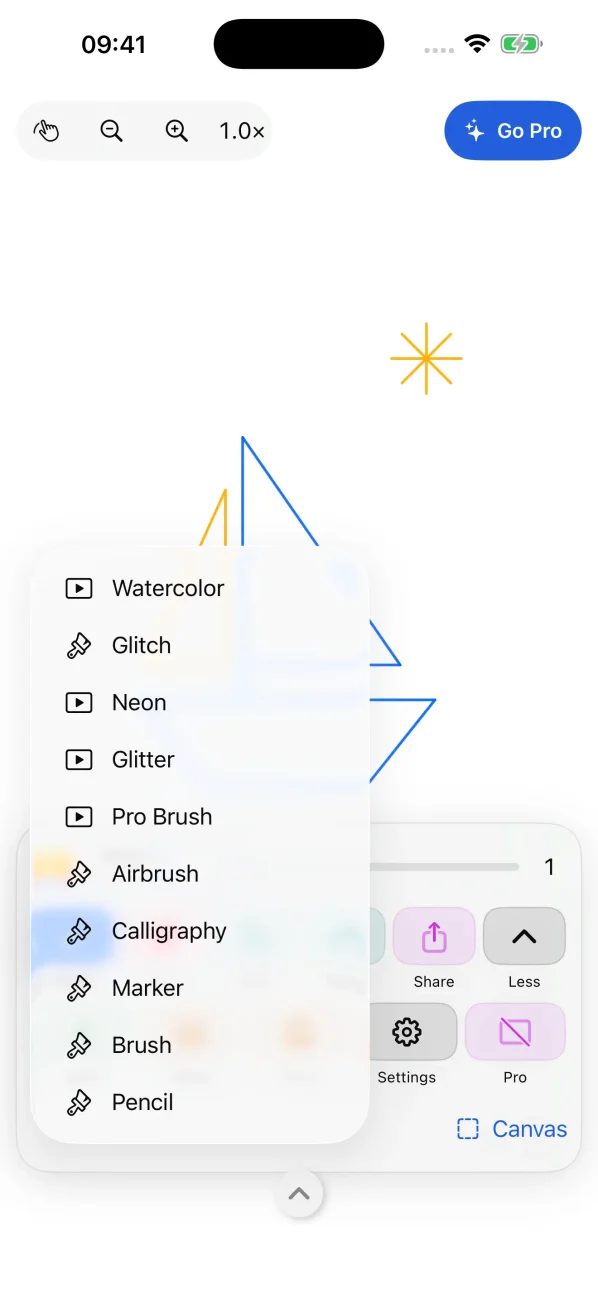
The free version includes ads. DrawPad Pro is a one-time, non-consumable purchase that removes ads and unlocks all effect brushes, including neon, glitter and watercolor. Pro also includes Apple's native drawing palette on iOS 18 or later, with the tools supported by DrawPad. There is no subscription. Restore your purchase with the same Apple Account. Your local price appears in the app. Purchases and ads require an internet connection.
Open DrawPad, choose a photo or a blank canvas, and make your first sketch.
Privacy: https://myzalife.com/privacypolicy.html#drawpad
Terms: https://www.apple.com/legal/internet-services/itunes/dev/stdeula/
What’s new
Version 2.5.0 · Oct 2, 2026
A refreshed, colorful toolbar and animated welcome. Erasing, undo and redo are more reliable, including resumed drawings. Improved photo exports, Pro purchase restoration and advertising privacy choices.
App privacy
What MULTITECHNIQUE BUSINESS COMAPNUY INVESTMENT declares on the App Store about how this app handles data.
-
Data used to track you
May be used to track you across apps and websites owned by other companies.
- Identifiers
-
Data linked to you
May be collected and linked to your identity.
- Location
- Identifiers
- Usage data
-
Data not linked to you
May be collected but is not linked to your identity.
- Purchases
- Diagnostics
Privacy practices may vary, for example with the features you use or your age.
Information
- Seller
- MULTITECHNIQUE BUSINESS COMAPNUY INVESTMENT
- Category
- Entertainment
- Version
- 2.5.0
- Updated
- Oct 2, 2026
- Released
- Mar 14, 2019
- Size
- 16.4 MB
- Requires
- iOS 17.6 or later
- Age rating
- 4+
- Price
- Free
- In-app purchases
- Yes
- Languages
- English, Arabic, Dutch, French, German, Hebrew, Hindi, Indonesian, Italian, Japanese, Portuguese, Russian + 4 more
- Copyright
- © 2026 MZ Studio
You might also like
-
 EasyDrawing AR: Sketch & TraceAI Pencil Sketch & AR Tracing
-
 الوان: رسم وتلوينEntertainment
-
 Draw - paint sketchesUse your finger to draw easily
-
 Glow DrawingsDraw with your fingers
-
 Drawing Pad - Blackboard styleBlackboard style - Drawing Pad
-
 Drawing Painting Coloring ArtsSketch coach, draw, color
-
 Neon Draw for Glow Art EffectDoodle drawing game App Notes
-
 Draw on photos - Add Text listTake Notes and Write on Images
-
 Finger Paint (Ape Apps)Entertainment
-
 Coloring Book, Color by NumberMandala Coloring for Adults