DriveLogger
Log vehicle drives
Designed for iPhone, iPod touch
Free · In-app purchases
- Age rating4+
- CategoryBusiness
- DeveloperAchim Lenz
- LanguagesEnglish+ 6 more
- Size20.5 MB
Links to the official App Store page
Download.org hosts no file of DriveLogger. The button opens its official App Store page, published by Achim Lenz. Listing last checked on Nov 12, 2026.
Screenshots



About
DriveLogger is the modern mileage logbook app for anyone who wants to record business and personal trips with clarity, reliability, and ease.
Whether you are self-employed, working in field sales, managing a fleet, or simply tracking personal driving, DriveLogger helps you capture trips quickly, keep expenses
transparent, and have important information ready whenever you need it.
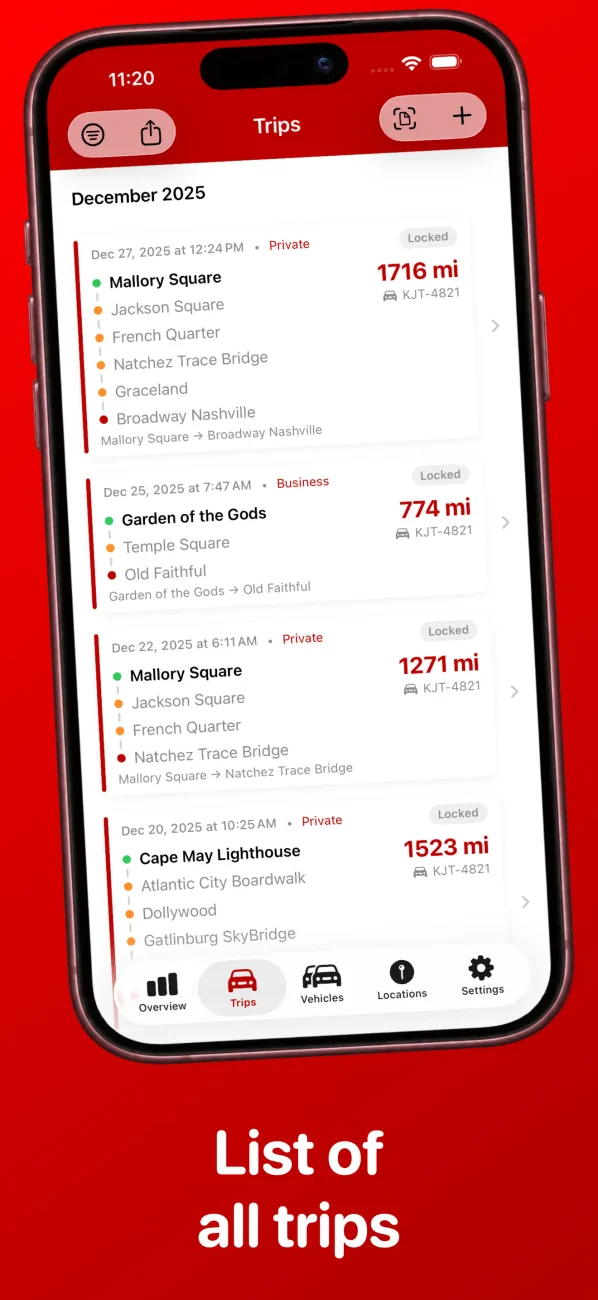
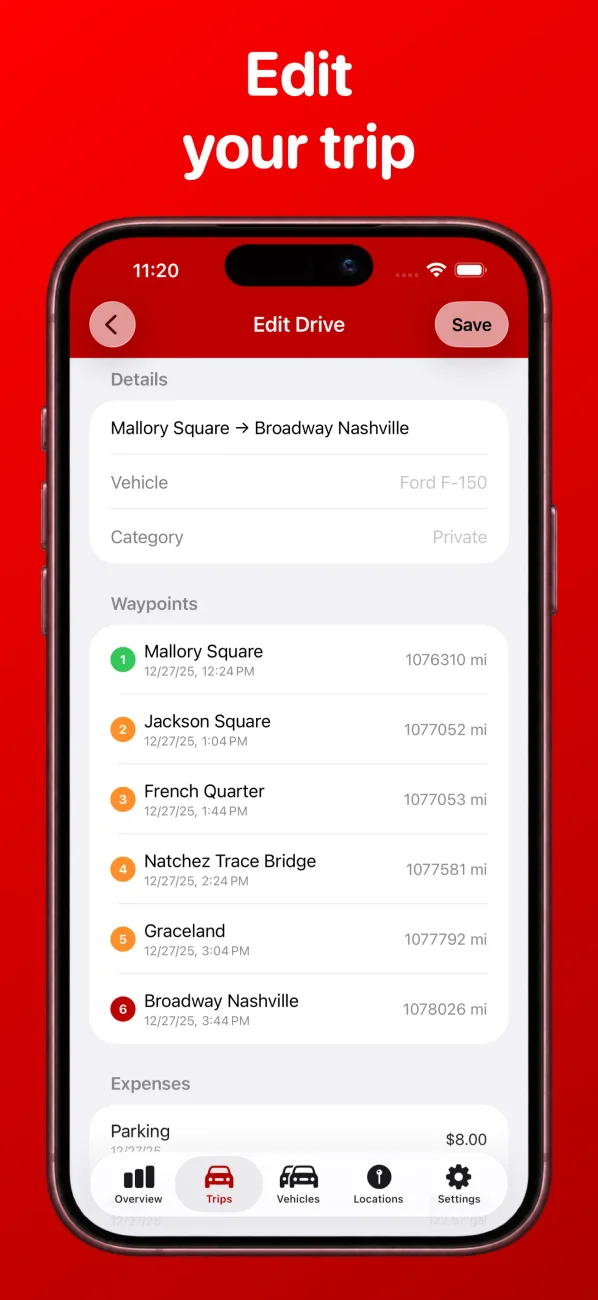
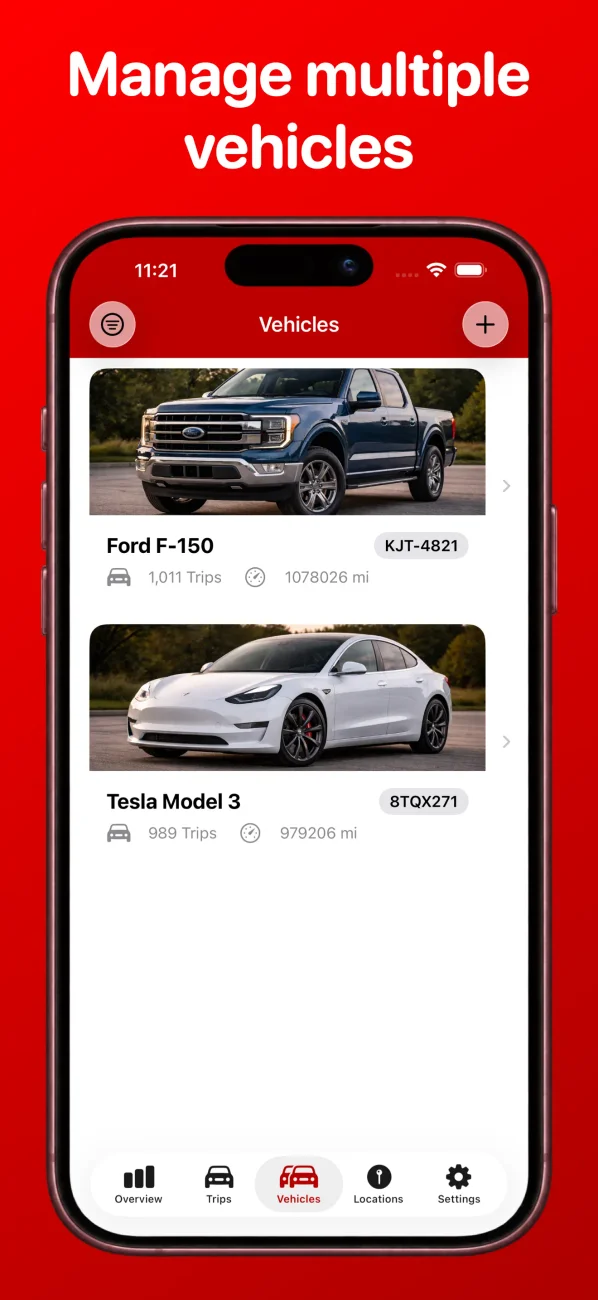
Record every trip with start and destination, mileage, purpose, date, and time in a clean and efficient interface. Manage multiple vehicles, categories, locations, and
contacts in one place, and stay in control even with large amounts of data.
DriveLogger goes beyond simple trip logging. You can assign business contacts directly to trips and keep related information organized. Expenses and receipts for fuel,
parking, tolls, maintenance, and more can be captured and managed right inside the app.
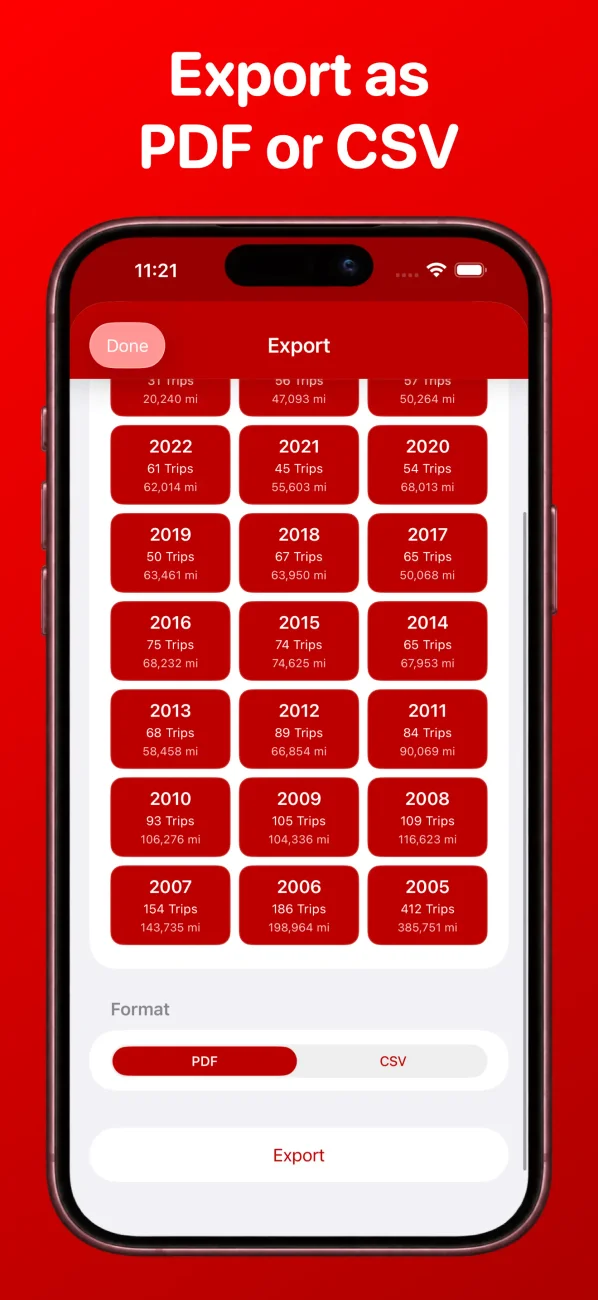
Powerful search and filtering tools make it easy to find past entries fast. For reporting, archiving, or sharing, DriveLogger supports both PDF and CSV export. The app also
includes ELSTER-oriented export support for users in Germany.
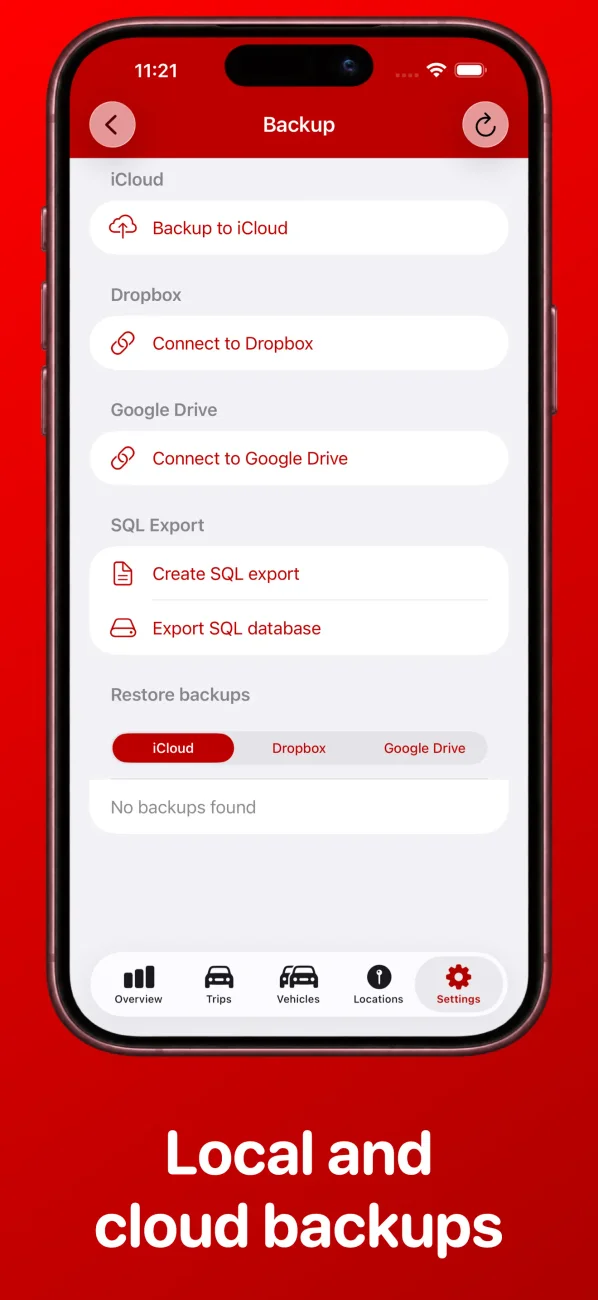
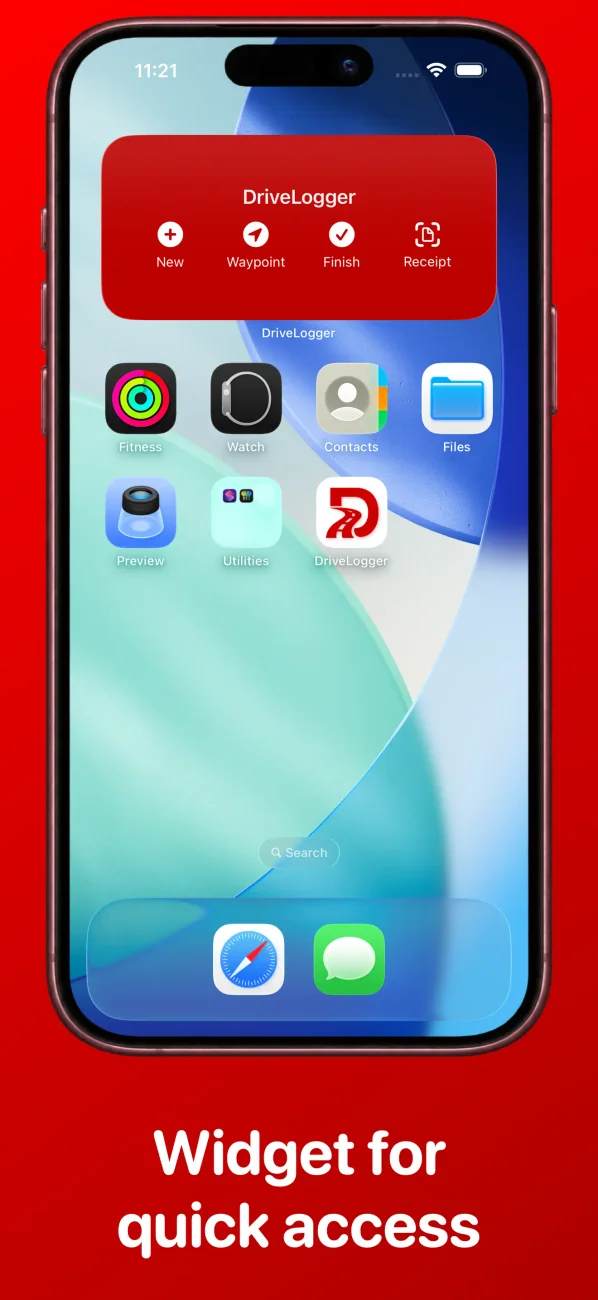
To keep your data safe and accessible, DriveLogger offers backup and restore options both locally and in the cloud, including Google Drive. A practical home screen widget
gives you instant access to key actions such as starting a trip or capturing a receipt.
DriveLogger has been rebuilt and modernized to deliver a faster, more stable, and smoother everyday experience.
DriveLogger. A smarter way to track trips, manage costs, and stay organized.
What’s new
Version 5.1 · Oct 2, 2026
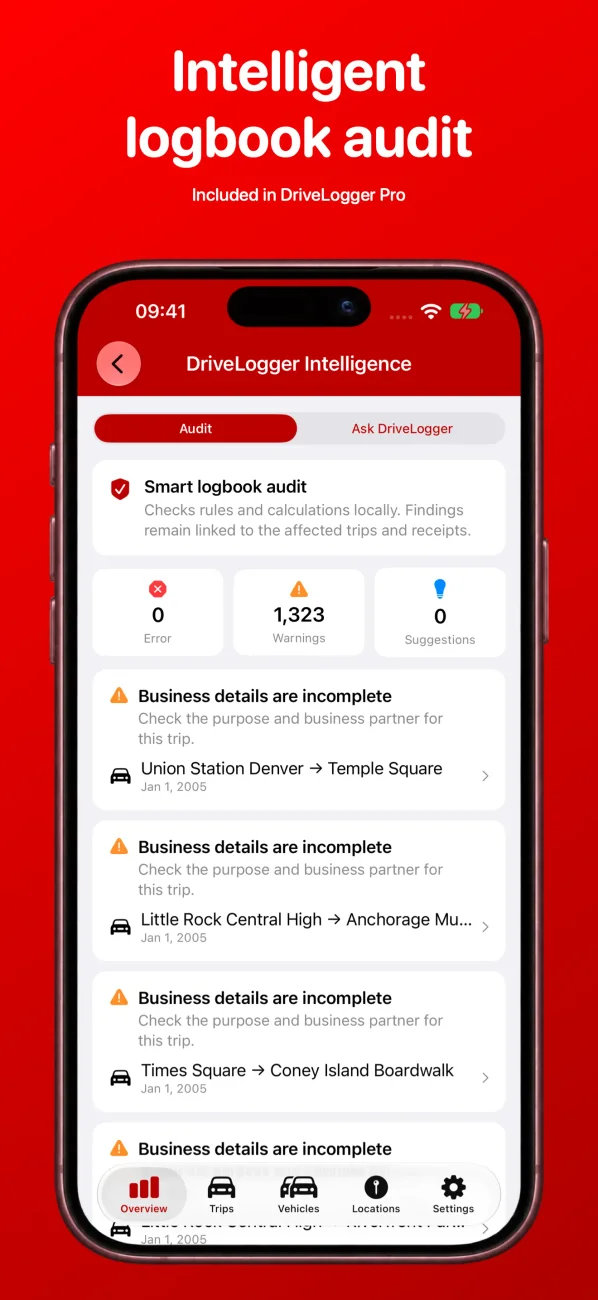
Introducing DriveLogger Intelligence — new tools to explore and review your logbook.
- Ask DriveLogger: Ask questions about your trips, mileage, vehicles and expenses in natural language. Answers include links to the relevant records.
- Logbook Check: Find missing details, mileage inconsistencies, possible duplicate receipts and trips approaching their editing deadline.
- Enhanced receipt scanning: Capture additional receipt details, including merchant, currency and fuel information, with improved multilingual recognition and validation warnings.
- Spotlight search: Find saved trips, vehicles, locations and expenses directly from your iPhone’s search and open the matching record.
- Siri and Shortcuts: Quickly access actions to start a trip, add a waypoint, finish a trip or scan a receipt.
DriveLogger Intelligence and receipt scanning require DriveLogger Pro. Ask DriveLogger and AI-enhanced receipt recognition require iOS 27 and an available
Apple Intelligence model on a supported device and in a supported language. Logbook Check does not require Apple Intelligence.
App privacy
What Achim Lenz declares on the App Store about how this app handles data.
-
Data not collected
The developer does not collect any data from this app.
Privacy practices may vary, for example with the features you use or your age.
Information
- Seller
- Achim Lenz
- Category
- Business
- Version
- 5.1
- Updated
- Oct 2, 2026
- Released
- Jul 22, 2014
- Size
- 20.5 MB
- Requires
- iOS 15.0 or later
- Age rating
- 4+
- Price
- Free
- In-app purchases
- Yes
- Languages
- English, French, German, Italian, Portuguese, Simplified Chinese, Spanish
- Copyright
- © Achim Lenz
You might also like
-
 CC LogbookThe electronic logbook
-
 Car Log book AppCar management - mileage book
-
 manumeter 2Das mobile Fahrtenbuch neu
-
 Mileage BookAutomatic mileage tracker
-
 Mileage Log Trip & Tax TrackerCar Expense & IRS Deduction
-
 Logify Automatic Mileage LogBusiness trips GPS tracker
-
 MileTracker ProMile Tracker and Reporting
-
 Travel Logs - Vehicle LogbookAutomated GPS Mileage Tracker
-
 Leapmotor ConsórcioFinance
-
 KFZ Fahrtenbuch 6 (veraltet)Productivity