
Driven – Live App Analytics
Insights for App Store Connect
Designed for iPhone, Mac
Free · In-app purchases
- Age rating4+
- CategoryDeveloper Tools
- DeveloperDigital Workroom Ltd
- LanguagesEnglish
- Size72.3 MB
Links to the official App Store page
Download.org hosts no file of Driven – Live App Analytics. The button opens its official App Store page, published by Digital Workroom Ltd. Listing last checked on Nov 14, 2026.
Screenshots


About
You saw the spike. You just didn’t know why.
Sales jumped. Downloads dropped. You shipped a new version, or maybe you got featured somewhere. But most charts only showed you the numbers — not the story behind them.
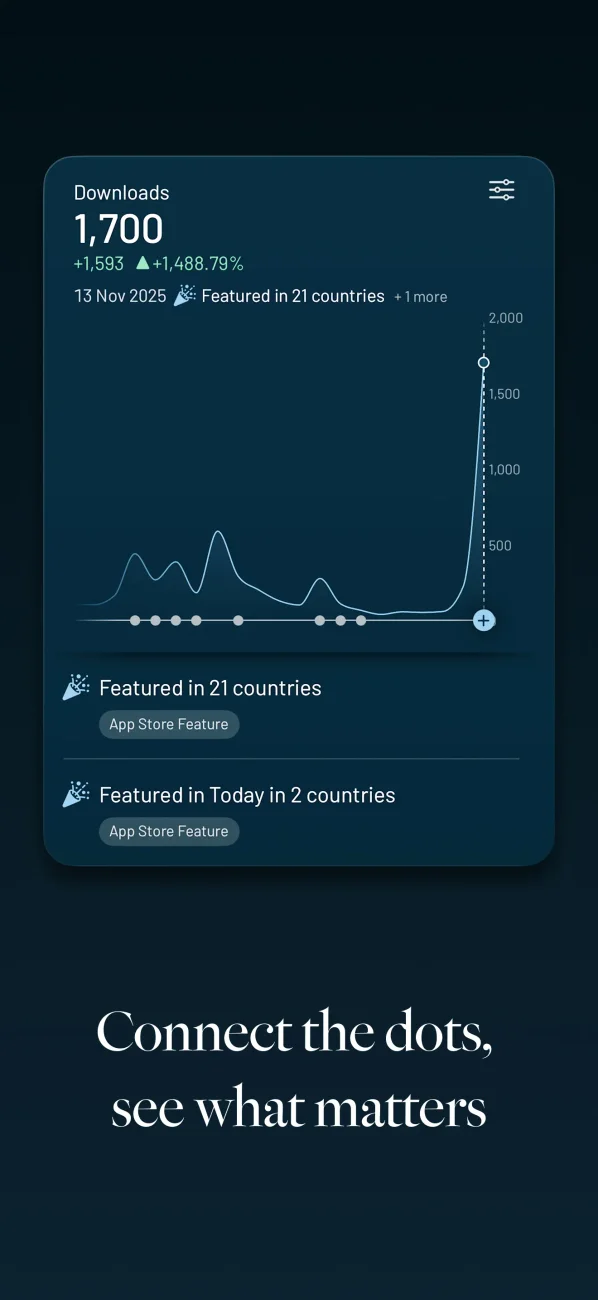
Driven connects the dots.
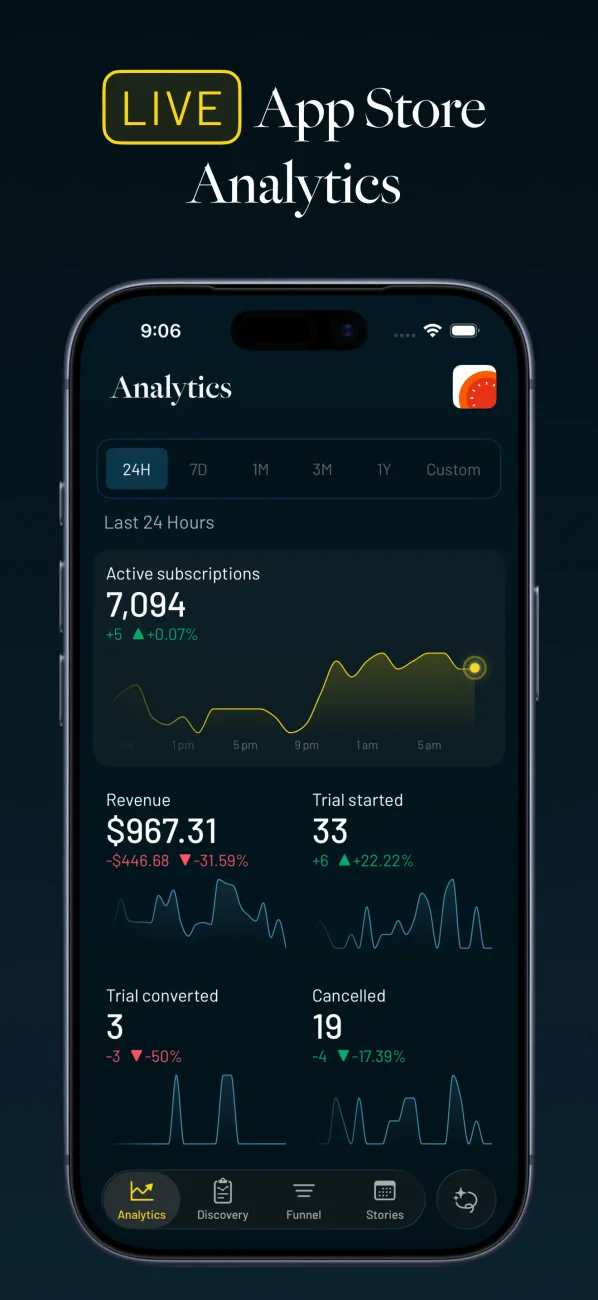
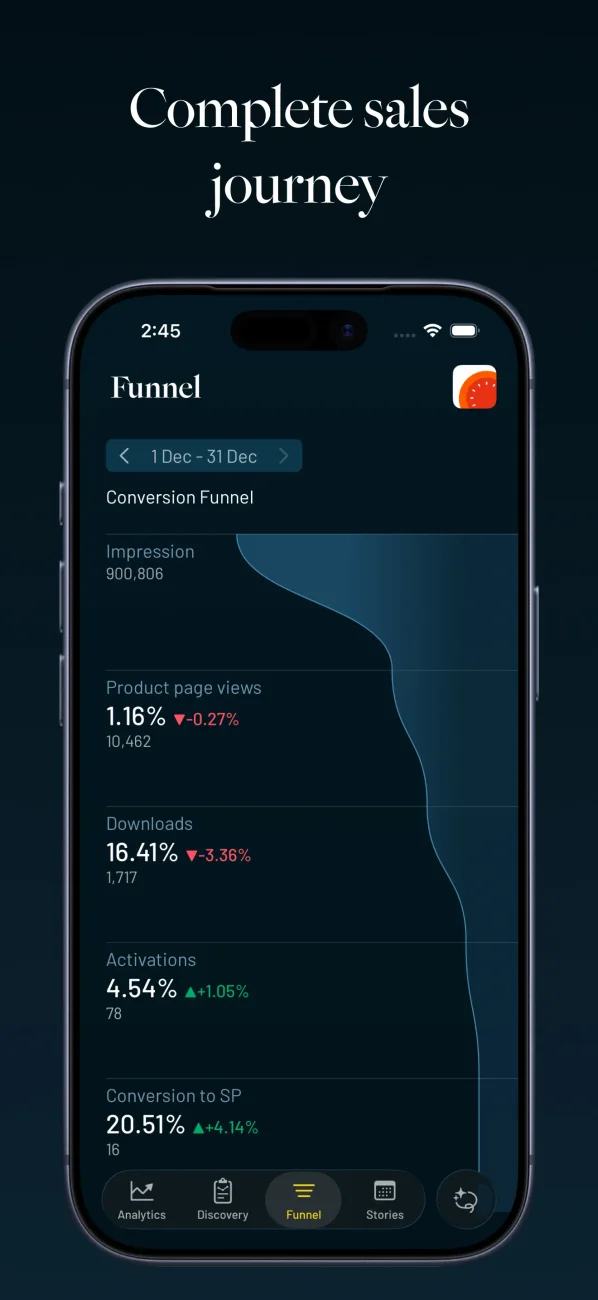
It pulls your live App Store data — sales, downloads, version releases — and overlays them on a clear timeline. You can add notes, stories, and key events to explain what really happened. No more guessing what caused a spike. No more wondering why growth slowed.
From indie devs to small teams, Driven helps you understand your app’s journey — one moment at a time.
Here’s what you can do with Driven:
- Track real-time sales and revenue across countries
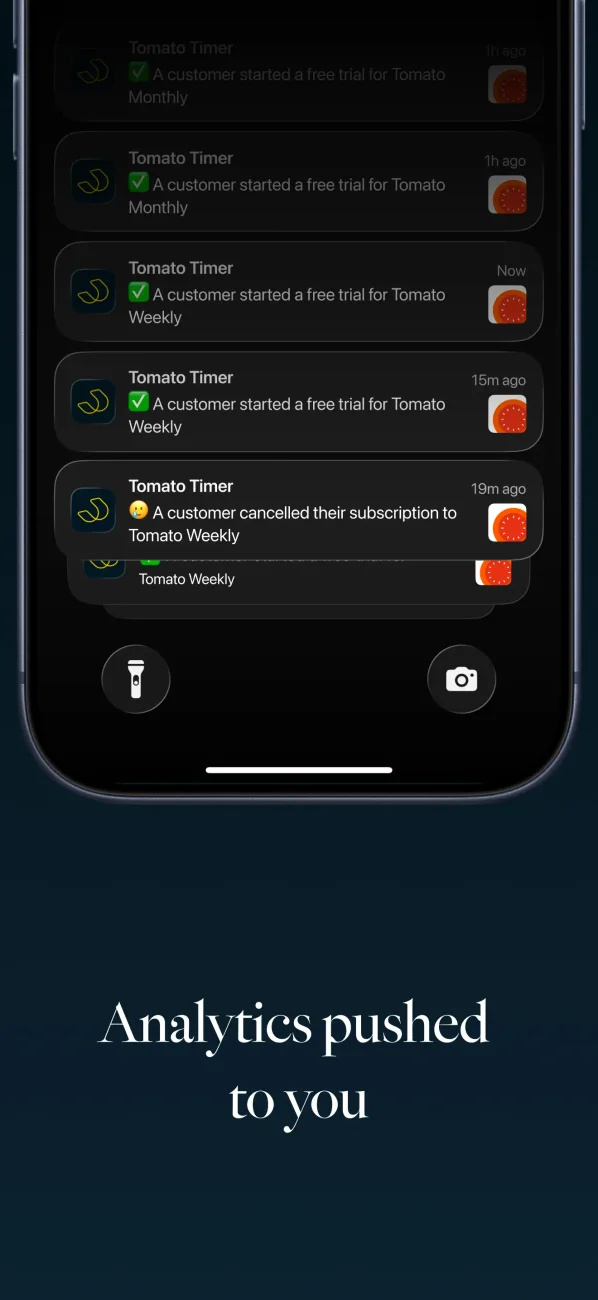
- Receive Push Notifications for free trials, conversions and cancellations
- Map version releases to performance trends
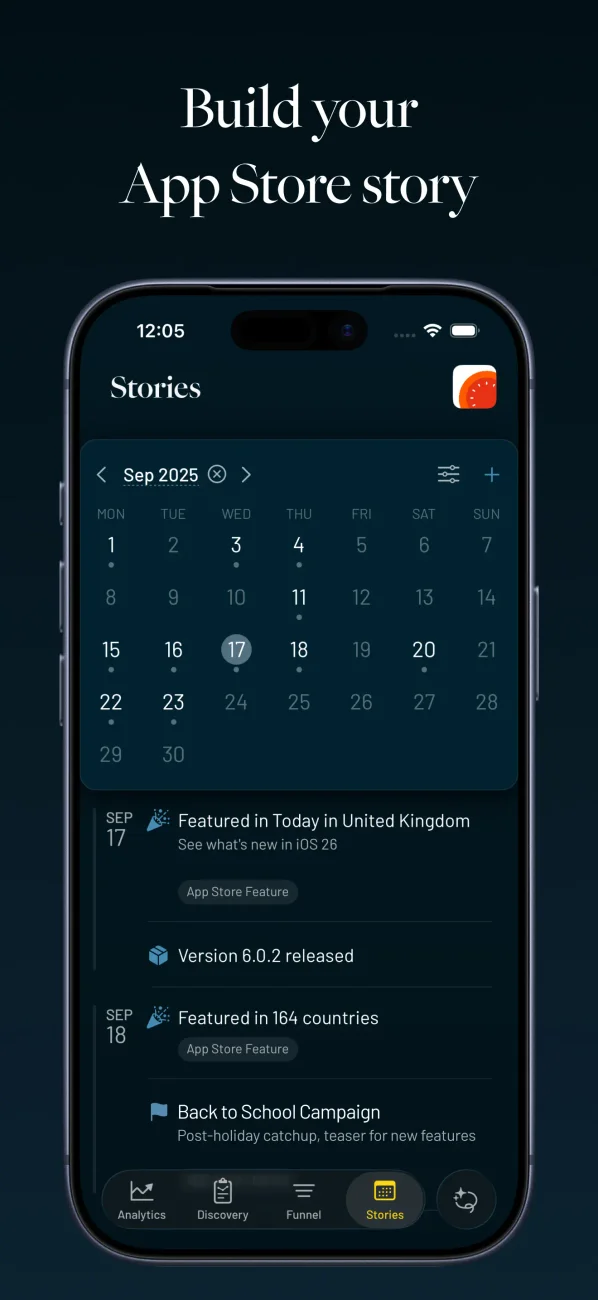
- Add your own stories: launches, bugs, tweets, promos
- Review your timeline when things move — and know why
Subscription: Driven requires subscription for continuous access.
Terms and conditions: https://www.driven.today/terms.html
Privacy Policy: https://www.driven.today/privacy.html
What’s new
Version 1.11.1 · Nov 10, 2026
See the story behind your numbers, day by day.
• Stories – A new tab shows each day's numbers with the stories behind them. Swipe through the weeks, pull down for the whole month, and add a story from any day.
• Performance – Each card names the story behind a change, and one tap opens it. The 24-hour view marks the hours your stories happened.
• Live sales – Not seeing sales as they happen? The 24-hour view now shows you how to set it up.
• Easier setup – Connect your app step by step, with App Store Connect open right inside Driven. Prefer a computer? We'll email you the steps.
• New to Driven – Explore the demo straight away, no account needed.
• And plenty of polish – Bug fixes and improvements throughout, including iPhone Duo.
App privacy
What Digital Workroom Ltd declares on the App Store about how this app handles data.
-
Data not linked to you
May be collected but is not linked to your identity.
- Usage data
- Diagnostics
Privacy practices may vary, for example with the features you use or your age.
Information
- Seller
- Digital Workroom Ltd
- Category
- Developer Tools
- Version
- 1.11.1
- Updated
- Nov 10, 2026
- Released
- Jun 8, 2025
- Size
- 72.3 MB
- Requires
- iOS 18.0 or later
- Age rating
- 4+
- Price
- Free
- In-app purchases
- Yes
- Languages
- English
- Copyright
- © Digital Workroom Ltd
You might also like
-
 SoldIt: Sales Tracker & WidgetRevenue, Renewal & Webhook
-
 Trendly: App SalesA Sales & Trend Monitor
-
 AS Lytx: Trends & Analytics#1 Client for AppStore Connect
-
 App Sales Dashboard - AppsteadDaily Metrics, Trends, Ratings
-
 Applytics: App Sales & MetricsApp Sales & Metrics Reporting
-
 AppScout: App MetricsDownloads, revenue & widgets
-
 App Rank AnalyticsApp Rank: Chart & ASO Tracker
-
 Buildway AIDeveloper Tools
-
 Lambda ScreensBrowse Expo Screens & template
-
 Build Remote AgentRequires free desktop agent