
DriveTrail
Map your routes and memories
Designed for iPhone, iPad
In-app purchases
- Age rating4+
- CategoryNavigation
- DeveloperAIビジョンテクノロジー株式会社
- LanguagesJapanese+ 1 more
- Size5.1 MB
Links to the official App Store page
Download.org hosts no file of DriveTrail. The button opens its official App Store page, published by AIビジョンテクノロジー株式会社. Listing last checked on Nov 17, 2026.
Screenshots


About
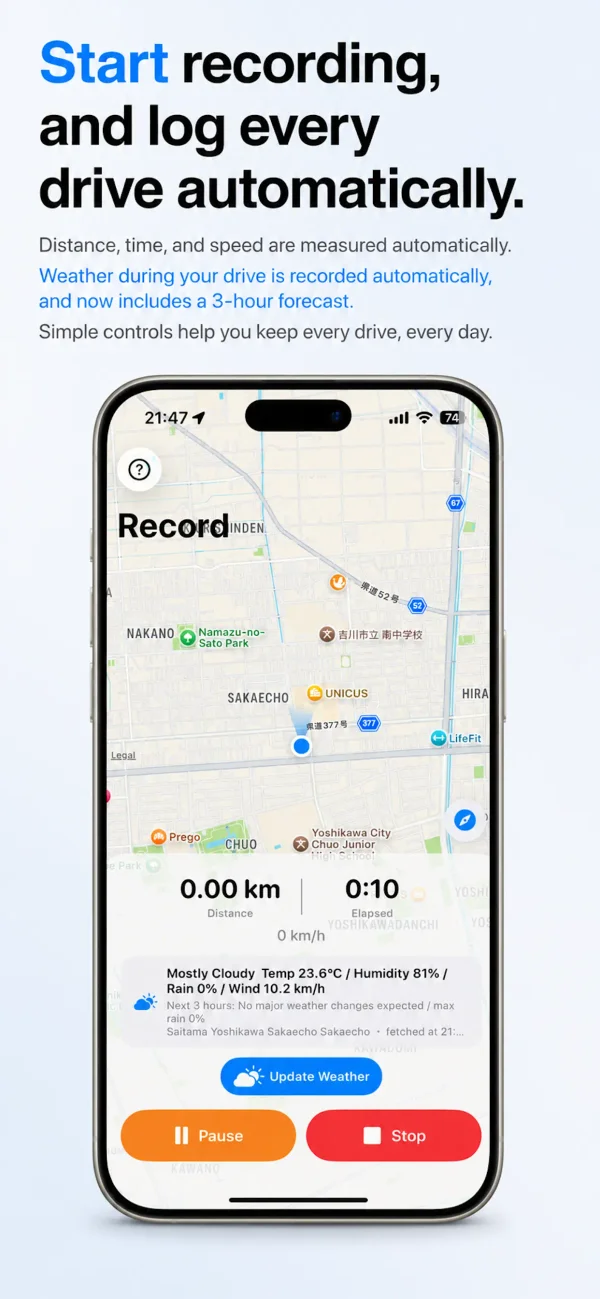
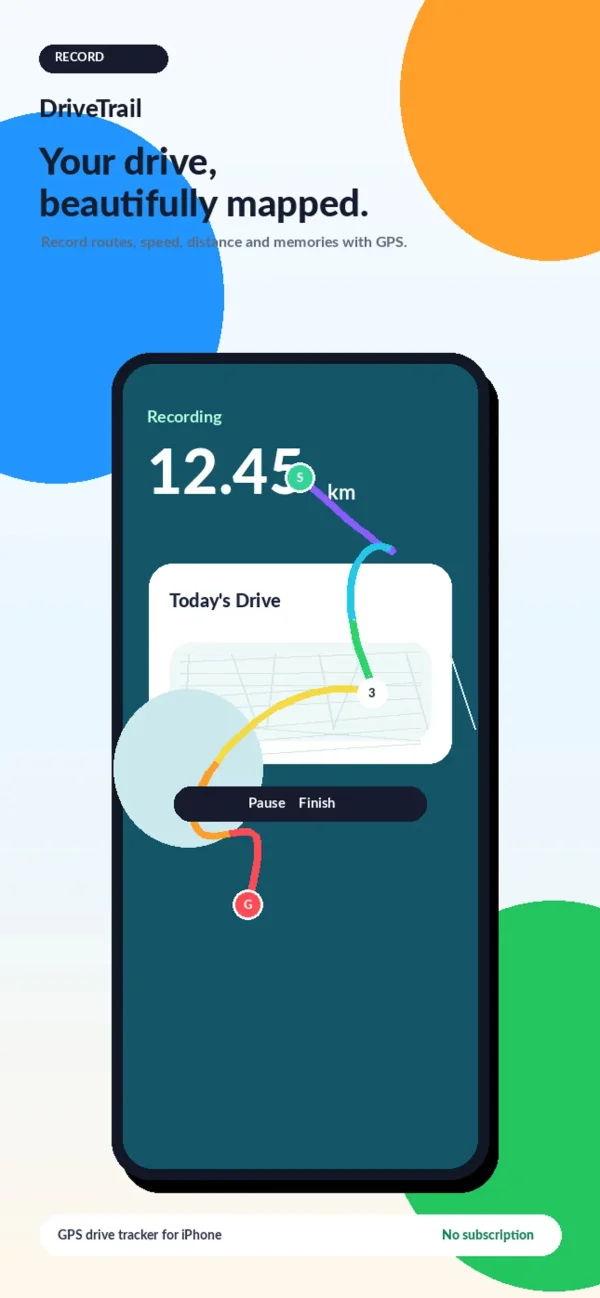
DriveTrail is a GPS drive tracker for recording, reviewing, and sharing your drives.
It records your route, distance, time, speed, photos, vehicle, road-shake data, and more, then displays everything beautifully on a map. Whether you are commuting, touring, traveling, or managing multiple vehicles, DriveTrail helps you keep a clear history of where you drove and what happened along the way.
With DriveTrail, you can:
・Record driving routes with GPS
・View distance, time, average speed, and max speed
・Display routes with speed-based color coding
・Record road-shake levels using the iPhone motion sensor
・Add photos to map locations
・Replay your route on the map
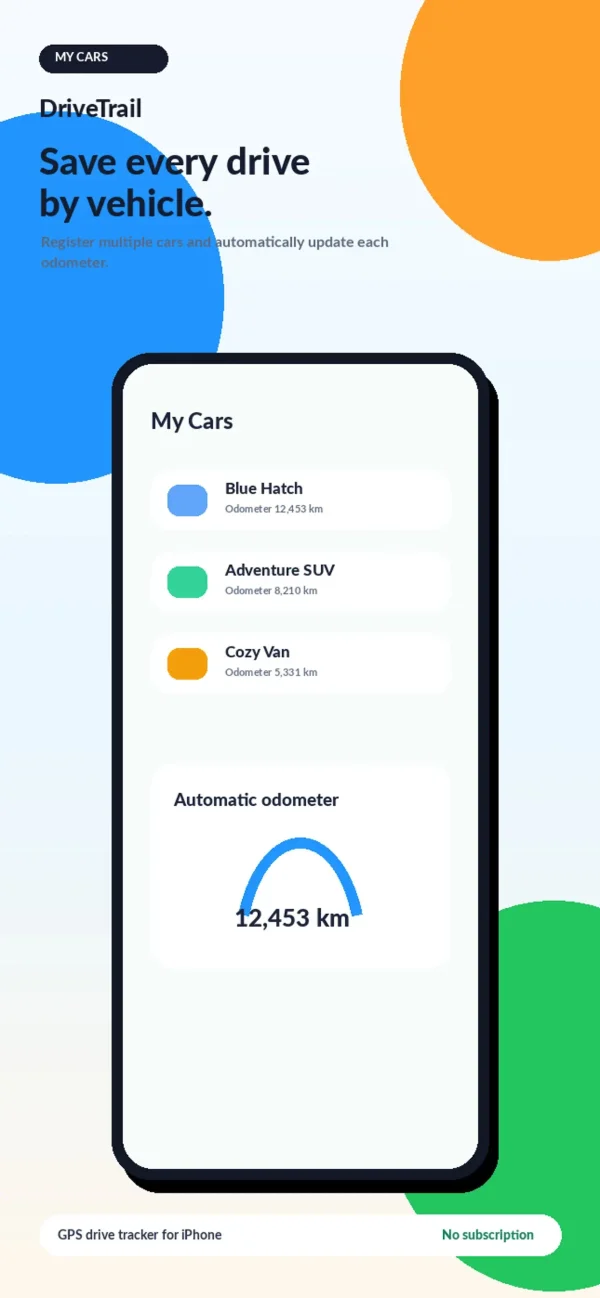
・Manage multiple vehicles and odometer distance
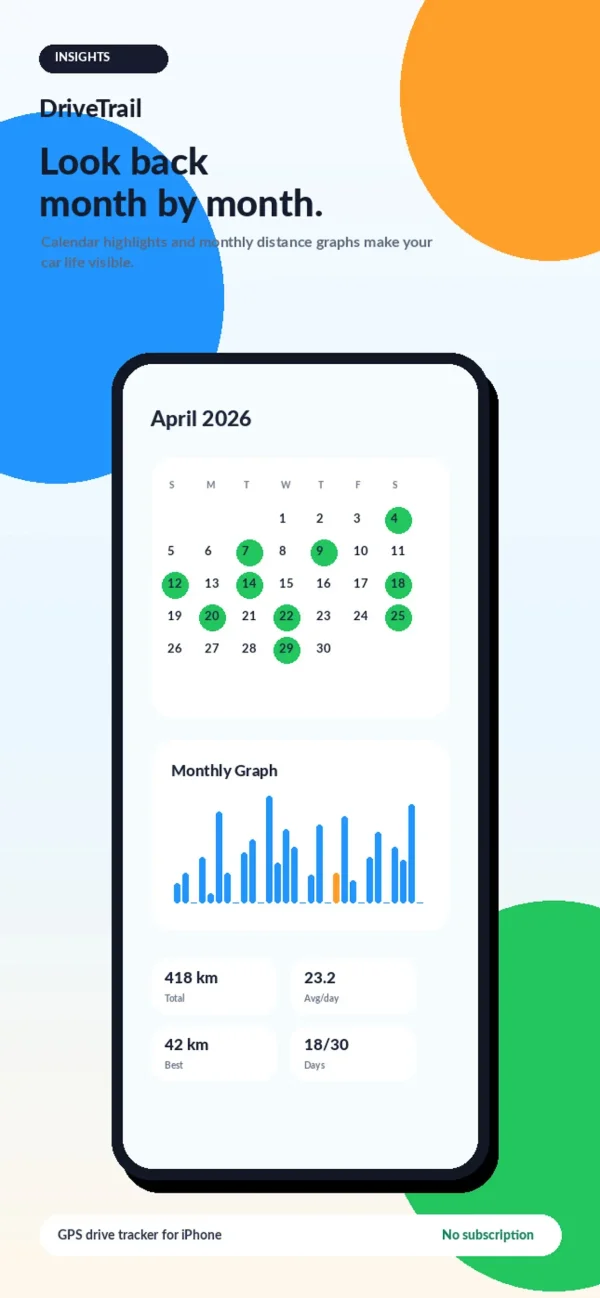
・View driving history by list, calendar, and monthly graph
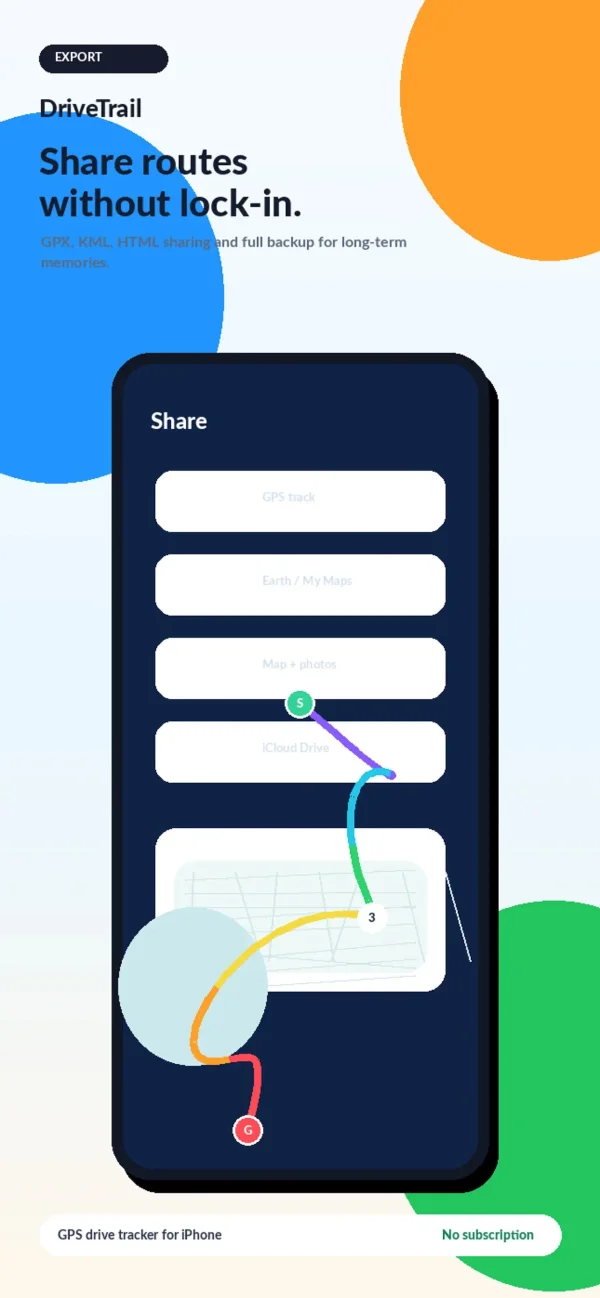
・Export GPX, KML, HTML, and MP4 files with DriveTrail Pro
・Back up and restore your data
・Use Apple Watch, Live Activities, and widgets
This version also adds weather and notes.
You can now check nearby weather while recording, including temperature, humidity, precipitation chance, wind speed, address, and fetch time. DriveTrail also checks the next 3-hour outlook to help you notice possible rain or worsening weather.
Fetched weather information is saved to your drive record, so you can review the conditions later.
You can also add freeform notes to each drive. Use them for travel memories, road conditions, places visited, fuel notes, or anything else you want to remember.
The free version can save up to 10 driving records.
DriveTrail Pro unlocks unlimited records, multiple vehicles, and GPX / KML / HTML / MP4 exports.
Note: This app uses GPS, which may increase battery consumption. Weather information is based on Apple Weather. Road-shake results may vary depending on device placement, vehicle type, suspension, tires, and driving speed.
What’s new
Version 1.2.0 · Nov 16, 2026
[v1.2.0 (Build 1) - Release Notes]
- Added Home Screen widget support for iPhone and iPad. You can now view the vehicle name, distance traveled, and driving time while recording a trip.
- Fixed an issue where recording status and pause reminder notifications could remain after ending a trip.
App privacy
What AIビジョンテクノロジー株式会社 declares on the App Store about how this app handles data.
-
Data not collected
The developer does not collect any data from this app.
Privacy practices may vary, for example with the features you use or your age.
Information
- Seller
- AI Vision Technology Ltd.
- Category
- Navigation
- Version
- 1.2.0
- Updated
- Nov 16, 2026
- Released
- Apr 30, 2026
- Size
- 5.1 MB
- Requires
- iOS 17.6 or later
- Age rating
- 4+
- In-app purchases
- Yes
- Languages
- Japanese, English
- Copyright
- © AI Vision Technology Ltd.
You might also like
-
 ツーリング・ドライブルート記録アプリ 車 バイク 自転車Travel
-
 DriveHistoryGPS Route Log
-
 ドライブログ - GPSで速度・ルート記録Navigation
-
 ドライブログTravel
-
 ドライブログ - 走行ルート記録Navigation
-
 LogsukeGPS logger, daily, on device.
-
 TravelLogger - GPS Travel LogGPSTracks with Altitude Colors
-
 Travel Map - トラベルマップTravel
-
 Sokei - Drive & Touring LogTrack rides, drives and routes
-
 Train Net - Rail Map & LogFill in every line you ride