- Age rating4+
- CategoryMusic
- DeveloperDavid Rochaix
- LanguagesEnglish
- Size17.8 MB
Links to the official App Store page
Download.org hosts no file of DRM-32. The button opens its official App Store page, published by David Rochaix. Listing last checked on Nov 19, 2026.
Screenshots

About
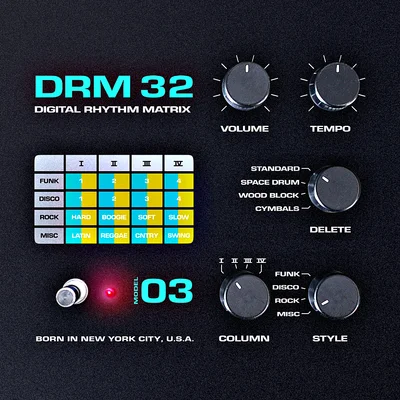
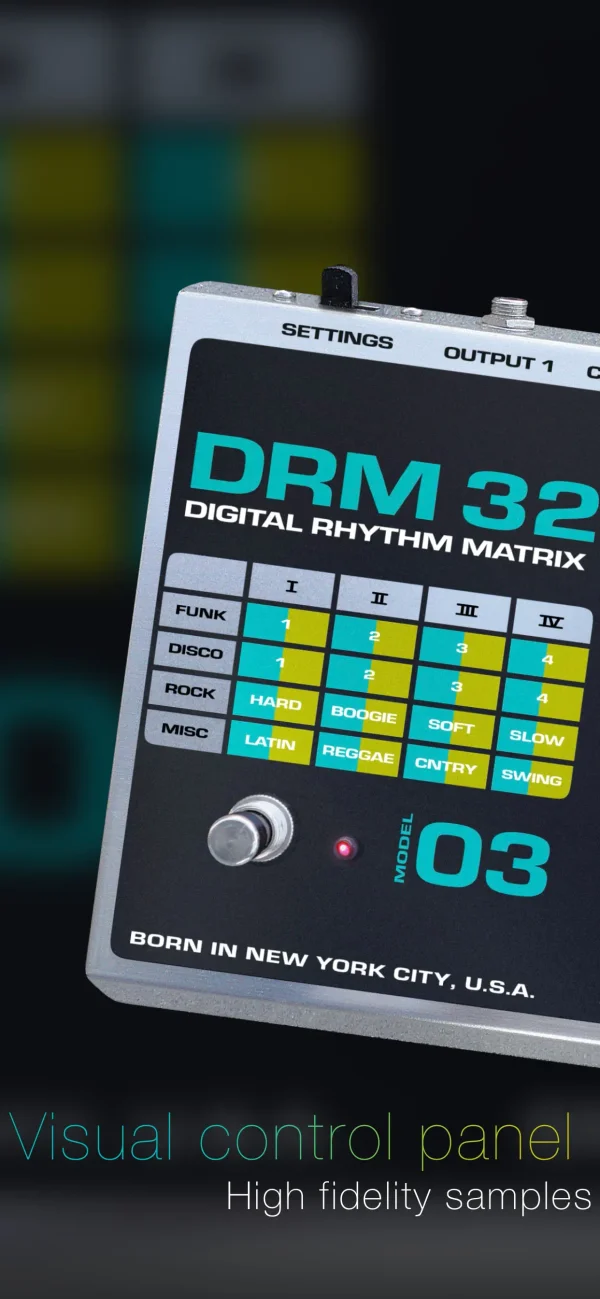
Holding the simplicity of a rare 1979 instrument and carrying its raw heritage to you, it turns your device into a pocket beat making companion.
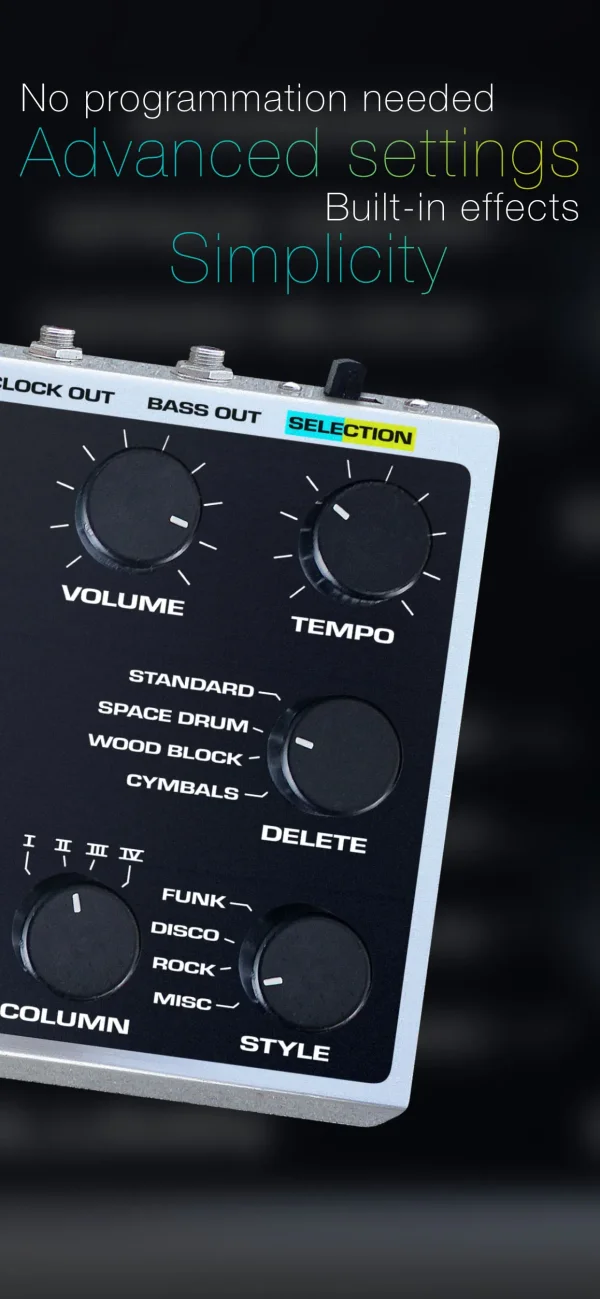
I believe that designing a pure interface, simply displaying your machine without any distraction, was the best way to reflect the spirit of the period it was born.
Main caracteristics :
- 8 Original high quality double-samples
- 32 preset patterns
- 3 Selective instrument deletion modes
- Full machine state auto-save
- Background audio playback enabled
- Audiobus V3
- InterApp audio
- AudioUnit
- Midi
- Bluetooth LE
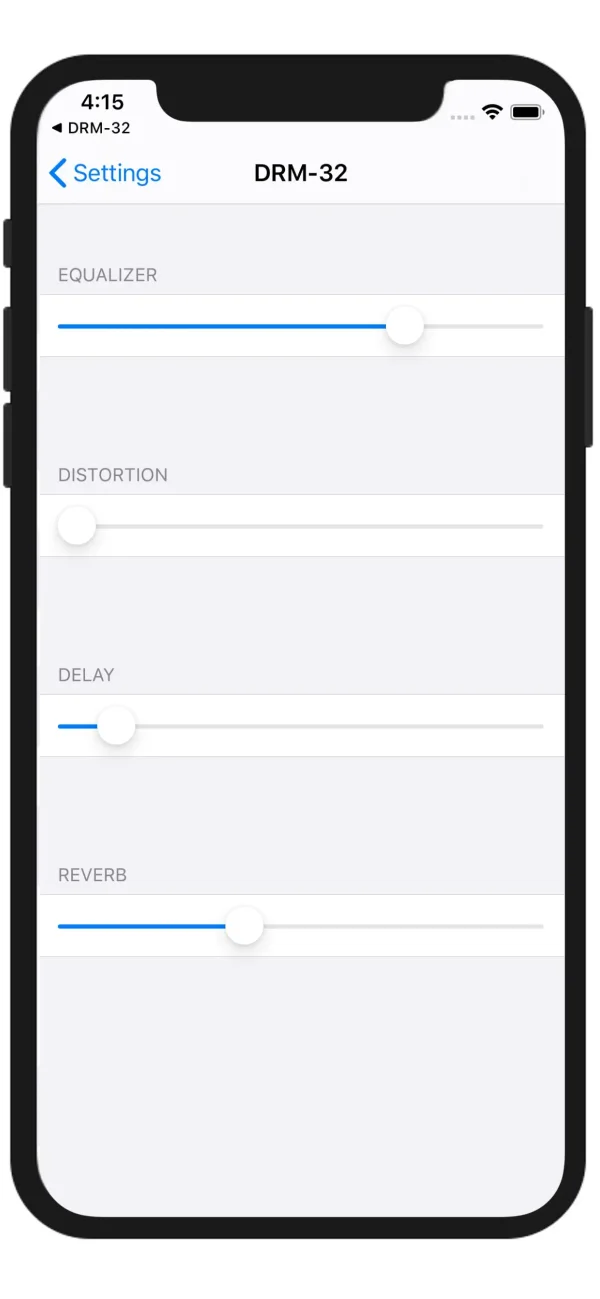
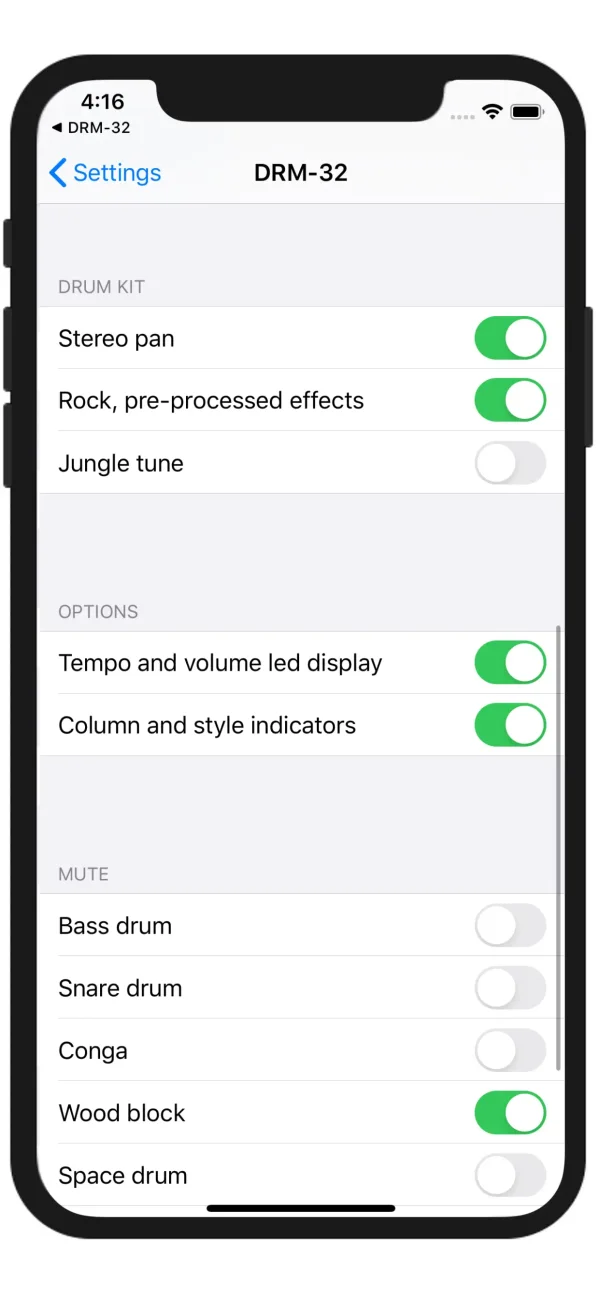
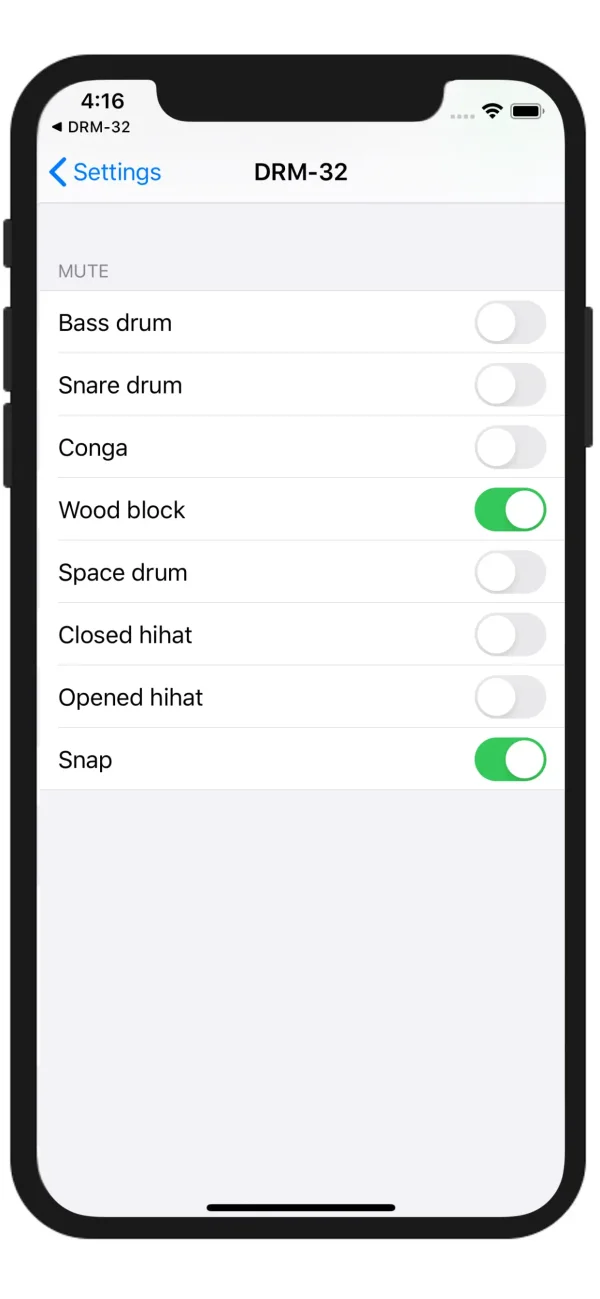
Bonuses accessible in your device settings :
- Additionnal LED display for the tempo and the volume
- Pattern selection LED indicators
- Alternative « Rock » drum kit with integrated effects
- Built-in intruments effects : « Stereo pan » and « Jungle tune »
- Built-in audio effects : « Equalizer » and « Distortion »
- Built-in global effects : « Delay » and « Reverb »
- Mute any instrument
I hope you will enjoy it as much as I love it ;-)
What’s new
Version 2.0 · Nov 3, 2026
Version 2.0, the drum machine moves into the studio.
**Audio Unit (AUv3)**
Load the DRM into GarageBand, AUM, Cubasis or Logic: its front panel appears in the host, its
tempo follows the transport, its state is saved with the session. Seven separate outputs — the
mix and each instrument group — and fifteen automatable parameters.
**MIDI**
Every hit goes out as a General MIDI drum note to your other apps, your MIDI interfaces,
Audiobus and the Audio Unit host. The channel is set in the settings.
**Audiobus 3**
Updated to the latest SDK: audio port, MIDI port, remote Start/Stop triggering, and the
machine's state saved in your presets.
**Bluetooth foot switch**
New: connect a Bluetooth LE MIDI pedal from inside the app, pick it, and teach it the Start/Stop
command.
**Mac version**
The app now runs on the Mac, included in your purchase: a window in the machine's own
proportions, menus, keyboard shortcuts, knobs you turn with the scroll wheel or trackpad.
**Built-in settings panel**
No need to leave the app any more: every setting is gathered in a panel in the machine's own
colours, one tap on Settings away — effects, muted instruments, matrix indicators, tempo and
volume display, MIDI, foot switch. On iPhone the sections stay visible at all times and each
page fits the screen, with no scrolling. The iOS Settings remain available and in step.
**And also**
Output limiter: no more clipping on busy patterns. Pinch to zoom and two-finger panning. Haptic
feedback on the pads. On iPad the machine follows the device's orientation and stays fully
visible in portrait. No data collected.
App privacy
What David Rochaix declares on the App Store about how this app handles data.
-
Data not collected
The developer does not collect any data from this app.
Privacy practices may vary, for example with the features you use or your age.
Information
- Seller
- David Rochaix
- Category
- Music
- Version
- 2.0
- Updated
- Nov 3, 2026
- Released
- Nov 19, 2019
- Size
- 17.8 MB
- Requires
- iOS 15.0 or later
- Age rating
- 4+
- Price
- $1.99
- Languages
- English
- Copyright
- © David Rochaix - Clic
You might also like
-
 7XWAVE Sample Synth Loop MakerSample mangling & Sequencer
-
 EGDR808 Drum Machine HDVintage Drum Machine emulation
-
 7XDXFM 4OP FM Loop MakerFM Synthesizer & Sequencer
-
 Waverley TablesAUv3 sample-based instruments
-
 PLICATAWavefold Synth & MPE Keyboard
-
 pUnKGeN:Metal Riff Loop MakerDoom, Thrash, Grunge sequencer
-
 Tapko StompLive Audio Trigger for AUv3
-
 Braindance - Glitch EffectsChop Audio and Remix
-
 Nature - OscillatorMusic