
- Age rating4+
- CategoryUtilities
- DeveloperAlexander Dingley
- LanguagesEnglish
- Size11.1 MB
Links to the official App Store page
Download.org hosts no file of DroneLook. The button opens its official App Store page, published by Alexander Dingley. Listing last checked on Nov 15, 2026.
Screenshots

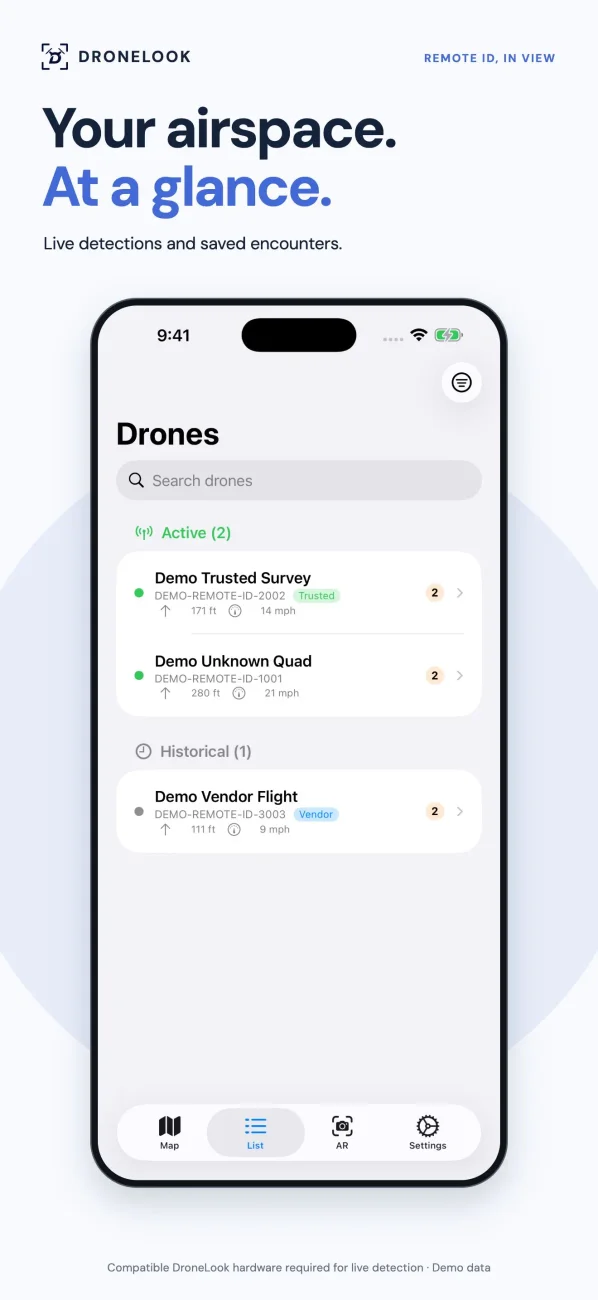
About
Drone detection. In your hands.
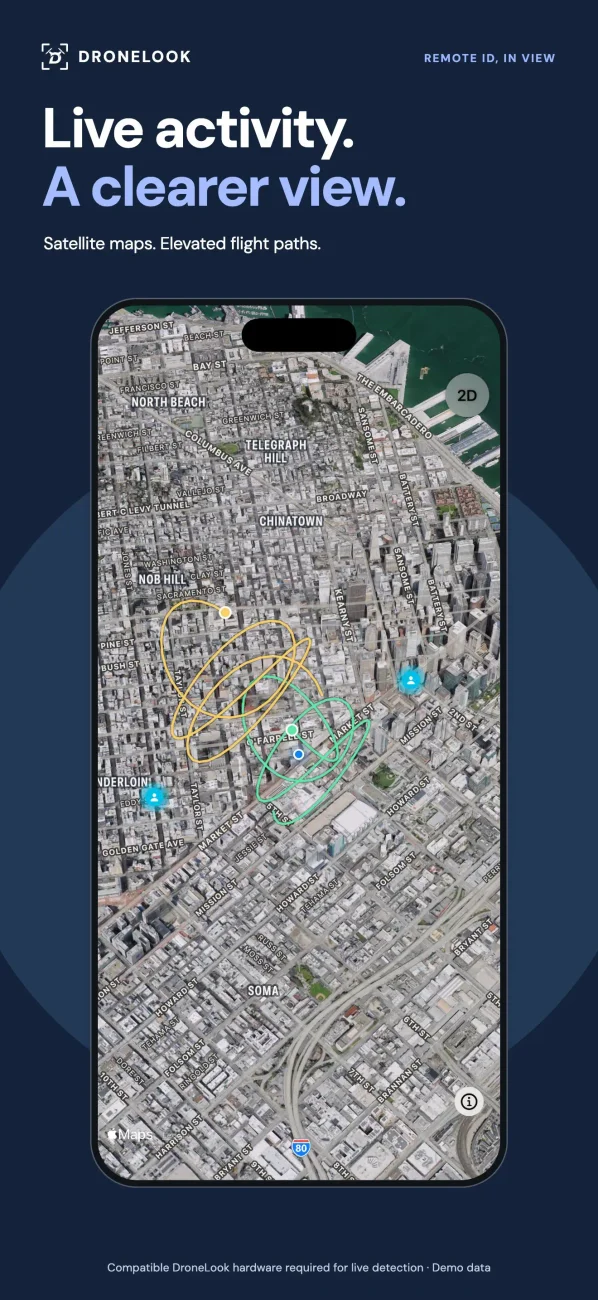
Connect a DroneLook Micro to your iPhone and turn nearby Remote ID broadcasts into a live view of drone activity. Follow flight paths, see reported pilot or takeoff locations, and revisit saved flights in immersive 3D.
Live detection requires compatible DroneLook receiver hardware, sold separately. You can explore the app without hardware in the built-in Demo Mode. No account or subscription is required.
FOLLOW THE FLIGHT
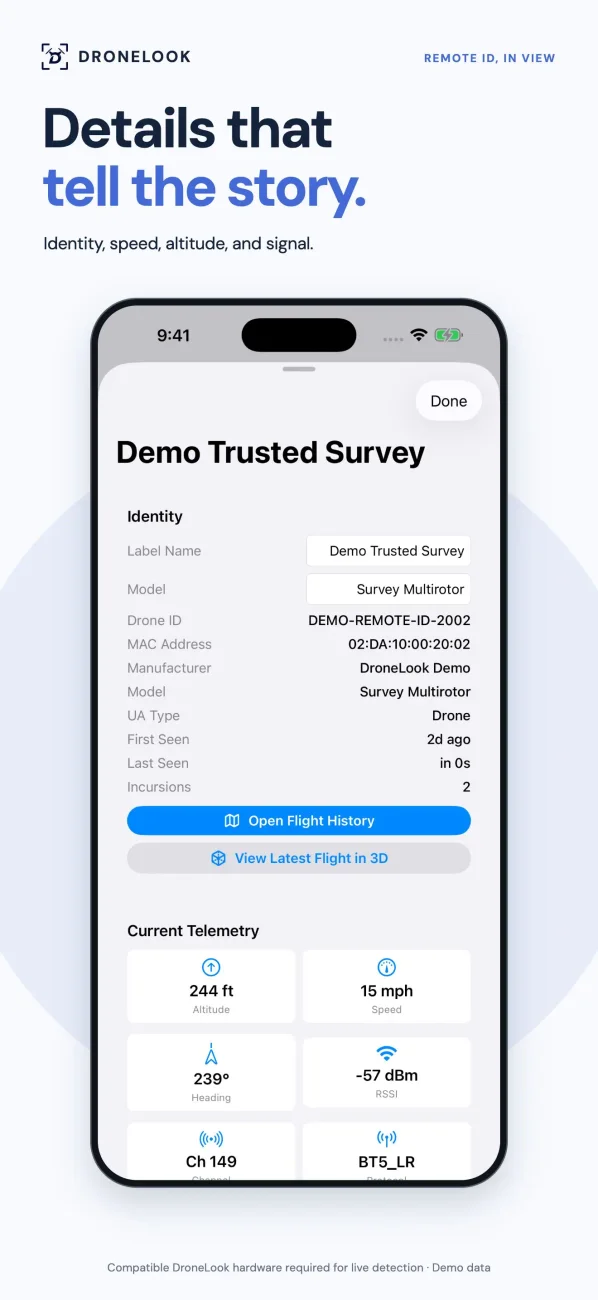
Switch between 2D maps and full-screen 3D satellite views without losing your place. Pan, zoom, tilt, and rotate to explore the scene. See flight trails and reported altitude, speed, and identification details when available.
REPLAY THE MOMENT
Open a saved flight in 3D. Play it back, scrub to a specific moment, and change playback speed to examine the route from another perspective.
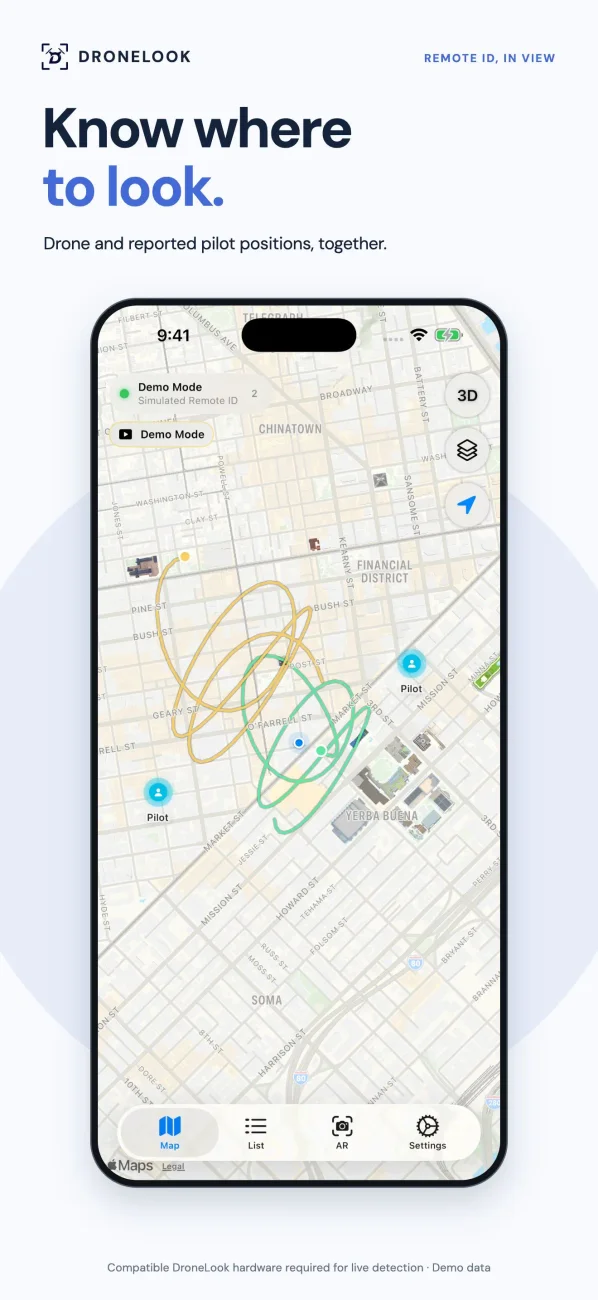
KNOW WHERE TO LOOK
See the reported pilot or takeoff location when it is included in the broadcast. Use AR Finder to view the direction of a selected detection through your iPhone camera.
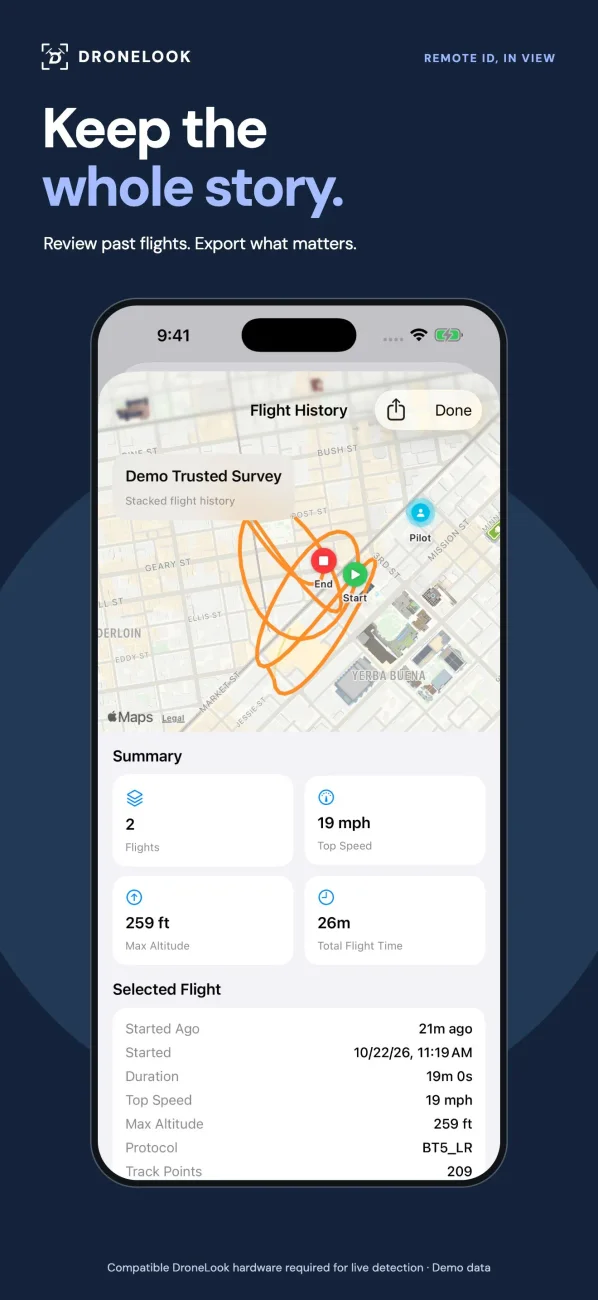
KEEP THE WHOLE STORY
Review saved encounters and telemetry. Download past detections from your Micro and export PDF flight reports, GPX tracks, KML maps, or CSV data.
MAKE IT YOURS
Classify aircraft, choose the map layers you need, and configure local detection and geofence alerts. Detection history and settings stay on your iPhone; you choose when and where to export them.
KEEP YOUR MICRO CURRENT
Install the firmware included with the app over USB. Check installed and included versions, follow transfer progress, and confirm the node has restarted. Firmware installation works offline; new firmware arrives through app updates.
BEFORE YOU START
USB-C is the preferred connection; optional Bluetooth supports compatible nodes. Live detection depends on supported Remote ID broadcasts, receiver configuration, range, and radio conditions. Some aircraft do not broadcast Remote ID or do not provide every field. Map imagery requires internet access, detailed 3D coverage varies by location, and flight altitude alignment is approximate.
DroneLook is a passive situational-awareness tool. It does not control or interfere with aircraft and is not intended for air traffic control or safety-of-life use.
What’s new
Version 1.2 · Oct 23, 2026
See drone activity from a new perspective.
• Immersive 3D satellite maps for live flights and saved flight replay.
• Pan, tilt, rotate, and switch between 2D and 3D while keeping the same area in view.
• Play, scrub, and adjust playback speed for saved flights.
• Consistent drone dots and clearer flight trails across map views.
• Improved past-detection downloads and recovery from interrupted USB transfers.
• Update compatible Micro nodes over USB from Settings → Device → Firmware Update. Micro firmware 1.2.6 is included; future firmware arrives through app updates.
App privacy
What Alexander Dingley declares on the App Store about how this app handles data.
-
Data not collected
The developer does not collect any data from this app.
Privacy practices may vary, for example with the features you use or your age.
Information
- Seller
- Alexander Dingley
- Category
- Utilities
- Version
- 1.2
- Updated
- Oct 23, 2026
- Released
- Jul 30, 2026
- Size
- 11.1 MB
- Requires
- iOS 18.6 or later
- Age rating
- 4+
- Price
- Free
- Languages
- English
- Copyright
- © 2026 DroneLook USA
You might also like
-
 Universal IoT-Connect &MonitorConnect & Analyze IoT Devices
-
 Overworld MapYour real-world minimap
-
 UAP FinderAuto-record the night sky
-
 Dimmed NoteUtilities
-
 AR Live PreviewPreview 3D models in AR
-
 Remote ID Drone RadarDetect drones using Remote ID
-
 Vogal KeyboardMechanical feel, your themes
-
 beacons: surveillance scannerSee the devices watching you
-
 Photo AnalysisPhoto Analysis Toolkit
-
 Ward: Drone DetectorVisual & Acoustic Detection