
Drop Browser
Web, Video & Image Sequences
Designed for iPhone, iPad
Free · In-app purchases
- Age rating17+
- CategoryUtilities
- DeveloperHiiro Miyano
- LanguagesEnglish+ 1 more
- Size8.3 MB
Links to the official App Store page
Download.org hosts no file of Drop Browser. The button opens its official App Store page, published by Hiiro Miyano. Listing last checked on Nov 23, 2026.
Screenshots

About
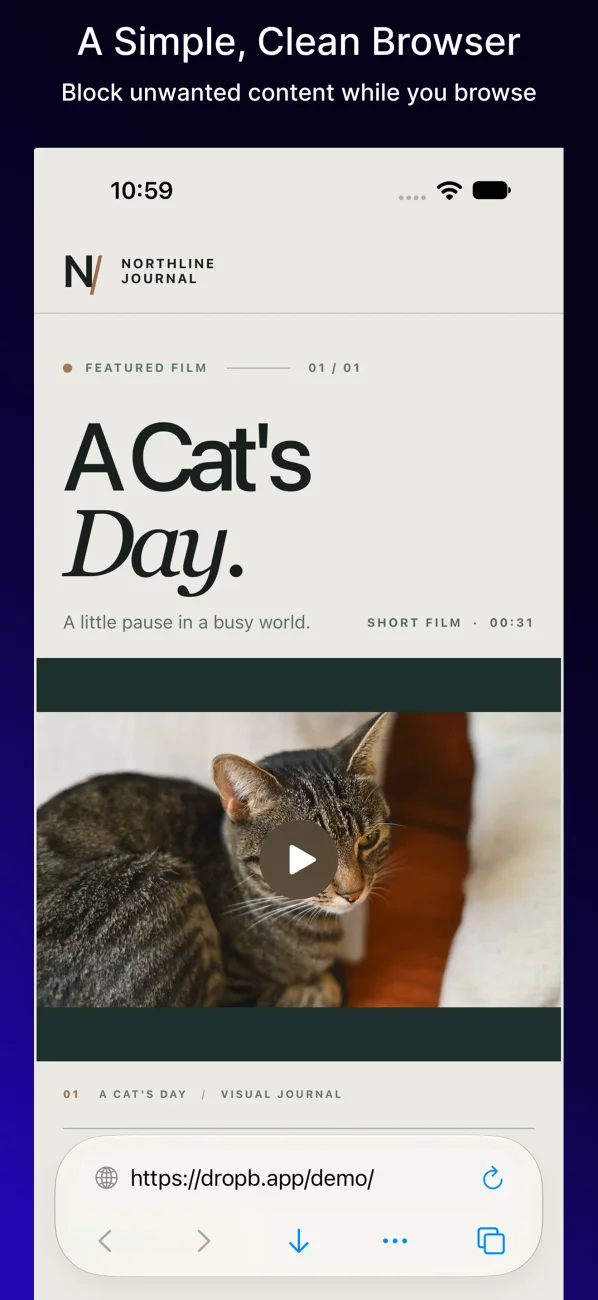
Drop Browser brings web browsing, file downloads, organization, and playback together in one browser for iPhone and iPad.
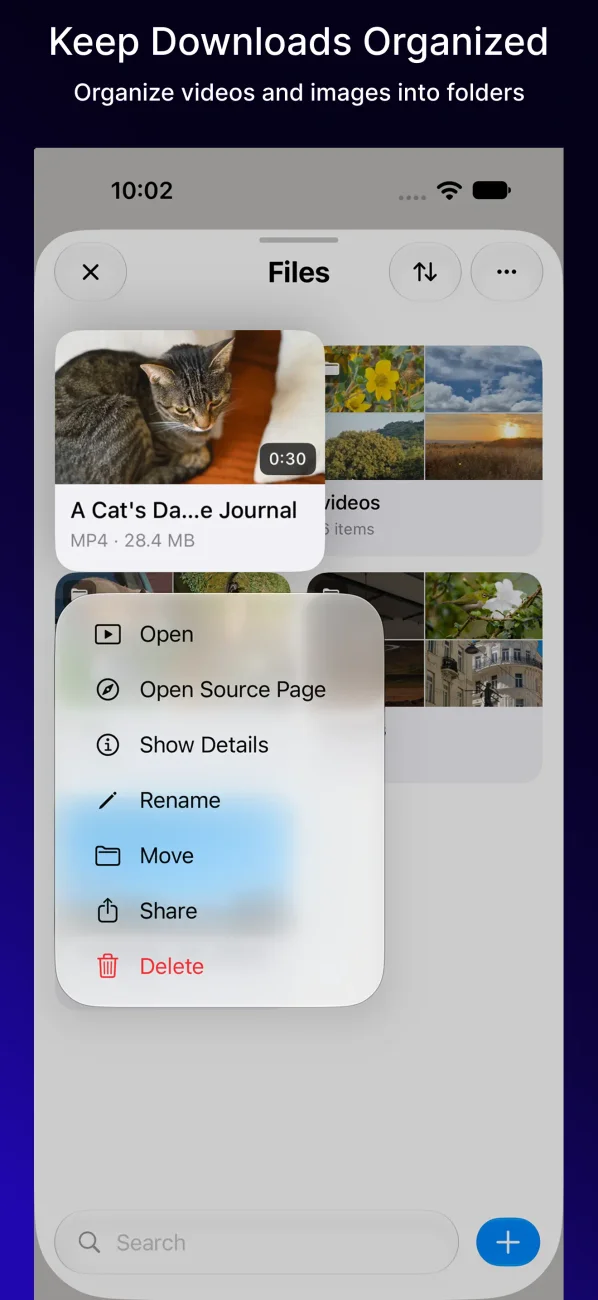
Browse the web with a clean, simple interface while downloading supported videos, audio, and files. Track download progress, continue downloads in the background, and organize saved files into folders.
Key Features
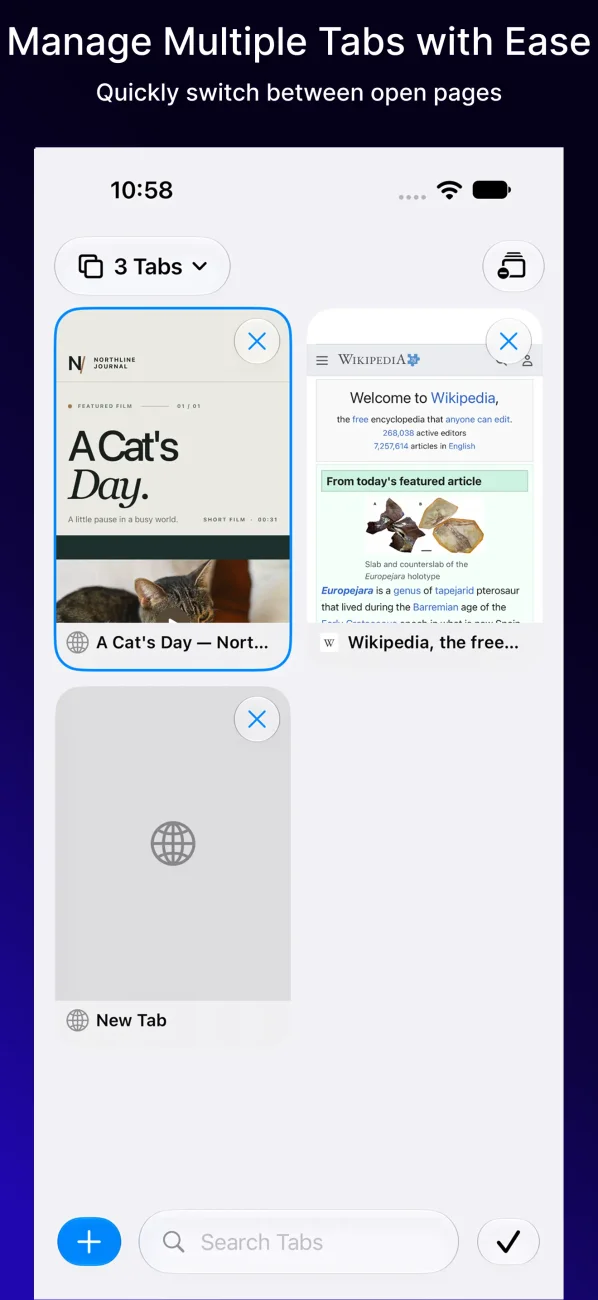
• Web browsing with tabs, tab groups, private browsing, history, and bookmarks
• Ad, tracker, and pop-up blocking
• Download supported videos, audio, and files
• Background downloads with progress tracking
• Organize files into folders, and add files from other apps with the Share button
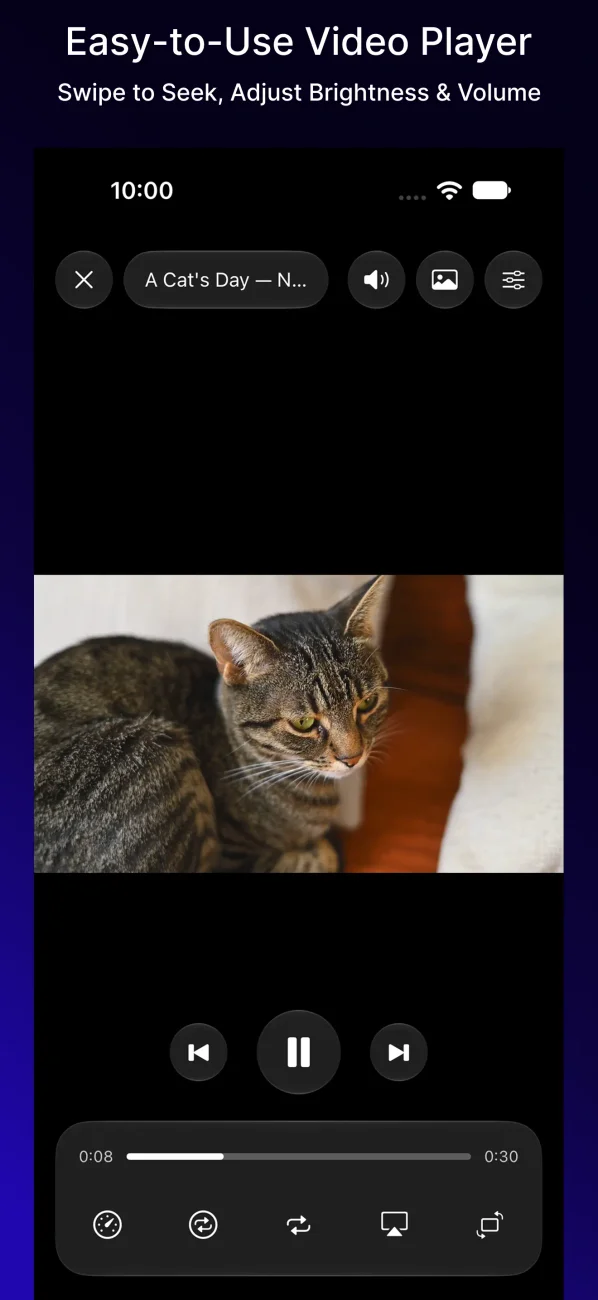
• Video player with zoom, minimap, A–B repeat, brightness and volume swipes, and playback position memory
• Mark your favorite moments and jump straight to them. Save A–B sections too; markers stay with a file when it is moved or renamed
• [Premium] Add as many markers as you like to each video
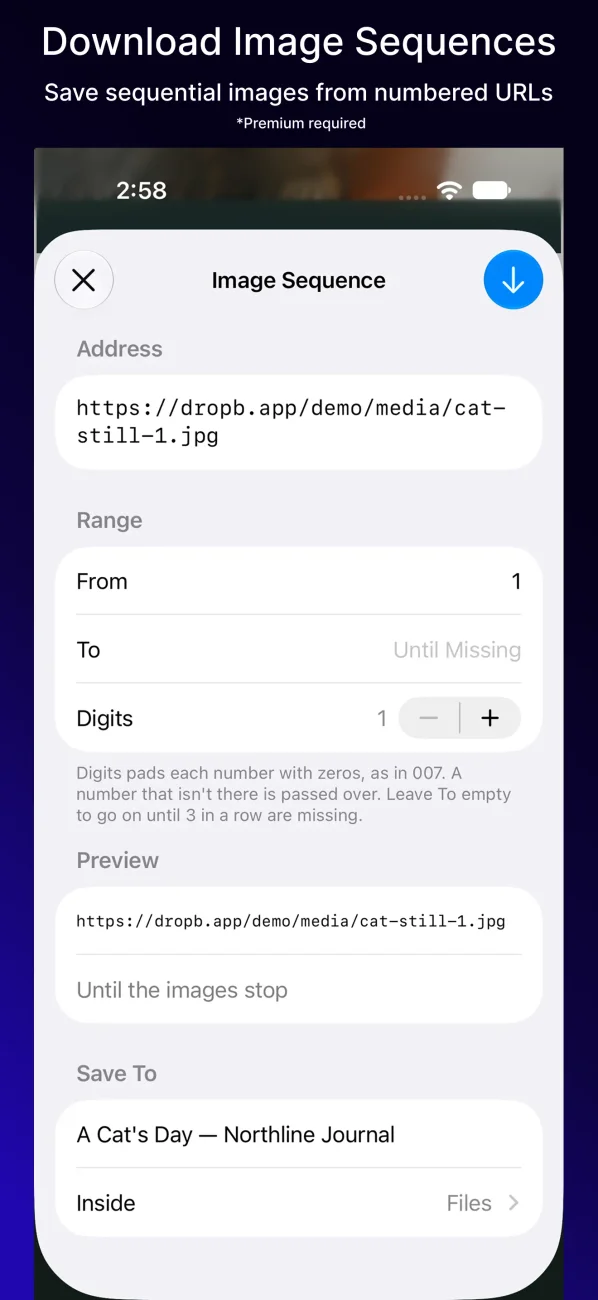
• [Premium] Download image sequences from numbered URLs
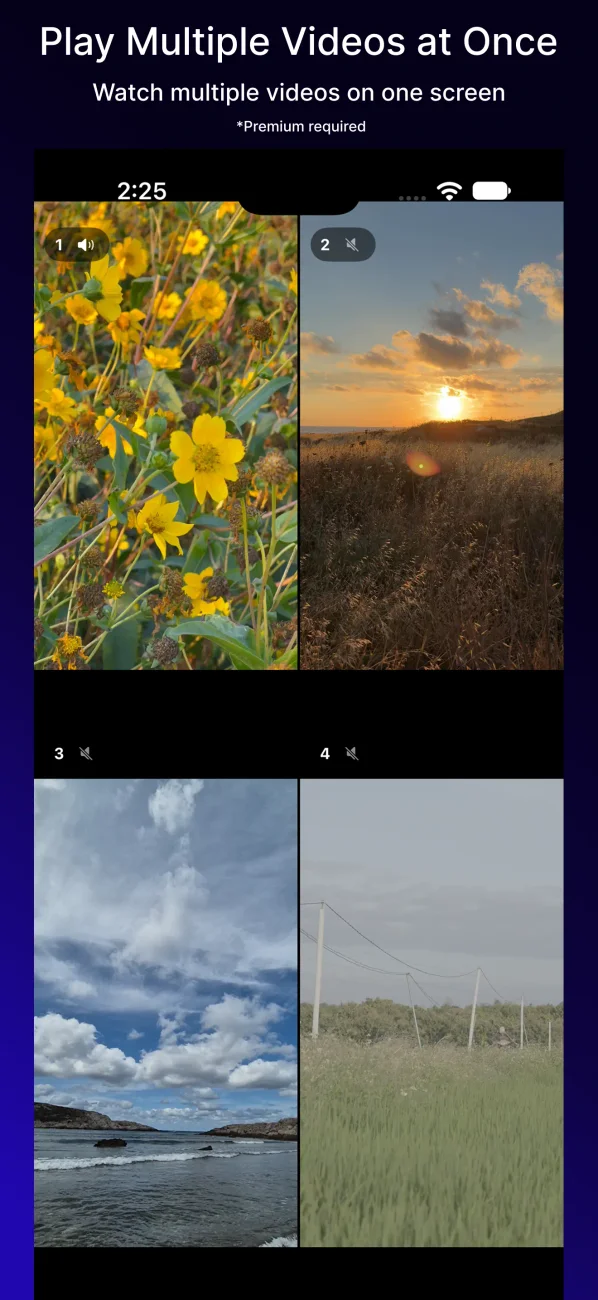
• [Premium] Play multiple videos simultaneously, save them as a set, and bring every video back to a marker at once
Core Features Available for Free
The free version includes the browser, file manager, video player, and other core features. You can complete up to three downloads per day and add one marker to each video.
Premium
Premium removes the daily download limit, lets you add as many markers as you like, and unlocks batch image-sequence downloads from numbered URLs and simultaneous multi-video playback.
Premium is available as either a monthly subscription or a one-time purchase. Eligible users can try the monthly plan free for 7 days.
About Downloads
Available downloads depend on the source website, delivery method, and file format. Downloading from some video services, such as YouTube, and DRM-protected content is not supported.
Please respect copyrights, other applicable rights, and the terms of service of content providers.
Terms of Use (EULA): https://www.apple.com/legal/internet-services/itunes/dev/stdeula/
What’s new
Version 1.8.1 · Nov 21, 2026
• Swiping along the address bar now moves through pinned tabs in the order the tab list shows them.
• Name fields, such as when renaming, now have a button to clear them.
• A Multi-View set's details now list the videos in it and where they are. Choose one to play it or open its location.
• Fixed a tap just beside the New Tab or Done button in the tab list opening the tab behind it.
• Fixed the volume sometimes not going up after it stopped at the lowest level.
App privacy
What Hiiro Miyano declares on the App Store about how this app handles data.
-
Data not collected
The developer does not collect any data from this app.
Privacy practices may vary, for example with the features you use or your age.
Information
- Seller
- Hiiro Miyano
- Category
- Utilities
- Version
- 1.8.1
- Updated
- Nov 21, 2026
- Released
- Oct 31, 2026
- Size
- 8.3 MB
- Requires
- iOS 26.0 or later
- Age rating
- 17+
- Price
- Free
- In-app purchases
- Yes
- Languages
- English, Japanese
- Copyright
- © 2026 Drop Browser
You might also like
-
 BrowserSwitch ckOpen links in any browser
-
 Brilliance Private BrowserScreenshot-proof browsing
-
 Lean BrowserThe browser that forgets
-
 Aetherium BrowserPrivate browser with an agent
-
 Sail BrowserFast, blocks ads, no account
-
 DefaultAI: Default browserDefault browser
-
 Gram Browser – Private AdblockVideo Manager & Offline Player
-
 Kesl AI BrowserDoes website tasks for you
-
 SwatBrowser: Browse in PeaceStop scams, pop-ups & trackers
-
 WikBrowserFast, private, local-first