
Dropify: File Transfer
Simple. Fast. Secure. Offline.
Designed for iPhone, iPod touch
Free
- Age rating12+
- CategoryProductivity
- DeveloperMarius Stiedl
- LanguagesEnglish
- Size51.4 MB
Links to the official App Store page
Download.org hosts no file of Dropify: File Transfer. The button opens its official App Store page, published by Marius Stiedl. Listing last checked on Nov 12, 2026.
Screenshots
About
Dropify: The Ultimate File Transfer Solution For iOS And Android!
Need to move photos and videos between iOS and Android without losing quality? Tired of slow Bluetooth or relying on limited cloud storage?
Dropify is a fast and secure way to transfer files across nearby devices. Whether you are sharing memories with friends or foreigners, Dropify makes it happen instantly while working completely offline without sharing personal data, and it is entirely free.
Why choose Dropify for your data transfer?
Lightning-Fast Speeds:
Experience transfer rates of up to 42Mbps and send 4K videos and photos in seconds.
Seamless iOS & Android Integration:
Break the barriers between Apple and Android. Dropify connects different operating systems effortlessly, making it the perfect tool for cross-platform sharing.
Original Quality (No Compression):
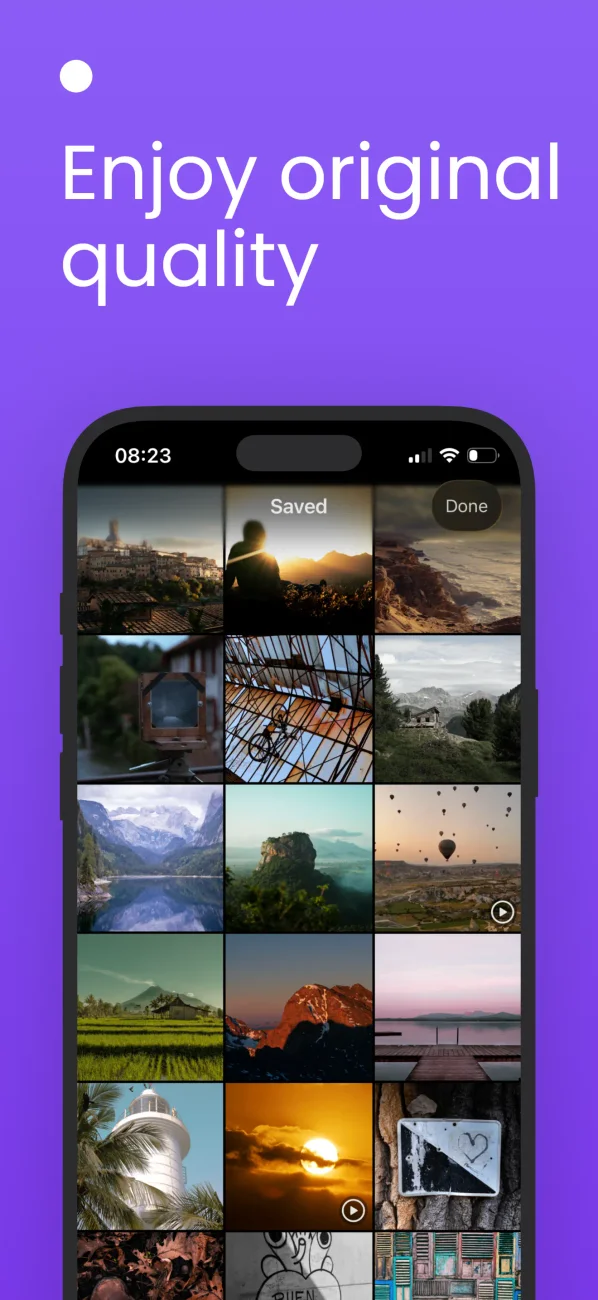
Don’t let other apps ruin your media. Dropify sends every file in its original format and resolution. There is no compression and no quality loss, ensuring you get your media exactly as it was meant to be.
Maximum Security & Privacy:
Your data is your business. Dropify uses industry-leading end-to-end encryption to ensure your files stay private. Since the transfer happens over a local Wi-Fi network, your data never touches the cloud or the internet.
100% Offline – No Data Needed:
Dropify uses local Wi-Fi networks or personal hotspots to transfer files. You don’t need an internet connection, and you won’t use a single byte of your mobile data plan.
Multi-Device Sharing:
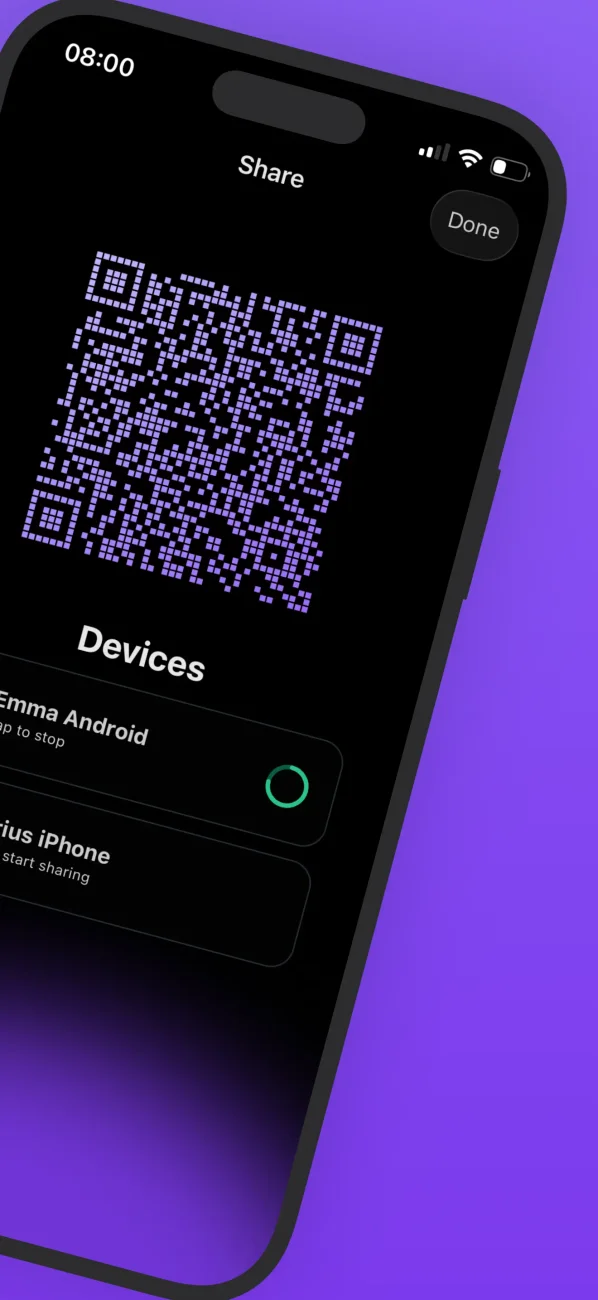
Efficiency at its best! Multiple devices can connect to a single sender and download media simultaneously. Perfect for sharing group photos after a party or trip.
Completely Free:
Enjoy all features without paying a cent. There are no hidden subscriptions and no file size limits, allowing for pure and unlimited sharing.
Key Features at a Glance:
Super fast transfers up to 42Mbps.
Easy transfer between iOS and Android.
No compression: Send images and videos in original quality.
Secure end-to-end encryption for every file.
Offline sharing: No internet or data cable required.
Group sharing: Multiple devices can download at once.
Simple, clean, and user-friendly interface.
How to use Dropify:
Connect to a local Wi-Fi network or use your personal Hotspot on your phone.
Make sure both devices are in the same network.
Select the photos and videos you want to share.
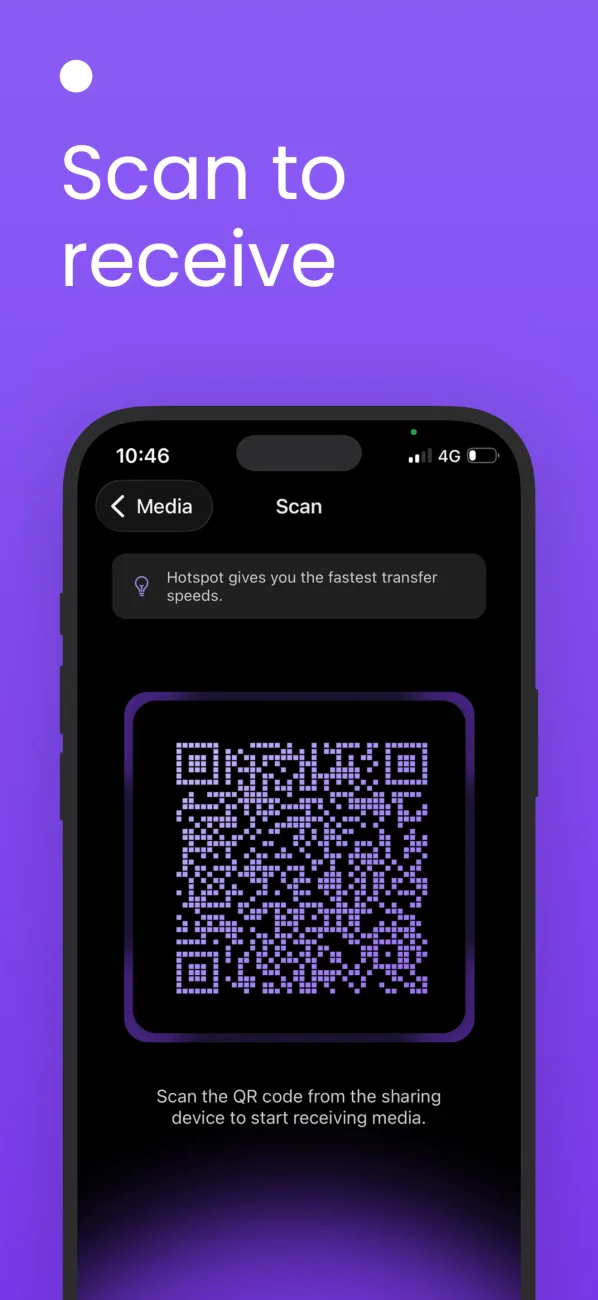
Let nearby devices scan the QR code.
Watch your files fly across at incredible speed!
What’s new
Version 1.1.0 · Mar 26, 2026
What's new:
Performance Boost: The gallery is now faster and more responsive, even with large collections.
Redesigned UI: Fresh new screen layouts for a more intuitive and seamless flow.
Better Clarity: Updated button labels and messages to make the app easier to use.
Bug Fixes:
Fixed missing thumbnails for videos under 5 seconds to ensure a complete gallery view.
App privacy
What Marius Stiedl declares on the App Store about how this app handles data.
-
Data not linked to you
May be collected but is not linked to your identity.
- Diagnostics
Privacy practices may vary, for example with the features you use or your age.
Information
- Seller
- Marius Stiedl
- Category
- Productivity
- Version
- 1.1.0
- Updated
- Mar 26, 2026
- Released
- Mar 13, 2026
- Size
- 51.4 MB
- Requires
- iOS 15.1 or later
- Age rating
- 12+
- Price
- Free
- Languages
- English
- Copyright
- © @2026 Marius Stiedl
You might also like
-
 SafeThink - Private AILocal AI Zero Data Collection
-
 Glazr File Manager ProStorage cleaner & Wi-Fi share
-
 Contact Archive : Clear GuideTutar Teknoloji
-
 Survey Area Calculator ToolMeasure land distance GPS map
-
 ReCollect NowRe collect what shared to you
-
 PDF Editor: Fill, Sign & ScanEdit, Sign & Fill PDF Forms
-
 Compress Images & PicturesReduce Photo Size in MB & KB
-
 Papero – Invoices & DocumentsPrivate. Intelligent. Local.
-
 No Wifi AI: Offline AI ChatPrivate AI with No Internet
-
 ChatAI - On Device AIPrivate On-Device AI Chat