Drumr - Learn & Practice Drums
Kit & Drumline Notation, Music
Designed for iPhone, iPad
Free · In-app purchases
- Age rating4+
- CategoryEducation
- DeveloperDrumr Inc.
- LanguagesEnglish
- Size100.1 MB
Links to the official App Store page
Download.org hosts no file of Drumr - Learn & Practice Drums. The button opens its official App Store page, published by Drumr Inc. Listing last checked on Nov 25, 2026.
Screenshots
About
Drumr — Learn faster. Drum better.
Practice should lead to progress. Stuck on the same patterns, or a part that just won't click? Drumr helps you break through — and enjoy getting better.
Open a score and start playing. Recommendations and Coach take the guesswork out of what to practice next, so every minute counts. For drum kit, e-drums, practice pads, and drumline.
Start free. Keep playing.
80+ free scores, including all 40 PAS rudiments, plus grooves, fills, and drumline exercises — no subscription required.
Try Drumr Premium free for 7 days to explore the full library, ShufflePlay, every Metronome sound, Imports, and custom themes.
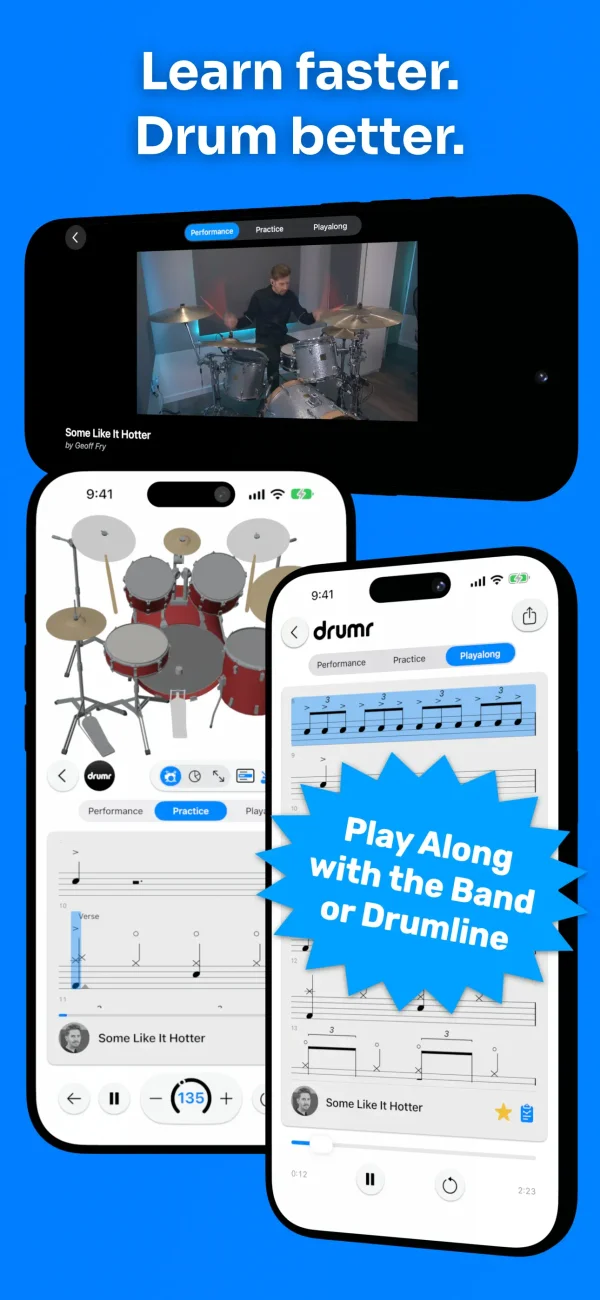
Hear every part played precisely.
Real drum sounds, exactly as written. Follow every note as it plays, slow it down, and connect what you see with what you hear. Learn to read drum music with a clear reference for your own playing.
Loop the hard part until it's yours.
Loop a few measures or focus on one. Isolate kick, snare, toms, or cymbals to see how a groove fits together. Set your reps and build speed and control from 30–300 bpm with Linear, Increasing, and Up-Down modes.
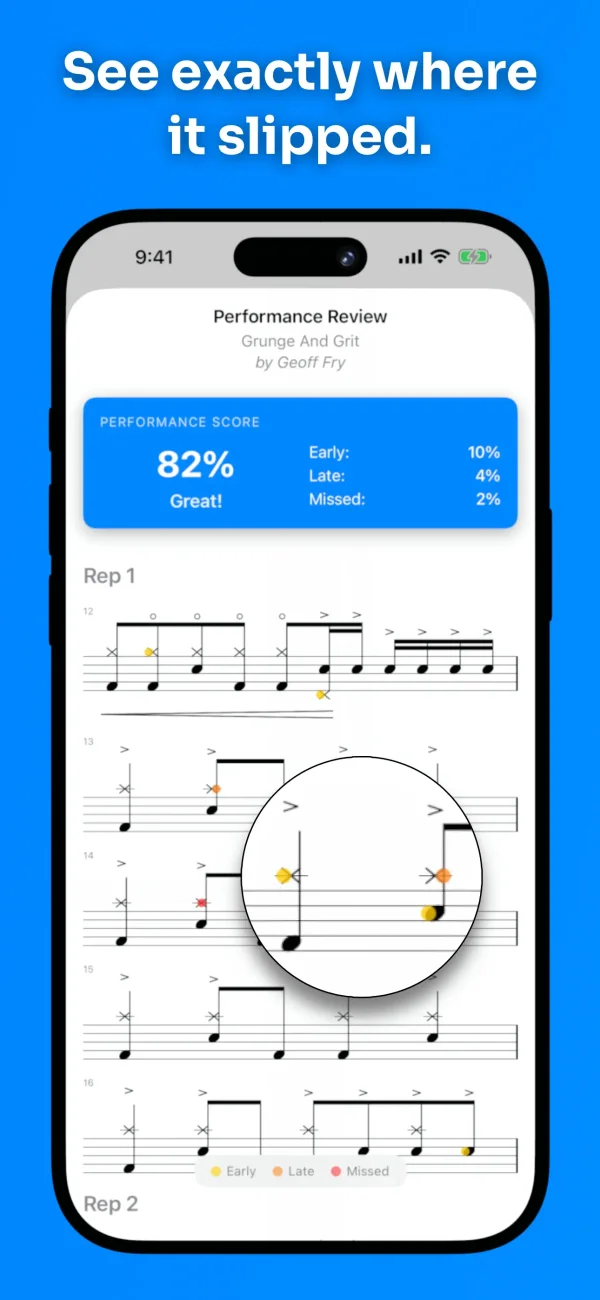
See exactly where it slipped.
Performance Analysis marks early, late, and missed notes right on the notation, rep by rep, so you know what to work on next.
- E-drums: per-instrument feedback via USB/MIDI.
- Practice pads: microphone analysis with AirPods or Apple wired headphones.
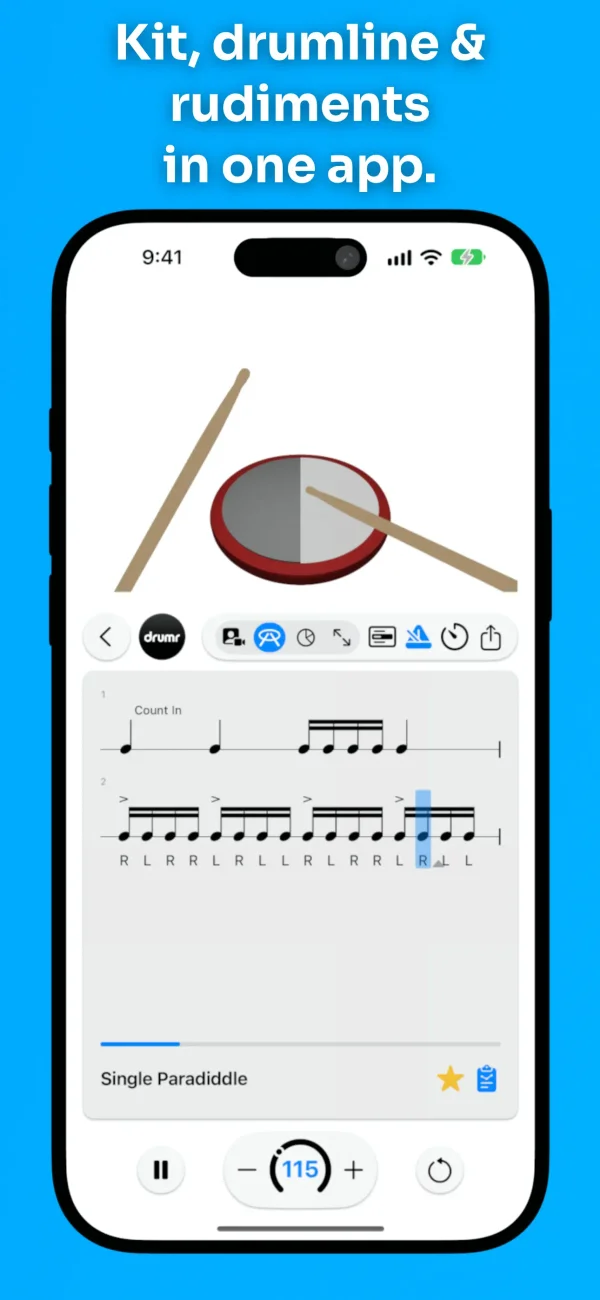
Kit, drumline & rudiments in one app.
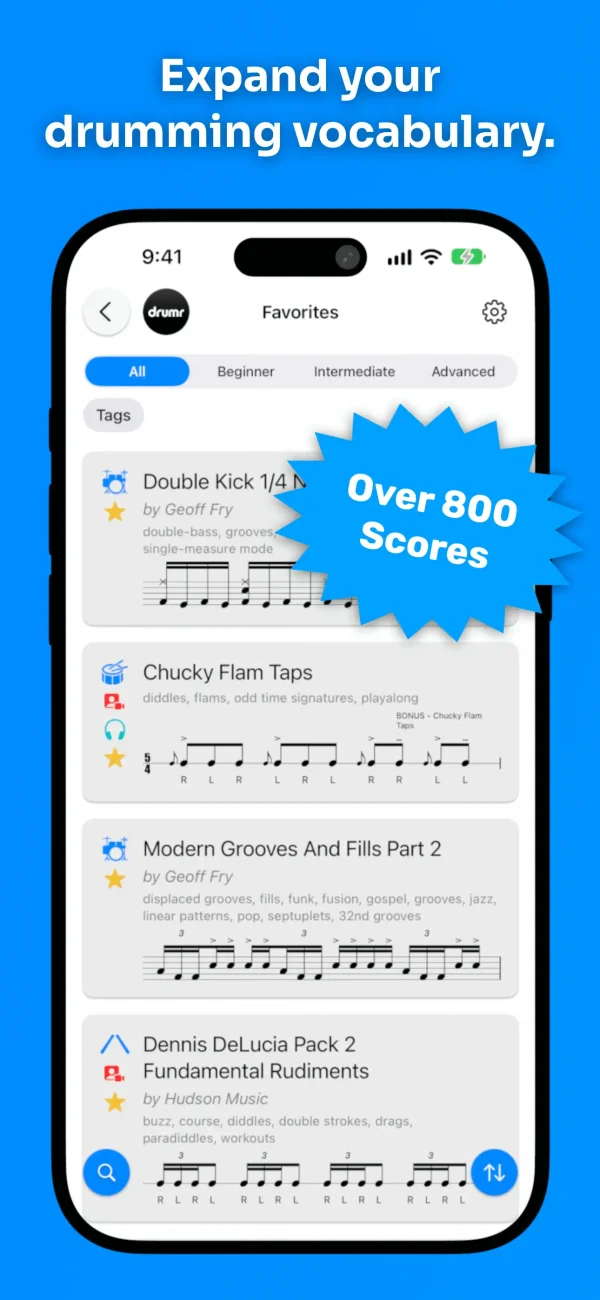
800+ professionally authored scores and courses with thousands of grooves, fills, and exercises — every pattern another idea for your playing.
- Drum Kit: rock, funk, jazz, Latin, metal, Motown, linear patterns, polyrhythms, and control drills.
- Drumline: marching percussion warmups, grids, and exercises for snare, tenors, and bassline, plus PAS and hybrid rudiments.
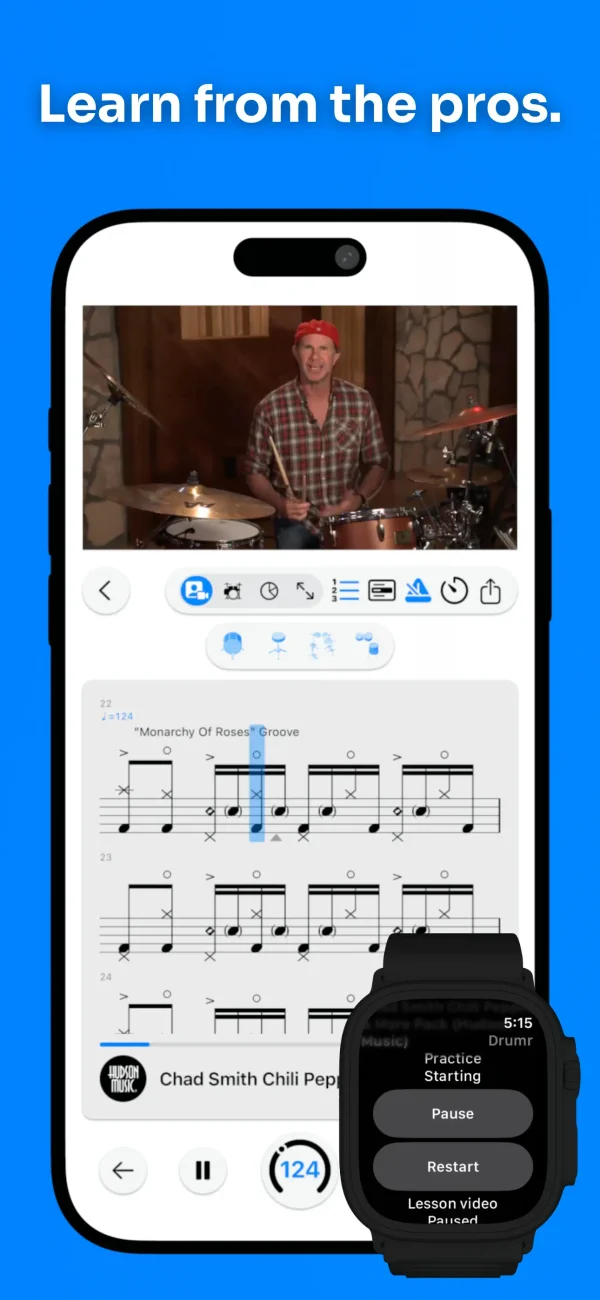
Dig into scores and lessons from Geoff Fry, Hudson Music, Mel Bay Publications, Chad Smith, Scott Johnson, and more. New material added regularly.
Take your place in the line.
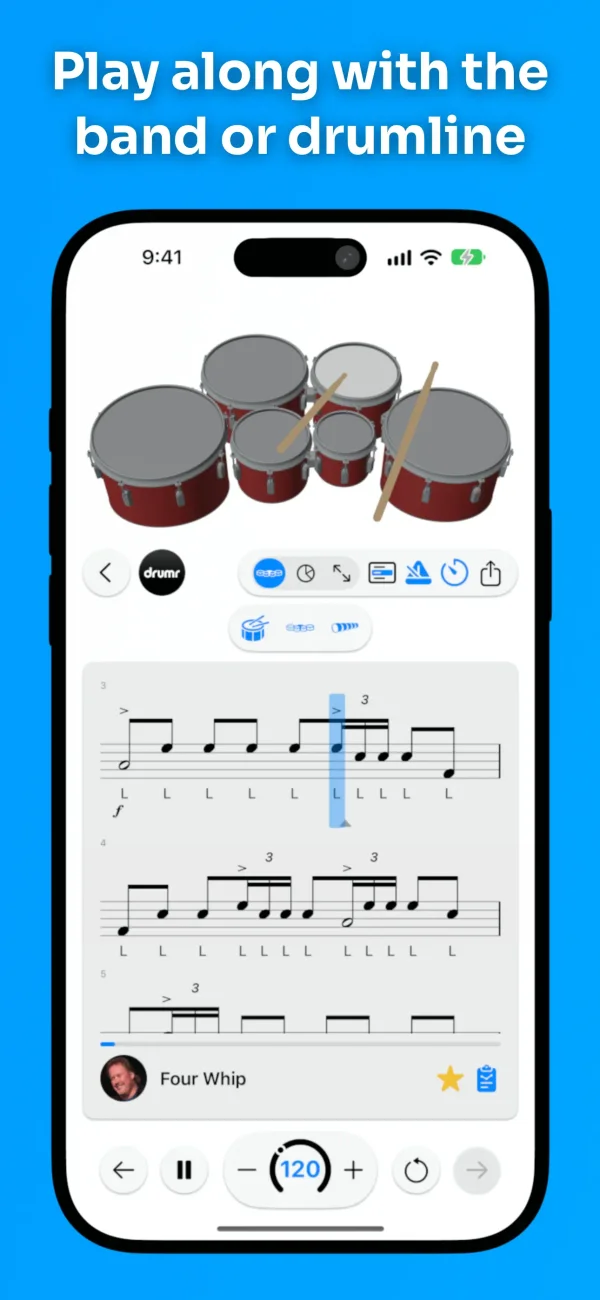
Watch a pro play it, then work through the part. Rehearse with the rest of the drumline on marching scores with matching parts, or lock in with drumless tracks on supported kit scores. Charts give you full-band tracks and room to improvise.
Know what to play next.
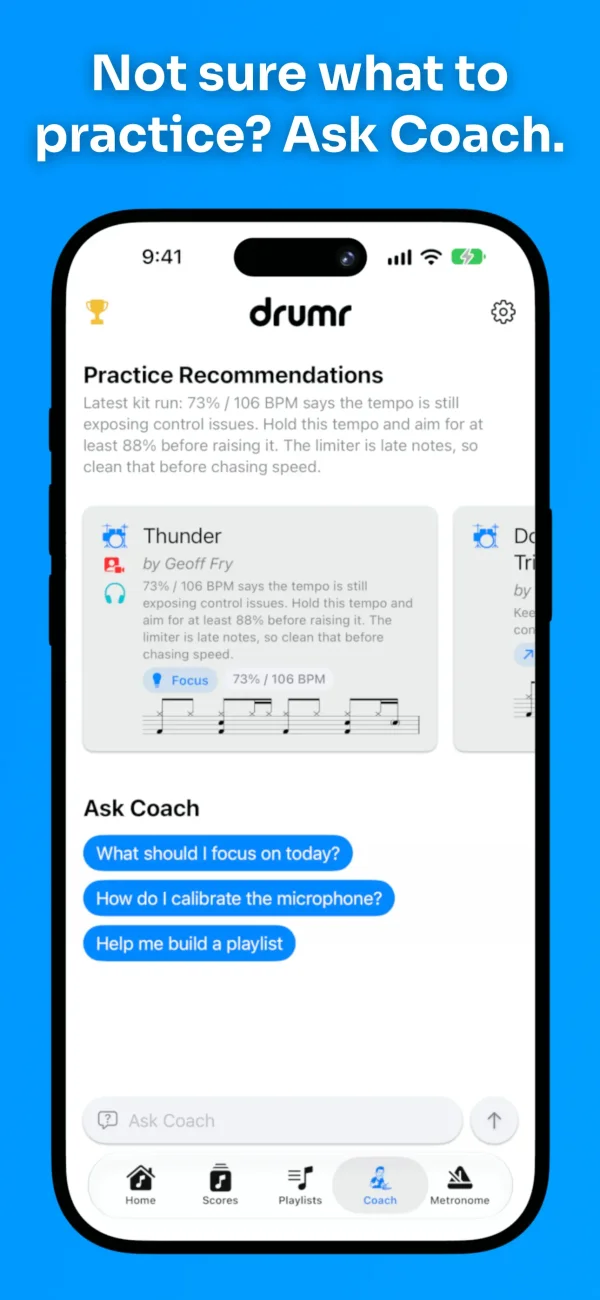
Follow a course or curated playlist, or get recommendations from your recent practice. Coach adds tempo guidance, app help, and custom playlists — private, fast, and in your device language. Requires Apple Intelligence.
More ways to make progress
- SnapCursor highlights each note; KitView, SnareView, TenorsView, and PadView show animated sticks and beaters, BasslineView lights each hit on up to six bass drums, and PieView shows subdivisions.
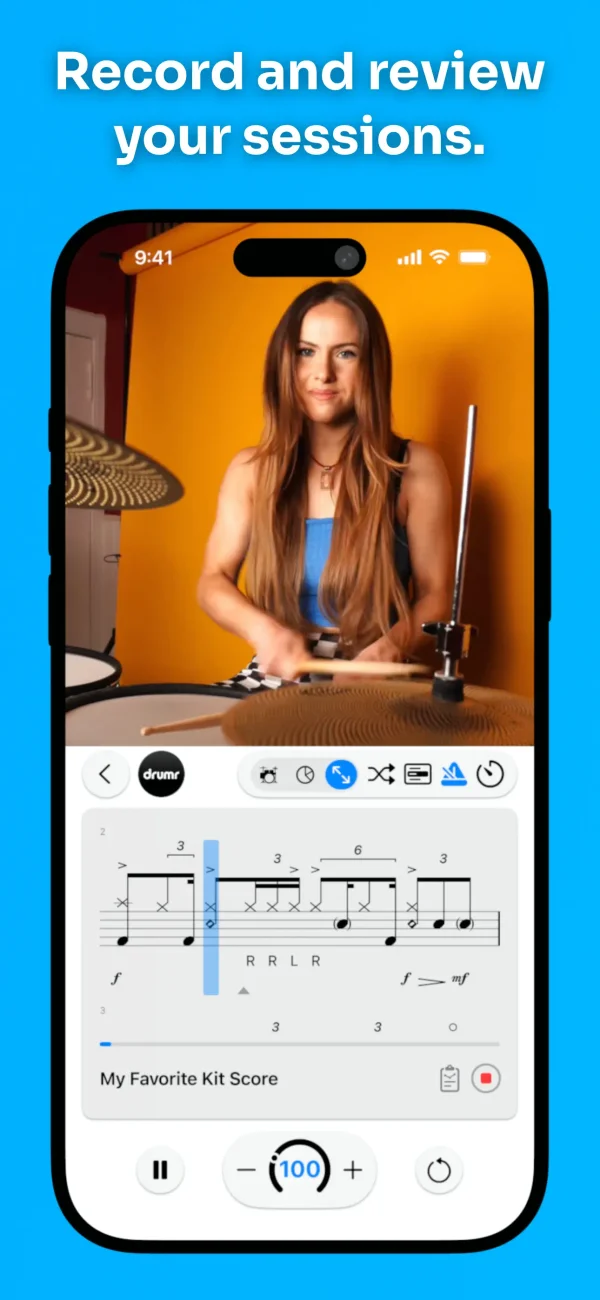
- Record yourself playing alongside your Imports, then watch it back or share your take.
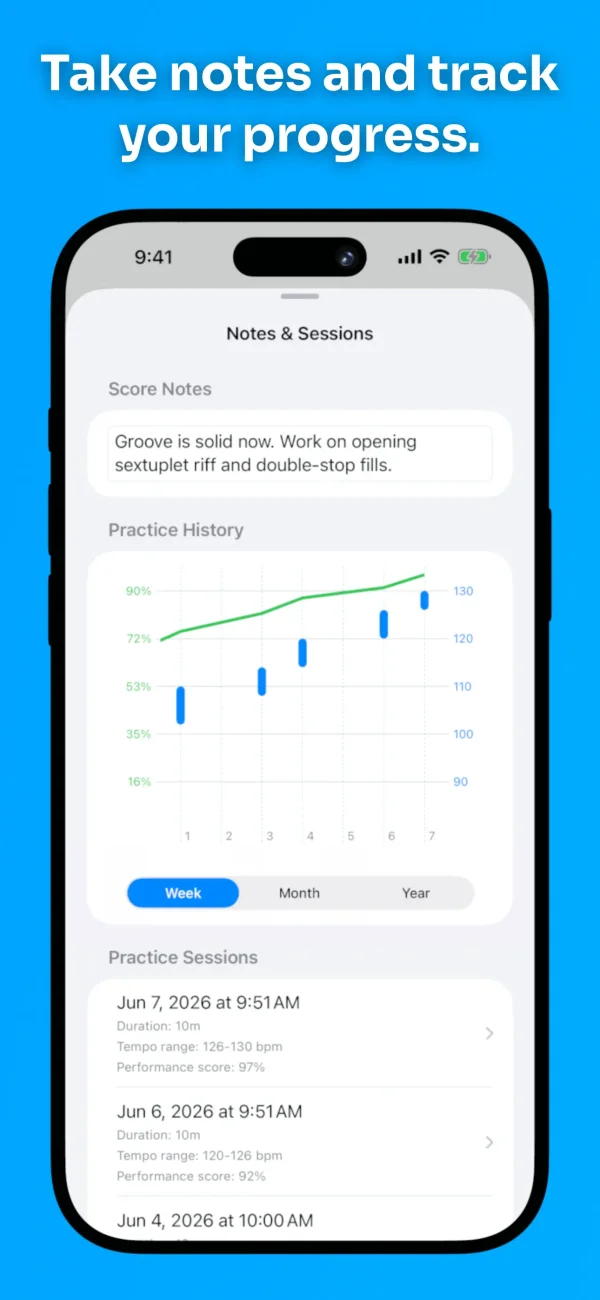
- Notes, session history, tempo charts, activity rings, and Awards show how far you've come.
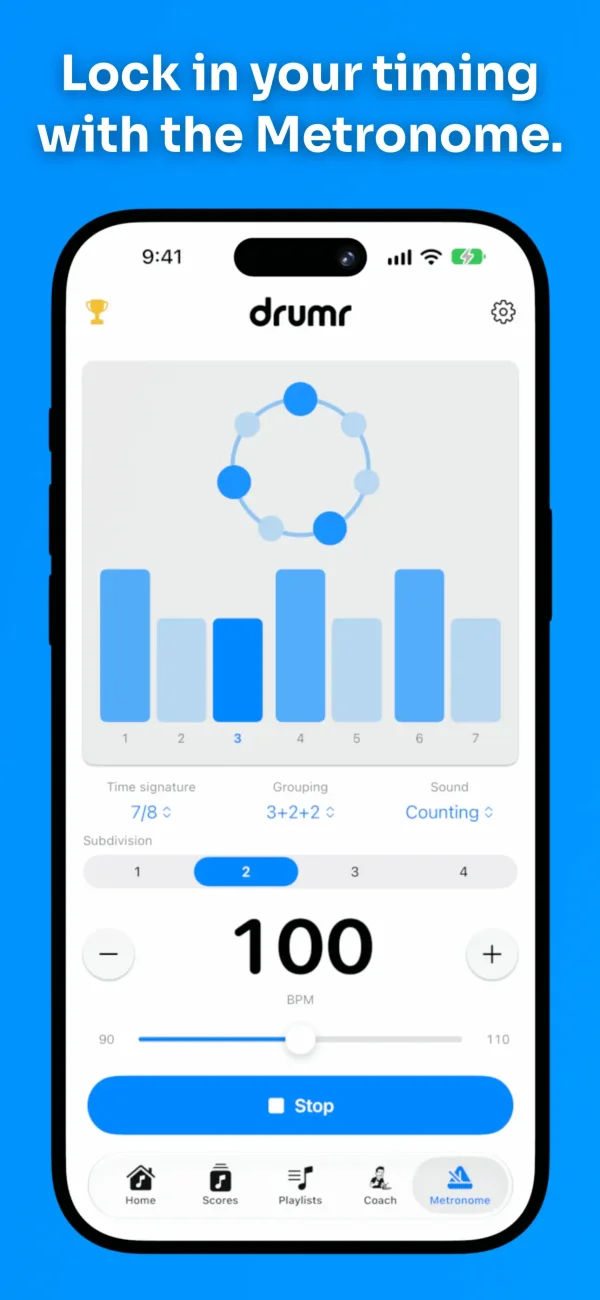
- A standalone Metronome with flexible time signatures, groupings, subdivisions, sounds, and visual beats.
- ShufflePlay mixes up groove and grid measures.
- Control iPhone playback from Apple Watch: play, pause, restart, and choose sections.
- See progress and open Up Next from the Home Screen widget.
- Find scores and control playback hands-free with Siri.
- Practice offline after initial setup. Videos and backing tracks require internet.
Practice in Drumr. Write in Notate.
Write your part in Notate, then practice it in Drumr with Premium. Find out how at drumr.app/imports.
Sign in with Apple to back up your progress and keep it in sync across devices. For help, watch How To videos on Home, triple-tap the Drumr logo for "What's This?" tips, or ask Coach.
—
Help/feedback: https://support.drumr.app or Settings > Contact Support.
Privacy: https://privacy.drumr.app
Terms: https://terms.drumr.app
Apple EULA: https://www.apple.com/legal/internet-services/itunes/dev/stdeula/
What’s new
Version 26.11.24 · Nov 25, 2026
- E-drums and microphone calibration now plays a snare instead of a beep and gives you more accurate timing results.
- Additional minor fixes and improvements.
Need help or have feedback? Tap Settings > Contact Support.
Now stop reading this and go hit some drums!
App privacy
What Drumr Inc. declares on the App Store about how this app handles data.
-
Data linked to you
May be collected and linked to your identity.
- Purchases
- Contact info
- Identifiers
- Usage data
-
Data not linked to you
May be collected but is not linked to your identity.
- Identifiers
- Usage data
- Diagnostics
Privacy practices may vary, for example with the features you use or your age.
Information
- Seller
- Drumr Inc.
- Category
- Education
- Version
- 26.11.24
- Updated
- Nov 25, 2026
- Released
- Jan 19, 2025
- Size
- 100.1 MB
- Requires
- iOS 26.0 or later
- Age rating
- 4+
- Price
- Free
- In-app purchases
- Yes
- Languages
- English
- Copyright
- © 2026 Drumr Inc. All rights reserved.
You might also like
-
 PercussionIQDrum Smart
-
 Drum Coach: Learn Drums GuidedLessons, Practice & Rudiments
-
 Melodics: Drum Lessons AppLearn drums and play rhythms
-
 CompetitionSuite CommentaryEducation
-
 UDBapp: Powered by ArcEducation
-
 UDBapp ProEducation
-
 Geo: Powered by ArcGroup Event Organizer
-
 MyGroove: Instrument LessonsDrums, Bass, Guitar, Piano
-
 Beam: Powered by ArcBeam Music App
-
 Melodics for iPadDrums, keys, & pads lessons.