- Age rating4+
- CategoryFinance
- DeveloperDe Surinaamsche Bank NV
- LanguagesEnglish+ 1 more
- Size54.1 MB
Links to the official App Store page
Download.org hosts no file of DSB Mobile Banking. The button opens its official App Store page, published by De Surinaamsche Bank NV. Listing last checked on Nov 24, 2026.
Screenshots

About
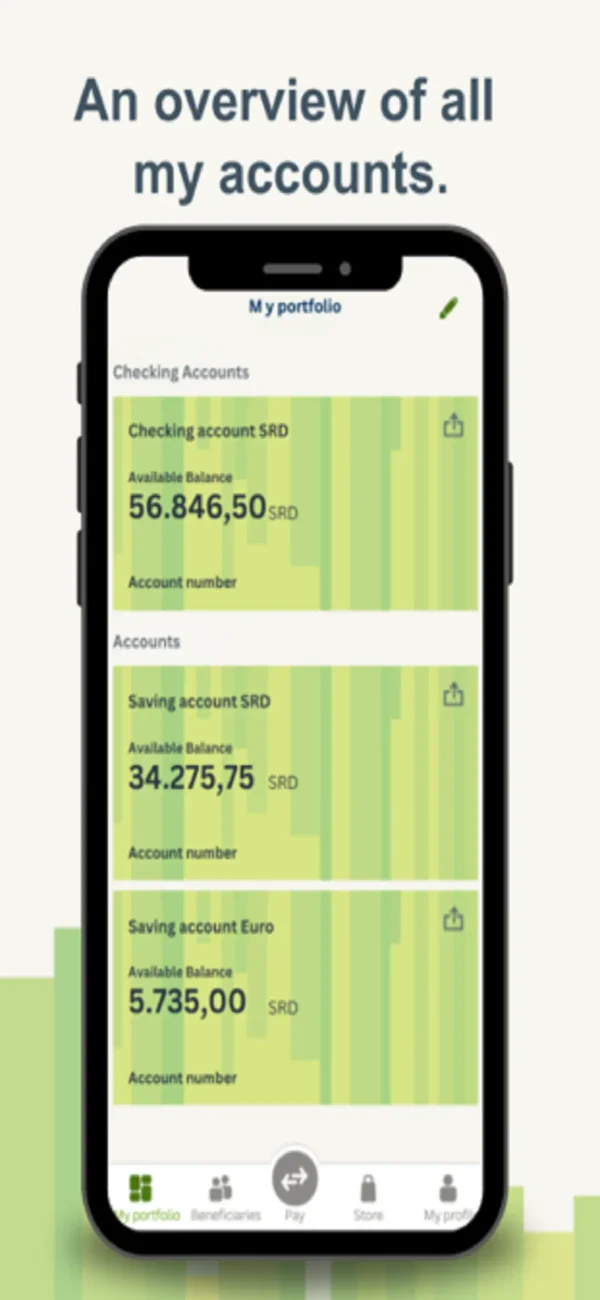
Features via DSB | Mobile Banking App:
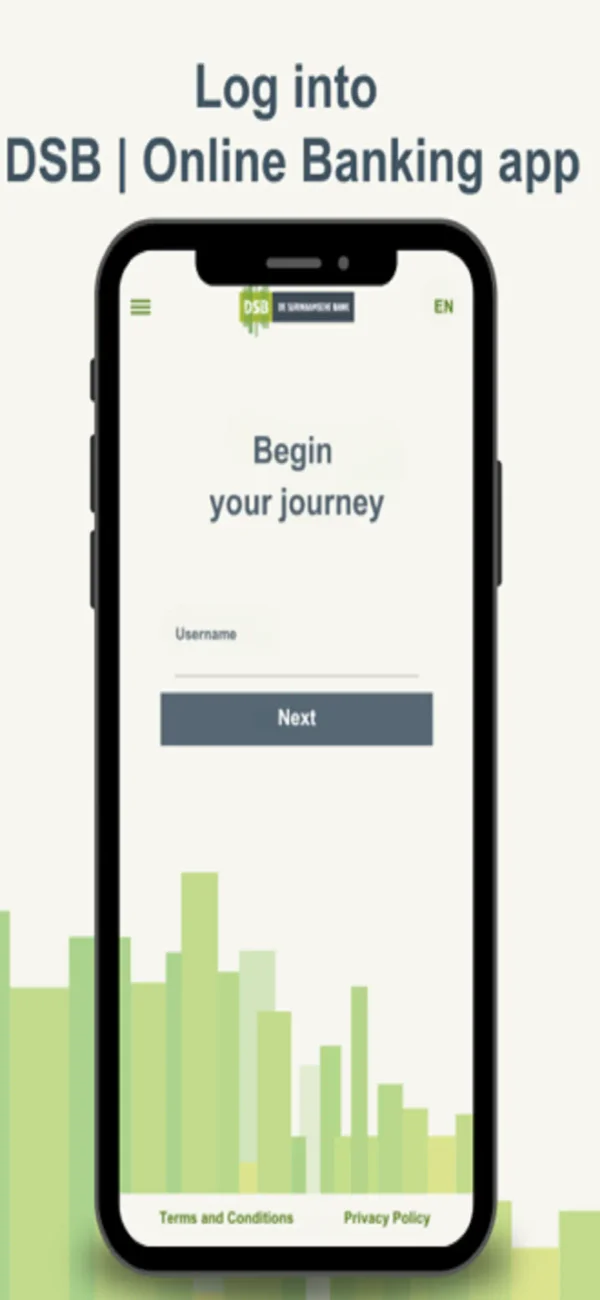
• Log in with a PIN
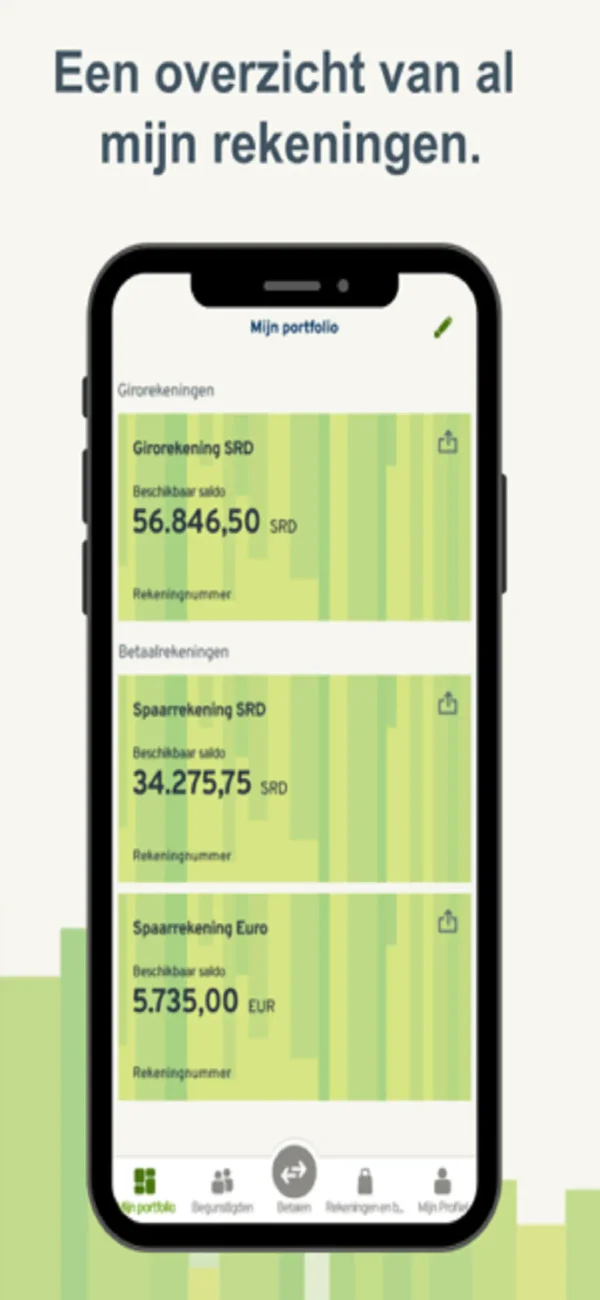
• View your account balance and credits and debits from your accounts
• Perform own creditcard payments
• Load own prepaidcard
• Setup scheduled payments
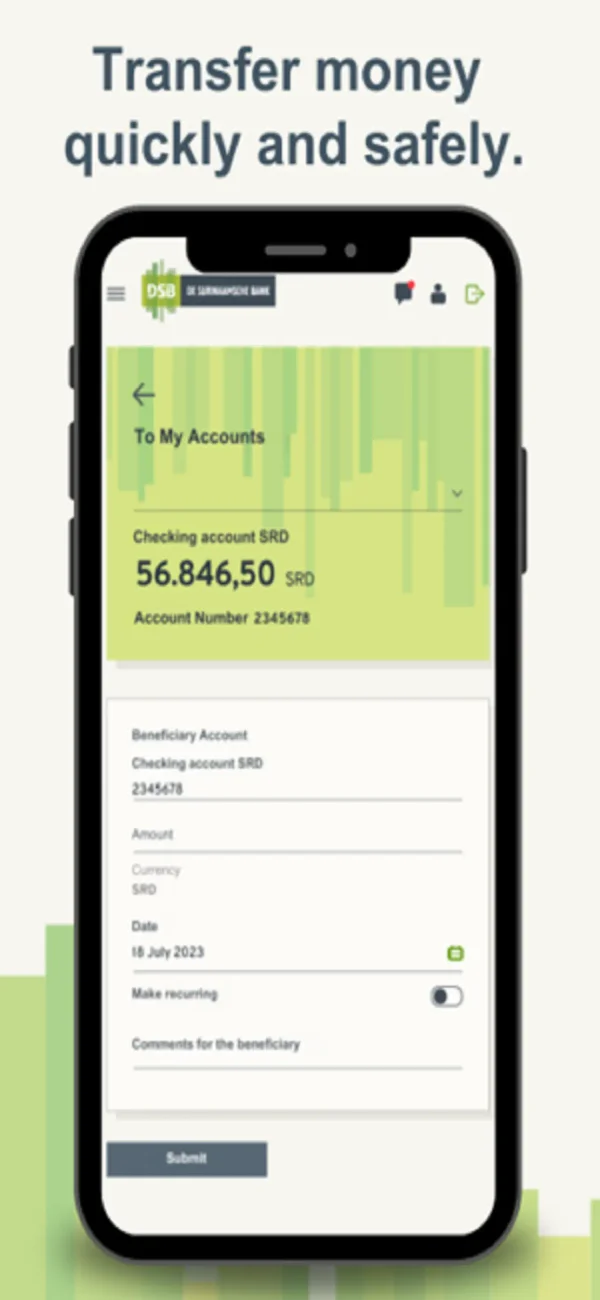
• Perform transfers (this is restricted with daily limits)
• Setup e-mail alerts
• Block your lost or stolen debitcard, creditcard or prepaidcard
• Search for locations of ATMs and Branches
• View Bankmail
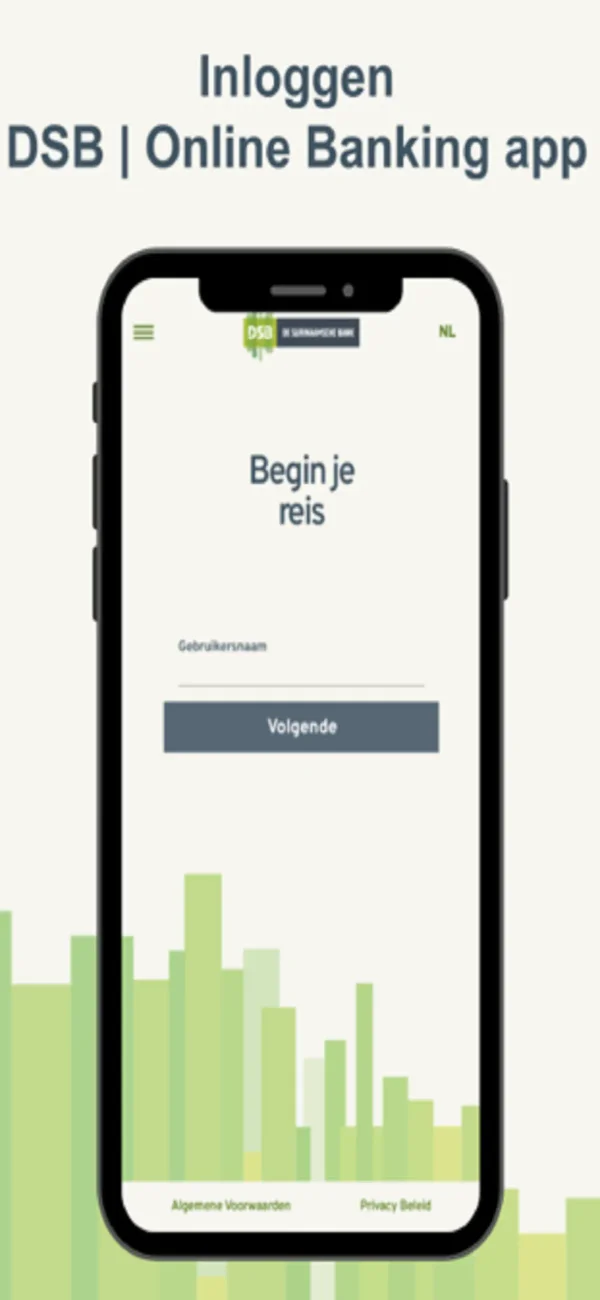
• Available in Dutch and English
With DSB | Mobile Banking App you can bank 1x24 hours per day from your smartphone or tablet. It is important that you have an active internet connection on your smartphone or tablet to use DSB | Mobile Banking App.
To use DSB | Mobile Banking App you must have access to DSB | Internet Banking. This is for your own safety, so if you lose your smartphone or tablet, you can deactivate it via your Internet Banking account so that other people cannot access your Mobile Banking account. Also, you only have the login details of your account, so at DSB banking is not only made easy but is also safe!
To gain access to DSB | Internet Banking and DSB | Mobile Banking App you need an active checking account at DSB. Opening a checking account is quick and easy via one of our Branches. You can make an appointment via our website: www.dsb.sr
Want to know more about DSB | Mobile Banking App?
View the detailed information on www.dsb.sr or call our Customer Contact Center at 471100 or visit one of our DSB Branches.
What’s new
Version 2.4.0 · Nov 16, 2026
This update introduces two new payment features in the DSB Mobile Banking app:
• DSB e-Pay: Make secure online payments at participating merchants directly from your DSB account.
• Scan and Pay: Use the QR scanner in the DSB Mobile Banking app to scan a supported payment QR code and initiate a payment directly from your DSB account.
These features are available within the DSB Mobile Banking app after updating to the latest version.
App privacy
What De Surinaamsche Bank NV declares on the App Store about how this app handles data.
-
Data linked to you
May be collected and linked to your identity.
- Contact info
- Identifiers
-
Data not linked to you
May be collected but is not linked to your identity.
- User content
Privacy practices may vary, for example with the features you use or your age.
Information
- Seller
- De Surinaamsche Bank NV
- Category
- Finance
- Version
- 2.4.0
- Updated
- Nov 16, 2026
- Released
- Sep 18, 2017
- Size
- 54.1 MB
- Requires
- iOS 17.0 or later
- Age rating
- 4+
- Price
- Free
- Languages
- English, Dutch
- Copyright
- © 2022 DSB Internet Banking | All rights reserved