Dscans - Scan Documents easily
Scan Documents, Books & More
Designed for iPhone, iPad, iPod touch
Free
- Age rating4+
- CategoryProductivity
- DeveloperJainik Patel
- LanguagesEnglish
- Size73.9 MB
Links to the official App Store page
Download.org hosts no file of Dscans - Scan Documents easily. The button opens its official App Store page, published by Jainik Patel. Listing last checked on Nov 16, 2026.
Screenshots

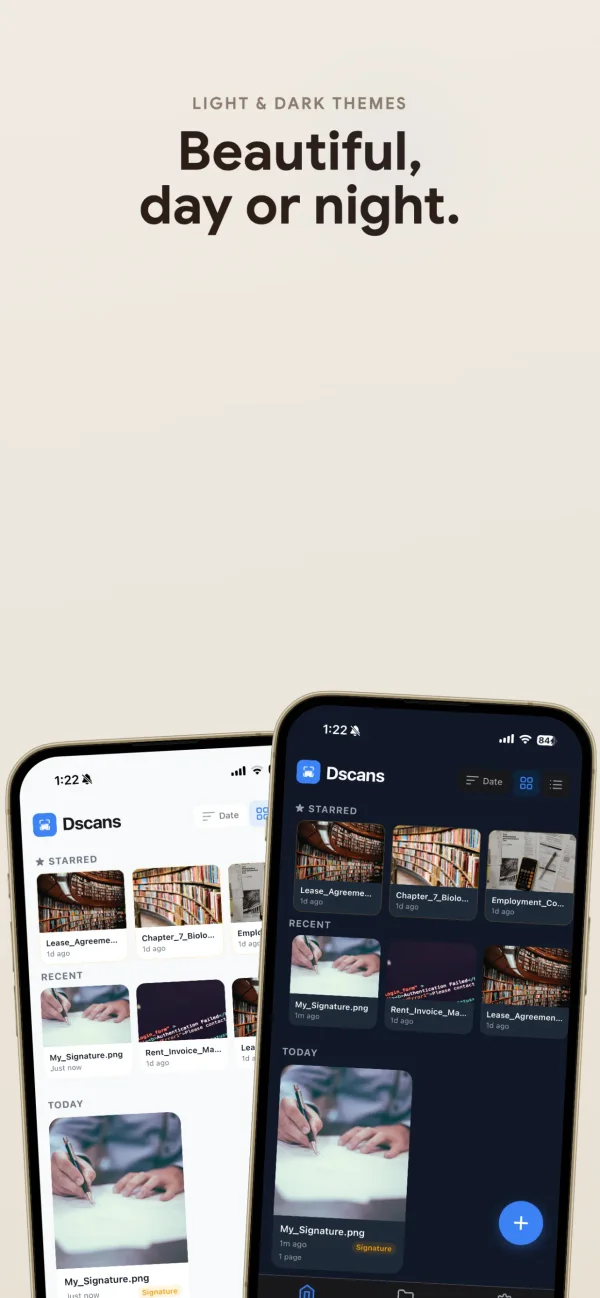
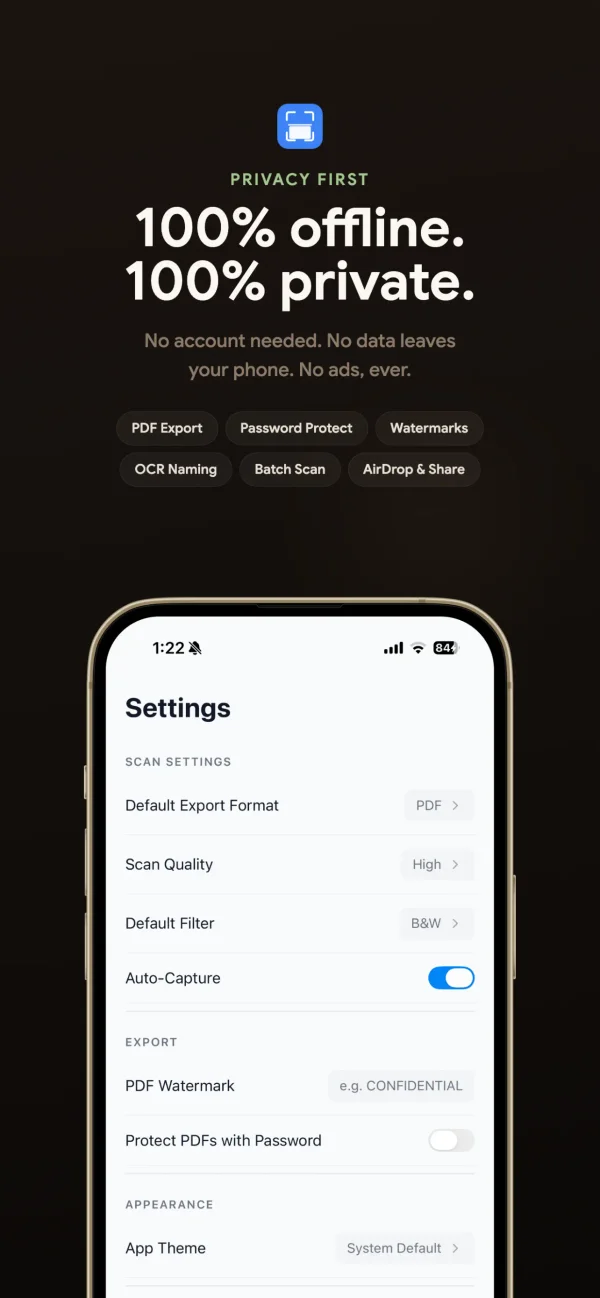
About
Dscans turns your phone into a powerful document scanner. Capture documents, book pages, photos, and signatures with professional-quality results — all processed locally on your device with complete privacy.
KEY FEATURES
Scan Anything
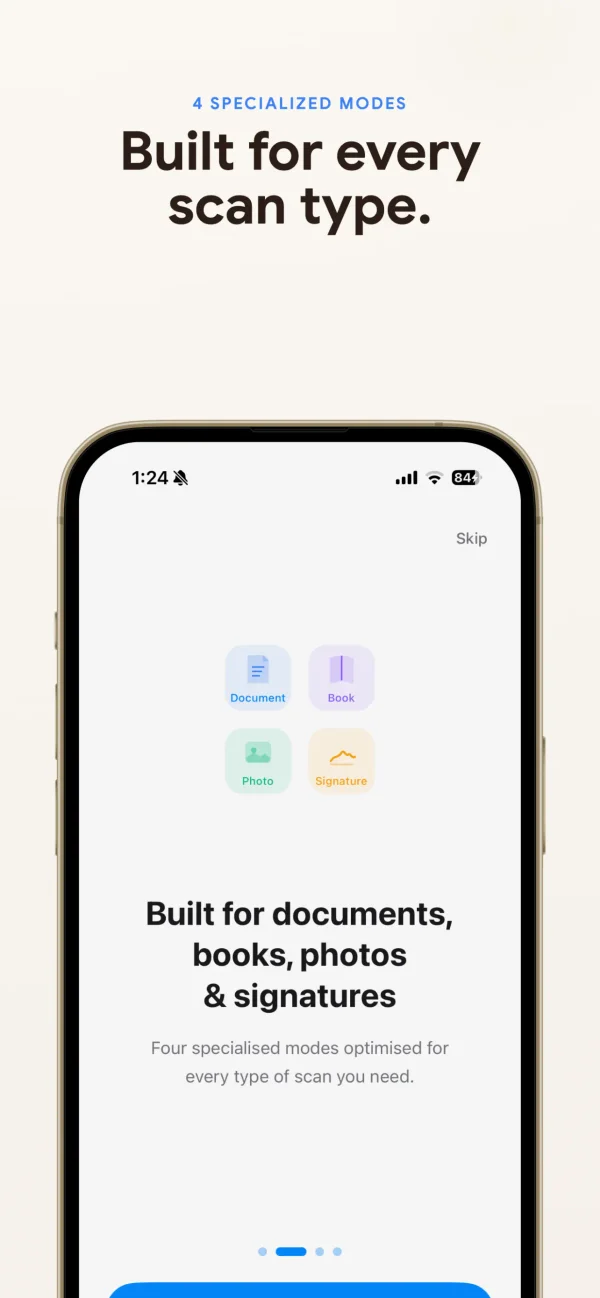
- Document Mode: Crisp, high-contrast scans with automatic edge detection and perspective correction
- Book Mode: Capture open book spreads and automatically split them into separate flat pages
- Photo Mode: Preserve original colors while straightening and enhancing your photos
- Signature Mode: Isolate signatures on transparent or white backgrounds
Smart & Fast
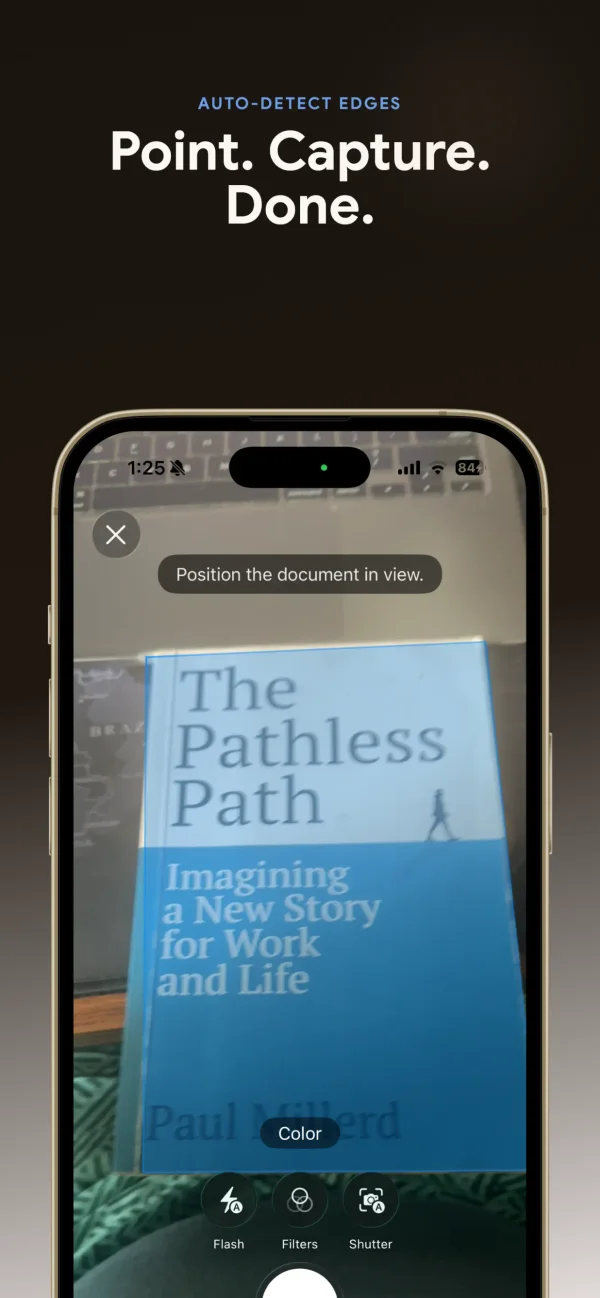
- Auto-capture detects document edges and captures automatically when steady
- Batch scanning for multi-page documents in one session
- OCR-powered smart file naming
- Real-time edge detection overlay
Powerful Editing
- Filters: Original, Black & White, Grayscale, Auto-Enhance
- Rotate, crop, and adjust each page
- Drag-and-drop page reordering for multi-page scans
Export Your Way
- PDF export with multi-page support
- JPG and PNG export for individual pages
- PDF watermarking (e.g., "CONFIDENTIAL")
- PDF password protection
- Share via AirDrop, WhatsApp, Email, Google Drive, and more
Stay Organized
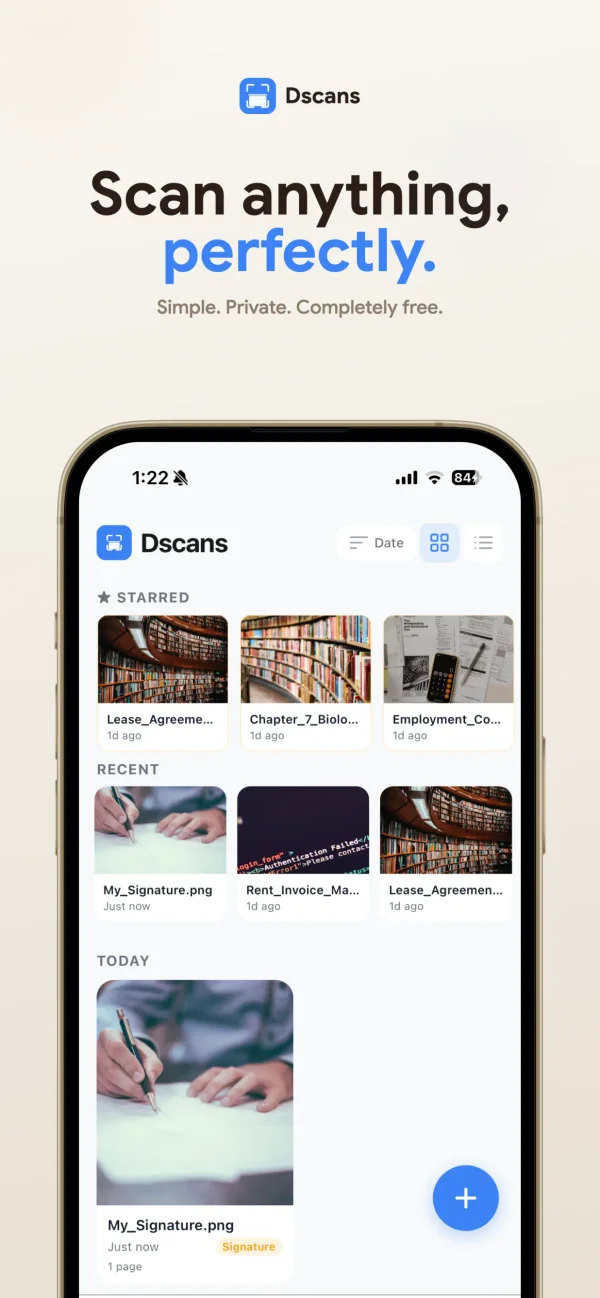
- Create folders to organize your scans
- Search by filename
- Sort by date or alphabetically
- Grid and list view options
- Scan type badges for quick identification
Privacy First
- All scanning and processing happens on your device
- No account required — every feature works offline
- No ads, no subscriptions, completely free
Beautiful & Polished
- Google Sans typography throughout
- Light and dark theme support (follows system setting)
- Smooth animations and haptic feedback
- Clean, intuitive interface
Dscans is built for students scanning notes, professionals digitizing contracts and receipts, and anyone who needs to turn paper into digital files quickly and privately.
App privacy
What Jainik Patel declares on the App Store about how this app handles data.
-
Data not collected
The developer does not collect any data from this app.
Privacy practices may vary, for example with the features you use or your age.
Information
- Seller
- Jainik Patel
- Category
- Productivity
- Version
- 1.0.0
- Updated
- Mar 26, 2026
- Released
- Mar 25, 2026
- Size
- 73.9 MB
- Requires
- iOS 15.1 or later
- Age rating
- 4+
- Price
- Free
- Languages
- English
- Copyright
- © 2026 Angrio Technologies
You might also like
-
 Scanner4K4K HD Photo Scanner & Editor
-
 ClearScan - Doc Scanner & SignScan, Sign & Edit PDFs Free
-
 ScanEx: Scan to PDF & ScannerPhoto to PDF & ID Scanner
-
 Knut Book ScannerScan Pages, Build Your Library
-
 PureScan: Document ScannerFast & easy document scanner
-
 ScanMate: Scan, Convert, Edit문서 스캔·편집·파일 변환까지 한 번에!
-
 WorkwiselyEnterprise Automation Software
-
 Anticipāt: Countdown WidgetDays until trips & birthdays
-
 BookScan: Digitize & OCR DocsBooks & Notes to AI Knowledge
-
 OpenChat ConnectPrivate on-device, or BYOK