DSFile Station
Synology NAS File Manager
Designed for iPhone, iPad
Free · In-app purchases
- Age rating4+
- CategoryProductivity
- DeveloperThomas Le gravier
- LanguagesEnglish+ 15 more
- Size51.3 MB
Links to the official App Store page
Download.org hosts no file of DSFile Station. The button opens its official App Store page, published by Thomas Le gravier. Listing last checked on Nov 19, 2026.
Screenshots


About
Browse, manage and access all your files on your Synology NAS, right from your iPhone and iPad. DSFile Station is the complete file manager for your DiskStation: navigate your folders, preview anything, and take your files everywhere — even offline.
BROWSE & MANAGE YOUR NAS
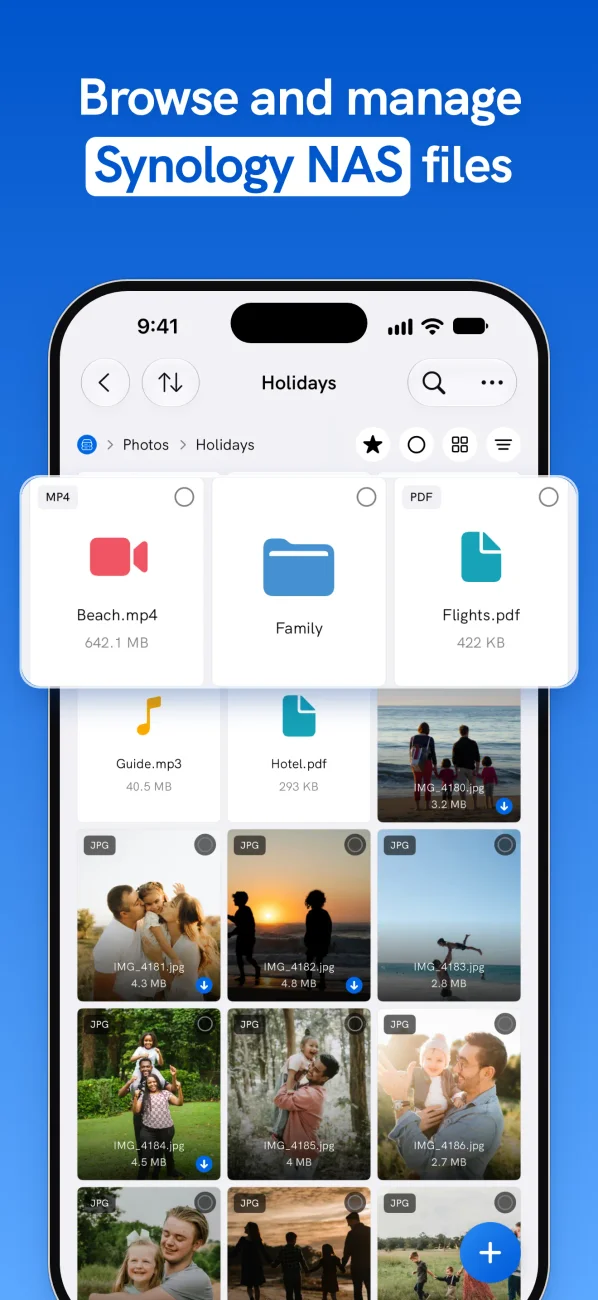
• Navigate your personal and shared folders on your Synology NAS
• List and grid views with sorting and instant search
• Create, rename, move, copy and delete files and folders
• Multi-selection and batch operations
• Detailed file info: size, type, path, EXIF & GPS metadata
ACCESS YOUR FILES ANYWHERE, EVEN OFFLINE
• Keep any file available offline on your device
• Favorites and recent files gathered on the Home tab
• Instant access, even without a connection
• Home Screen & Lock Screen widgets for favorites, offline files and recents
POWERFUL TRANSFERS
• Upload any file from your device to your NAS
• Download files from your NAS to your iPhone
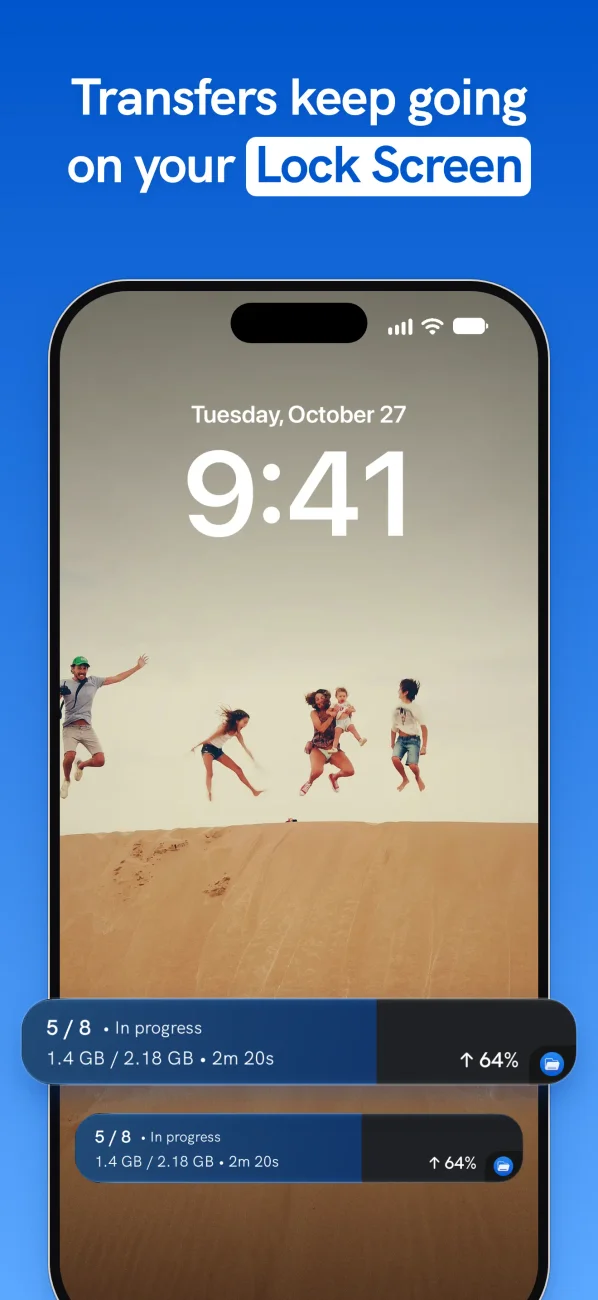
• Background transfer queue that keeps going
• Notifications and Live Activities to track every transfer
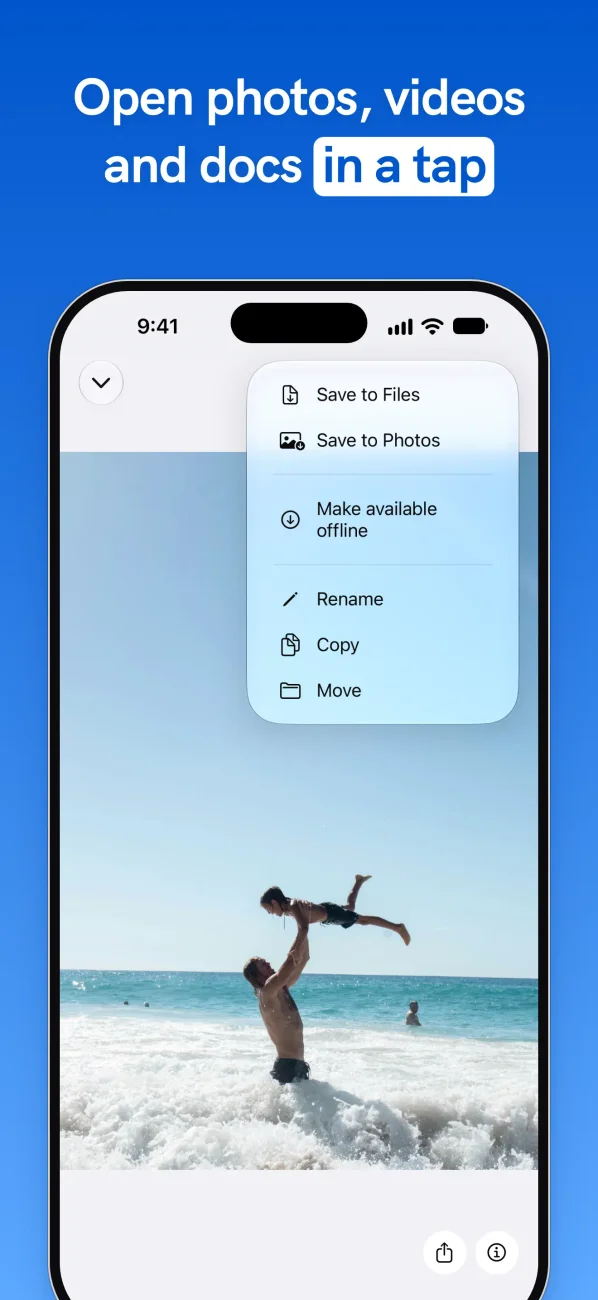
• Save photos and videos straight to your Photos library
PREVIEW & SHARE
• Preview photos, videos, documents and audio
• Compress to ZIP and extract archives, password-protected ones included
• Open files in any other app
• Share to DSFile Station from any app to upload instantly
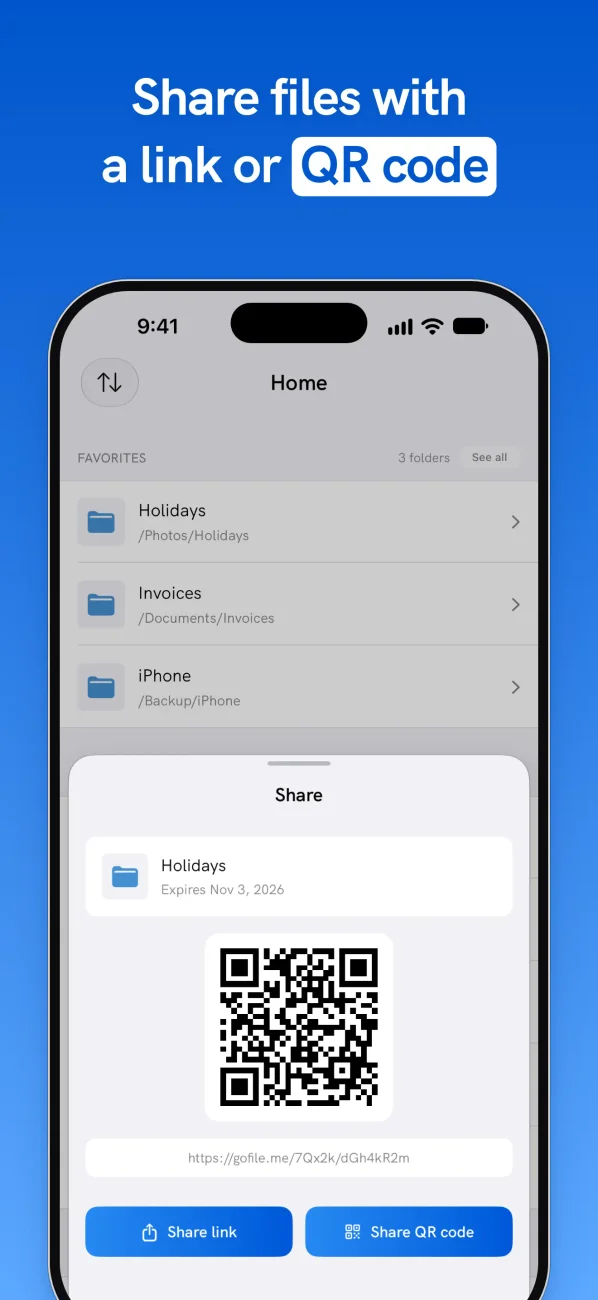
• Share files and folders with a link: expiration, password and QR code
• Siri and Shortcuts support
SECURE & PRIVATE
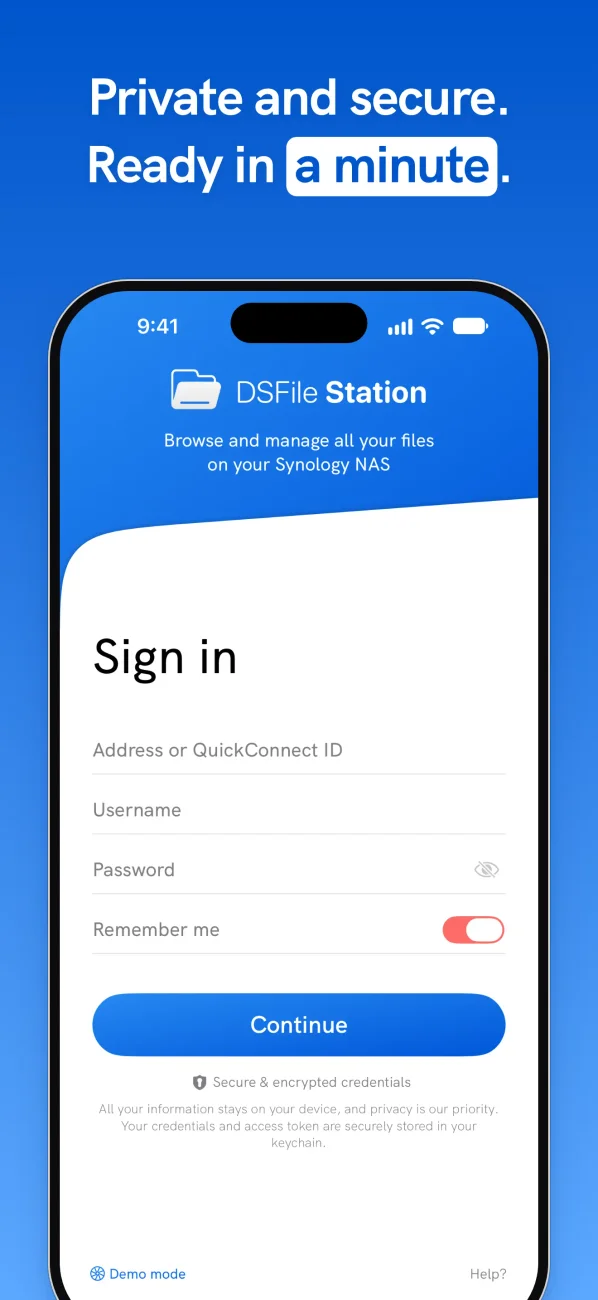
• Credentials encrypted and stored in your keychain
• Your data never leaves your device
• No tracking, no ads, complete privacy guaranteed
• Works on local network & remotely via QuickConnect
• SSL/TLS encryption & 2FA authentication support
FLEXIBLE CONNECTIVITY
• QuickConnect: connect from anywhere
• Direct IP/Host connection
• Custom DDNS support
• Automatic reconnection after network issues
EASY TO USE
• Quick setup in minutes – no technical knowledge required
• Dark mode support for comfortable viewing
• Clean, intuitive interface for all your files
Perfect companion for your Synology NAS or DiskStation. Access, organize and share your files anywhere, keep the ones you need offline, and stay in full control of your data.
Works seamlessly alongside DS File, Synology Photos, and other Synology mobile apps.
Made by the Synology community for Synology users.
Need help? Any suggestion or feature request for the app? Email me at contact@dsfile.app!
---
Some features require Pro: a monthly or yearly subscription, or a one-time lifetime purchase. Free trial available.
DSFile Station is not affiliated with Synology Inc.
Terms: https://dsfile.app/resources/terms.html
What’s new
Version 1.3.5 · Nov 16, 2026
== Version 1.3.5 • Sign-in fix ==
• Fixed a sign-in problem on some NAS after a recent DSM update: the app disconnected right after signing in, or showed error 109 or 127.
• If you were affected, update the app and sign in as usual. There is nothing to change on your NAS.
== Version 1.3.4 • Automatic reconnection & fixes ==
• When you come back to the app, it reconnects to your NAS by itself as soon as the NAS answers, even with a QuickConnect ID away from home.
• If your NAS still doesn't answer after two tries, the app tells you what to check and offers to sign in again in case its address changed.
• Folders opened from a favorite now have their "…" menu: rename, move, share a link, info and delete.
• Renaming to a name already in use, or creating a folder that fails, now shows the error instead of reporting success.
• Swiping down to close a photo, video or document works more reliably, and saving to Photos tells you when it fails.
• Signing out is quicker when your NAS is switched off.
• Transfers no longer stay "in progress" on the Lock Screen after you close the app from the App Switcher.
• On iPhone Duo, popups stay clear of the fold and the keyboard.
Thank you for your support! Any suggestion or feature request? Email me at contact@dsfile.app!
App privacy
What Thomas Le gravier declares on the App Store about how this app handles data.
-
Data not collected
The developer does not collect any data from this app.
Privacy practices may vary, for example with the features you use or your age.
Information
- Seller
- Thomas Le gravier
- Category
- Productivity
- Version
- 1.3.5
- Updated
- Nov 16, 2026
- Released
- Jul 20, 2026
- Size
- 51.3 MB
- Requires
- iOS 26.0 or later
- Age rating
- 4+
- Price
- Free
- In-app purchases
- Yes
- Languages
- English, Dutch, French, German, Hungarian, Italian, Japanese, Korean, Polish, Portuguese, Russian, Simplified Chinese + 4 more
- Copyright
- © 2026 DSFile Station
You might also like
-
 Synology MailPlusProductivity
-
 NAS ProPrivate NAS Control Center
-
 SynoSyncModern file sync for iOS
-
 Synology DriveProductivity
-
 C2 PasswordManage & autofill passwords
-
 BeeFilesProductivity
-
 choclift: Workflow Sweetenerdesktop touch controls
-
 ASUS AiCloudProductivity
-
 UniFi DesignProductivity
-
 Nextcloud NotesProductivity