DSLR Camera Effect Editor
Photo filters, blur & frames
Designed for iPhone, iPad
Free · In-app purchases
- Age rating4+
- CategoryPhoto & Video
- DeveloperSandeep Bhandari
- LanguagesEnglish+ 15 more
- Size13.5 MB
Links to the official App Store page
Download.org hosts no file of DSLR Camera Effect Editor. The button opens its official App Store page, published by Sandeep Bhandari. Listing last checked on Nov 18, 2026.
Screenshots
About
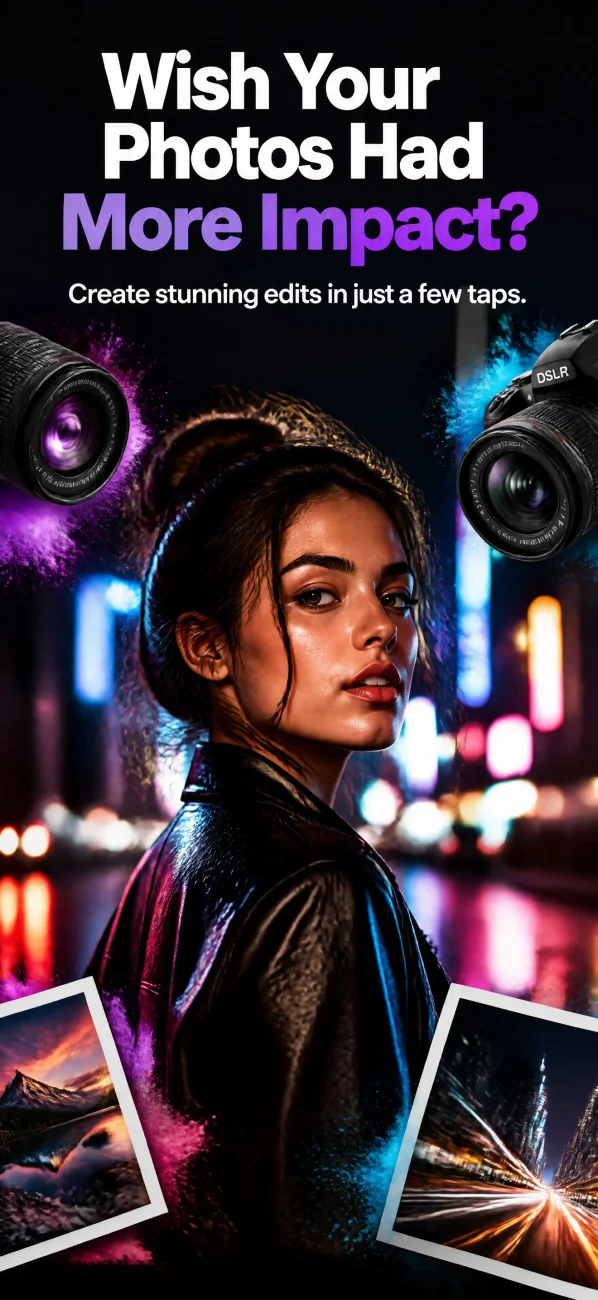
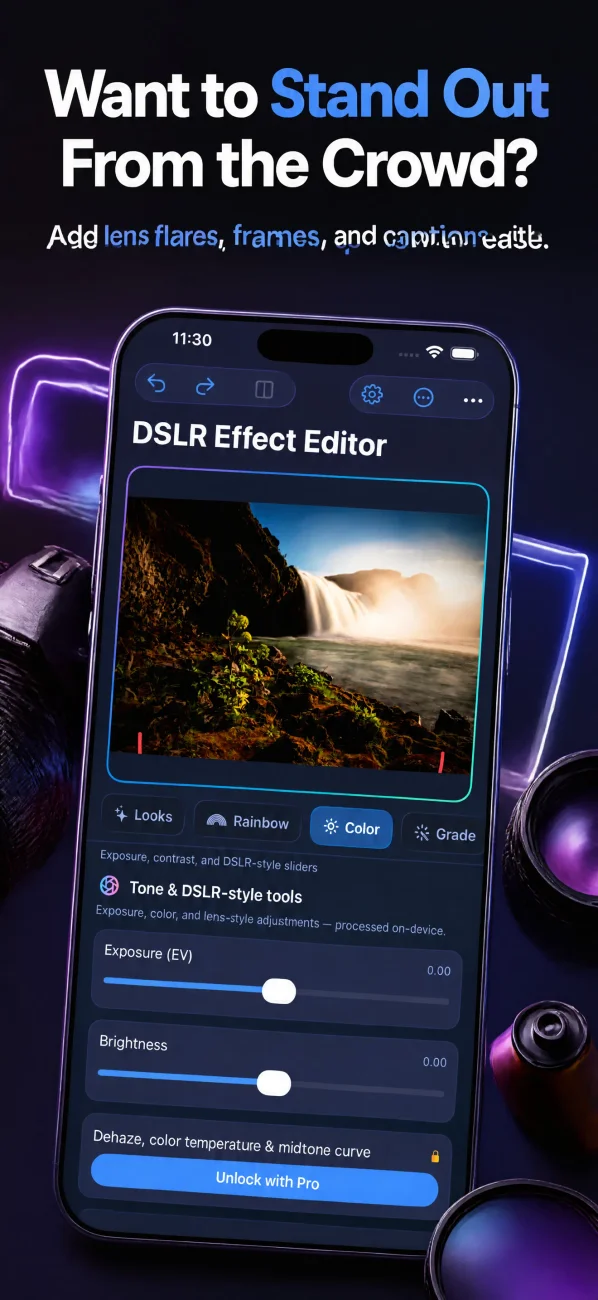
Turn everyday photos into polished shots without wrestling with complicated controls. Add a DSLR-style look, fix flat images, and create eye-catching edits with blur, double exposure, film tones, frames, and light effects in one place.
DSLR Camera Effect Editor helps you give library photos and camera shots a DSLR-style finish with creative photo editing tools.
Why people choose it
Everything happens right on your phone, with a live preview that shows your framing as you edit. You can pinch to zoom, drag to pan, tap Show original to compare your photo before the grade, and reopen one of your recent saved edits from the start screen. It is built for quick results when you want a photo editor that feels simple, but still gives you room to fine-tune.
WHAT YOU CAN DO
Pick a photo from your library or take a new picture in the app.
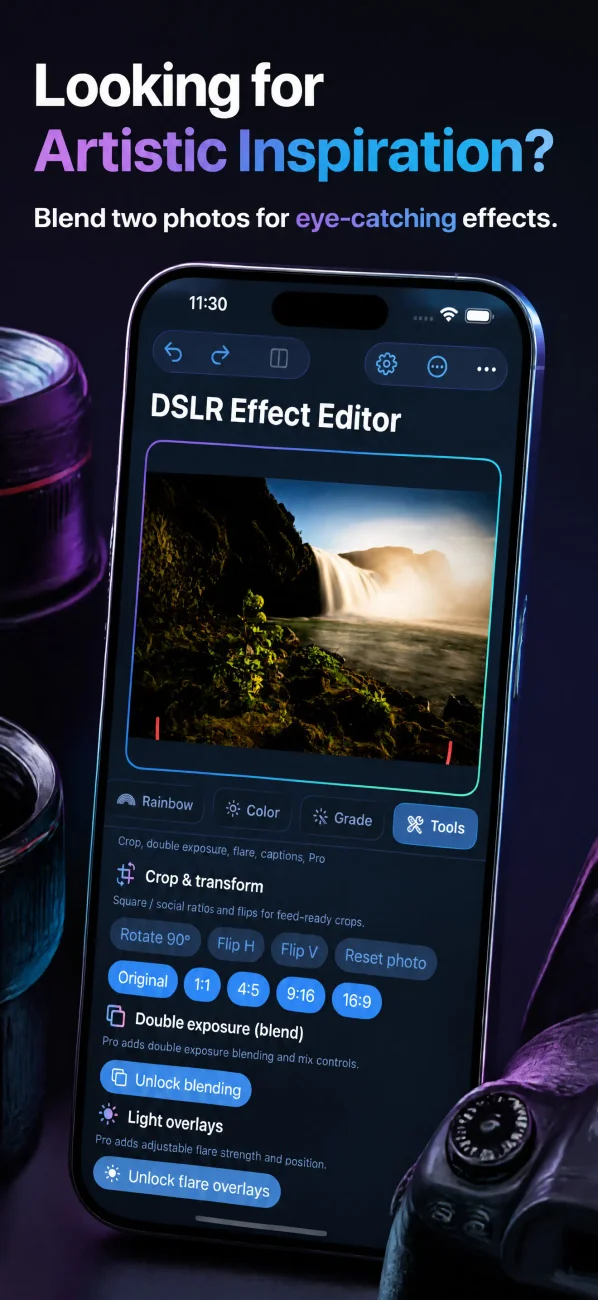
Rotate 90°, flip horizontally or vertically, and crop with Original, 1:1, 4:5, 9:16, or 16:9 aspect presets.
Blend in a second image with double exposure and adjust blend opacity for the right balance.
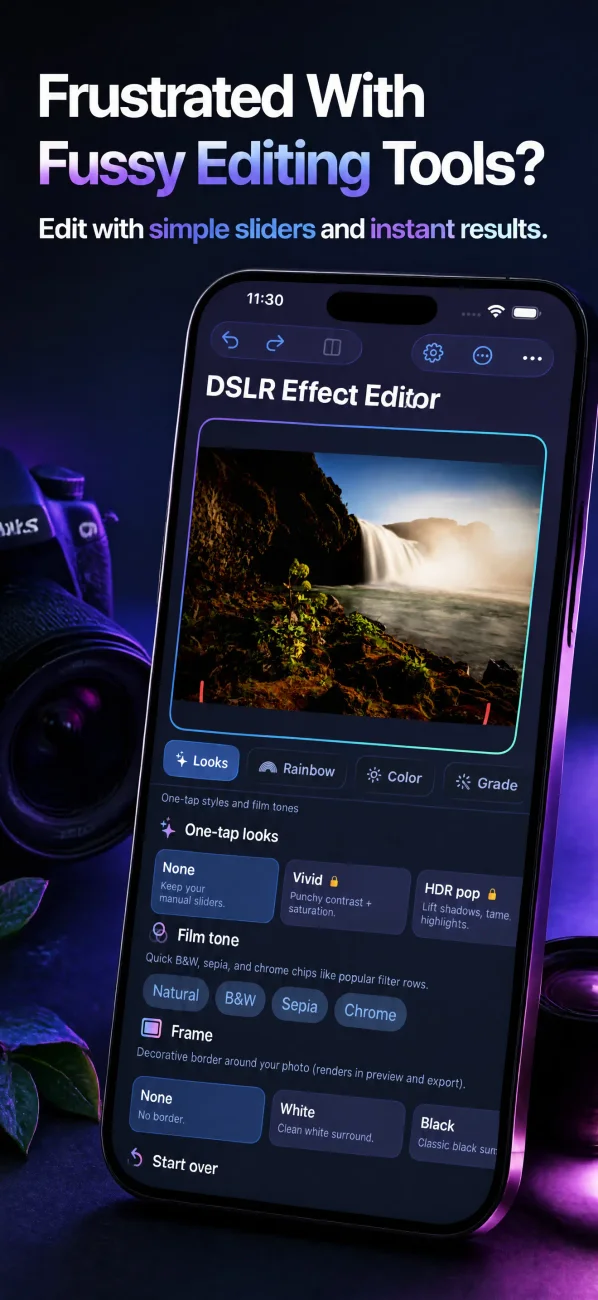
Apply one-tap looks like Vivid, HDR pop, Lomo, Soft glow, and Fade.
Switch film tone chips such as Natural, B&W, Sepia, and Chrome.
Add a decorative frame with White, Black, Polaroid, or Film-edge styles.
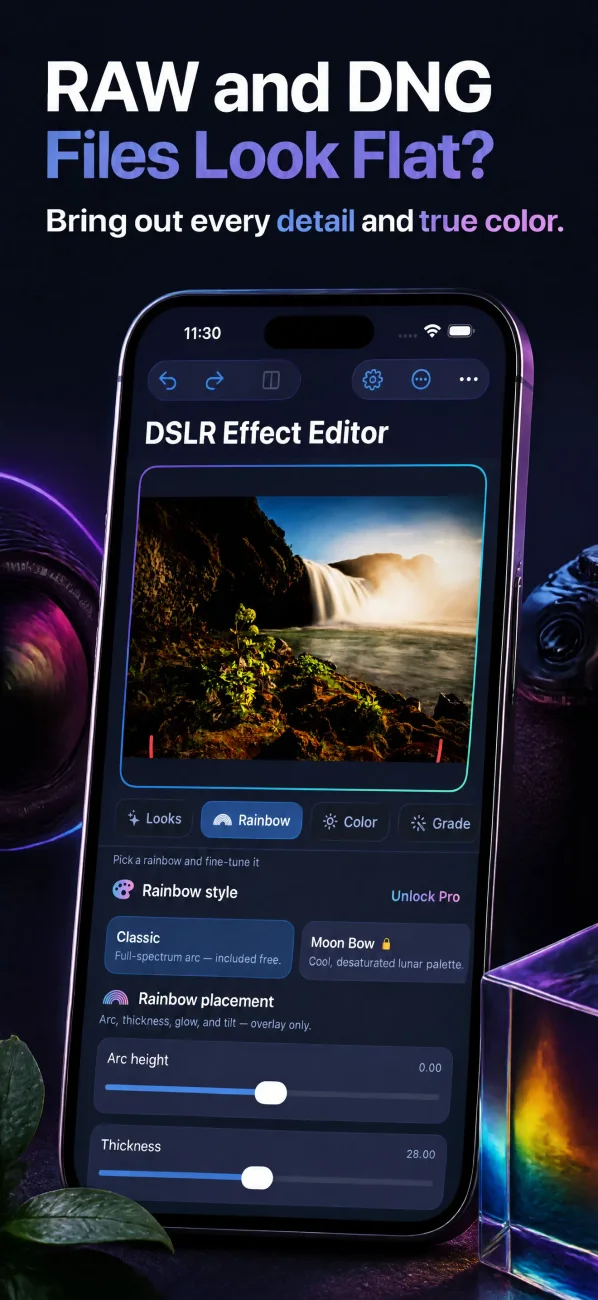
Place a rainbow overlay and adjust arc height, thickness, glow mix, and tilt.
Add lens flare and move it with X and Y position controls.
Write a caption with Rounded, Serif, or Mono text styles, then set its color, size, and position.
Use Show original to compare your graded photo while keeping overlays in place for framing.
Save the full edit, or save a graded photo with no overlay when you want just the DSLR effect.
Share your finished image and reopen recent exports for quick touch-ups.
Reset photo at any time to go back to the untouched original.
GREAT FOR
Use it when a portrait needs softer background blur, when a sunset shot needs lens flare and a film frame, when you want a double exposure edit for a poster-like look, or when a simple photo filter is not enough and you want to crop for social posts, add a caption, and save a polished graded photo. It also fits quick before-and-after checks with Show original, and casual editing when you want to reopen a recent export and make one more pass.
Paid features
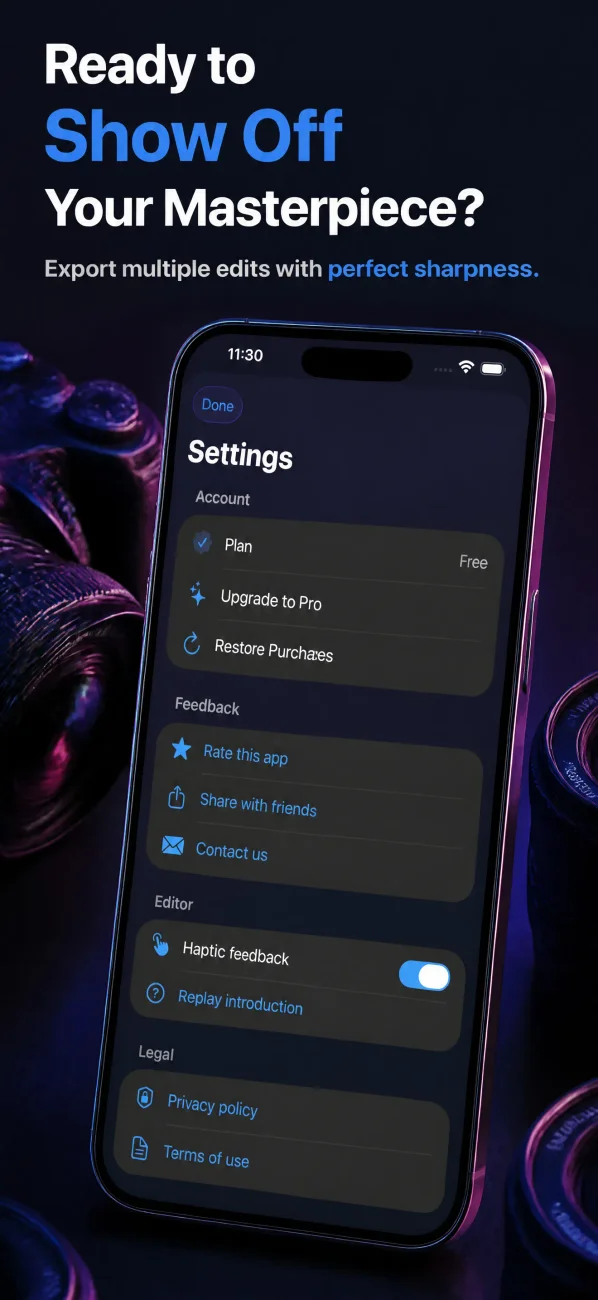
Pro adds extra frame and rainbow styles, a smart portrait blur option, histogram, undo and redo history, curves and color grade controls, saved looks, batch apply for multiple photos, higher export sharpness, and more editing depth. You can also watch an ad to get one Pro save. The app asks for photo access when you choose pictures and permission to save your edited image to your library.
Make your next photo look more dramatic, polished, or dreamy in just a few taps.
Terms of Use (EULA) - http://www.apple.com/legal/itunes/appstore/dev/stdeula
What’s new
Version 1.2 · Aug 17, 2026
Bug fixes and enhancements
App privacy
What Sandeep Bhandari declares on the App Store about how this app handles data.
-
Data used to track you
May be used to track you across apps and websites owned by other companies.
- Identifiers
- Usage data
-
Data linked to you
May be collected and linked to your identity.
- Identifiers
- Usage data
-
Data not linked to you
May be collected but is not linked to your identity.
- Diagnostics
Privacy practices may vary, for example with the features you use or your age.
Information
- Seller
- Sandeep Bhandari
- Category
- Photo & Video
- Version
- 1.2
- Updated
- Aug 17, 2026
- Released
- Jun 5, 2016
- Size
- 13.5 MB
- Requires
- iOS 26.0 or later
- Age rating
- 4+
- Price
- Free
- In-app purchases
- Yes
- Languages
- English, Arabic, Dutch, French, German, Hindi, Italian, Japanese, Korean, Polish, Portuguese, Russian + 4 more
- Copyright
- © Indrani Solutions
You might also like
-
 Rainbow Love Photo FiltersVivid Color Filter Effects
-
 Background Remover AIRemove BG eraser tool
-
 Image Upscaler ™Photo & Video
-
 FaceSwap AI Headshot MakerFuture Baby Generator
-
 Pro Camera - ReeflexLong Exposure & DSLR Controls
-
 Lightleap by LightricksDream photo effects & filters
-
 Filmigo Video Maker & EditorPhoto & Music Video Vlog Star
-
 Pro Camera-Omnipotent CameraRAW, Manual&HD Video App, DSLR
-
 Afterlight: Cam & Photo EditorVintage Film Camera & Filters
-
 FixMyPics - Restore Old PhotosScan, AI Fix & Colorize images