
- Age rating4+
- CategoryPhoto & Video
- DeveloperDenys Honchar
- LanguagesEnglish
- Size87.1 MB
Links to the official App Store page
Download.org hosts no file of Dual Cam Master. The button opens its official App Store page, published by Denys Honchar. Listing last checked on Nov 20, 2026.
Screenshots
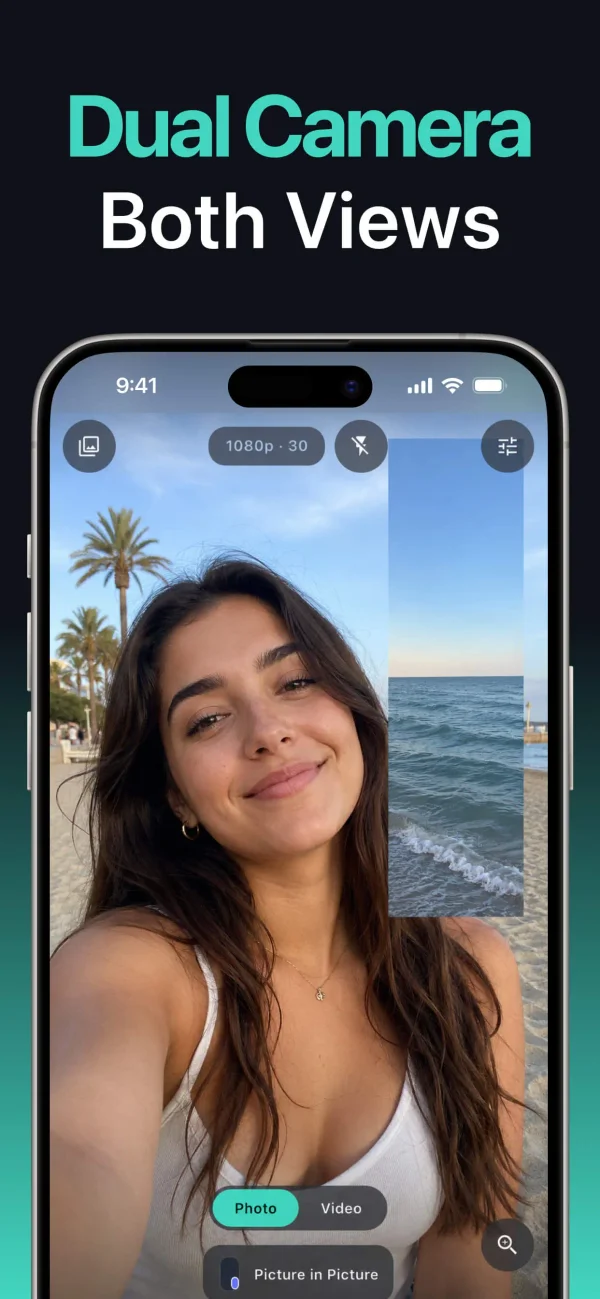
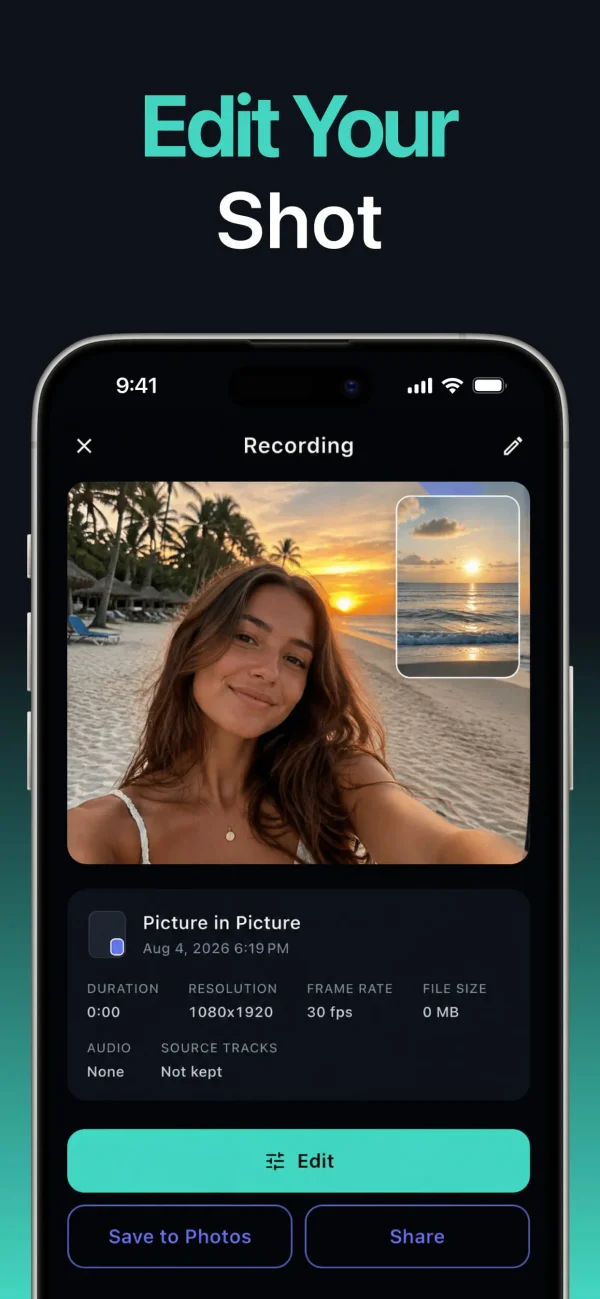
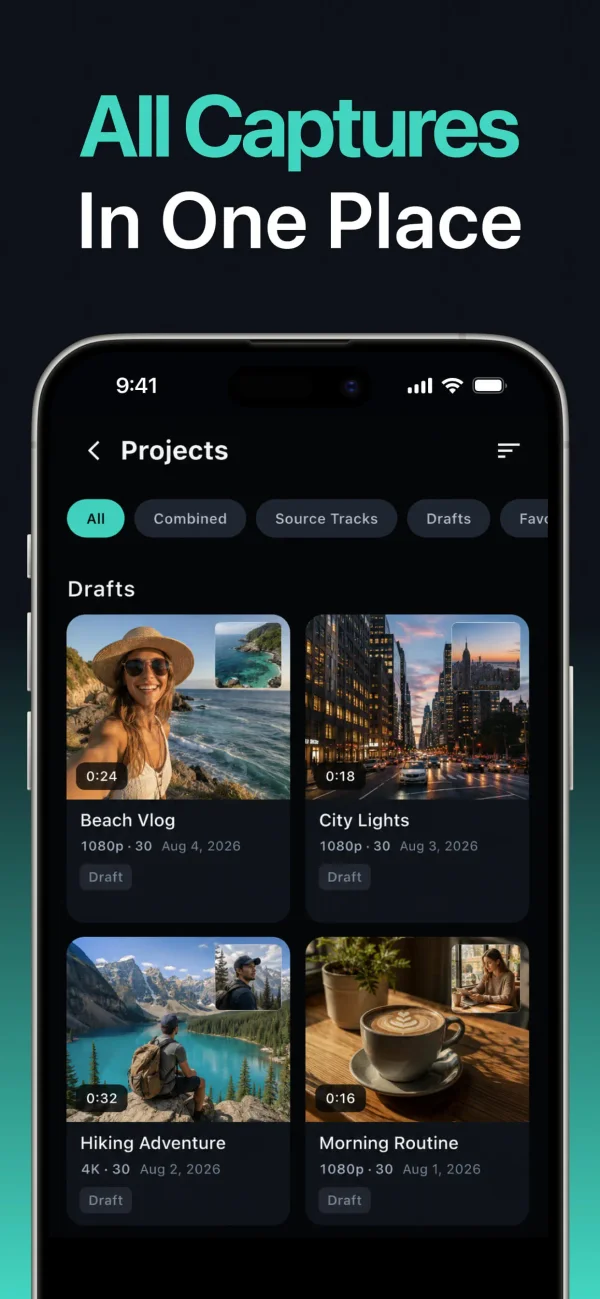

About
Dual Cam Master is a versatile iOS camera app that lets you shoot photos or record video with the front and rear cameras simultaneously, compositing both feeds into a single Picture-in-Picture frame. You can switch the overlay window between five distinct shapes—Rectangle, Rounded, Circle, Oval, and Square—directly from the capture screen for instant visual variety. Live camera controls let you swap the main and PiP feeds, hide or show the overlay, toggle a rule-of-thirds grid, and tap anywhere to set the focus point without ever leaving the viewfinder. After capture, a built-in photo editor allows freehand drawing with adjustable brush color and thickness, plus a one-tap undo for quick corrections. You can also drop a live time stamp and any number of custom text overlays onto your photo, with each element independently draggable and colorable to suit your composition. A location map stamp embeds a real OpenStreetMap tile centered on your GPS position, complete with a pin and the reverse-geocoded place name, such as “Yerevan, Armenia.” When you’re done editing, you can overwrite the original file or save the result as a new library item, flattened to a high-resolution PNG for pristine quality. The app includes a local media library with a viewer, delete confirmation, and native iOS share sheet support, so your captures stay organized and easy to distribute. Camera preferences let you disable the PiP window during recording and toggle capture sounds on or off, with all settings persisted between launches. The free version grants access only to the basic Rectangle and Rounded overlay shapes, while a subscription unlocks the remaining PiP shapes—Circle, Oval, and Square—for full creative flexibility.
This application contains auto-renewable subscriptions and In-App Purchases
Weekly - $4.99/Monthly - $12.99/Yearly - $39.99/Lifetime - $59.99
Terms of Use Link: https://docs.google.com/document/d/1W16QgzebSAzgpnxTelD-wGhXNU4awhX_I_MJLSybm_A/edit
Privacy Policy: https://docs.google.com/document/d/1G4gsQP7F3L4KxCPdRPDZEegV9vBi-S96rRp336SPkno/edit
App privacy
What Denys Honchar declares on the App Store about how this app handles data.
-
Data not collected
The developer does not collect any data from this app.
Privacy practices may vary, for example with the features you use or your age.
Information
- Seller
- Denys Honchar
- Category
- Photo & Video
- Version
- 1.0
- Updated
- Aug 31, 2026
- Released
- Aug 31, 2026
- Size
- 87.1 MB
- Requires
- iOS 13.0 or later
- Age rating
- 4+
- In-app purchases
- Yes
- Languages
- English
- Copyright
- © Denys Honchar
You might also like
-
 Dual Camera: Multi Angle CamPortrait & Landscape Recorder
-
 Dual Capture ShotTwo views, separate files
-
 DualShot RecorderPortrait & Landscape Capture
-
 Dual Cam Front & BackScreen Recorder & Reaction Cam
-
 Dual Recorder: Dual CameraFront & Back Video Together
-
 DualCam: Dual Camera in HDRPic-in-pic, Split-screen, HDR
-
 DualCamProPhoto & Video
-
 Dual Camera - Front & BackSelfie + scene, PIP & split
-
 DuoShot: Dual Camera RecorderFront & Back PiP Video in 4K
-
 Camera DualShotPortrait,Landscape Front+Back