- Age rating4+
- CategoryUtilities
- Developer路 林
- LanguagesEnglish+ 6 more
- Size18.4 MB
Links to the official App Store page
Download.org hosts no file of Dual Flip Clock. The button opens its official App Store page, published by 路 林. Listing last checked on Nov 17, 2026.
Screenshots


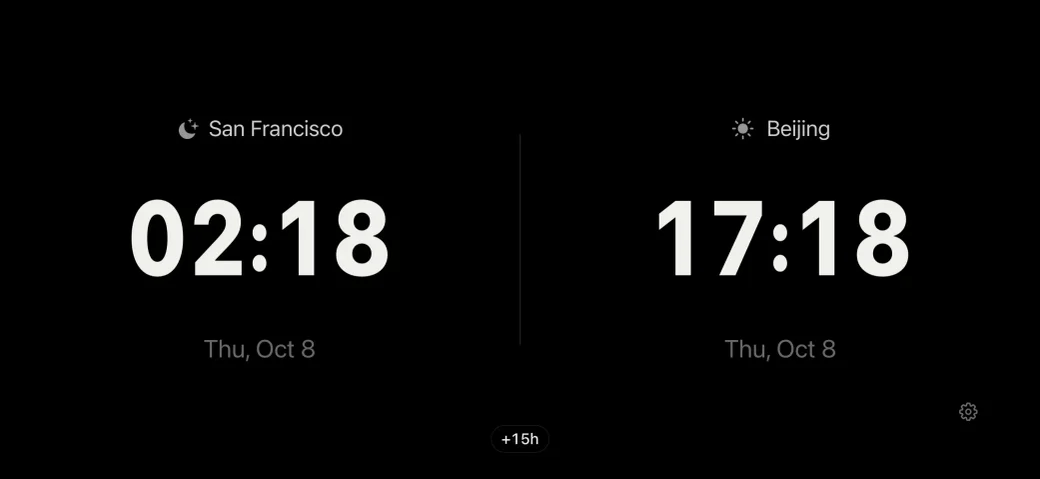
About
I'm in Beijing. My family is in Vancouver. I used to do the math on my fingers, or open the world clock twice. Now I turn the phone sideways onto the charging stand and both cities stand there side by side. I just look up.
TWO CITIES, ONE SCREEN
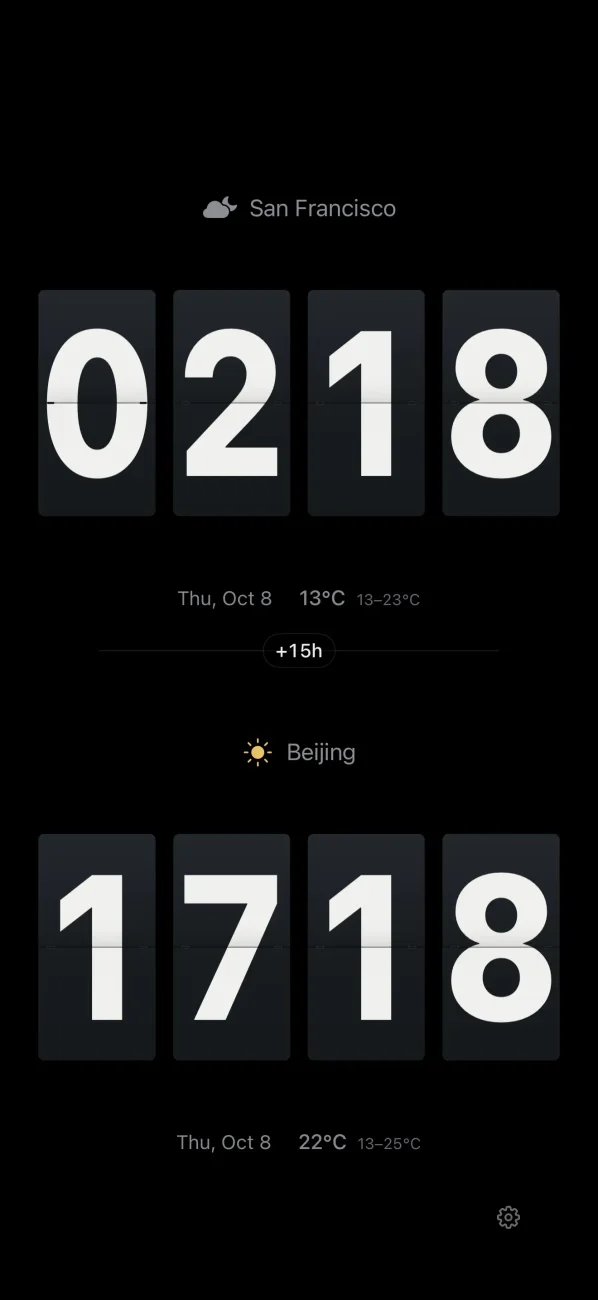
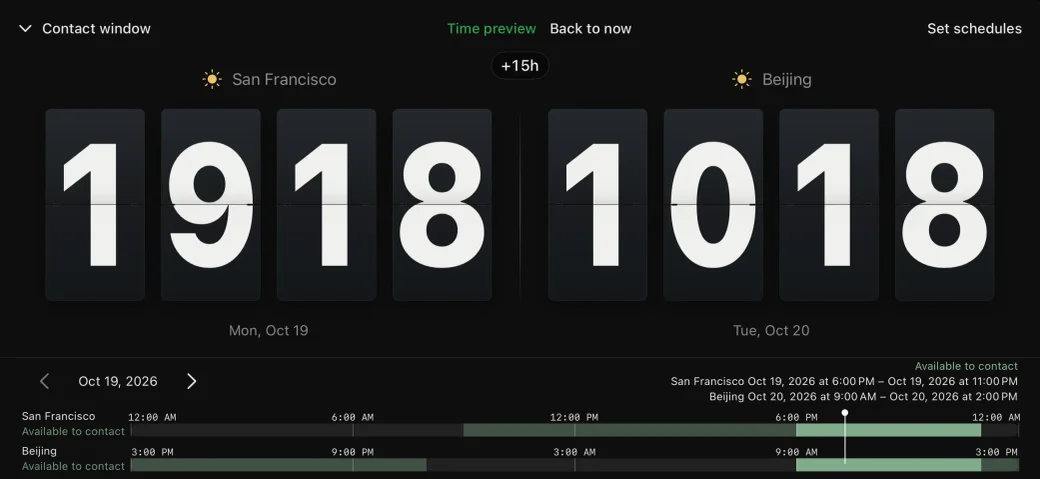
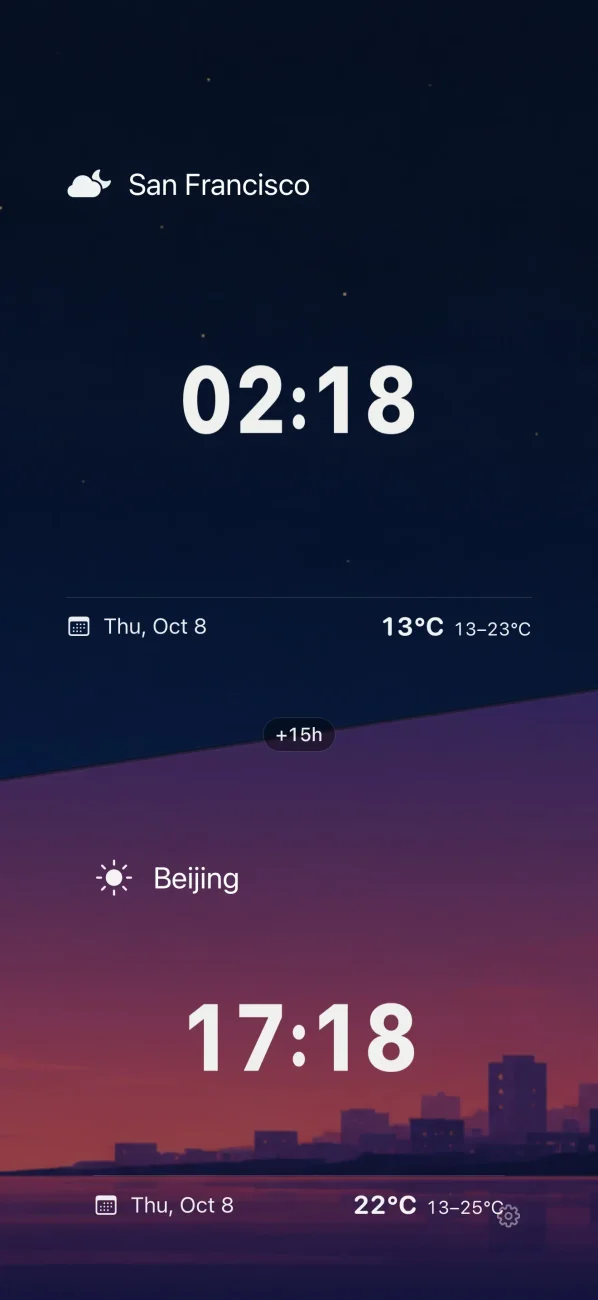
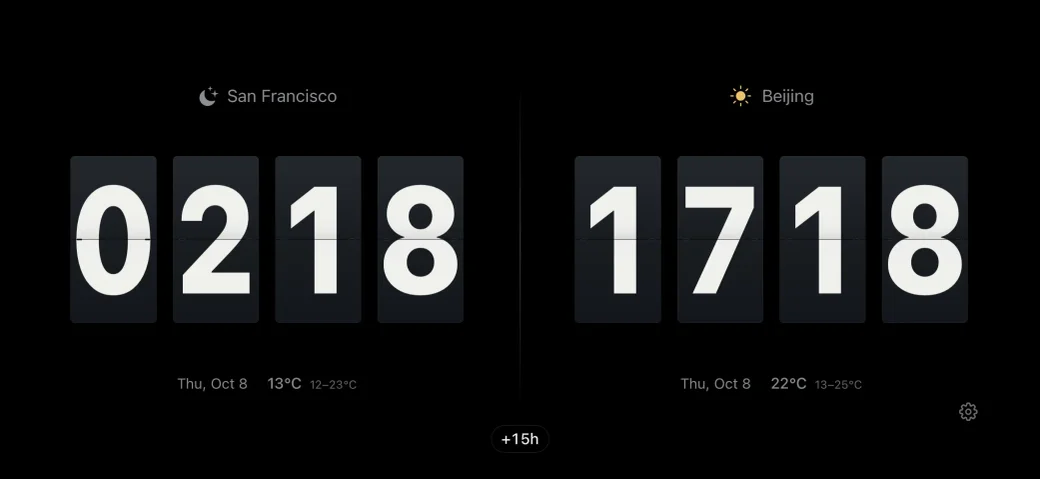
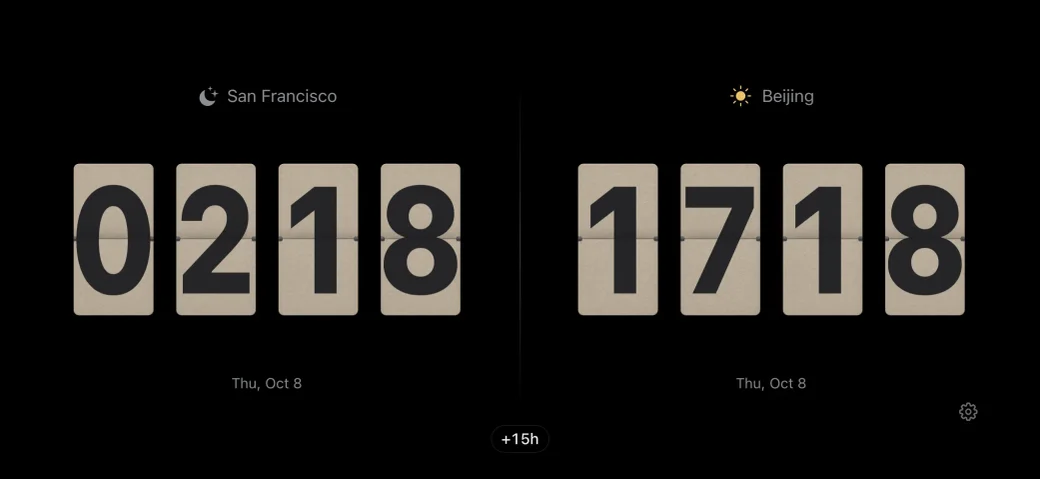
Two clocks, stacked or side by side, each on its own city's time. No more counting hours.
FOUR LOOKS
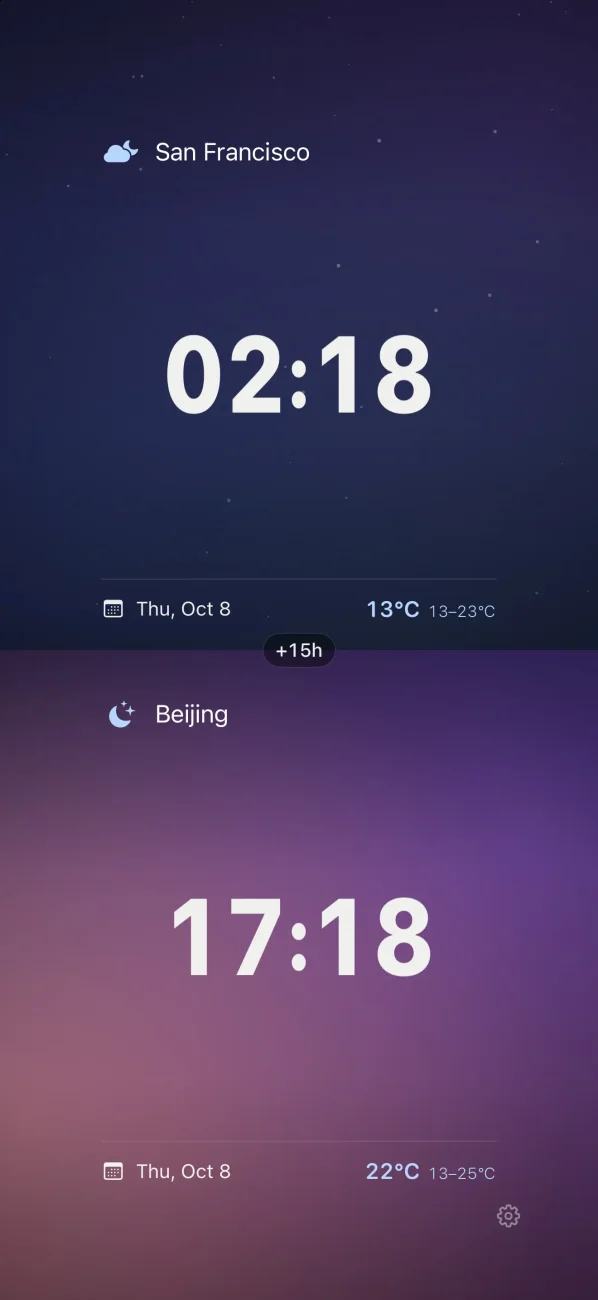
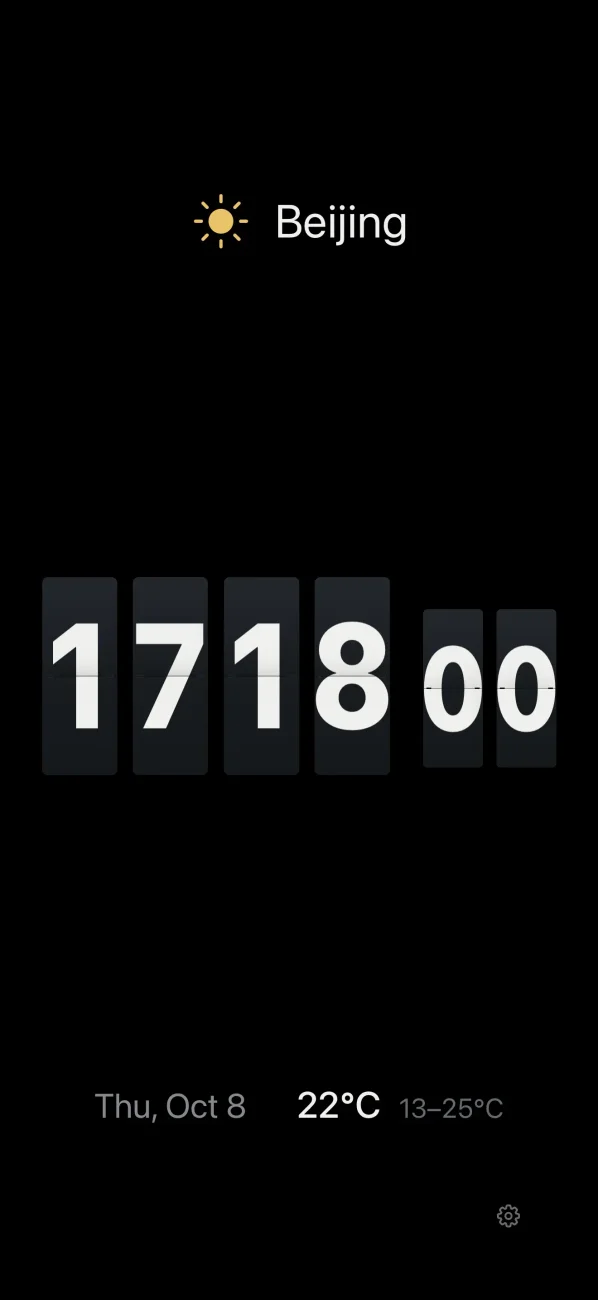
Flip, for the mechanical clack of a split-flap board. Glass, when you want it clean. City Day & Night, to see at a glance whether it's light over there. Single City, when you only care about one.
WHAT'S THE WEATHER THERE
Each clock carries the current conditions and temperature. Faster than asking "is it cold where you are?"
IT DIMS WHEN IT GETS DARK THERE
Night brightness follows the city on screen, not your phone. When it's night on their side, that half dims and the stars come out. Easy on the eyes at 3am.
IT FINDS THE PLACE
A built-in worldwide city database that also includes universities and high schools - search "Stanford University" and it's there. Anything missing is looked up online, and saved only if you pick it. Cities you use often float to the top.
LOCK SCREEN AND HOME SCREEN WIDGETS
Small, medium, large, extra large. The larger sizes show dates and weather for both cities at once.
LANDSCAPE, ALWAYS ON
The screen won't lock while the app is open - it's built to sit on a desk, a nightstand, a charging stand. Works in both landscape directions, so it's upright however you set it down.
PRIVACY
Location is optional. It's used only when you turn on GPS mode, to show the time and temperature where you are.
What’s new
Version 1.7.1 · Oct 24, 2026
Version 1.7.1 adds support for iPhone Duo.
• Improved clock, settings and contact-window layouts as the window size changes.
• City search adapts to the keyboard, with larger touch targets for close, GPS and clear-search controls.
• Brightness and rotation follow the current window and screen, restoring brightness when switching screens.
• Improved accessibility navigation by removing hidden search controls when the picker is closed.
App privacy
What 路 林 declares on the App Store about how this app handles data.
-
Data not collected
The developer does not collect any data from this app.
Privacy practices may vary, for example with the features you use or your age.
Information
- Seller
- 路 林
- Category
- Utilities
- Version
- 1.7.1
- Updated
- Oct 24, 2026
- Released
- May 4, 2026
- Size
- 18.4 MB
- Requires
- iOS 17.0 or later
- Age rating
- 4+
- Price
- Free
- Languages
- English, French, Japanese, Korean, Simplified Chinese, Spanish, Traditional Chinese
- Copyright
- © 2026 Lu Lin
You might also like
-
 Flux Clock - Beauty in FluxMinimalist Clock & Focus Timer
-
 Studio Clock - Studio UhrUtilities
-
 Zulu Time Military ClockWorld Clock Widget & Converter
-
 A Flip ClockDigital Clocks for Big Screen
-
 AlwaysOn: Standby ClockNightstand & Ambient Display
-
 Minimal Digital Clock & AlarmAesthetic Nightstand & Desk
-
 SFClockSimple Flip Clock and Calendar
-
 World Clock - Time ZonesTime Zone Converter
-
 Big Clock – Always On DisplayFullscreen Desk Clock
-
 Smart Digital & Analog ClockCustomizable Clock with Widget