DualScroll Script Scroller
Dual Side by Side Teleprompter
Designed for iPhone, iPad, Mac, iPod touch
Free · In-app purchases
- Age rating4+
- CategoryProductivity
- DeveloperIan Stephenson
- LanguagesEnglish
- Size26.4 MB
Links to the official App Store page
Download.org hosts no file of DualScroll Script Scroller. The button opens its official App Store page, published by Ian Stephenson. Listing last checked on Nov 17, 2026.
Screenshots
About
DualScroll: side-by-side dual script teleprompter.
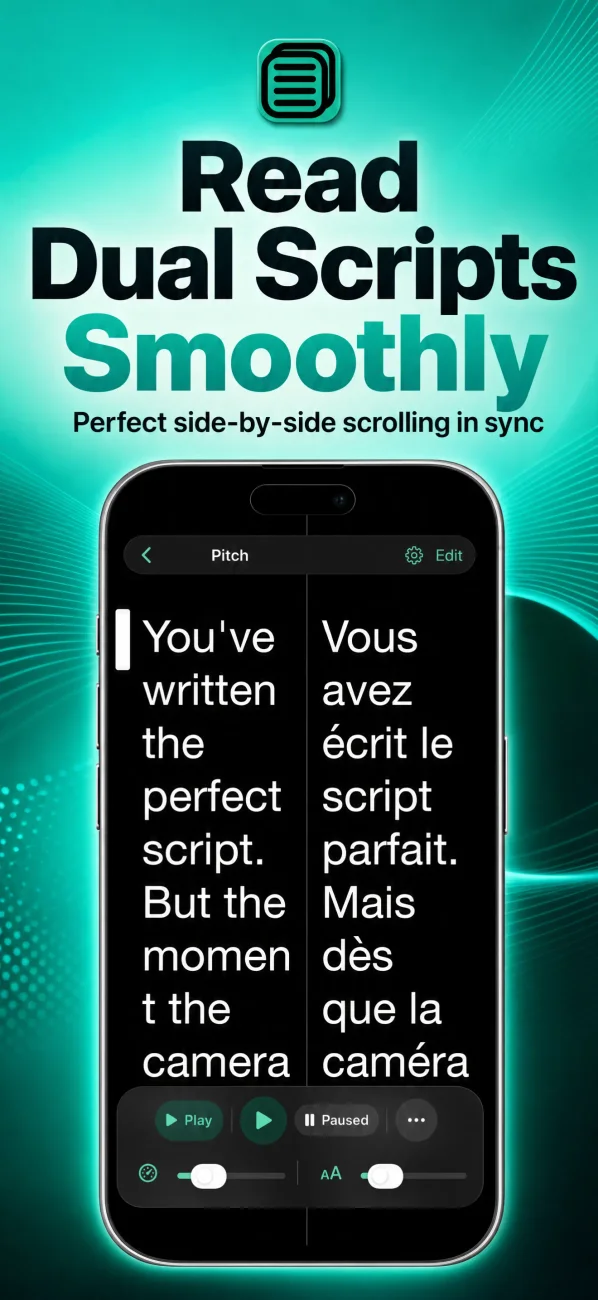
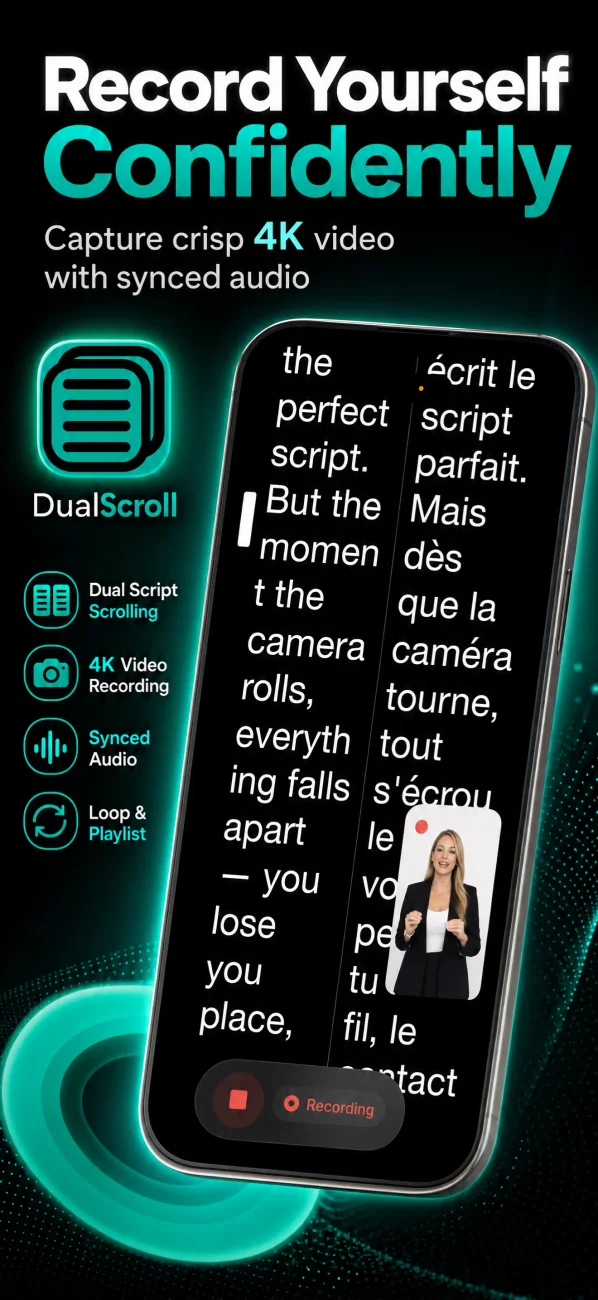
DualScroll scrolls two different scripts at once while you read, so you deliver your lines flawlessly without looking down. Record yourself while reading for the illusion of great eye contact and script memory.
Two scripts is the point. Put the same words in two languages side by side and your translator reads at exactly your pace, because both panes are driven by one clock. Speaker and signer, presenter and prompter, lines and stage directions: anywhere two people need to stay together, DualScroll keeps them together.
START ON LITE, UPGRADE WHEN YOU WANT
DualScroll opens on Lite, with every feature unlocked so you can try it all first. Lite is capped at 60 seconds per session, prompting or recording, and keeps one script and one recording.
Everything else unlocks inside this app, with nothing else to download:
- Pro is a one-off in-app purchase, lifting the Lite limits: unlimited scripts and recordings, no time cap, full PDF import.
- Pro Plus is a yearly in-app subscription, adding the production tools below for as long as you subscribe. It runs for one year and renews automatically unless you turn renewal off at least 24 hours before it ends. Manage or cancel it any time in your App Store account settings.
Sections marked Pro Plus are available on Lite and Pro Plus, but not on Pro.
SMOOTH DUAL SCRIPT SCROLLING
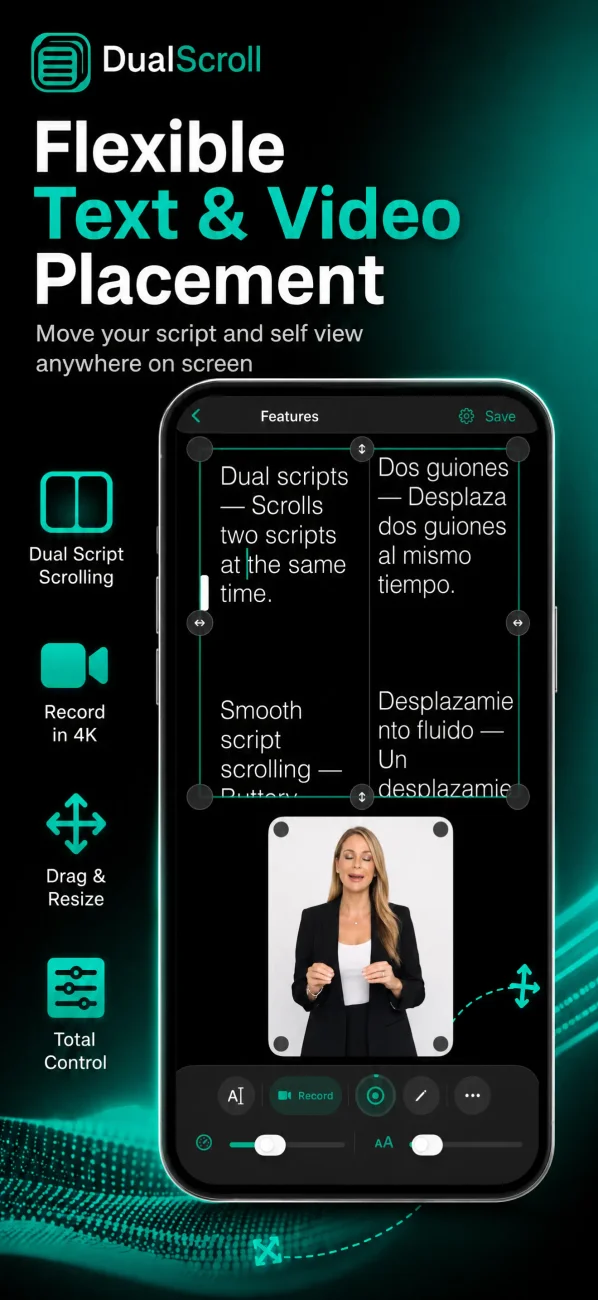
- Both scripts scroll together, at the same time and the same speed
- Scroll automatically at a speed you set
- Set a timer to finish in an exact duration
- Page through manually
- Adjust speed and font size as you go
SCRIPT QUEUE
- Queue scripts to play one after another, and loop them
RECORD VIDEO
- Record yourself while you read, in up to 4K
- Export portrait or landscape, with presets for where you post
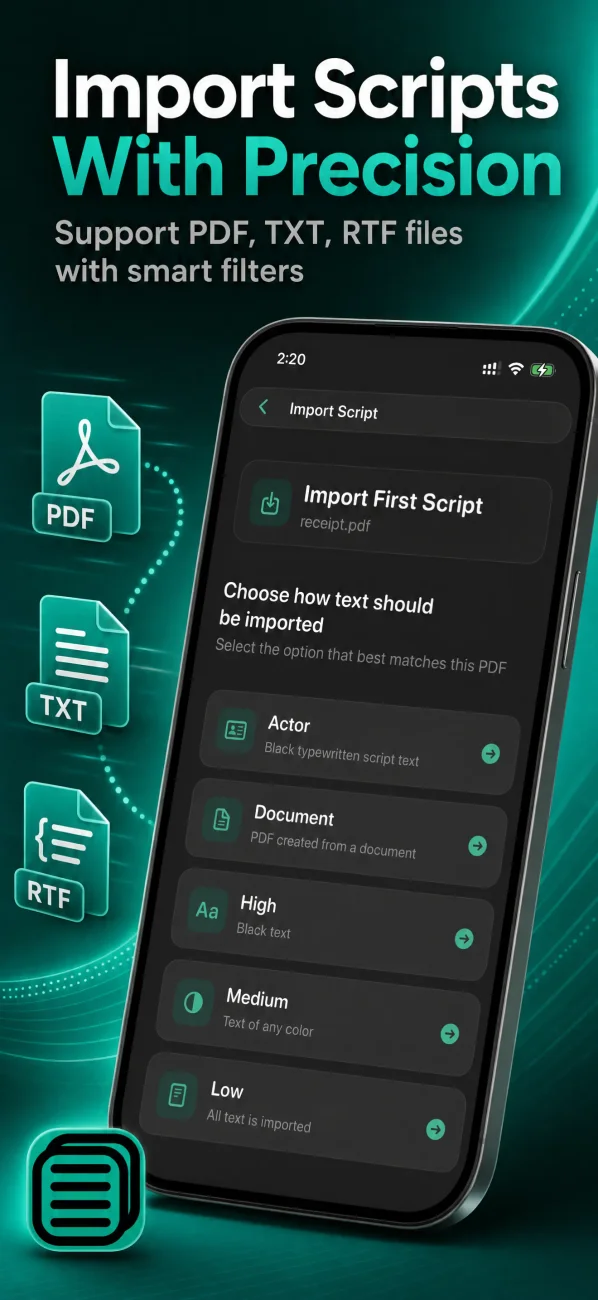
INTELLIGENT SCRIPT IMPORT
- Import DOC, PAGES, TXT, RTF, PDF
- PDF filters pull text out even when the page is an image
- Edit scripts directly in the app
FLOATING WINDOW
- Float the scrolling scripts above other apps
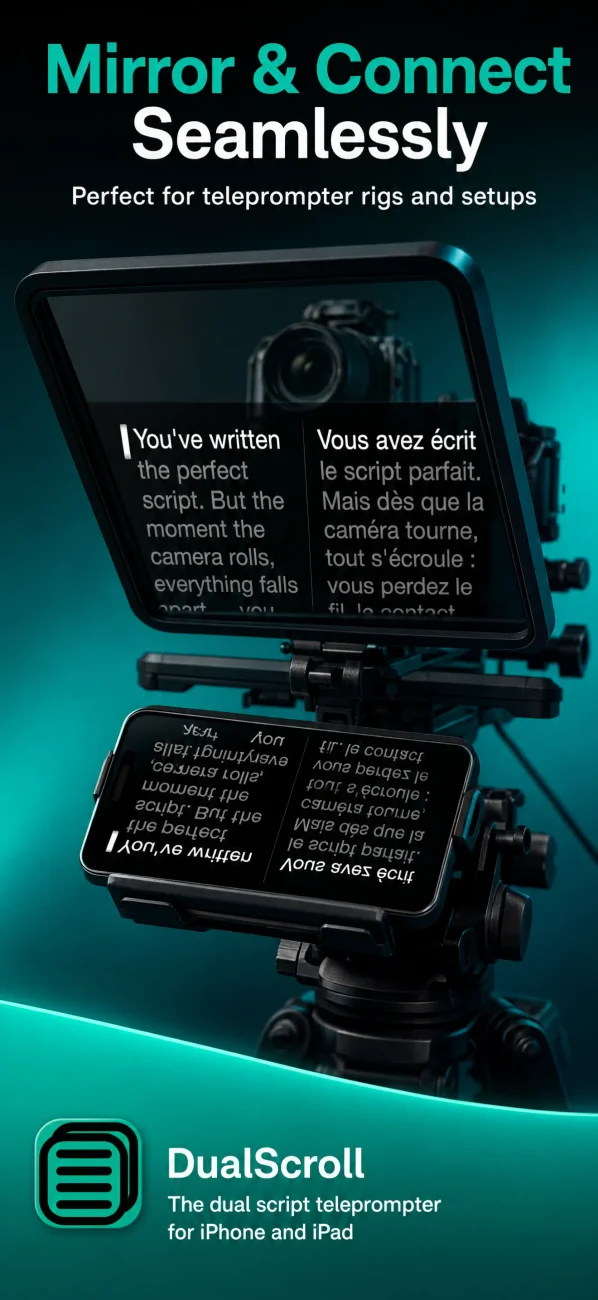
MIRROR TEXT
- Flip the text for a hardware teleprompter rig
SCRIPT SYNC
- Your scripts follow you across your devices
HIGHLY CUSTOMISABLE
- Margins, pointer position, countdown timer and stopwatch
- Dyslexia mode for easier reading
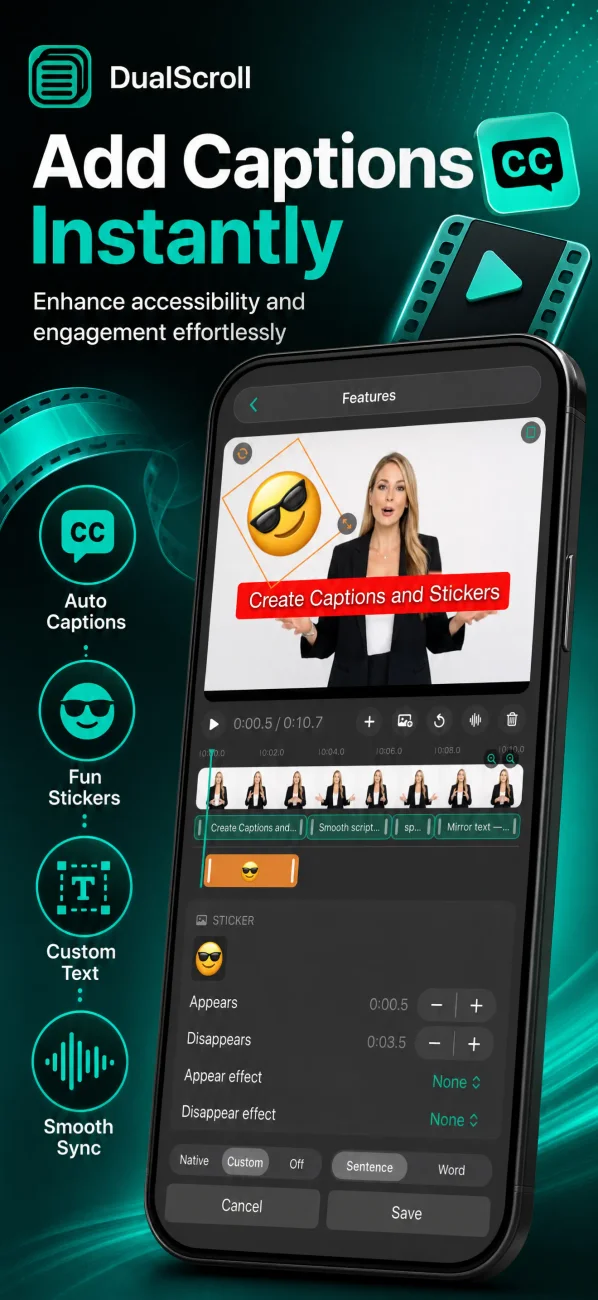
STUDIO VIDEO EDITOR (Pro Plus)
- Merge, trim, split and change speed
- Add stickers and captions anywhere on screen and timeline
- Replace the background with a photo, video, blur or colour at any point
- Place yourself anywhere on the background, moving at any point
- Add music, adjust brightness and colour
- Stabilise a knocked shot, and enhance with filters
LIVE VIDEO EFFECTS (Pro Plus)
- Replace your background as you record: photo, video, blur or colour
- Twelve filters applied live
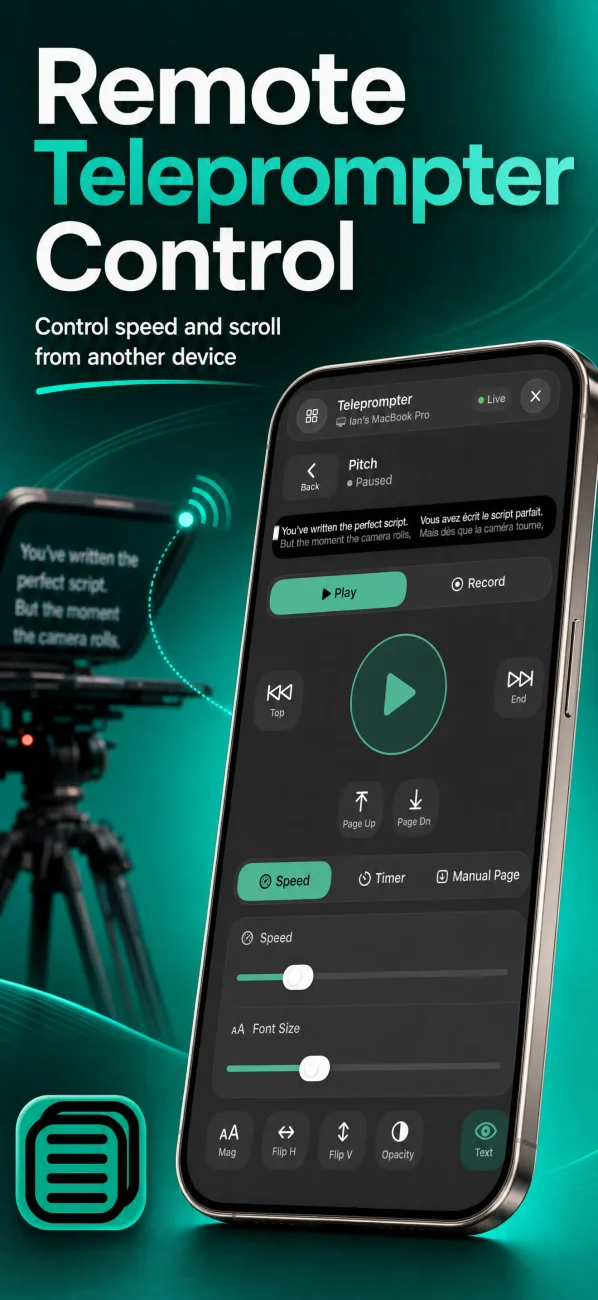
REMOTE CONTROL (Pro Plus)
- Apple Watch app: play, pause, jump to either end, and set the speed with the Digital Crown
- Control from another DualScroll app on iPhone, iPad or Mac
- Works with most hardware remotes
AUTOMATIC SUBTITLING (Pro Plus)
- Burn your script in as perfectly timed subtitles
CROSS-PLATFORM
- One purchase covers DualScroll on iPhone, iPad and Mac
PRIVATE BY DESIGN
- No account to set up
- No internet needed, unless you turn on script sync
Privacy Policy: https://www.telepromptme.com/dualscroll/dualscroll-privacy-policy
Terms of Use (EULA): https://www.apple.com/legal/internet-services/itunes/dev/stdeula
What’s new
Version 5.6.12 · Nov 14, 2026
General bugfixes and performance improvements.
App privacy
What Ian Stephenson declares on the App Store about how this app handles data.
-
Data not collected
The developer does not collect any data from this app.
Privacy practices may vary, for example with the features you use or your age.
Information
- Seller
- Ian Stephenson
- Category
- Productivity
- Version
- 5.6.12
- Updated
- Nov 14, 2026
- Released
- Jul 19, 2024
- Size
- 26.4 MB
- Requires
- iOS 15.0 or later
- Age rating
- 4+
- Price
- Free
- In-app purchases
- Yes
- Languages
- English
- Copyright
- © Ian Stephenson (2026)
You might also like
-
 Teleprompter for Videos ScriptSmart Video Teleprompter Text
-
 AttendUsSmart Group Attendance Tool
-
 TeamflowsProductivity
-
 Scriba.studyAI notes from every lecture
-
 EduTrust CME for DoctorsCME credits in your pocket
-
 Ticker Activity TrackerProductivity
-
 Inki: AI Writing EditorRewrite & proofread like you
-
 Photo Report XProperty Photo Report Maker
-
 notion-mindProductivity
-
 PocketLlama: Ollama LLM ChatPrivate AI, Voice & Files