
Dues: Subscription Tracker
Track any bill. No bank login.
Designed for iPhone, iPad
In-app purchases
- Age rating4+
- CategoryFinance
- DeveloperDaniel Hinkson
- LanguagesEnglish
- Size6.8 MB
Links to the official App Store page
Download.org hosts no file of Dues: Subscription Tracker. The button opens its official App Store page, published by Daniel Hinkson. Listing last checked on Nov 12, 2026.
Screenshots
About
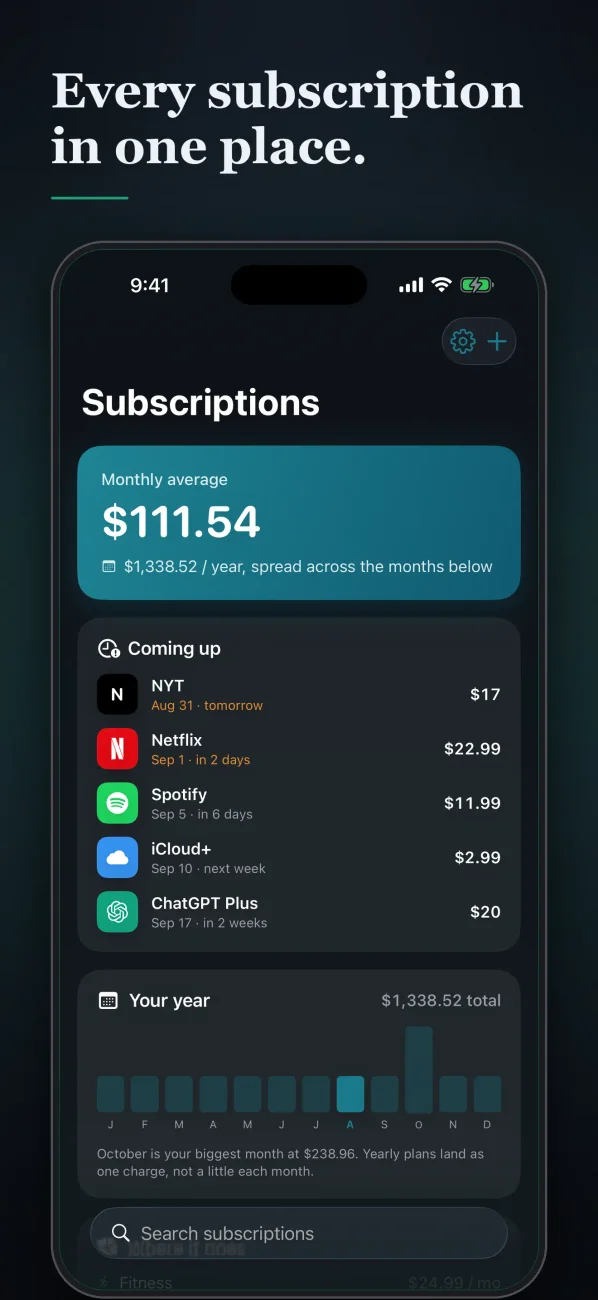
Dues keeps every subscription and recurring bill in one calm place, so a renewal never catches you off guard, and you always know what you're really paying each month.
No bank login. No account. No tracking. Everything you add stays on your device.
WHAT DUES DOES
• Track anything that bills you on repeat from streaming, music, apps, your gym, insurance, cloud storage, memberships, and more.
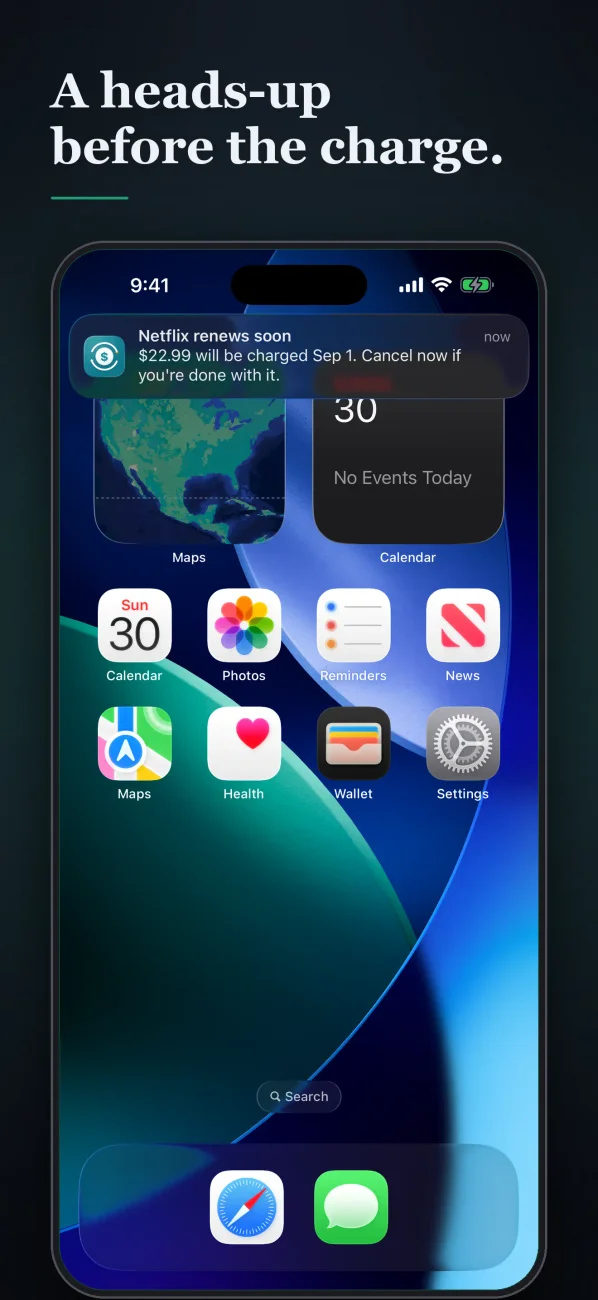
• Get a heads-up before each charge. Choose how many days' notice you want as a default, or per subscription.
• Track free trials: set the day a trial ends, and Dues reminds you 2 days before it becomes a charge, with what that charge will be.
• Cancel faster: for 30 popular services, open the subscription and tap Cancel to go straight to that service's own cancel or manage page.
• See price changes: when a price goes up or down, Dues keeps the old one, so "was $17.99" sits under the new price.
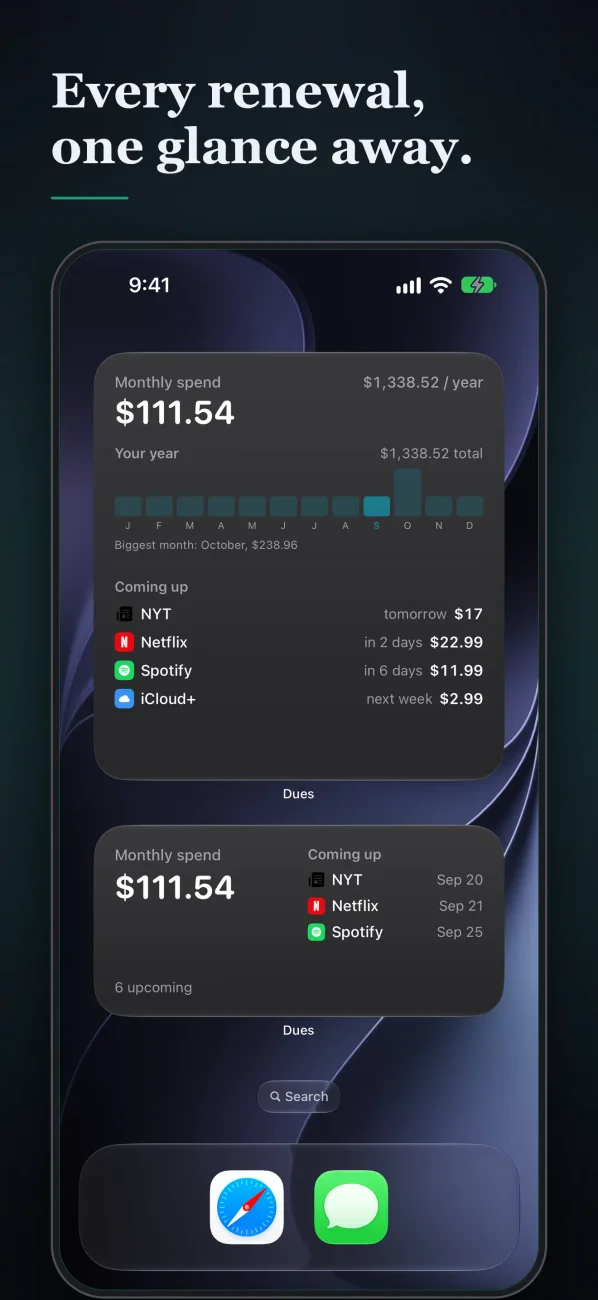
• See what you actually spend: your monthly average, your yearly total, and a month-by-month view of when charges really land (so an annual plan shows up as one spike, not a blur).
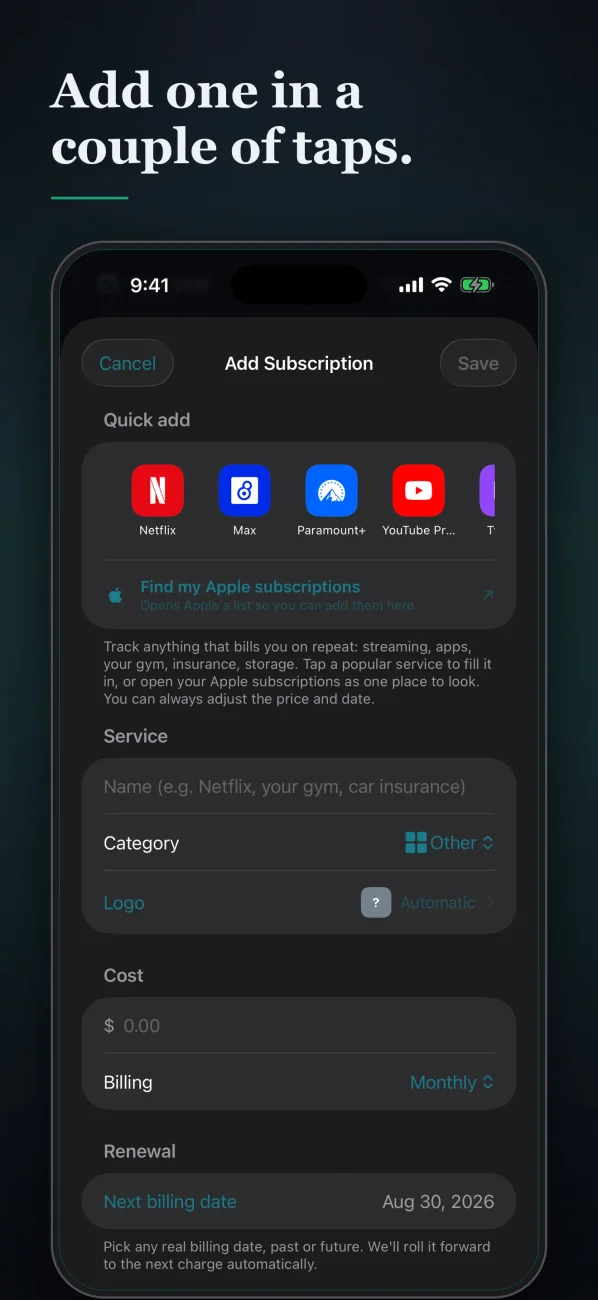
• Add a service in seconds: pick from popular ones with real logos, or add your own in any currency, on any cycle from weekly to every two years.
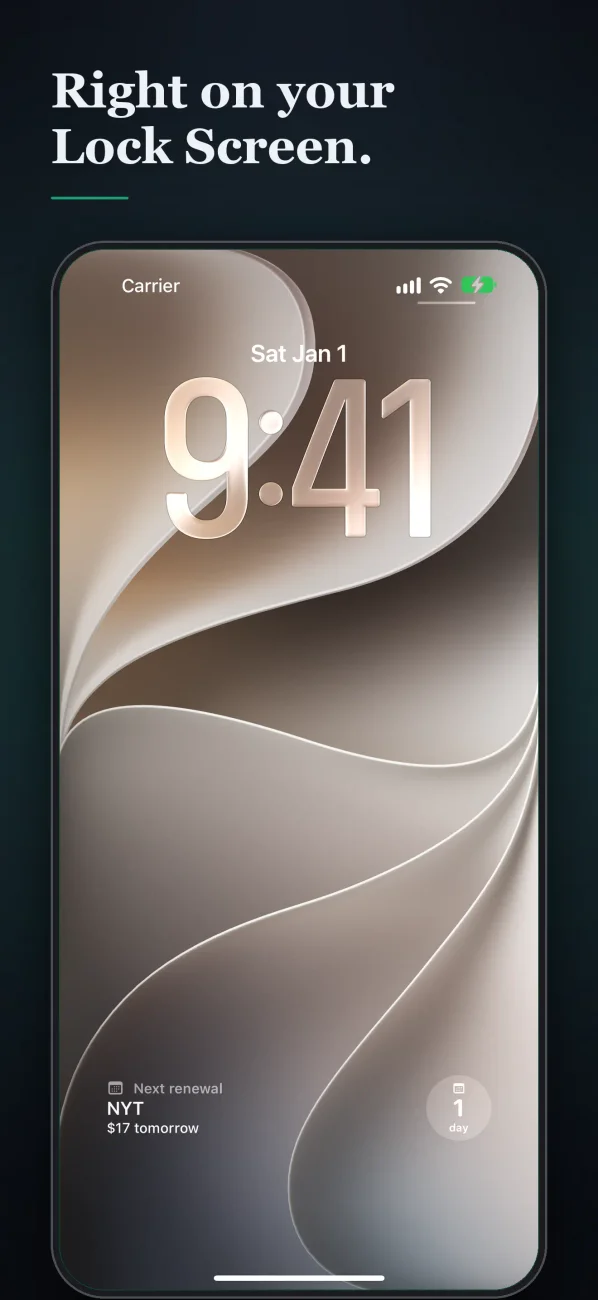
• Widgets for your Home Screen and Lock Screen, free for everyone: your monthly total, your year month by month, and the next renewal at a glance. Tap one to open it.
• Keep a backup you control: export your whole list to a file any time, and import it on a new phone.
PRIVATE BY DESIGN
No ads. No analytics. No account. Dues never asks to connect your bank and never uploads what you pay for. Your list stays on your device and it's yours to export whenever you like.
FREE WITH AN OPTIONAL ONE-TIME UPGRADE
Track up to 10 subscriptions for free. Dues Plus is a single purchase (never a subscription) that unlocks:
• Unlimited subscriptions
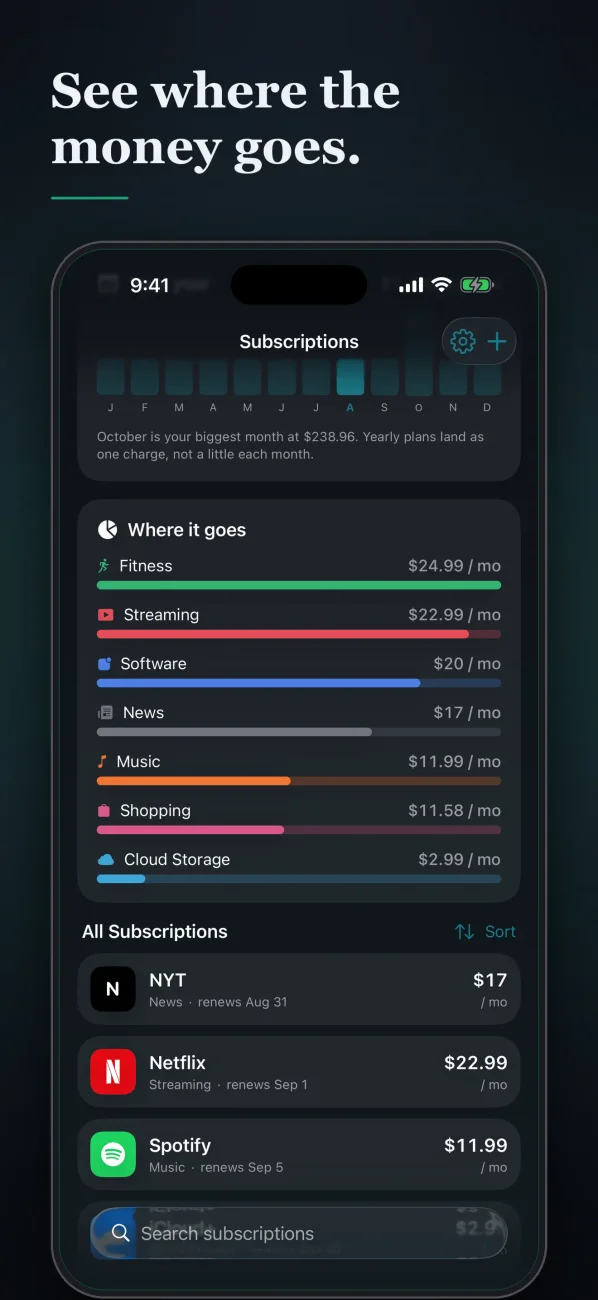
• Spending by category, so it's clear where to trim
Have a question or an idea? We read every message.
What’s new
Version 1.3 · Oct 2, 2026
Free trials: turn on "In a free trial" and set the day it ends. Dues reminds you 2 days before it becomes a charge, and says what that charge will be.
Cancel links: open a subscription and, for 30 popular services, a Cancel row takes you straight to that service's own cancel or manage page.
Price history: when a price changes, Dues keeps the old one, so you see "was $17.99" under the new price and every change in the editor.
On iPad, the subscription editor now sits in a centered column, like Settings.
All of it is free, and the widgets show when a trial ends too.
App privacy
What Daniel Hinkson declares on the App Store about how this app handles data.
-
Data not collected
The developer does not collect any data from this app.
Privacy practices may vary, for example with the features you use or your age.
Information
- Seller
- Daniel Hinkson
- Category
- Finance
- Version
- 1.3
- Updated
- Oct 2, 2026
- Released
- Aug 5, 2026
- Size
- 6.8 MB
- Requires
- iOS 18.0 or later
- Age rating
- 4+
- In-app purchases
- Yes
- Languages
- English
- Copyright
- © Daniel Hinkson
You might also like
-
 Odovera: Car Costs TrackerGas, hybrid & EV mileage log
-
 Renew Reminder: Sub TrackerTrack bills & stop overpaying
-
 Quincena: Bill OrganizerReminders and payment tracke
-
 Gasol Tracker: Fuel & Cost LogTrack fuel, save money
-
 Spara - Subscription TrackerSave Money, Find Hidden Bills
-
 Bill Reminder: Bill OrganizerTrack Due Dates, Avoid Fees
-
 Subcut: Subscription TrackerFind & Cancel Hidden Bills
-
 My Debts: Control & PaymentsManage debts, expenses & more
-
 Money Keeper: Expenses TrackerPayday & Budget Calendar
-
 PeerPe - Fire Blocks Pvt LtdFinance