
e-Wonders
Create Interactive Publication
Designed for iPhone, iPad, iPod touch
Free
- Age rating4+
- CategoryDeveloper Tools
- DeveloperAcework Software Company
- LanguagesEnglish+ 2 more
- Size49.3 MB
Links to the official App Store page
Download.org hosts no file of e-Wonders. The button opens its official App Store page, published by Acework Software Company. Listing last checked on Nov 14, 2026.
Screenshots
About
eWonders is an app for creating interactive multimedia presentations using image and audio resources from your device or internet. It is a great alternative to programming language and
a excellent tool for teaching the basic concept of software development. The presentations created from eWonders are referred as wonders, and they can be published through eWonders on iOS devices or web pages on the internet.
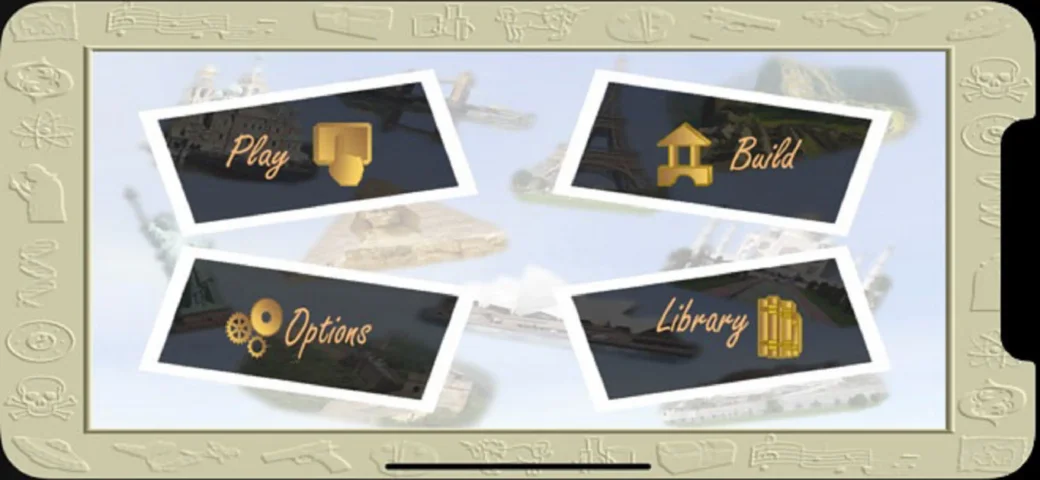
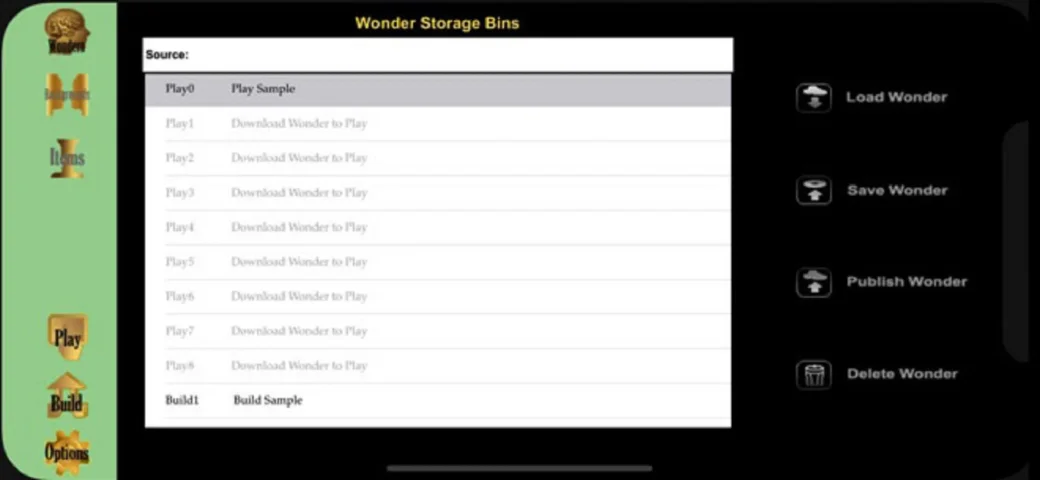
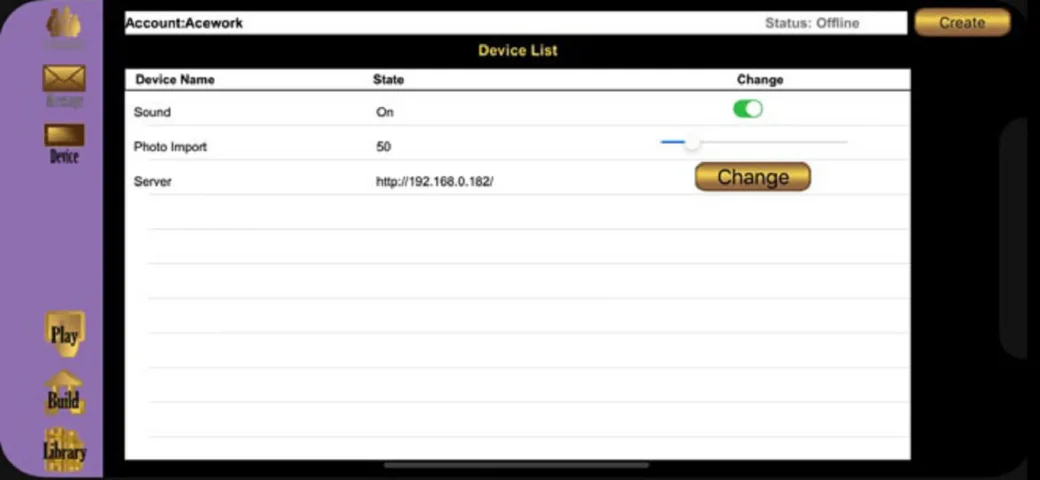
After eWonders app is launched, it will display four buttons allowing the user to select four different segments of the apps. These four segments are Play, Build, Library, and Option. The Play segment is for user to play a selected Wonder. The build segment provides the environment to create a new Wonder. The library segment is used to manage image resources and Wonders for playing and building Wonders. Lastly, the option segment is for interacting with device and online community. A user can switch among segments anytime while using the eWonders app. While in the process of creating a Wonder, the user can press the Play button to play a saved scene, the Library button to get more resources, or the Options button to send a message.
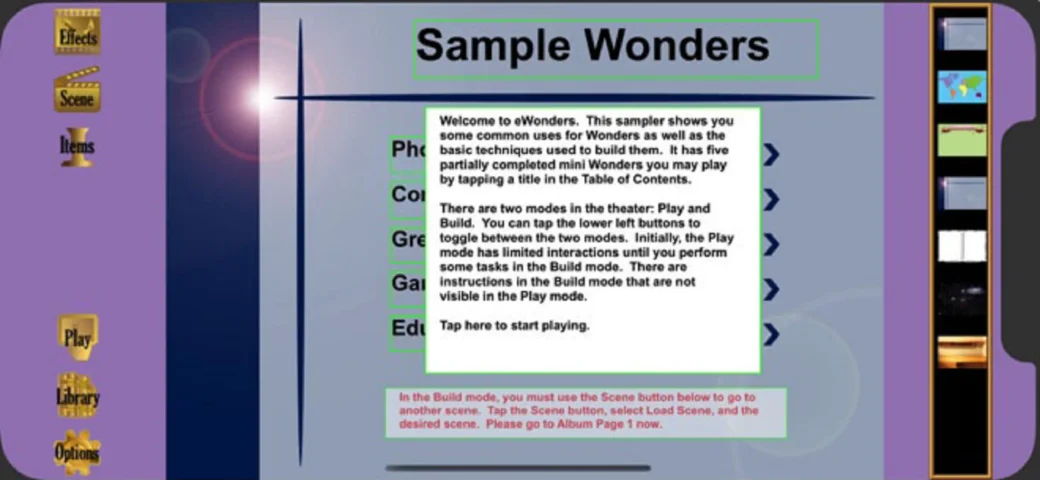
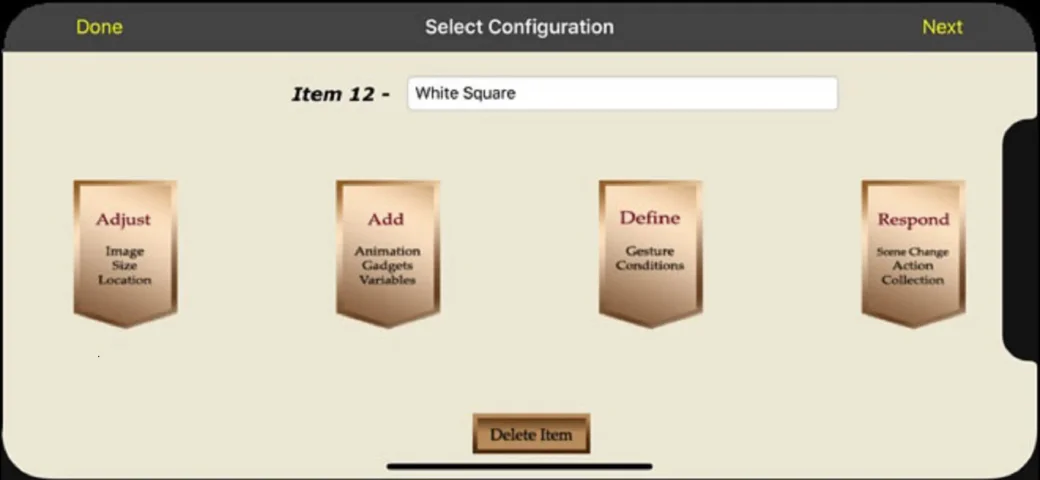
Building a Wonder is an easy and fun process using the eWonders app. A Wonders is composed of many scenes, and each scene is made up of a background image and several item objects. This can be done easily in the build environment by tabbing a background image and dragging items from the resource list. After all the item objects are properly placed on the main stage, their user interactions can be configured by tabbing on the items and selecting the properties presented by the navigation view windows. Upon completion of configuring the scene and all of its items, the user can save the scene and starting a new one. As the user repeat this process scene by scene and linking them into a story, a Wonder is created. eWonders is bundled with two wonders, Play Sample and Build Sample, and they provide a great introduction to usage of eWonders.
What’s new
Version 2.0 · Sep 2, 2026
Added support for input text, video, and web page interface. Fixed reported issues.
App privacy
What Acework Software Company declares on the App Store about how this app handles data.
-
Data not linked to you
May be collected but is not linked to your identity.
- User content
Privacy practices may vary, for example with the features you use or your age.
Information
- Seller
- Acework Software Company
- Category
- Developer Tools
- Version
- 2.0
- Updated
- Sep 2, 2026
- Released
- Oct 4, 2015
- Size
- 49.3 MB
- Requires
- iOS 12 or later
- Age rating
- 4+
- Price
- Free
- Languages
- English, Simplified Chinese, Traditional Chinese
- Copyright
- © 2017-2023 Acework Software Company
You might also like
-
 房软多城市版Developer Tools
-
 InoFEMSDeveloper Tools
-
 SmartHearDeveloper Tools
-
 嘉晨助手Developer Tools
-
 DALI NFC TOOLDeveloper Tools
-
 Pyxen - Python Game MakerA complete game-making studio
-
 Buildio - Bitrise clientMultiaccount Bitrise client
-
 RegEx+Regex Tester & Flow Visualizer
-
 Minip – HTML & JS PlaygroundRun HTML & JS with Features
-
 ChargeView - an O-Chip ToolMonitor e-mobility chargers