E6B Flight Computer + W&B
Weight & balance, wind, TAS
Designed for iPhone, iPad, iPod touch
In-app purchases
- Age rating4+
- CategoryUtilities
- DeveloperGun woo Kim
- LanguagesEnglish
- Size46.1 MB
Links to the official App Store page
Download.org hosts no file of E6B Flight Computer + W&B. The button opens its official App Store page, published by Gun woo Kim. Listing last checked on Nov 10, 2026.
Screenshots
About
E6B combines a flight computer with aircraft weight and balance tools for training and flight planning.
FIND YOUR CALCULATOR
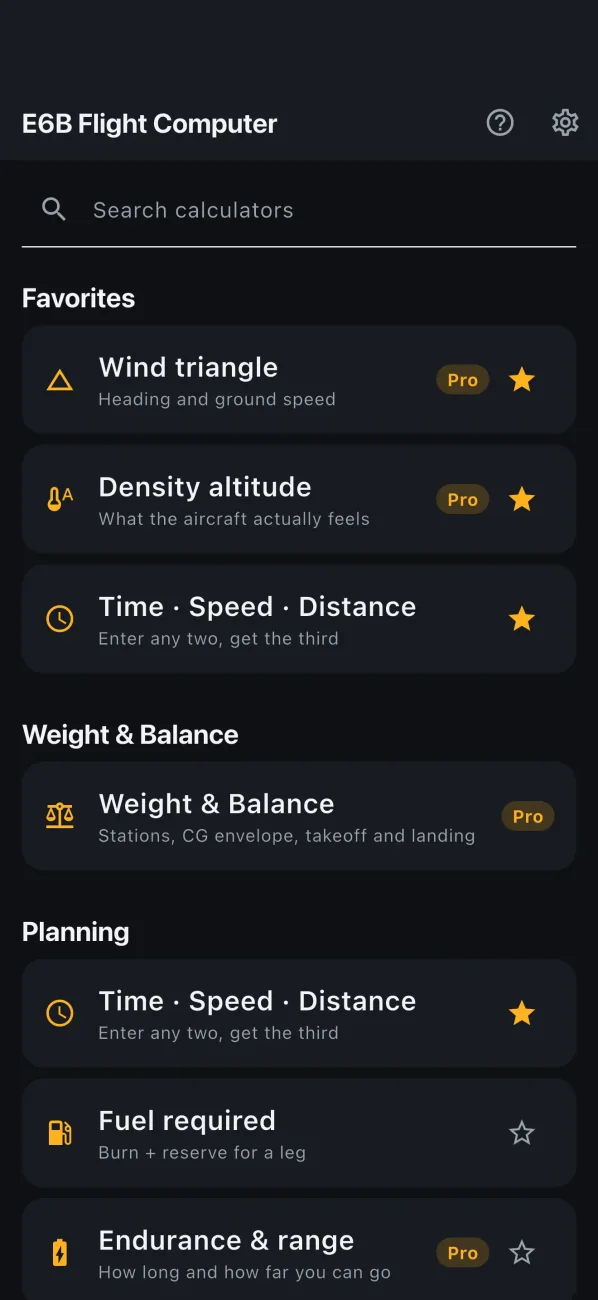
Search by calculator name, category or input such as TAS. Tap the star beside a calculator to keep it in Favorites.
INCLUDED WITHOUT PRO
• Time, speed and distance
• Fuel required for a leg, including reserve
• Unit conversions for distance, speed, pressure, temperature and fuel weight
E6B PRO
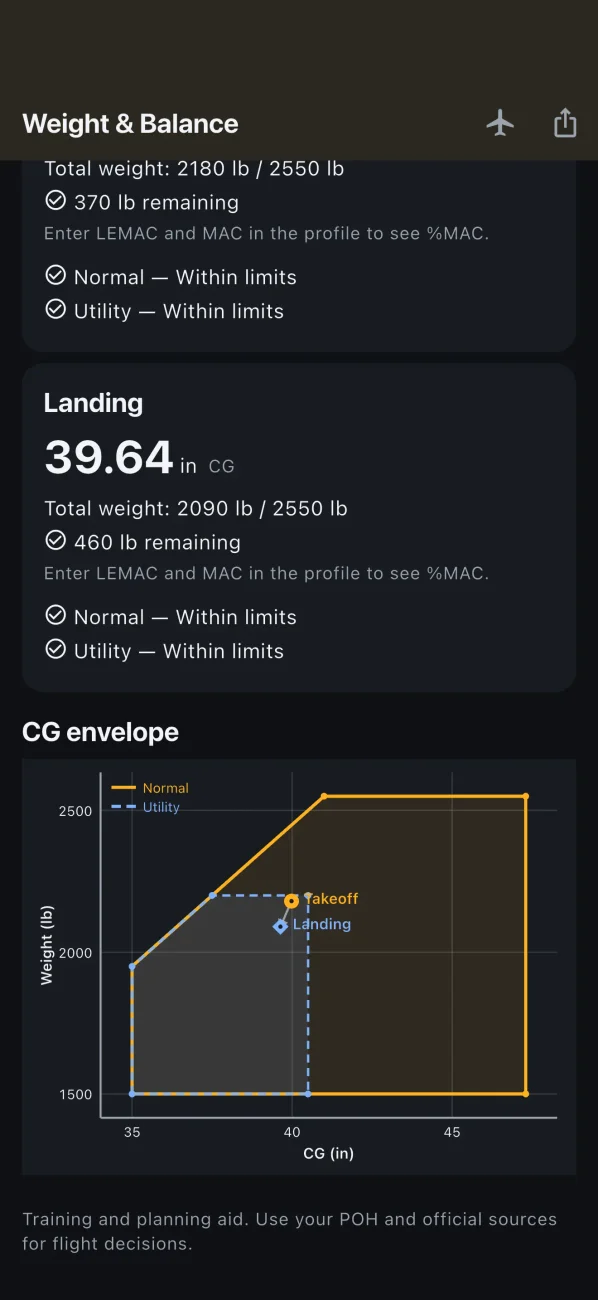
• Weight and balance with saved aircraft profiles, editable stations, a center-of-gravity envelope, takeoff and landing loads, and PDF export
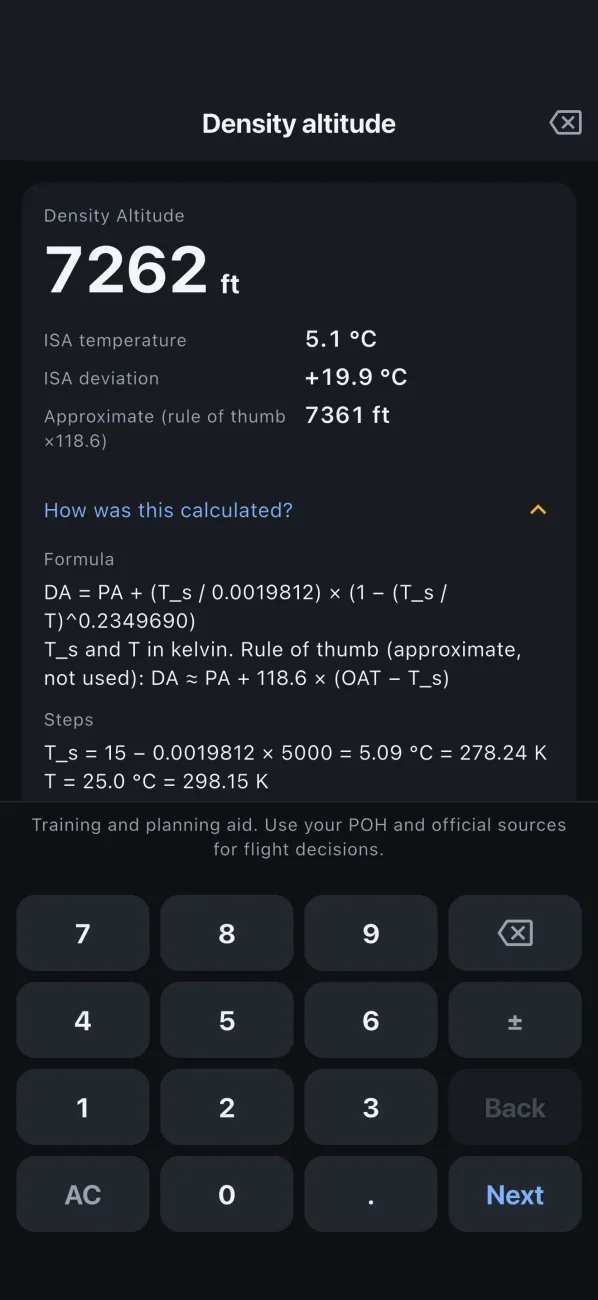
• Pressure, density and cold-corrected altitude
• Calibrated and true airspeed, equivalent airspeed, Mach and speed of sound
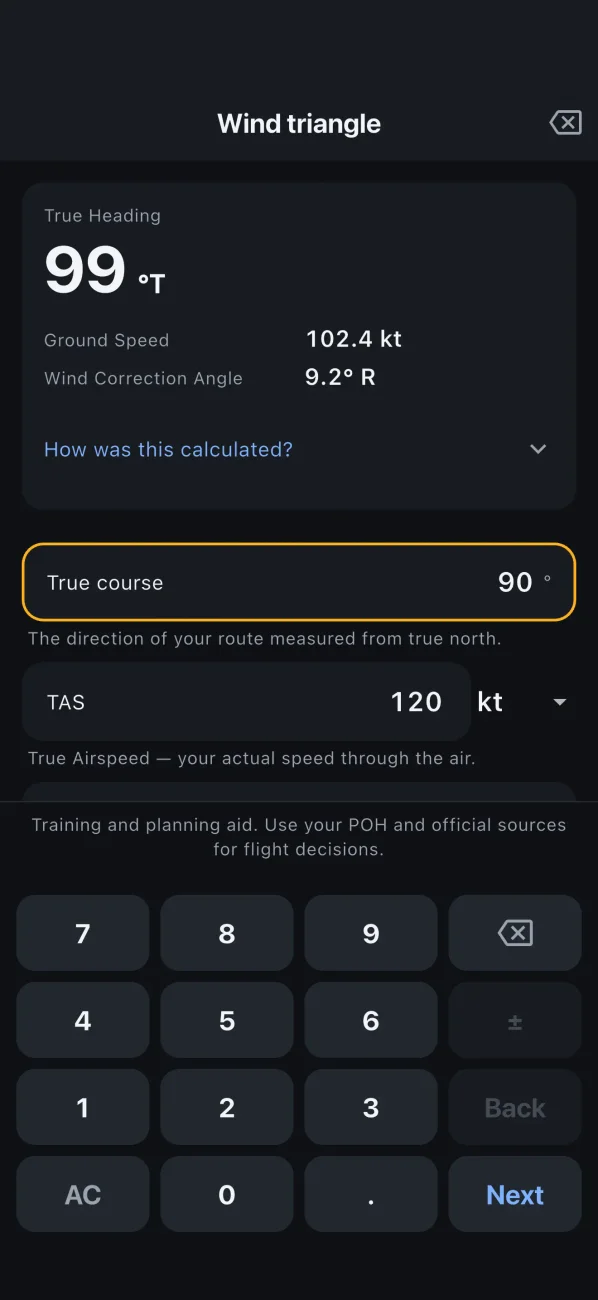
• Wind triangle, unknown wind, crosswind and headwind, heading corrections and off-course correction
• Endurance, range, descent, climb, glide, holding entry, turn rate and radius
• Performance interpolation, cloud base and freezing level
BUILT FOR CLEAR INPUT
Enter decimals and negative values with the dedicated calculation keypad. Choose units such as hPa, inHg, feet, metres, kilograms, pounds, litres and gallons. Units appear beside values, and shared inputs carry between relevant calculators.
On a wide iPad screen, view results beside the input fields and keypad. Your current input stays intact when the layout changes. Result cards explain the calculation and show its source.
Calculations work offline. Purchasing and restoring Pro require a store connection. There are no advertisements. Choose a monthly or yearly subscription, or one of three lifetime options. The lifetime options unlock the same Pro calculators; only the support amount differs. Prices are shown in the app before you buy.
Subscriptions are charged to your Apple ID and renew automatically unless cancelled at least 24 hours before the end of the current period. Manage or cancel in your App Store account settings. If you bought Pro before, it stays unlocked: use Restore purchase.
This app is a training and planning aid. Check your aircraft's POH/AFM and official sources before making flight decisions.
Terms of Use (EULA): https://www.apple.com/legal/internet-services/itunes/dev/stdeula/
Privacy Policy: https://cleverlywittyapps.notion.site/Privacy-Policy-3a4c235088498189b5dac6987035fb5a
What’s new
Version 1.1.0 · Nov 6, 2026
Pro is now a monthly or yearly subscription, or one of three lifetime options with the same features. Bought Pro before? It stays unlocked — use Restore purchase on a new device. The purchase screen is easier to close and tells you when the App Store can't be reached. The quick-start guide, settings and purchase messages are translated into every app language. Japanese and Chinese text now prints correctly in weight and balance PDFs.
App privacy
What Gun woo Kim declares on the App Store about how this app handles data.
-
Data not linked to you
May be collected but is not linked to your identity.
- Usage data
- Diagnostics
Privacy practices may vary, for example with the features you use or your age.
Information
- Seller
- Gun woo Kim
- Category
- Utilities
- Version
- 1.1.0
- Updated
- Nov 6, 2026
- Released
- Jul 30, 2026
- Size
- 46.1 MB
- Requires
- iOS 15.0 or later
- Age rating
- 4+
- In-app purchases
- Yes
- Languages
- English
- Copyright
- © 2026 WittyApps
You might also like
-
 Flight Computer E6B & ToolboxPilot Tools , Aviation Calc
-
 Whiz: Aviation CalculatorE6B flight computer & W&B
-
 Crabwise: E6B Flight ComputerCrosswind, weight & balance
-
 E6B Pilot Flight ComputerNav-log E6B leg cards
-
 Vane: E6B Flight ComputerAviation Weather, METAR & Wind
-
 E6B Flight Computer CFI PilotPPL Flight Planning
-
 Aviation Flight ComputerUtilities
-
 Aviation Calculator AvCalcPilot flight computer tools
-
 Flight Calcs: Pilot E6B ToolsFlight Planning and Calendar
-
 Aviator Calculator E6B FlightUtilities