E6B Pathfinder
Flight Computer
Designed for iPhone, iPad, iPod touch
Free · In-app purchases
- Age rating4+
- CategoryUtilities
- DeveloperEvans Mauta
- LanguagesEnglish+ 30 more
- Size12.6 MB
Links to the official App Store page
Download.org hosts no file of E6B Pathfinder. The button opens its official App Store page, published by Evans Mauta. Listing last checked on Nov 17, 2026.
Screenshots



About
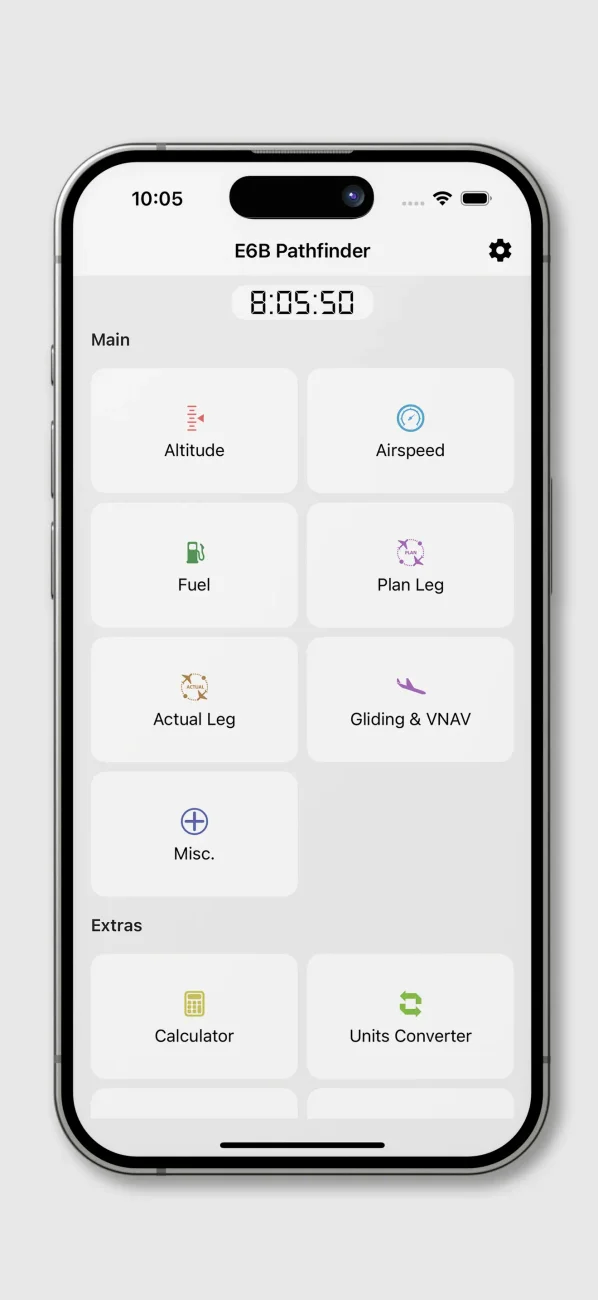
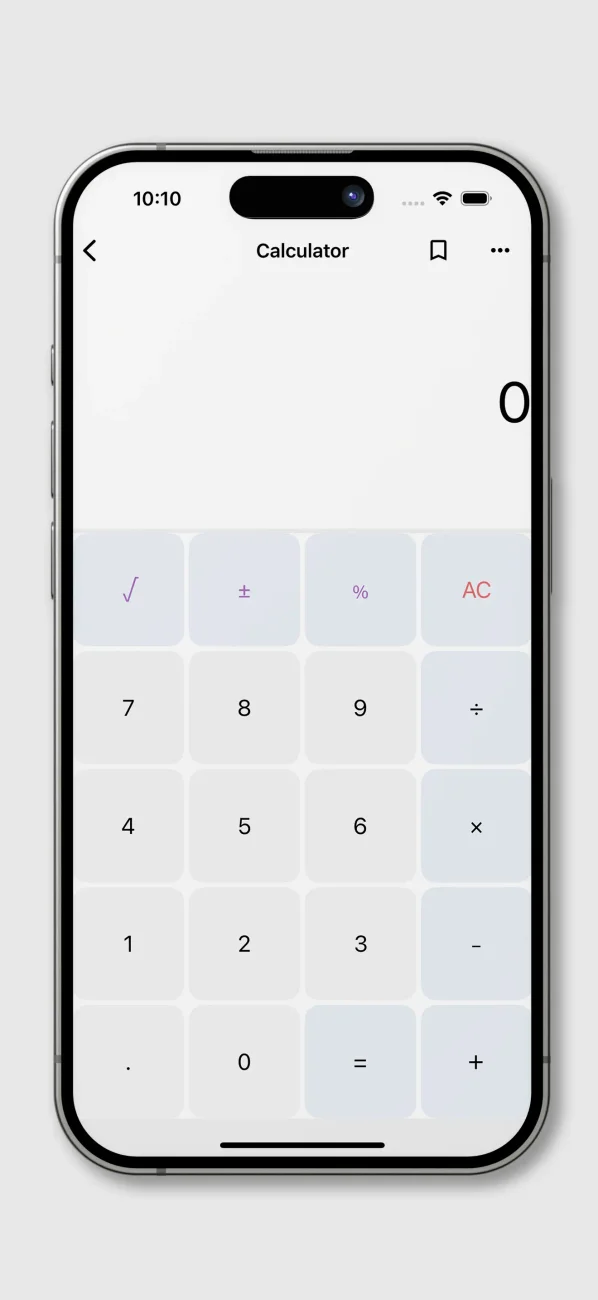
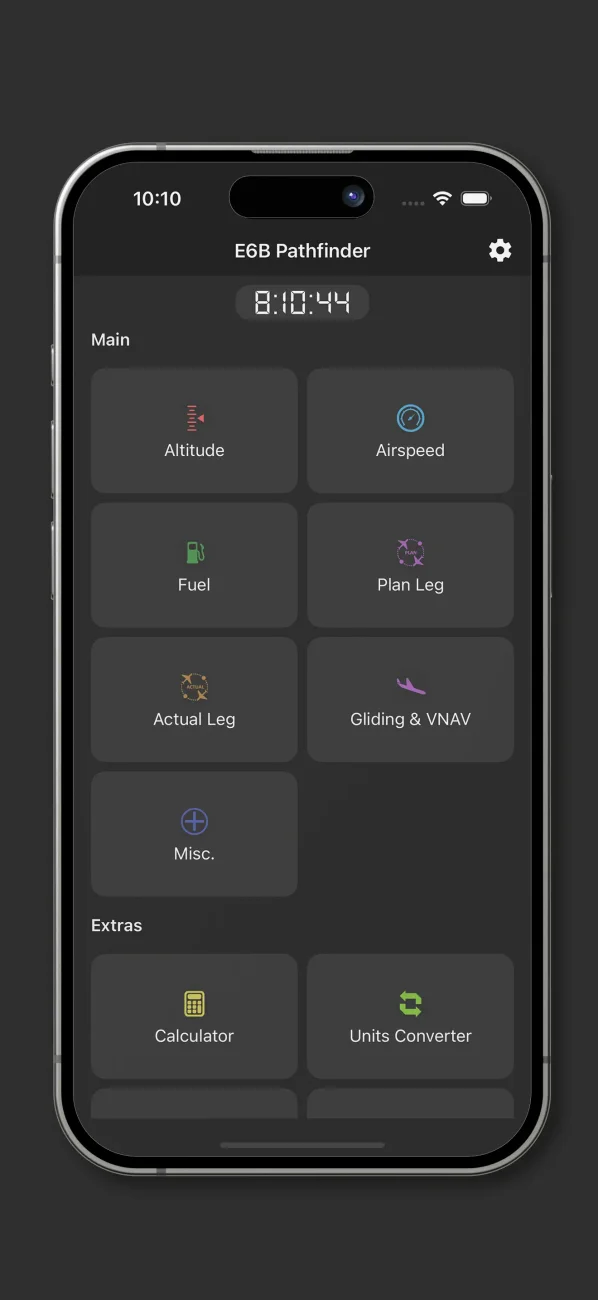
E6B Pathfinder provides essential and useful flight computations and calculations for flight operations, planning and navigation. The functions combine those of a classical E6B/CX-2/CX-3 flight computer and more. The simple material design makes it easy to navigate through the application to find what you need.
The application has two sections.
The main section functions include:
ALTITUDE->
-Pressure Altitude
-Density Altitude
-True Altitude
-Jet Standard Atmosphere
- Cloud Base
AIRSPEED->
-Plan TAS
-Actual TAS
-Required CAS
-Plan Mach#
-Actual Mach#
FUEL->
-Fuel Burn
-Fuel Rate
-Endurance
-(PRO) Fuel Converter
PLAN LEG->
-Heading & Ground Speed
-Heading & TAS
-Track & Ground Speed
-Compass Heading
-Leg Time
-ETA
-To/From
ACTUAL LEG->
-Distance Flown
-Ground Speed
-Wind Speed & Direction
-Headwind & Crosswind Components
-(PRO) Point of Equal Time
-(PRO) Point of Equal Time (Expanded)
-(PRO) Point of No Return
-(PRO) Point of No Return (Expanded)
-(PRO) Critical Point
-(PRO) Critical Point (Expanded)
GLIDING & VNAV->
-Glide Distance
-Height Loss
-Glide Ratio
-(PRO) Rate of Climb/Descent
-(PRO) Rate of Climb/Descent (using Gradient)
-(PRO) Climb Ratio
-(PRO) Climb Ratio (using Gradient)
-(PRO) Top of Climb
-(PRO) Top of Descent
MISC.->
-(PRO) Load Factor
-(PRO) Rate Turn - Bank Angle
-(PRO) Rate of Turn
-(PRO) Great Circle/Rhumb Line Distance
The Extras section functions include:
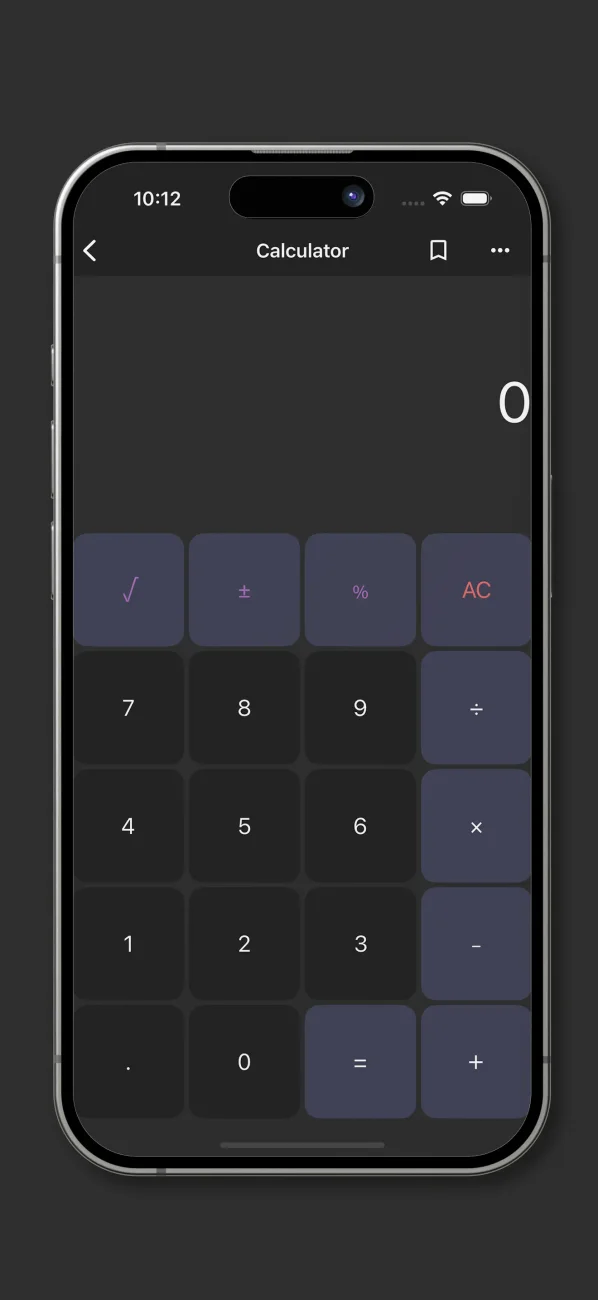
-(PRO) Calculator
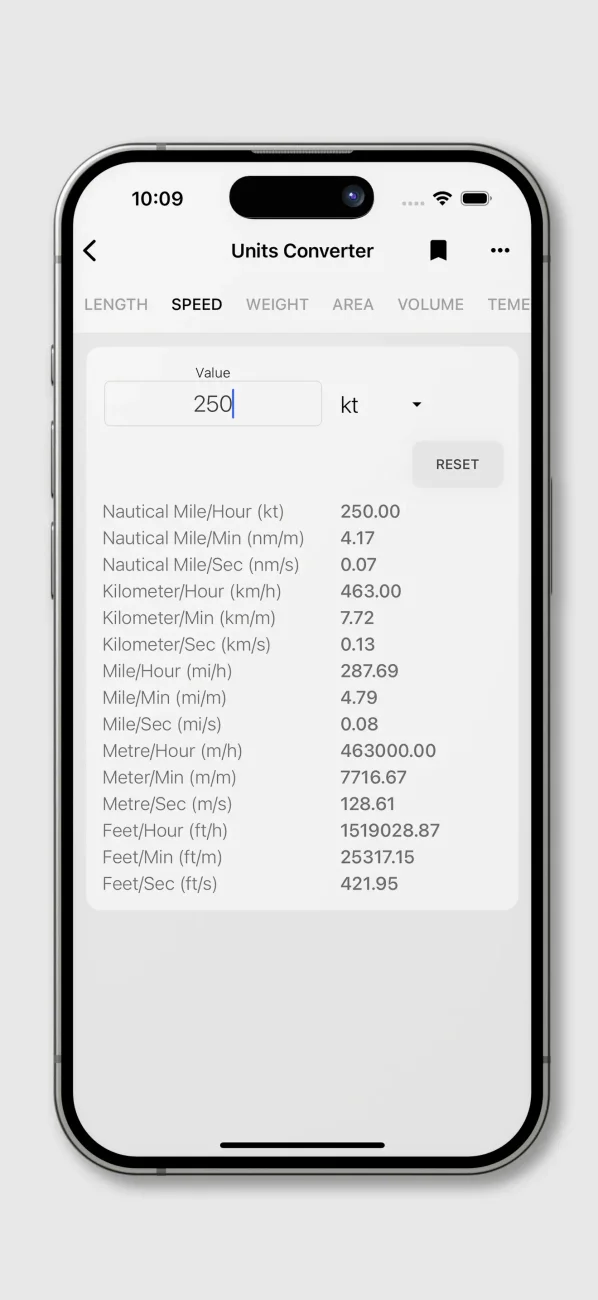
-(PRO) Units Converter
-Stop Watch
-Countdown Timer
Other Features:
-(PRO) Light & Dark Theme
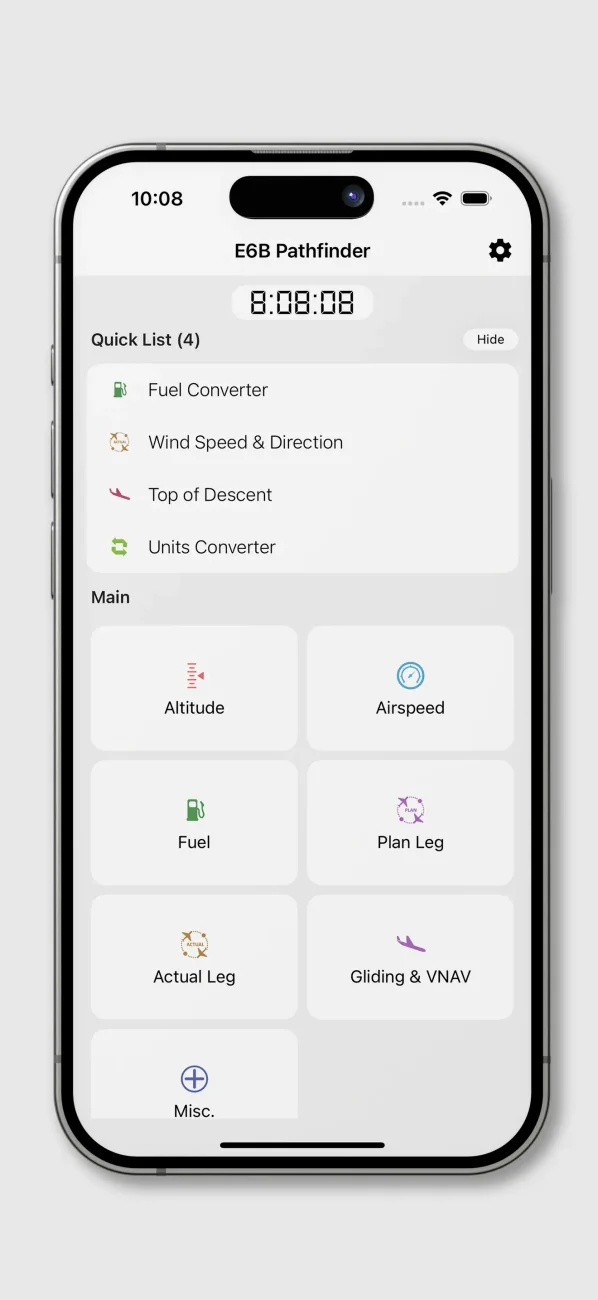
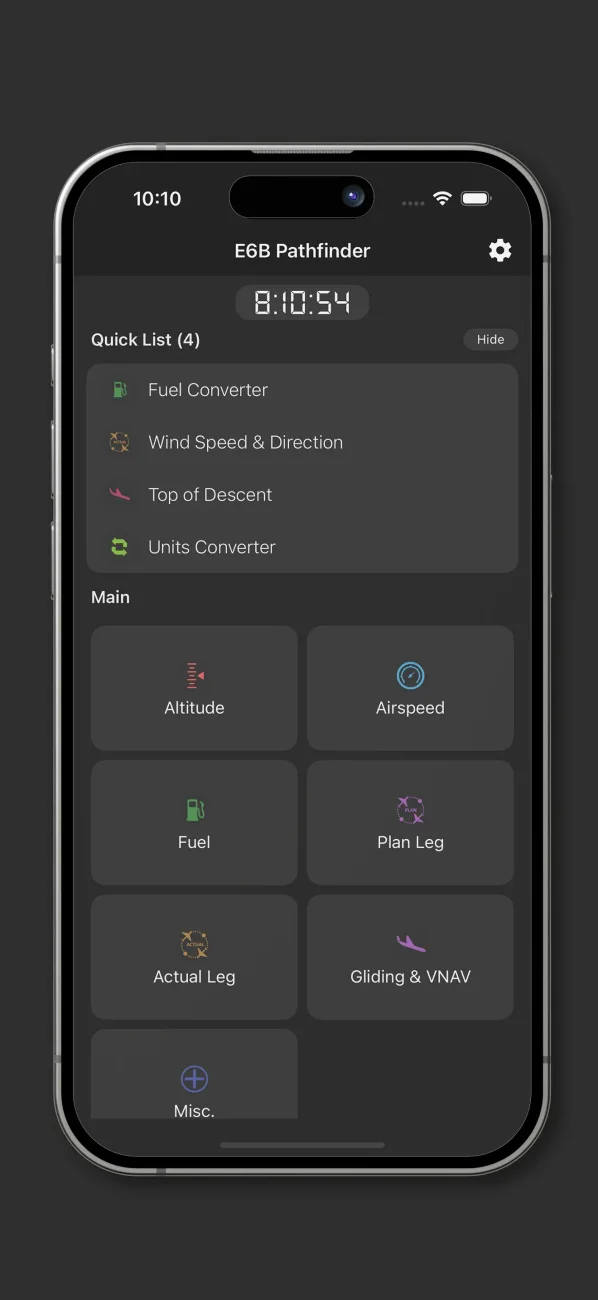
-(PRO) Quick List
-Ability to change units
-Ability to change calculation accuracy
For feedback, additions or error reports, feel free to send them over to the developer using the email given.
What’s new
Version 2.2 · Jun 7, 2026
-[NEW] Coordinates conversions added to Units Converter
-[UPDATE] Dark mode now available to all users
-Other Internal updates including dependency updates, UI clean ups and bug fixes
App privacy
What Evans Mauta declares on the App Store about how this app handles data.
-
Data used to track you
May be used to track you across apps and websites owned by other companies.
- Identifiers
-
Data not linked to you
May be collected but is not linked to your identity.
- Identifiers
- Diagnostics
Privacy practices may vary, for example with the features you use or your age.
Information
- Seller
- Evans Mauta
- Category
- Utilities
- Version
- 2.2
- Updated
- Jun 7, 2026
- Released
- May 21, 2020
- Size
- 12.6 MB
- Requires
- iOS 15.6 or later
- Age rating
- 4+
- Price
- Free
- In-app purchases
- Yes
- Languages
- English, Arabic, Armenian, Catalan, Czech, Danish, Dutch, Finnish, French, German, Greek, Hebrew + 19 more
- Copyright
- © 2026 Evans Mauta II
You might also like
-
 FlightDeck EFBDigital kneeboard for pilots!
-
 Sim Flights TrackerVatsim and Ivao tracker
-
 MSFS MAP NGmoving map and charts for MSFS
-
 PilotBoxPilot Wx & Tools
-
 Time Calc - Time CalculatorTime Calculator hours minutes
-
 Pilot Logbook & Roster: ChoppyFlight Hours, Currency & Duty
-
 Hours and minutes, calculatorMathematical operations
-
 Hours Calculator: Hourly RateWork Time Card & Salary Clock
-
 ATC SkyDecode: Air TrafficListen, Decode, Learn ATC
-
 Time-CalculatorSimply !