EA - Executive Assistant
Your AI Agent for Real Work
Designed for iPhone, iPad
Free
- Age rating12+
- CategoryBusiness
- DeveloperEA Global AI
- LanguagesEnglish
- Size5.7 MB
Links to the official App Store page
Download.org hosts no file of EA - Executive Assistant. The button opens its official App Store page, published by EA Global AI. Listing last checked on Nov 23, 2026.
Screenshots


About
EA turns your organization's documents into answers you can use. Ask a question, or snap a photo of one, and EA reads your policies, plans, and reports, writes the answer, and shows you where every fact came from.
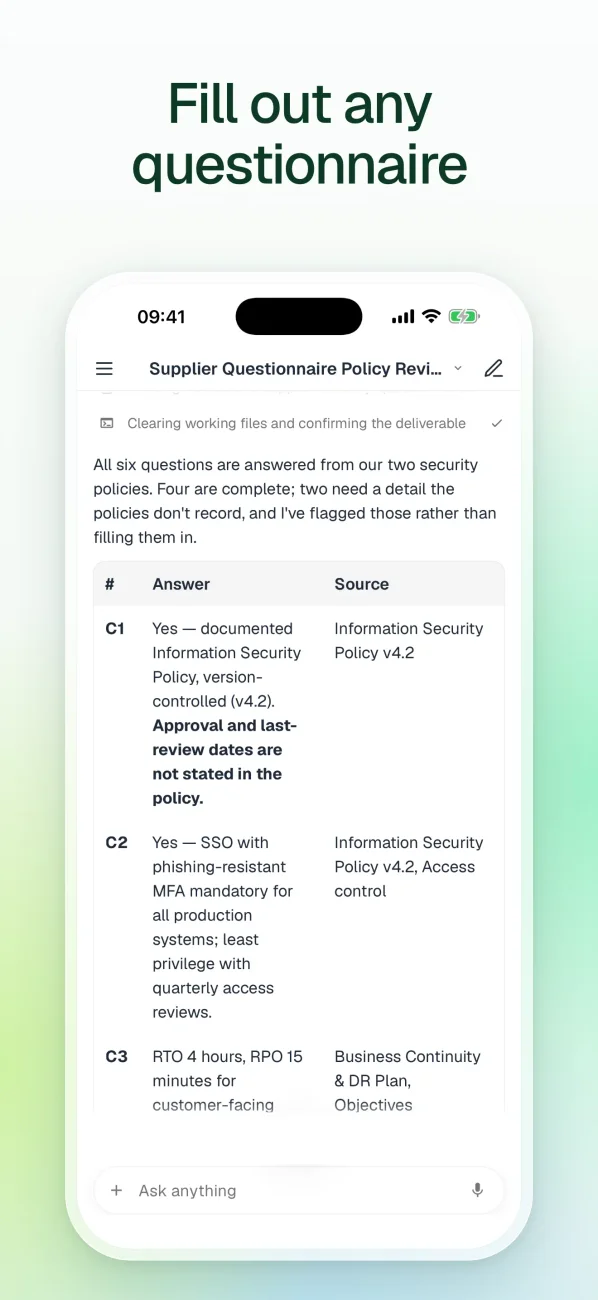
EA is built for people who answer hard questions for a living: RFPs and bids, vendor and security questionnaires, due diligence, and ESG and compliance reporting.
WHAT EA DOES FOR YOU
• Answers with sources. Every answer names the documents it came from, so you can check any fact with one tap.
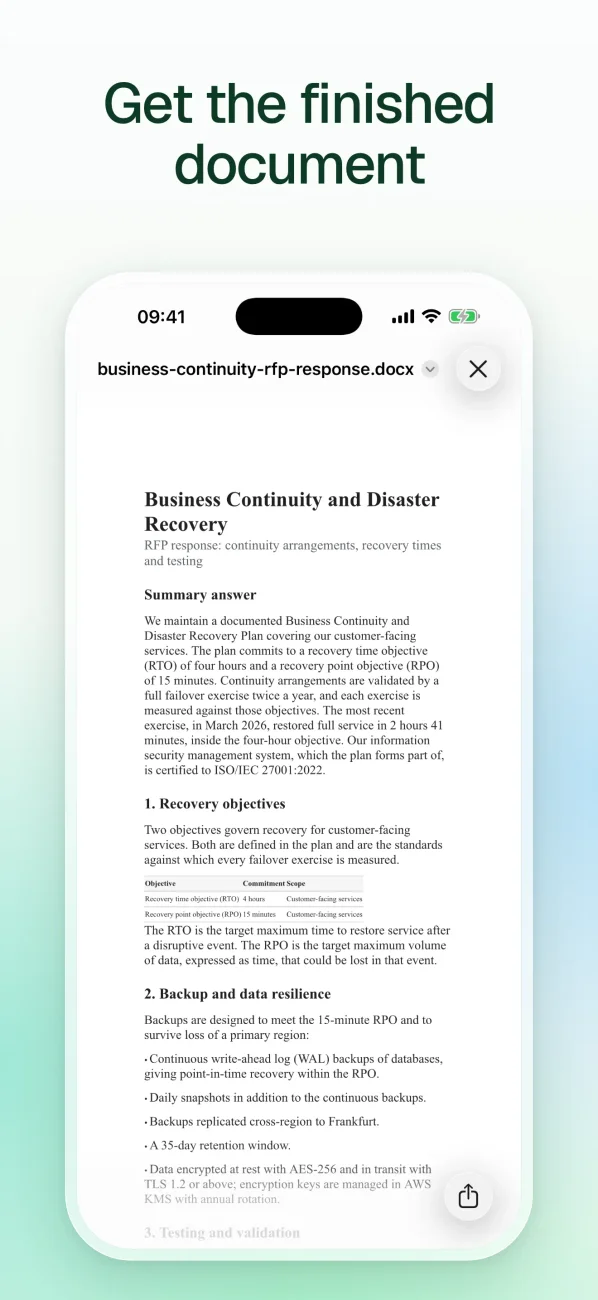
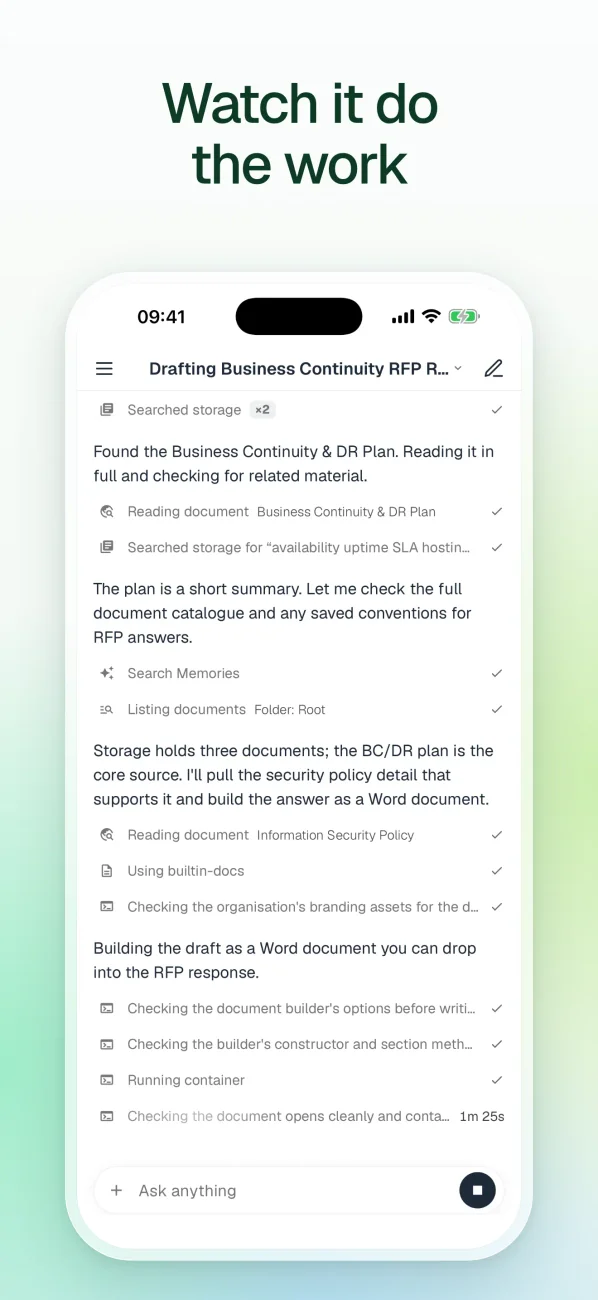
• Does the work, not just the talking. EA drafts the RFP response, fills in the questionnaire, and hands you a finished Word, Excel, or PDF file.
• Snap it, ask it. Take a photo of a printed page, a form, or a whiteboard, and EA answers it from your own material.
• Ask EA from any app. Share text, a link, a photo, or a file from Safari, Mail, or Files, and EA opens a new chat with it. "New EA chat" is also in Shortcuts, Spotlight, Control Center, and on the Action button.
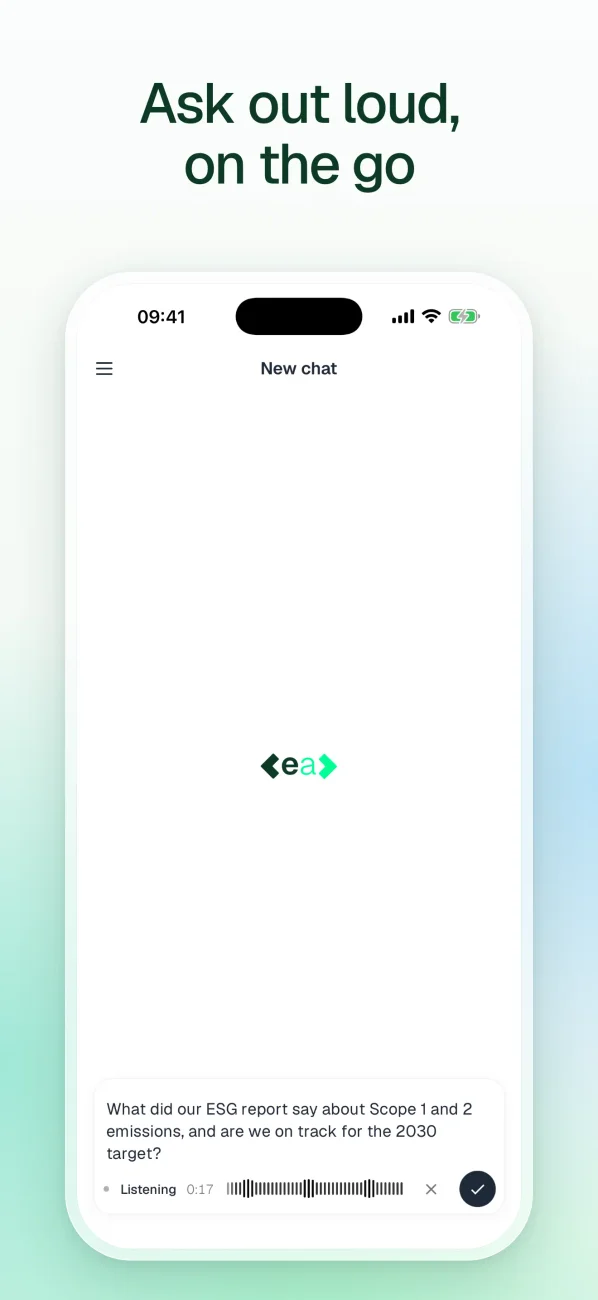
• Talk instead of typing. Dictate a question when you're on the go.
• Your documents in your pocket. Browse and preview everything your organization has shared with EA.
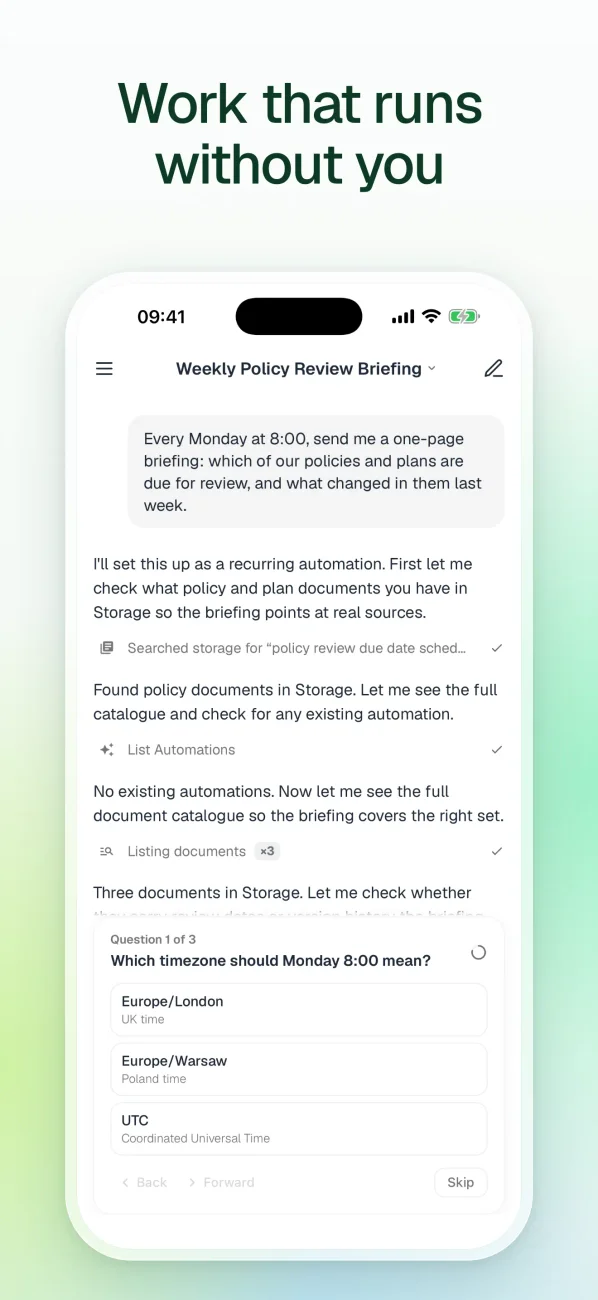
• Work that runs without you. Automations run on a schedule, like a Monday briefing or a weekly report, and their results are waiting for you here.
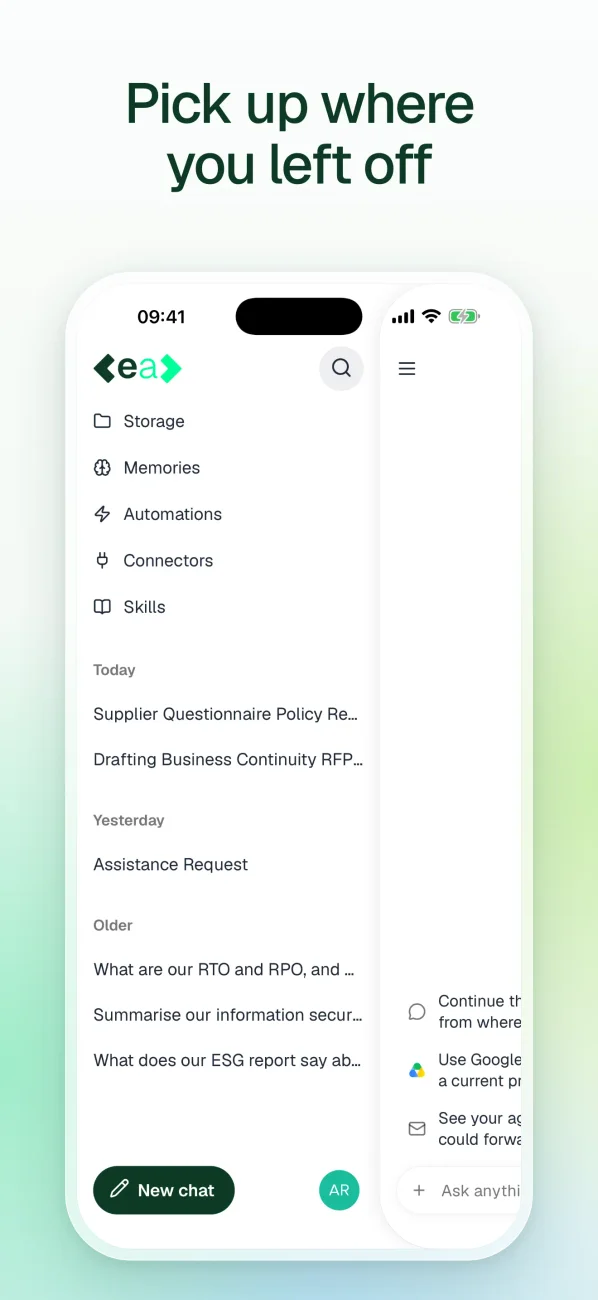
• Pick up where you left off. Every conversation is the same on the web, iPhone, and iPad.
PRIVATE BY DESIGN
• Your conversations stay private to you and your organization.
• No ads and no tracking.
• Sign in with your work account, your company's single sign-on, or with Apple, Google, or Microsoft.
You need an EA account. Create one on the app's sign-in screen or at eaglobal.ai.
Privacy: eaglobal.ai/privacy
Terms: eaglobal.ai/terms
What’s new
Version 1.0.8 · Nov 17, 2026
When EA opens to a new chat, the keyboard now comes up right away, so you can start typing at once. Using a work or school Microsoft 365 account? The sign-in screen now tells you to enter your email address and sign in with your password. Plus small reliability fixes.
App privacy
What EA Global AI declares on the App Store about how this app handles data.
-
Data linked to you
May be collected and linked to your identity.
- Contact info
- User content
- Identifiers
- Usage data
Privacy practices may vary, for example with the features you use or your age.
Information
- Seller
- EA GLOBAL AI LIMITED
- Category
- Business
- Version
- 1.0.8
- Updated
- Nov 17, 2026
- Released
- Nov 5, 2026
- Size
- 5.7 MB
- Requires
- iOS 18.0 or later
- Age rating
- 12+
- Price
- Free
- Languages
- English
- Copyright
- © 2026 EA Global AI Limited