Easy word 2 HTML editor
Tool for create word to html
Designed for iPhone, iPad, iPod touch
Free
- Age rating4+
- CategoryEducation
- DeveloperMerbin Joe
- LanguagesEnglish
- Size13.9 MB
Links to the official App Store page
Download.org hosts no file of Easy word 2 HTML editor. The button opens its official App Store page, published by Merbin Joe. Listing last checked on Nov 12, 2026.
Screenshots
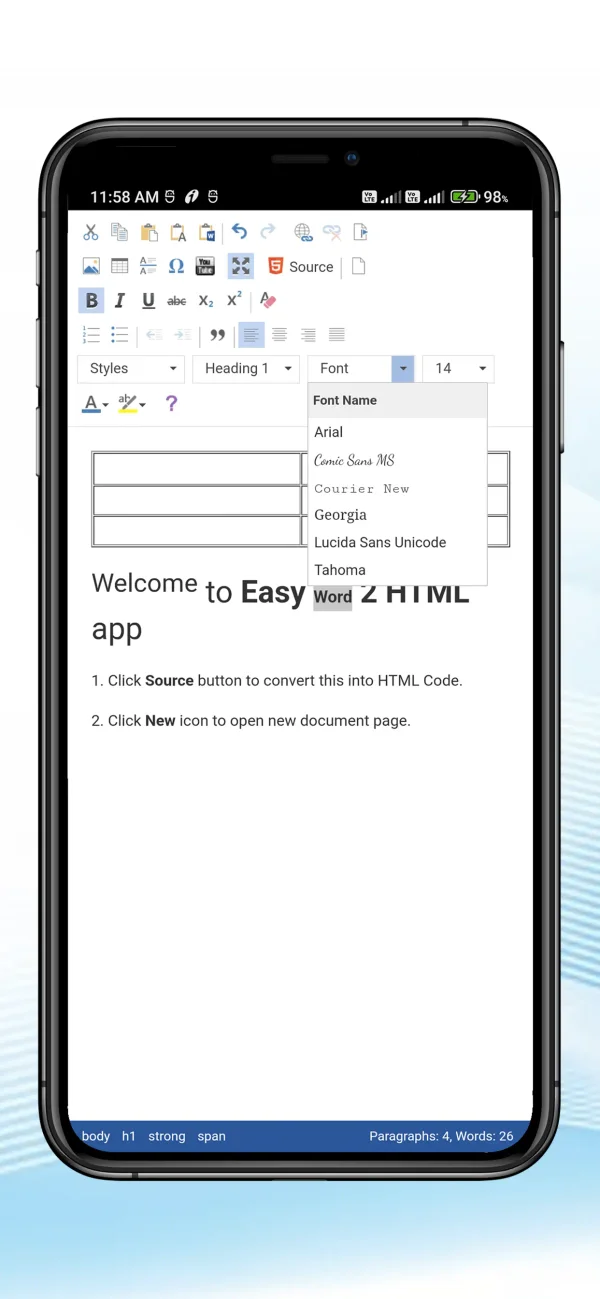

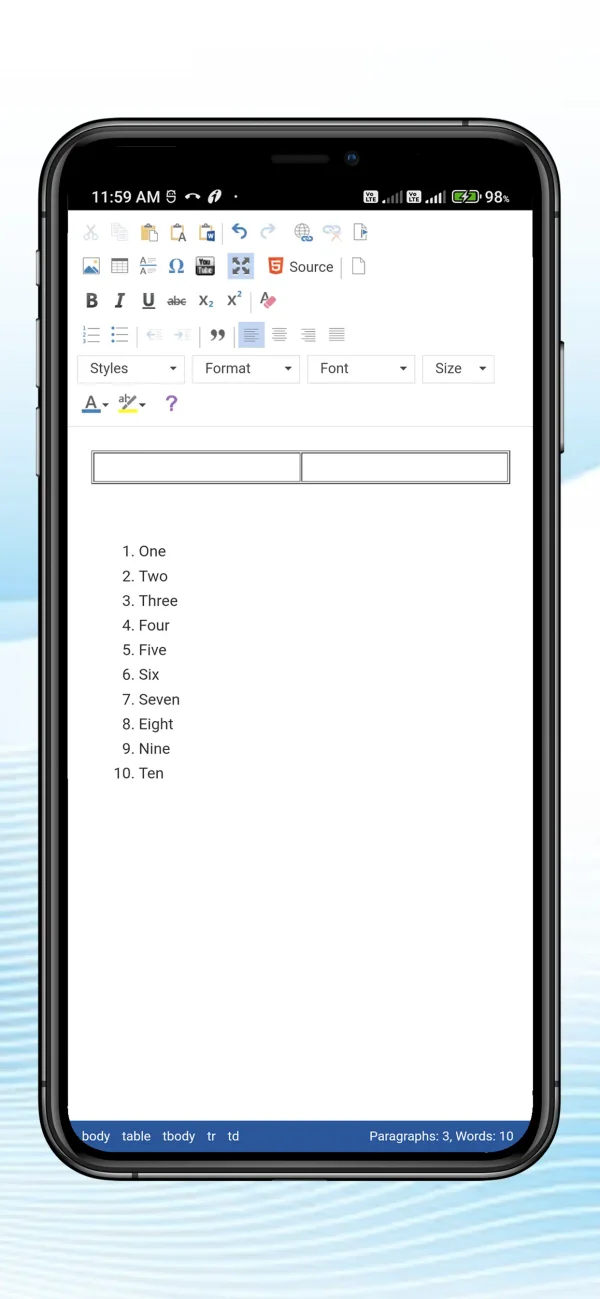
About
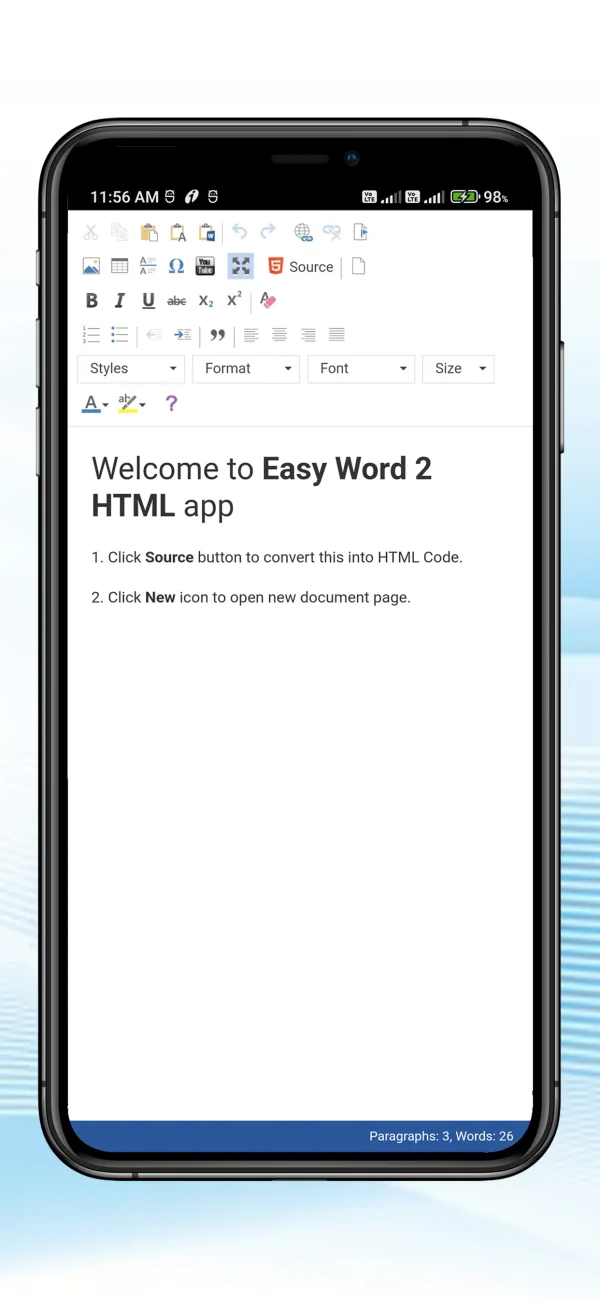
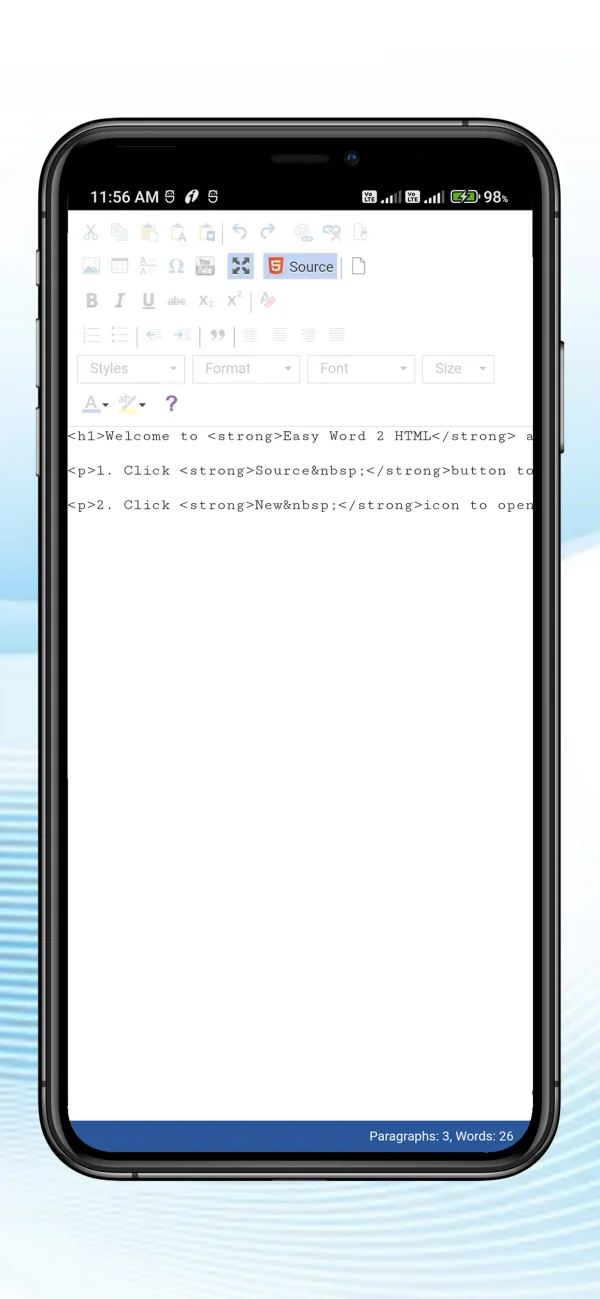
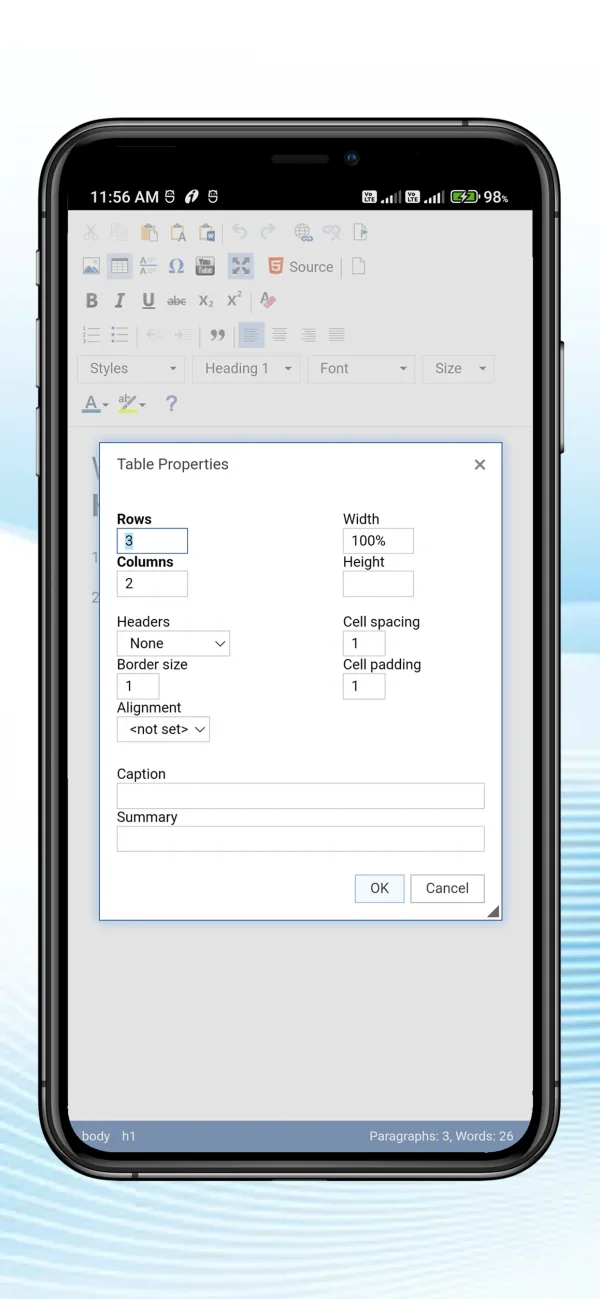
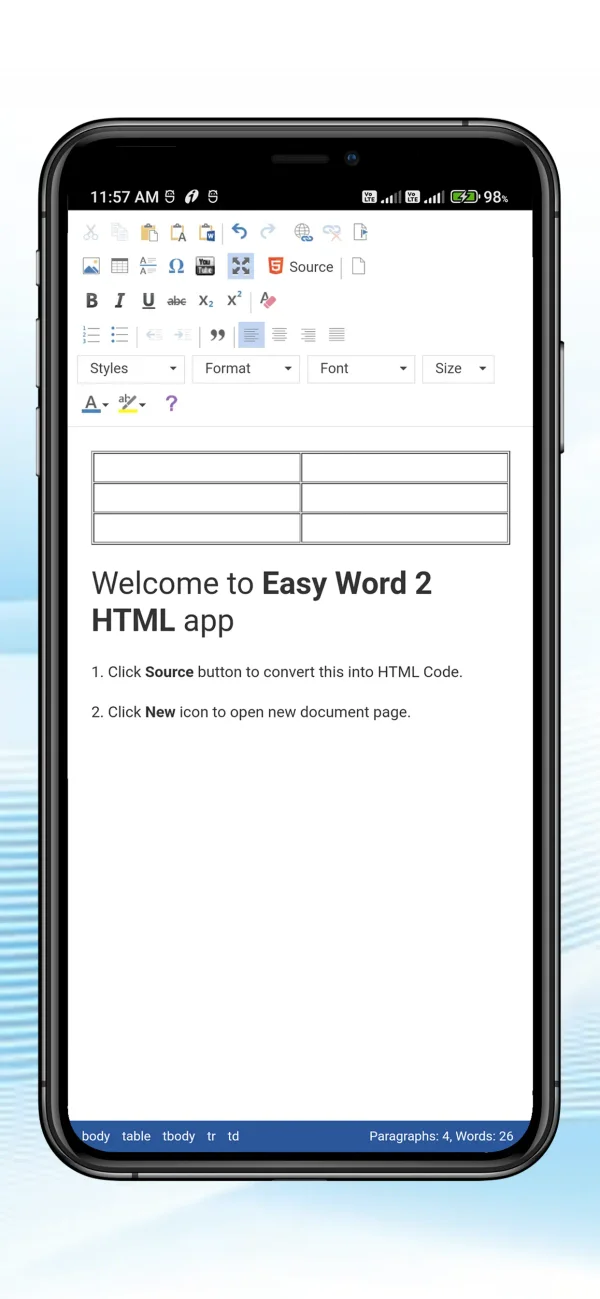
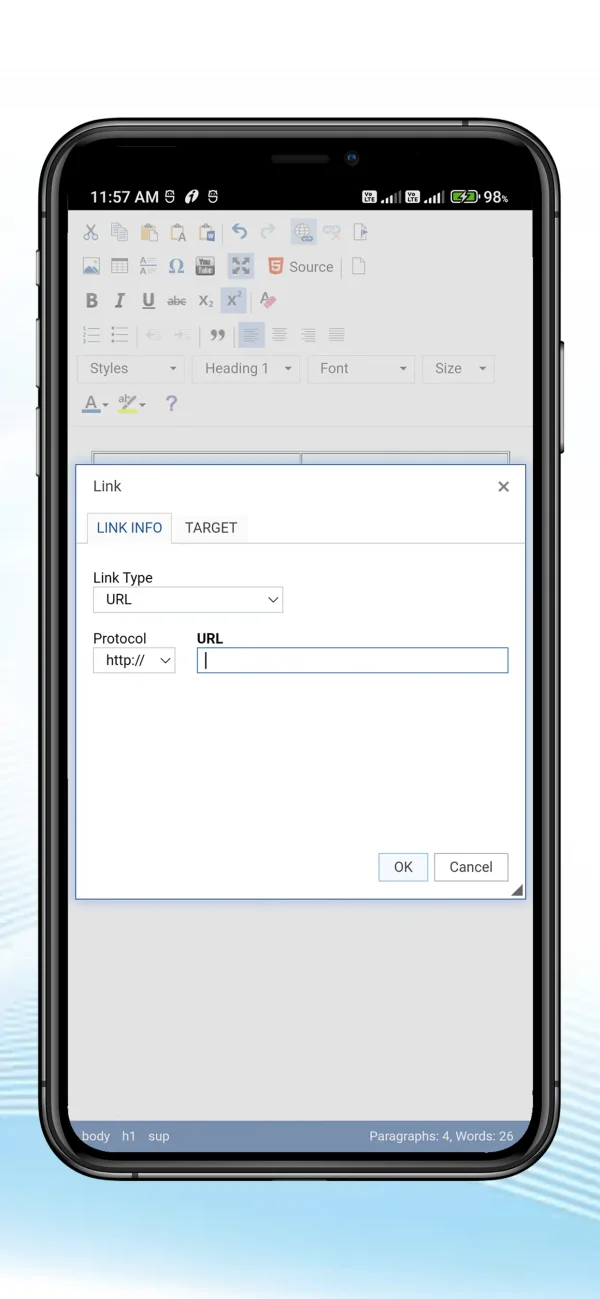
Easy word 2 HTML Editor application is help you to use simple method to convert the word tool created file to HTML code, so you can easy to create a webpage or template by using this tool without knowing any HTML knowledge. This app is using ckeditor app
This app allows users to create any type of content in your application, be it documents, reports, emails, notes or chat messages. HTML editor that can fit a wide range of use cases: from Word-like documents with large toolbars to simple toolbars with a limited set of features used for emails or instant messaging.
Get one complete software solution: rich text editor, file manager and collaboration features. Eliminate the need for external writing tools so your users can stay within your application.
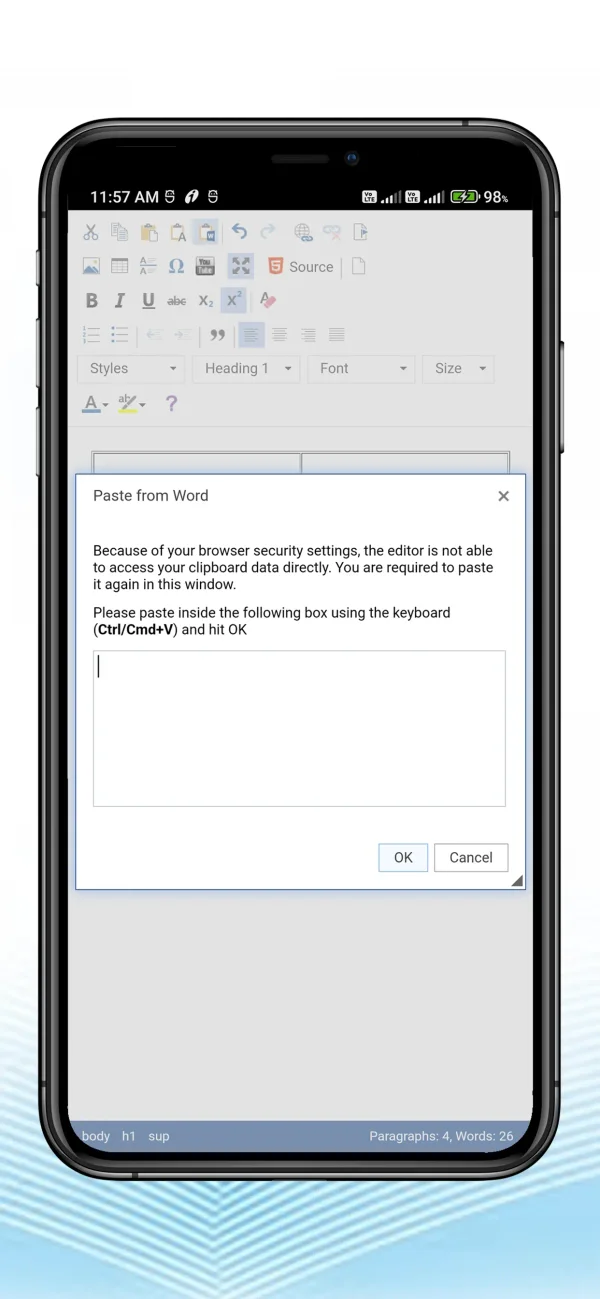
Take advantage of seamless UX and modern UI with lots of productivity features, such as @mentions, auto-formatting, spell checking, keyboard support and copy-pasting from MS Word.
Let them use Track Changes, Comments and Revision History features - all of them are available either in real-time or in a standard mode.
This HTML Editor in the market to offer both SaaS and on-premises solutions for real-time collaboration. collaboration features allow your users and teams to collaboratively write, review and discuss right within your application. They include the Track Changes, Comments and Revision History features, all of which are available for both asynchronous and real-time editing.
comments feature makes it possible to add comments to any part of the rich text content, including text and block elements such as embedded media or images. Comments would usually carry an explanation of what and why the author or editor did or wants to suggest. It may be a question about some unclear statement, remarks concerning facts or continuity errors, common mistakes, possible ways to expand a paragraph – all of these are always welcome and help improve the content.
App architecture was designed and rewritten from scratch to bring the collaborative editing features where multiple authors work on the same rich text document.
Basic text styles
The basic styles feature allows you to apply the most frequently used formatting indispensable for content creation. This package provides essential text styling features such as bold, italic, underline, strikethrough, subscript, superscript, and code.
Bold – Use the bold toolbar button Bold or type **text** or __text__
Italic – Use the italic toolbar button Italic or type *text* or _text_
Code – Use the code toolbar button Code or type `text`
Strikethrough – Use the strikethrough toolbar button Strikethrough or type ~~text~~.
The block indentation feature allows you to set indentation for text blocks such as paragraphs or headings and lists.
Block indentation
Its main purpose is to visually distinguish parts of the content. Block indentation is mostly useful for graphically differentiate structure elements like headings or lists. It can also be applied to present quotes or to make paragraphs or passages that need to be separated from the main content body stick out more.
Block quote
The block quote feature allows you to easily include block quotations or pull quotes in the rich-text content. A block quote may be used to refer to what other authors said, support your idea or present different points of view that may not necessarily be in line with the document you write, but should be included.
The block quote feature provides an attractive way to draw the readers’ attention to selected parts of text and enriches the reading experience with additional data. It also helps organize the content in a structured, elegant way to manage the flow better.
Document title
The title feature enables support for adding the title field to your document. It helps ensure that there will always be a single title field at the beginning of the document.
What’s new
Version 1.7 · Jan 23, 2024
Bug fixes
App privacy
What Merbin Joe declares on the App Store about how this app handles data.
-
Data used to track you
May be used to track you across apps and websites owned by other companies.
- Usage data
-
Data not linked to you
May be collected but is not linked to your identity.
- Usage data
Privacy practices may vary, for example with the features you use or your age.
Information
- Seller
- Merbin Joe
- Category
- Education
- Version
- 1.7
- Updated
- Jan 23, 2024
- Released
- Feb 1, 2023
- Size
- 13.9 MB
- Requires
- iOS 11.0 or later
- Age rating
- 4+
- Price
- Free
- Languages
- English
- Copyright
- © Codeplay
You might also like
-
 HTML Courseecode10 academy in practice
-
 Learn HTML: Build Web PagesWebsites, Markup & Elements
-
 Learn HTML | HTML AcademyLearn HTML with Easy Topics
-
 Learn Js, Php, Html, CssWeb Development & Coding Guide
-
 HTML5 BuilderMake Your HTML Pages
-
 Learn Web DevelopmentHTML, CSS, BOOTSTRAP, JS
-
 HTML Master: Code EditorHTML, CSS, JS & Python IDE
-
 Developer - Cheat Sheets & iOSReference
-
 FlutterLabFlutter Development Course
-
 HTML CreatorRun HTML Programs