Easy3D: AI 3D Modeling
Imagine it. Then shape it.
Designed for iPhone, iPad
Free · In-app purchases
- Age rating4+
- CategoryGraphics & Design
- DeveloperShanghai TacticSpace Technology Co., Ltd.
- LanguagesEnglish+ 7 more
- Size22.5 MB
Links to the official App Store page
Download.org hosts no file of Easy3D: AI 3D Modeling. The button opens its official App Store page, published by Shanghai TacticSpace Technology Co., Ltd. Listing last checked on Nov 23, 2026.
Screenshots
About
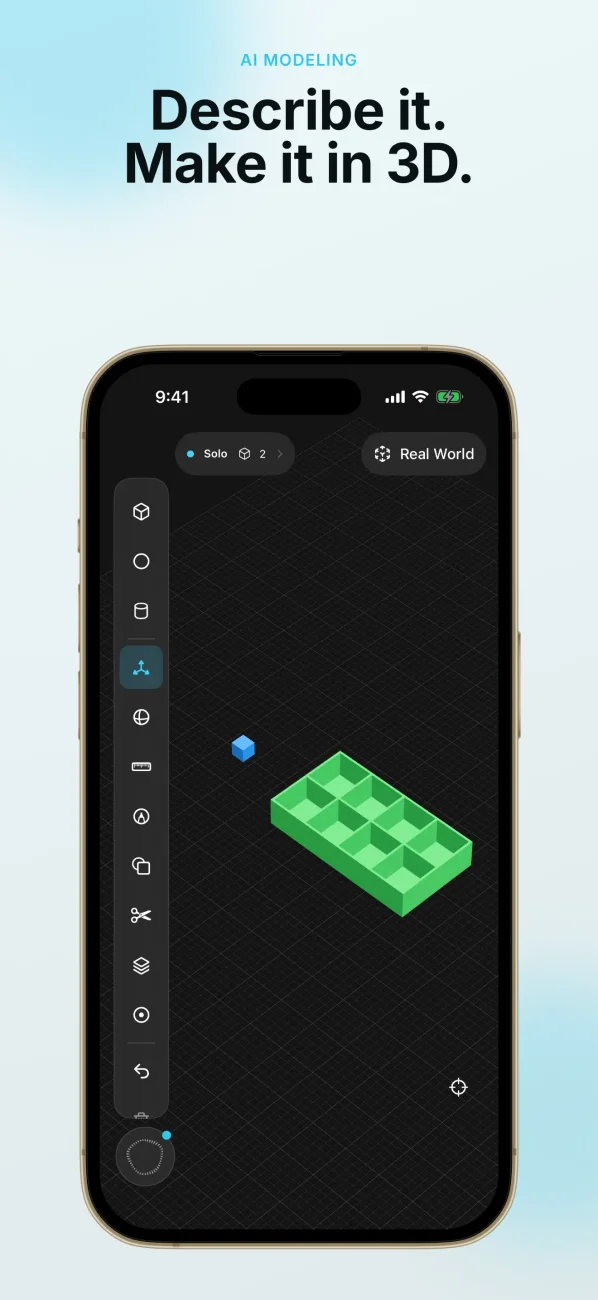
Easy3D is a solid-modeling app built for iPhone and iPad. Create on one device, or connect two screens into a folding 3D workspace. Now you can also begin with a description or reference photo and let AI create a model you can keep editing.
MODEL ON ONE DEVICE
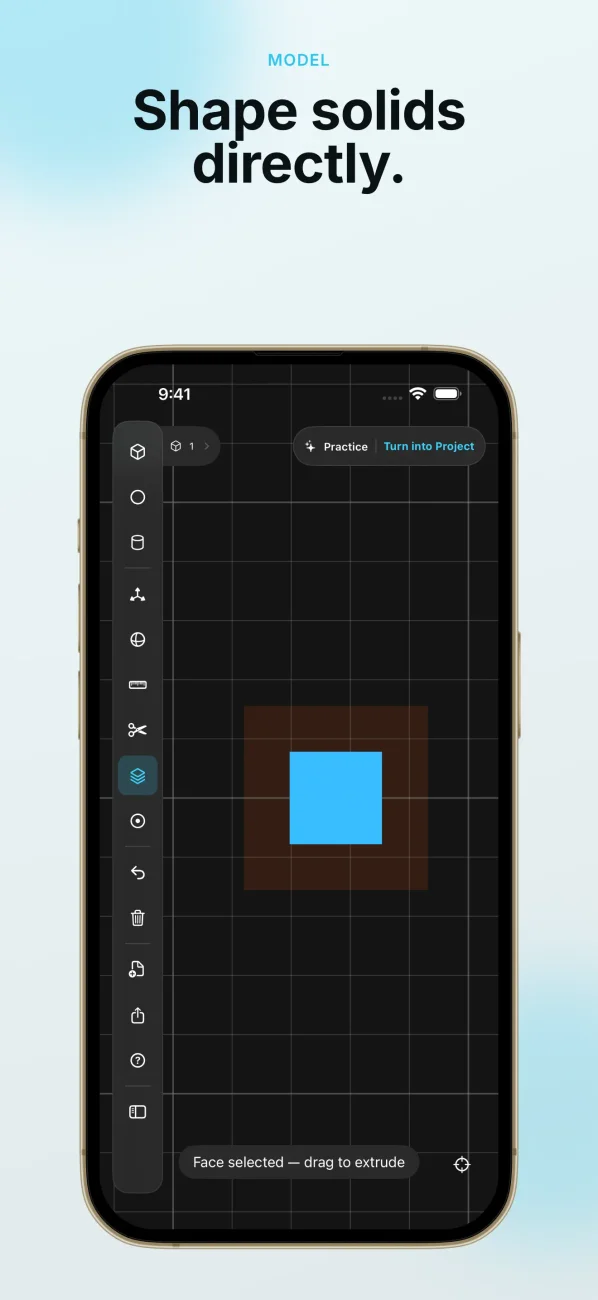
Start with boxes, spheres, and cylinders. Move, rotate, cut, extrude, and drill directly on the model. Choose a surface to sketch on, draw an outline, then drag endpoints and edges to refine it. Select a face and pull outward to add volume or push inward to remove it. On iPad, draw with Apple Pencil while your fingers adjust the view. On iPhone, touch controls keep the same tools within reach. Manual modeling works offline, and you can undo your steps.
MAKE A SECOND SCREEN PART OF THE WORK
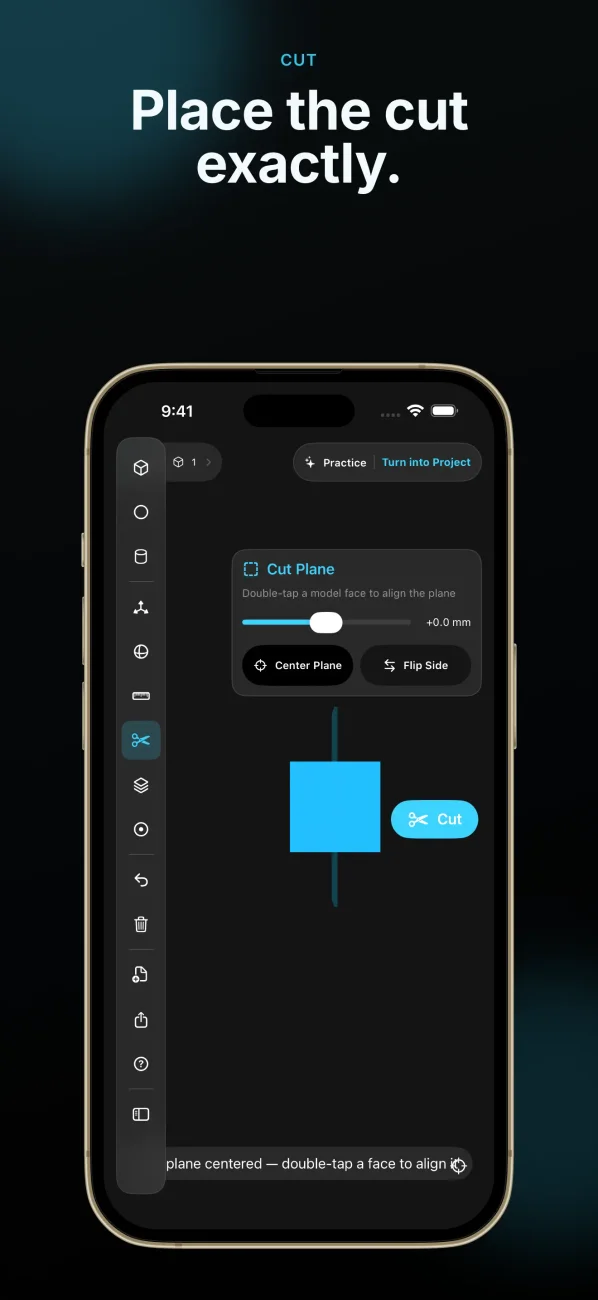
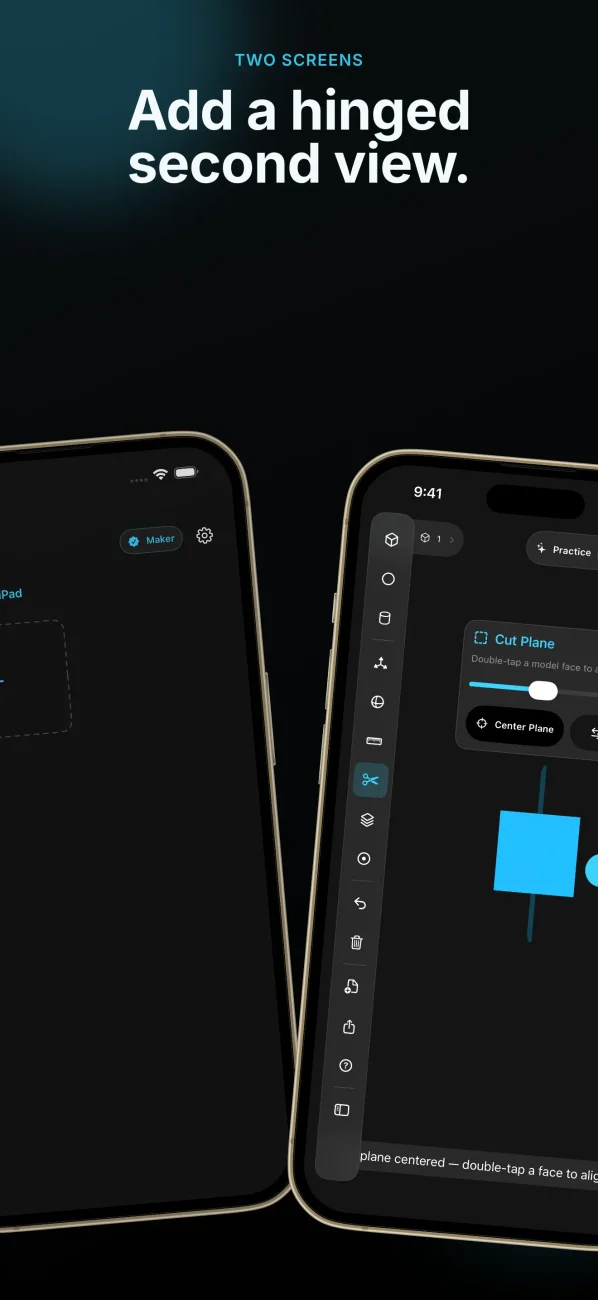
Pair an iPhone with an iPad and, with an optional 3D-printed hinge mount, the phone becomes a movable second view. In Cut mode, the plane of its screen can act as the blade. A pairing code verifies both devices before they exchange model data. The second screen is optional; you can still build on either device alone.
START WITH AI, FINISH BY HAND
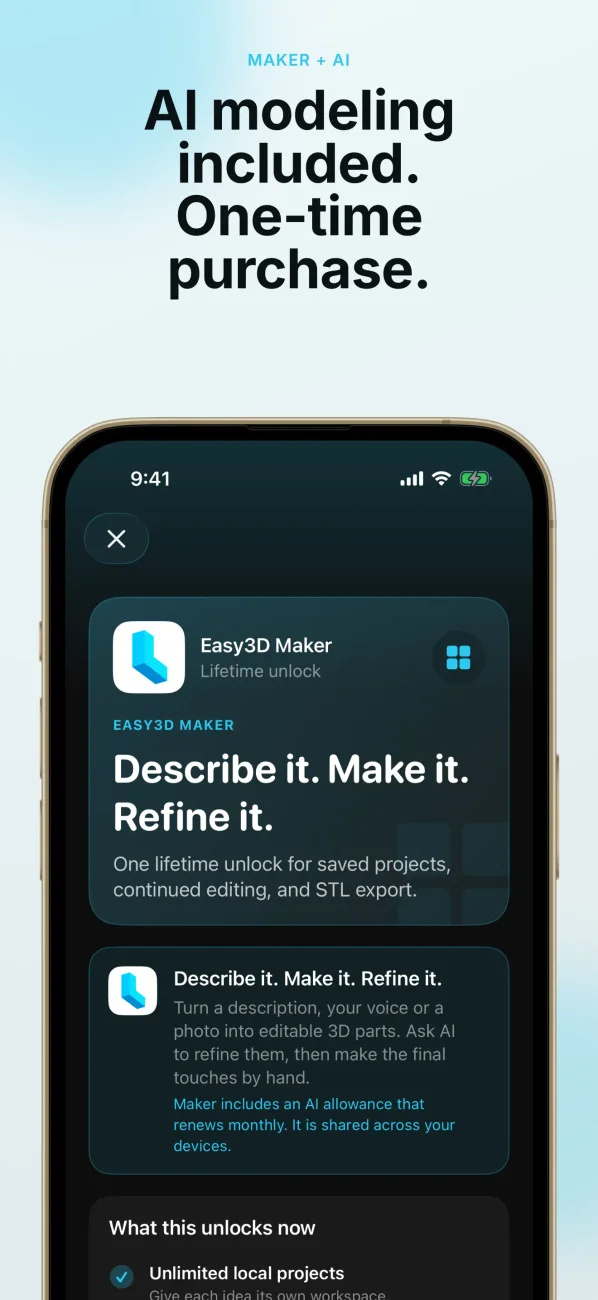
Describe what you want to make or add a reference photo to create a first model. Refine it in conversation, then continue on the same canvas with sketches, push-pull, and cutting tools. AI and hands-on modeling work on the same editable design, so you can start either way.
EASY3D MAKER
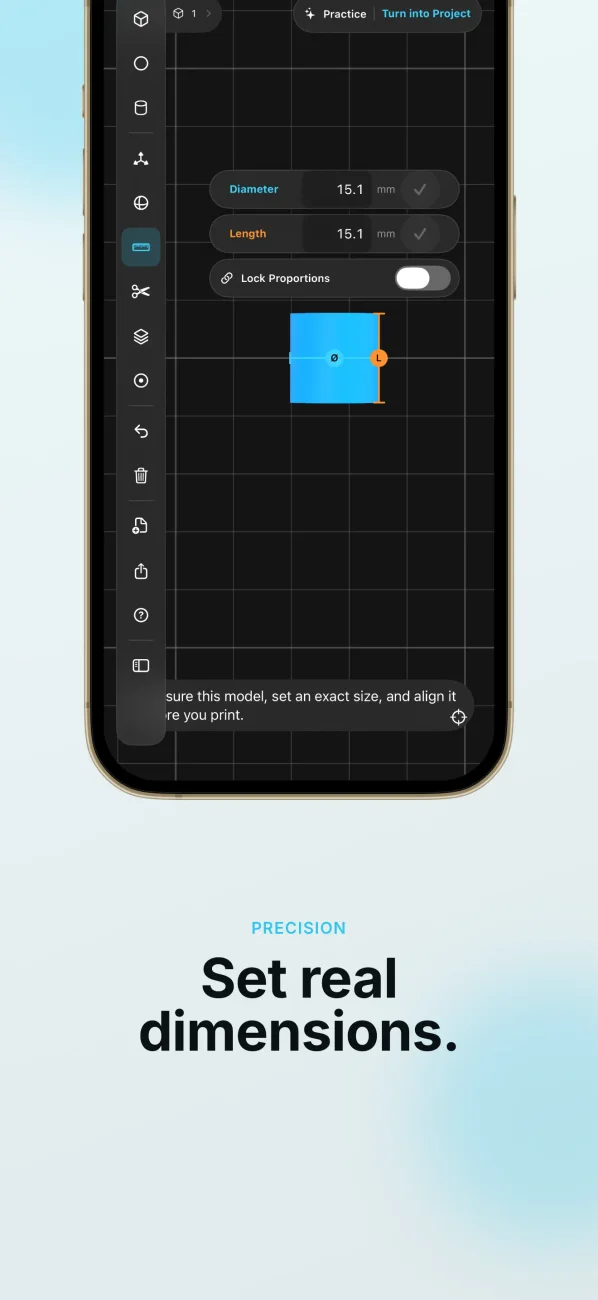
The free practice mode lets you try the core modeling gestures. A one-time Maker purchase lets you save and reopen local projects, use measurement, exact-size, and alignment tools, and export .easy3d files you can import again to keep editing. For 3D printing, export STL and check dimensions, wall thickness, and supports in your slicer. Maker also includes an AI allowance that renews monthly. It is not a subscription.
CREATION ON YOUR TERMS
Manual modeling needs no separate account. Local projects stay on your device unless you export or share them. Cloud AI requires internet access and your explicit consent before it processes the content you send. Easy3D has no ads and does not use cross-app tracking.
Support: support@geteasy3d.com
License agreement (Apple Standard EULA): https://www.apple.com/legal/internet-services/itunes/dev/stdeula/
What’s new
Version 2.5 · Nov 21, 2026
[New] Bent rods: AI can now model bent rods and wire shapes such as hooks, handles and rails, with smooth, even bends.
[New] Even-walled containers: Cups, planters and boxes made with AI can have a set wall and floor thickness that stays even around curves and tapers.
[New] 3MF export: Export models for slicing as 3MF files that include part names and colors.
[New] Mark a Spot: Tap points on a model to show AI exactly where to make a change.
[Improved] Print checks: Before exporting, see whether a model barely touches the build plate, has steep overhangs that will need supports, or has walls thinner than 0.8 mm.
[Improved] AI modeling: Start common objects from tested designs. Easy3D verifies the dimensions and part count the AI reports, and attached parts stay in place when the main part moves.
[Improved] Pairing with older versions: If the paired device cannot open a project, Easy3D pauses syncing and shows an update reminder on the newer device.
[Fixed] iPad status: iPad now shows Connected when paired with an iPhone in the CAD view.
App privacy
What Shanghai TacticSpace Technology Co., Ltd. declares on the App Store about how this app handles data.
-
Data linked to you
May be collected and linked to your identity.
- Purchases
- User content
- Identifiers
- Usage data
-
Data not linked to you
May be collected but is not linked to your identity.
- Usage data
- Diagnostics
Privacy practices may vary, for example with the features you use or your age.
Information
- Seller
- Shanghai TacticSpace Technology Co., Ltd.
- Category
- Graphics & Design
- Version
- 2.5
- Updated
- Nov 21, 2026
- Released
- Sep 8, 2026
- Size
- 22.5 MB
- Requires
- iOS 18.0 or later
- Age rating
- 4+
- Price
- Free
- In-app purchases
- Yes
- Languages
- English, French, German, Japanese, Korean, Simplified Chinese, Spanish, Traditional Chinese
- Copyright
- © 2026 Shanghai TacticSpace Technology Co., Ltd.
You might also like
-
 Meshora 3D : AI Model MakerText & photo to 3D mesh
-
 TopMod 3D: Design SoftwareTopology modeler for 3D print
-
 3D Model Print Simple EditSculpt, edit & print 3D models
-
 3D Print Designer CADCAD Modeling for 3D Printing
-
 Forma3D - 3D Modeling & PrintSTL, 3MF & Mesh Repair
-
 Blender 3D: Image to 3DBlender 3d animation
-
 3D Modeling: Design & Sculpt3D Model Maker, Sketch, Print
-
 Meshy AI: 3D Print Model MakerPhoto to 3D Print & 3MF Maker
-
 Remeshy: AI 3D Printables3D Modeling, STL for Bambu Lab
-
 Blend3D: Image to 3DAI 3D Modeling & Animation