EasyCode Scanner: QR & Barcode
Batch Scan & QR Maker
Designed for iPhone, iPad, iPod touch
Free · In-app purchases
- Age rating4+
- CategoryUtilities
- DeveloperChengdu Weicao Youfang Technology Co., Ltd.
- LanguagesEnglish+ 10 more
- Size70.4 MB
Links to the official App Store page
Download.org hosts no file of EasyCode Scanner: QR & Barcode. The button opens its official App Store page, published by Chengdu Weicao Youfang Technology Co., Ltd. Listing last checked on Nov 13, 2026.
Screenshots

About
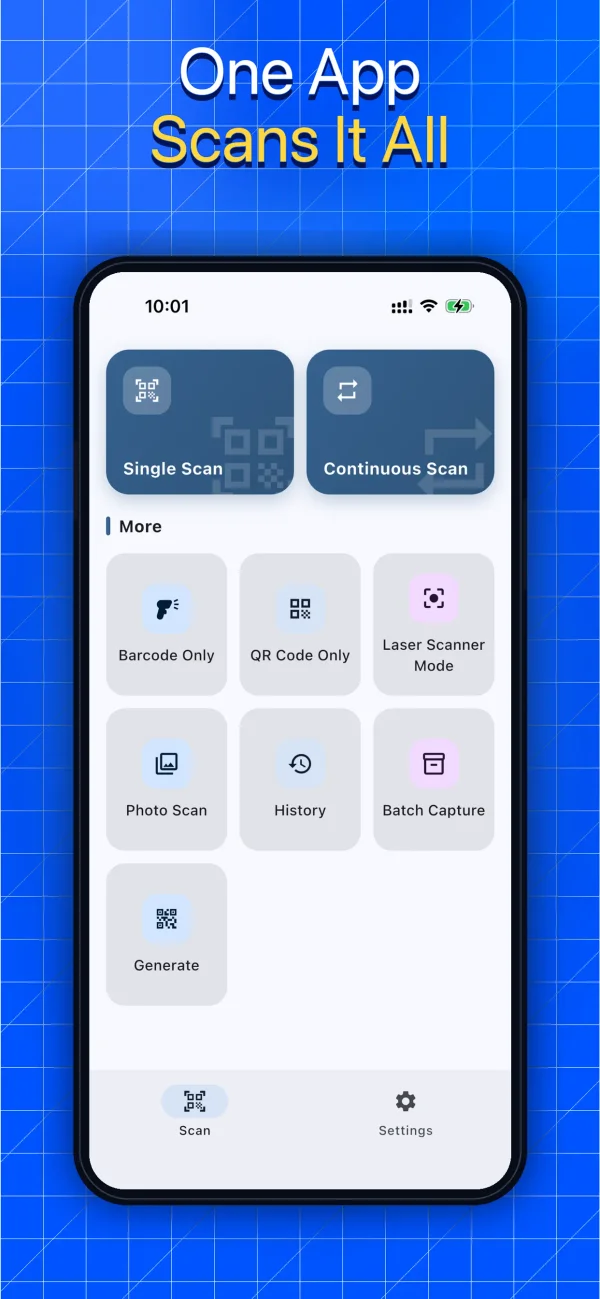
EasyCode Scanner turns your iPhone or iPad into a practical QR code scanner, barcode reader, batch collection tool and QR code maker. It is built for quick everyday scans, inventory counts, asset checks, retail work, deliveries, classrooms, event check-ins and clean code records.
Scan QR codes and barcodes
- Read common QR content such as websites, text, Wi-Fi, contacts, email, phone numbers, SMS and locations.
- Scan common product and inventory barcodes for retail, stock checks, labels and asset tags.
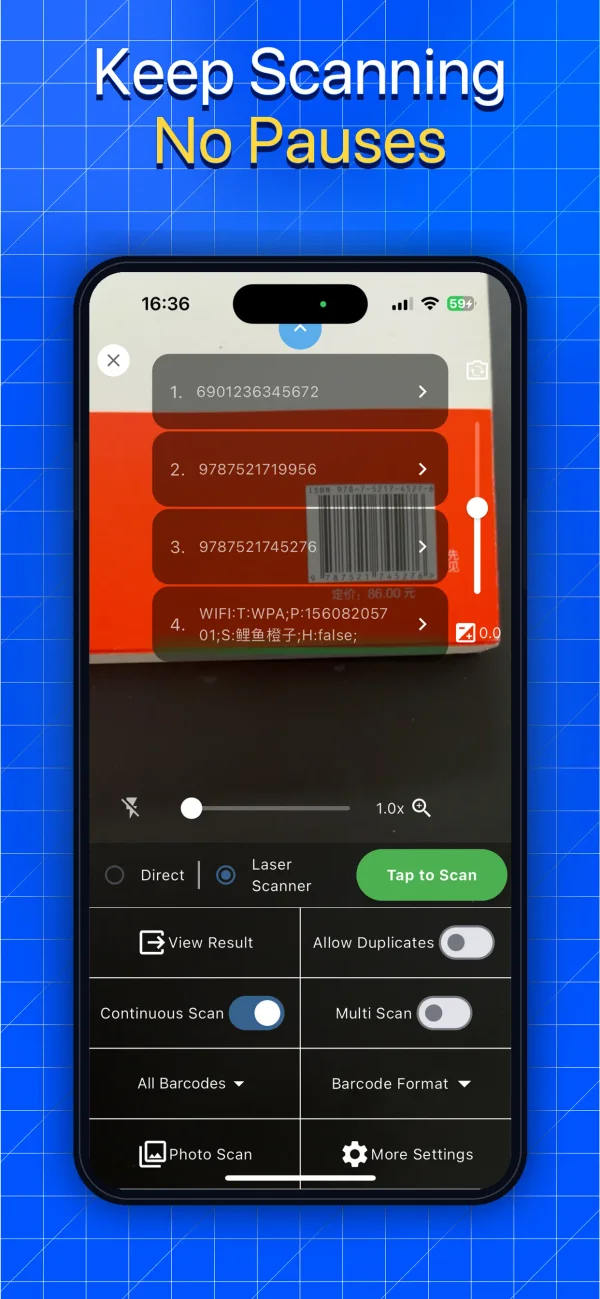
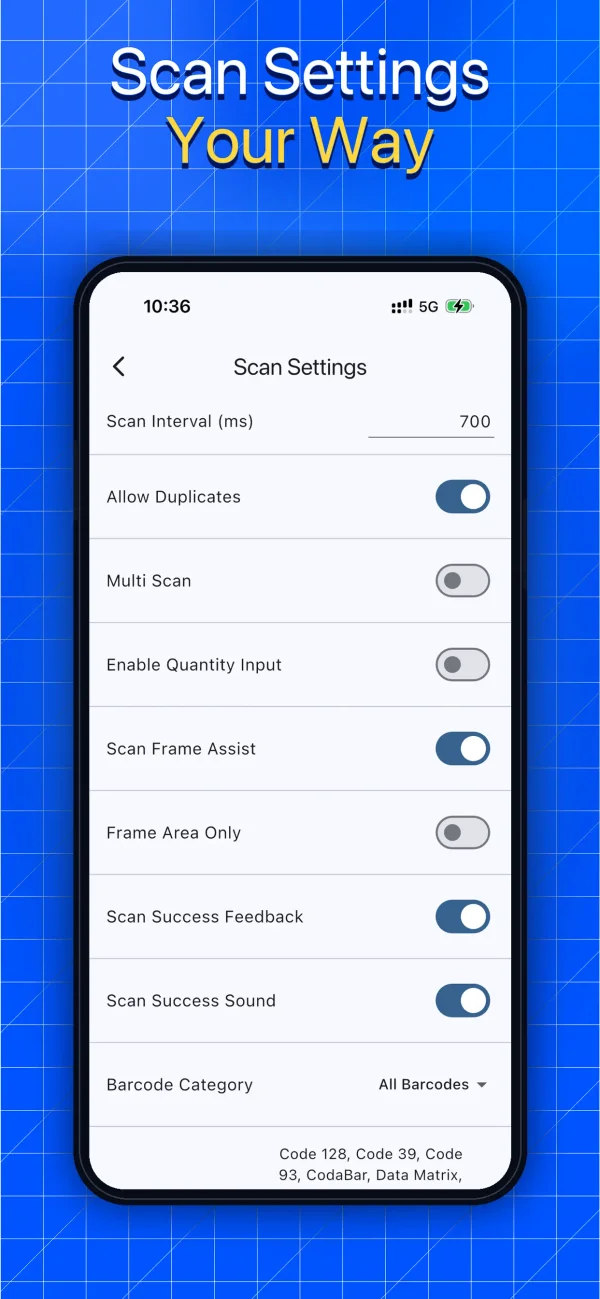
- Choose continuous scan when speed matters, or manual scan when you want controlled one-by-one capture.
- Import code images from Photos, detect multiple codes in one image or frame, and filter by code type when you only want certain formats.
- Use duplicate controls and scan intervals to keep long sessions cleaner.
Batch capture for real work
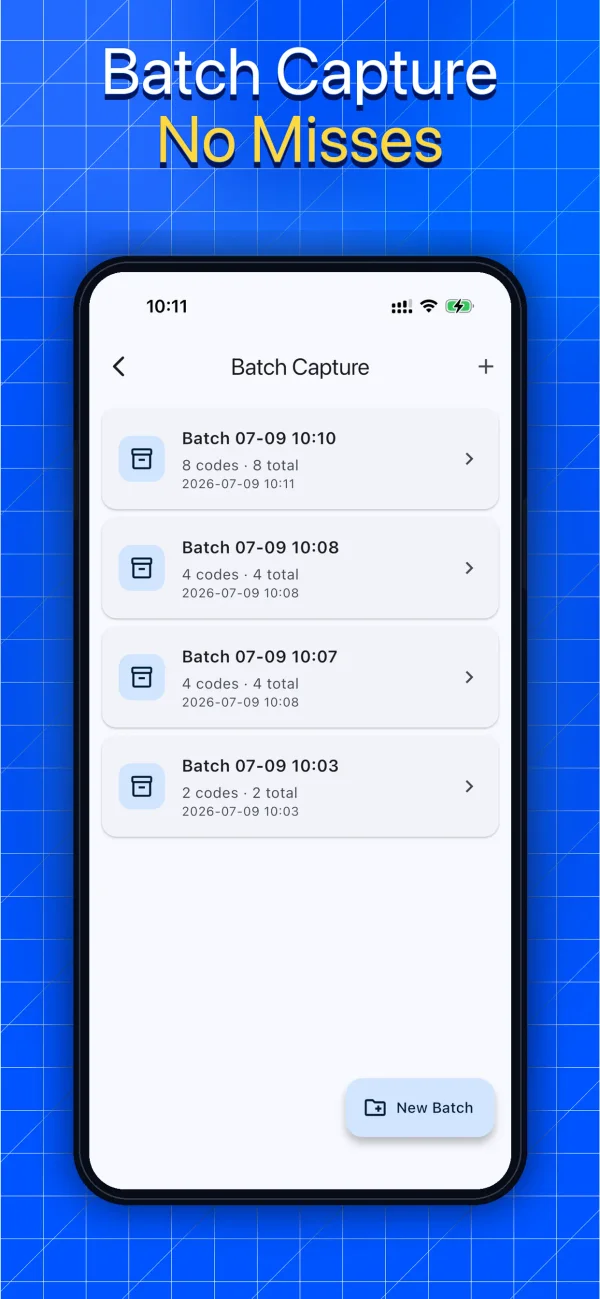
Version 1.2.1 adds Batch Capture, designed for tasks beyond a simple scan history. Create a batch for a shelf, delivery, asset audit, event desk, classroom set, warehouse zone or temporary job. Keep scanning into the same batch, review the code count and total quantity, rename the batch, select records, remove mistakes and export the results when the job is done.
Free users can keep 1 batch. VIP unlocks unlimited batches for ongoing inventory, warehouse, retail and field collection workflows.
Add quantity to scan records
Scanning is more useful when it records how many items you found. EasyCode lets you add quantities so a batch can represent product counts, package totals, equipment checks or check-in totals. Quantity and duplicate handling help turn raw scans into a cleaner list for review, sharing or spreadsheet work.
Export and manage history
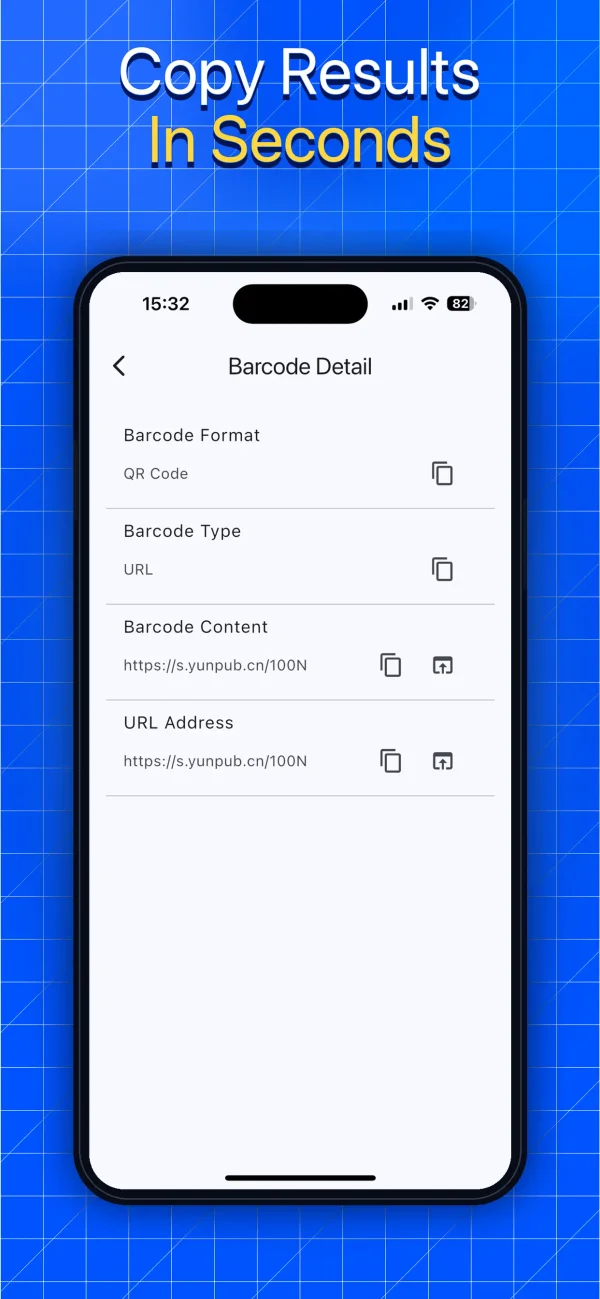
Everyday scans and batch records stay organized in history. Search by keyword, code type or date, copy results, select multiple records and export TXT or Excel files with useful fields. Use exports for reporting, backup, team handoff, asset lists or your own spreadsheet process. Records are stored on your device unless you choose to share or export them.
Create QR codes
EasyCode also includes a QR code generator for common personal and business needs:
- Text and website links
- Wi-Fi network details
- vCard contacts
- Phone numbers
- SMS and email
- Geo locations
Save generated QR codes to Photos or share them as images. The generation history lets you search previous QR codes, reopen a code for editing, preserve the saved content and export the generated list to TXT or Excel.
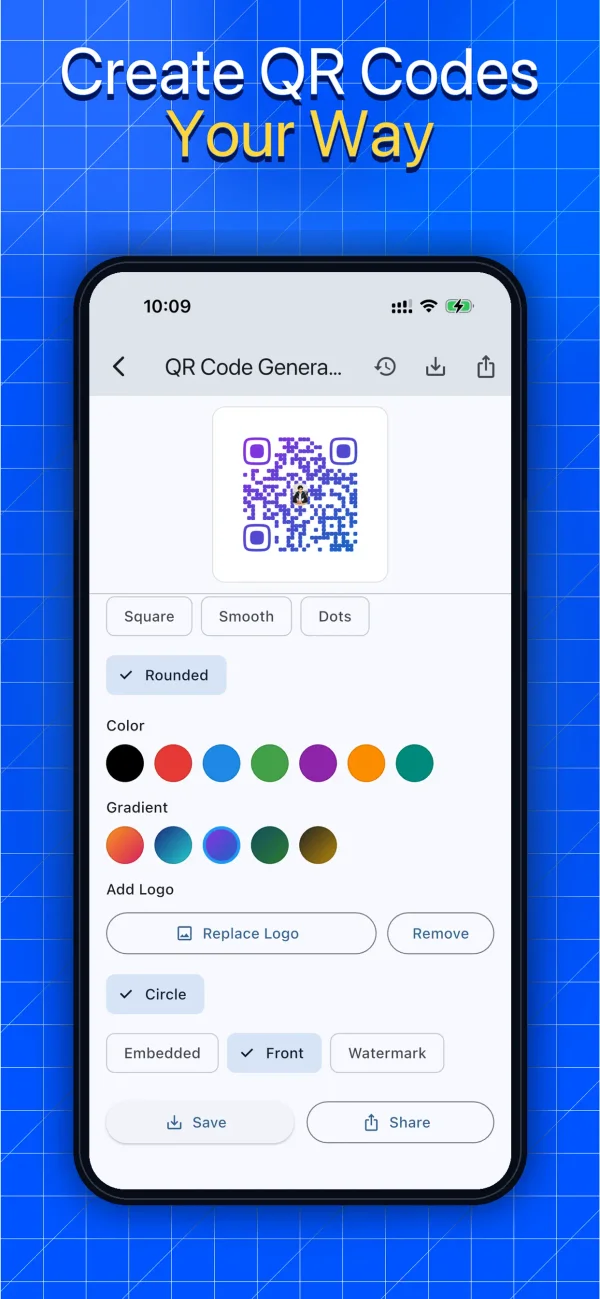
Customize QR appearance
Make QR codes that fit labels, packaging, posters, business cards, classroom materials or event signs. Use available shapes, solid colors, gradients and optional center logos when you need a more branded look. Some advanced QR styles and logo options may require VIP.
Useful in many scenarios
- Retail: scan product barcodes, prepare small stock counts and export results.
- Warehouse and logistics: collect item, package or location codes by batch.
- Asset management: audit equipment, tools and office items with quantities and searchable records.
- Events and education: scan tickets, resources, labels or class materials.
- Personal QR tasks: open links, join Wi-Fi, save contacts, create QR codes and keep a searchable record.
EasyCode is made for people who need a scanner that is fast, organized and flexible: simple enough for daily QR tasks, but strong enough for batches, quantities, exports and custom QR creation.
Terms of Use: https://www.apple.com/legal/internet-services/itunes/dev/stdeula/
What’s new
Version 1.2.4 · Jul 27, 2026
• Watch an ad to unlock a premium QR style once, create one extra batch, or save the next 10 scan photos.
• More Features now uses a cleaner 4-column layout.
• Improved navigation, analytics, and stability.
App privacy
What Chengdu Weicao Youfang Technology Co., Ltd. declares on the App Store about how this app handles data.
-
Data used to track you
May be used to track you across apps and websites owned by other companies.
- Identifiers
- Usage data
- Diagnostics
-
Data linked to you
May be collected and linked to your identity.
- Identifiers
- Usage data
- Diagnostics
Privacy practices may vary, for example with the features you use or your age.
Information
- Seller
- Chengdu Weicao Youfang Technology Co., Ltd.
- Category
- Utilities
- Version
- 1.2.4
- Updated
- Jul 27, 2026
- Released
- Nov 29, 2024
- Size
- 70.4 MB
- Requires
- iOS 13.0 or later
- Age rating
- 4+
- Price
- Free
- In-app purchases
- Yes
- Languages
- English, Arabic, French, German, Hindi, Japanese, Portuguese, Simplified Chinese, Spanish, Traditional Chinese, Vietnamese
- Copyright
- © 2024 Chengdu Weicao Youfang Technology Co., Ltd.
You might also like
-
 Barcode Notesscanner, management and export
-
 条码全能王-多人协作扫码神器!Utilities
-
 HEIC to JPEG Converter ProConvert HEIC Photos to JPG
-
 Power Barcode ScannerScan & Track Barcodes QR Codes
-
 Barcode & QR Code Scanners ProBarcode QR Generator & Reader
-
 2FA - Authenticator, Verify IDid verification & keeper idme
-
 Search & Wiki Paste KeyboardClipboard & Browser built-in
-
 Barcode to PC: Wi-Fi scannerInstantly send barcodes
-
 Dual Space - Parallel SpaceDual app, Multiple Account
-
 Custom Keyboard Fonts FontsifyAuto Paste, Kaomoji, Symbols