
- Age rating4+
- CategoryUtilities
- DeveloperShenzhen Junge Yunchuang Technology Co.,Ltd
- LanguagesEnglish+ 12 more
- Size117.7 MB
Links to the official App Store page
Download.org hosts no file of EasyEra. The button opens its official App Store page, published by Shenzhen Junge Yunchuang Technology Co.,Ltd. Listing last checked on Nov 17, 2026.
Screenshots
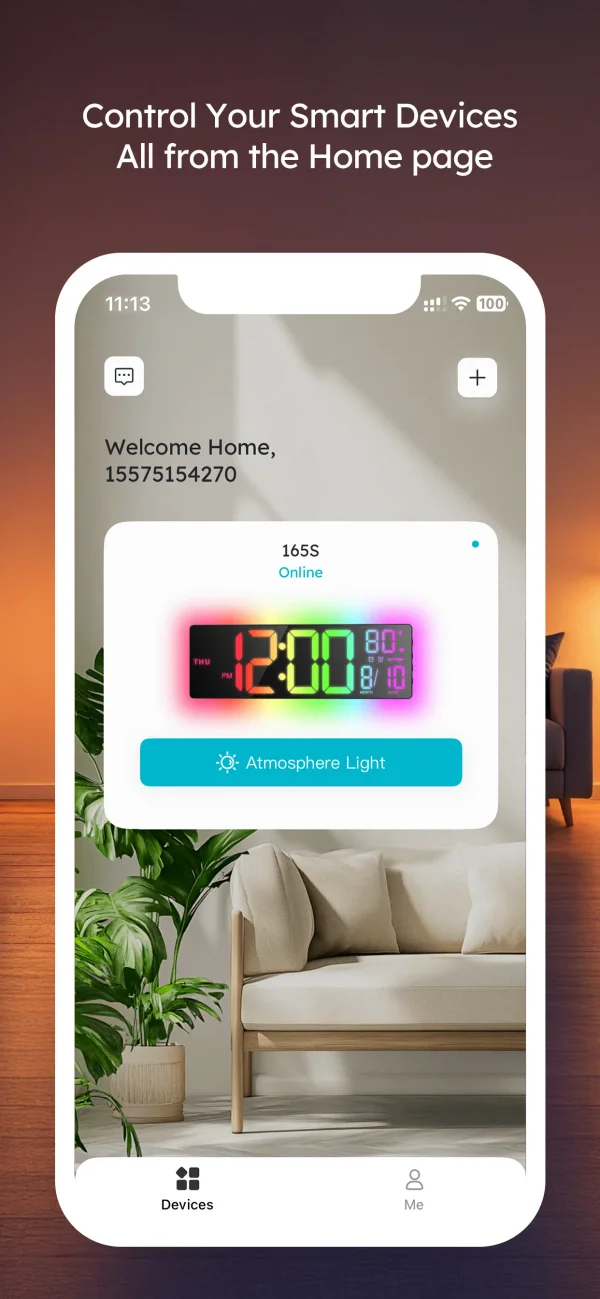


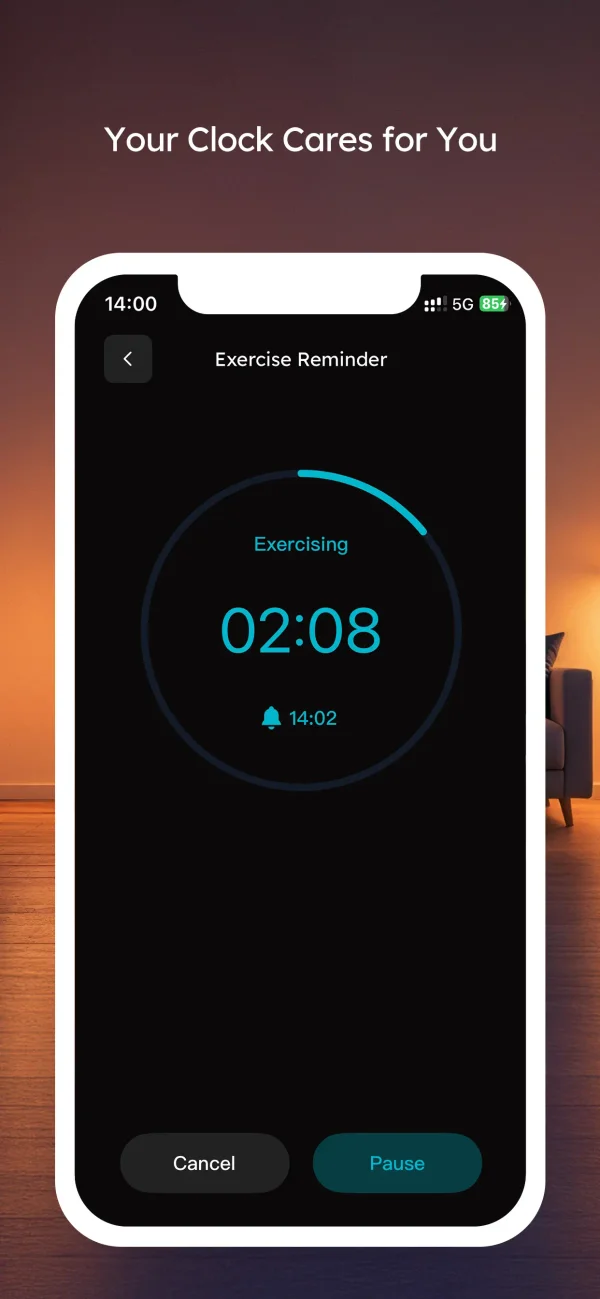
About
How to Connect the Easyera App with Your Device?
Step 1: Download and Install the App
Search for Easyera in App Store, then download and intall it into your mobile device.
Step 2: Register An Account
Create an account in the Easyera App with a valid email address.
Step 3: Connect the App with Your Device
Open the Easyera App and follow the in-app instructions to connect the App with your device.
What’s new
Version 1.2.5 · Nov 11, 2026
1. Solving Some Known Issues
App privacy
What Shenzhen Junge Yunchuang Technology Co.,Ltd declares on the App Store about how this app handles data.
-
Data not linked to you
May be collected but is not linked to your identity.
- Location
- User content
- Identifiers
- Usage data
- Diagnostics
Privacy practices may vary, for example with the features you use or your age.
Information
- Seller
- Shenzhen Junge Yunchuang Technology Co.,Ltd
- Category
- Utilities
- Version
- 1.2.5
- Updated
- Nov 11, 2026
- Released
- Nov 23, 2025
- Size
- 117.7 MB
- Requires
- iOS 15.0 or later
- Age rating
- 4+
- Price
- Free
- Languages
- English, Arabic, French, German, Italian, Japanese, Korean, Portuguese, Russian, Simplified Chinese, Spanish, Traditional Chinese + 1 more
- Copyright
- © Shenzhen Junge Yunchuang Technology Co.,Ltd
You might also like
-
 U/AWAREUniden SDS150 Companion app
-
 ZNPUtilities
-
 EDUP SmartUtilities
-
 ClassLink VerifyStronger Security With Verify
-
 EMEET STUDIOUtilities
-
 Newline Cast +Utilities
-
 HitFinds: Creator AI ToolsYour TikTok Creator AI Tools
-
 Jadens PrinterUtilities
-
 Emergency Management SuiteUtilities
-
 MONSTER ZONE CONTROL 2My Monsteraudio