EasyHours Time Tracking
Timesheets & Shift Scheduling
Designed for iPhone, iPad, Mac
Free
- Age rating4+
- CategoryBusiness
- DeveloperMartin Nielsen
- LanguagesEnglish+ 30 more
- Size41.3 MB
Links to the official App Store page
Download.org hosts no file of EasyHours Time Tracking. The button opens its official App Store page, published by Martin Nielsen. Listing last checked on Nov 23, 2026.
Screenshots

About
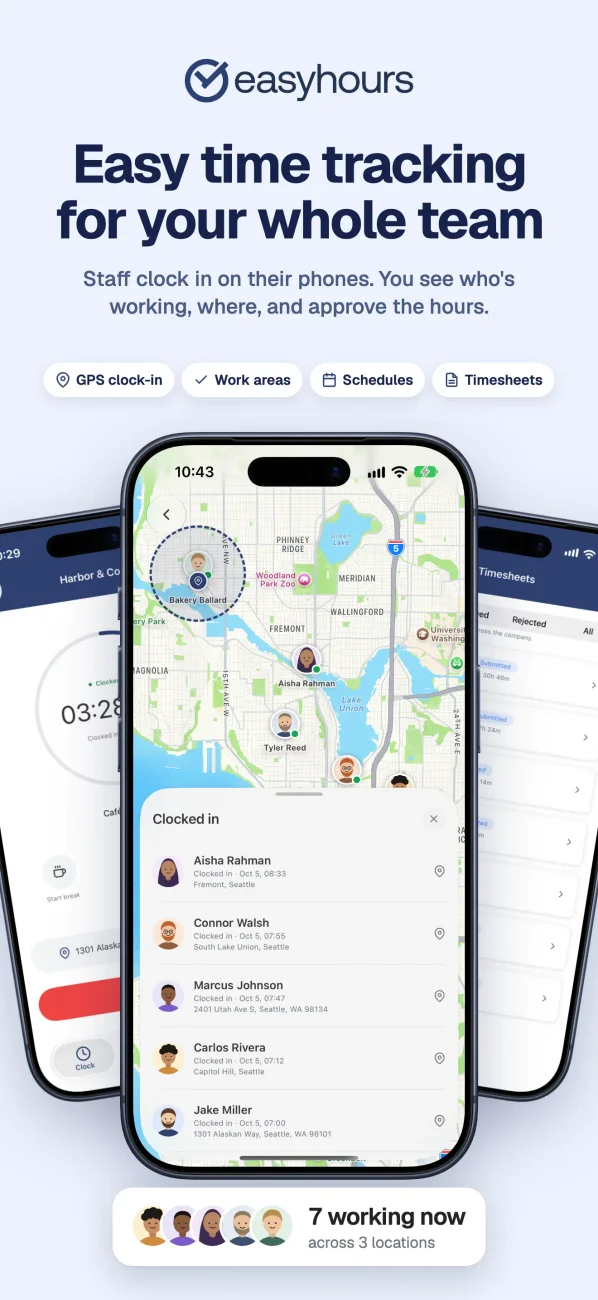
Know who's working, where and for how long. EasyHours gives your team a simple time clock on their phones – and gives you approved timesheets, ready for payroll.
Built for businesses with staff on shifts, on the road or on site.
FOR MANAGERS
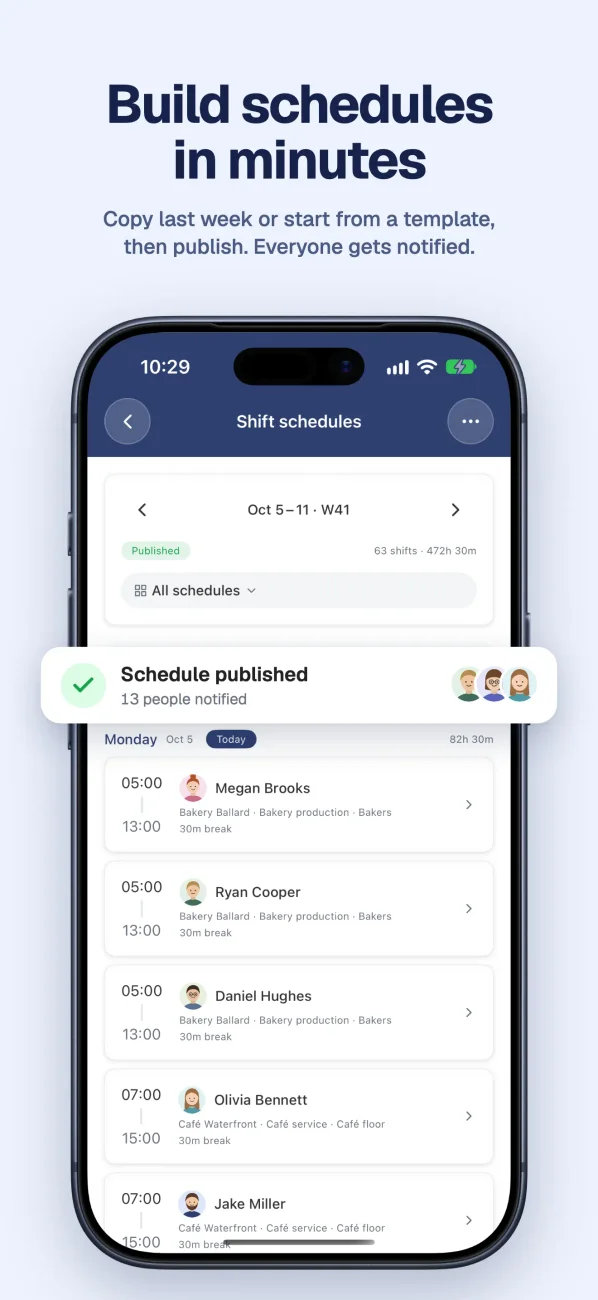
• Plan shifts week by week, copy last week or fill it from templates, then publish – your team is notified straight away
• See who's clocked in, and where, on a live map
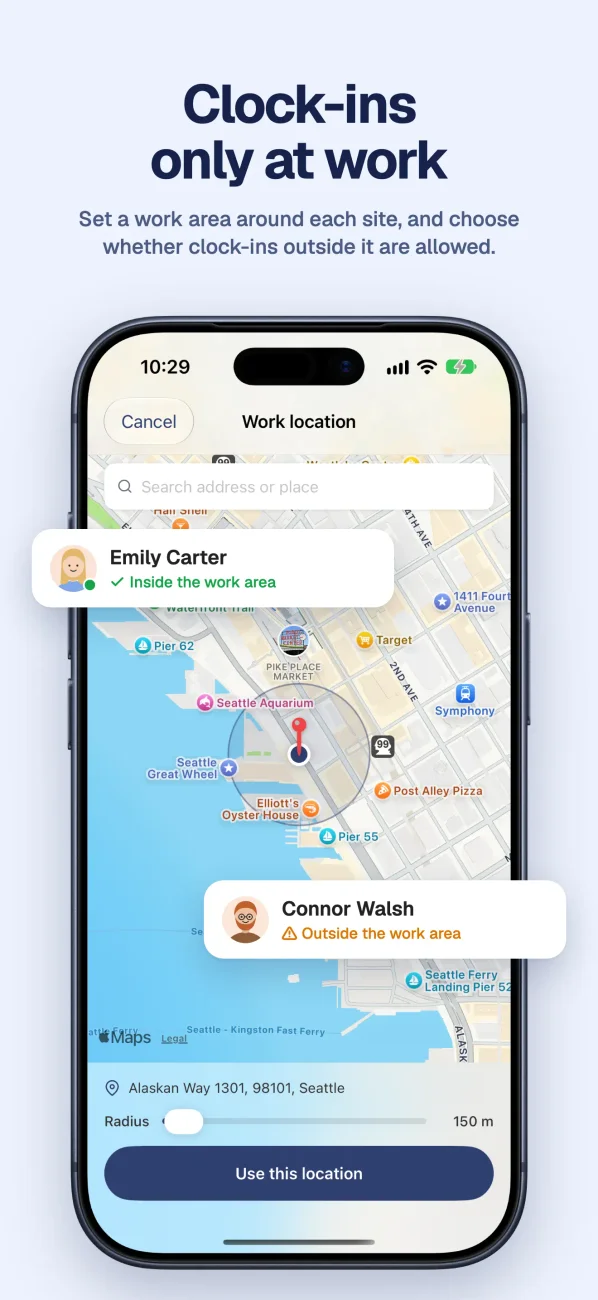
• Require location at clock-in, and warn or block outside your workplaces. Faked GPS locations are refused
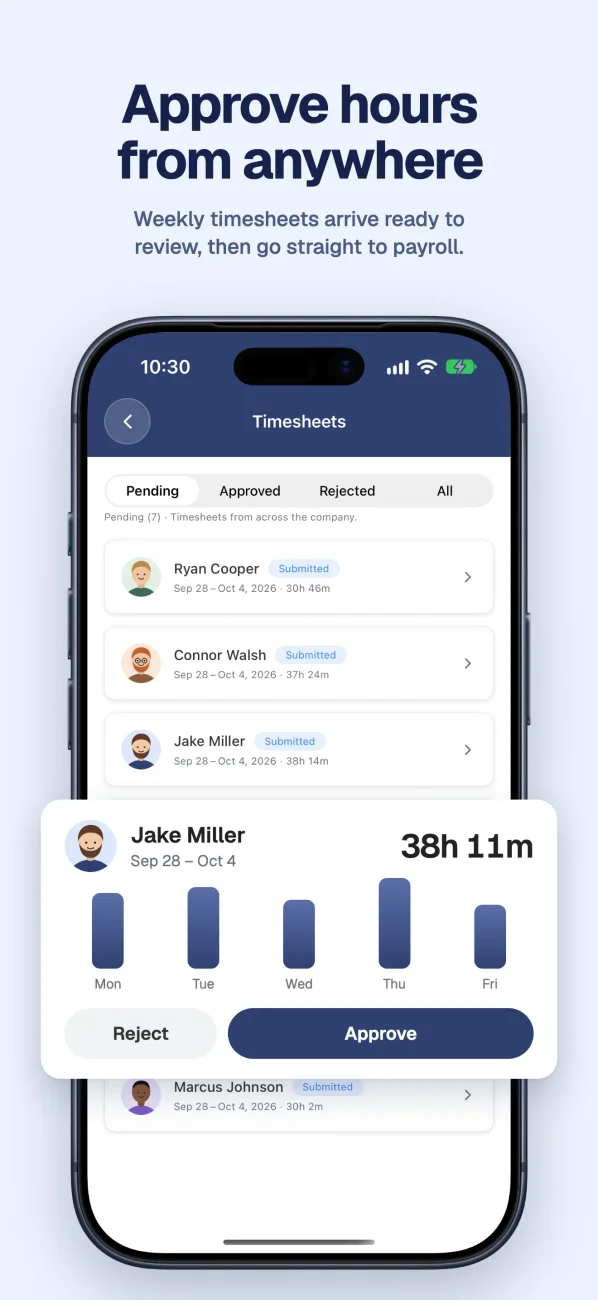
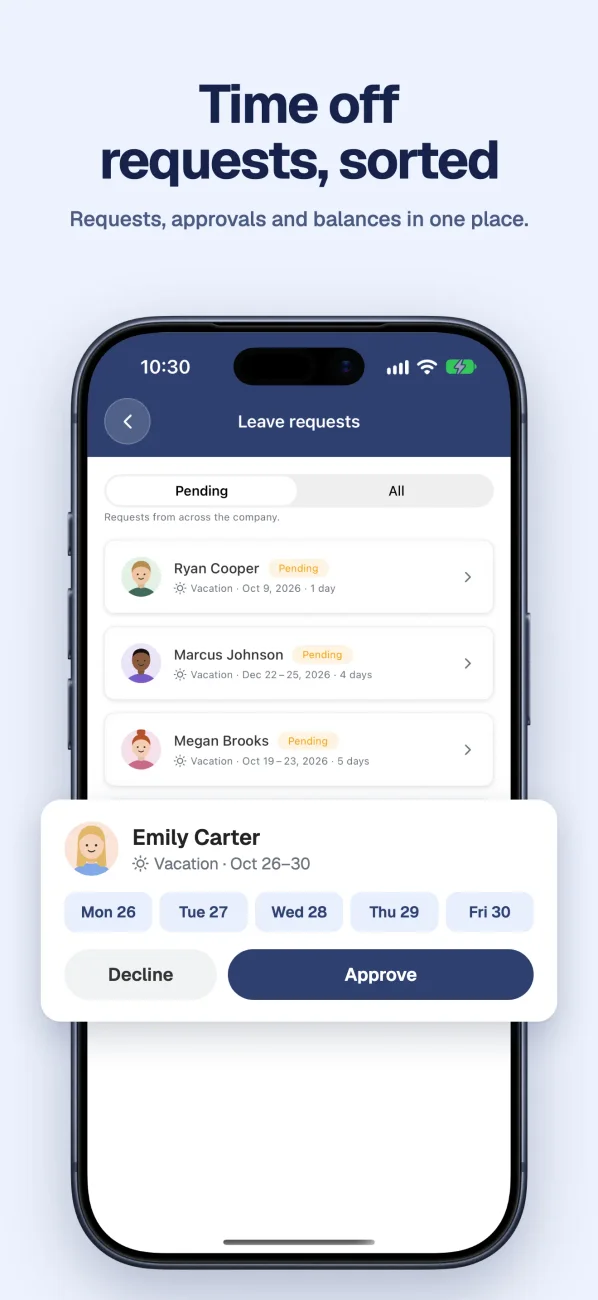
• Approve time entries, weekly timesheets and leave requests from your phone
• Review flagged entries, such as very long shifts or punches away from work
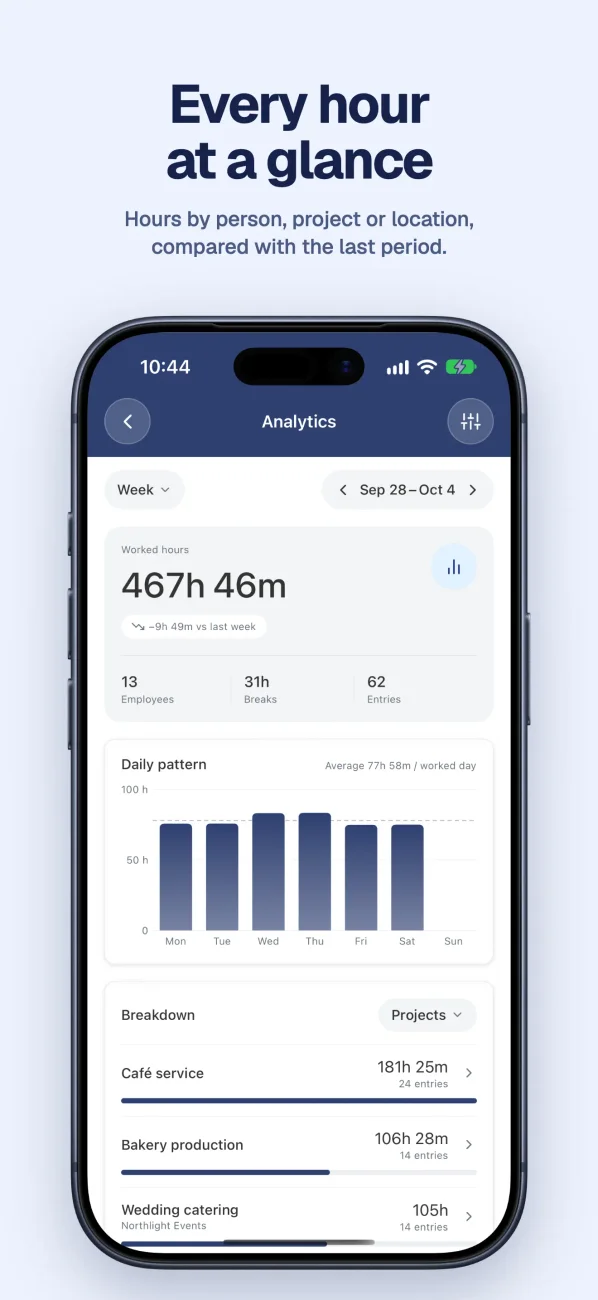
• Follow hours by person, project, customer or location, compared with the previous period
• Manage employees, teams, projects, tasks, budgets and customers
FOR EMPLOYEES
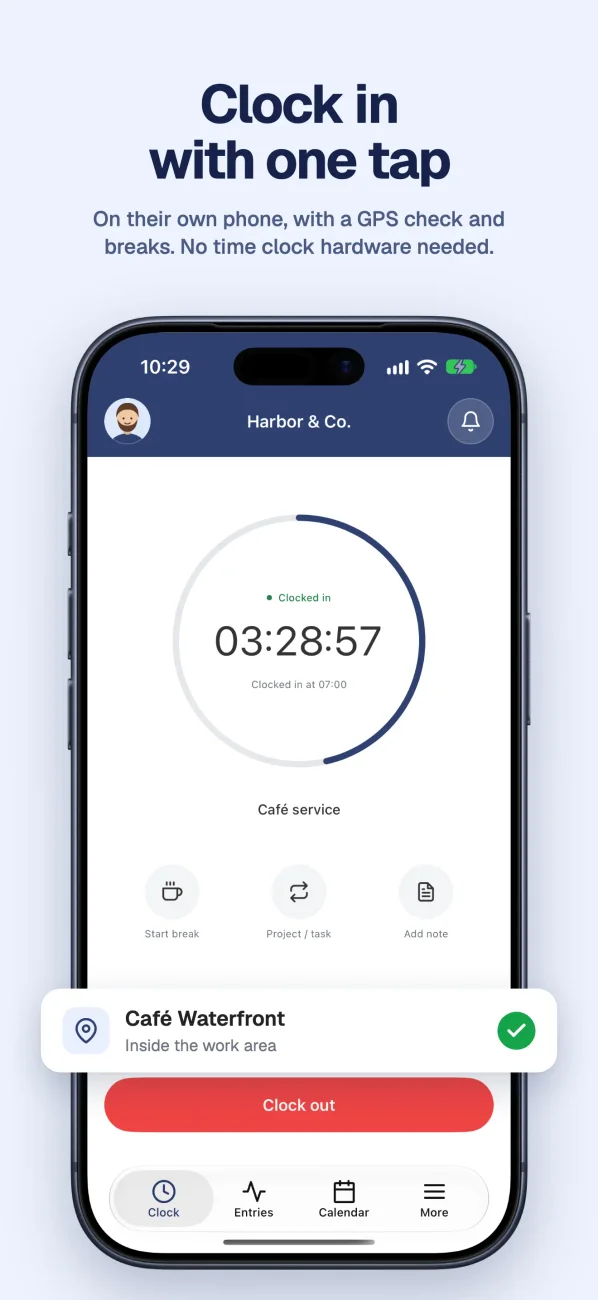
• Clock in and out with one tap, and start and end breaks
• Choose the project and task you're working on, and switch mid-shift
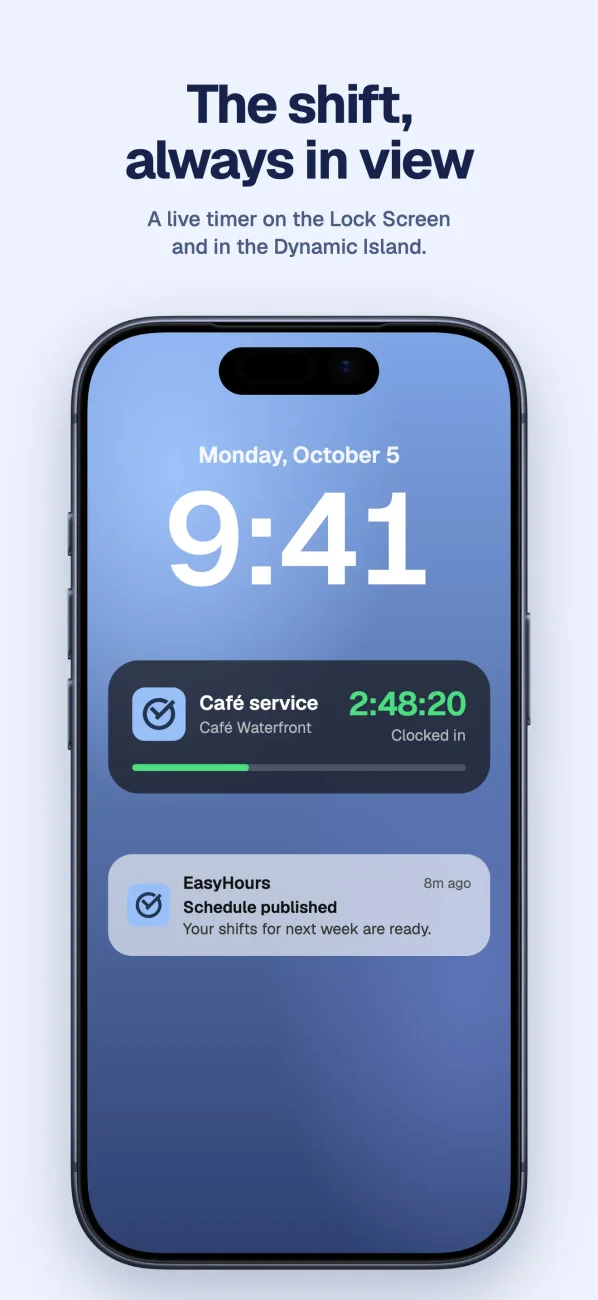
• Follow your running shift on the Lock Screen and in the Dynamic Island
• Get a reminder to clock in when you arrive at work
• Optional automatic clock-in/out at saved workplaces, when enabled by your employer and you. Uses background location even when the app is closed, and sends arrival location and arrival/departure times to your employer.
• Keep clocking without signal – your entries sync when you're back online (if your company allows it)
• See your shifts by week or month, and swap shifts with colleagues
• Submit your weekly timesheet and request vacation, sick leave or comp time
• Check your hours and time-off balance at a glance
MADE FOR EUROPEAN TEAMS
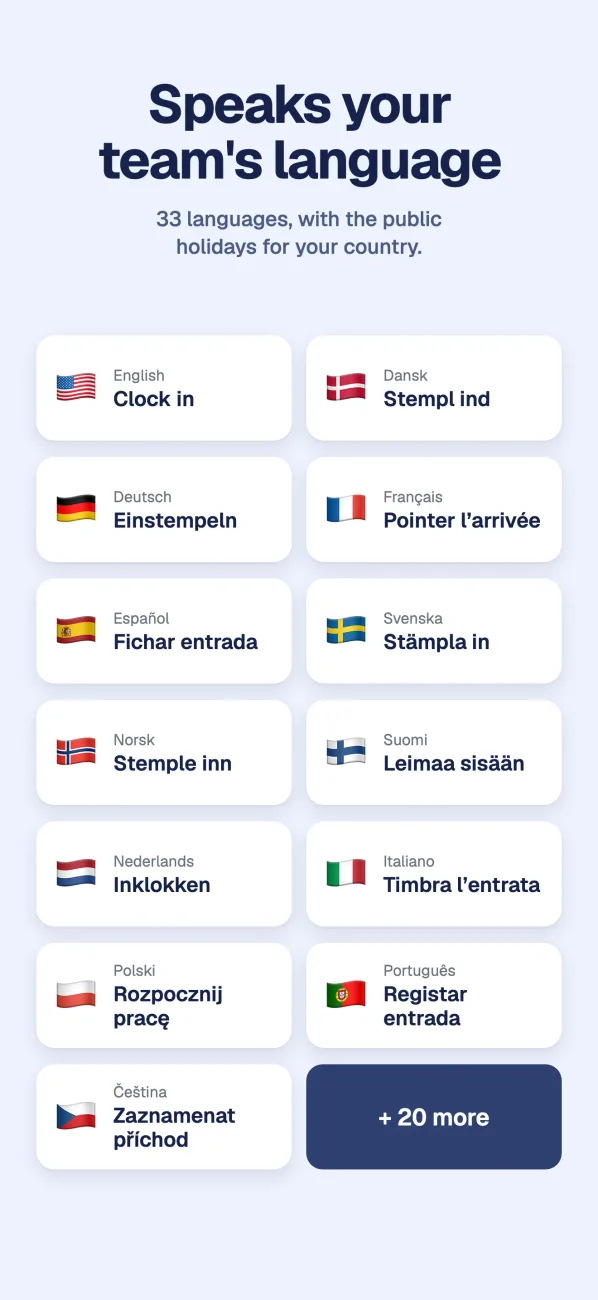
EasyHours speaks 33 languages, knows your country's public holidays and keeps a reliable record of working hours for every employee.
WORKS WITH THE WEB DASHBOARD
Everything syncs with the EasyHours web dashboard, where admins set overtime and rounding rules, export to Excel and connect payroll systems such as Visma e-conomic, Visma Payroll and Fennoa.
Need a shared clock at the entrance? Get our iPad app, EasyHours Time Clock.
GETTING STARTED
Sign in with your email – no password needed. Create your company in the app, or join your employer with the join key they share with you.
What’s new
Version 2.1.0 · Nov 21, 2026
Thanks for using EasyHours! This update includes improvements and fixes that make time tracking faster and more reliable for your whole team.
App privacy
What Martin Nielsen declares on the App Store about how this app handles data.
-
Data linked to you
May be collected and linked to your identity.
- Location
- Identifiers
-
Data not linked to you
May be collected but is not linked to your identity.
- Financial info
- Location
- Contact info
- User content
- Usage data
Privacy practices may vary, for example with the features you use or your age.
Information
- Seller
- Martin Nielsen
- Category
- Business
- Version
- 2.1.0
- Updated
- Nov 21, 2026
- Released
- Aug 30, 2025
- Size
- 41.3 MB
- Requires
- iOS 17.0 or later
- Age rating
- 4+
- Price
- Free
- Languages
- English, Arabic, Bulgarian, Croatian, Czech, Danish, Dutch, Estonian, Finnish, French, German, Greek + 19 more
- Copyright
- © 2026 Martin Nielsen
You might also like
-
 Shifty: Work Schedule CalendarTime Clock & Payroll Tracker
-
 Hours & Pay Tracker: atWorkTime Clock & Work Timesheet
-
 WorkTime: Hours Tracker LogTrack work time & salary
-
 Punch inControle de ponto
-
 Easy Time Tracker ◴Simple Work Hours Tracking
-
 Jibble Time TrackerTime and attendance app
-
 Work Hours & Pay CalculatorTrack time & expected salary
-
 Punch Time ClockTimesheets & Hours Tracker
-
 Clockify Time TrackerTime tracker and timesheet
-
 Atto: Time Tracking & ShiftsEmployee Clock In Hour Tracker