
- Age rating4+
- CategoryBusiness
- DeveloperSmart Dato GmbH
- LanguagesEnglish
- Size23.3 MB
Links to the official App Store page
Download.org hosts no file of EC Name Tag App. The button opens its official App Store page, published by Smart Dato GmbH. Listing last checked on Nov 15, 2026.
Screenshots
About
Welcome to Excellent Companies Name Tag App – Your Ultimate Networking Companion!
At Excellent Companies, we understand the power of connections. That’s why we’ve developed the Excellent Companies Name Tag App – a seamless, efficient solution to enhance your networking experience at our exclusive events. Say goodbye to cumbersome paper name tags and embrace the simplicity of digital identification right from your smartphone.
Key Features:
• No Registration Required:
Get started instantly without the hassle of creating an account. Simply download the app, enter your details, and you’re ready to network.
• Easy Setup:
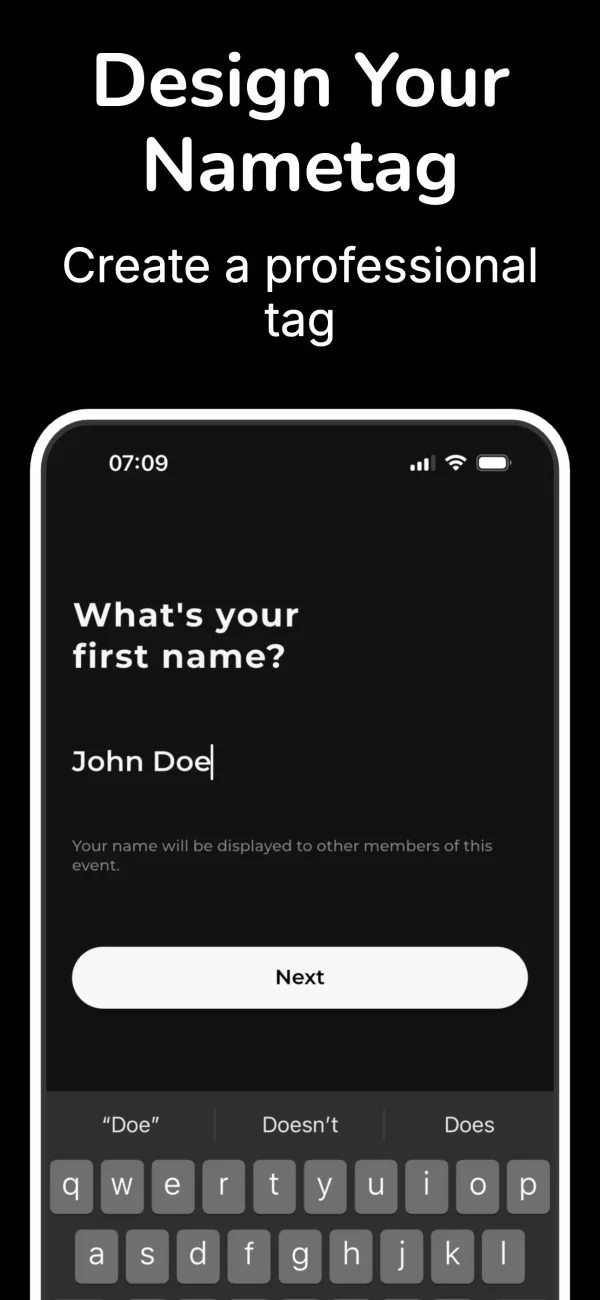
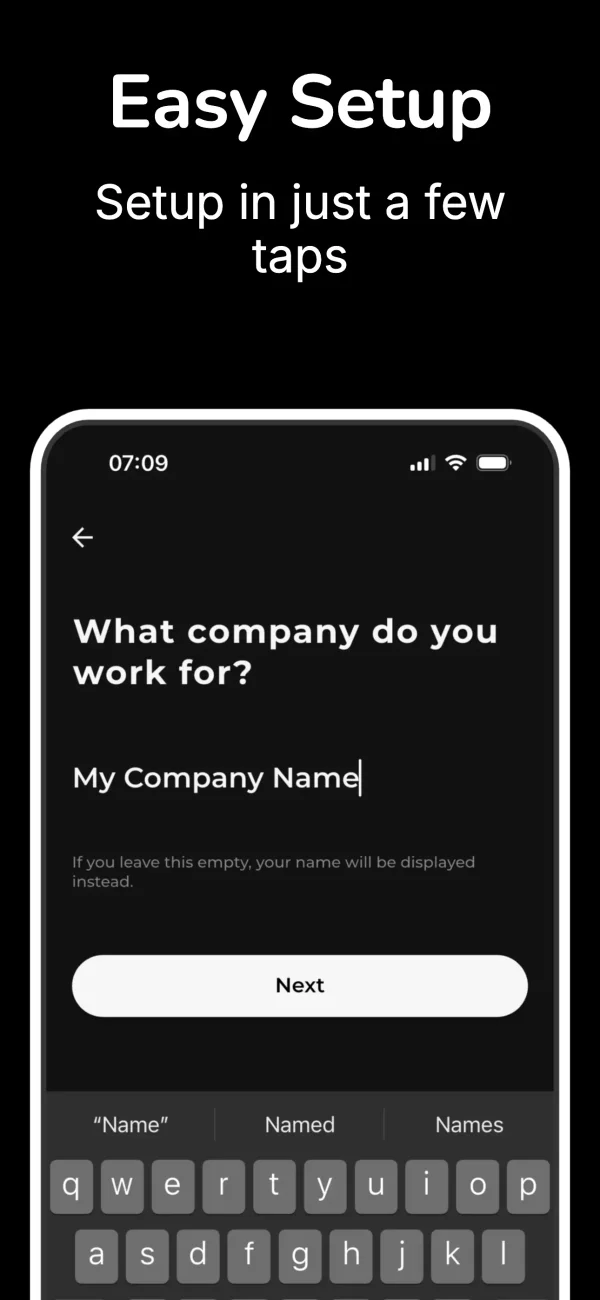
Enter your personal name and your company’s name with just a few taps. The intuitive interface ensures a quick and straightforward setup process.
• Fullscreen Nametag Display:
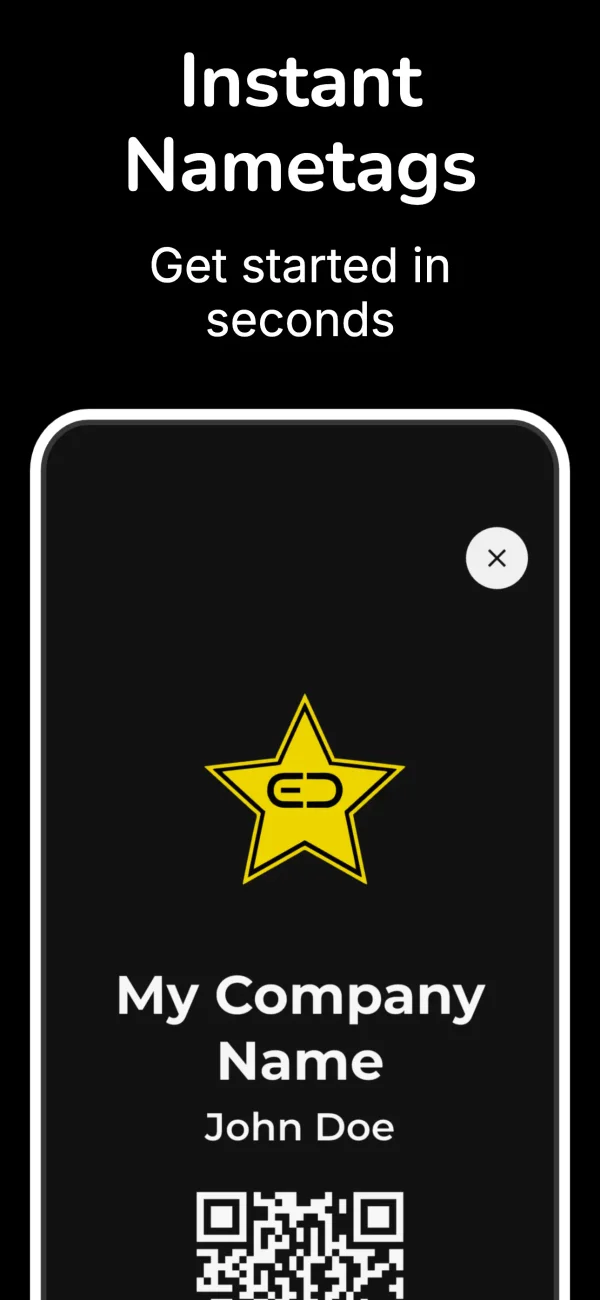
Once your details are entered, activate the name tag display. Your smartphone will showcase your name and company in a clear, prominent fullscreen mode, ensuring you’re easily recognizable.
• Optimized for Portrait Mode:
Designed specifically for portrait orientation, the app ensures that your name tag is perfectly displayed when worn around your neck with a lanyard. No need to adjust your phone’s position – we’ve got you covered.
• Automatic Brightness Adjustment:
The app intelligently adjusts your screen brightness to ensure optimal visibility in any lighting condition, making sure your nametag is always easy to read.
• Screen Always On:
The display remains active throughout the event, eliminating the need to constantly wake or unlock your device. Focus on making connections without interruptions.
• Minimalist Design:
A clean and professional look that reflects your business persona. Your nametag is displayed with elegance, keeping the focus on your name and company.
How to Use:
1. Download the App:
Find "EC Name Tag App" on the App Store and install it on your smartphone.
2. Enter Your Details:
Open the app, input your personal name and your company’s name in the provided fields.
3. Activate Display:
Tap the activation button to display your nametag in fullscreen mode. The app will automatically adjust brightness and keep the screen active.
4. Wear and Network:
Hang your smartphone around your neck using a lanyard, and let the app do the rest. Your name and company will be clearly visible to other attendees, facilitating effortless introductions and connections.
Thank you for choosing Excellent Companies Name Tag App – where connections thrive!
What’s new
Version 1.0.11 · Oct 7, 2025
- Improvements
- German language support
App privacy
What Smart Dato GmbH declares on the App Store about how this app handles data.
-
Data not collected
The developer does not collect any data from this app.
Privacy practices may vary, for example with the features you use or your age.
Information
- Seller
- SMART DATO SRLS
- Category
- Business
- Version
- 1.0.11
- Updated
- Oct 7, 2025
- Released
- Feb 26, 2025
- Size
- 23.3 MB
- Requires
- iOS 15.0 or later
- Age rating
- 4+
- Price
- Free
- Languages
- English
- Copyright
- © Smart Dato GmbH 2025
You might also like
-
 NameTag AppQuickly Tag Names to Places
-
 Radix+ ExpensesProductivity
-
 MyNametagYour Networking Companion
-
 Hello, My Name Is BadgeAnimated Digital Name Badge
-
 flamingoHRHR made easy
-
 Cashnote: Budget & ExpensesIncome & Spending Tracker
-
 CapyFlow: Habits & FocusDaily habits & focus timer
-
 Badgely: Name Badge MakerPrintable name badge sheets
-
 Habits for goodNo sign-in, no ads, no fuss