
EchoSpeak-ShadowingForFluency
LearningEnglish through Videos
Designed for iPhone, iPad
Free · In-app purchases
- Age rating4+
- CategoryEducation
- Developer俊良 宋
- LanguagesEnglish+ 12 more
- Size189.8 MB
Links to the official App Store page
Download.org hosts no file of EchoSpeak-ShadowingForFluency. The button opens its official App Store page, published by 俊良 宋. Listing last checked on Nov 17, 2026.
Screenshots

About
"Echo Speak" is an innovative language learning app that harnesses the power of videos and subtitles to help users master English. With support for importing videos and subtitle files, the app offers a range of interactive features to enhance your language learning experience.
Key Features:
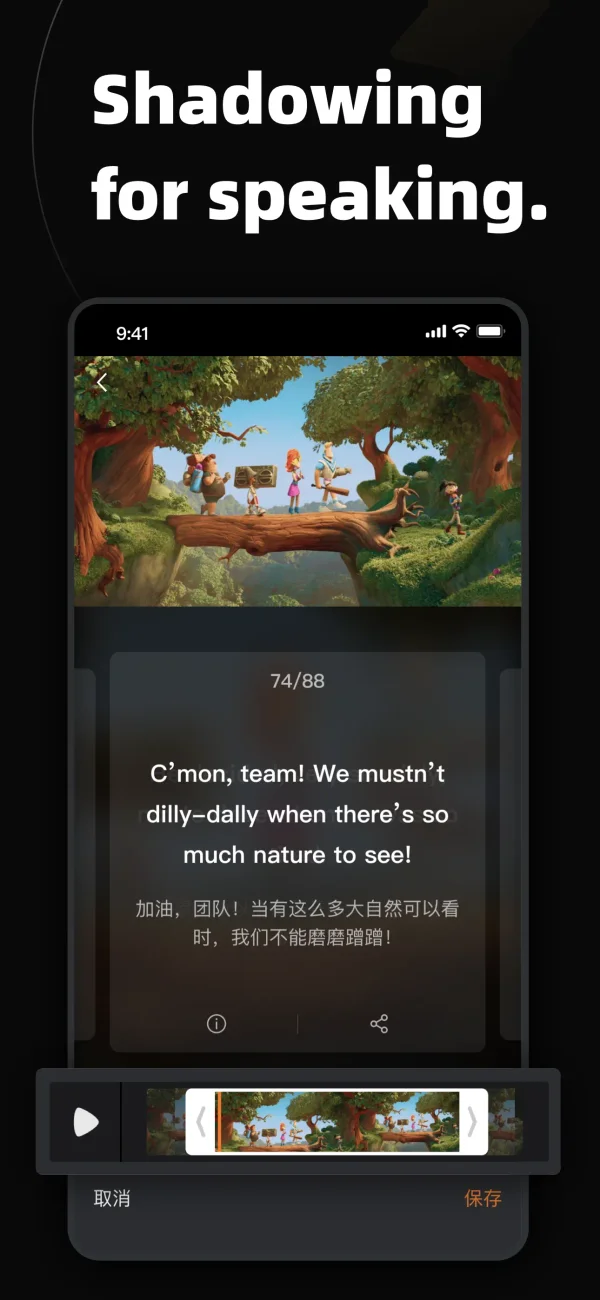
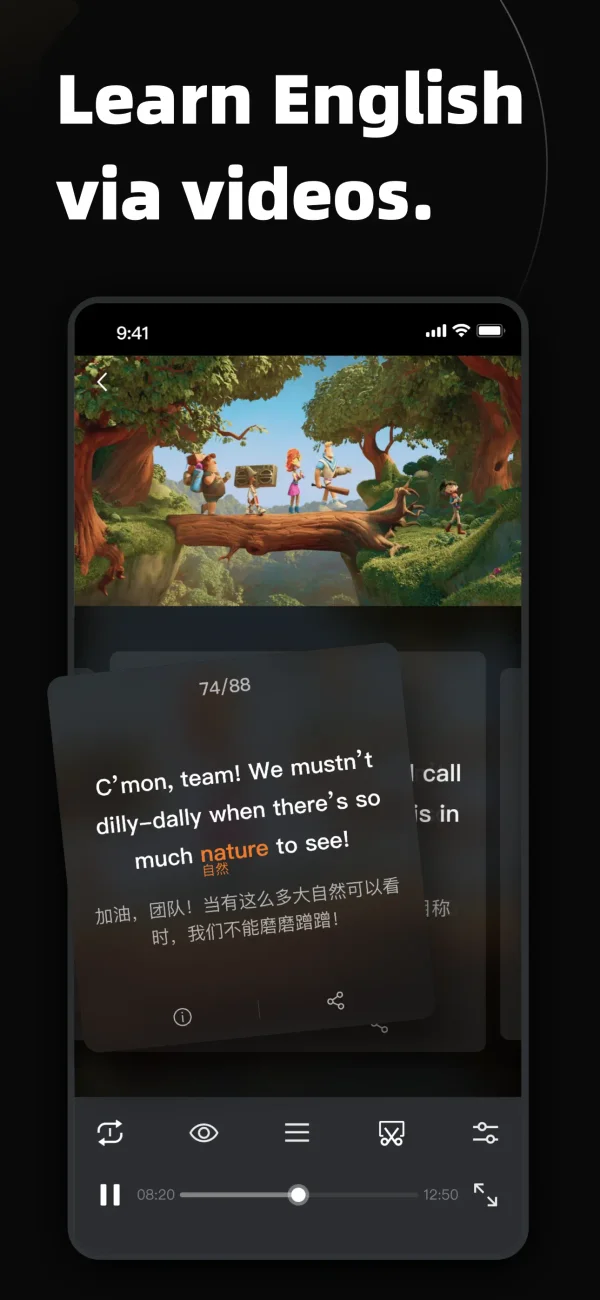
- Short Video Flashcard: Introducing the powerful short video flashcards feature! You can quickly add words, subtitles, or clips as short video flashcards. Learn English by swiping through flashcards just like short videos. Through repeated active recall and self-testing, flashcards help you strengthen memory and improve learning efficiency.
- Vocabulary Filtering: Seamlessly integrated with an English word database, the app automatically filters out unfamiliar words from subtitles and provides instant explanations. You can also add your own unfamiliar words from the subtitles to expand your vocabulary.
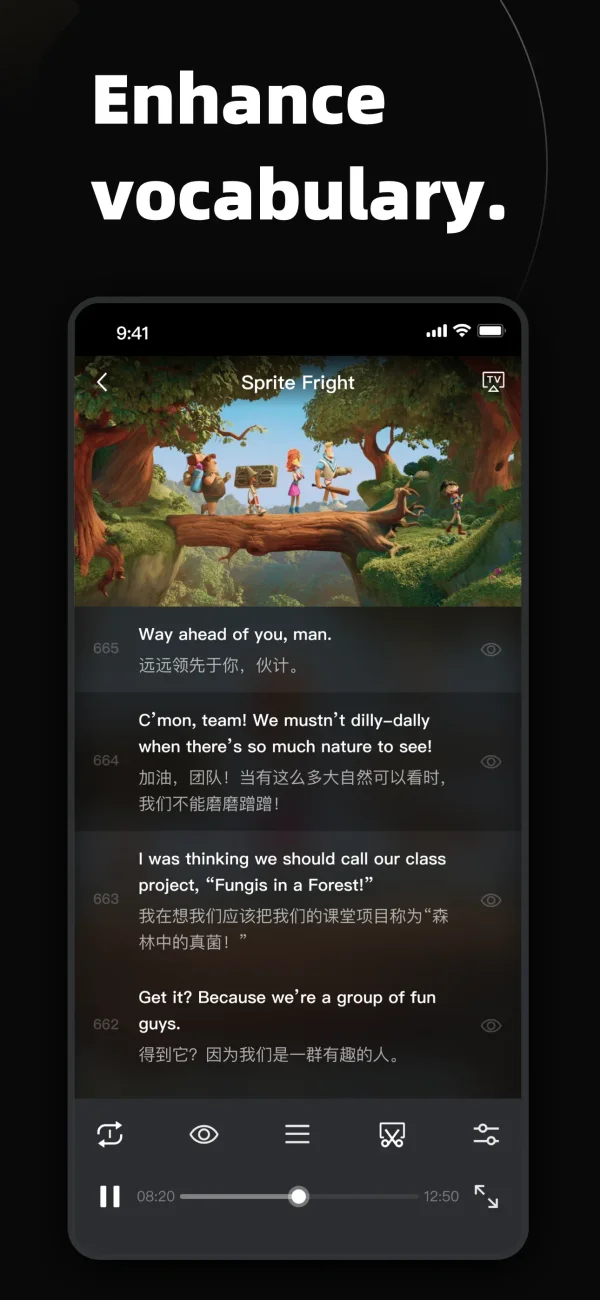
- Subtitle Language Switching: Enjoy the flexibility of switching between different language subtitles, such as English and Chinese, while watching videos. This feature allows you to practice your listening skills in different language contexts.
- Subtitle Word Display: With just a tap, you can instantly view all the words, their definitions, and phonetic transcriptions within a subtitle. You can even listen to the standard American or British pronunciation by tapping the pronunciation button.
- Generate Subs Locally: No need to hunt for matching subs – our app can whip up subtitles offline, hassle-free!
- Subtitle Hide/Show: Customize your viewing experience by hiding or showing all or specific subtitles during video playback. If you encounter a challenging sentence, you can display the corresponding subtitle to aid comprehension.
- Subtitle Playback Control: Easily navigate to specific moments in the video by selecting a subtitle from the list. This feature enables you to focus on specific dialogue lines and practice your listening skills through repetition.
- Sentence Repeat Playback: Enhance your listening and speaking abilities by utilizing the subtitle repeat feature to practice individual dialogue lines. Perfect your pronunciation and mimic native speakers.
- Slow and Fast Playback: Adjust the video playback speed from 0.5x to 2.0x to suit your learning needs. Slow down fast-paced conversations for better comprehension, or increase the speed to improve your ability to understand naturally spoken English.
- Bookmark Segments: Create personalized segments within videos based on the story plot or your preferences. Easily replay specific segments to reinforce your understanding or start learning directly from a chosen segment.
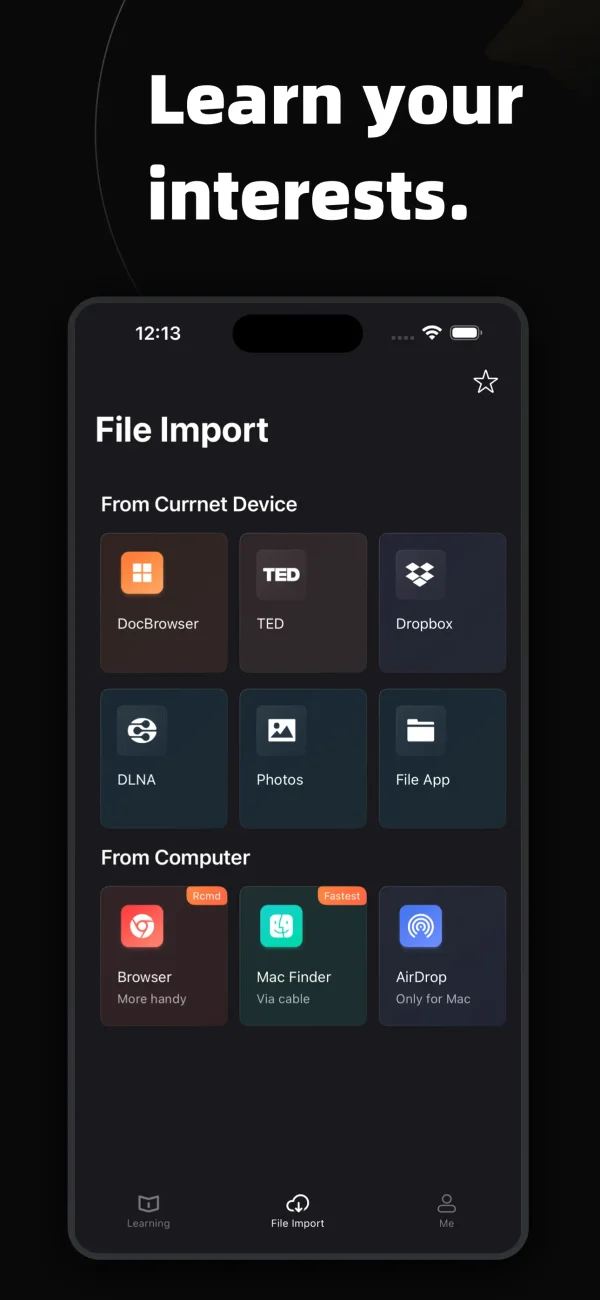
- Import Study Materials: Seamlessly import study materials from various sources, including AirDrop, browser uploads, and cloud sharing. Access learning resources that align with your learning goals and study at your own pace.
- Lock Screen Video Playback: Enjoy the convenience of playing videos even when your device is locked. Listen to English content during your commute or in situations where watching the screen is not practical.
- Offline Video Download: Download videos from your media servers to your device, allowing you to enjoy offline playback even without an internet connection.
Start your language learning journey today with "Echo Speak"! Subscribe now to enjoy a free trial period. Once confirmed through your iTunes account, your subscription will automatically begin and renew. You can manage your subscription settings, including auto-renewal, or cancel at least 24 hours before the current period ends. For more information, please refer to our terms and privacy policy.
https://player.peachtree.studio/terms.html
https://player.peachtree.studio/privacy.html
https://orange.blender.org/
CC Privacy
https://creativecommons.org
What’s new
Version 9.5.0 · Nov 2, 2026
1. Added support for iPhone Duo.
2. Bug fixes and performance improvements.
App privacy
What 俊良 宋 declares on the App Store about how this app handles data.
-
Data not linked to you
May be collected but is not linked to your identity.
- Diagnostics
Privacy practices may vary, for example with the features you use or your age.
Information
- Seller
- 俊良 宋
- Category
- Education
- Version
- 9.5.0
- Updated
- Nov 2, 2026
- Released
- Jul 15, 2017
- Size
- 189.8 MB
- Requires
- iOS 16.0 or later
- Age rating
- 4+
- Price
- Free
- In-app purchases
- Yes
- Languages
- English, Arabic, French, German, Japanese, Korean, Portuguese, Russian, Simplified Chinese, Spanish, Traditional Chinese, Turkish + 1 more
- Copyright
- © 2026 Junliang Song.
You might also like
-
 Tinglee - Movie TED TV EnglishEducation
-
 Pollykann - Ultra Media Playerlearn language with subtitles
-
 老友记精校版-学英语口语英语听力入门Education
-
 TalkLingo-Shadowing in EnglishDaily Speaking
-
 影子跟读Pro-外语学习全能视频播放|美剧练英语・听说双提升Education
-
 一点英语 - 刷视频也能学英语Education
-
 羊驼雅思-影子跟读法Education
-
 AllEars – Language LearningAuto-Split, AB Repeat & Shadow
-
 一句英语-刷视频学英语Education
-
 懒人英语 - 商务旅游四六级英语听力Reference